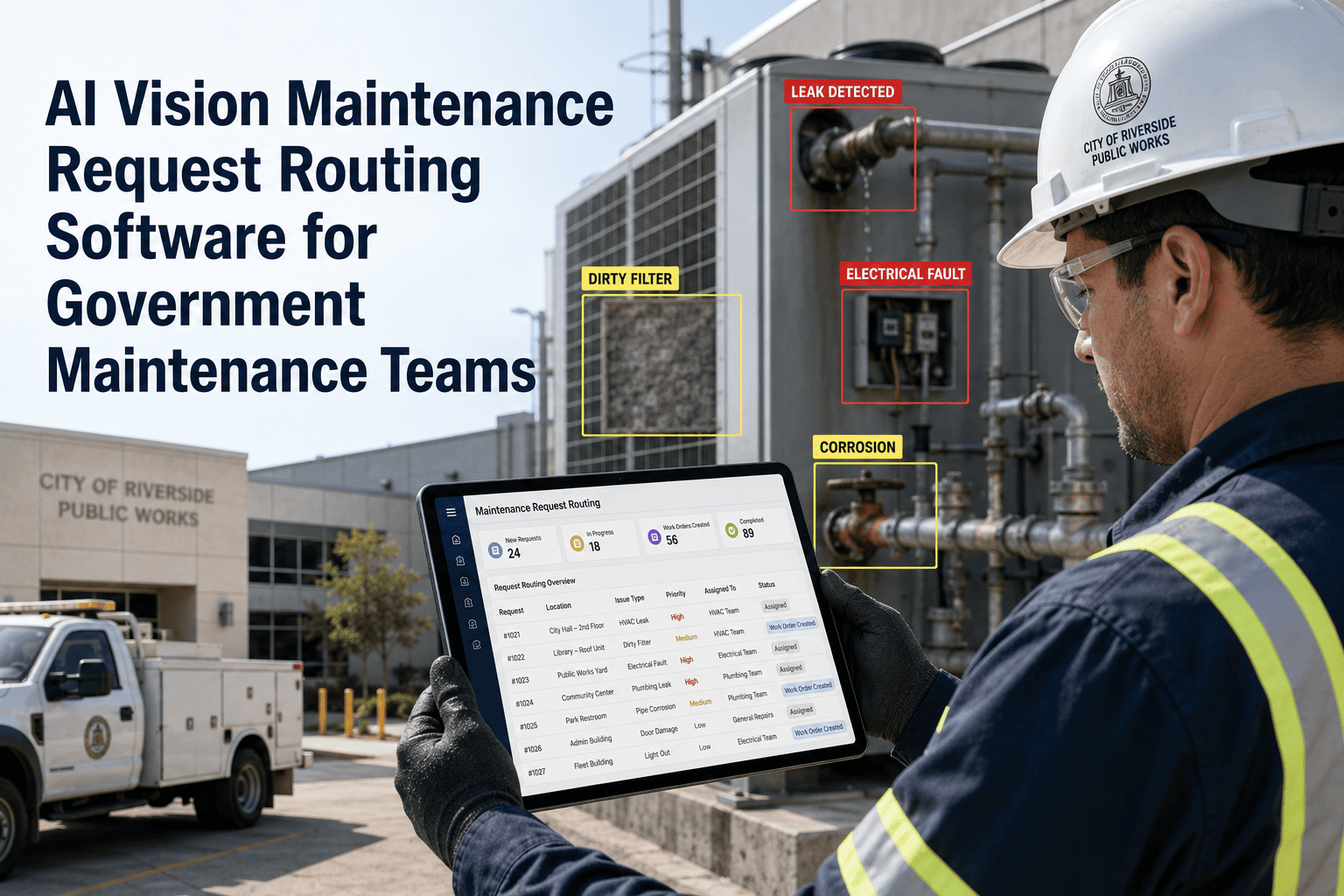
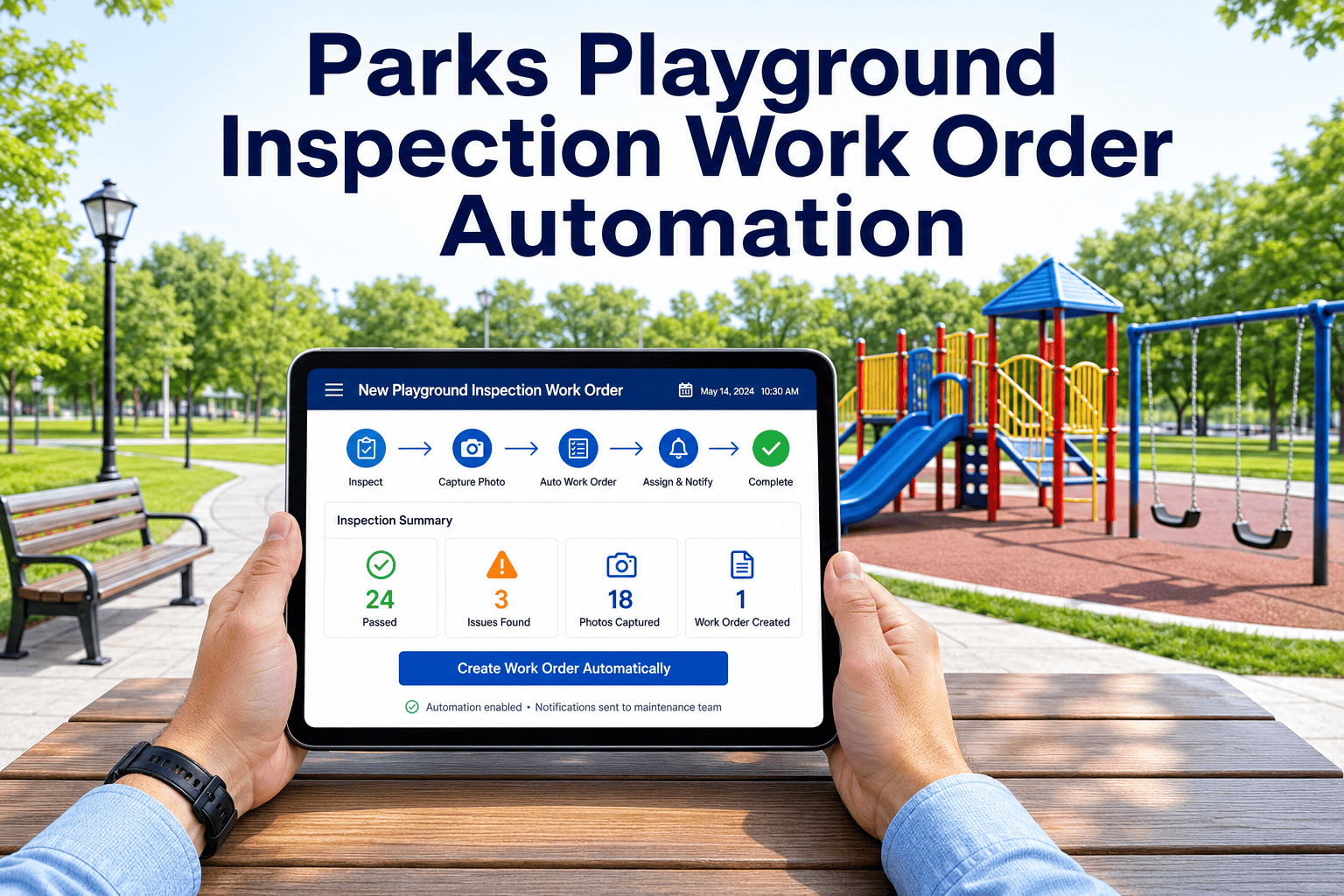
Government maintenance teams managing roads, bridges, utilities, and public infrastructure face a persistent gap between what inspectors see in the field and what actually gets recorded, routed, and resolved. Visual defects get noted on paper, photographed separately, emailed to a supervisor, and manually entered into a work order system — days after the original inspection. OxMaint's Visual Inspection Exception Management Software closes that gap by connecting field-captured visual evidence directly to work order creation, asset records, and compliance reporting — all within a single platform built for public-sector maintenance operations. Start a free trial and see the difference in your first week.
From Field Observation to Work Order in Under 60 Seconds
OxMaint captures visual inspection exceptions with photo evidence, auto-generates work orders, tracks asset condition over time, and produces audit-ready compliance records — built for government and public works maintenance teams.
Why Government Inspection Programs Lose Data Between Field and Office
Inspectors fill handwritten forms that must be transcribed — exceptions get lost or delayed by hours or days before reaching a planner.
Photos are taken separately and emailed, stored in personal folders, or never attached to the actual work order — breaking the evidence chain.
Supervisors re-enter inspection data into CMMS manually, introducing errors and consuming time that should go toward planning and resolution.
Without a structured scoring system, all exceptions look equal — urgent safety defects compete with low-priority maintenance in the same unranked queue.
The Exception Management Pipeline — Field to Closure
What Government Teams Report After 90 Days on OxMaint
Visual Inspection Exception Handling — Paper vs OxMaint
| Inspection Workflow Step | Paper / Manual | OxMaint |
|---|---|---|
| Exception Capture | Handwritten form, separate photo | Mobile app — photo + data in one step |
| Severity Assessment | Inspector judgment, inconsistent | Automated severity scoring by asset class |
| Work Order Generation | Manual CMMS entry, 30–60 min lag | Auto-generated in under 60 seconds |
| Photo Attachment | Email or manual upload, often missing | Automatically linked to WO and asset record |
| Supervisor Approval | Email chain, status unclear | Single-click approval from dashboard |
| Audit Trail | Scattered across files and emails | Complete record on asset timeline |
| Compliance Reporting | Manual compilation, hours per report | Auto-generated from live data |
See How Public Works Teams Handle Exceptions in OxMaint
Live walkthrough of exception capture, severity scoring, work order routing, and compliance reporting — built specifically for government maintenance operations.
Government inspection programs historically have two failure modes: the defect that was never reported because the paper form was incomplete, and the exception that was reported but never acted on because the work order was never created. Visual inspection exception management software solves both simultaneously — capture is standardized, routing is automatic, and nothing falls through the gap between field and office.
Visual Inspection Exception Management — Common Questions
Stop Losing Exceptions Between Field and Office
OxMaint connects every visual inspection finding to a structured work order, a compliance record, and a resolution — automatically. Government maintenance teams use it to close the gap that paper-based programs never could.