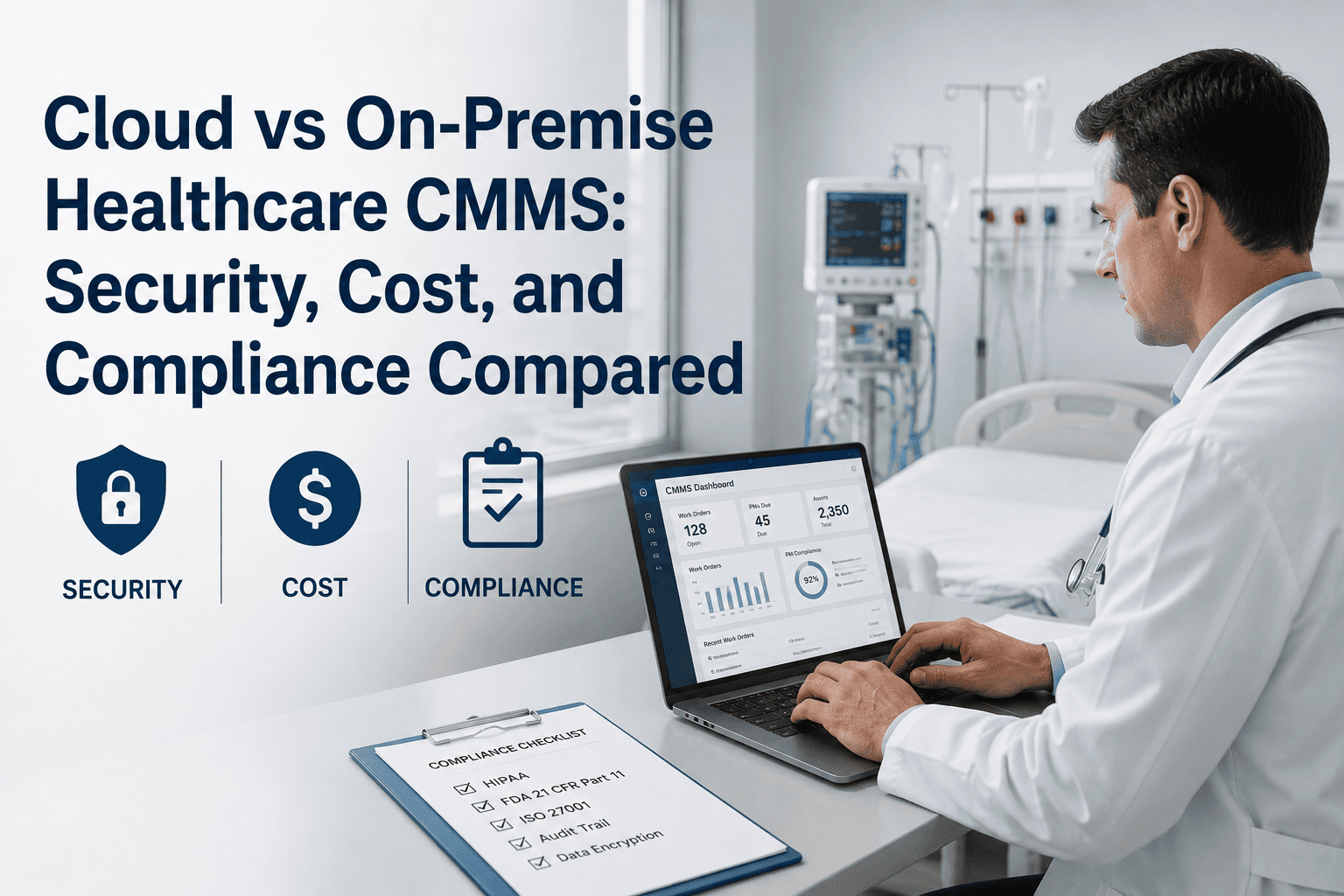
Healthcare facility teams evaluating a new CMMS face a decision that affects every department in the hospital — not just maintenance. Whether to deploy on a cloud SaaS platform or a locally hosted on-premise server determines your HIPAA compliance architecture, your IT team's ongoing workload, your disaster recovery capability, and your total cost of ownership over a 5-year horizon. The wrong choice costs hospitals an average of $340,000 in unplanned migration costs when they switch deployment models mid-contract. OxMaint's cloud-native CMMS is purpose-built for healthcare compliance — HIPAA-ready, SOC 2 Type II certified, and deployed in healthcare facilities from community hospitals to multi-campus health systems.
Head-to-Head: Cloud vs On-Premise Healthcare CMMS
Every dimension below represents a real decision point that hospital IT directors, CFOs, and facility managers must align on before signing a CMMS contract. The wrong assumption on any one of these dimensions creates multi-year problems.
See OxMaint's HIPAA-Ready Cloud CMMS for Healthcare
OxMaint is SOC 2 Type II certified, BAA-ready, and deployed across healthcare facilities from community hospitals to multi-campus health systems. Book a 30-minute demo with our healthcare specialist team.
5-Year TCO Comparison: 250-Bed Community Hospital
Cost modelling based on industry-standard healthcare IT deployment data. Figures represent all-in total cost of ownership including hardware, software, IT labor, and professional services.
| Cost Category | Cloud CMMS | On-Premise CMMS | Cloud Advantage |
|---|---|---|---|
| Year 1 Setup Cost | $12,000–$18,000 | $68,000–$110,000 | $50K–$92K saved |
| Annual Software/Subscription | $24,000–$42,000/yr | $18,000–$32,000/yr (license maintenance) | On-prem slightly lower |
| Annual IT Labor (CMMS-related) | 4–8 hrs/month | 18–30 hrs/month | 180+ IT hours/yr saved |
| Major Upgrade Cost (every 3 yrs) | $0 — included | $15,000–$28,000 | $15K–$28K saved |
| Disaster Recovery Infrastructure | $0 — included | $8,000–$20,000 setup + $3K/yr maintenance | $23K–$35K saved |
| 5-Year Total Cost of Ownership | $172,000–$248,000 | $310,000–$510,000 | 40–52% lower |
Which Option Is Right for Your Hospital?
Expert Review
The HIPAA compliance question dominates most healthcare CMMS deployment discussions, and the answer has shifted significantly in the last three years. The assumption that on-premise is inherently more HIPAA-compliant than cloud is now demonstrably incorrect for most hospital sizes. A cloud platform with SOC 2 Type II certification, a signed Business Associate Agreement, AES-256 encryption, and geo-redundant infrastructure provides better security posture than the average hospital's on-premise server environment — because the cloud vendor's security team is dedicated full-time to that single function in a way that a hospital IT department managing 400 other priorities cannot be. Where I still see legitimate on-premise cases is in large health systems with mature, dedicated IT security teams and existing data center infrastructure where the marginal cost of adding a CMMS to existing infrastructure is genuinely low. For everyone else — community hospitals, regional health systems, specialty facilities — the cloud option delivers better security, lower cost, and faster deployment simultaneously. That combination used to require a trade-off. It no longer does.
OxMaint Healthcare CMMS — Cloud-Native, HIPAA-Ready, Deployed in Days
SOC 2 Type II certified. BAA available. US-based data hosting. Deployed in over 200 healthcare facilities. Start free or book a demo with our healthcare implementation team today.
Frequently Asked Questions
Is a cloud CMMS HIPAA compliant for hospital use?
Yes — a cloud CMMS can be fully HIPAA compliant when the vendor executes a Business Associate Agreement (BAA) with the covered entity, implements required technical safeguards including encryption at rest and in transit, maintains audit logs of all PHI access, and undergoes independent security certification such as SOC 2 Type II or HITRUST. The HIPAA Security Rule does not prohibit cloud hosting — it requires that technical, physical, and administrative safeguards are in place regardless of where data is hosted. OxMaint provides a signed BAA, AES-256 encryption, complete audit trails, and US-based data residency options. Contact OxMaint to receive the BAA and security documentation package for your compliance review.
What happens to our CMMS data if the cloud vendor experiences an outage?
Enterprise cloud CMMS platforms maintain geo-redundant data replication across multiple data centers — meaning a failure at a single data center location does not take down the service. OxMaint's infrastructure maintains 99.9% uptime SLA with a Recovery Time Objective of 15 minutes or less, backed by automated failover to a secondary data center. Automated daily backups with point-in-time recovery mean that in the event of any data corruption, restoration occurs without manual IT intervention. Critically, technicians can continue accessing work orders via mobile during any hospital network disruption — the cloud CMMS remains accessible over cellular connections when the hospital's own network is impaired. Book a demo to review the full SLA documentation.
How long does cloud healthcare CMMS deployment actually take?
For a single-site hospital deployment, OxMaint cloud provisioning completes in 24–48 hours. The total go-live timeline — including asset register import, PM schedule configuration, technician mobile onboarding, and integration testing — typically runs 2–4 weeks depending on asset volume and the availability of existing data for import. Multi-site health system deployments run 6–12 weeks for full portfolio go-live, with each site typically active within 2–3 weeks of its individual start date. This compares favorably to on-premise deployments that require 4–6 months before the first production work order is processed, primarily due to server procurement and hospital IT change management timelines.
Can we migrate from our current on-premise CMMS to OxMaint cloud without losing historical data?
Yes. OxMaint's implementation team performs structured data migration from all major CMMS platforms — extracting asset records, PM schedules, work order history, and parts inventory from the existing system and importing them into OxMaint with full data integrity verification. Migration typically runs in parallel with the existing system for 2–4 weeks to allow the facility team to validate records before cutting over. Historical work order data — critical for AI model calibration and compliance audit history — is preserved with original timestamps and technician attribution intact. The migration process is included in the OxMaint implementation package at no additional cost for standard data formats.




.jpeg)
