Medical equipment failures don't announce themselves. A ventilator due for calibration, an infusion pump with a missed PM, a defibrillator that hasn't been load-tested — these aren't abstract risks, they're the gaps that lead to Joint Commission findings, device recalls, and patient safety events. Biomedical engineering teams in 2026 manage thousands of devices across departments, floors, and campuses, and the difference between a compliant program and a liability is whether the team has a system that tracks every PM, every calibration, every recall response, and every repair — not just what was done last week, but what is due, what was deferred, and what triggered a corrective action. OxMaint is purpose-built for biomed teams who need more than a spreadsheet and more than a generic CMMS: a platform designed around the lifecycle of regulated medical devices, from initial inventory through end-of-life decommission.
Medical Equipment Maintenance Software Built for Biomedical Teams
Track PMs, calibrations, recalls, and repair history for every device in your inventory — with compliance documentation your surveyors can verify in minutes.
The Cost of Unmanaged Biomedical Maintenance
Everything a Biomed Team Needs — In One Platform
Set PM intervals by device class, manufacturer spec, or risk classification. Work orders generate automatically, route to the right technician, and escalate when overdue — no manual tracking, no missed cycles.
Track calibration schedules, record measurement results, store calibration certificates, and flag out-of-tolerance findings with automatic corrective work orders. Every calibration event is traceable to a named technician with a timestamp.
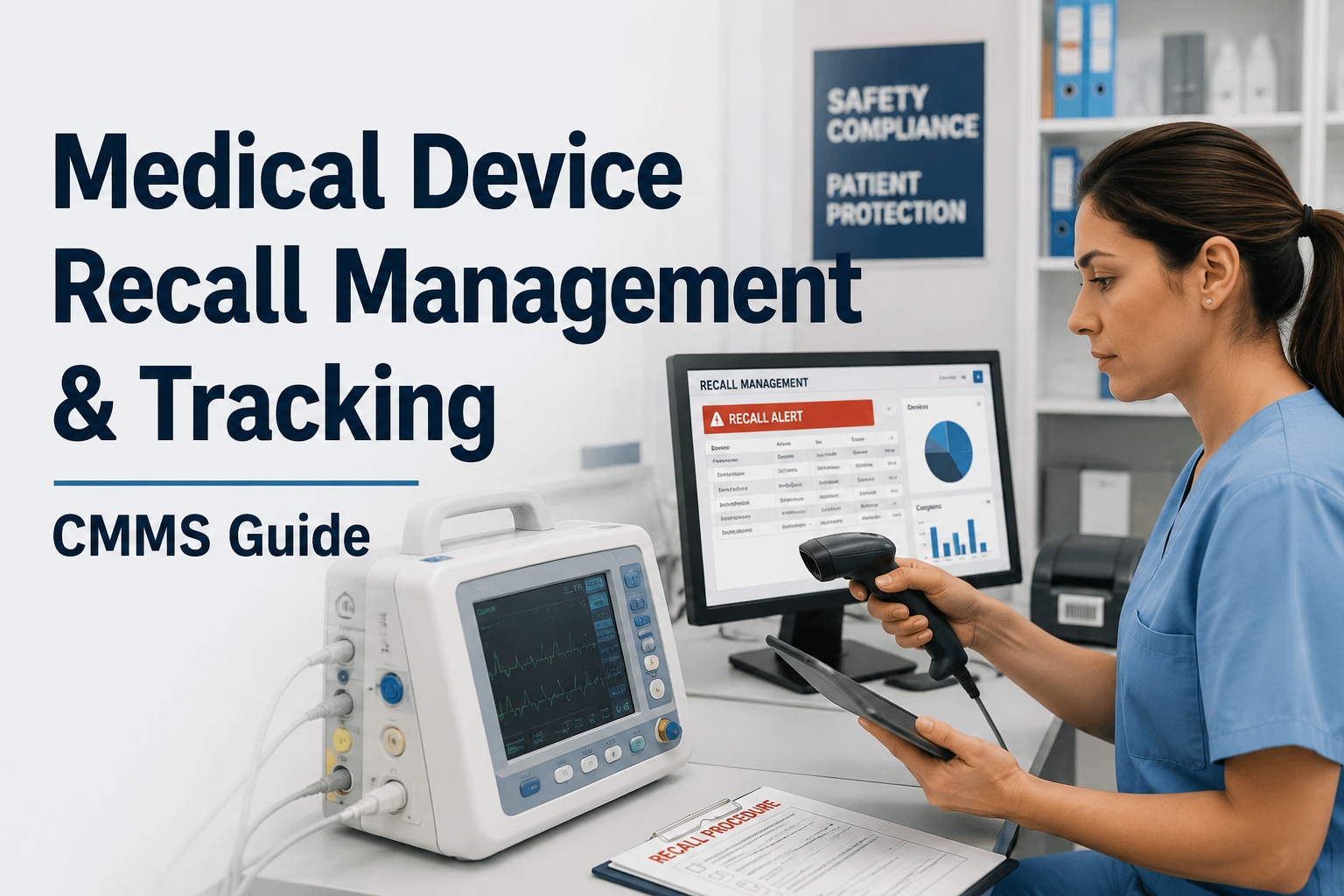
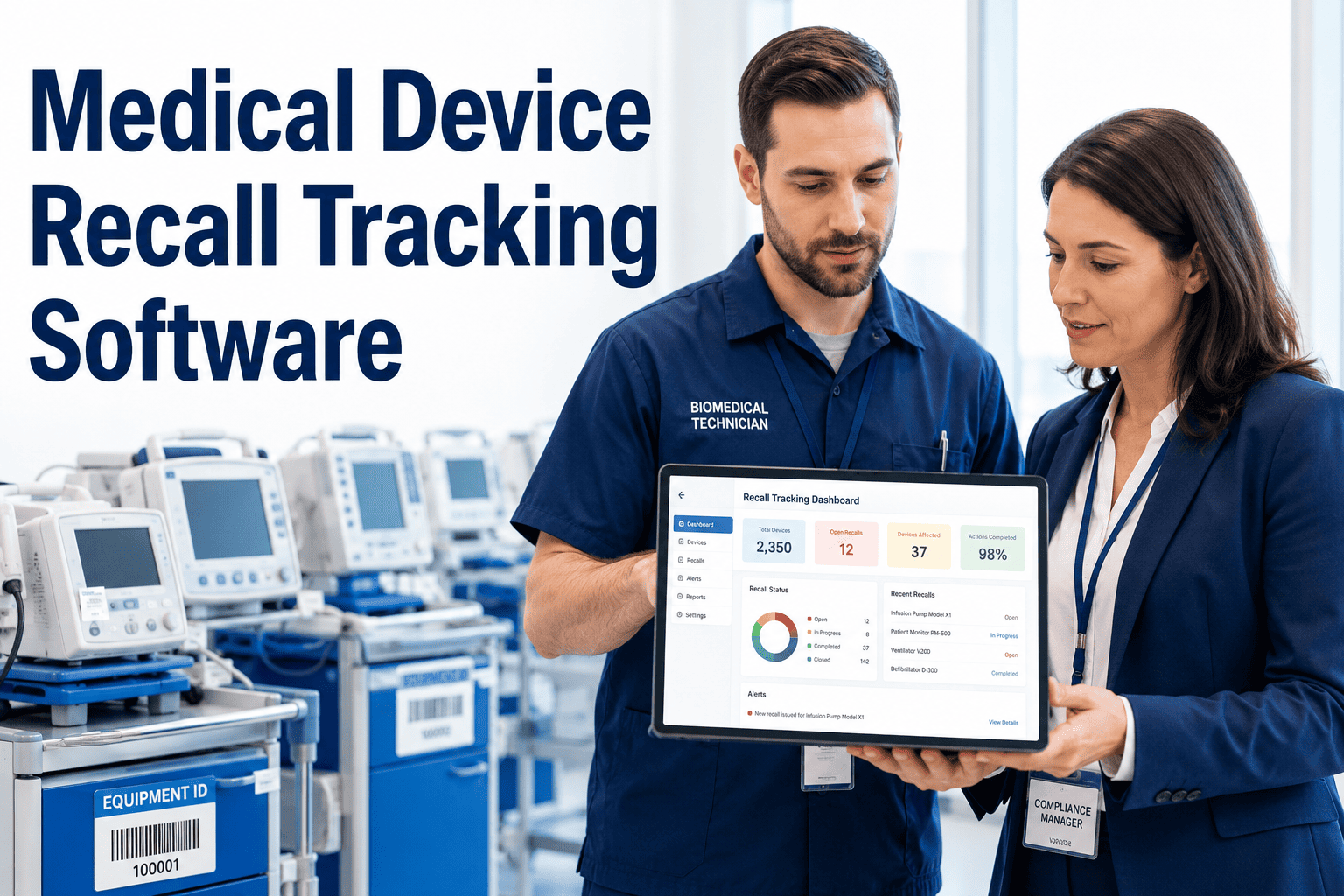
When a recall or safety notice is issued, identify every affected device in your inventory by model and serial number in seconds. Document response actions, quarantine steps, and resolution — with a complete recall audit trail per device.
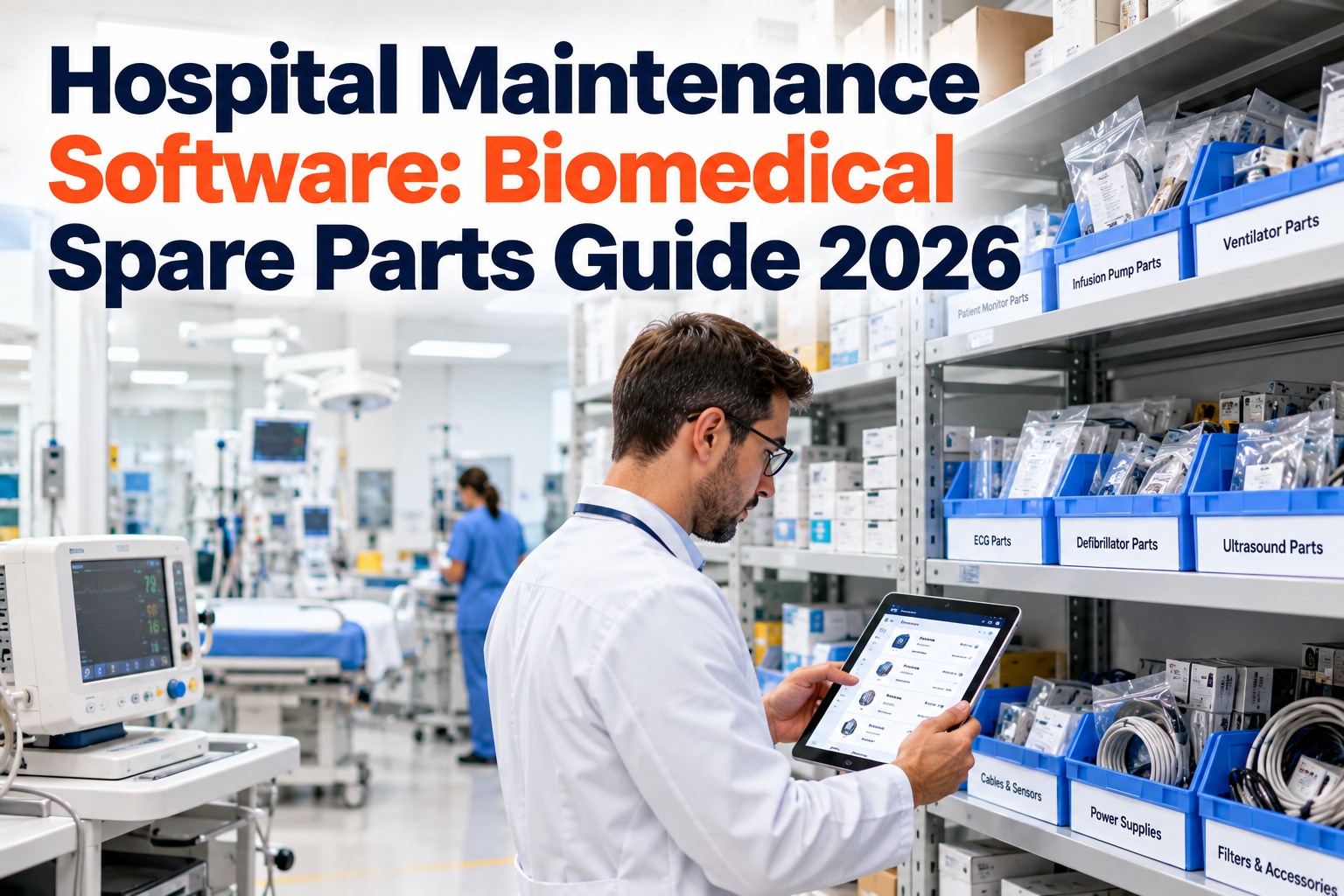
Every repair, adjustment, parts replacement, and loaner event is logged against the device record. Lifetime cost-to-maintain data, recurring failure pattern analysis, and end-of-life replacement triggers built from real service history.
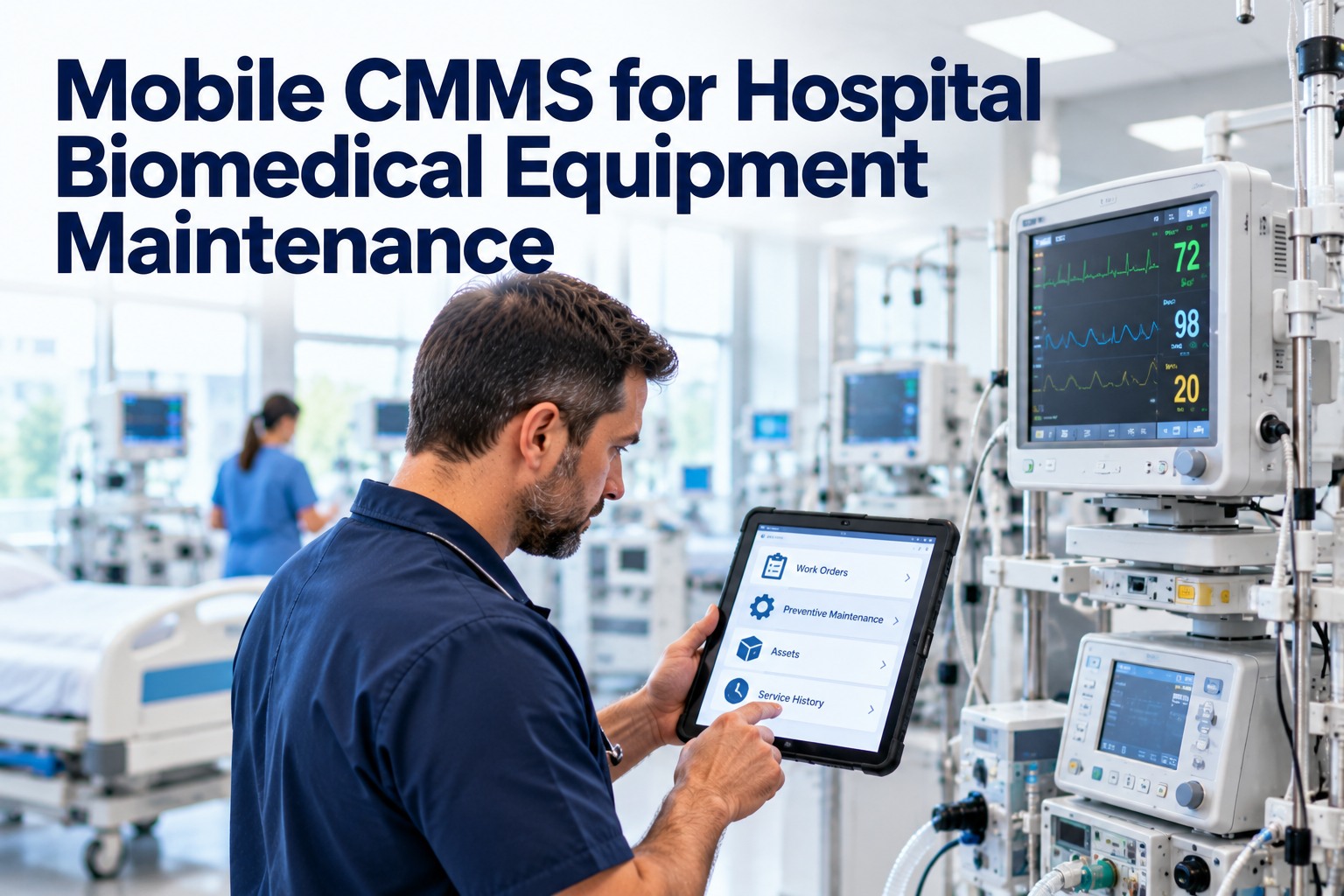
Technicians scan a QR tag at the device, pull up the full service record, complete the PM checklist, capture photos, and sign off the work order — all from a phone. No clipboards. No re-entry at the desktop.
Generate survey-ready reports showing PM completion rates, calibration currency, recall response status, and inspection history by device class — exported in the format Joint Commission and DNV surveyors require.
From PM Due Dates to Recall Responses — One Platform Manages It All
OxMaint gives your biomed team a complete device lifecycle record, automated PM scheduling, and audit-ready documentation — without the implementation overhead of legacy enterprise systems.
How OxMaint Tracks a Medical Device from Commissioning to Decommission
Asset record created with manufacturer specs, serial number, risk classification, and initial inspection results. PM schedule generated automatically from device class template.
PMs, calibrations, electrical safety tests, and repairs all logged against the device record. Technician names, timestamps, parts used, and test measurements captured at point of work.
Recall alert triggers an automatic search of your inventory by model and serial number. Affected devices flagged, quarantine work orders generated, and resolution documented with sign-off.
Lifecycle cost analysis built from actual repair history and downtime data triggers a replacement recommendation when cumulative cost-to-maintain exceeds the threshold your team sets.
Device retired with full service history preserved, disposal method documented, and record archived — accessible for future audit reference without cluttering the active inventory.
OxMaint vs. Generic CMMS for Biomedical Teams
| Capability | OxMaint | Generic CMMS | Spreadsheets |
|---|---|---|---|
| Device-class PM templates | Pre-built | Manual setup | Not available |
| Calibration certificate storage | Native | File attach only | External folder |
| Recall response workflow | Automated | Not available | Manual |
| Mobile QR-based field execution | Full offline | Limited | Not available |
| Joint Commission report export | One-click | Requires config | Manual compile |
| Lifetime cost-to-maintain analysis | Built-in | Custom reports | Not available |
Biomedical Maintenance Software — FAQ
What device types does OxMaint support for biomed maintenance?
OxMaint supports all regulated medical device classes — from life-supporting equipment like ventilators and defibrillators through diagnostic imaging, patient monitoring, infusion therapy, and general biomedical equipment. Pre-built PM templates are available for the most common device classes, and custom templates can be built for specialty equipment. Start a free trial to review the template library for your inventory.
How does OxMaint handle equipment recalls and safety notices?
When a recall or FSN is issued, biomed managers enter the affected model and serial number range. OxMaint instantly identifies every matching device in the inventory, generates quarantine or inspection work orders, and tracks the response action through to documented resolution — producing a complete recall compliance record per affected device.
Is OxMaint usable by technicians without desktop access in the field?
Yes. The mobile app supports full offline operation — technicians scan a QR code at the device, complete the PM or repair checklist, capture photos, record measurements, and sign off the work order without requiring network connectivity. Data syncs automatically when connectivity is restored. Book a demo to see the mobile workflow live.
How quickly can a biomed department get started on OxMaint?
Most biomed teams are live within 2 to 4 weeks. Asset import from spreadsheets or existing CMMS exports is supported, PM templates are pre-configured for common device classes, and the team receives onboarding support throughout. No heavy IT deployment, no lengthy implementation project.
Can OxMaint produce documentation for Joint Commission EC.02.04 compliance?
Yes. OxMaint maintains the equipment inventory, PM completion records, calibration certificates, and inspection histories required under EC.02.04.01 through EC.02.04.05. Compliance reports export on demand in survey-ready format, covering every element a Joint Commission surveyor requests during an Environment of Care review.
Give Your Biomed Team the System the Equipment Deserves
Every device in your inventory has a PM due date, a calibration interval, and a service history. OxMaint makes sure none of them are invisible — and every one is documented when a surveyor asks.