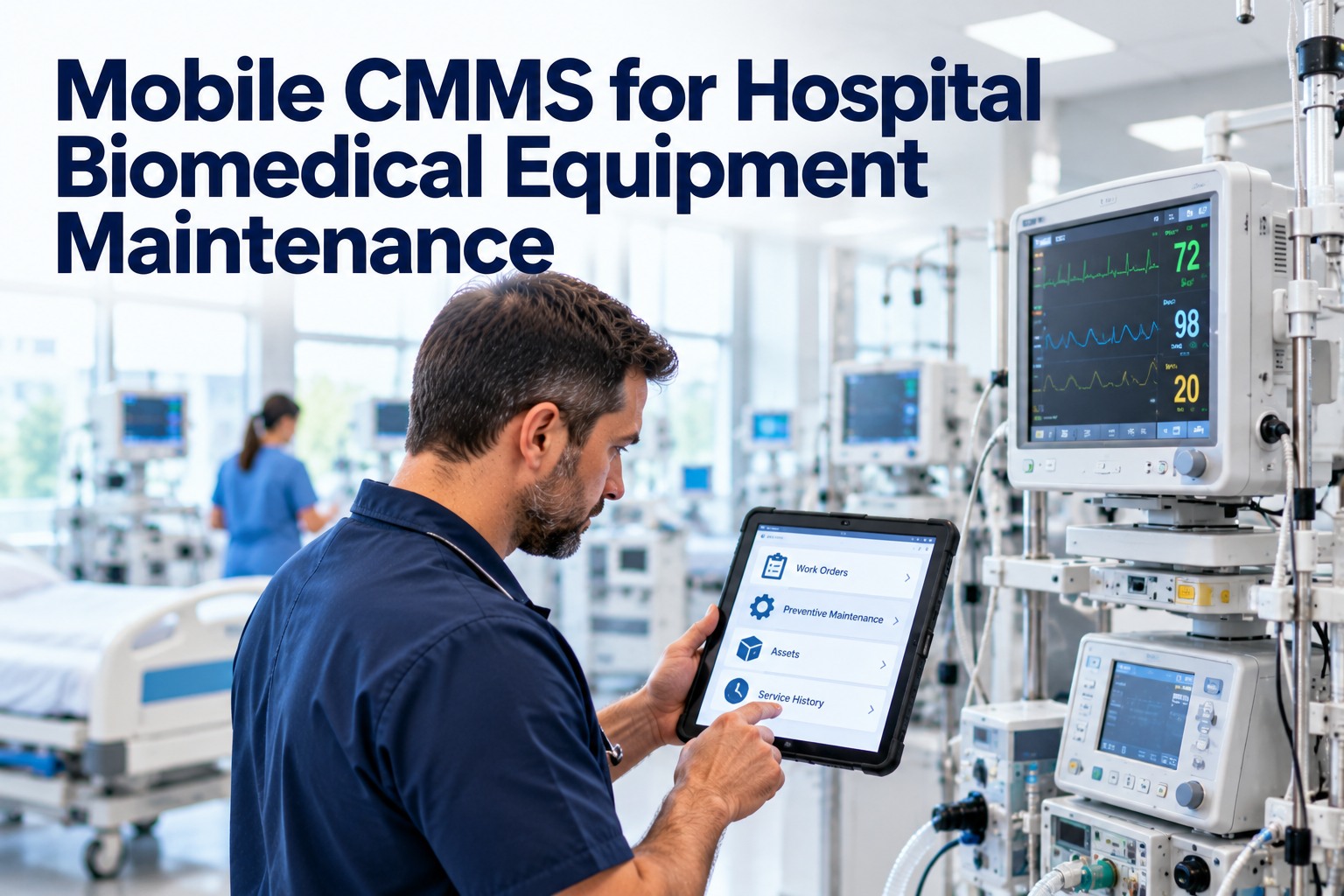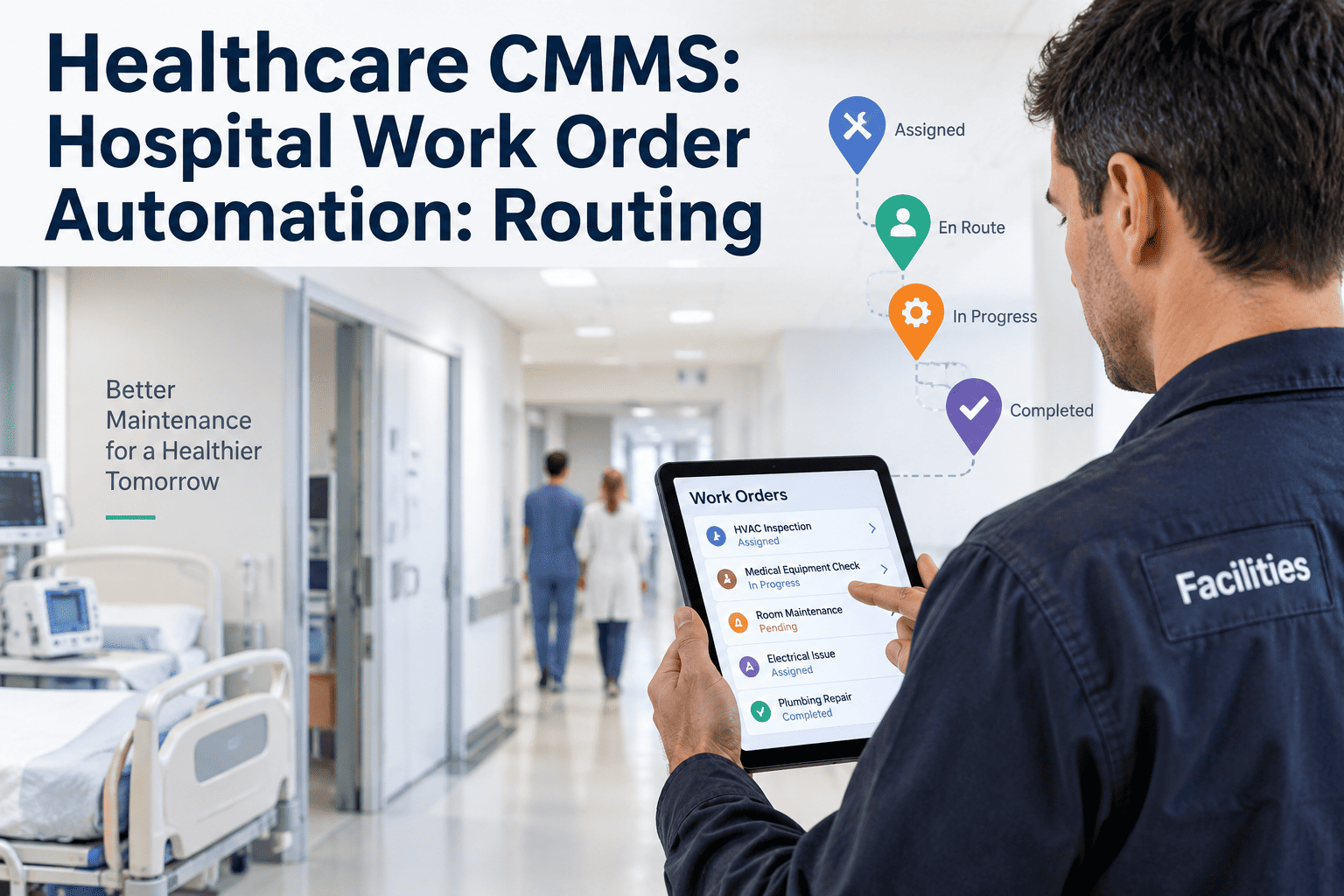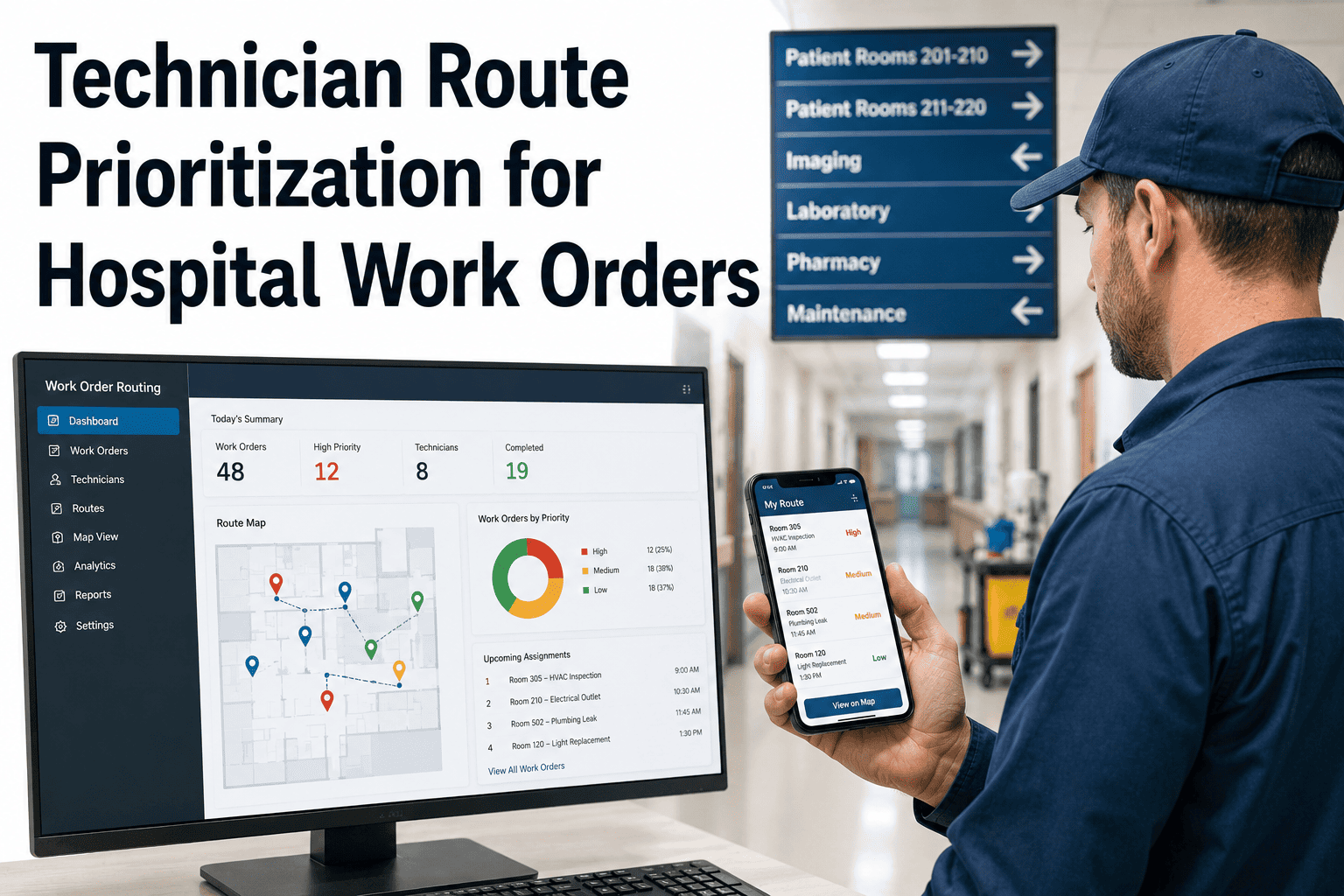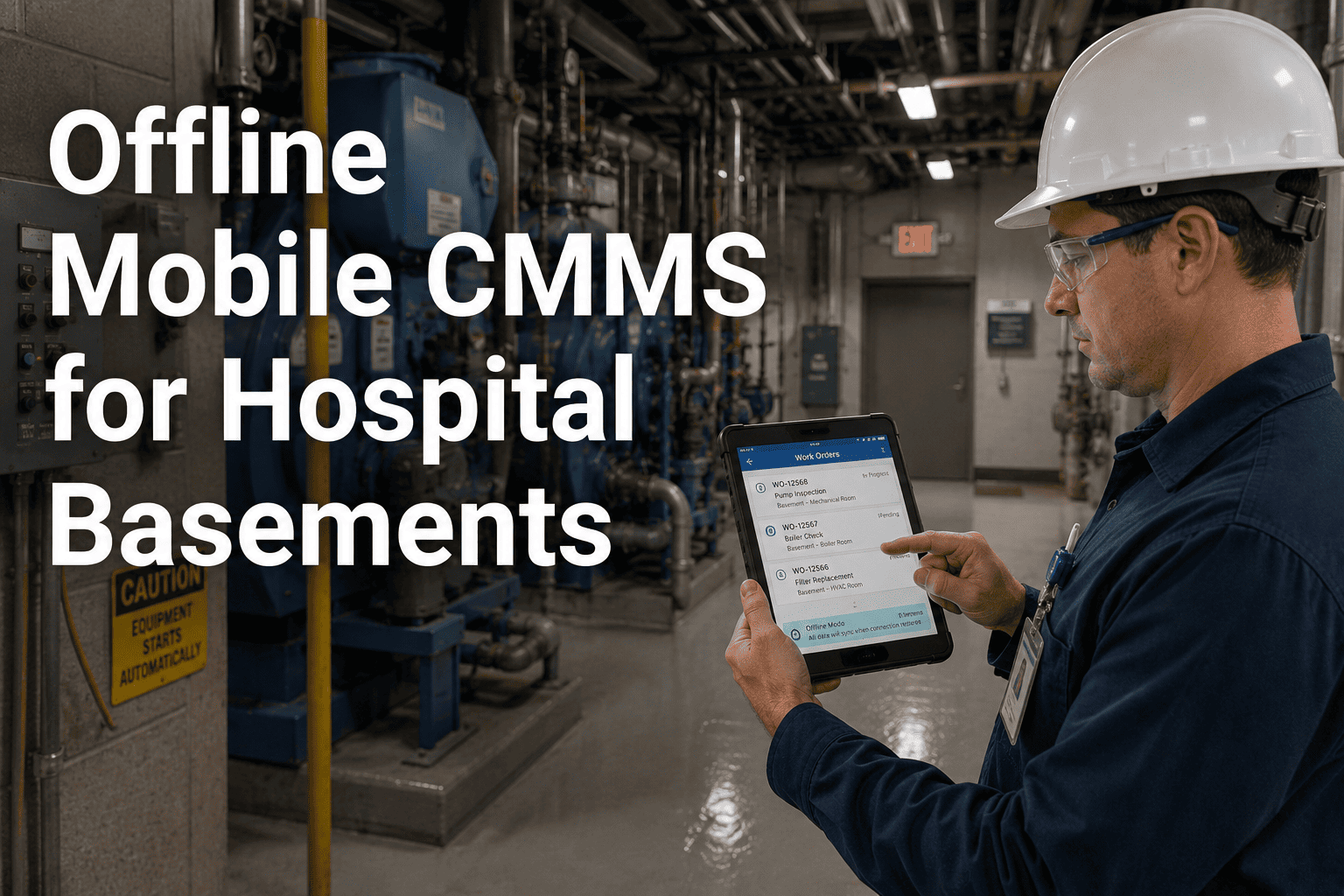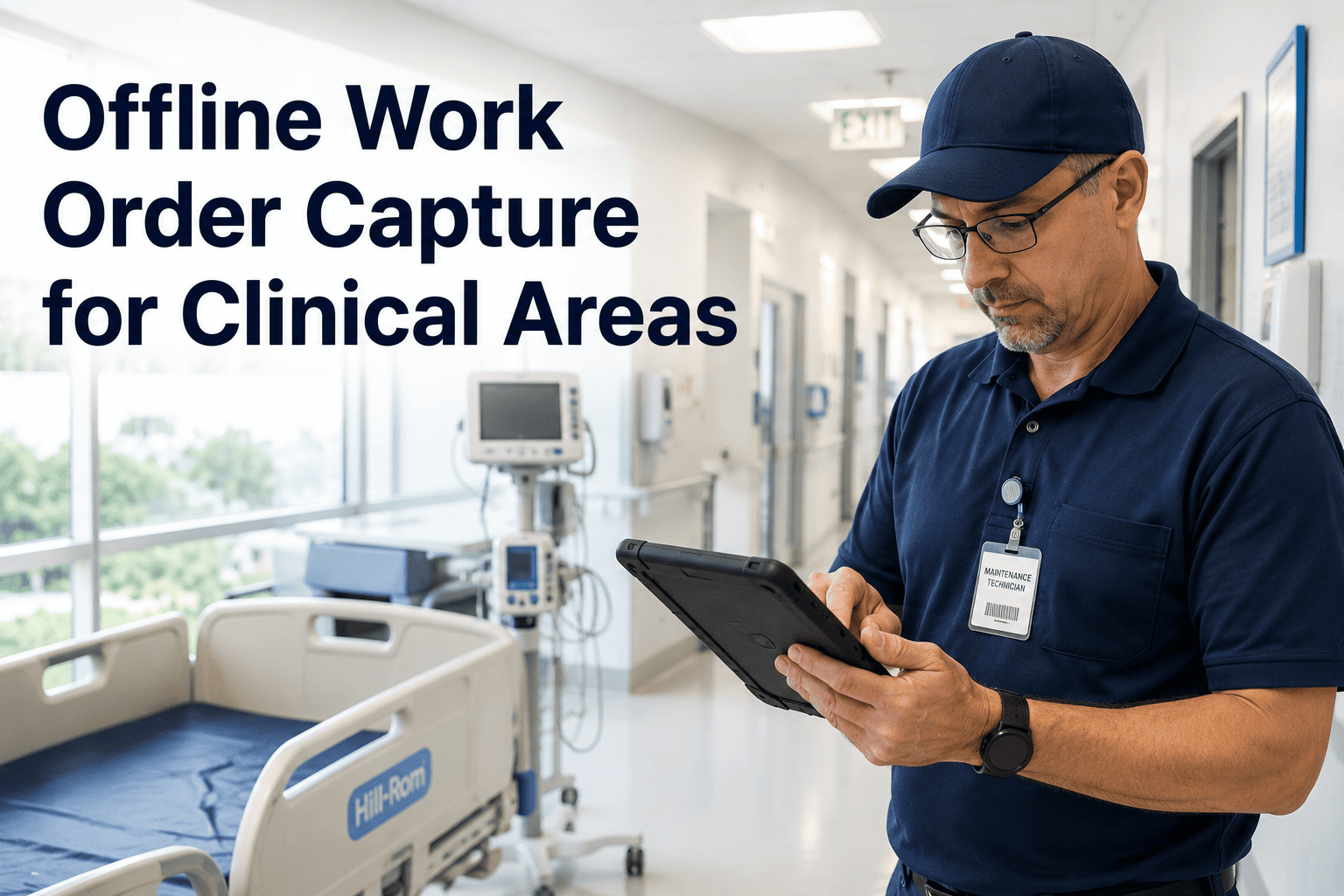
A lead-lined imaging suite, a basement mechanical room, and an MRI corridor all share one problem that has nothing to do with maintenance skill: no signal gets in or out. A technician finishing a repair in one of these zones either has to remember every detail until they walk back into range, or write it on paper and re-enter it later — both of which quietly corrode the accuracy of the maintenance record. Offline work order capture solves this by letting a technician work exactly as if they were connected, with everything syncing automatically the moment signal returns. Sign up for Oxmaint to test true offline capture in your own dead zones, or book a demo to see a full offline work order cycle demonstrated live.
Clinical Areas Block Signal — Your Work Orders Shouldn't Stop There
Imaging suites, basement plant rooms, and shielded equipment corridors are some of the most maintenance-heavy zones in a hospital, and also the most likely to have zero connectivity. Oxmaint is built to function fully in exactly these conditions.
Clinical Zones Where Connectivity Cannot Be Relied On
Test It Yourself — Turn Off Your Connection and Try a Work Order
A real offline-capable system lets you create, complete, and close a work order with zero connectivity, then sync automatically the moment signal returns. Oxmaint passes that test by design, not as an exception.
Everything a Technician Needs, Even With Zero Signal
Partial Offline Mode Compared to True Offline Capture
| Capability | Read-Only Offline Mode | Oxmaint True Offline Capture |
|---|---|---|
| View existing work orders | Yes | Yes |
| Create new work orders | No, requires signal | Yes, fully offline |
| Complete checklists and capture photos | No, requires signal | Yes, fully offline |
| Sync when reconnected | Limited or manual | Automatic, no action needed |
Reviewed by Oxmaint's healthcare facilities engineering team, who design offline-first mobile workflows alongside hospital biomedical and facilities teams operating in shielded and below-grade environments.
Offline Work Order Capture — Frequently Asked Questions
All entries, photos, and completed checklists are stored securely on the device itself until connectivity returns, at which point everything syncs automatically to the central system without any manual upload step. Book a demo to see this sync process demonstrated live.
No. Entries are saved locally as they're made rather than only at the end of a session, so closing the app or losing battery does not erase progress already captured during the offline period. Sign up to test offline reliability on your own device.
The simplest test is turning off a device's data connection entirely and completing a full work order from start to finish. If every step works without an error, the offline capability is genuine rather than a limited fallback mode. Book a demo to see this test run in a simulated low-connectivity environment.
No, because every offline entry still carries the same timestamp, technician identity, and digital signature as an online entry once it syncs, preserving the full audit trail regardless of where the work was performed. Sign up to build audit-ready records from every clinical zone in your facility.
Your Imaging Suite Shouldn't Be a Blind Spot in Your Maintenance Records
Oxmaint captures full work orders, checklists, and photo evidence with zero connectivity, syncing automatically the moment signal returns.