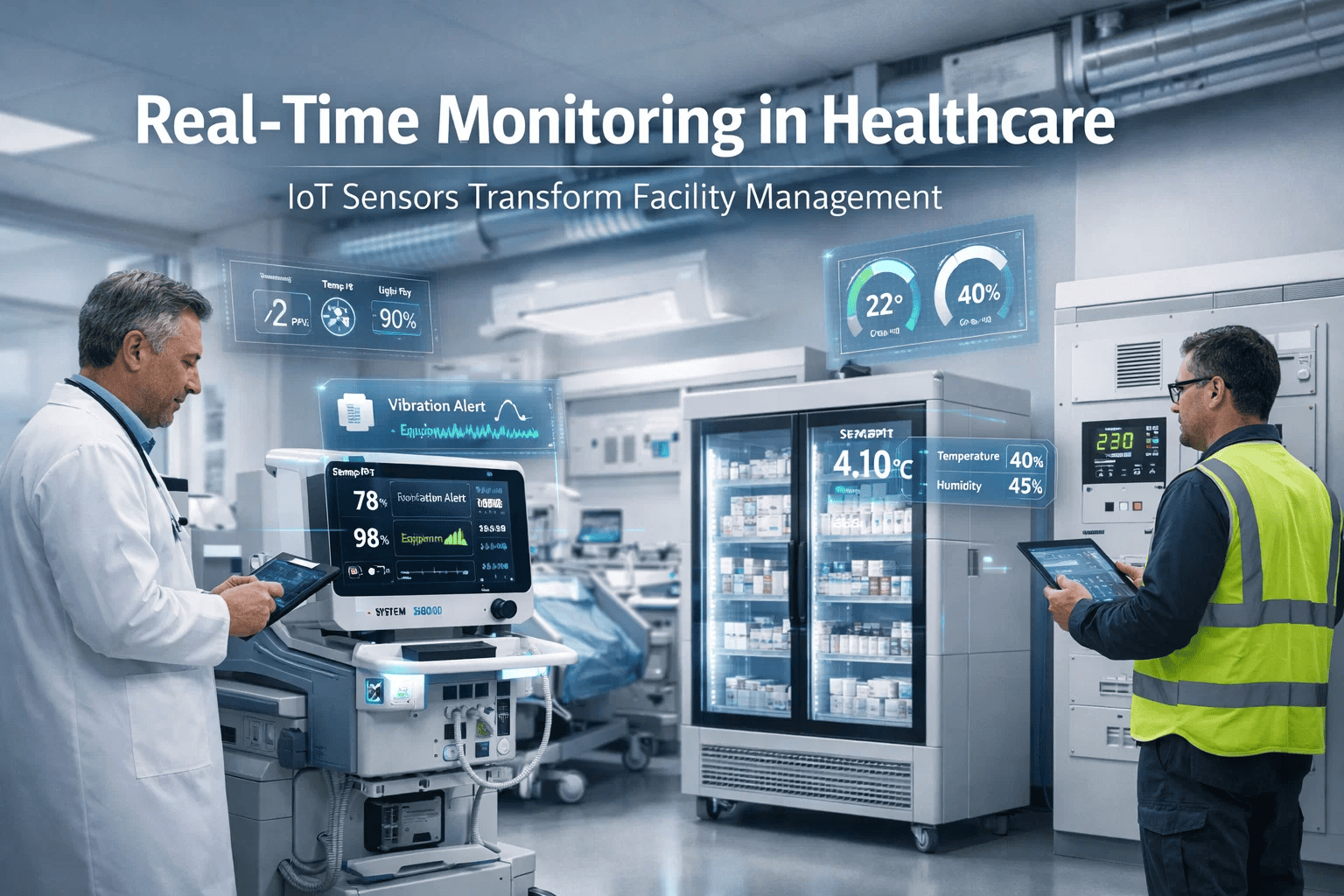
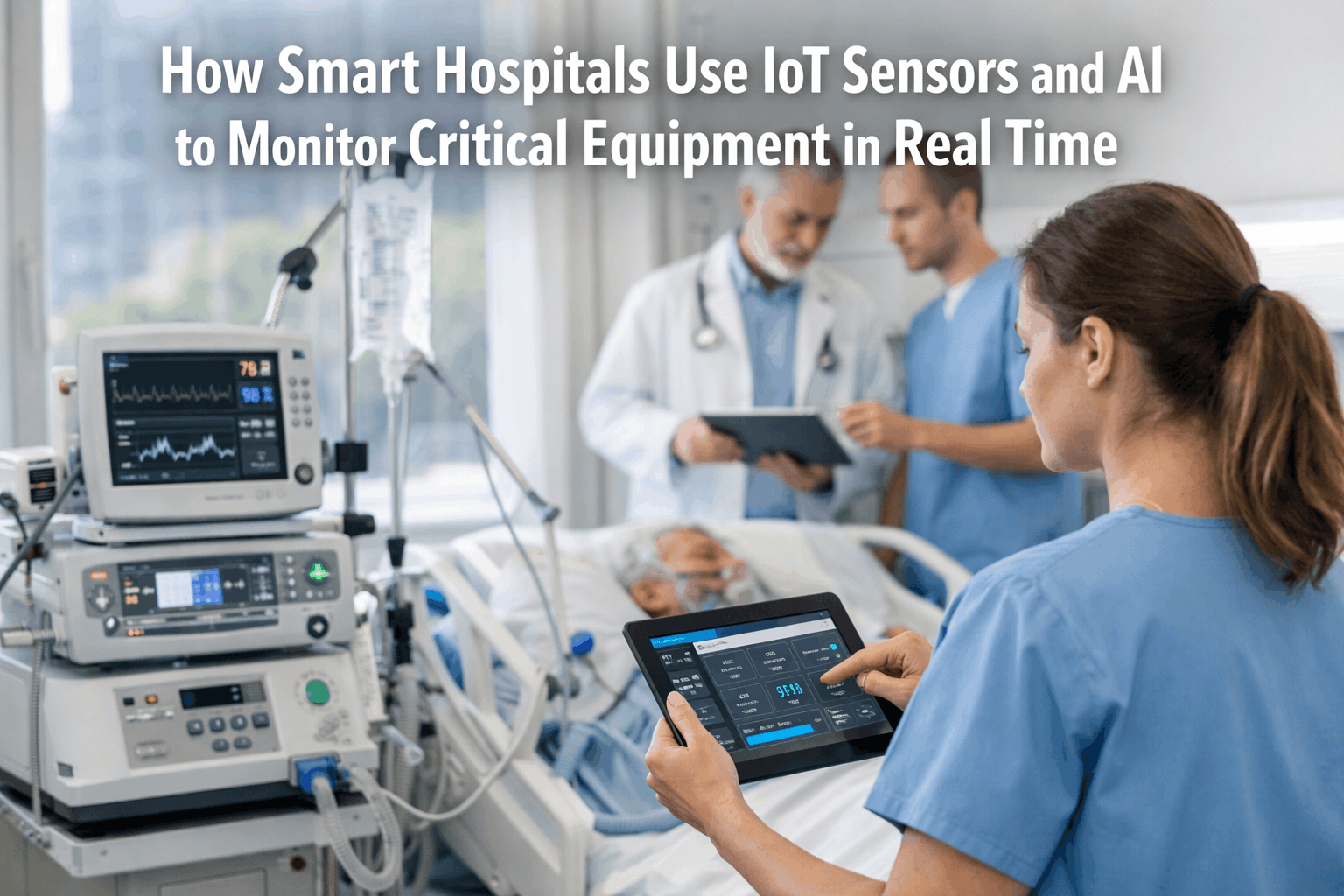
Hospital alarm fatigue is one of the most documented — and most preventable — patient safety risks in modern ICUs. When patient monitors generate hundreds of non-actionable alarms per bed per day, clinical staff begin to desensitize, delay responses, and ultimately miss the alarms that matter. The root cause is almost never policy alone — it is unmaintained monitors generating false signals, uncalibrated sensors drifting outside tolerance, and network connectivity gaps that cascade into alarm floods. Start a free trial with Oxmaint CMMS to structure your patient monitor maintenance program, or book a 30-minute session with our biomedical engineering specialists to audit your current monitoring network.
Why Alarm Fatigue Starts in the Maintenance Room
Clinical teams manage alarm thresholds. Biomedical teams manage the hardware. But these two disciplines rarely share data — and that gap is where alarm fatigue is born. A SpO2 sensor with drift of just ±2% generates hundreds of additional alarms per shift. A monitor that has missed its annual calibration cycle may still appear functional while producing systematic false positives across an entire unit.
The Four Maintenance Failures Driving Alarm Overload
SpO2, NIBP, and temperature sensors drift over time. A probe uncalibrated for 18+ months may read within acceptable range on a point test but generate systematic noise at the boundary of alarm thresholds — creating hundreds of borderline alarms per day per sensor.
Factory default alarm thresholds are rarely appropriate for a specific patient population. Without a structured review cycle — tied to PM completion — thresholds set at admission may persist across patient cohorts, generating alarms that are clinically irrelevant for the current occupant.
Wireless patient monitors operating on degraded access points retransmit data packets, which central monitoring software interprets as signal interruption events — triggering technical alarms at the nursing station. Network health is a biomedical maintenance responsibility, not solely IT.
ECG lead wires and electrode contacts are the most frequently replaced — and most frequently neglected — consumable in patient monitoring. Worn lead insulation and corroded connectors create artifact signals that monitoring software cannot distinguish from cardiac events.
Oxmaint CMMS includes pre-built PM templates for patient monitoring networks — calibration triggers, network health checks, and alarm threshold review workflows all in one system.
Patient Monitor Maintenance Intervals: What to Track and When
| PM Task | Interval | Trigger Type | Key Data to Record | Alarm Fatigue Impact |
|---|---|---|---|---|
| SpO2 sensor calibration | Every 6 months | Calendar | Pre/post calibration offset, probe serial | High — direct false alarm source |
| NIBP accuracy verification | Every 6 months | Calendar | Reference vs measured mmHg at 3 pressure points | High — frequent nuisance alarms |
| ECG lead wire inspection | Every 90 days or on complaint | Calendar / condition | Insulation integrity rating, connector condition | High — artifact alarms |
| Alarm threshold audit | Annual per unit | Calendar | Defaults vs active settings, clinical sign-off date | High — reduces irrelevant alarms |
| Wireless network signal survey | Semi-annual | Calendar | RSSI per access point, packet loss %, channel overlap | Medium — technical alarm source |
| Battery capacity test | Annual | Calendar | Capacity % vs rated, cycle count | Low — availability risk |
| Central station software update | Per vendor release | Event | Version before/after, alarm rule set changes | Medium — rule drift post-update |
How CMMS Data Reduces Alarm Fatigue Systematically
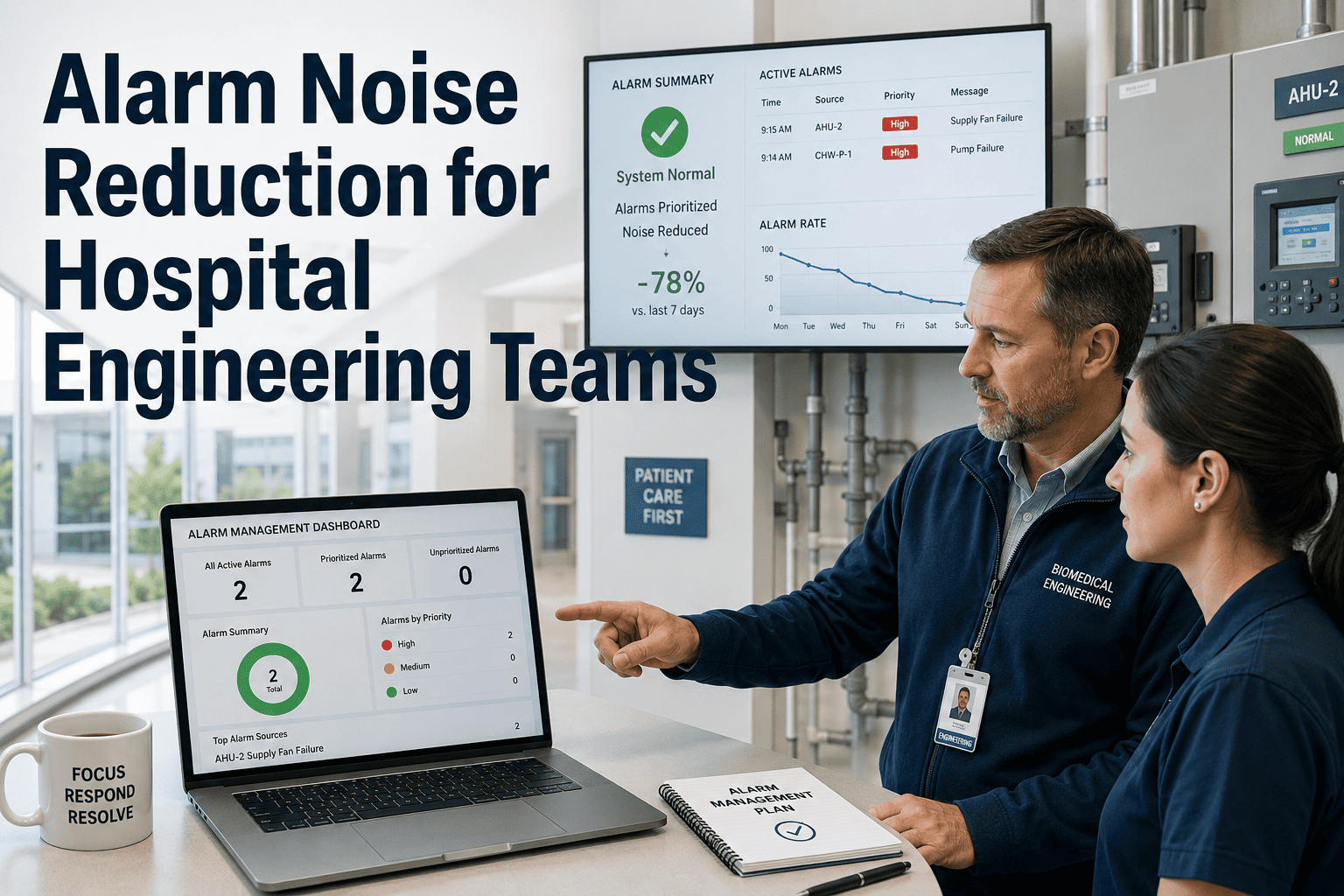
A maintenance program without data is a checklist. A maintenance program with CMMS trending is a continuous improvement system. The difference is measurable — hospitals using CMMS-tracked monitoring maintenance report 30–40% reduction in technical alarm rates within 12 months of structured implementation.
What Biomedical Directors Say About Alarm Management
Patient Monitor Maintenance: Common Questions
Oxmaint CMMS gives your biomedical team calibration triggers, network health checklists, and alarm trend dashboards — so equipment maintenance becomes your most effective alarm reduction strategy.
.png)