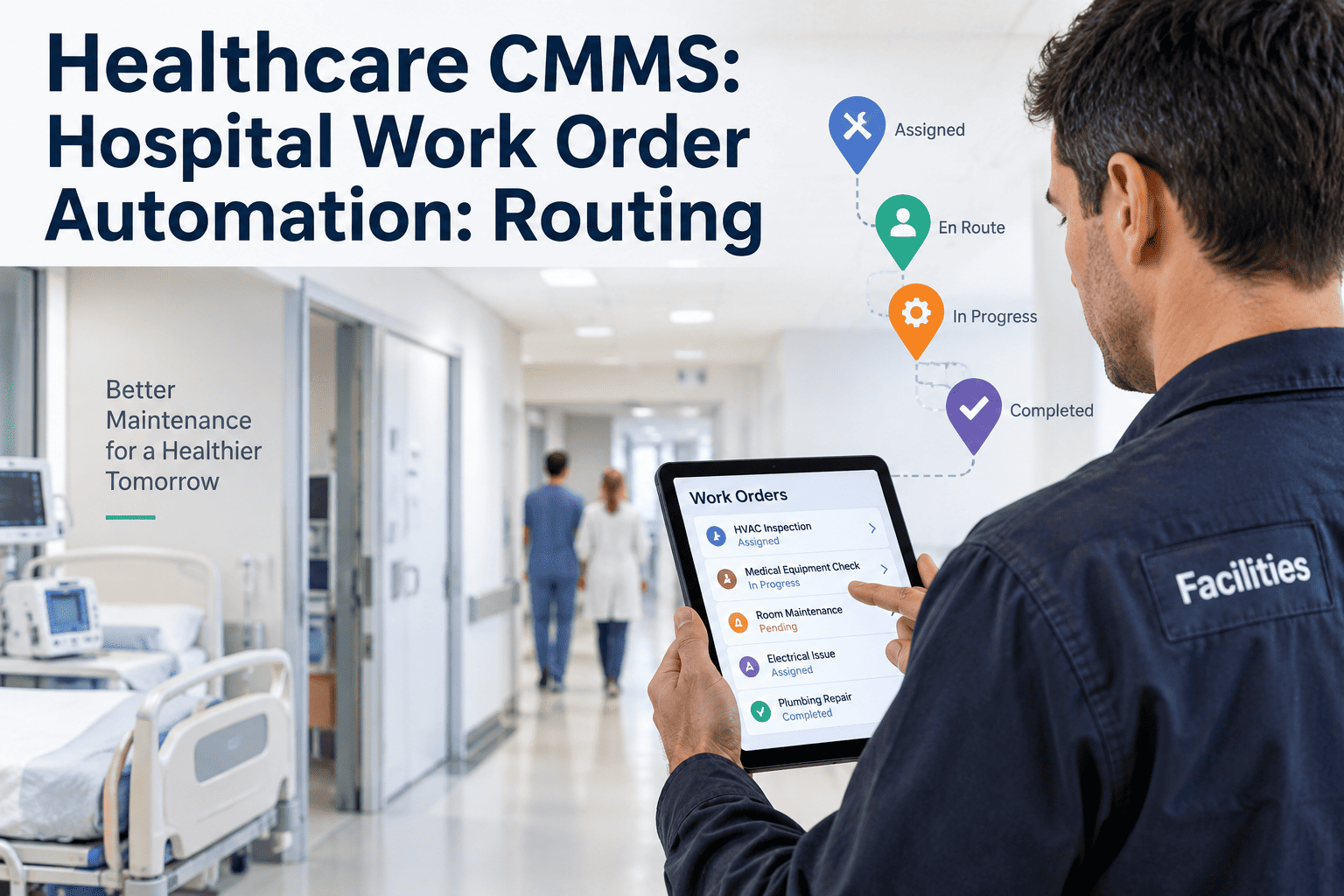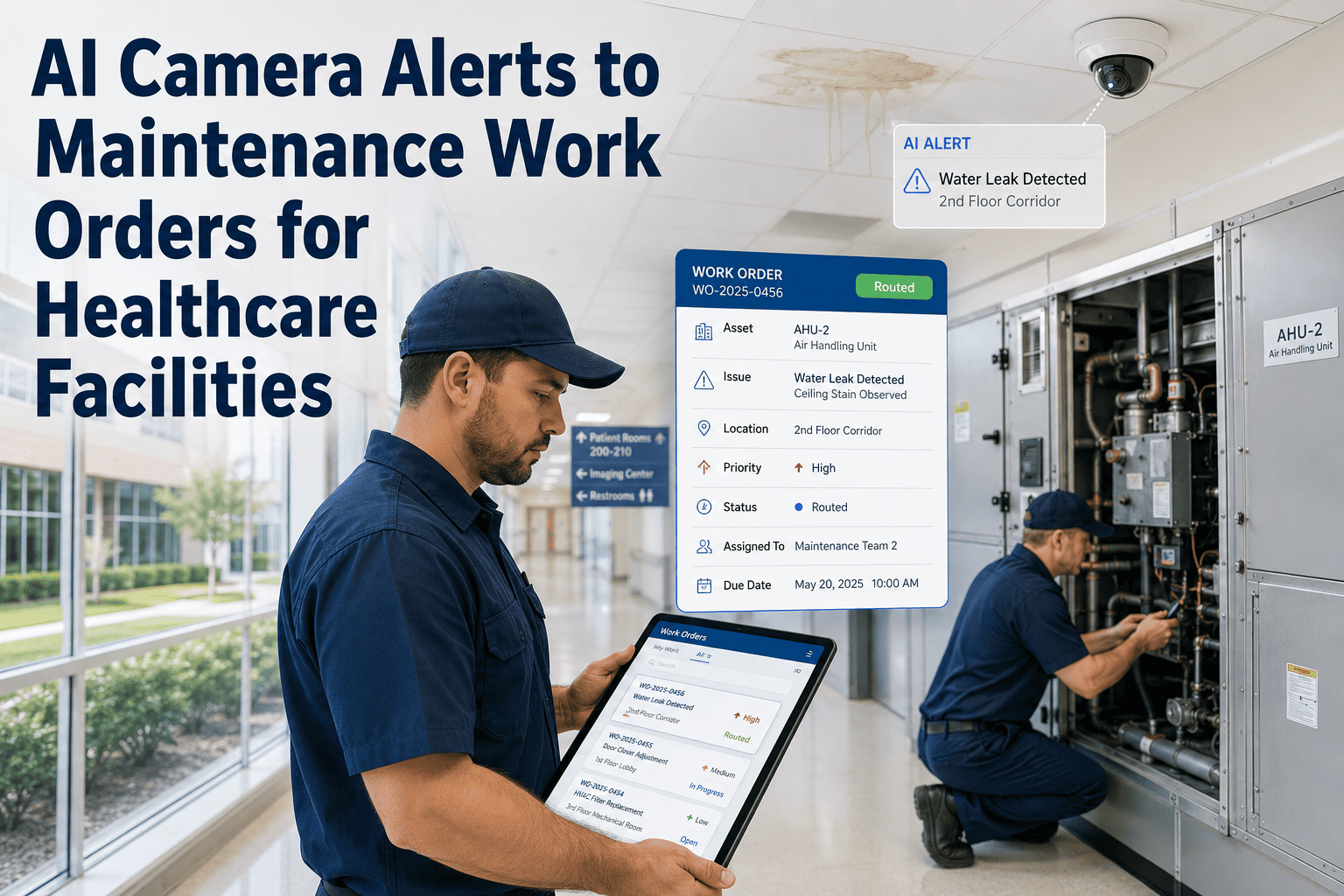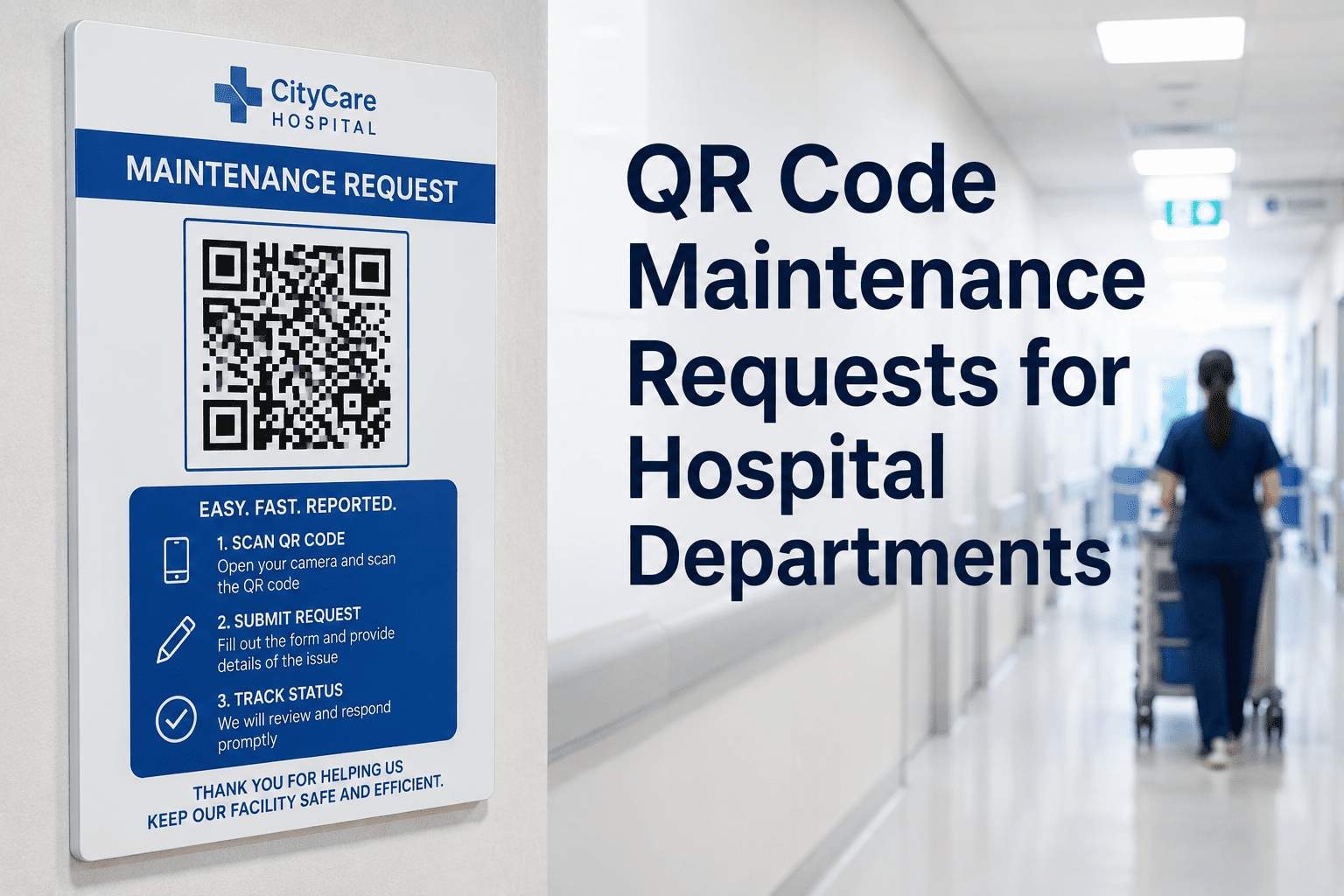
A nurse notices a flickering light in a patient room, a broken cart wheel in radiology, or a leaking faucet in a break room — and then what? In most hospitals, that observation turns into a hallway conversation, a phone call to facilities, or a sticky note that gets lost by the next shift. None of that gets logged, routed, or tracked. QR code maintenance requests close that gap by turning any staff member into a reporter who can submit a fully identified request in seconds, without needing a CMMS login or knowing who to call. Sign up for Oxmaint to start tagging hospital departments with scan-to-request QR codes, or book a demo to see the scan-to-work-order flow on your floor plan.
Turn Every Hallway, Room, and Cart Into a One-Scan Maintenance Request
A QR code placed at a nurse's station, on a piece of equipment, or near a department entrance lets any staff member report a problem instantly — no app download, no login, no searching for the right phone extension.
What Happens Between a Scan and a Completed Repair
Stop Losing Maintenance Issues to Hallway Conversations
Every unreported issue is a small risk that compounds. Oxmaint gives every department a scan-to-request code that turns observations into tracked work orders instantly.
Why QR Requests Get Reported When Other Methods Don't
Phone Calls and Sticky Notes Compared to QR Code Requests
| Factor | Phone Call or Verbal Report | QR Code Request |
|---|---|---|
| Time to submit | Several minutes, if extension is known | Under 30 seconds |
| Location accuracy | Depends on caller's description | Exact, tied to the scanned code |
| Survives shift change | Often lost in handoff | Logged permanently the moment it's sent |
| Photo evidence | Not possible | Attached directly to the request |
Reviewed by Oxmaint's healthcare facilities engineering team, who design QR-based request workflows alongside hospital facilities departments to reduce unreported issues and speed up response across clinical and non-clinical areas.
QR Code Maintenance Requests — Frequently Asked Questions
No. Scanning the code opens a simple web-based request form directly in the phone's browser, with no app download or account creation needed for the person submitting the request. Book a demo to see the no-login request experience.
Routing rules inside Oxmaint match the department and issue type from the scan to the right technician or team automatically, so requests don't sit in a general inbox waiting to be sorted. Sign up to configure routing rules for your departments.
Yes. Codes can be tied to a specific piece of equipment, a room, or a general department area, depending on what level of detail your facilities team needs for tracking and reporting. Book a demo to see code placement options for your asset mix.
The completed request, along with any photos, notes, and time spent, stays attached to that location or asset's history permanently, building a record that helps identify recurring problem areas. Sign up to start building this history across your departments today.
Give Every Department a Faster Way to Report What They See
Oxmaint turns hospital hallways, rooms, and equipment into one-scan maintenance requests with automatic routing and full request history.