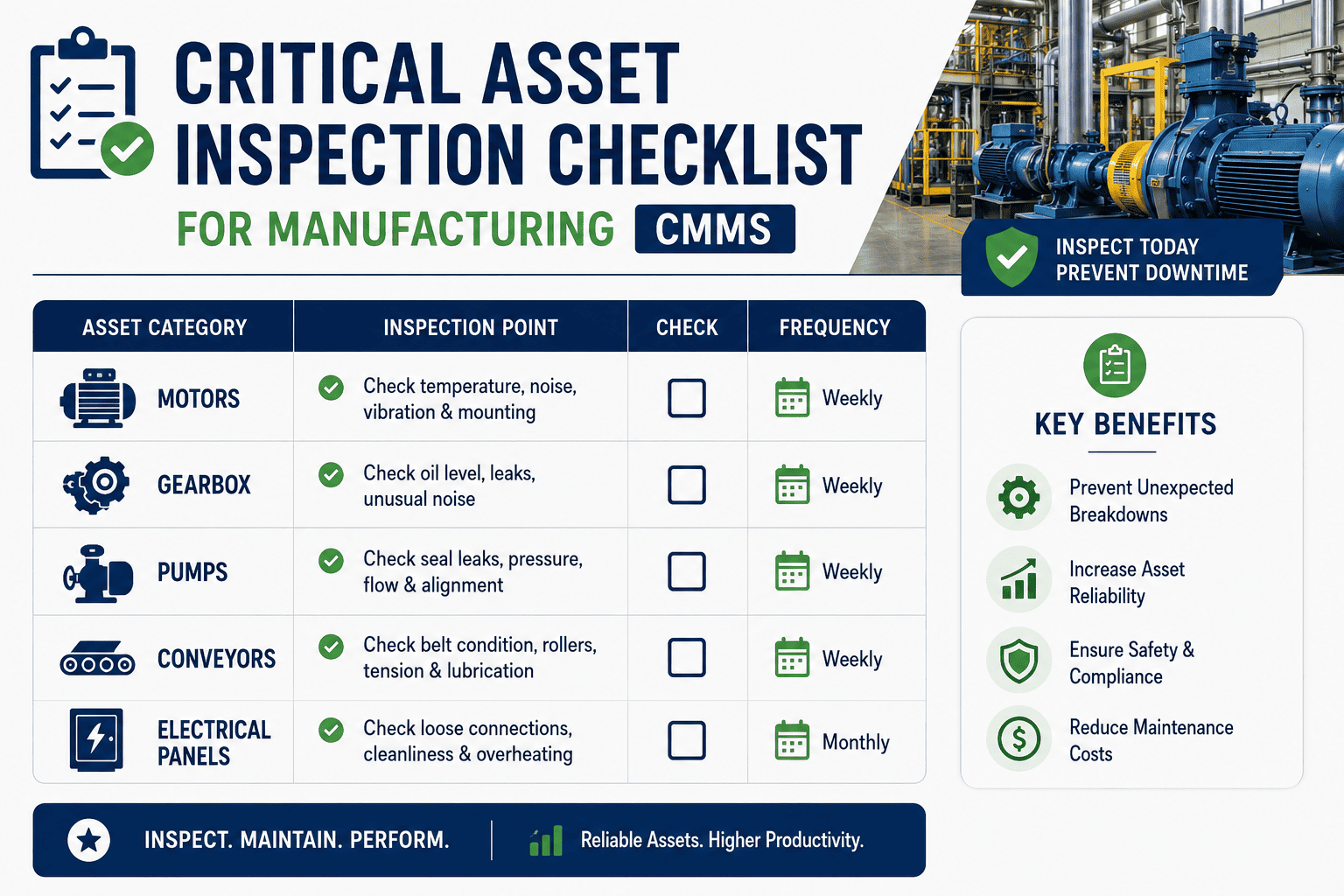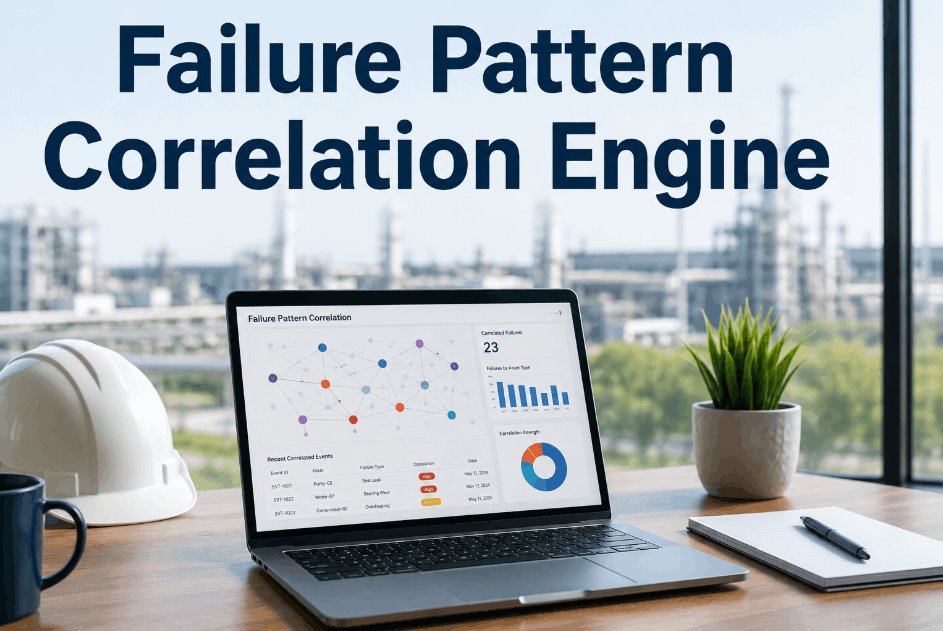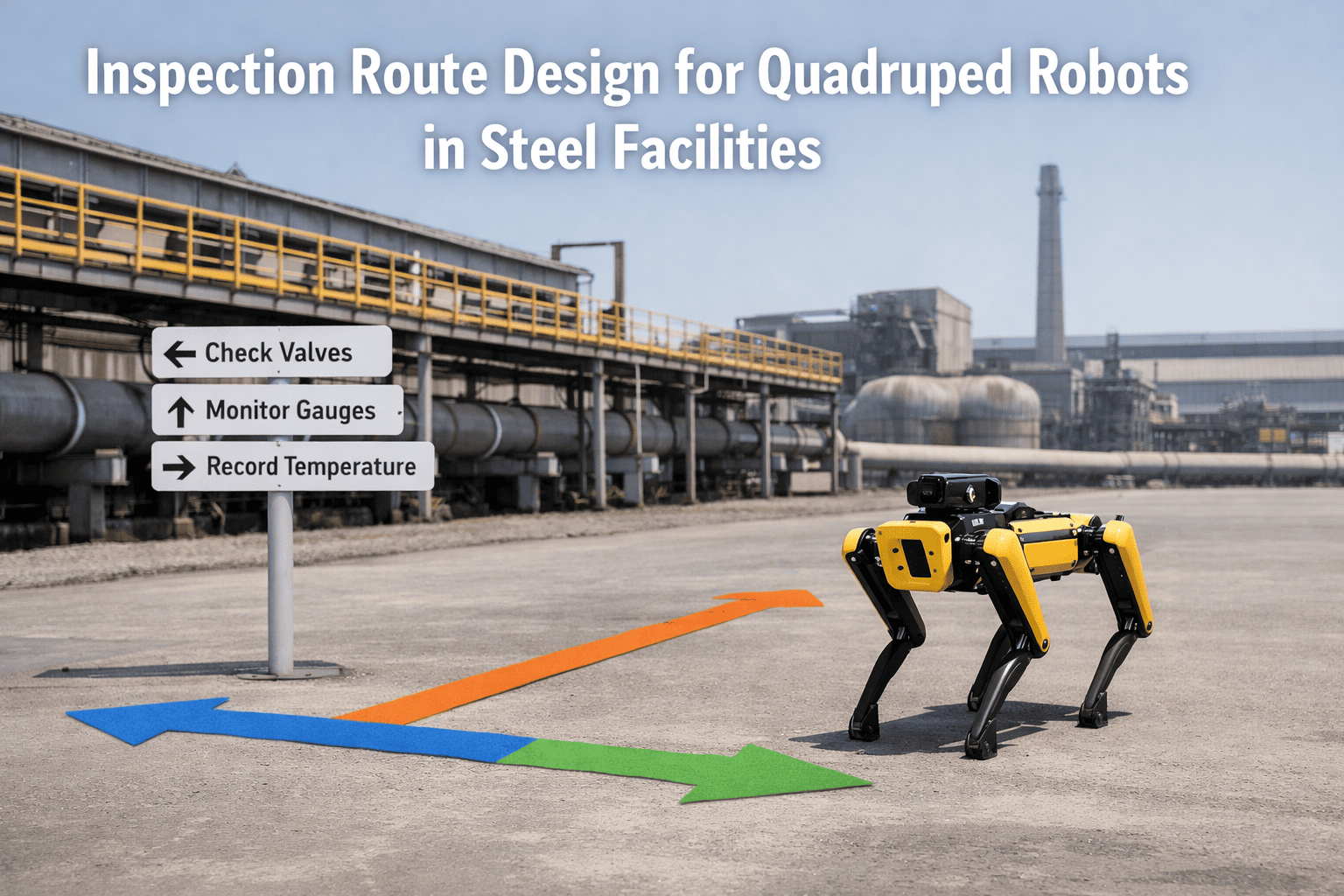
Autonomous inspection routing for shop floors is the practice of generating and updating inspection paths dynamically based on risk zone classifications, asset access constraints, and alarm history — so inspection coverage follows actual hazard distribution rather than a fixed walking route that was designed when the floor layout was new. Sign Up Free to see how OxMaint builds risk-based inspection workflows that adapt to changing floor conditions, alarm patterns, and asset criticality across every shift and production zone.
Route Inspections Where the Risk Is — Not Where the Route Was
OxMaint generates risk-prioritized inspection assignments based on alarm history, asset criticality, and zone access — ensuring every critical check gets covered before anything fails.
Why Fixed Inspection Routes Miss Critical Assets
A static inspection route designed once and never updated fails the moment the floor layout, asset mix, or risk profile changes — which in most plants happens continuously. Book a Demo to see how OxMaint's inspection module replaces fixed routes with risk-driven dynamic assignment.
Routes Designed for Layout, Not Risk
Most inspection routes follow walking efficiency logic — shortest path across the floor — rather than distributing inspection time proportionally to asset risk levels and alarm frequency.
Alarm History Not Used for Route Weighting
Assets that generate frequent alarms should receive more inspection attention, but static routes give the same coverage regardless of an asset's recent alarm pattern or deterioration signal.
Access Constraints Cause Coverage Gaps
Confined spaces, permit-required zones, and areas restricted during production runs create access windows that fixed routes ignore — leaving critical assets uninspected during the only times they can be safely reached.
Inspectors Cover Low-Risk Zones Equally
Without risk zone weighting, inspection technicians spend equal time in areas that pose no meaningful reliability risk — reducing available time for the assets that actually need attention.
New Assets Added Without Route Update
Equipment added to the floor after the original inspection route was designed often goes uninspected until someone notices the gap — sometimes only after the first failure.
No Confirmation That Critical Checks Occurred
Paper-based or clipboard inspection logs cannot confirm that a specific check point was reached and completed — leaving supervisors unable to verify coverage for safety-critical assets.
Autonomous Inspection Routing — Core Logic Components
A risk-adaptive inspection routing system uses four inputs to generate each inspection assignment. Sign Up Free to configure risk-based inspection routing in OxMaint for your shop floor.
| Routing Input | What It Determines | OxMaint Capability | Coverage Output |
|---|---|---|---|
| Risk Zone Classification | Inspection frequency and priority weighting per zone | Asset Criticality and Zone Mapping | High-risk zones inspected more frequently per shift |
| Asset Access Windows | Which assets can be reached during a given shift or production state | Access Constraint Scheduling | Inspection tasks assigned only during valid access windows |
| Alarm History Weighting | Recent alarm frequency used to elevate inspection priority | Alarm Pattern Integration | Frequently alarming assets receive elevated inspection attention |
| Digital Completion Verification | Confirmation that each assigned check point was reached and completed | Mobile Inspection with QR/NFC | Auditable per-asset inspection record every shift |
How OxMaint Enables Risk-Based Inspection Routing
Asset Criticality and Zone Classification
OxMaint's asset register supports criticality ranking and zone tagging — giving the routing engine the risk profile it needs to generate inspection assignments that weight time toward the assets and areas where failure consequence is highest.
Alarm History Integration for Dynamic Prioritization
OxMaint tracks alarm frequency per asset and uses recent alarm history to elevate inspection priority for assets showing deterioration signals — so a motor that alarmed three times last week receives more inspection attention than one with no recent alerts. Book a Demo to see alarm-weighted routing in action.
Mobile Inspection with Digital Completion Verification
Inspectors complete assigned checks on the OxMaint mobile app, scanning QR codes or NFC tags at each asset to create a timestamped, location-confirmed inspection record — eliminating the ambiguity of clipboard-based completion claims.
Automatic Work Order Generation from Inspection Findings
When an inspector records an abnormal condition during a routed check, OxMaint immediately generates a work order linked to that asset — closing the gap between inspection discovery and maintenance response without a manual handoff. Sign Up Free to activate inspection-to-work-order automation.
Autonomous Inspection Routing Results in Practice
Risk Zone Weighting Shifted Coverage to Critical Line
Access Window Scheduling Eliminated Coverage Gap
Alarm History Weighting Caught Developing Bearing Failure
Digital Verification Confirmed Compliance in Regulated Zone
Step-by-Step: Implementing Autonomous Inspection Routing in OxMaint
Classify Assets and Zones by Risk Level
Assign a criticality ranking to every asset in OxMaint and group them into risk zones — high, medium, and low — based on failure consequence, safety exposure, and production dependency. Book a Demo to see criticality mapping applied to a sample floor layout.
Define Access Windows for Constrained Assets
Tag every asset that has access restrictions in OxMaint — permit-required, production-excluded, or shift-specific — and define the windows during which inspection tasks can be assigned to those assets.
Connect Alarm History to Inspection Priority Logic
Configure OxMaint's alarm integration so that assets exceeding a defined alarm threshold in a rolling window are automatically elevated to a higher inspection frequency for the following shift or week.
Deploy Mobile Inspection App With QR or NFC Verification
Equip inspectors with the OxMaint mobile app and place QR or NFC tags at each check point — creating a physical confirmation system that produces a timestamped, auditable completion record for every inspection stop.
Enable Automatic Work Order Creation From Findings
Configure OxMaint to generate a corrective work order automatically when an inspection finding is logged as abnormal — so every detected condition has an immediate maintenance response assigned without requiring a separate manual step.
Key Metrics for Autonomous Inspection Routing Performance
Inspection Coverage Rate by Risk Zone
Percentage of assigned inspection check points completed per shift in each risk zone — confirms whether high-risk zones are receiving their intended coverage frequency.
Critical Asset Miss Rate
Number of high-criticality assets that went without an inspection during a defined period — the primary indicator of routing coverage failure for safety or reliability-critical equipment.
Alarm-to-Inspection Elevation Rate
Percentage of assets that exceeded alarm thresholds and received elevated inspection frequency in the subsequent period — confirms the alarm-weighting logic is functioning as configured.
Finding-to-Work-Order Conversion Rate
Share of inspection findings flagged as abnormal that result in a generated corrective work order — measures whether the inspection-to-maintenance loop is closed for every detected condition.
Access Window Utilization Rate
Percentage of constrained-access assets inspected during their available windows — identifies whether access scheduling is being followed or whether constrained assets are still being missed.
Mean Time Between Inspection-Detected Failures
Average interval between inspection-triggered corrective actions — a declining trend indicates the routing is identifying conditions earlier in the degradation cycle.
Stop Inspecting by Route — Start Inspecting by Risk
OxMaint's risk-based inspection routing puts your inspection time where alarm history and asset criticality say it belongs — with digital verification that critical checks actually happened.
Frequently Asked Questions
What is autonomous inspection routing for shop floors?
It is the process of generating inspection assignments dynamically based on risk zone classification, asset access constraints, and alarm history — replacing static routes with coverage that adapts to where the actual risk is on the floor at any given time.
How does OxMaint use alarm history to adjust inspection routing?
OxMaint tracks alarm events per asset and automatically elevates inspection frequency for assets that exceed a configured alarm threshold in a rolling window — directing more inspection time toward deteriorating equipment before it fails.
Can OxMaint handle assets with restricted access during production?
Yes. OxMaint supports access constraint scheduling that assigns inspection tasks for restricted assets only during valid access windows — such as shift changeovers, scheduled shutdowns, or permit-available periods.
How does OxMaint confirm that an inspection check point was actually completed?
Inspectors use the OxMaint mobile app to scan QR codes or NFC tags physically placed at each asset — creating a timestamped, GPS-confirmed digital record that proves the inspector reached each check point.
What happens when an inspector finds an abnormal condition during a routed check?
The inspector logs the finding in the OxMaint mobile app, and the system automatically generates a corrective work order linked to that asset — removing the manual step between discovery and maintenance response.
Can autonomous inspection routing be used in regulated industries?
Yes. OxMaint's digital completion records, timestamped findings, and work order audit trail support compliance requirements in regulated industries including pharmaceuticals, food safety, and chemical processing.
Give Your Shop Floor Inspections the Intelligence They Need
Risk zone mapping, alarm-weighted routing, access constraint scheduling, mobile verification, and automatic work order generation — OxMaint delivers the full autonomous inspection capability in a single CMMS platform.