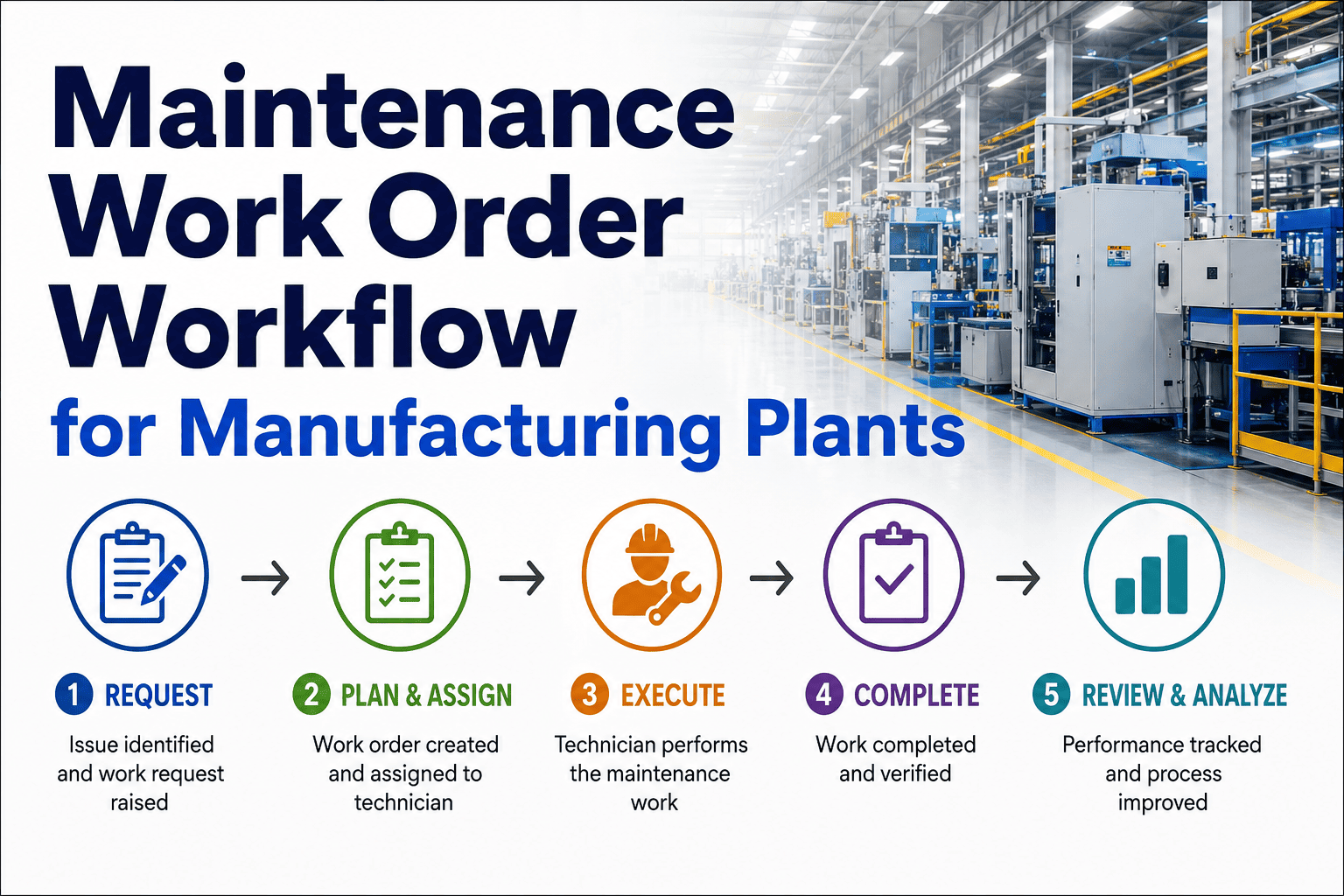
Creating a work order takes a minute when the form asks only for what a job needs to start. In Oxmaint you open Work Orders, choose Create, pick the asset the work is on, and fill a short form: title, site, priority, who is doing it and the due date. Everything else, from the task list to parts, labour and costs, folds under More details and can be added before you submit. Sign up to create a work order on a sample plant.
How to Create a Maintenance Work Order
From a blank form to a job on someone's list, step by step. Sign up and raise a job on a sample asset.
The Short Form: What a Job Needs to Start
What is wrong or what is planned, in a line the technician will understand.
The machine the work is on, plus any others it also affects.
Critical, High, Medium or Low. The due date follows: 1, 3, 7 or 14 days.
An internal technician, or a vendor or contractor.
Filled in from the priority; change it if the job has a real deadline.
An Example Job
Illustrative example on a real sample-plant asset and technician; not a captured record.

Raise a Job on a Sample Asset
Open the job form, pick a machine and create a work order in a minute. Sign up to the micro app and try it.
More Details, When the Job Needs Them
| Section | What you can add |
|---|---|
| Type and description | Corrective, preventive, inspection or breakdown, and the detail |
| Task list | Steps with the trade and the hours for each |
| Parts and materials | Parts and quantities; parts named in the description are suggested |
| Attachments and labour | Photos, documents and planned labour |
| Remarks and notes | Notes for the technician, a handover note, and an update to the requester |
| Linked work orders | A parent job, or links such as follows on from, blocks, duplicates or same shutdown |
| Costs and budget | Estimated cost, cost centre and budget code |
Not ready to send it? Save draft keeps it off the board until you finish. Create work order puts it live on the work order list and the Kanban board.
Other Ways a Work Order Gets Created
Approve a maintenance request and it becomes a corrective job on the same asset.
A due PM raises a preventive job with the schedule's tasks and parts.
A failed item on a daily check, inspection or audit can raise a job.

Write the title as the symptom on the machine, not the fix you expect: "oil leak at separator housing" is better than "replace separator". List the parts before you assign, so the board shows straight away whether the job can start or will wait for stock. Editorial guidance, not a quote from a named person.
Frequently Asked Questions
Create Your First Work Order
A short form for what a job needs, more details when it needs them. Sign up and explore the micro app.