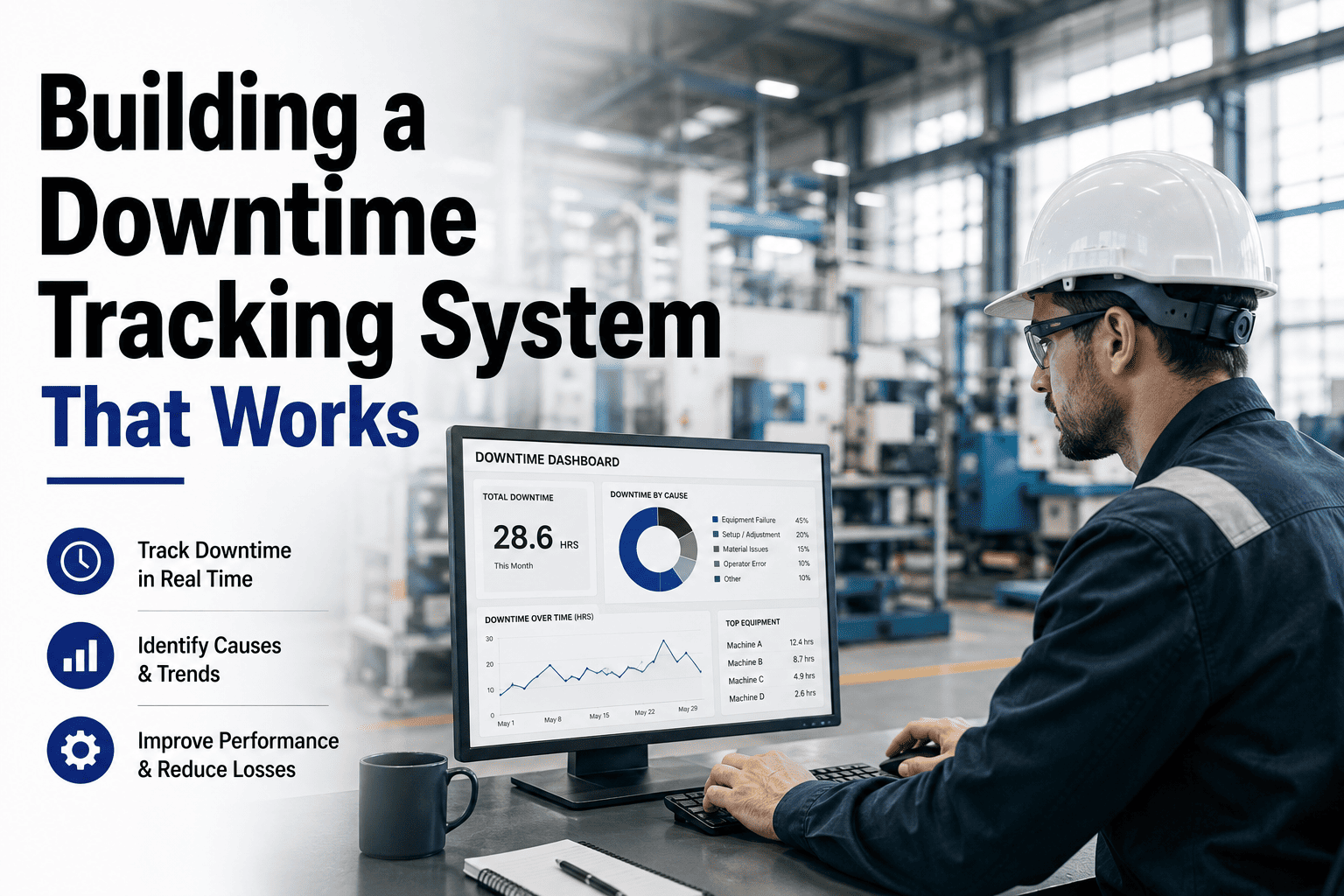
Unplanned downtime consumes up to 11% of annual revenue at Fortune Global 500 manufacturers — roughly $1.4 trillion in losses every year according to Siemens research. The plants that reverse that number share one thing: they stopped estimating downtime on spreadsheets and started tracking every production stop in real time with AI-powered software that automatically classifies losses, surfaces root causes, and converts findings into work orders before the next shift begins. Manual logs capture roughly 60% of actual downtime events — and the 40% that goes unrecorded is almost always the costliest. This page covers how modern downtime tracking software works, what separates AI analysis from traditional reporting, and how to book a 30-minute session to see Oxmaint's downtime dashboard running on your production data.
The Hidden Cost Problem
Where Your Production Hours Actually Go
Most plants track total downtime. High-performing plants track downtime by category, by asset, by shift, and by root cause — and that resolution difference is what separates a 60% OEE from an 85% OEE.
323 hrs
Average annual unplanned downtime per manufacturing facility
40%
Of downtime events go unrecorded in manual logging systems
$260K
Average cost per hour of unplanned downtime across manufacturing
Typical 8-Hour Shift: Where Time Is Lost
Equipment Failures
1.12 hrs
Changeovers & Setup
0.80 hrs
Material / Supply Waits
0.56 hrs
Quality Stops & Rework
0.40 hrs
Operator / Process Waits
0.32 hrs
Other / Unclassified
0.24 hrs
Productive
Equipment
Changeover
Material
Quality
Operator
Other
Manual Logging vs. AI Downtime Tracking: The Data Gap
The method you use to capture downtime determines the quality of every root cause analysis, every maintenance decision, and every OEE number your plant reports. This gap is not theoretical — it shows up in your P&L.
Manual / Spreadsheet Tracking
Operators log stops retroactively — often hours later or at shift end. Timestamps are estimates, not facts.
Short stops under 5 minutes almost never get recorded. These micro-stoppages typically represent 15–20% of total lost time.
Root cause categorization is subjective — "machine fault" covers dozens of distinct failure types that need different solutions.
Analysis happens weekly or monthly — long after the window to prevent recurrence has closed on that equipment.
Cross-shift comparison is nearly impossible when each shift records downtime differently in their own log format.
AI-Powered Downtime Tracking
Sensor and PLC data capture every stop automatically — timestamp accuracy to the second, with no operator action required.
Micro-stoppages under 2 minutes are detected, logged, and aggregated automatically — often revealing the largest single loss category.
AI classifies downtime events by machine signal pattern and prompts operators for contextual reason codes at the point of occurrence.
Root cause patterns surface in real time — alerts fire within minutes of threshold breach, not days after the incident report is filed.
Shift, line, and asset comparisons are built into the dashboard — standardized data enables cross-facility benchmarking automatically.
Your Downtime Data Is Already There — You Just Can't See It
Oxmaint Surfaces Every Production Stop, Categorized and Prioritized
Oxmaint connects to your existing sensors, PLCs, and work order history to automatically capture, classify, and prioritize every downtime event — with Pareto analysis, trend charts, and AI root cause suggestions built into every report. No custom development. No new hardware required for most facilities.
How AI Downtime Tracking Works: From Stop Event to Root Cause
Modern downtime software does not just record when machines stop. It builds a continuous, structured dataset that makes root cause analysis automatic — not a quarterly project.
01
Automatic Event Detection
Current sensors, PLC signals, and SCADA data detect machine state changes in real time. Every stop — planned or unplanned, 30 seconds or 3 hours — is logged automatically with an exact timestamp and duration. No operator action required to capture the event.
Capture latency
<5 seconds
Min stop detected
30 seconds
02
AI Classification & Reason Coding
Machine learning models classify each stop event against a library of equipment signal patterns — separating mechanical failures from electrical faults, tooling issues, material starvation, and operator-related stops. Operators confirm or refine reason codes via mobile app at the point of occurrence, not hours later.
Classification accuracy
85%+ auto
Reason codes
50+ categories
03
Pareto Analysis & Pattern Recognition
The platform continuously builds a Pareto ranking of your top downtime causes — sorted by total minutes lost, not just frequency. AI pattern recognition identifies recurring event clusters across shifts, days, and production runs that human review would miss in the raw log data.
Typical finding
Top 3 causes = 70%+ of loss
04
Root Cause Report & Work Order Generation
When a recurring downtime pattern crosses a configurable threshold, Oxmaint auto-generates a structured root cause report with supporting event data, trend charts, and recommended corrective actions — then creates a prioritized work order with the evidence attached for the maintenance team to act on.
Time to work order
Minutes, not days
Manual data entry
Zero
Pareto Analysis: The 80/20 Rule Your Downtime Data Reveals
In virtually every manufacturing facility, 20% of downtime causes account for 80% of total production loss. AI-powered Pareto analysis identifies that 20% from your actual data — ranked by total minutes lost, not gut feel.
Example Pareto: 30-Day Downtime by Cause Category
Total tracked: 1,357 minutes (22.6 hours) of downtime in 30 days
What This Pareto Tells You
64%
of all downtime in this example comes from just the top 3 causes — Bearing Failures, Conveyor Jams, and Tooling Changeover. Fix those three and OEE improves by 8–12 points without touching anything else.
$565K
in annual recovered production value if bearing failures alone are reduced 70% through predictive maintenance — at $260K/hr average downtime cost.
30 days
is all the data needed to generate an actionable Pareto. Plants with manual tracking take 3–6 months to assemble equivalent insight from incomplete shift logs.
Root Cause Analysis Methods: From Detection to Prevention
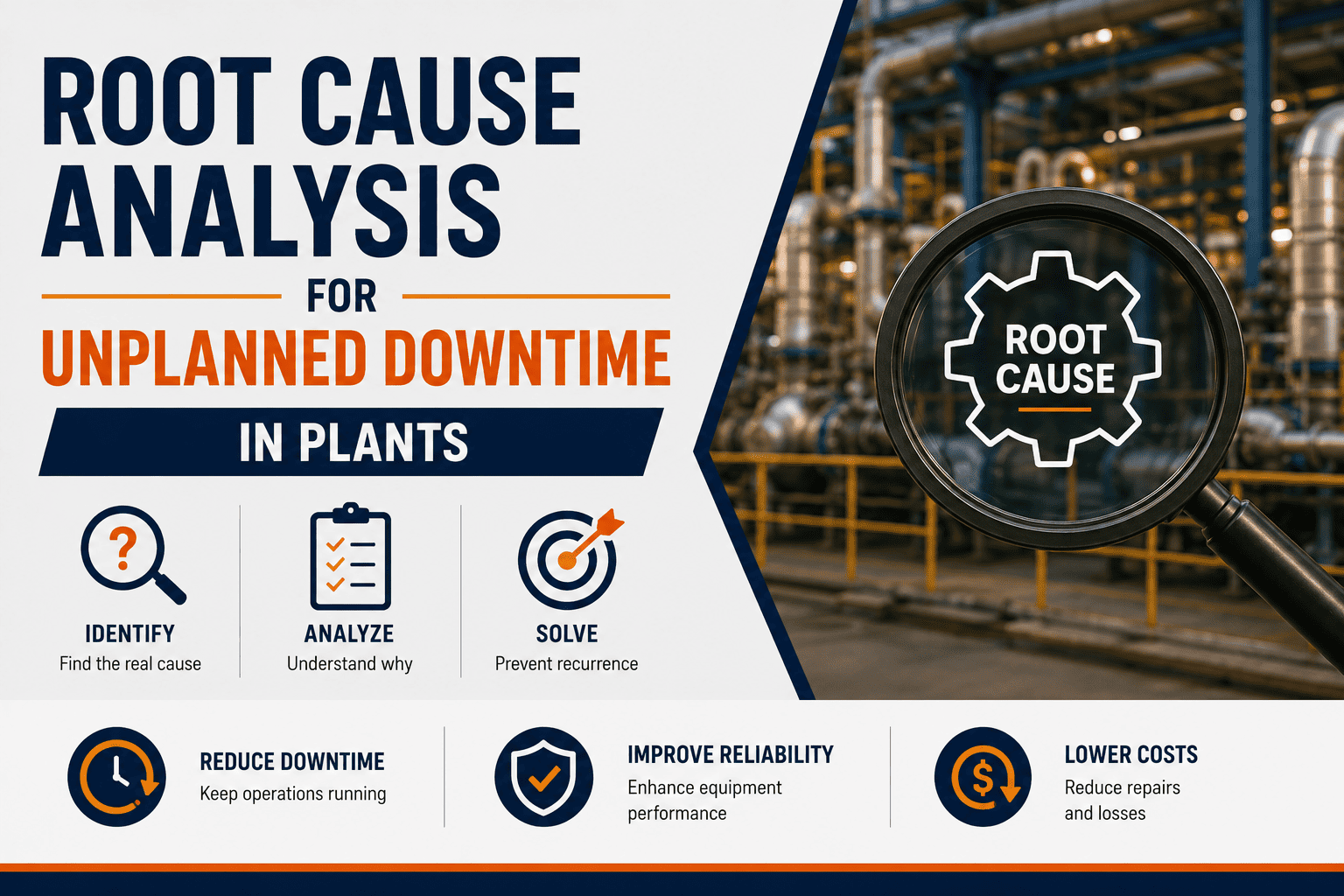
Tracking when and how long machines stop is only the first step. Root cause analysis determines why they stopped — the answer that prevents the next occurrence. Here are the four RCA methods that work best with structured downtime data.
01
5 Whys Analysis
Why 1: Machine stopped → Bearing failed
Why 2: Bearing failed → Lubricant depleted
Why 3: Lubricant depleted → PM interval too long
Why 4: PM interval too long → Based on calendar, not condition
Root: No vibration monitoring to detect early wear
Best for: Mechanical failures with clear causal chains. Oxmaint links each Why level to the supporting work order history automatically.
02
Pareto-Driven Prioritization
Best for: Identifying which downtime categories deserve investigation resources first. AI ranks causes by total minutes lost — not frequency — to surface the highest-value targets.
03
Trend & Pattern Analysis
Downtime frequency trending up before major failure
Best for: Catching gradual equipment degradation before catastrophic failure. AI identifies upward trends in stop frequency 2–4 weeks before a full breakdown occurs.
04
Shift & Asset Comparison
Best for: Identifying process, training, or staffing factors when the same equipment behaves differently across shifts. Normalizes data automatically to remove volume-related distortions.
What Plants Achieve After Deploying AI Downtime Tracking
These outcomes are consistent across manufacturing facilities that move from manual logging to AI-powered downtime tracking and connect findings to maintenance workflows.
25–40%
Reduction in maintenance costs
AI downtime analysis identifies which assets drive disproportionate maintenance spend — enabling targeted PM adjustments that eliminate emergency repairs without over-servicing stable equipment.
30–50%
Fewer unplanned production stops
Pattern detection catches recurring stop events and converts them into scheduled maintenance actions before they become production halts. Most plants see the first prevented event within 60 days of deployment.
78%
Of AI-adopting facilities report waste reduction
Downtime data reveals waste in changeover sequences, material handling, and quality inspection processes that manual reporting never surfaces — because those events happen too fast to log and too often to notice.
6–10 wks
Time to first measurable value post-deployment
With modular deployment starting on 5–10 critical assets, most plants identify their first preventable downtime cause within 6–10 weeks — delivering ROI evidence before the full program is approved.
What to Look For in Downtime Tracking Software
Not all downtime software delivers on AI analysis. These six capabilities separate platforms that generate reports from platforms that actually reduce production losses.
| Capability |
Why It Matters |
Without It |
Oxmaint |
| Real-Time Stop Detection |
Enables same-shift response before losses compound across a full production day |
Stops discovered at shift end — too late to act on that run |
Live alerts within 5 seconds of event |
| Automated Reason Coding |
Consistent classification makes cross-shift and cross-asset comparisons valid |
Each operator logs differently — Pareto analysis is meaningless |
AI-suggested codes confirmed via mobile |
| Pareto Ranking Dashboard |
Prioritizes RCA effort on causes with the highest total production impact |
Teams chase frequent events, not costly ones |
Auto-ranked by minutes lost, updated daily |
| CMMS Work Order Integration |
Converts downtime findings into assigned maintenance actions without manual handoff |
Insights stay in dashboard — nobody acts on them |
Auto work order from threshold breach |
| Shift Comparison Reports |
Identifies process and training issues by isolating when the same machine fails more |
Equipment blamed when the issue is shift-specific behavior |
Pre-built shift comparison dashboards |
| OEE Impact Calculation |
Translates each downtime category directly into its OEE Availability loss contribution |
Teams cannot connect maintenance decisions to OEE changes |
Downtime → OEE impact shown per event |
Every Minute of Downtime You Don't Track Is a Root Cause You'll Never Find
Start Capturing 100% of Your Production Stops — Starting Today
Oxmaint's downtime tracking connects to your existing equipment signals and immediately begins building the structured dataset your Pareto analysis and root cause investigations need. Most facilities go live on critical assets within one week. Your first Pareto report is ready in 30 days.
Frequently Asked Questions
What is manufacturing downtime tracking software?
Downtime tracking software automatically records every production stop event — planned or unplanned — with exact timestamps, durations, and reason codes, then organizes the data into dashboards and reports that support root cause analysis and OEE calculation. Modern AI-powered systems like
Oxmaint go further by classifying stop events automatically, generating Pareto rankings in real time, and converting recurring downtime patterns into prioritized maintenance work orders — eliminating the manual steps that slow traditional reporting by days or weeks.
How does AI improve downtime root cause analysis?
AI processes thousands of stop events simultaneously to identify patterns that human analysts reviewing shift logs would miss — recurring event clusters at specific hours, correlations between micro-stoppages and subsequent major failures, and cross-asset failure sequences that indicate shared upstream causes. AI-powered systems can classify downtime reason codes at 85%+ accuracy automatically, reducing the time from data collection to actionable root cause finding from weeks to hours.
Book a demo to see how Oxmaint's AI surfaces your plant's top downtime causes from existing work order and sensor data.
What is Pareto analysis in downtime tracking?
Pareto analysis applies the 80/20 principle to downtime data — typically revealing that 20% of your stop causes account for 80% of your total production loss in minutes. Software ranks every downtime category by total time lost (not just frequency) so your team focuses RCA effort on the three causes that will generate the most OEE recovery if fixed, rather than the most commonly occurring stops that may represent minimal total loss.
Oxmaint's Pareto dashboard updates automatically as new events are logged, giving you a current view without end-of-week data compilation.
How long does it take to implement downtime tracking software?
Cloud-based downtime platforms like Oxmaint can go live on 5–10 critical assets within one week using existing sensor data, PLC signals, or manual operator input via mobile app — no custom hardware installation required in most facilities. Full plant deployment with automated event detection typically takes 4–8 weeks. The first meaningful Pareto report is usually available within 30 days of capturing structured data on your highest-priority production lines.
Schedule a planning session to map your specific integration path and timeline based on your existing equipment and data infrastructure.
How do you categorize downtime in manufacturing?
Industry standard categorization divides downtime into planned (scheduled PM, changeovers, shift meetings) and unplanned (equipment failures, material shortages, quality stops, operator issues). Within unplanned downtime, effective tracking further separates events by equipment system, failure mode, and location to enable meaningful root cause analysis. Consistent categorization across all shifts and operators is the most critical discipline in downtime tracking — without it, Pareto analysis and cross-shift comparisons produce misleading rankings.
Oxmaint comes with a pre-built reason code library covering 50+ downtime categories that can be customized to match your plant's terminology and production processes.
Can downtime tracking software integrate with an existing CMMS?
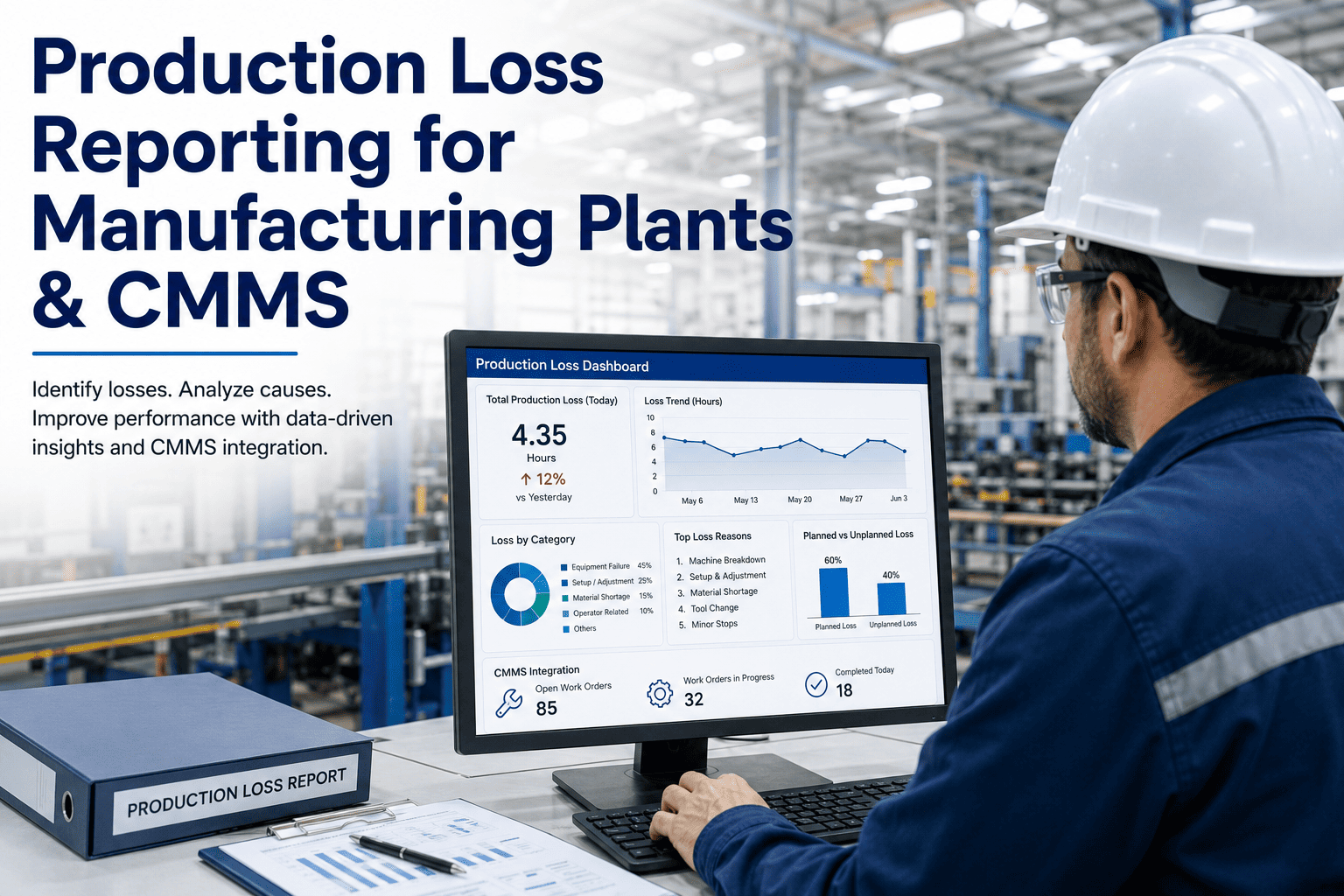
Yes — modern downtime platforms are designed to connect with CMMS and ERP systems via REST API, so that downtime events detected in the monitoring layer automatically create work orders in the maintenance management system with event data, timestamps, and asset history attached. This eliminates the gap where downtime is logged but the maintenance response never gets initiated because nobody manually bridges the two systems. Oxmaint combines the downtime tracking and CMMS functions in a single platform, meaning every stop event detected automatically flows into the work order queue with no integration needed between separate tools.
Book a technical demo to walk through the integration options for your current technology stack.
The Root Cause of Your Biggest Production Losses Is Already in Your Data
Let Oxmaint Find It — Then Fix It Automatically
Your plant is generating downtime data every day. The question is whether that data is being captured completely, classified consistently, and converted into maintenance action before the same failure repeats across the next 10 shifts. Oxmaint automates all three steps — detection, Pareto analysis, and work order generation — so your team spends time fixing root causes, not building reports.

![machine-downtime-tracking-template-for-manufacturing-[excel-dashboard]](./manage-post-2k26/uploads/machine-downtime-tracking-template-for-manufacturing-[excel-dashboard].png)
.png)