A vibration sensor sees a bearing starting to fail at 2 a.m. — but the alert lands in an inbox nobody reads until morning, and by then the line is down. The sensor did its job; the handoff didn't. OXMAINT AI is AI-powered maintenance management software (CMMS) that closes that gap: it takes the reading straight from your IoT sensors, MES, SCADA or PLC layer, checks it against a threshold rule, and opens a ranked work order automatically — technician assigned, part attached, before the shift even starts. Book a demo to see a sensor breach become a work order live.
Manufacturing · Condition Monitoring to Work Order
When a Sensor Sees Failure, a Work Order Should Already Exist
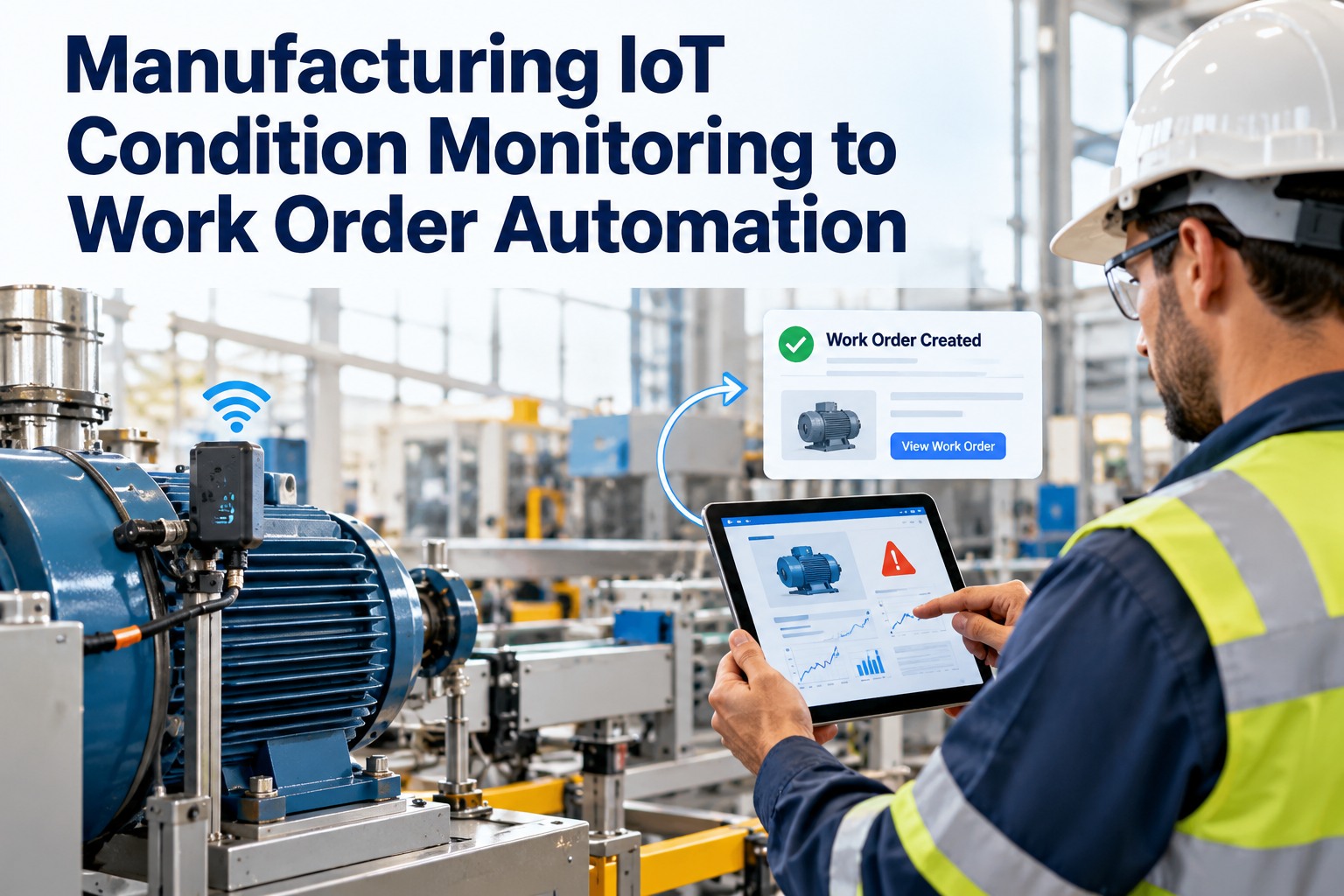
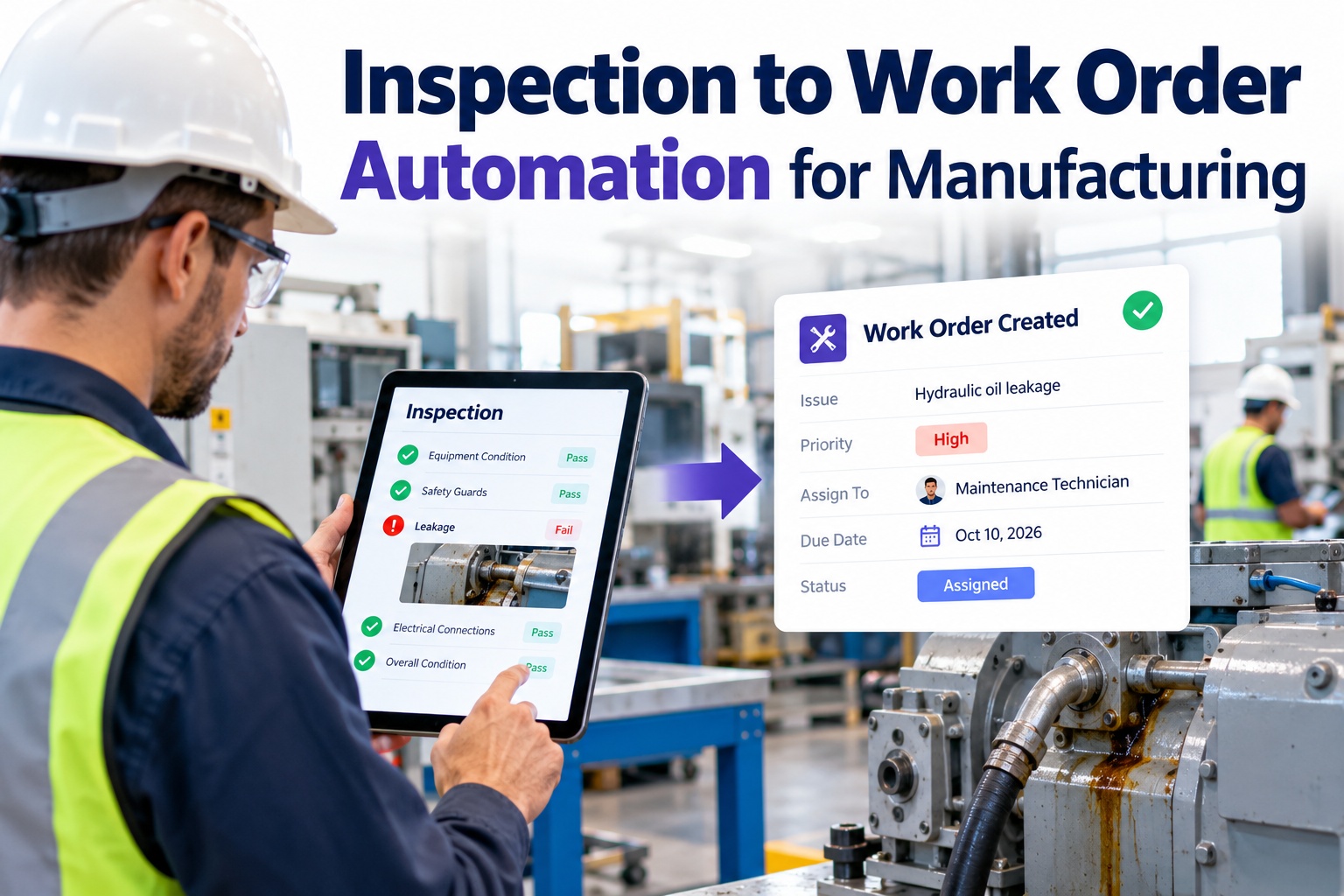
Condition data only prevents downtime if it turns into action fast enough. OXMAINT AI connects your sensors and plant systems, applies warning and critical thresholds per asset, and auto-generates the right work order the moment a reading crosses the line — so the fault is scheduled before it becomes a stoppage, not discovered after.
- 1Sensor / system reads
- 2Threshold rule checks
- 3Work order auto-created
- 4Assigned & tracked
Sensor to work order
First sensor connected and first alert rule live in under two hours on standard protocols — no reading waits for a human to notice it.
The Four Layers Between the Machine and the Work Order
Automation works when the data has a clean path from the shop floor up. OXMAINT AI plugs into the stack you already run rather than replacing it. Start a free trial to connect your first layer.
Edge
Sensors & PLC
Vibration, temperature, current and pressure sensors, and the PLCs already controlling the line, produce the raw readings.
Control
SCADA & MES
Supervisory and execution systems aggregate signals and add production context — which run, which product, which shift.
Transport
Protocol & API
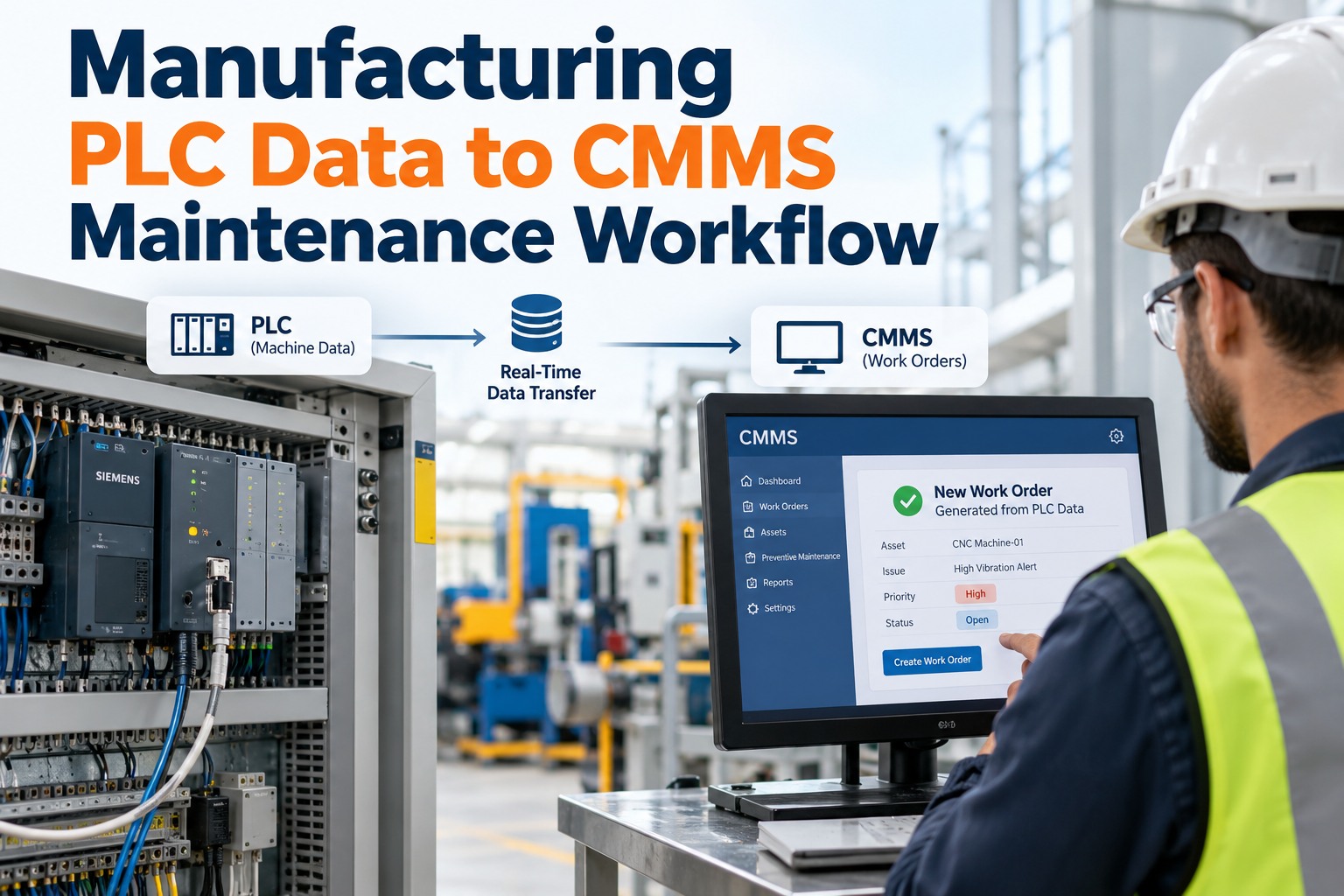
MQTT for IoT gateways, Modbus TCP for PLC-connected sensors, or REST API for cloud sensors — the pipe that carries the reading in.
Action
CMMS & ERP
OXMAINT AI applies the rule, opens the work order, and syncs parts and cost back to ERP or SAP PM — where the maintenance actually happens.
Protocols and layer roles per OxMaint IoT-integration guidance. The point of the stack is that a reading never dead-ends — it flows from edge to a work order without a manual re-key. Source: OxMaint condition-monitoring setup guide.
Which Reading Triggers Which Work Order
Automation is only as good as the rules behind it. Each sensor gets a warning and a critical level, and each level maps to a different work order — inspection when there's time, repair when there isn't. Book a demo to tune these for your assets.
Sensor threshold to work order mapping
| Sensor | Warning (amber) | Critical (red) | Work order |
|---|
| Vibration | 4 mm/s RMS | 7 mm/s RMS | Inspection → Repair |
|---|
| Temperature | +15°C over baseline | +25°C over baseline | Inspection → Emergency |
|---|
| Pressure | ±8% of setpoint | ±15% of setpoint | Check → Urgent repair |
|---|
| Current (Amps) | >105% FLA for 120 s | >115% FLA for 30 s | Load review → Motor inspection |
|---|
Threshold values are OxMaint's published template levels, built from reliability-engineering references; you override them per asset class. Confirm against your equipment's rated limits before going live.
See a Threshold Breach Become a Work Order
Watch OXMAINT AI take a live sensor reading, apply the rule, and open a ranked, assigned work order — with no one re-keying anything.
Two Tiers, One Time-Hold: How Automation Avoids Alert Storms
The fear with automation is a flood of false work orders. A two-level threshold plus a short time-hold is what keeps auto-creation useful instead of noisy. Start a free trial to set the tiers.
Warning · Amber
Inspection work order
The reading crosses the first level — schedule an inspection with a 24–48 hour window. Early enough to plan, not urgent enough to panic.
Critical · Red
Immediate repair work order
The reading crosses the critical level — raise a same-day or emergency repair. This is the one you don't want sitting in an inbox.
Time-hold
60–120 second filter
A breach must persist before it triggers — so a momentary spike doesn't spawn a work order, but a sustained fault still does.
Standing Up Your First Automated Rule
You don't wire the whole plant on day one. Start with one asset, one sensor, one rule — prove the loop, then scale it. Book a demo to walk the setup.
1
Mount & tag
Fit the sensor and link it to the asset record, so every reading is tied to a real machine.
2
Choose the protocol
MQTT, Modbus TCP or REST — match how the sensor or gateway already talks to the network.
3
Set the thresholds
Start from the asset-class template, then adjust warning and critical levels to your equipment.
4
Map the work order
Define which breach opens which work order type, with the technician and part pre-assigned.
5
Test & scale
Trigger a controlled breach, confirm the work order lands right, then roll the rule out across similar assets.
What Automation Actually Changes
The gain isn't just speed — it's that detection, decision and dispatch stop depending on someone being awake to notice. These are the shifts worth measuring. Start a free trial to track the change.
Detection to action
The lag between a reading and an open work order collapses from hours to the moment of breach.
No manual re-key
Data flows edge-to-CMMS without anyone retyping a value or a work order into a second system.
Planned vs reactive
Amber inspections catch faults early, shifting work from breakdown response to scheduled repair.
One record of truth
Readings, work orders and ERP cost live on one asset history instead of scattered across systems.
How OXMAINT AI Automates the Loop
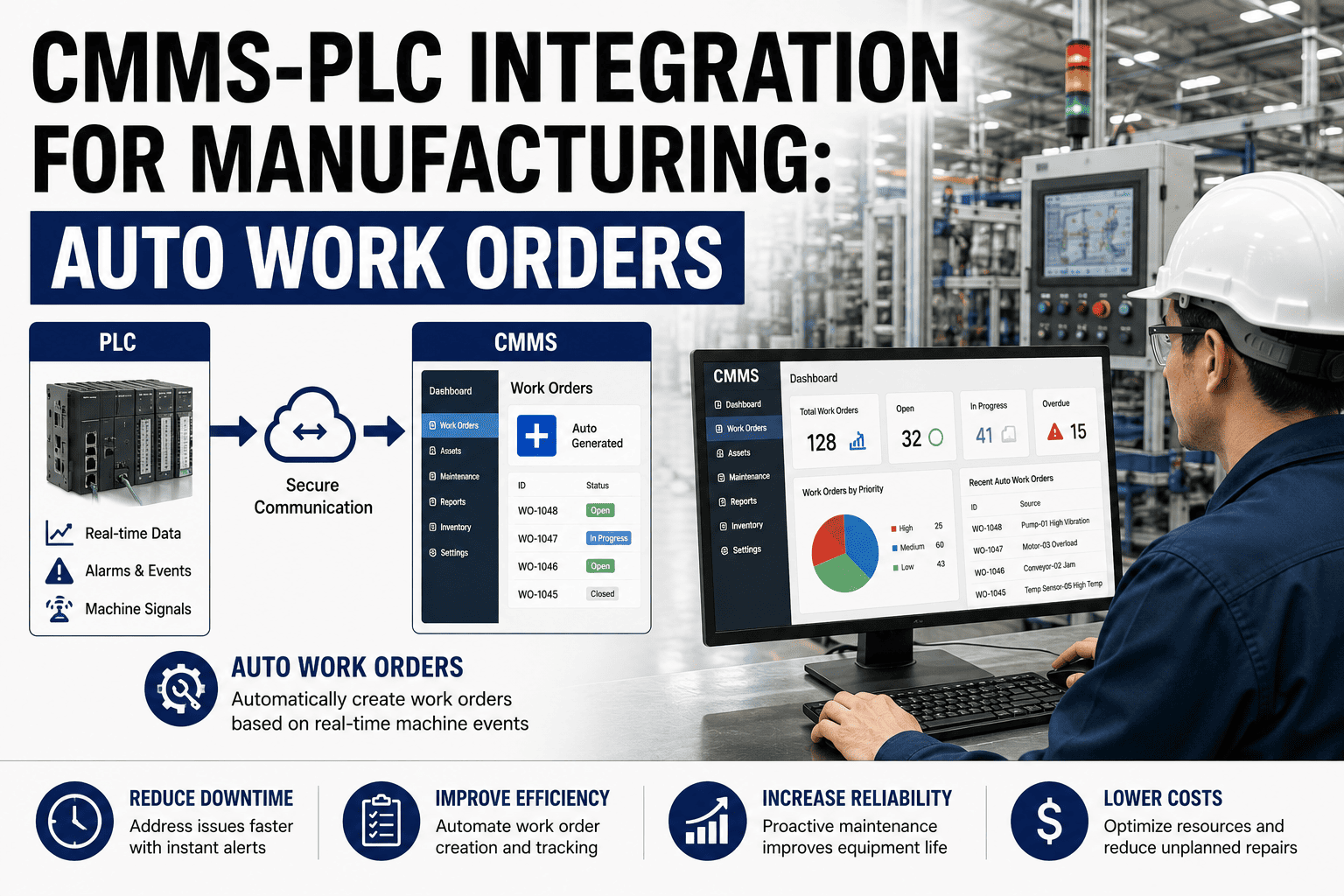
OXMAINT AI is maintenance management software that connects condition data to work-order creation and back to ERP — so the whole loop from reading to repair to cost runs without a manual handoff. Start a free trial to automate your first asset.
1
Connect
Ingest sensor, PLC, SCADA and MES data over MQTT, Modbus or REST into the asset record.
2
Evaluate
Apply warning and critical thresholds with a time-hold so only real, sustained breaches count.
3
Automate
Open the mapped work order with technician, priority and part attached — instantly, unattended.
4
Sync
Push parts, labor and cost to ERP or SAP PM, keeping one asset history across systems.
Frequently Asked Questions
How does a sensor reading become a work order?
The reading arrives over MQTT, Modbus or REST, gets checked against a warning or critical threshold, and if it holds past the time-hold, the mapped work order opens automatically.
Start a free trial to set it up.
Will automation flood us with false work orders?
Does it work with our MES, SCADA and ERP?
Yes — OXMAINT AI connects to the edge and control layers over standard protocols and syncs work orders and cost back to ERP or SAP PM, rather than replacing those systems.
Start a free trial to connect them.
Which sensors are supported?
Vibration, temperature, pressure and motor-current are the core types, each with template thresholds you can tune per asset class.
Book a demo to map yours.
How fast can we get the first rule live?
A first sensor and alert rule can be running in under two hours on standard protocols — start with one asset, prove the loop, then scale.
Start a free trial to begin.
Let the Sensor Open the Work Order
Connect the data, set the rules, and let a threshold breach create a ranked, assigned work order — the whole loop, automated on one platform.