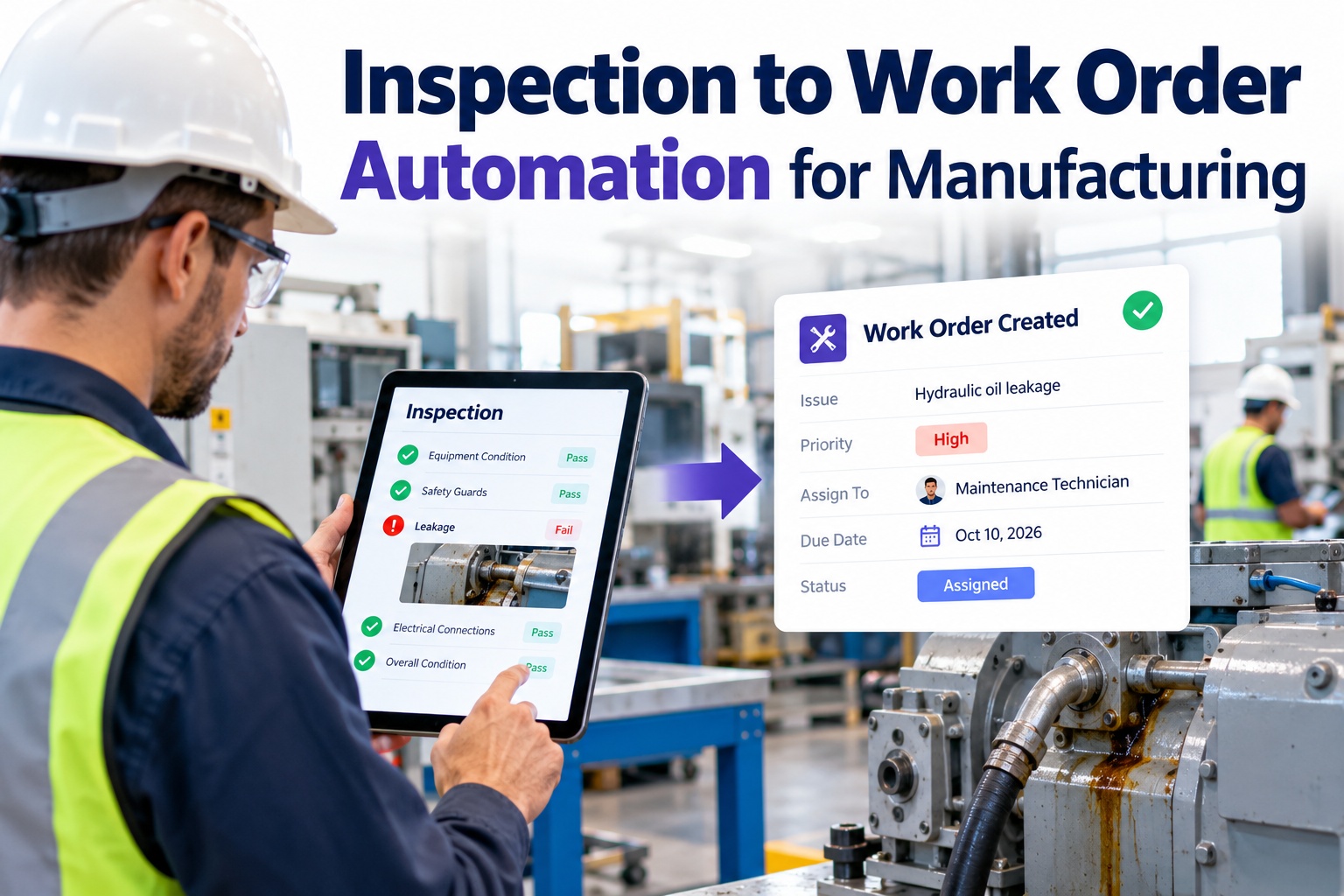
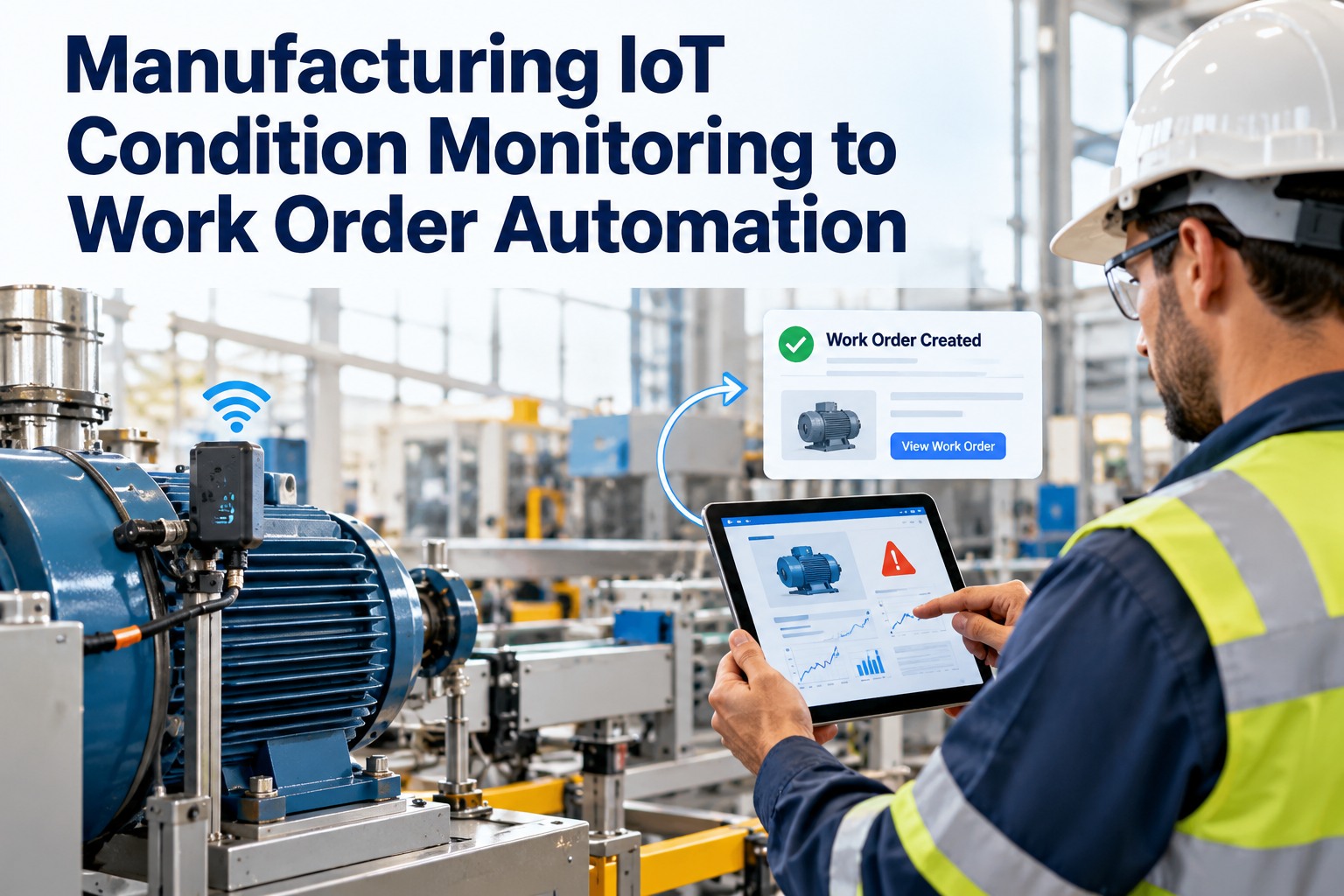
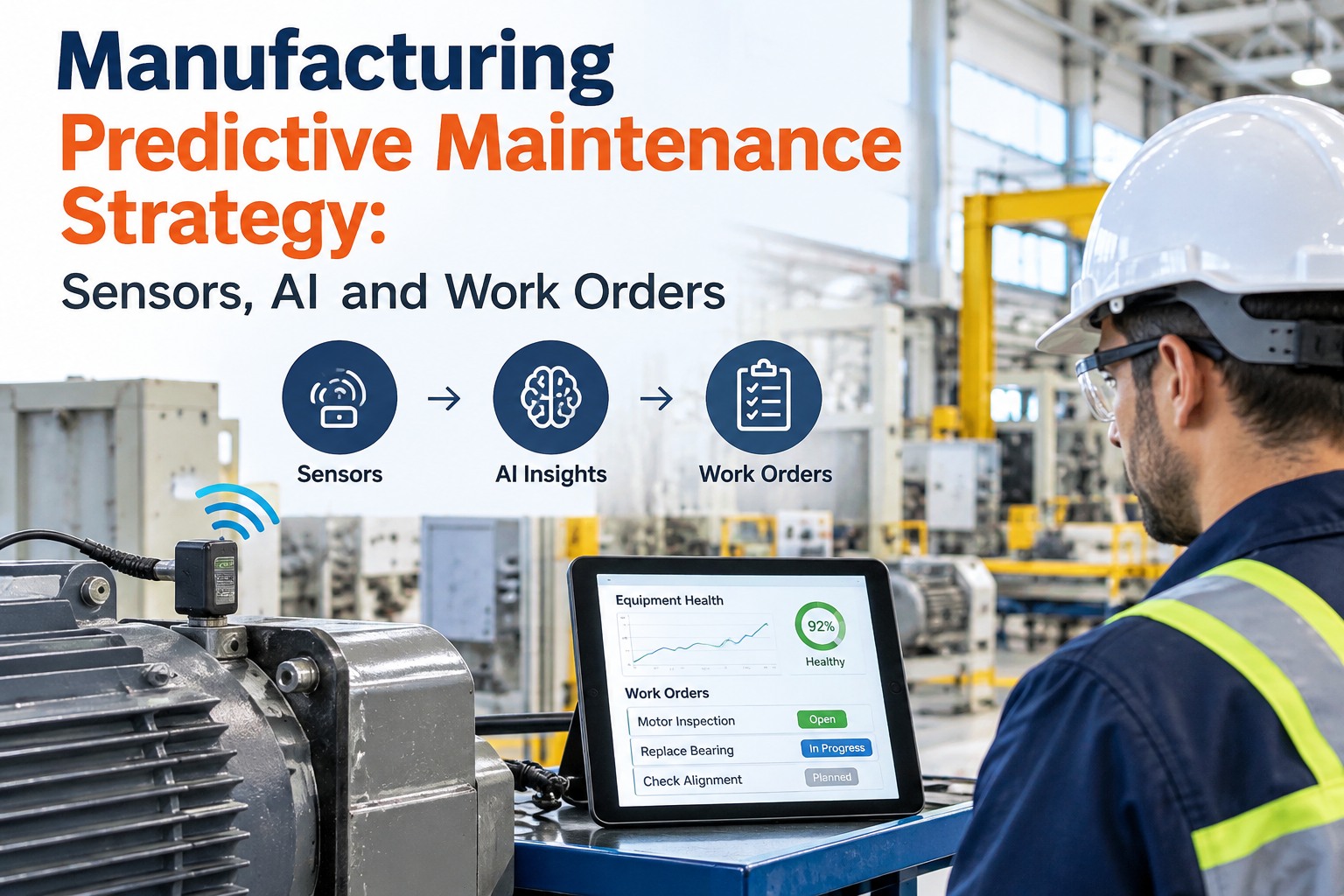
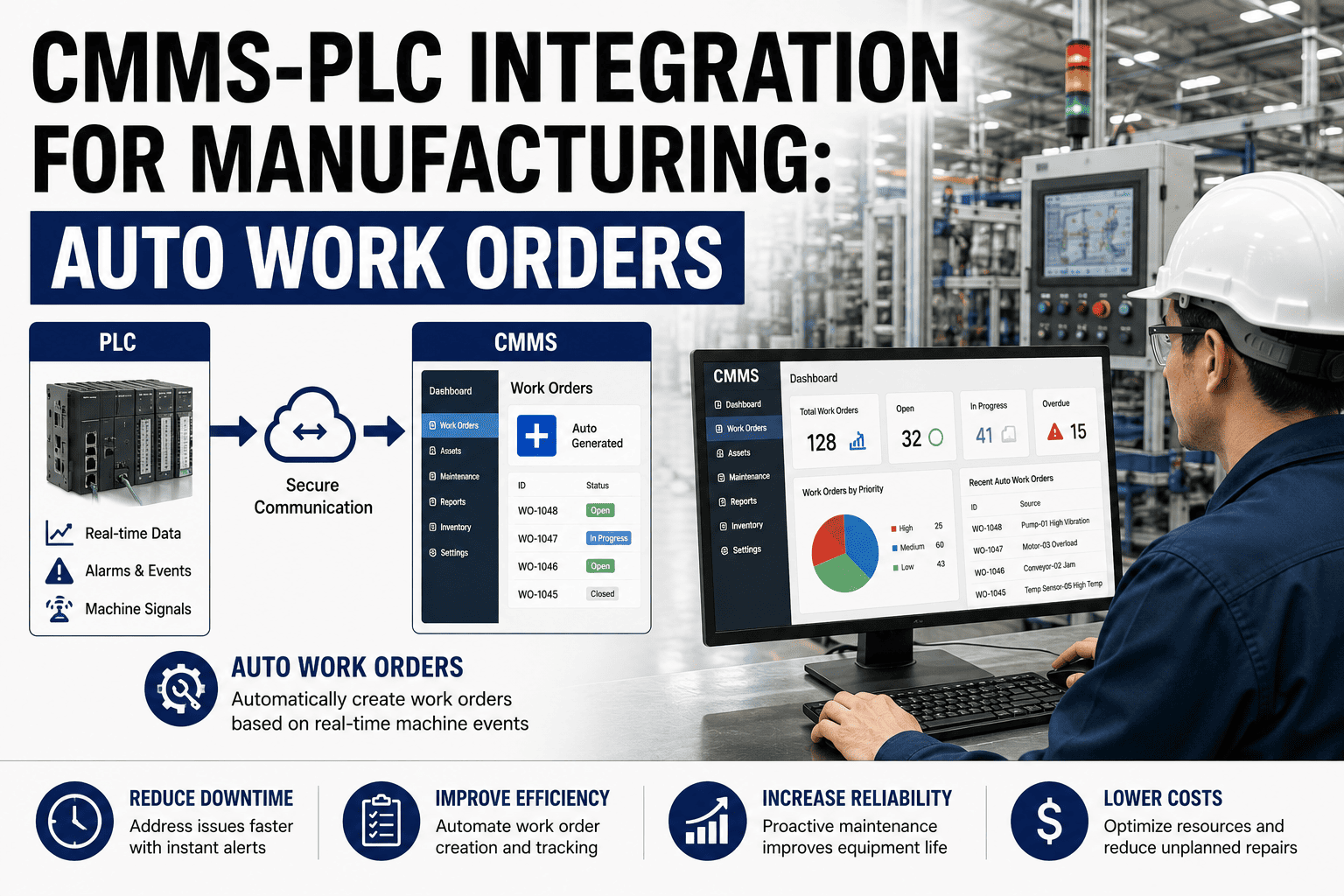
Every manufacturing plant running work orders on paper logs or disconnected spreadsheets is silently paying for it — in missed PMs, reactive breakdowns, and technicians chasing information instead of fixing machines. A purpose-built work order management system like Oxmaint closes that gap fast — giving your floor team real-time visibility, automated scheduling, and audit-ready records from day one. If your plant is still manually dispatching work orders, this guide will show you exactly what you are losing and how to fix it before the next breakdown costs you another production shift.
Work Order Management System for Manufacturing
Learn how digital work order systems eliminate reactive maintenance, reduce unplanned downtime by up to 35%, and give your technicians the tools they actually use on the shop floor.
What Broken Work Order Processes Actually Cost You
Most maintenance managers know something is off — but they underestimate how much scattered work orders cost daily. Research across manufacturing plants shows that poor work order processes don't just cause inconvenience; they directly drain production output, inflate overtime, and accelerate equipment wear.
What a Work Order Management System Actually Does in a Plant
A work order management system (WOMS) is the operational backbone of your maintenance team. It replaces fragmented phone calls, paper slips, and spreadsheet trackers with a single system that manages every maintenance task — from the moment a request is raised to final sign-off and documentation.
Operators submit maintenance requests via mobile app, QR code scan, or automated IoT sensor alert — no radio calls, no sticky notes.
The system assigns the work order to the right technician based on skill set, shift, and current workload — instantly.
Technicians access checklists, asset history, and parts information directly from their phone — offline if needed.
Work orders are closed with photos, notes, parts used, and timestamps — creating a complete audit trail automatically.
Every closed work order feeds your MTTR, MTBF, and failure trend data — making the next PM smarter than the last.
6 Capabilities That Separate a Manufacturing-Grade System from a Generic Tool
Not every work order system is built for the shop floor. These six capabilities define what manufacturing plants actually need — and what most generic maintenance tools fail to deliver.
Mobile Work Order Execution
Your technicians are not at a desk. A real manufacturing WOMS lets them create, update, and close work orders from a phone — with photo capture, QR scanning, and offline sync when connectivity drops on the floor.
Preventive Maintenance Automation
PMs triggered by runtime hours, meter readings, and production cycles — not just calendar dates. Automated work order generation ensures nothing falls through the cracks between shifts or across production lines.
Asset Hierarchy & History
Parent-child equipment structures, full failure history per asset, and failure code libraries give your team the context to diagnose faster and run root cause analysis that actually prevents recurrence.
Spare Parts & Inventory Control
Parts linked directly to work orders, min/max reorder alerts, and MRO cost tracking. A planned PM blocked by a missing part is as costly as no maintenance at all — this closes that gap.
Downtime Analytics & KPI Dashboards
Real-time dashboards showing MTTR, MTBF, OEE impact, and downtime by line, shift, and failure type. Data that operations managers and finance teams can actually act on — not just reports that collect dust.
ERP & IoT Integration
API connectivity with SAP, Oracle, and major ERPs. IoT and SCADA sensor data that auto-triggers work orders before a failure occurs — maintenance that responds to machine signals, not operator guesswork.
Your Team Could Be Running Digital Work Orders by Friday
Oxmaint goes live in 3–5 days. No IT project. No data migration consultant. No 6-month rollout. Start with work orders, add PM automation, build your asset registry as you grow. Most plants see a measurable drop in emergency calls within the first 30 days.
What Manufacturing Plants Gain in the First 12 Months
These figures come from real manufacturing deployments — not marketing projections. Plants that fully adopt a digital work order system typically see measurable returns within the first 3–9 months of go-live.
Top Work Order Management Systems for Manufacturing — 2026
This comparison focuses on real-world manufacturing performance across five dimensions that matter on the shop floor — not vendor-supplied feature checklists from a sales demo.
| Platform | Mobile Execution | PM Automation | Asset Hierarchy | ERP / IoT | Time to Value | Best Fit |
|---|---|---|---|---|---|---|
| Oxmaint Top Pick | Excellent | Excellent | Excellent | Strong | 3–5 days | Industrial & multi-site manufacturing |
| MaintainX | Excellent | Good | Good | Moderate | 1–2 weeks | Teams prioritizing fast adoption |
| Limble CMMS | Strong | Excellent | Strong | Moderate | 2–3 weeks | Mid-market with deep PM reporting |
| Fiix (Rockwell) | Good | Strong | Strong | Excellent | 4–8 weeks | ERP-connected enterprise operations |
| IBM Maximo | Moderate | Excellent | Excellent | Excellent | 6–12 months | Large enterprise, complex asset networks |
Scroll right to see full table on mobile
Which Manufacturing Operations Benefit Most
While every plant benefits from digital work order management, certain manufacturing sectors see outsized returns due to their asset complexity, regulatory requirements, and the financial consequences of even brief unplanned stoppages.
Discrete & Assembly Manufacturing
CNC machines, robotics, and assembly lines generate high work order volumes. AI-prioritized scheduling based on OEE impact keeps throughput consistently above 85% while maintaining planned maintenance windows.
Process & Continuous Manufacturing
Continuous operations leave no natural window for maintenance. Work order systems coordinate with process control to identify safe maintenance windows without interrupting production flow.
Food & Beverage Production
Sanitation work orders, HACCP compliance, and FDA audit readiness demand airtight documentation. Auto-generated sanitation schedules linked to every work order make inspections painless.
Pharmaceutical & Regulated Manufacturing
GMP-validated workflows with electronic signatures, deviation tracking, and 21 CFR Part 11 compliance ensure every maintenance action on cleanroom equipment is documented and defensible during audits.
How to Choose the Right System — A Quick Selector
The right work order management system depends on your plant size, asset complexity, and how fast you need to be operational. Use this guide to build a shortlist before you talk to a single vendor.
Under 10 technicians. Moving off paper and spreadsheets. Need fast setup with minimal IT overhead and a free starting point.
10–50 technicians. Multiple production lines. Need PM automation, parts tracking, shift handoff, and downtime reporting dashboards.
50+ technicians across multiple plants. Need centralized visibility, ERP integration, compliance governance, and cross-site reporting.
FDA, ISO, or OSHA requirements. Need timestamped documentation, electronic sign-off workflows, and inspection records that survive audits.
Frequently Asked Questions
What is a work order management system in manufacturing?
A work order management system (WOMS) is software that centralizes the entire maintenance workflow — from request submission and technician assignment to task execution and final documentation — in one platform. In manufacturing, it replaces paper logs, spreadsheets, and radio dispatching with a mobile-first system that works on the shop floor. Oxmaint is purpose-built for this environment and is live within 3–5 days. Unlike general-purpose tools, a manufacturing-grade WOMS handles asset hierarchies, multi-shift scheduling, and ERP connectivity that generic platforms cannot.
How much ROI can manufacturing plants expect from a digital work order system?
Industry data from real manufacturing deployments shows 200–400% ROI within 12–24 months, driven by 25–40% lower maintenance costs, 20–35% less unplanned downtime, and 30–50% improvement in technician productivity. The fastest payback typically happens in heavy industrial environments where a single avoided breakdown — at $10,000–$50,000 per hour — often covers an entire year's software cost. Book a demo to get a custom ROI estimate for your plant size and asset count.
How long does implementation take for a manufacturing plant?
Implementation ranges from 3 days to 12 months depending on platform choice and facility complexity. Modern mobile-first platforms like Oxmaint get your team creating and closing work orders within a week — no IT project required. Enterprise platforms like IBM Maximo typically need 6–12 months and dedicated implementation consultants. Most mid-market manufacturers should target 2–4 weeks for a fully operational deployment with PM schedules, asset records, and technician accounts configured and running.
Can a work order system integrate with our existing ERP like SAP or Oracle?
Yes — most modern WOMS platforms support API-based ERP integration, though the depth and cost varies significantly by vendor. Cloud-native platforms including Oxmaint provide API access and webhook-based integration with major ERPs without requiring a full native connector project. Before signing any contract, always ask what ERP integration actually costs as a one-time fee — this is commonly $10,000–$30,000 above the subscription price and is rarely included in advertised pricing. The right platform makes this transparent upfront.
Is a work order management system worth it for small manufacturing plants?
Small plants often see proportionally larger ROI because they are typically starting from paper logs and spreadsheets — where the baseline of missed PMs and reactive maintenance is highest. Free-tier platforms like Oxmaint give small teams work order management, basic PM scheduling, and asset tracking with no upfront commitment. The real question is not whether you can afford the software — it is what the next unplanned breakdown on your busiest machine will cost you in lost production, overtime labor, and emergency parts procurement.
What is the difference between a WOMS, CMMS, and EAM?
A CMMS (Computerized Maintenance Management System) and a WOMS are largely the same thing — software that manages work orders, preventive maintenance, assets, and parts inventory. An EAM (Enterprise Asset Management) goes broader, covering the full financial lifecycle of assets from procurement to disposal. For most manufacturing maintenance teams, a CMMS like Oxmaint is the right starting point — it solves the execution problem your team faces daily without the complexity and cost of a full EAM implementation that requires months to deploy.
Stop Fighting Fires. Start Running a Proactive Maintenance Operation.
Oxmaint gives your manufacturing team digital work orders, automated preventive maintenance, asset tracking, spare parts inventory, and real-time downtime analytics — in a platform your technicians will actually use on the shop floor. No IT project. No data migration headache. Live in 3–5 days.