Your machines are running — but are they producing? Micro stops, interruptions lasting under 5 minutes that clear themselves before anyone logs them, are silently consuming 15–25% of your factory's performance capacity every single shift. A line that looks 95% efficient on paper can be bleeding the equivalent of a full production shift every week through events no operator ever writes down. OxMaint connects directly to your PLCs and sensors to capture every micro stop automatically, build Pareto analysis in real time, and convert the top causes into maintenance work orders before the next shift starts. Book a 15-minute demo to see live micro stop detection running on your first connected asset.
Micro Stops in Manufacturing: The Hidden Losses Killing Your OEE
A 4-second jam. A sensor hiccup. A conveyor pause. Each one clears in seconds — but 80 of them per shift adds up to 67 minutes of invisible lost production. Here is how to find them, measure them, and eliminate them for good.
The 4-Second Stop That Nobody Logs — But Everyone Loses
A micro stop is any interruption to production lasting under five minutes — usually seconds — that resolves without a formal maintenance call. The operator clears a jam, resets a sensor, or nudges a misaligned part. The machine restarts. No log. No ticket. No data. That single event is invisible. But when it happens 80 times per shift, it is 67 minutes of production you will never get back.
Why Manual Tracking Misses 30–50% of Micro Stops Every Shift
Manual downtime logs are built for big stops. When a line goes down for an hour, someone fills out a form. But a 6-second conveyor pause? The operator fixes it, moves on, and never thinks about it again — let alone logs it. By end of shift, those 80 micro events are gone. The data never existed. Your OEE dashboard shows a healthy number built on a foundation that excludes most of what actually happened.
Operators fill downtime logs during breaks or end of shift. The 30 micro stops that happened in the last 3 hours are already forgotten — only major stops survive in memory.
A 10-second stop feels insignificant in the moment. No one wants to log 80 events per shift — it would take more time than the stops themselves. So nothing gets logged.
When a machine stops 50 times a day, the team normalizes it. "That's just how this line runs." Without data, there is no evidence to challenge that assumption — ever.
OEE's Performance component captures micro stops — but only if you have cycle-level data. Most plants feed manual counts into OEE software, hiding all performance losses in one opaque number.
Four Root Causes Behind 80% of All Micro Stops
Once you start capturing micro stop data automatically, Pareto analysis consistently reveals the same four categories driving the majority of events. The good news: most are solvable with engineering changes, not capital investment.
| Root Cause | Typical Share of Micro Stops | Common Examples | Typical Fix |
|---|---|---|---|
| Sensor & Detection Issues | 28–35% | Proximity sensor drift, photoelectric misalignment, false triggers from vibration | Recalibration, repositioning, shielding — often fixed in under 2 hours |
| Material Flow Problems | 22–30% | Part jamming at transfer points, accumulation on conveyors, upstream starvation | Guide rail adjustment, chute redesign, line balancing — low-cost engineering fix |
| Tooling & Wear | 18–24% | Worn gripper fingers, dull cutting edges, worn belts causing inconsistent feed | Condition-based replacement tied to cycle counts, not calendar PMs |
| Process Parameter Drift | 12–18% | Temperature, pressure, or speed settings drifting outside window over a shift | Real-time parameter monitoring with automated alerts before drift causes stops |
OxMaint Logs Every Micro Stop the Moment It Happens — No Operator Input Required.
Connect PLCs, sensors, and SCADA directly to OxMaint. Every machine state change is logged with timestamp, duration, and asset context. Pareto of stop causes builds automatically. Top causes become work orders. No manual handoff between the shop floor and maintenance.
How Micro Stops Drain Each OEE Component
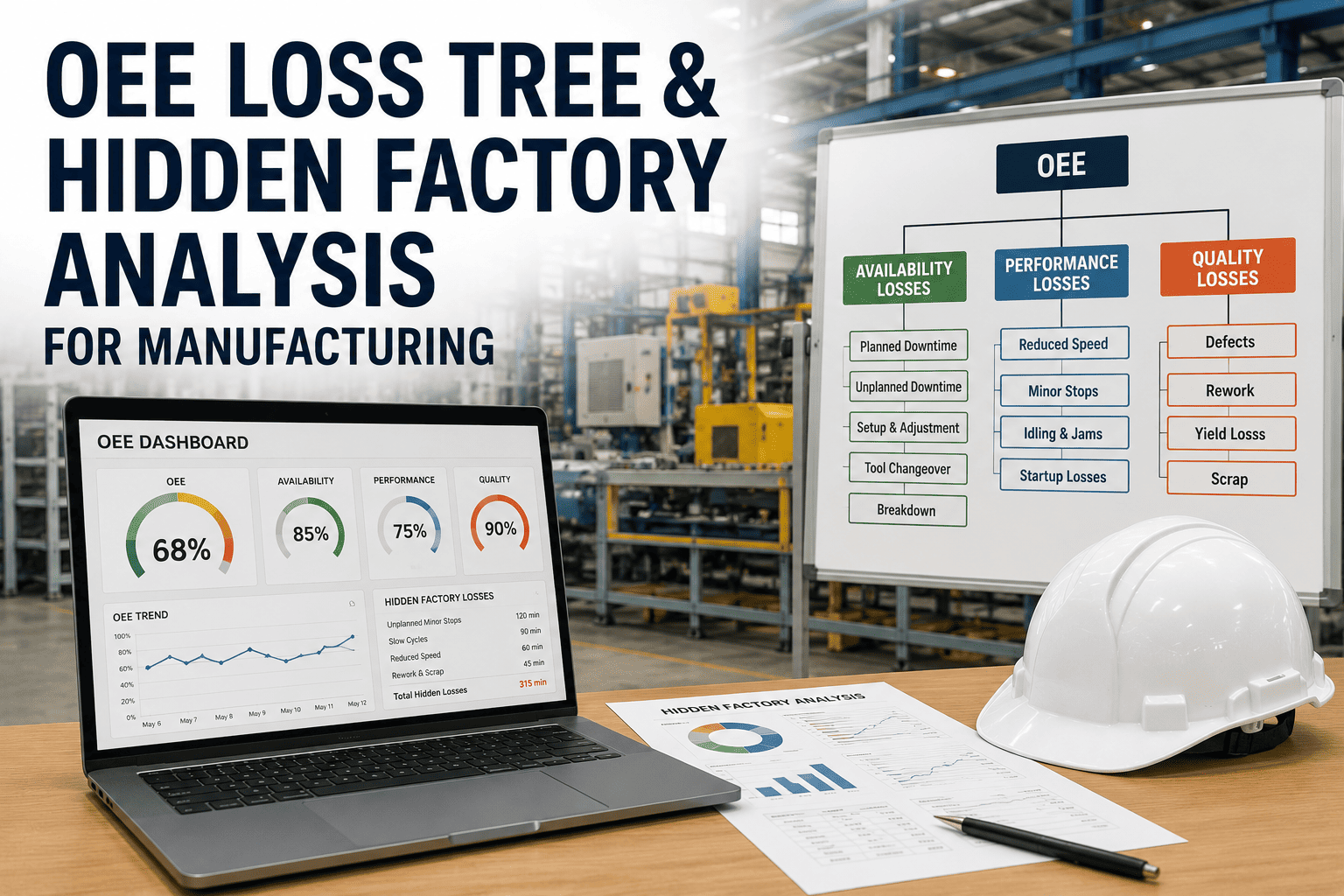
Micro stops sit at the intersection of Availability and Performance in the OEE formula — and most plants attribute them incorrectly. Understanding exactly which OEE component each type of micro stop affects determines where your improvement effort should go first.
Time the machine was available to run vs. planned production time
Actual production rate vs. ideal cycle time over available time
Good parts produced vs. total parts produced in available time
What World-Class Plants Look Like vs. The Average
OEE benchmarks vary by industry and process complexity — but the gap between average and world-class is almost always explained by micro stop and speed loss capture. Plants that cannot see these losses cannot close this gap, no matter how much they invest in breakdown reduction.
Sources: Industry OEE benchmarking reports 2024–2025, covering 3,500+ manufacturing operations. World-class threshold of 85% per VDMA benchmark.
Three Steps From Invisible Losses to Eliminated Root Causes
Eliminating micro stops is not about working harder — it is about seeing what you could not see before. Every plant that has reduced micro stops by 50% or more followed the same three-step sequence. Speed is determined by how fast you move from Step 1 to Step 3.
Connect PLCs, sensors, and production counters to your CMMS so every machine state change is logged with timestamp and duration — down to 1-second resolution. Manual logs miss 30–50% of stops. Automated capture misses zero. You cannot Pareto what you have not collected. OxMaint connects to any PLC or sensor via OPC-UA, MQTT, or Modbus TCP — no middleware, no custom code.
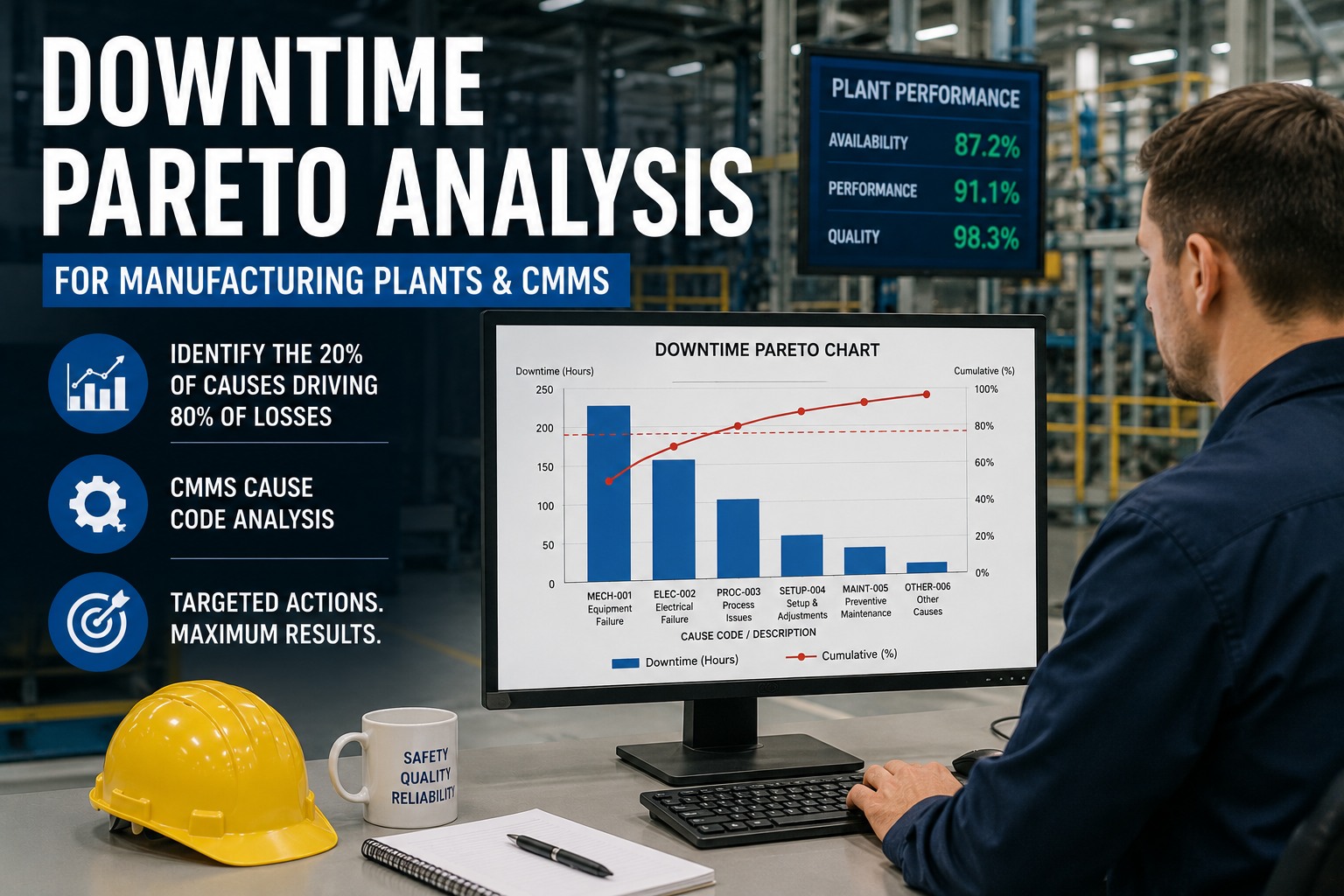
Sort micro stop events by total time impact over a rolling 4-week window. In most plants, two or three stop reason categories account for 70–80% of all lost time. Focus only on the top two. Fixing the 20th biggest cause while ignoring the 1st is the most common OEE improvement mistake. OxMaint builds this Pareto automatically from connected machine data.
Each identified root cause becomes a targeted engineering or maintenance action — sensor recalibration, chute redesign, tooling replacement on cycle-count trigger. A micro stop pattern detected today becomes a maintenance work order assigned to the right technician before the next shift. Book a demo to see how OxMaint closes the loop between stop detection and work order execution.
What Changes When You Start Measuring Micro Stops
Plants that move from manual OEE tracking to automated micro stop capture do not just get better data — they change the entire dynamic between operations, maintenance, and management. Here is what the shift looks like in practice.
How OxMaint Turns Micro Stop Data Into Maintenance Outcomes
Connects to PLCs via OPC-UA, MQTT, Modbus TCP, and REST API. Every machine state change — running, idle, stopped, fault — is logged with a 1-second timestamp. Micro stops that clear in 4 seconds are captured. Manual tracking misses 100% of these events. Sign in to configure your first machine connection in OxMaint.
Stop events are categorized by reason, duration, and frequency across configurable time windows. OxMaint builds the Pareto automatically — no spreadsheet exports, no manual analysis. The top three loss categories are visible within 24 hours of connection. Book a demo to see live Pareto analysis on machine data.
When a micro stop pattern crosses a configured threshold — same stop reason, same asset, more than 10 times per shift — OxMaint creates a work order automatically, assigns it to the responsible technician, and attaches the 24-hour stop trend. No manual handoff. No pattern lost between operations and maintenance. Sign in to activate automated work order creation.
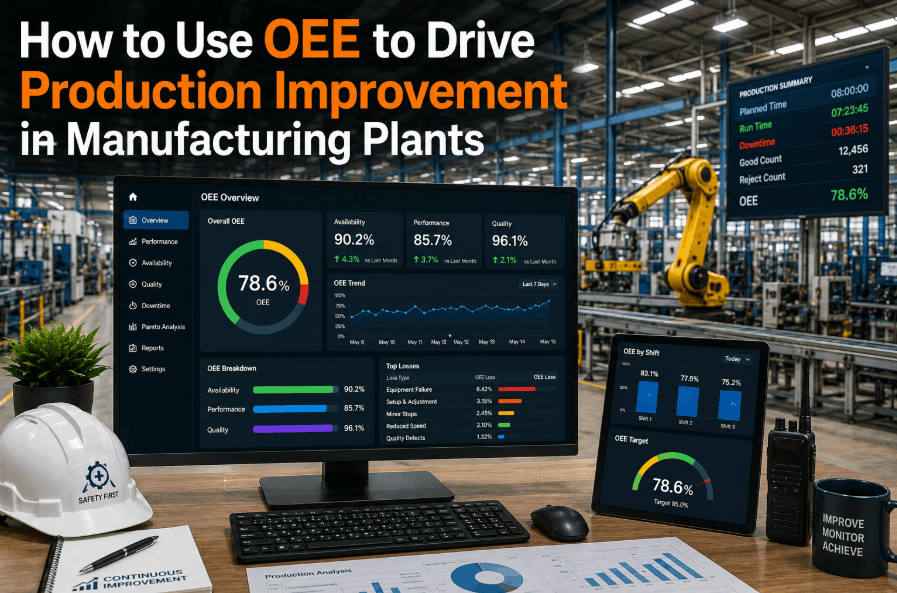
OEE is calculated live from connected machine data — not entered manually. Drill from overall OEE into Availability, Performance, and Quality components, then into individual stop events with root cause tags. Plant managers see real numbers. Shift supervisors see actionable events. Book a demo to see the OEE dashboard on live data.
Frequently Asked Questions About Micro Stops and OEE Improvement
What is the difference between a micro stop and a breakdown in OEE terms?
A breakdown is any unplanned stop that requires maintenance intervention and is long enough to be formally logged — typically 5 minutes or more. A micro stop is any interruption shorter than that threshold which clears itself and is never logged. Breakdowns reduce OEE Availability. Micro stops reduce OEE Performance when they go unlogged — they make the machine appear to be running while actually producing fewer cycles per hour than its ideal rate. Most plants track breakdowns reasonably well; micro stops require automated capture via a connected CMMS like OxMaint to be visible at all.
How much OEE improvement is realistically achievable by targeting micro stops alone?
Industry data from plants that have deployed real-time micro stop capture consistently shows 8–15 OEE point improvement within the first 6 months — without any capital equipment investment. The mechanism is straightforward: automated capture reveals the top 2–3 root causes driving 70–80% of stop events, targeted engineering fixes eliminate those causes, and the improvement compounds as each root cause is addressed. Book a demo to see what OxMaint's OEE analysis reveals on your first connected line — most plants identify significant recoverable capacity in the first 30 days of data collection.
Can OxMaint connect to older machines that do not have digital outputs?
Yes. For machines without digital outputs or PLC connectivity, non-intrusive IoT sensors attached to the machine body detect motor vibration, power draw, or proximity events to determine running state — installation takes under 30 minutes with no modification to existing equipment. For machines with PLCs (even legacy 1990s systems), OxMaint connects via OPC-UA, Modbus TCP, or standard 4-20mA signals. Start free on OxMaint and configure your first machine using the protocol that matches your existing equipment — the setup wizard walks through every supported connection type.
How long does it take before micro stop data becomes useful for root cause analysis?
Pareto-level insights start forming within the first 24–48 hours of automated capture — you will immediately see which assets and stop reasons are generating the most events. For reliable statistical patterns that support engineering decisions and targeted work orders, 4 weeks of continuous data is the standard threshold. OxMaint begins building the Pareto view from day one and flags recurring patterns automatically so your team does not have to wait 4 weeks to act on obvious top causes. Book a demo to see how the pattern detection dashboard looks with real production data.
Your Line Is Running. But How Much Is It Actually Producing?
Every micro stop your team cannot see is capacity you paid for and never got. Start capturing every machine state change automatically with OxMaint — connect your first machine today, see your real OEE within 48 hours, and get your first micro stop Pareto before the week is out.