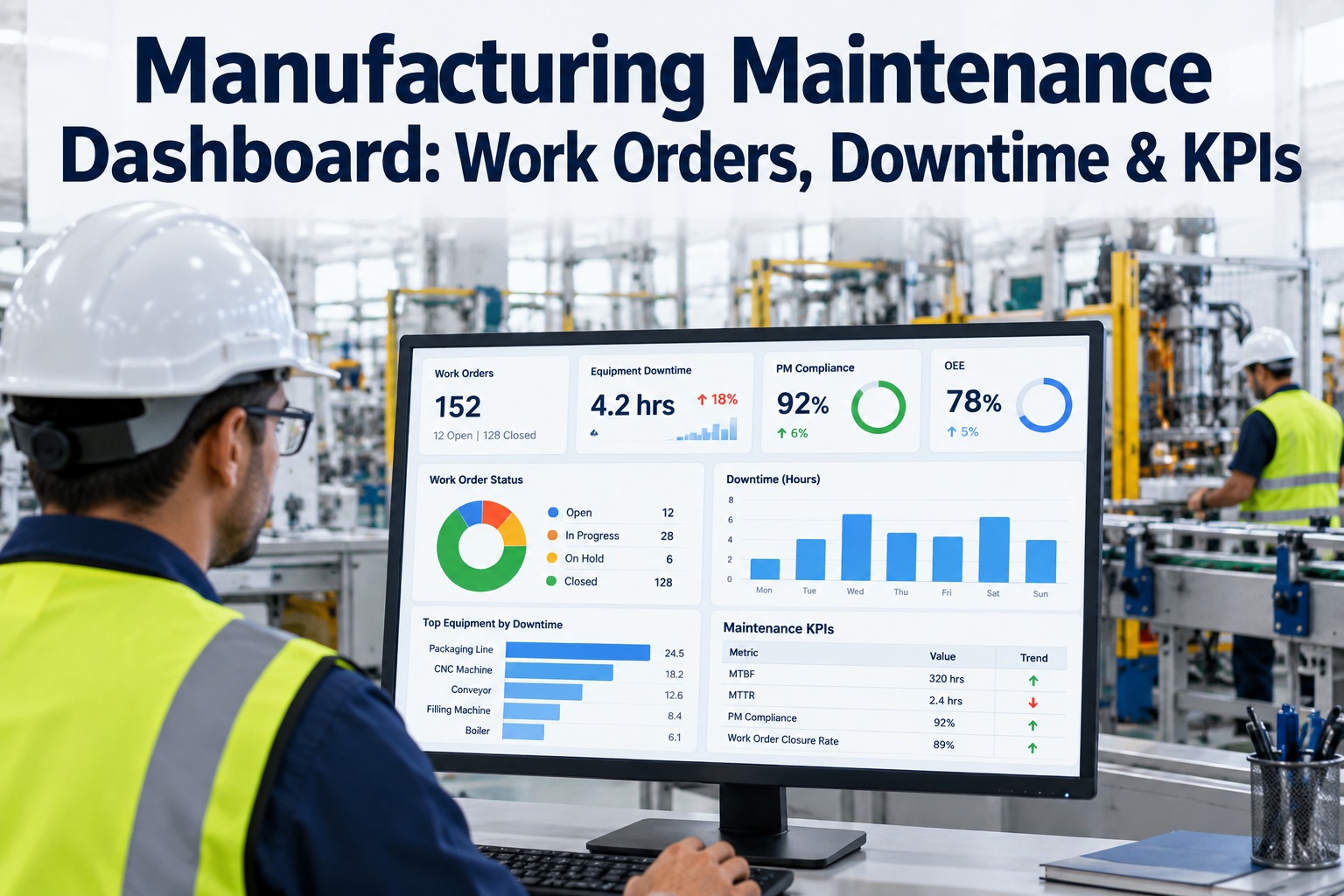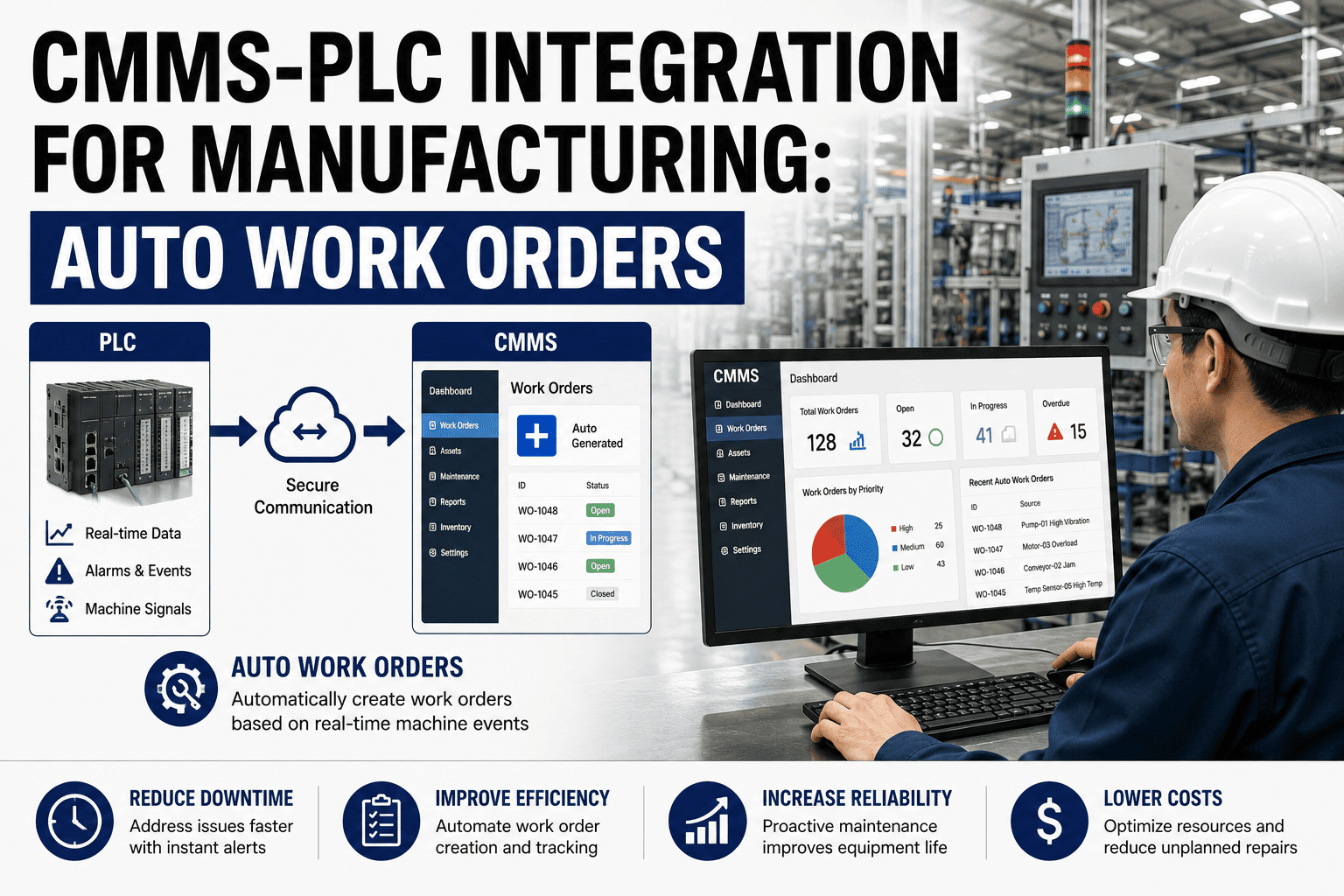
Every planner knows the moment: a technician opens the toolbox and the part is not here. The work order looked ready on paper, the shelf said otherwise, and the shift slips away. Parts Readiness in Oxmaint AI answers that before the day starts: which open jobs the stock on the shelf can actually cover, and what to order for the rest. It hands stock out in the order the work would be done, so two jobs never claim the same last belt. Sign up to try the micro app and see which jobs are ready today.
Parts Readiness: Which Jobs Can You Do Today?
Share the stock on the shelf across every open job, see which jobs are ready, which are short and by how much, and get the list of parts to order. Sign up and open a sample plant with jobs and parts already in it.
One Belt, Two Jobs: How the Shelf Gets Shared
Here is the idea in one picture. The example is illustrative, with made-up jobs and quantities, so you can see how Oxmaint reasons. Sign up to run it on your own jobs.
Notice that the Critical press job waits, because the belt went to the job already in progress. That is how the rules below work, and it is why the shortfall (one belt) is the exact list of what to order.
The Four Rules That Decide Who Gets the Part
Stop Finding Out at the Toolbox
See which jobs are ready and which parts to order before the shift begins. Sign up to the micro app and look at open jobs and parts on a sample plant.
Three States a Job Can Be In

The same flag appears on every Kanban Board card as Parts ready or the number of parts short, and the board can be filtered to jobs that are ready to start. Sign up and open the Kanban Board.
The Sample Plant Behind These Numbers
The portal opens on a sample plant. Its Kanban Board splits the work orders by stage, and the open ones are the jobs Parts Readiness ranks. Its Parts page shows the stock those jobs draw on. Add parts to a job with Add part under Parts needed, and it moves from No parts listed to Ready or Waiting on parts. Sign up to explore the sample plant.
Sample plant records from the Oxmaint portal, captured 26 Nov 2026. Your numbers will differ.
From Shortfall to Order List
Parts Readiness also adds up what every open job needs, part by part. The table below uses the same columns as the portal's Parts the open jobs need list, filled with the illustrative example above. Sign up to see your own.
| Part | Needed by | Needed | On hand | Short |
|---|---|---|---|---|
| Drive belt | Conveyor repair, Press feed repair | 2 | 1 | 1 |
| Filter | Air compressor filter change | 2 | 4 | None |
Illustrative example. The Demand Parts page, one click from Parts Readiness, is where parts to order are followed up.
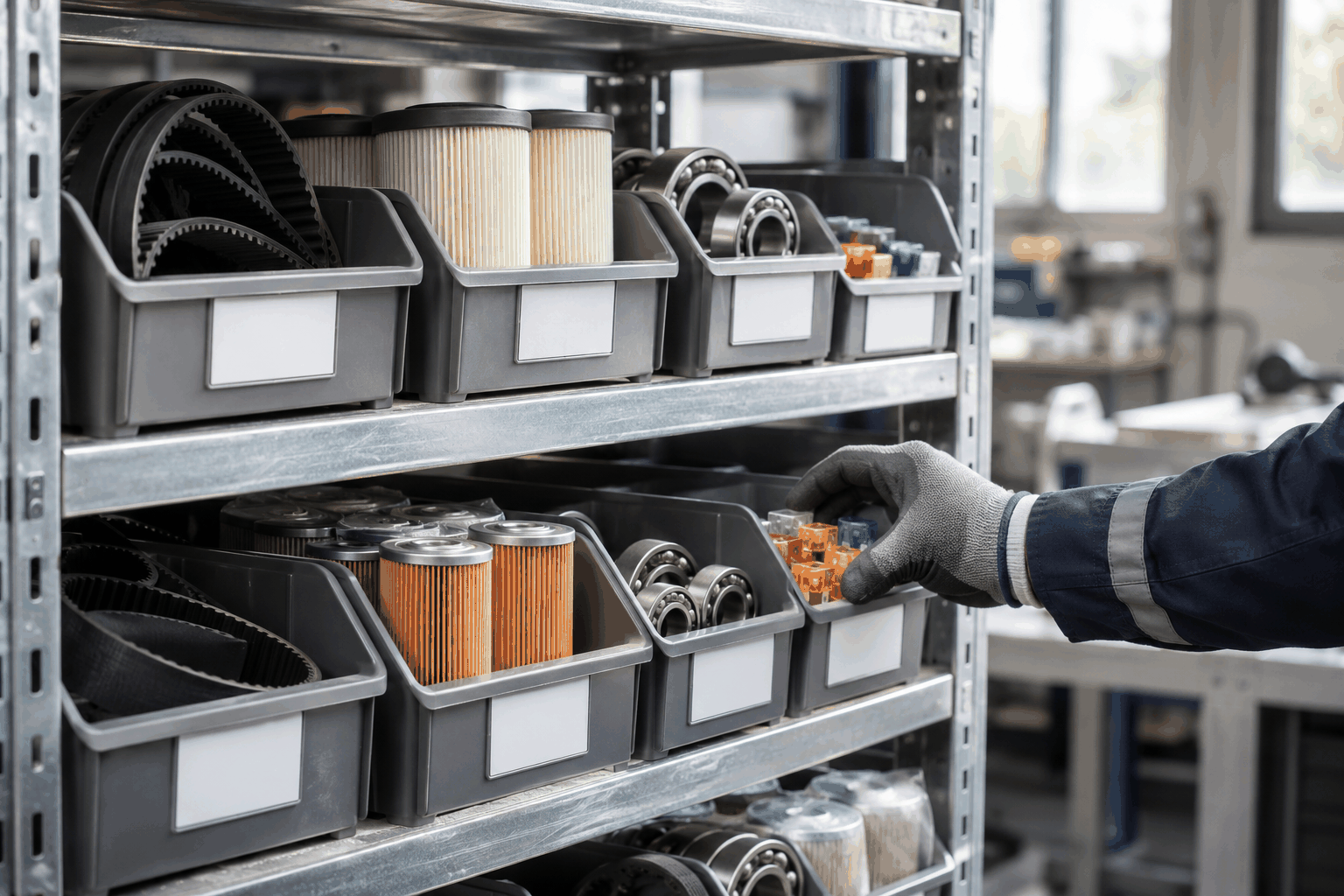
A readiness answer is only as good as the parts lists behind it. Treat Add part on the work order as part of planning the job, and start with your most repeated jobs, such as belt changes and filter swaps. Keep stock receipts and issues entered on time, because the answer moves with the live stock ledger. Editorial guidance, not a quote from a named person.
Frequently Asked Questions
Know Which Jobs You Can Finish Today
Parts Readiness, the Kanban Board and live stock in one portal. Sign up, explore the sample plant, and add your own parts when you are ready.