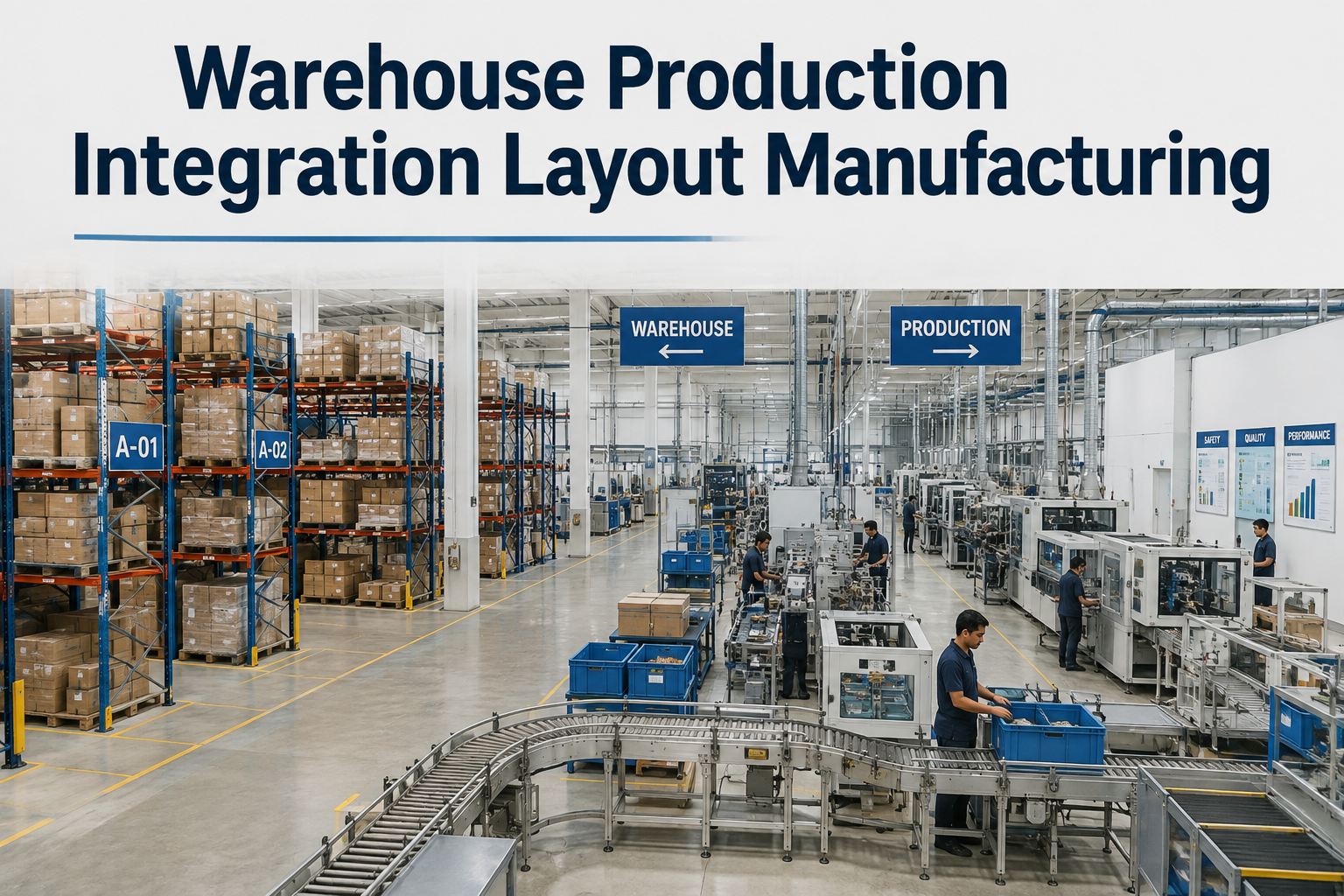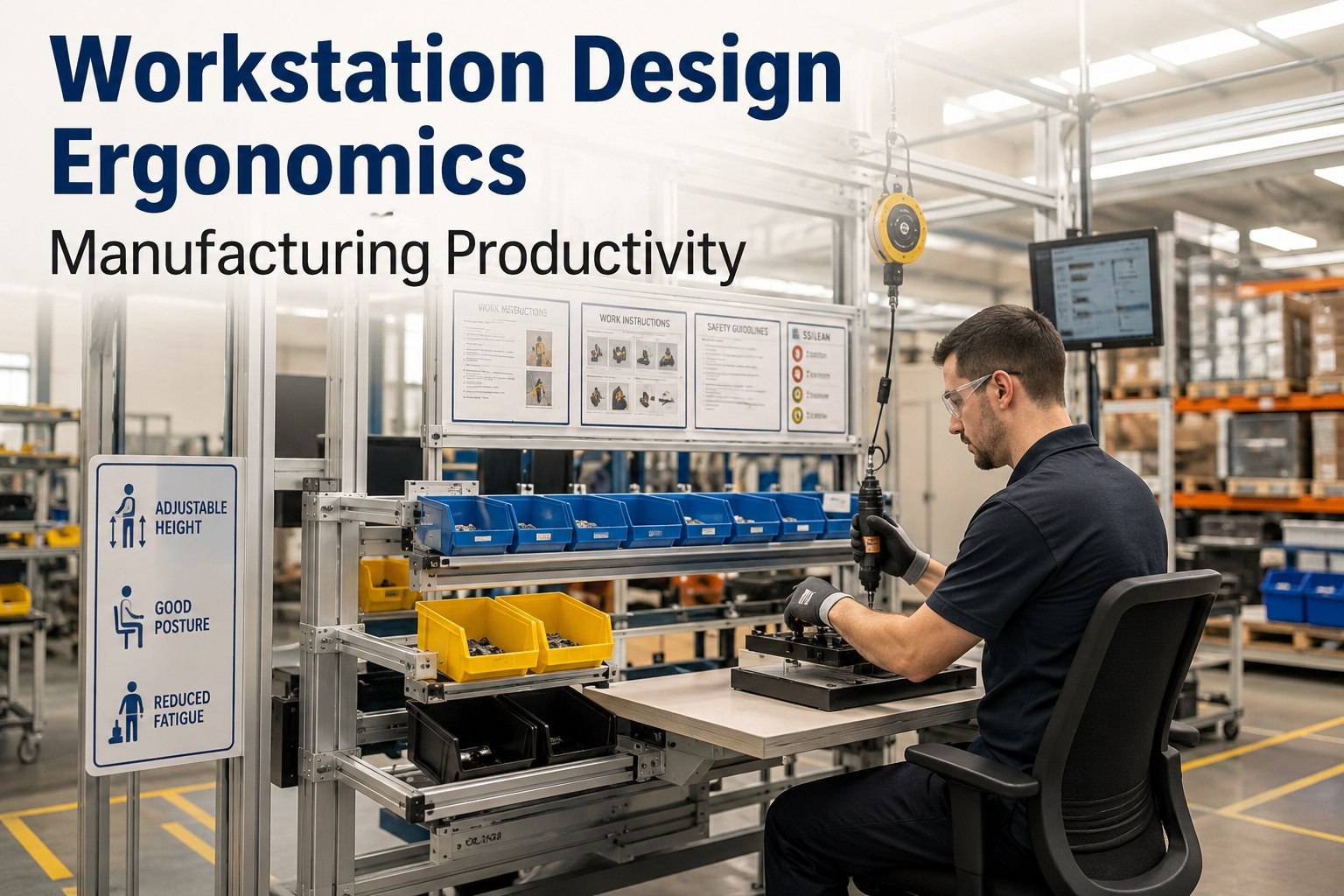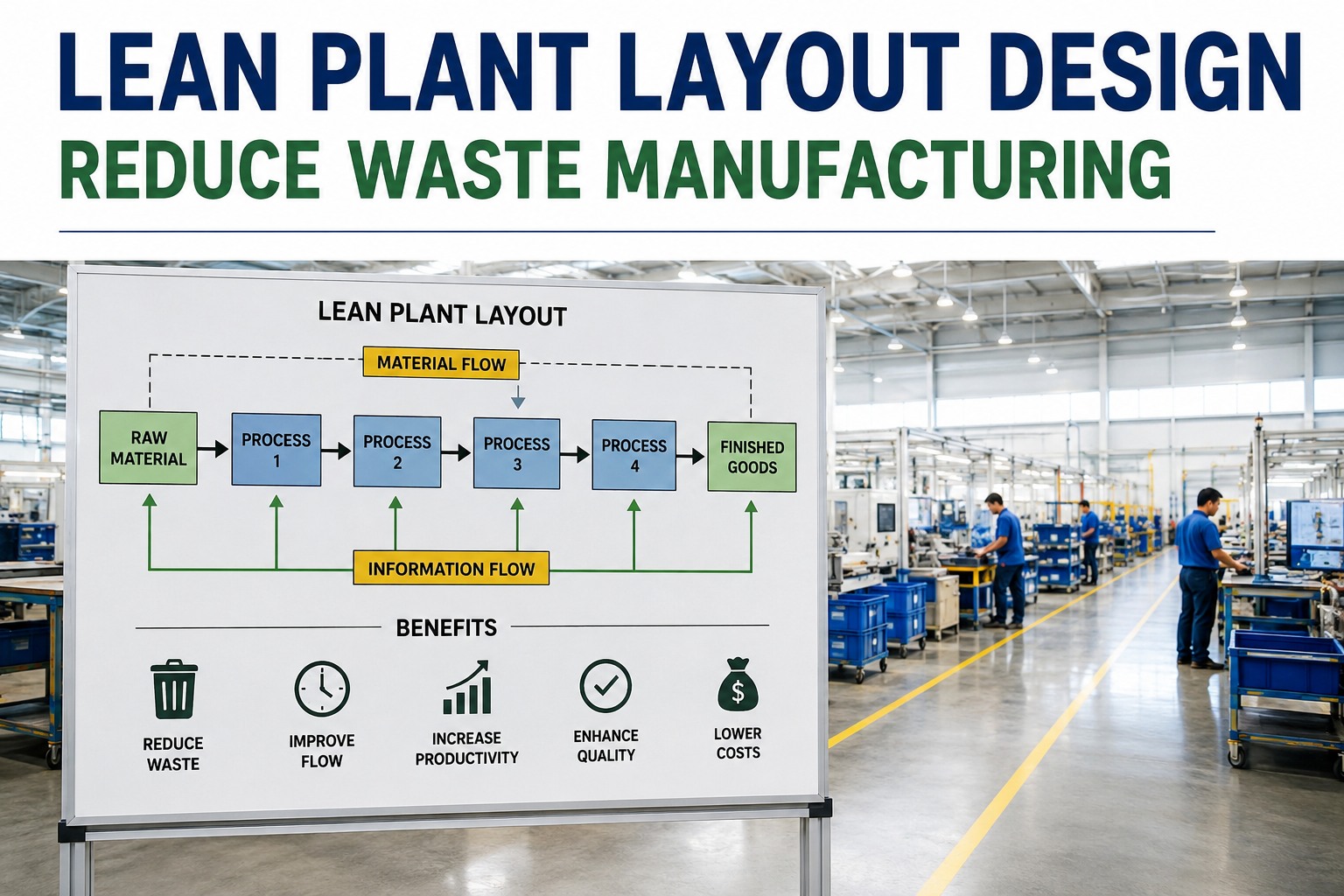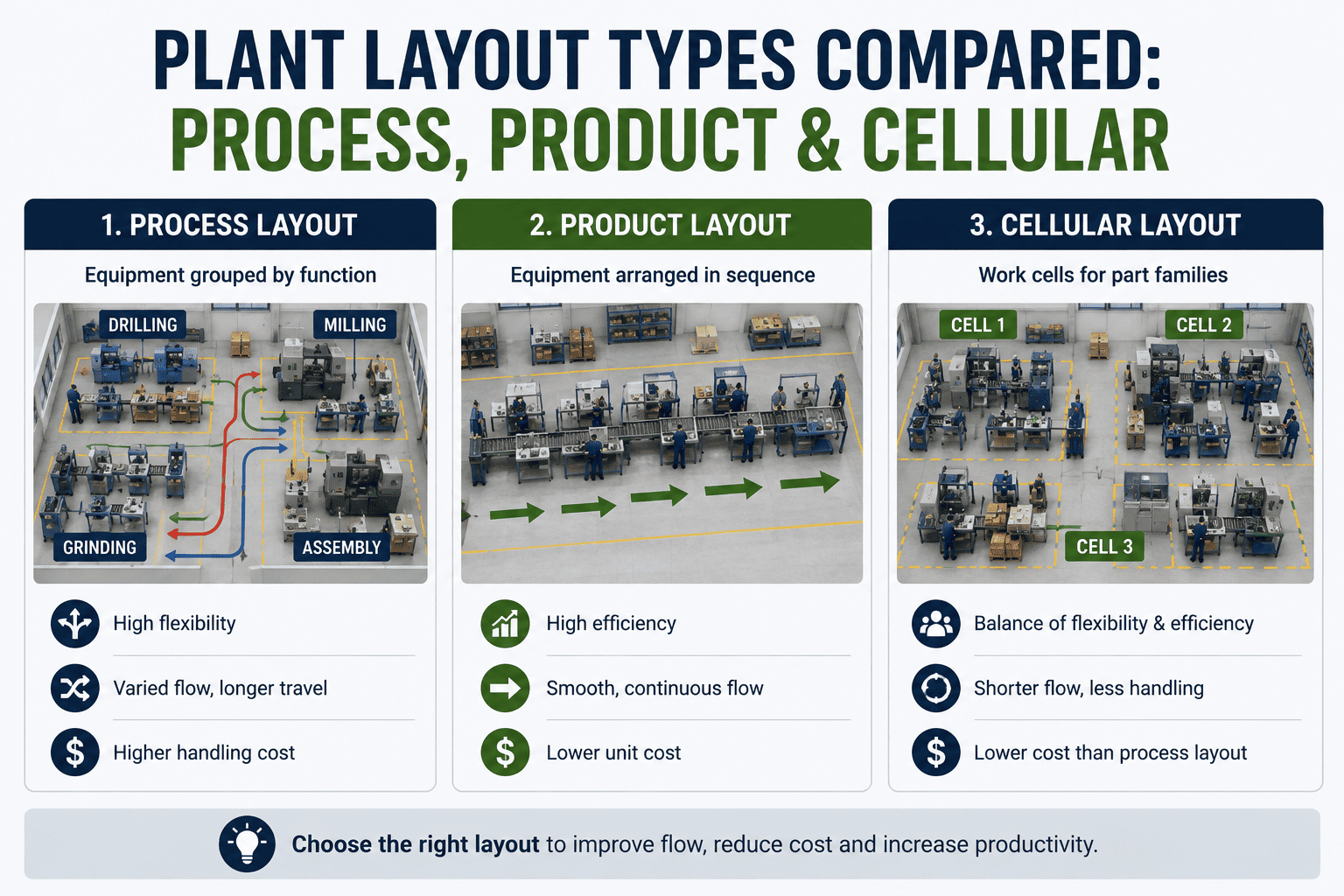
Choosing between process, product, and cellular layout is one of the highest-impact decisions a manufacturing plant makes — the right plant layout type determines material flow, work-in-process inventory, flexibility, and unit cost for decades. Process layouts group similar machines for flexibility, product layouts sequence equipment along a line for volume, and cellular layouts arrange machines into U-shaped cells for families of parts. This plant layout comparison walks industrial engineers through each manufacturing layout type — strengths, weaknesses, application fit, and the hybrid layouts most real plants actually run — plus the maintenance implications of each. Once your layout is set, keeping every machine in it reliable is where Start Free Trial with OxMaint pays for itself.
Which manufacturing plant layout fits your production mix?
A wrong layout locks in 20–30% excess material handling cost and months of hidden WIP. Compare the four factory layout types side by side — then pick with confidence.
Plant layout types at a glance: strengths, weaknesses, best fit
Over 70% of discrete manufacturers run a hybrid of two or more layout types — but each core type has a distinct cost and flexibility profile. Here is the definitive plant layout comparison.
Process Layout (Functional)
Similar machines grouped into departments — all lathes together, all mills together. Maximum flexibility for high-mix, low-volume work; the trade-off is long, complex travel paths and high WIP.
Product Layout (Line)
Equipment arranged in the exact sequence of operations. Lowest unit cost and cycle time at volume — but one stopped machine can idle the entire line, making reliability mission-critical.
Cellular Layout (Group Technology)
Machines arranged in U-shaped cells, each dedicated to a family of similar parts. Cuts setup time 30–50% and WIP 40%+ versus process layouts while keeping moderate flexibility.
Fixed-Position Layout
The product stays put; workers, tools and materials come to it. Used when the product is too large or fragile to move — scheduling and logistics become the dominant challenge.
Process vs product layout: which wins on cost, flow and flexibility?
A process layout can require 3–4x more material handling distance than a product layout making the same part. This table compares all four manufacturing layout types on the metrics that decide the choice.
| Decision Factor | Process Layout | Product Layout | Cellular Layout |
|---|---|---|---|
| Production volume fit | Low volume, high mix | High volume, low mix | Mid volume, part families |
| Material handling cost | High (long travel paths) | Lowest (linear flow) | Low (within-cell flow) |
| Work-in-process (WIP) | High — queues at each dept. | Low — balanced line | Very low — one-piece flow |
| Setup / changeover time | High per batch | Very high per changeover | Low — family tooling (SMED) |
| Flexibility to new products | Excellent | Poor — line redesign | Good within family |
| Impact of one machine down | Low — reroute to backup | Severe — whole line stops | Moderate — cell output drops |
| Maintenance strategy fit | Corrective + preventive OK | Predictive essential (TPM/OEE) | Preventive + cell-level PMs |
| Typical throughput time | Days–weeks | Minutes–hours | Hours |
How to choose the right plant layout type in 5 steps
Plants that follow a structured layout selection process cut material handling costs 15–25% versus those that copy a legacy floor plan. Use this sequence.
Quantify your product–volume profile (P-Q analysis)
Plot annual volume against product variety. High P/low Q points to process layout; low P/high Q points to product layout; clustered part families point to cellular manufacturing layout.
Map material flow with a from-to chart
Measure actual travel distances and frequencies between workstations. If 60%+ of flow follows one dominant sequence, a product or cellular layout will slash handling cost.
Score part families for group technology
Use production flow analysis or coding systems to group parts sharing machines and tooling. Strong families of 8–30 parts are the sweet spot for a cell.
Model downtime sensitivity
In a product layout, one critical asset down can idle 100% of the line. If your maintenance maturity is low, that risk alone may justify cellular or hybrid design — or a predictive maintenance program.
Pilot one cell or line segment before full rollout
Convert a single part family or product line, measure WIP, lead time and OEE for 60–90 days, then scale. Most plants land on a hybrid: product lines for runners, cells for repeaters, process bays for strangers.
What a layout mismatch actually costs: a worked example
Layout decisions compound daily. Here is what one mid-size plant found when it measured the gap.
A 180-asset precision parts plant spending $42K/yr on reactive maintenance ran a classic process layout — until a from-to chart showed two part families driving 70% of volume. Converting those families to cellular layout cut lead time 77% and freed 4,200 sq ft. But the cells exposed a new truth: with no backup machine inside a cell, every breakdown now stopped a family of parts. Moving the cell's 24 critical assets onto preventive and condition-based maintenance in a CMMS cut unplanned downtime 41% in the first year — the layout only delivered its ROI once reliability caught up.
Why every layout type lives or dies on maintenance — and how OxMaint closes the gap
The tighter your flow, the harder downtime hits. OxMaint's AI-powered CMMS keeps every asset in your chosen layout reliable, whatever layout type you run.
Line- and cell-level preventive maintenance
Schedule PMs by asset, line or cell so bottleneck machines in product and cellular layouts never miss service — plants cut unplanned downtime 30–50% in year one.
OEE and downtime analytics per layout zone
Track MTBF, MTTR and downtime cost by department, cell or line — see exactly which layout zone bleeds throughput and prove the ROI of layout changes with data.
Predictive alerts on critical-path assets
In a product layout one failure stops everything. OxMaint flags degrading assets before they fail, so a $400 bearing never becomes a $25K line-stoppage event.
Painless switch from spreadsheets and paper
Import your asset register and go live in days, not months. Digital work orders replace paper travelers on the shop floor — audit-ready history for ISO 55000 and TPM programs.
See OxMaint on your plant layout — book a 30-min demo
We will map your lines, cells and departments into OxMaint live and show the downtime cost you can recover in the first quarter.
Plant layout types: frequently asked questions
What are the four main types of plant layout?
The four main plant layout types are process layout (machines grouped by function), product layout (equipment sequenced along a line), cellular layout (U-shaped cells for part families), and fixed-position layout (product stays stationary). Most real factories run a hybrid of two or more.
What is the difference between process and product layout?
A process layout groups similar machines into departments for maximum flexibility at low volumes; a product layout arranges equipment in the product's operation sequence for minimum unit cost at high volumes. Process layouts carry 3–4x more material handling; product layouts stop entirely when one machine fails.
When should a plant use a cellular manufacturing layout?
Use a cellular layout when you have stable part families of roughly 8–30 similar parts at medium volumes. Cells typically cut setup time 30–50%, WIP 40%+, and lead time 50%+ versus a process layout — but each cell needs disciplined preventive maintenance since there is no backup machine inside it. A CMMS like OxMaint makes that discipline automatic.
Which plant layout type has the lowest material handling cost?
Product layout has the lowest material handling cost because material flows in a straight line with minimal backtracking — often 50–80% less travel distance than a process layout. Cellular layouts come second, keeping flow inside compact U-shaped cells.
How does plant layout affect maintenance strategy?
Layout dictates failure impact: in process layouts work can reroute around a down machine, but in product and cellular layouts one failure stops the flow — so they demand preventive and predictive maintenance, TPM and OEE tracking. Book a demo to see how OxMaint schedules PMs by line and cell to protect throughput.
Your layout sets the flow. OxMaint keeps it running.
Digitize work orders, PM schedules and asset history for every line, cell and department — and turn your layout decision into measurable uptime.