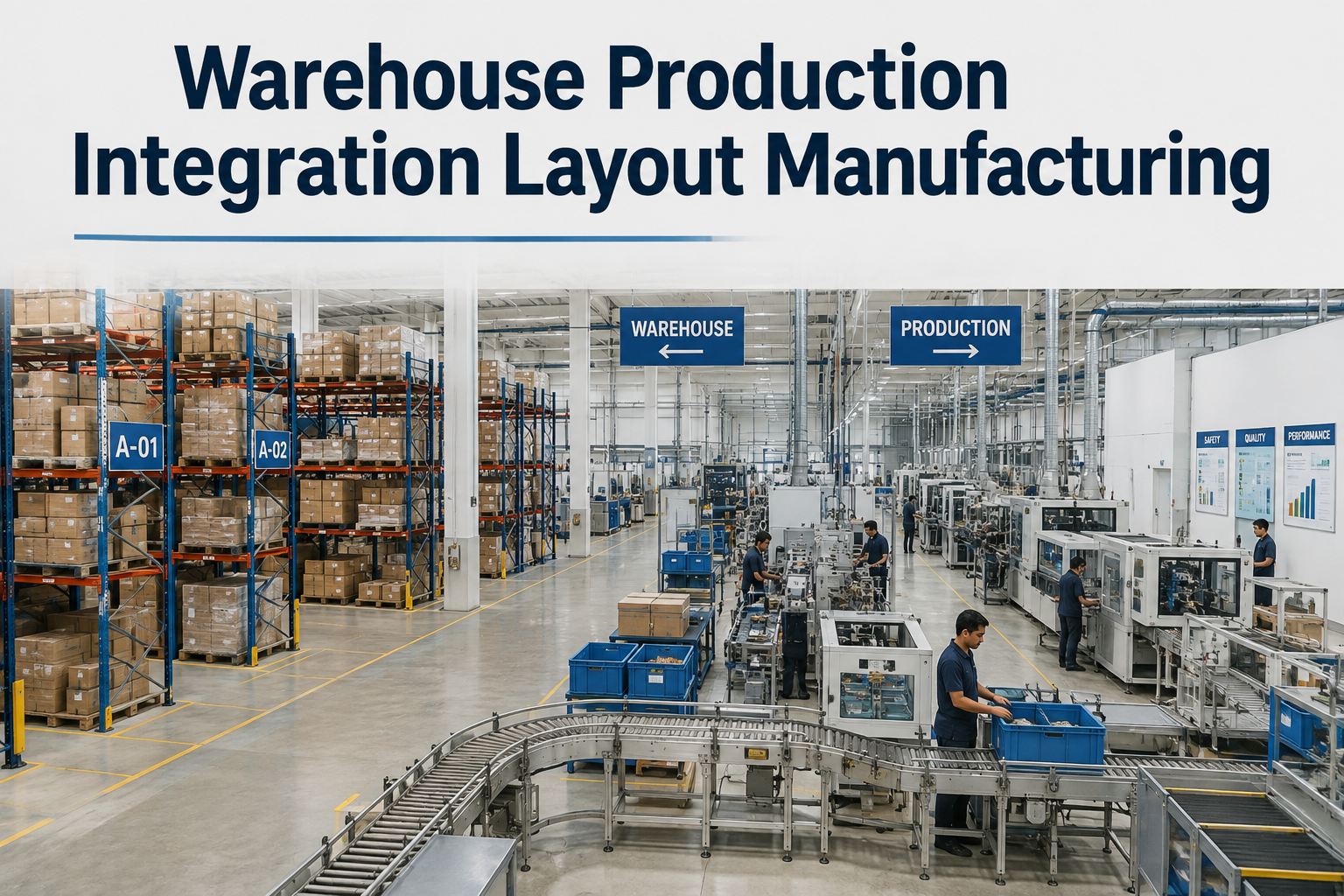
Warehouse production integration is the practice of connecting material storage, replenishment, and production flow so parts arrive at the point of use exactly when the line needs them — and it is one of the highest-ROI fixes a manufacturing plant can make. When the warehouse and the production floor operate as separate silos, plants bleed money through waiting, double-handling, and line-down stockouts that never show up on a single report. Industry studies consistently find that material-related delays account for 10–25% of lost production time, and that operators can spend 15–30 minutes per shift simply hunting for parts. This guide walks through the layout, replenishment, and system-integration patterns — point-of-use storage, kanban loops, kitting, and WMS-to-MES connectivity — that turn a disconnected factory warehouse into a smooth pull-driven flow. If you want to see how this looks on your own assets and spare parts, Start Free Trial and map your first storage-to-line flow today.
Is your warehouse feeding your production line — or quietly starving it?
Most manufacturing plants lose 1–2 hours of line time per week to material waits, over-handling, and point-of-use stockouts. Integrated warehouse production flow closes that gap with pull-based replenishment, point-of-use design, and connected systems.
What disconnected warehouse and production flow really costs
A plant running 3 lines with even 45 minutes of material-related waiting per line per day loses over 550 production hours a year — before you count the expediting, the safety stock, and the overtime to recover the schedule.
Worked example: a 120-asset packaging plant found its operators were walking to a central store an average of 9 times per shift. At 6 minutes per trip, that is nearly an hour of lost labor per operator per day — over $190K a year across a 40-person crew. Moving fast movers to point-of-use racks with kanban replenishment cut those trips to 2 per shift in 6 weeks.
How to design a warehouse production layout for smooth material flow
The best warehouse layout for manufacturing puts 80% of daily picks within a few steps of the line. Design for flow first, storage density second — not the other way around.
Point-of-use (POU) storage for high-frequency parts
Classify parts by pick frequency (ABC analysis). A-items — the 20% of SKUs driving 80% of picks — live at the line in flow racks or small bins. Every step removed from the operator's path is capacity returned to the line.
Kanban replenishment loops
Two-bin or card-based kanban creates a pull signal from production to the warehouse: when a bin empties, it triggers replenishment automatically. Size bins from daily usage and replenishment lead time, and audit loop health monthly.
Kitting stations for complex assemblies
For work orders needing 10+ components, pick once into a kit at a dedicated station and deliver the complete kit to the line. Kitting typically cuts line-side search time 40–60% and surfaces shortages before the job starts, not mid-build.
One-way flow with clear supermarket zones
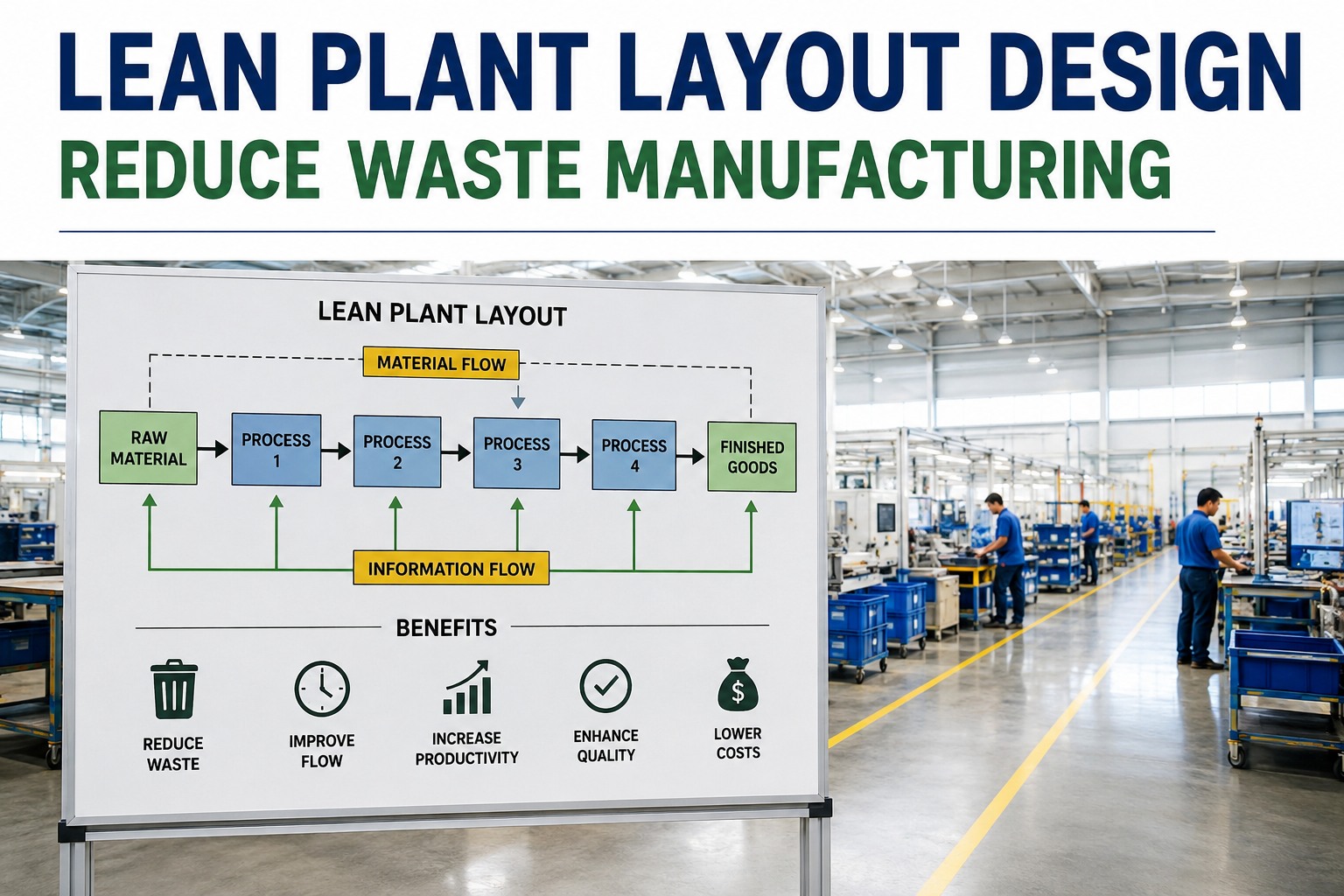
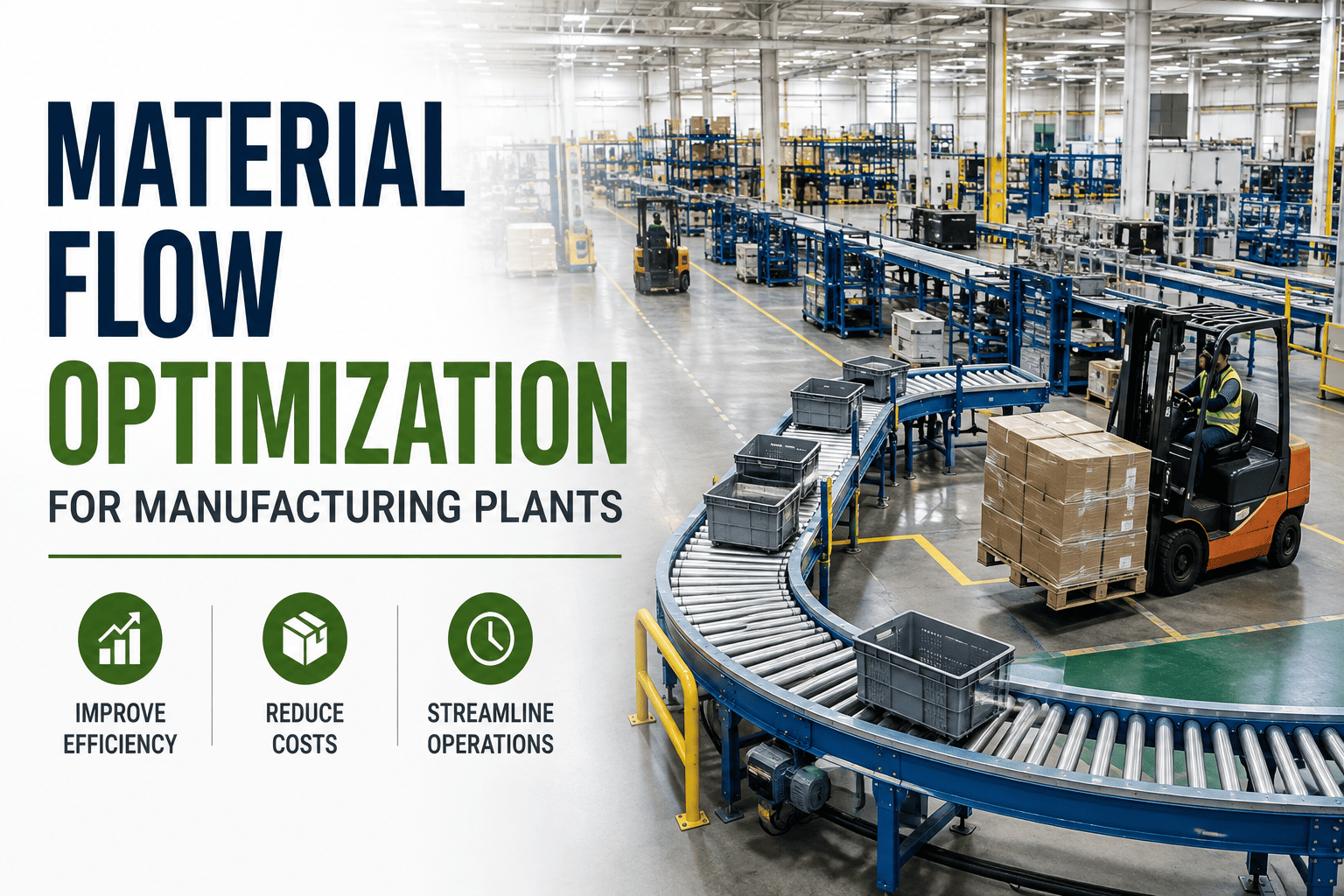
Route material in one direction — receiving to supermarket to line to shipping — with marked lanes and no backtracking. A "supermarket" buffer between warehouse and production decouples the two while keeping inventory visible and capped.
Connecting WMS, MES, and CMMS for integrated warehouse production
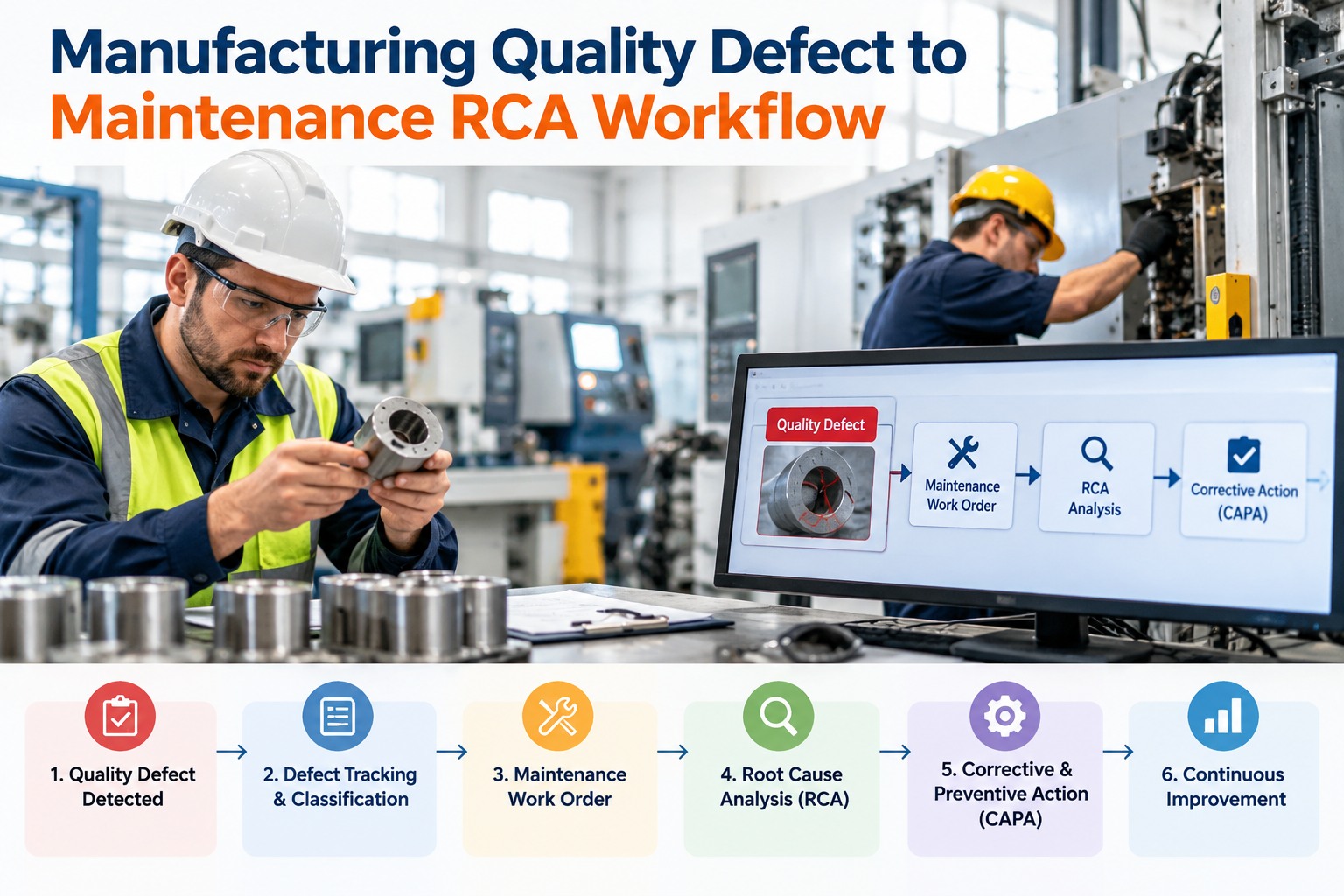
Layout fixes the physical flow; system integration fixes the information flow. Plants that link warehouse, production, and maintenance data report 20–30% fewer stockout events and far cleaner inventory records.
| Integration Point | Disconnected Plant | Integrated Plant |
|---|---|---|
| Replenishment trigger | Operator notices empty bin, radios the warehouse | Kanban or system signal auto-creates the replenishment task |
| Inventory accuracy | 85–92%, with weekly cycle counts and surprises | 97–99%+, with real-time transactions at point of use |
| Spare parts for maintenance | Technician searches shelves; part may not exist | Part reserved against the work order; kit staged before shutdown |
| Shortage visibility | Discovered at the line, mid-job | Flagged at scheduling, days ahead, with ETA from purchasing |
| Data entry | Paper travelers and end-of-shift keying | Scan-once at the transaction point; one source of truth |
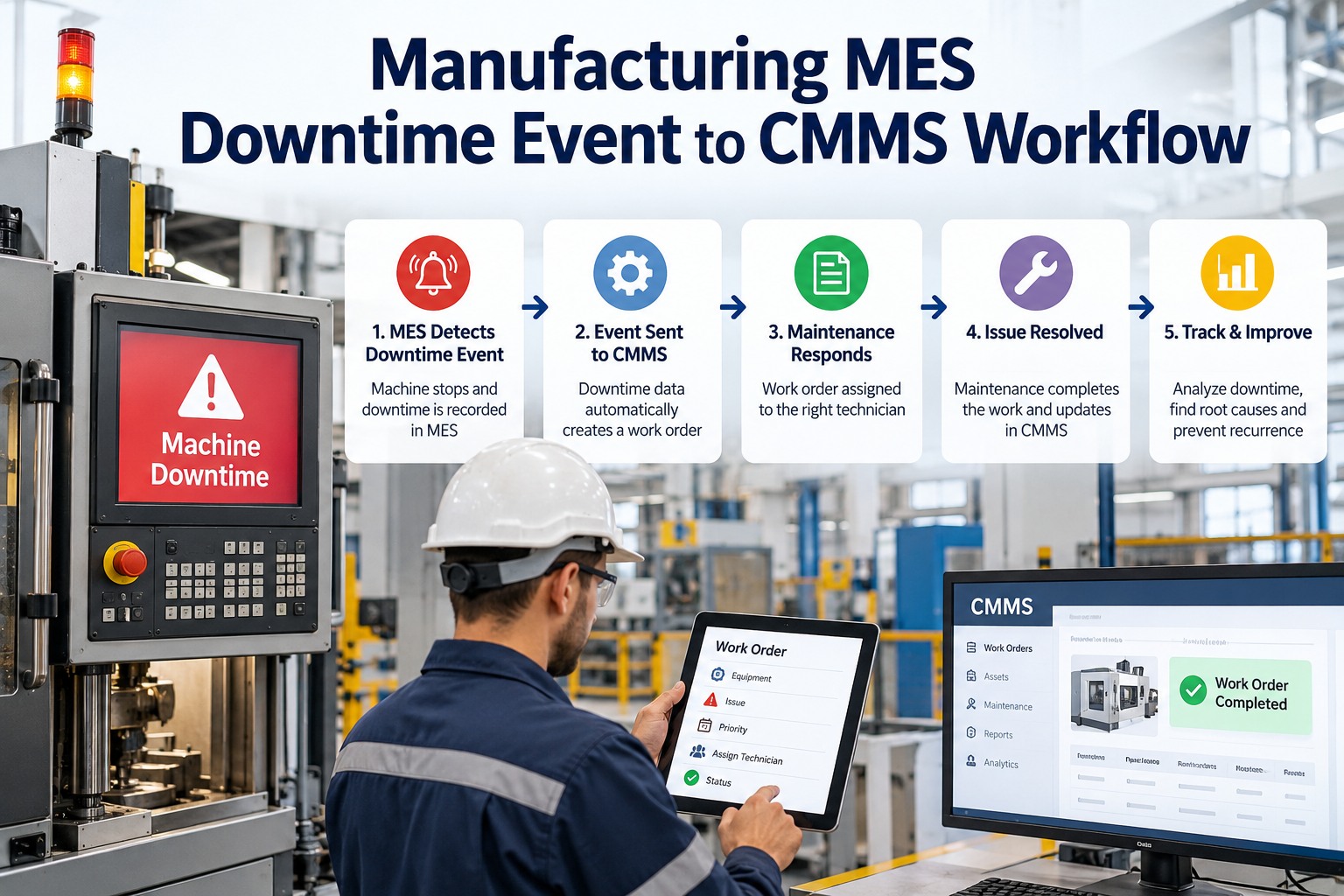
The practical stack: WMS owns inventory location and movement, MES owns the production schedule and consumption, and your CMMS owns maintenance work orders and spare-parts demand. When these three share data, a production order automatically reserves materials, a maintenance work order automatically reserves spares, and both draw down the same accurate inventory. That is the core of production logistics integration — one version of the truth for every part in the building.
A 90-day plan to integrate storage and production flow
Plants that phase warehouse production integration over one quarter see results within the first month — and avoid the disruption of a big-bang changeover.
Map and measure the current flow
Walk the material path end to end. Count touches, measure walk time, log every line-down material wait for two weeks. Run ABC classification on your SKUs. You cannot improve a flow you have not measured.
Pilot point-of-use and kanban on one line
Pick your highest-volume line. Move A-items to line-side racks, set two-bin kanban quantities from real usage data, and stand up a small supermarket. Track stockouts, walk time, and touches against your baseline.
Connect the systems and scale
Digitize the replenishment signals, link inventory to production and maintenance work orders, and roll the proven layout to remaining lines. Standardize bin labels, locations, and scan points before you scale.
How OxMaint connects your warehouse, spare parts, and production assets
OxMaint is an AI-powered CMMS and EAM platform that closes the loop between inventory, maintenance, and production equipment — so the right part is always where the work is.
Spare-parts inventory with min/max alerts
Track every part by location — central store, supermarket, or line-side bin — with automatic reorder alerts when stock hits minimum. Plants cut stockout-driven downtime 30–50% and stop over-buying buffer stock.
Work orders with parts reservation and kitting
Attach required parts to every work order and reserve them before the job starts — the maintenance equivalent of a production kit. Technicians arrive with everything staged, cutting wrench-time losses and repeat trips to the store.
Asset tracking across the production flow
Every asset, line, and storage location in one hierarchy with full history. When a conveyor or filler goes down, you see its spares, its PM schedule, and its open work orders in one view — no cross-checking spreadsheets.
Maintenance analytics that expose flow waste
Dashboards show downtime by cause, parts usage by line, and stockout frequency — the exact metrics that reveal where warehouse production flow is breaking. Most teams spot their first five-figure saving within 30 days.
See your warehouse-to-line flow in OxMaint — book a 30-min demo
We will map your assets, spare parts, and replenishment points live, and show you exactly where the hidden waiting and handling waste sits.
Warehouse production integration: frequently asked questions
What is warehouse production integration in manufacturing?
Warehouse production integration is the alignment of material storage, replenishment, and production scheduling so parts flow to the point of use without waiting or excess handling. It combines physical layout (point-of-use racks, supermarkets, kitting) with system connectivity between WMS, MES, and CMMS platforms.
How do I integrate a warehouse with a production line?
Start with an ABC analysis of your SKUs, move high-frequency items to point-of-use storage, and set up kanban replenishment loops so the line pulls material instead of waiting for it. Then digitize the signals: link inventory to production orders and maintenance work orders so every draw-down is recorded in real time. A CMMS like OxMaint handles the spare-parts and work-order side of that integration out of the box.
What is the best warehouse layout for a manufacturing plant?
The best warehouse layout for manufacturing follows one-way flow — receiving to supermarket to line to shipping — with A-items stored at the point of use and a capped buffer supermarket between warehouse and production. Prioritize flow and pick frequency over storage density; a layout that saves steps beats one that saves square footage.
How does kanban replenishment work between warehouse and production?
Kanban uses a simple pull signal — an empty bin, a card, or a digital alert — to tell the warehouse exactly when and what to replenish. Bin quantities are sized from daily usage and replenishment lead time, so inventory stays lean without risking stockouts. Digital kanban inside a CMMS removes the lost-card problem and gives you usage data for free.
What software connects warehouse inventory with production and maintenance?
You need three connected layers: a WMS for inventory movement, an MES for production consumption, and a CMMS for maintenance spare parts and work orders. OxMaint covers the CMMS/EAM layer — asset tracking, spare-parts inventory with min/max alerts, and parts reservation on work orders — and you can Book a Demo to see how it fits your existing WMS or ERP.
Stop losing production hours to warehouse disconnects
Put your assets, spare parts, and work orders on one AI-powered platform and turn material flow from a hidden cost into a competitive edge.
Free 14-day trial · No credit card · Set up your first asset in minutes