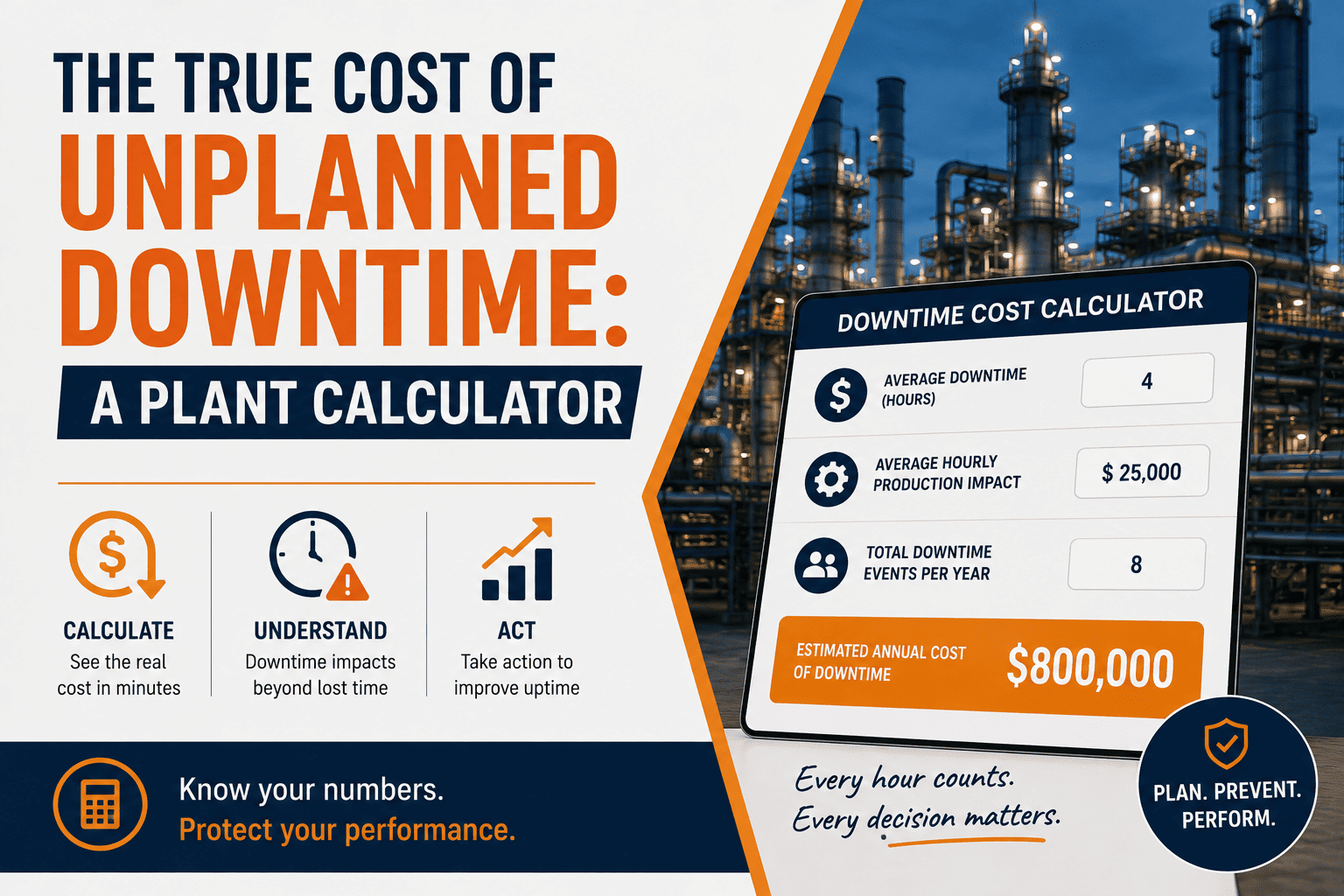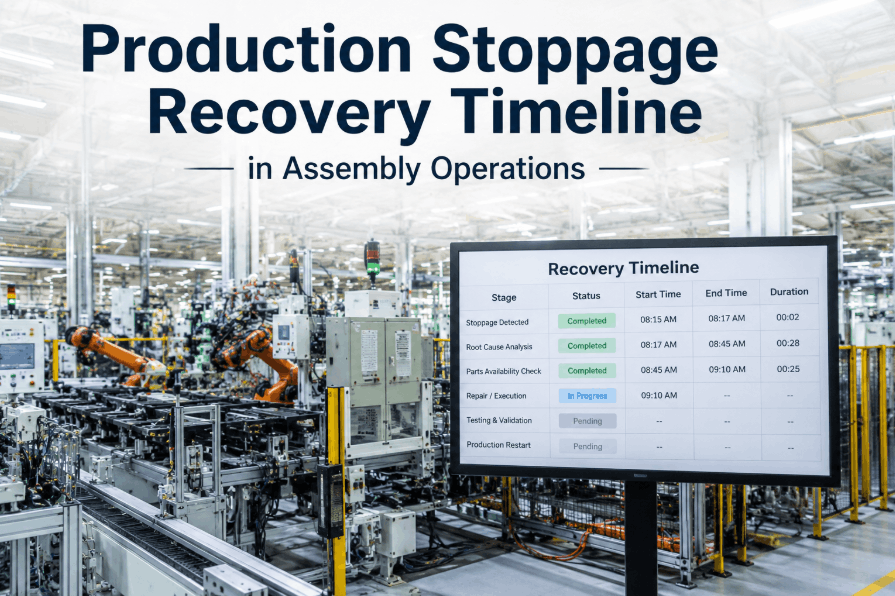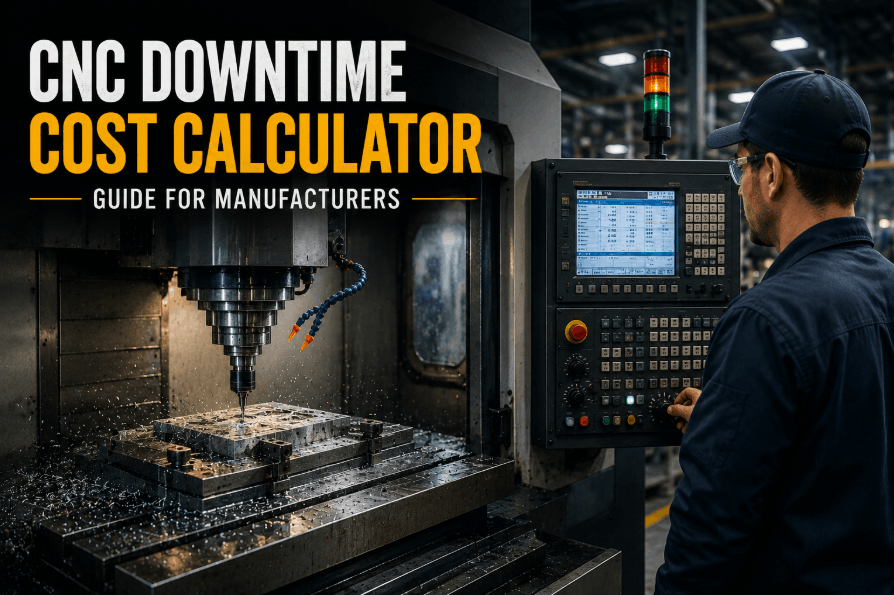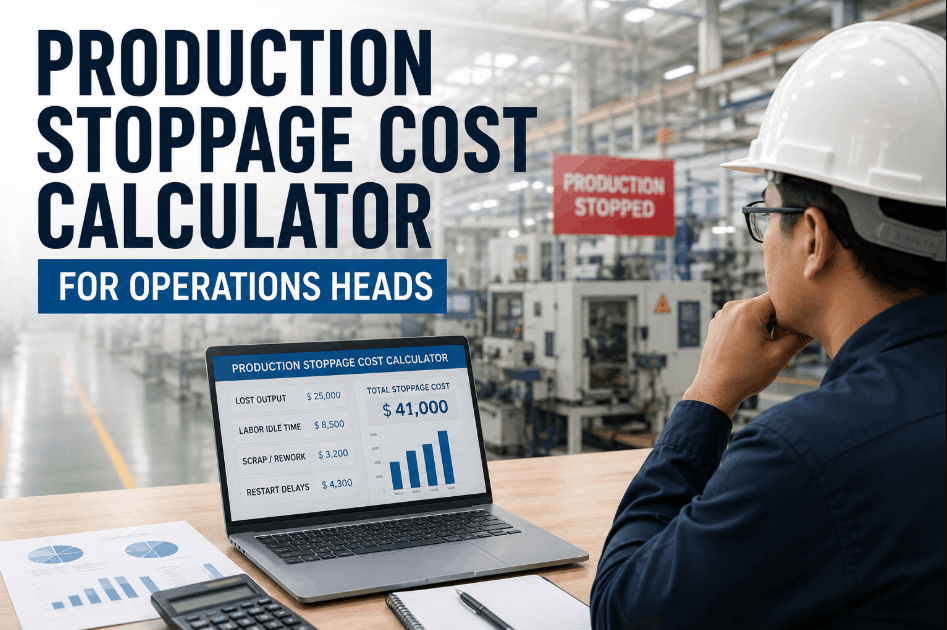
Production stoppage cost is rarely just the repair bill — lost output, labor idle time, scrap, and restart delays usually add up to far more than the line item maintenance shows on paper. Operations heads who only track repair cost are working from a fraction of the real number, which makes it hard to justify faster intervention or the right level of preventive investment. Operations teams using Sign Up Free on OxMaint can pull downtime history, labor cost, and parts spend into one view, turning a vague sense of "that stoppage was expensive" into a number that supports real decisions. Book a Demo to see how OxMaint's analytics and reporting module quantifies the full cost of a production stoppage.
Why Repair Cost Alone Understates Stoppage Cost
The maintenance invoice for a stoppage almost always undercounts the true financial impact once lost output and idle labor are factored in. Book a Demo to see how OxMaint's downtime and cost reporting close that gap for operations teams.
Four Cost Components Hidden in Every Production Stoppage
A defensible stoppage cost estimate needs all four of these components, not just the repair invoice. Sign Up Free to connect downtime, labor, and cost data in OxMaint and start building stoppage cost estimates your finance team will trust.
Lost Output Value
Throughput multiplied by downtime hours and contribution margin is usually the single largest component of stoppage cost, yet it rarely appears on a maintenance work order.
Labor Idle Time
Operators and line staff are often paid for the full shift regardless of stoppage duration. Tracking idle hours against downtime events shows this cost clearly instead of burying it in payroll.
Scrap and Rework from Interrupted Cycles
Work-in-progress caught mid-cycle during a stoppage frequently has to be scrapped or reworked, adding a material cost on top of the lost time.
Restart and Ramp-Up Delays
A line rarely returns to full speed the instant a repair is complete. Ramp-up time should be tracked as its own cost component, not folded into the repair duration.
Stoppage Cost Drivers by Interruption Type
Book a Demo to see how OxMaint tracks downtime reasons and cost data across different categories of production interruption.
| Interruption Type | Primary Cost Driver | Tracking Metric | OxMaint Data Source |
|---|---|---|---|
| Unplanned Breakdown | Lost output plus emergency repair labor | MTTR and downtime hours | Downtime and reliability analytics |
| Changeover Delay | Idle labor during extended setup | Changeover duration vs. standard | Work order time logs |
| Material Shortage Stoppage | Lost output while waiting on parts | Stock-out frequency and duration | Parts and inventory reporting |
| Quality Hold | Scrap and rework cost | Hold duration and rejected units | Work order cost breakdown |
How Accurate Stoppage Cost Data Supports Operations Decisions
Sign Up Free to give your operations team the downtime and cost visibility needed to justify faster intervention with real numbers.
Frequently Asked Questions: Production Stoppage Cost
What should be included in a production stoppage cost calculation?
A complete calculation includes lost output value, labor idle time, scrap or rework cost, and restart ramp-up delays — not just the direct repair invoice.
How does OxMaint help calculate downtime cost?
OxMaint's analytics module tracks MTTR, MTBF, downtime reasons, and associated labor and parts costs, giving operations heads the data needed to estimate the full financial impact of a stoppage.
Why is labor idle time often left out of downtime cost?
Idle labor cost is easy to overlook because it appears as normal payroll rather than a downtime line item, even though staff are being paid with no output to show for it.
Can stoppage cost reports be shared with finance teams?
Yes. OxMaint reports can be exported as PDF or Excel and scheduled for automatic delivery, keeping finance and operations aligned on the same cost figures.
How does accurate stoppage cost data change capital decisions?
When the full cost of stoppages is visible, capital requests for upgrades or additional preventive maintenance can be justified with real ROI figures instead of estimates.