Most machine problems are noticed by the person standing next to the machine, and most of them never reach maintenance because reporting is a hassle. Oxmaint prints a QR label for every machine and one code for the whole plant. Anyone who scans it with a phone camera can say what is wrong and add photos, without an app and without signing in, and it lands on the maintenance desk as a request against the right asset. Sign up to try the micro app and print the sample plant's labels.
Maintenance Requests & Asset QR Labels
One code on the wall, one on every machine, and a request desk that turns what the floor reports into work. Sign up and scan a sample label.
Two Kinds of Label
Put it by the door or the shift board. Whoever scans it picks the machine from a list, by name and tag, and says what is wrong. On the sample plant it covers 64 machines.
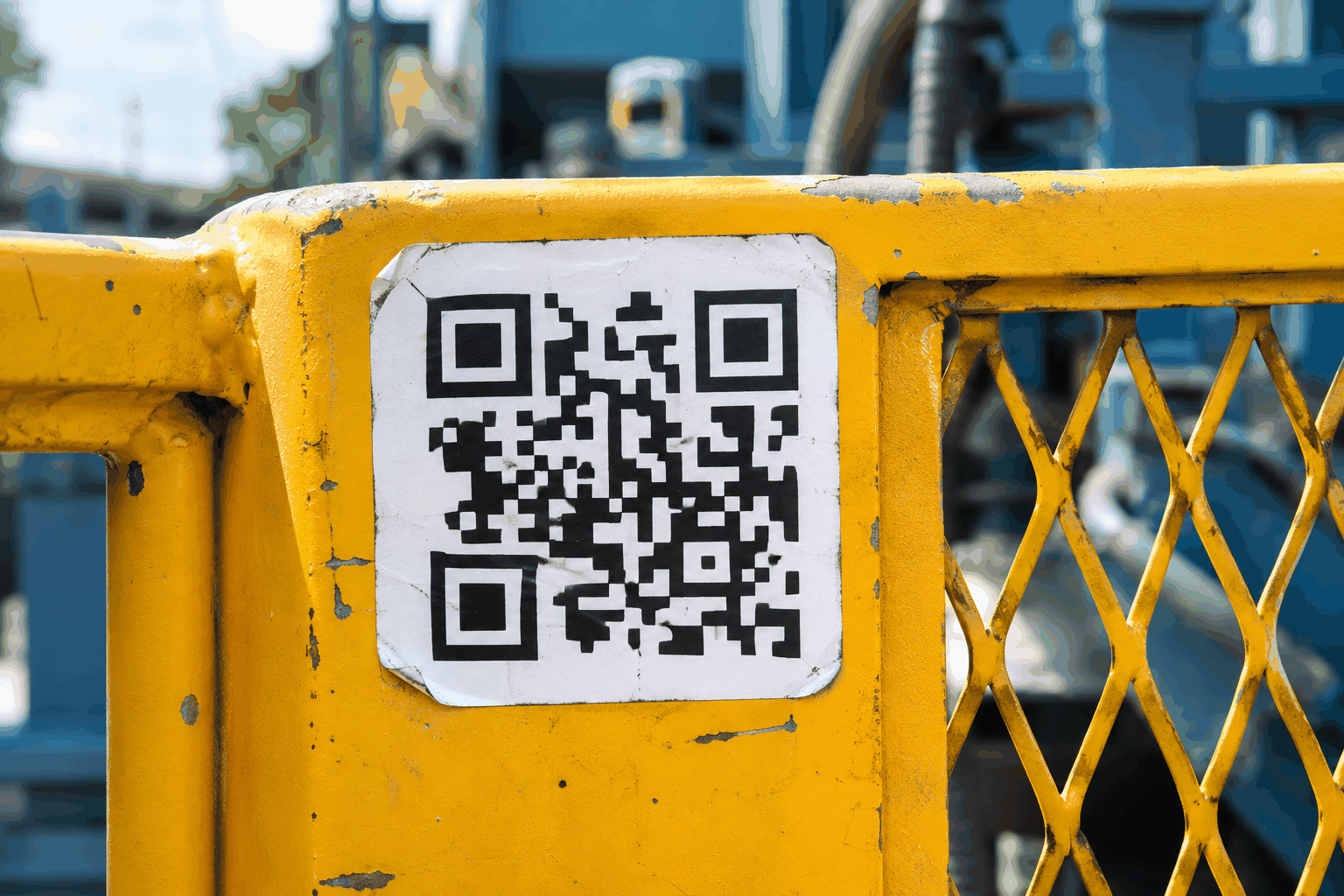
Stuck on the machine itself, so the request already knows which asset it is. Print one, or print a sheet of every tag at once: 64 on the sample plant.
What the Person Scanning Sees
The page that opens shows the machine's name and where it is, and nothing else from your portal. It asks for four things and refuses anything aimed at a machine the label was not printed for.
Read from the portal's public report page (lib/publicReports.js). Each request is marked as coming from the label and written to the audit trail.
From Scan to Work Order
Your team is told by a phone notification when a request arrives, and it appears on Maintenance Notices under the On arrival rule until someone acts on it. A denied request keeps its reason, so the person who reported it can be given an answer. Sign up to open the request desk.
Scan a Label on the Sample Plant
Open Assets QR, point your phone at a code and raise a request the way an operator would. Sign up to the micro app and try it.
The Sample Plant's Request Desk
Sample plant records from the Oxmaint portal, captured 26 Nov 2026. A further 4 requests were denied, each with a reason recorded. Your numbers will differ.
What Each Status Means
| Status | Meaning on the desk | Next step |
|---|---|---|
| Pending | Not yet looked at | Put it in review, or decide straight away |
| In Review | Being assessed by the desk | Approve or deny |
| Awaiting Work Order | Approved, but nothing raised yet | Raise the work order |
| Work Order Raised | Turned into a job | Follow the job on the board |
| Denied | Refused, with a reason recorded | Reopen if it was a mistake |

An approved request with no job behind it is easy to lose. Oxmaint counts those separately, so the five approved-but-not-raised requests on the sample plant stand out instead of hiding among the finished ones.
Put the wall code where people already stop: the shift board, the canteen door, the line-side noticeboard. Then answer every request, even the denied ones, with a reason. People keep reporting small problems when they can see that the last report was read, and those small reports are often the cheapest warning you will get. Editorial guidance, not a quote from a named person.
Frequently Asked Questions
Let the Floor Tell You First
QR labels on every machine and a request desk that turns reports into work orders. Sign up and scan a sample label.