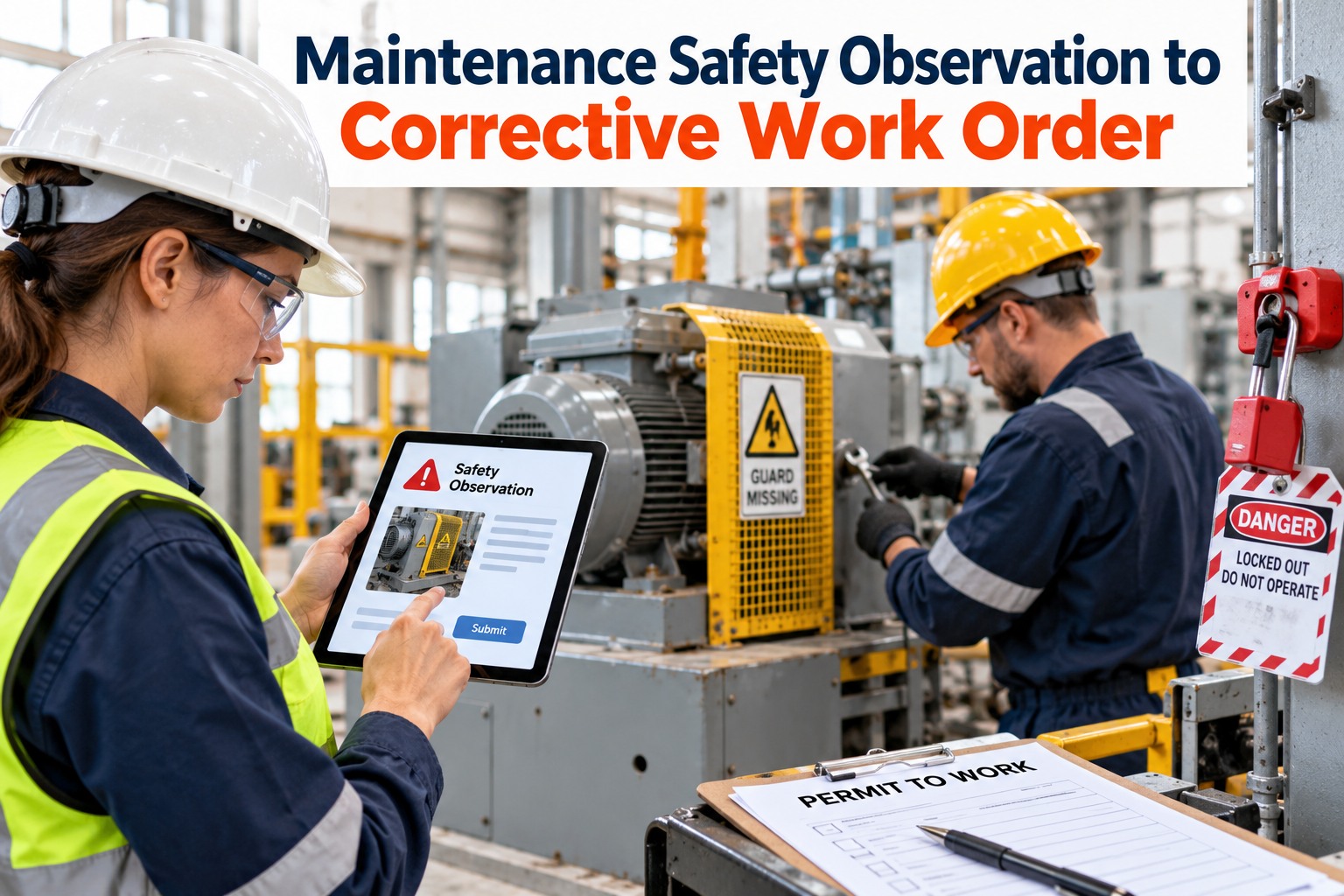
An incident report is only useful if someone picks it up, decides what to do and closes it with a record of what was done. Oxmaint's Incident Reports log near misses, first-aid cases and lost-time injuries against the place and the machine involved, carry each one through Open, Under Review and Closed, and raise a corrective work order from the report. The EHS dashboard counts what was actually entered. Sign up to open a sample incident register with 10 reports.
Workplace Incident Reporting Software
Report it against the machine, review it, fix it with a work order, close it. Sign up and walk a sample incident.
The Sample Register
Sample plant records from the Oxmaint portal's Incident Reports, captured 26 Nov 2026: 28 days since the last lost-time incident, on 29 Oct 2026.
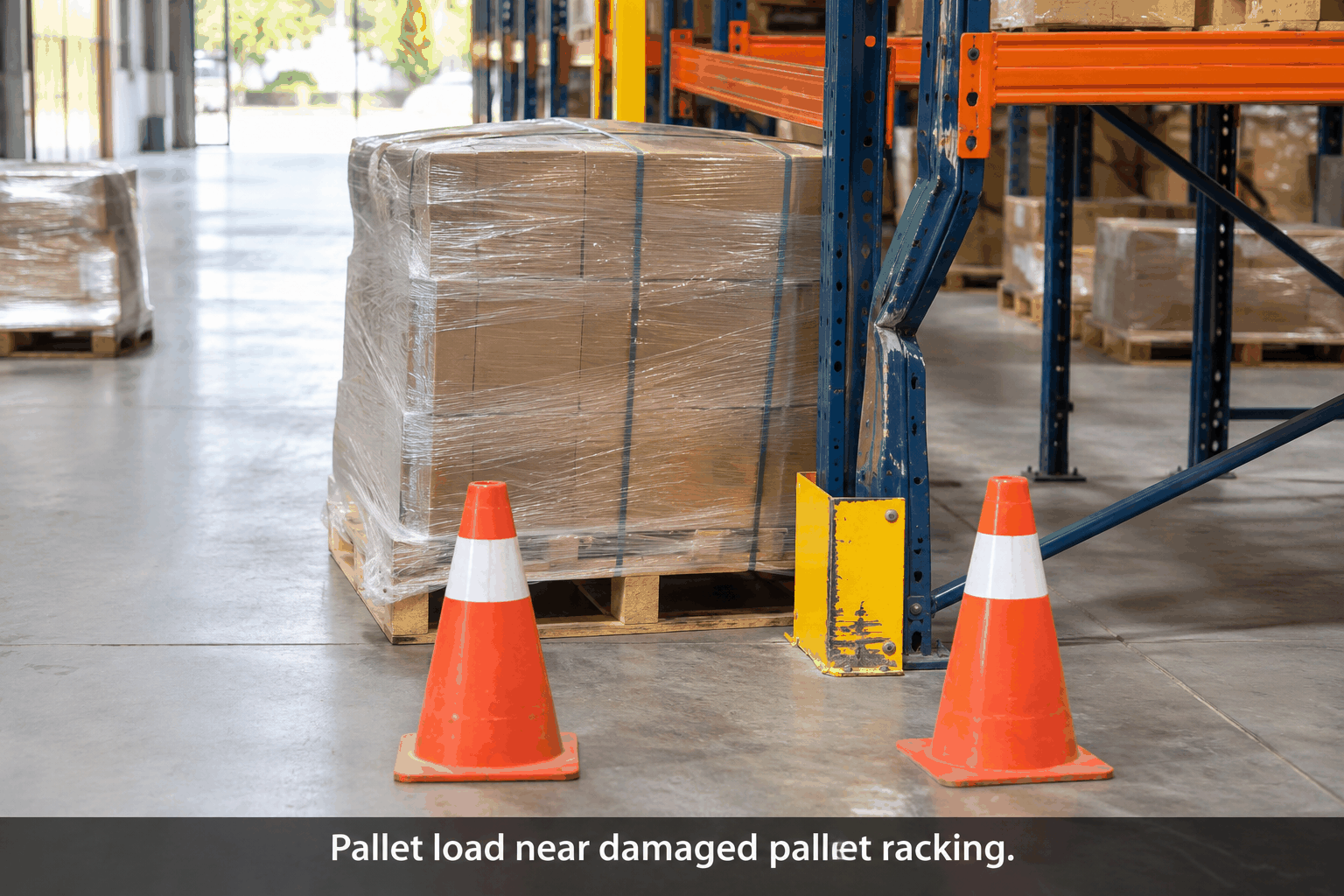
Two Sample Reports
During a lift at receiving. Overhead Crane 01, Medium severity, Open.
Clearing chips from the lathe chuck without the hook. CNC Lathe 01, Medium, Under Review.
Walk a Sample Incident
Open a report, start a review and raise the corrective work order. Sign up to the micro app and try it.
The Life of an Incident
What happened, where, the machine involved, the severity and whether someone was put off work.
Someone starts the review; the report moves to Under Review with their name.
Raise corrective work: a work order titled Corrective action and linked to the incident.
Close with a statement of what was done and who closed it; time to close is recorded.
What the EHS Dashboard Reads
| Severity | Incidents |
|---|---|
| High | 3 |
| Medium | 5 |
| Low | 2 |
Sample plant records from the EHS dashboard, captured 26 Nov 2026. The figures are counted from the incidents entered, not from a separate scorecard.
Because the counts come from the register, a report that is closed, reopened or corrected changes the dashboard the same moment, and nobody has to keep a second tally for the monthly safety meeting.

Incidents sit in the same EHS area as work permits, lockout procedures, safety clearances and certificates, on the same assets as the maintenance work.
Treat near misses as the most valuable reports you get, because they show the hazard before anyone is hurt. Raise the corrective work order on the same day as the review starts, and close the incident only when that job is done, so the close-out statement describes a fix rather than a plan. Editorial guidance, not a quote from a named person.
Frequently Asked Questions
Report It, Fix It, Close It
Incidents on the machine involved, with corrective work orders. Sign up and explore the micro app.