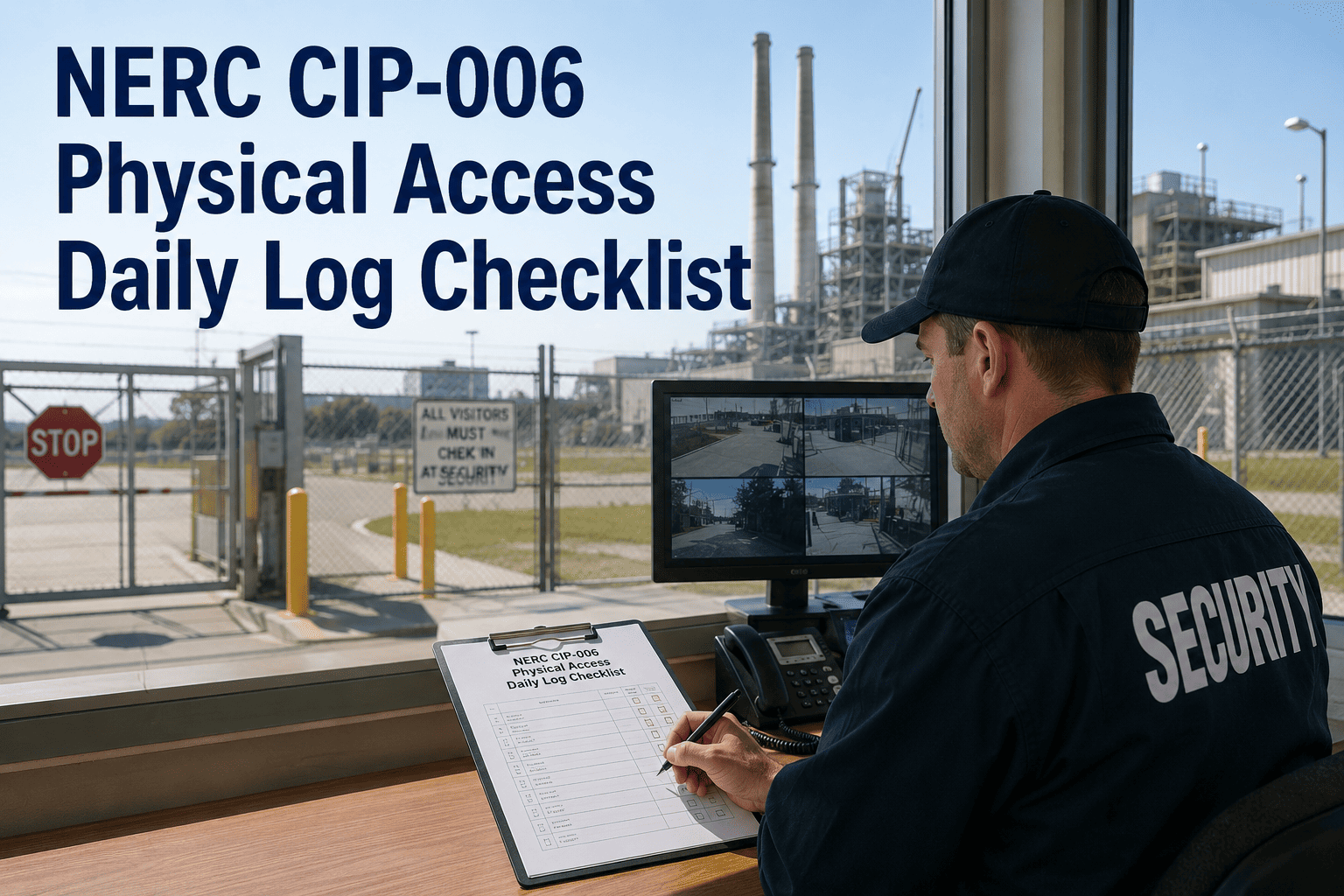
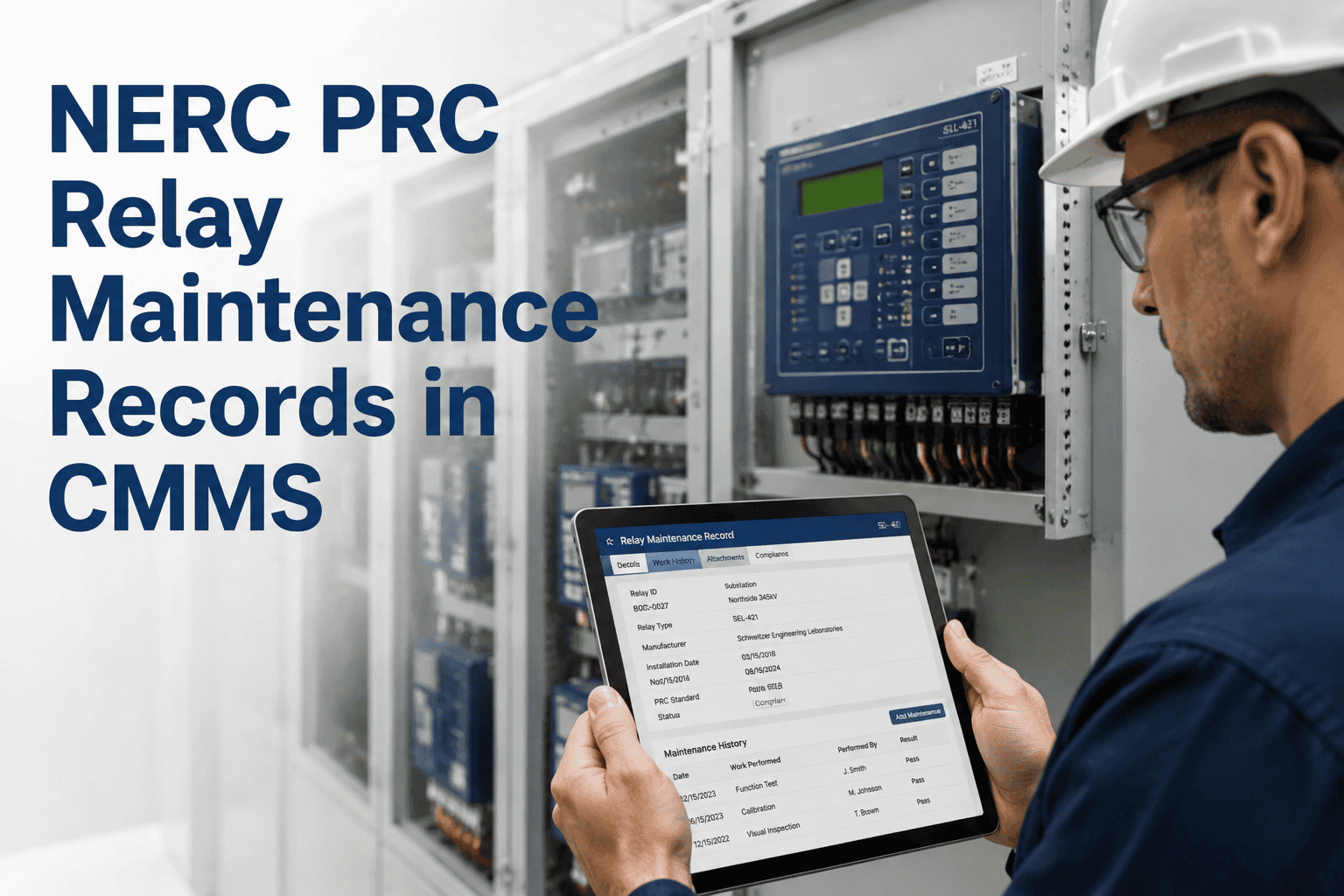
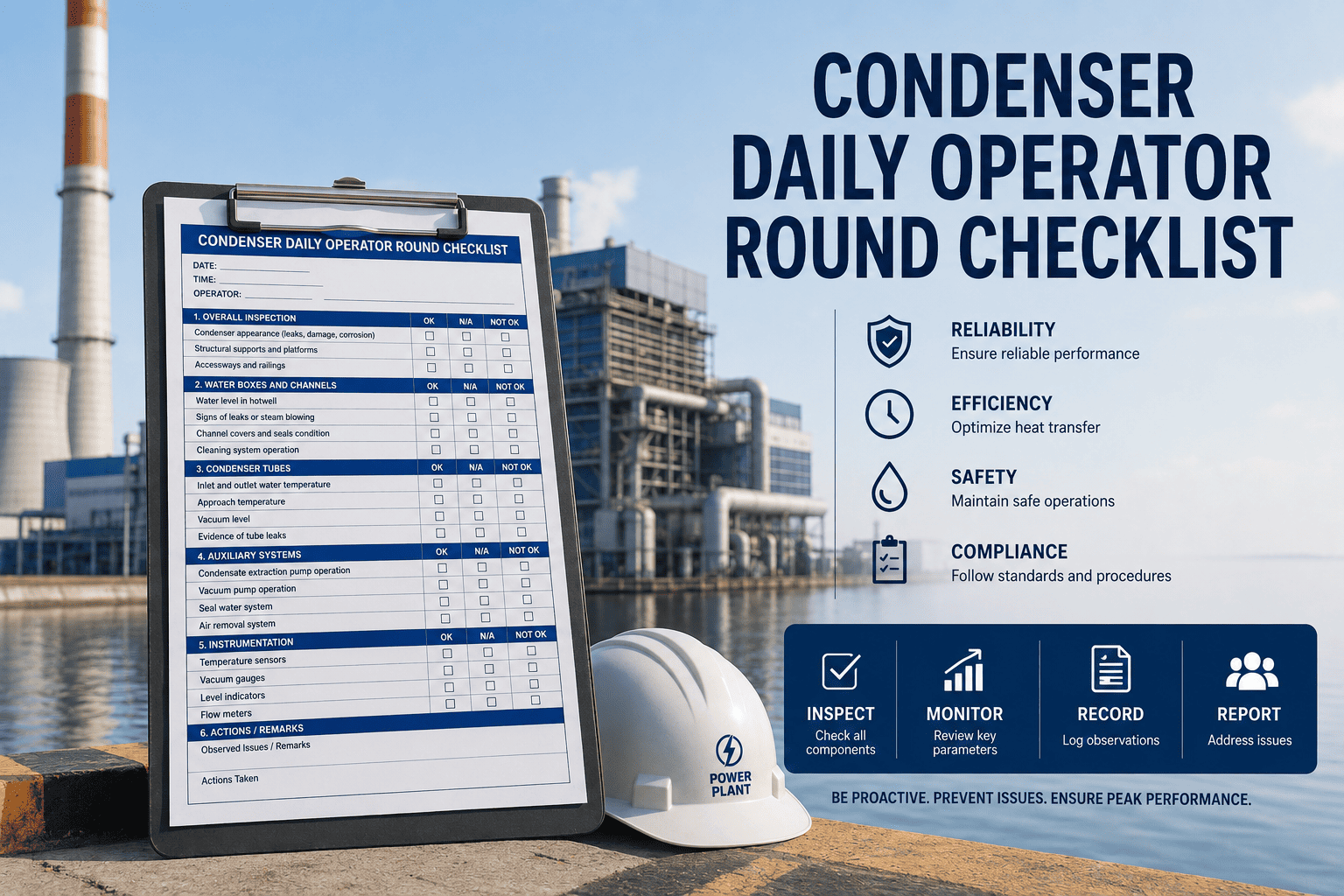
NERC CIP-006 requires utilities to implement and document physical security controls at every Physical Security Perimeter (PSP) — and the daily log is the front line of that compliance obligation. Every entry, escort, and visitor movement that crosses a PSP must be recorded with enough detail to reconstruct access history during an audit or incident investigation. Many utilities still maintain these logs in paper binders, shared spreadsheets, or disconnected badge-reader exports that are nearly impossible to cross-reference at audit time. This page provides a complete NERC CIP-006 physical access daily log checklist covering PSP entry, escort procedures, visitor management, and CMMS-tracked record management — structured for consistent use across all control system facilities. Digital solutions like OxMaint make it possible to standardize daily log capture, generate compliance reports across multiple facilities, and maintain the full audit trail required by NERC regional entities. Start your free OxMaint trial and build your CIP-006 daily log workflow today.
NERC CIP-006 · Physical Access · Daily Log Checklist
NERC CIP-006 Physical Access Daily Log Checklist
PSP entry verification, escort protocols, visitor records, and CMMS-tracked compliance documentation — every requirement your physical security program must satisfy, every single day.
Daily
Log requirement for every PSP entry and exit event
90 days
Minimum retention for physical access logs under CIP-006
24 hrs
Maximum time to revoke access after personnel change
100%
Of visitor access must have documented escort assignment
What CIP-006 Requires
CIP-006 Physical Security — Key Obligations at a Glance
CIP-006 applies to every applicable Cyber Asset that resides within a defined Physical Security Perimeter. Understanding the specific log requirements before building your daily checklist prevents the most common compliance gaps.
R1
Physical Security Plan
A documented plan defining PSP boundaries, access control methods, visitor control procedures, and physical security monitoring requirements for each applicable facility.
R2
Access Control Implementation
Physical access controls at PSP entry/exit points — card readers, keypads, locks, or guards — with the ability to generate an access log for each event.
R3
Visitor Control Program
Continuous escort of all visitors inside the PSP, with log records showing visitor identity, escort identity, entry time, and exit time for every visit.
R4
Physical Access Logging
Logs must be retained for 90 calendar days and must capture sufficient detail to support investigation of any physical security incident at any PSP location.
The Daily Compliance Checklist
NERC CIP-006 Daily Log — All Verification and Recording Tasks
This checklist should be completed at each PSP location every operational day. In OxMaint, each task section maps to a digital form that operators complete on mobile, with automatic timestamp and identity capture.
PSP Entry and Exit Logging
7 tasks
✓Log every authorized personnel entry — badge ID, name, time, access point
Manual or electronic log entry required; both methods acceptable
✓Log every authorized personnel exit — time and access point
Cross-reference with entry log to verify no unmatched open entries at end of day
✓Verify access control device function at all PSP entry points (start of day)
Test card reader, keypad, or lock at each controlled entry point before personnel arrive
✓Review access log for any anomalous entries — unauthorized badge attempts
Report failed access attempts and tailgating incidents per site security plan
✓Verify all PSP doors and gates secured at shift end or last authorized exit
Physical check of each entry point; document result in daily log
✓Confirm no personnel remain inside PSP without authorization at end of shift
Cross-reference entry/exit log counts; investigate any discrepancy
✓Archive daily access log to CMMS or records management system
Log must be retained minimum 90 calendar days and available on demand
Escort Procedures
6 tasks
✓Confirm escort assignment before visitor or contractor enters PSP
Escort must be an authorized employee — not another visitor or temporary worker
✓Record escort identity, visitor identity, entry time, and purpose in visitor log
All four fields are required for CIP-006 R3 compliance
✓Maintain continuous visual escort — escort must remain with visitor at all times
Brief restroom breaks with door-monitored access are the only documented exception
✓Record visitor exit time and confirm visitor has cleared the PSP
Do not close escort record until visitor has exited and PSP is re-secured
✓Collect any temporary access badges or visitor passes upon exit
Retain visitor badge number in log in case of badge count discrepancy
✓Report any escort breach — visitor found unescorted inside PSP
Open a security incident report immediately; notify site security manager
Visitor Management
5 tasks
✓Verify visitor identity with government-issued photo ID before PSP entry
Record ID type and number in visitor log; do not retain ID copies unless site policy requires
✓Confirm visitor is expected and has pre-authorization from a responsible manager
No walk-in visitors — all access must be pre-scheduled with manager approval
✓Issue temporary visitor badge and document badge number
Visitor badge must visually distinguish visitor from authorized employees
✓Brief visitor on emergency procedures and restricted area boundaries
Document that safety briefing was provided; record visitor acknowledgment
✓Confirm visitor logs are complete for all visits before shift close
Every visit must have entry time, exit time, escort name, and visitor identity recorded
Access Revocation and Records
5 tasks
✓Review personnel change notifications — identify any required access revocations
Access must be revoked within 24 hours of termination, reassignment, or role change
✓Confirm revoked access credentials have been deactivated in the access control system
Document deactivation with timestamp in CMMS; retain for audit trail
✓Quarterly review of authorized access list — remove personnel no longer requiring access
Least-privilege principle must be enforced; access must be justified by current role
✓Physical security monitoring system check — cameras, alarms, and sensors operational
Document any monitoring gaps or device failures; initiate corrective work orders
✓Export and archive completed daily log to CMMS with shift supervisor sign-off
Signed digital record satisfies audit evidence requirements for R4
Free to Start · Multi-Facility Ready
Replace Your Paper Access Logs With Audit-Ready Digital Records
OxMaint captures every PSP entry, escort, and visitor record with timestamps and digital signatures — then generates CIP-006 compliance reports across all your facilities on demand.
Where Utilities Fall Short
Most Common CIP-006 Physical Access Compliance Gaps
Incomplete Visitor Log Entries
Visitor logs missing escort identity, exit time, or visitor ID type are the single most common finding in CIP-006 audits. A log with only a visitor name and entry time does not satisfy R3 documentation requirements.
Access Not Revoked Within 24 Hours
Personnel transitions — especially contractor terminations and employee reassignments — consistently result in delayed access revocations. Without an automated alert linked to HR processes, this requirement is routinely missed.
Log Retention Gaps During System Migrations
Badge reader system upgrades and CMMS migrations frequently result in access log records that cannot be produced for audit. The 90-day retention requirement applies continuously — gaps during migration do not exempt the utility.
Unauthorized Unescorted Contractor Access
Contractors who have completed background checks for one project are sometimes granted unescorted access for a subsequent visit without a formal authorization review. Every visit requires a current, documented escort assignment or explicit unescorted authorization.
Physical Security Monitoring Outages Not Documented
Camera or alarm system outages that are not documented and remediated within the required timeframe represent a monitoring program gap. Without CMMS-tracked corrective work orders, there is no audit evidence that compensating controls were in place.
Frequently Asked Questions
NERC CIP-006 Daily Log — Top Questions
What exactly must be recorded in a CIP-006 physical access log?
At minimum: the identity of each individual who accessed the PSP, the date and time of entry and exit, the access point used, and — for visitors — the identity of the assigned escort. Electronic badge system exports satisfy this if the data fields are complete and retained for 90 days. OxMaint captures all required fields digitally with automatic timestamp.
Start a free trial to build your compliant access log template.
Who qualifies as an authorized escort under CIP-006?
An escort must be an authorized employee — someone who holds current, documented unescorted access authorization for that specific PSP. A contractor, vendor, or another visitor cannot serve as an escort. The escort must maintain continuous visual contact with the visitor for the entire duration of the PSP visit.
How long must CIP-006 physical access records be retained?
CIP-006 requires physical access logs to be retained for a minimum of 90 calendar days. However, if an access log is associated with a security incident, it must be retained for three years from the date of the incident. CMMS-based records with automated retention policies ensure these timelines are met without manual intervention.
Book a demo to see OxMaint's retention management features.
Does a badge reader system export satisfy CIP-006 logging requirements?
Yes, if the export contains all required data fields — identity, timestamp, access point — and can be produced on demand for audit. However, badge reader exports alone do not capture visitor escort information or manual entry verification tasks. A CMMS-linked daily checklist closes these gaps and provides a single consolidated compliance record.
Can OxMaint be used across multiple PSP locations at different substations?
Yes. OxMaint supports multi-facility asset hierarchies, so each PSP can have its own daily log template, assigned operators, and compliance dashboard — while a central compliance manager can view access records and outstanding checklist items across all facilities from a single view.
Start your free trial and configure your multi-site PSP program.
Free to Start · 90-Day Retention Built In
Never Fail a CIP-006 Physical Access Audit Again
OxMaint standardizes your daily access log across every PSP, captures visitor and escort records on mobile, and gives your compliance team instant audit-ready exports — across all facilities, on demand.