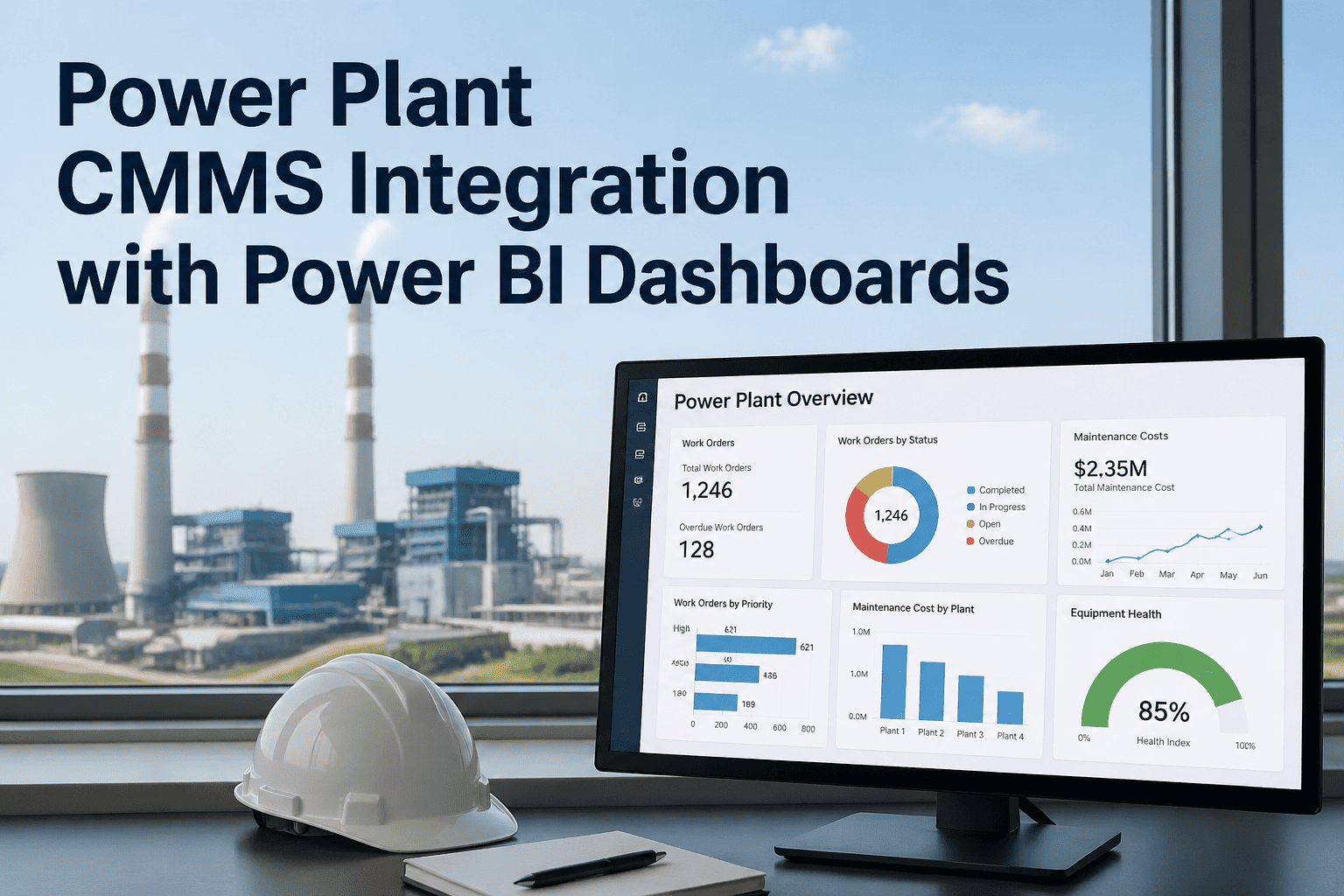
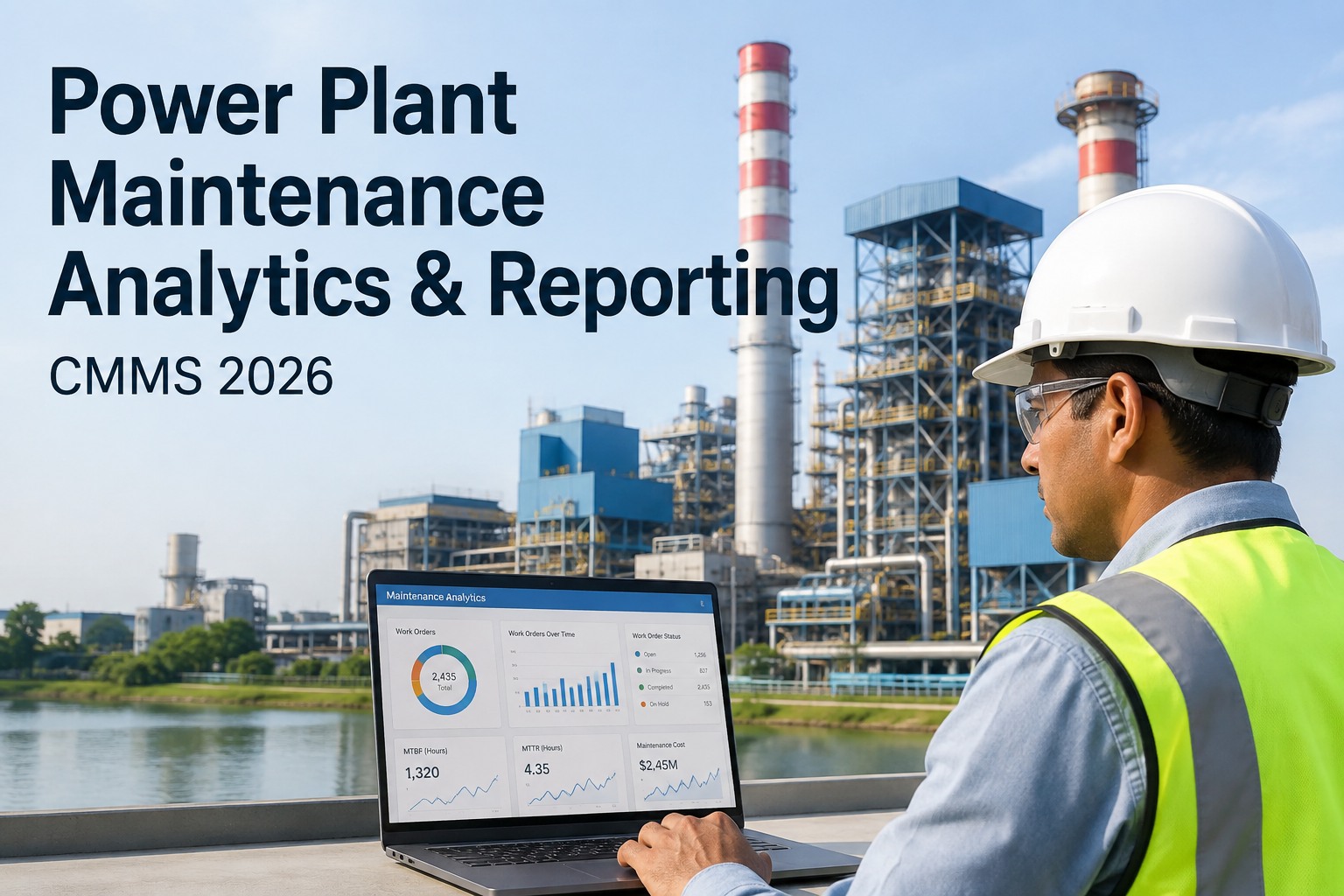
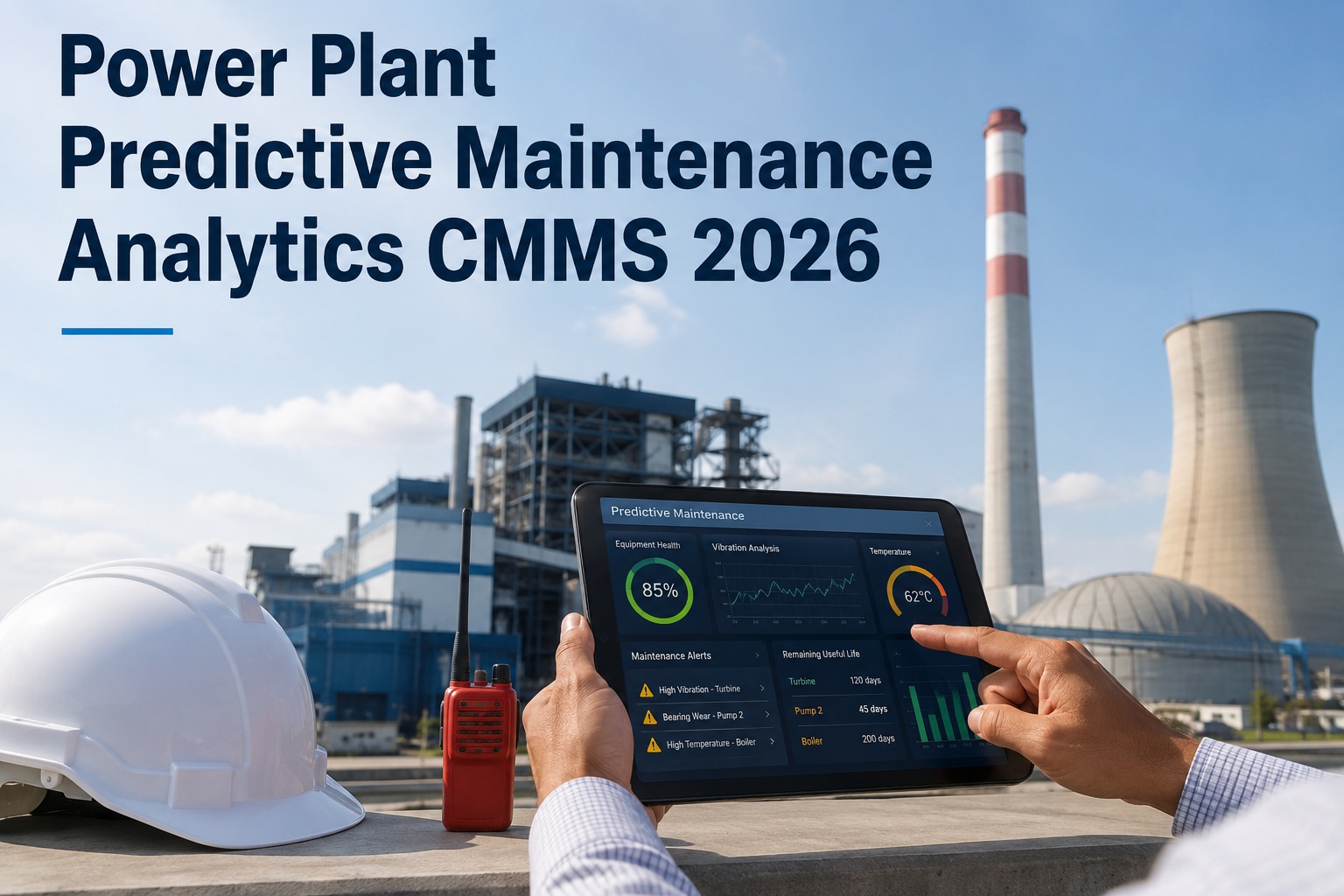
The boardroom asks one question every Monday morning — is the plant getting more reliable, less reliable, or about the same? If the maintenance team's answer involves opening a CMMS report, exporting to Excel, building a pivot table, and emailing a PDF that is already 24 hours old, the question has already lost the conversation. Connecting your CMMS data to Power BI changes that — turning raw work order, asset, and cost data into live executive dashboards that refresh on schedule, surface plant reliability scores, downtime trends, and PM compliance rates without anyone touching a spreadsheet, and give every leader from VP of Operations to plant superintendent the same single view of truth. Get started with a free OxMaint trial or book a demo to see the Power BI connector live.
Power Plant / CMMS + Power BI Analytics
Power Plant CMMS Integration with Power BI Dashboards
Stop building maintenance reports manually. Connect OxMaint to Power BI and give executives, plant managers, and reliability engineers the live KPIs they need to make capital, scheduling, and reliability decisions — refreshed in real time from work order data already flowing through your CMMS.
75%
faster reporting cycles after BI dashboard rollout
22%
MTBF improvement reported with unified KPI frameworks
14%
reduction in maintenance cost per unit
The Problem with Static Maintenance Reports
Most power plants generate maintenance reports the way they did fifteen years ago — a planner exports work order data on Friday, formats it in Excel, and sends a PDF to leadership. By the time the executive opens the file, three shifts have run, six work orders have closed, and two new failures have hit the queue. The report is already a historical artifact, not a decision tool.
Latency
Reports are 24–168 hours stale
Manual exports, Excel rework, and email distribution mean the dashboard executives see this week reflects last week's plant — not what is happening on the floor right now.
Effort
Planners spend a day a week building decks
A maintenance planner who spends 8 hours a week formatting reports is not planning work — that is 400 hours a year of skilled labour redirected to spreadsheet rework.
Inconsistency
Every site calculates KPIs differently
When fleet HQ asks for MTBF across six plants, each plant returns a different definition, different timeframe, and different source data — making comparison meaningless.
Visibility
No drill-down from executive view to root cause
A static PDF cannot answer the follow-up question. Why did MTBF drop on Unit 3? Which asset class is driving the cost trend? The conversation stalls at the summary number.
What a CMMS-to-Power-BI Pipeline Actually Does
The integration is conceptually simple — your CMMS becomes the data source, Power BI becomes the visualization layer, and a connector between them keeps the data current. The discipline is in choosing what to surface and at what frequency. A power plant that wires every metric onto every dashboard ends up with the same noise it had before, just in better-looking charts.
01
CMMS as system of record
Every work order opened, closed, parts issued, labour logged, asset created, and PM scheduled lives in OxMaint. This is the source of truth — no parallel spreadsheets, no shadow databases, no "the real numbers are in Mike's tracker."
↓
02
Connector layer (SQL or API)
A read-only SQL connector or REST API exposes the work order, asset, parts, and cost tables to Power BI. No custom development, no manual exports, no CSV files in shared drives. Power BI reads the data directly on a schedule you control.
↓
03
Power BI semantic model
Tables are joined into a model where MTTR, MTBF, PM compliance, and cost calculations are defined once — in DAX measures — and reused across every report. One definition of MTBF, one definition of availability, one definition of planned vs unplanned maintenance.
↓
04
Role-based dashboards
Executives see plant reliability scores and capital cost trends. Plant managers see work order backlog, schedule compliance, and weekly downtime. Reliability engineers drill into asset-level MTBF and failure mode analysis. Same data, three audiences, three views.
↓
05
Scheduled refresh
Dashboards refresh hourly, every shift change, or daily depending on the audience. Operational dashboards stay live. Executive monthly reviews pull a snapshot. The cadence matches the decision the dashboard supports.
Ready to replace static PDFs with a live BI dashboard?
OxMaint connects to Power BI in hours, not weeks. Every work order, asset, and cost record flows directly into your existing BI environment with no manual data engineering required.
The KPIs Every Power Plant Dashboard Needs
A dashboard with 40 widgets is a dashboard nobody opens twice. The KPIs below are the minimum viable set for power plant maintenance — every leader from CFO to crew leader can find the metric that matters to their decision in this list, and OxMaint computes every one of them automatically as work orders close.
MTBF
Mean Time Between Failures
Operating hours ÷ failure count
The reliability headline. Track MTBF per asset class — turbines, boilers, pumps, transformers. Rising MTBF means PM is working. Falling MTBF means something is wrong upstream.
World-class: top quartile for asset class
MTTR
Mean Time To Repair
Total repair time ÷ repair count
Speed of recovery. Below 4 hours for critical equipment is the world-class benchmark. High MTTR usually points to parts unavailability or diagnostic delay — not technician skill.
World-class: under 4 hours critical assets
Availability
Equipment Availability
MTBF ÷ (MTBF + MTTR)
The single metric your generation manager cares about. A turbine running at 99%+ availability is profitable. A turbine below 90% is consuming margin every shift.
World-class: 95% or higher
PM Compliance
Preventive Maintenance Compliance
Completed PMs ÷ scheduled PMs × 100
The leading indicator. PMs that don't get done show up as failures 3–6 months later. Sustained 90%+ compliance is what separates reliable plants from firefighting plants.
World-class: 95% or higher
PMP
Planned Maintenance Percentage
Planned hours ÷ total hours × 100
Tells the executive whether the plant is proactive or reactive. Below 60% planned means firefighting. Above 80% means the maintenance program is in control of itself.
World-class: 85% planned or higher
Cost % of RAV
Maintenance Cost as % of Replacement Asset Value
Annual maint. cost ÷ RAV × 100
The CFO's favourite. World-class plants run under 2% of RAV annually. Above 10% signals systemic maintenance failure or asset end-of-life requiring capital planning.
World-class: under 2% of RAV per year
Schedule Compliance
Schedule Adherence Rate
On-time WOs ÷ scheduled WOs × 100
Measures whether your planning is realistic and your team is executing on it. Low schedule compliance with high PMP means PMs are being completed late — backlog risk.
World-class: 90% or higher
Backlog Weeks
Work Order Backlog
Open WO hours ÷ weekly capacity
Healthy backlog is 3–6 weeks. Above 6 weeks the team is structurally under-resourced. Below 3 weeks the planning function is not generating enough proactive work.
Healthy range: 3 to 6 weeks
Three Dashboards, Three Audiences
The same data feeds different views. The executive does not need work order detail. The technician does not need asset replacement value. Power BI's role-based filtering means each persona opens the same dashboard pack and sees only what is relevant to them.
| Dashboard View |
Primary Audience |
Refresh Cadence |
Headline KPIs Surfaced |
Drill-Down Available |
| Executive Reliability |
VP Operations, COO, Plant GM |
Daily / Monthly review |
Plant availability, fleet MTBF trend, cost % of RAV, capital recommendations |
Plant-level rollup to unit-level scorecard |
| Plant Operations |
Plant Manager, Maintenance Manager |
Hourly / shift change |
Open work orders, PM compliance week-over-week, schedule adherence, backlog hours |
Work order list filtered by status, priority, crew |
| Reliability Engineering |
Reliability Engineer, Asset Manager |
Real time / on demand |
Asset-level MTBF and MTTR, failure mode pareto, top-cost assets, RCA queue |
Individual asset history, failure code analysis, parts consumption |
| Cost & Budget |
Finance, Plant Controller |
Weekly / Monthly |
Spend vs budget, labour cost trend, parts inventory turnover, repair vs replace cost ratio |
Cost center breakdown, vendor spend, capital project tracking |
| Compliance & Audit |
EHS, Compliance Manager |
Daily / Audit cycle |
Regulatory PM completion, inspection due-date tracking, overdue safety-critical WOs |
Asset-level inspection history, certification expiry calendar |
How OxMaint Connects to Power BI
The connection itself is the easy part. Most teams expect weeks of data engineering work — in practice, a working pipeline is configurable in a single afternoon if your CMMS is structured for it.
Step 1
Decide what data flows out
Work orders, assets, parts usage, labour hours, cost ledgers, PM schedules, and failure codes are the standard set. OxMaint exposes these as queryable tables — you choose which to ingest based on what your dashboards need to answer.
Step 2
Connect Power BI to OxMaint
Use OxMaint's read-only SQL connector or REST API endpoints. Power BI Desktop adds the source like any other database — no custom middleware, no ETL platform required. Authentication is handled with token-based access controlled in OxMaint admin settings.
Step 3
Build the semantic model
Define MTTR, MTBF, PM compliance, availability, and cost measures once in DAX. Apply role-level security so plant teams see only their site. The model becomes the canonical source for every report and dashboard the organization builds going forward.
Step 4
Configure scheduled refresh
Power BI Service refreshes the dataset on a schedule you set — hourly for operational dashboards, daily for executive views. The CMMS keeps writing data as work orders close; the dashboard reflects the new state at the next refresh window.
Step 5
Publish to audience
Share dashboards via Power BI workspaces, embed in Teams, push mobile views to plant supervisors, or pin executive scorecards to the Power BI mobile app. The same data flows everywhere, governed by the same security model.
What Changes After You Deploy It
Before
Friday afternoon planner exports CSV, builds Excel pivot, formats slide deck, emails Monday morning
After
Monday 8am exec opens Power BI mobile app, sees current week's plant scorecard, drills into outlier site
Before
"What's our MTBF?" — answer is a guess, an outdated report, or a 24-hour wait for a custom query
After
"What's our MTBF?" — open the dashboard, filter by asset class, export the trend chart in 30 seconds
Before
Six plants report KPIs six different ways, fleet HQ cannot benchmark, capital allocation is gut-feel
After
One semantic model, one definition per metric, fleet-wide ranking visible to every plant manager monthly
Before
Reliability engineer spends Monday building the same pareto chart they built the previous Monday
After
Pareto refreshes nightly, engineer arrives Monday to a pre-flagged outlier asset and starts root-cause work
Frequently Asked Questions
How long does CMMS-to-Power-BI integration actually take to set up?
A working pipeline with executive-grade dashboards is achievable in 1–2 weeks for most plants — Day 1 connection via SQL or API, Days 2–5 semantic model and DAX measures, Days 6–10 dashboard build and role-based access.
Book a demo to see the OxMaint Power BI connector configured live.
Can multi-site fleets see all plants in one Power BI dashboard?
Yes. The OxMaint connector aggregates work order, asset, and cost data across every site into a single Power BI semantic model — fleet HQ ranks plants on common KPIs while each plant manager sees only their site.
Start a free trial to enable multi-site rollup.
Does the integration work with Power BI Pro or only Premium?
Both. Power BI Pro handles standard scheduled refresh up to 8 times per day, sufficient for executive and plant dashboards. Premium enables larger datasets and more frequent refresh — typically only needed for fleets above 10 sites or hourly operational views.
What if our team already has a CMMS but it does not have a Power BI connector?
Migrating from a CMMS without BI integration to OxMaint preserves your historical data via standard import templates, then exposes everything to Power BI through the SQL connector.
Book a demo to discuss migration paths from your current system.
Can we combine CMMS data with SCADA, ERP, or sensor data in the same dashboard?
Yes. Power BI is designed to merge data sources — the OxMaint feed becomes one of several inputs alongside SCADA historian data, SAP cost data, or IoT sensor streams. The unified model supports cross-source analysis like correlating PM compliance with downtime events from the historian.
Who in our organization needs to be involved in setting this up?
Typically a maintenance planner or reliability engineer to define the KPIs, an IT or BI analyst to build the Power BI model, and an OxMaint admin to configure the connector. The plant team drives requirements; OxMaint provides the data; the BI team handles visualization.
Stop reporting yesterday's plant. Start running today's.
OxMaint connects directly to Power BI so your reliability KPIs, cost trends, and PM compliance rates refresh automatically — replacing static PDFs with live, role-based dashboards your executives, plant managers, and reliability engineers actually use.