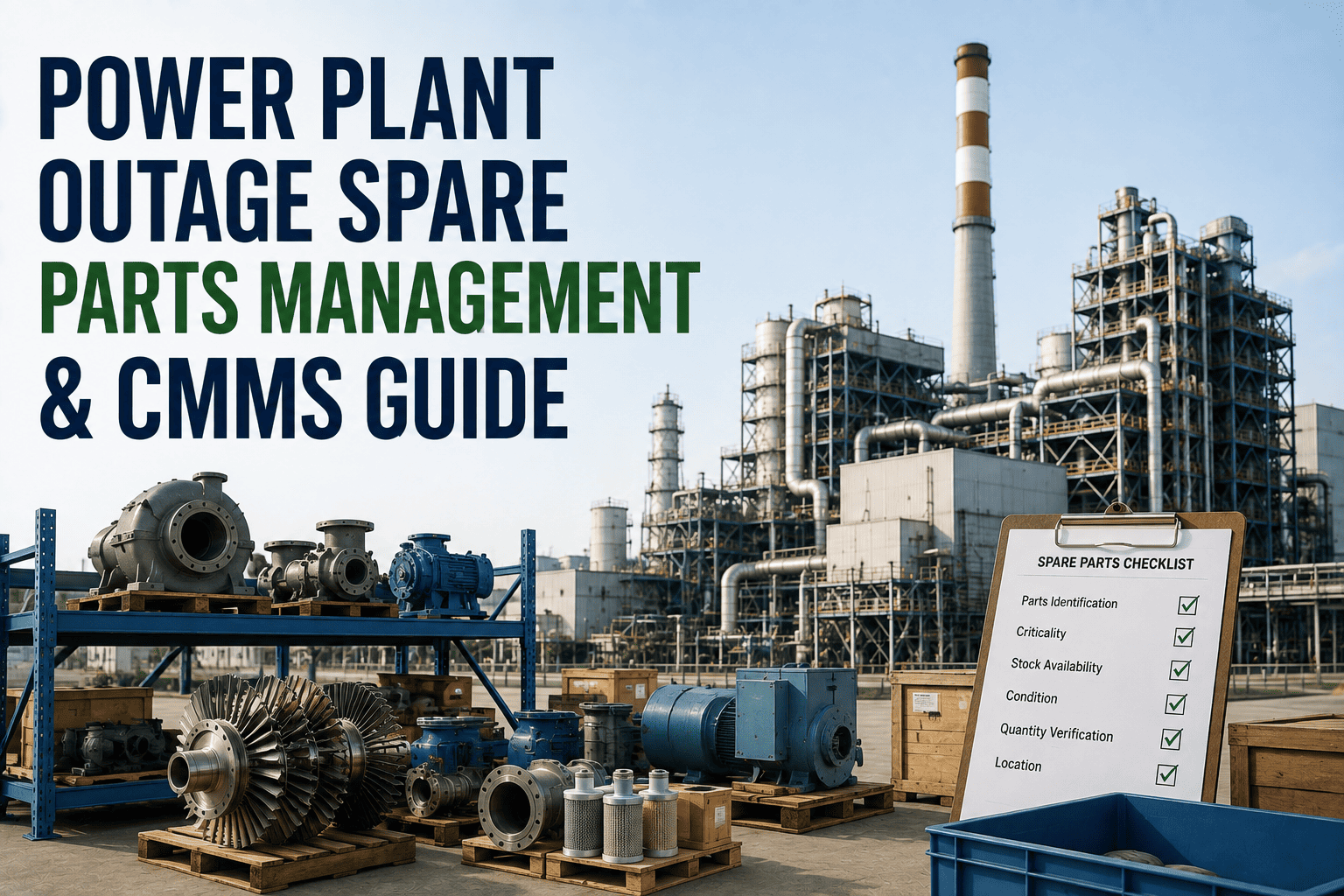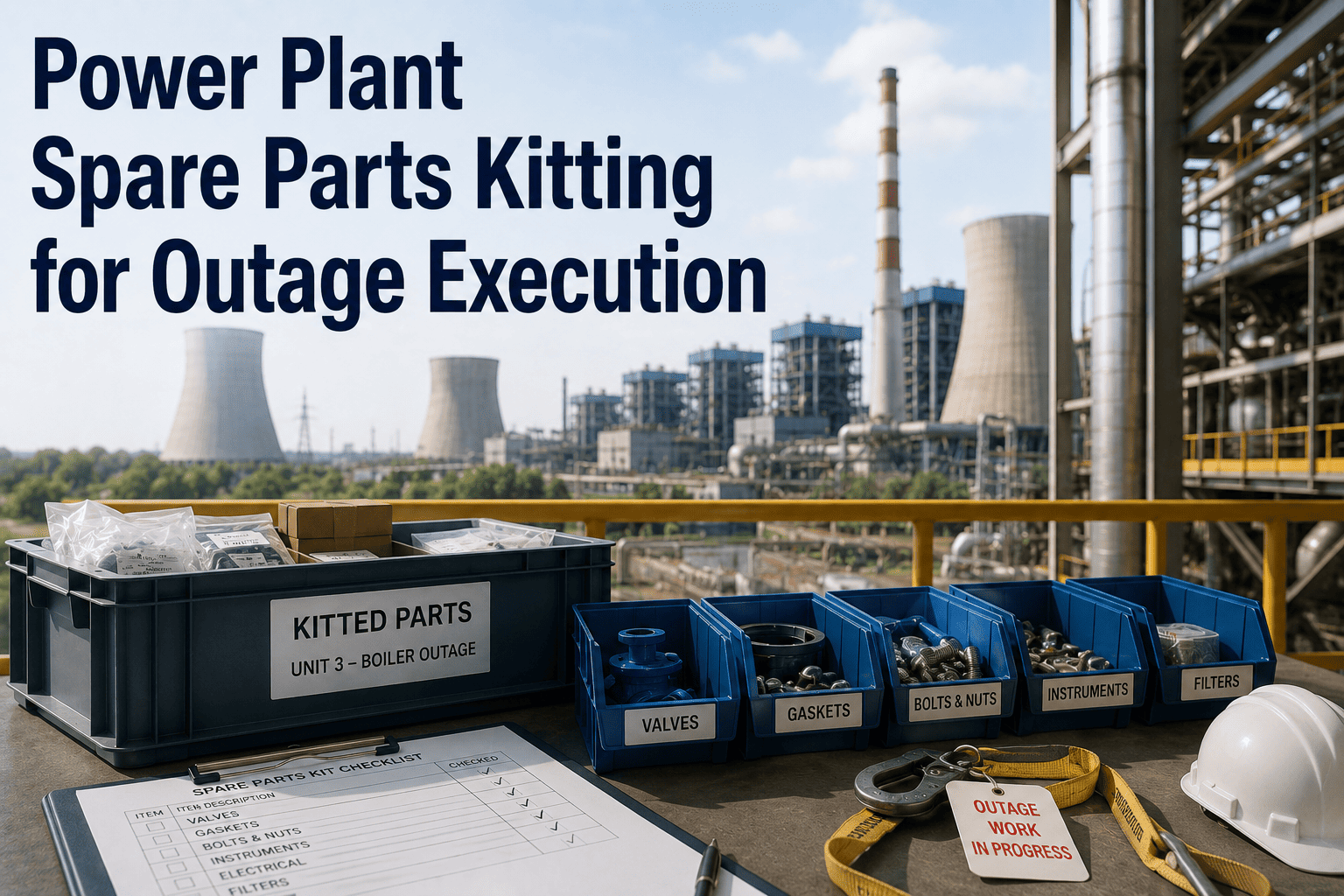
The turbine is on the deck. The scaffold is up. The crew is ready. And the parts kit is missing three critical fasteners and the wrong gasket set arrived for the HP steam seal. This scenario — parts delays during active outage execution — is one of the most expensive and preventable problems in power plant maintenance. Industry benchmarks show that parts-related delays account for 25–35% of all outage schedule extensions, costing plants an average of $80,000–$150,000 per day in extended outage duration. Spare parts kitting transforms reactive scrambling into pre-planned, pre-staged work packages that arrive at the job site ready to execute. This guide covers how to build a kitting program for outage execution — and how OxMaint's Parts and Inventory module makes every kit traceable, shortage-proof, and dashboard-visible. Ready to stop losing outage days to missing parts? Book a demo with our team.
Parts Delays Kill Outage Schedules. Kitting Fixes That.
Pre-staged, barcode-tracked parts kits eliminate job-site scrambling. OxMaint ties every kit to a work package, tracks shortages in real time, and shows readiness status before your crew arrives on site.
What Happens Without a Kitting Program
Parts kitting seems like a logistics detail — until you're paying a 10-person outage crew to stand around while someone drives to a supplier three towns away.
Work package opened, parts list reviewed
Technicians pull the work order and realize the seal kit was never reserved. Storeroom search begins. Two items are showing "in stock" but can't be located physically.
Wrong bearing grade received from vendor
Emergency procurement substituted a different tolerance class. Engineering review required before installation. Crew reassigned to other tasks while approval is sought.
Gasket set delivered — wrong spec
Spiral wound gaskets arrived for 150# service but the joint is 300#. Supplier error not caught until job site. Expedite order placed; overnight delivery from Chicago.
Outage extended, costs escalate
Combined delays push handback by 2 days. $240K in extended outage costs. Replacement power purchased. Client penalty clause triggered on contracted availability.
Anatomy of a Properly Built Parts Kit
A parts kit is more than a bag of components. It's a pre-verified, pre-staged, traceable work package that arrives at the job site complete — so execution can begin the moment the equipment is released.
Kit Header Record
Links the kit to a specific work order, asset, outage window, and executing crew. Includes kit number, revision, approval status, and staging location. Barcode-scannable for issue and return tracking.
BOM Line Items
Every part listed with OEM part number, quantity required, unit of measure, substitute options, and criticality flag. Consumables (gaskets, o-rings, lubricants) are included — not assumed to be "on hand."
Reservation & Inventory Hold
Each line item reservation ties up the stock in OxMaint's inventory so the same part can't be issued to another job. Shortage alerts fire immediately when reserved quantity drops below the kit requirement.
Procurement Lead Time Tracking
Items with long lead times are flagged based on supplier data. OxMaint calculates the latest order date relative to outage start and generates purchase requisitions automatically when the deadline approaches.
Kit Staging & Location
Staged kits are assigned a physical storeroom bin with a barcode label. Mobile app confirms kit physically staged and complete via line-item scan verification — no paper-based guessing.
Return & Reconciliation
After job completion, unused parts are scanned back into stock with condition coding. Leftover items from repeat jobs update the kit BOM automatically — reducing over-kitting over time.
Know Kit Readiness Status Before Outage Day One
OxMaint's Work Package Readiness Dashboard shows every kit's status in one view — so your outage planner knows which packages are ready, which have shortages, and which need expediting.
HP Turbine Overhaul
BFP Seal Replacement
Condenser Cleaning
Generator Brush Gear
Valve Packing Replacement
Build Your First Outage Kit in OxMaint — Free
OxMaint gives your outage planning team kit creation, inventory reservations, barcode tracking, shortage alerts, and readiness dashboards — all connected to your work order system.
From Outage Scope to Staged Kit — Step by Step
Define Outage Scope
Identify all work orders included in the outage. OxMaint automatically generates a consolidated parts list from all work order BOMs — no manual aggregation.
Check Stock & Reserve
OxMaint checks current stock levels against kit requirements and reserves available quantities. Shortfalls are immediately flagged with suggested vendors and lead times.
Trigger Procurement
Short items generate purchase requisitions automatically with recommended order quantities and due dates calculated from outage start minus supplier lead time.
Stage & Verify Kits
Storeroom team stages physical kits and verifies completeness via mobile barcode scan of each line item. Kit status updates to "Staged — Verified" once all items are confirmed.
Issue to Crew at Job Start
Technician scans kit barcode on mobile. Issue is recorded against the work order. Any substitutions at point of issue are logged and flagged for engineering acknowledgment.
Return & Update BOM
Unused parts scanned back to stock. OxMaint compares issued vs. returned quantities and suggests BOM quantity adjustments for future outages based on actual consumption patterns.
Frequently Asked Questions
How far in advance should kitting begin before a planned outage?
Best practice is to begin kit BOM development 12–16 weeks before outage start for major overhauls, and 6–8 weeks for minor outages. This leaves enough time to identify long-lead items, place orders, and resolve supplier substitution issues before they become critical-path problems. OxMaint's outage planning module tracks kit readiness milestones automatically.
Can OxMaint handle parts kitting across multiple storerooms or sites?
Yes. OxMaint's multi-site inventory model allows kit reservations and staging across any number of storeroom locations. Parts can be sourced from the nearest stocking location and transferred to the outage site, with full chain-of-custody tracking and inter-site transfer documentation. Book a demo to see multi-site kitting in action.
What triggers a shortage alert and who receives it?
Shortage alerts fire when a kit reservation request cannot be fully filled from available stock, when a vendor confirms a delivery date beyond the required on-site date, or when physical staging verification finds a discrepancy between system stock and physical count. Alerts route to the kit owner, outage planner, and procurement manager based on configurable escalation paths.
How does barcode tracking work for kit issue and return?
Each kit is assigned a unique barcode label generated by OxMaint at the time of kit creation. Storeroom staff scan items into the kit during staging; technicians scan the kit barcode on the mobile app to receive issue confirmation; and returns are processed by scanning items back to their bin location. Every scan is timestamped with the user, location, and work order reference.
What happens if the wrong part is substituted during an outage?
OxMaint logs any substitution at point of issue and flags it against the work order for engineering review. The substitution is documented with the substitute part number, reason code, and approver. After outage completion, the engineering team reviews substitutions and either approves the alternate as a permanent BOM update or flags the item for reprocurement to OEM spec.
Your Next Outage Starts in the Storeroom. Make Sure It's Ready.
OxMaint's kitting module links every work package to a verified, shortage-tracked parts kit — so your crews execute on schedule and your outage budget doesn't blow on expedite fees.