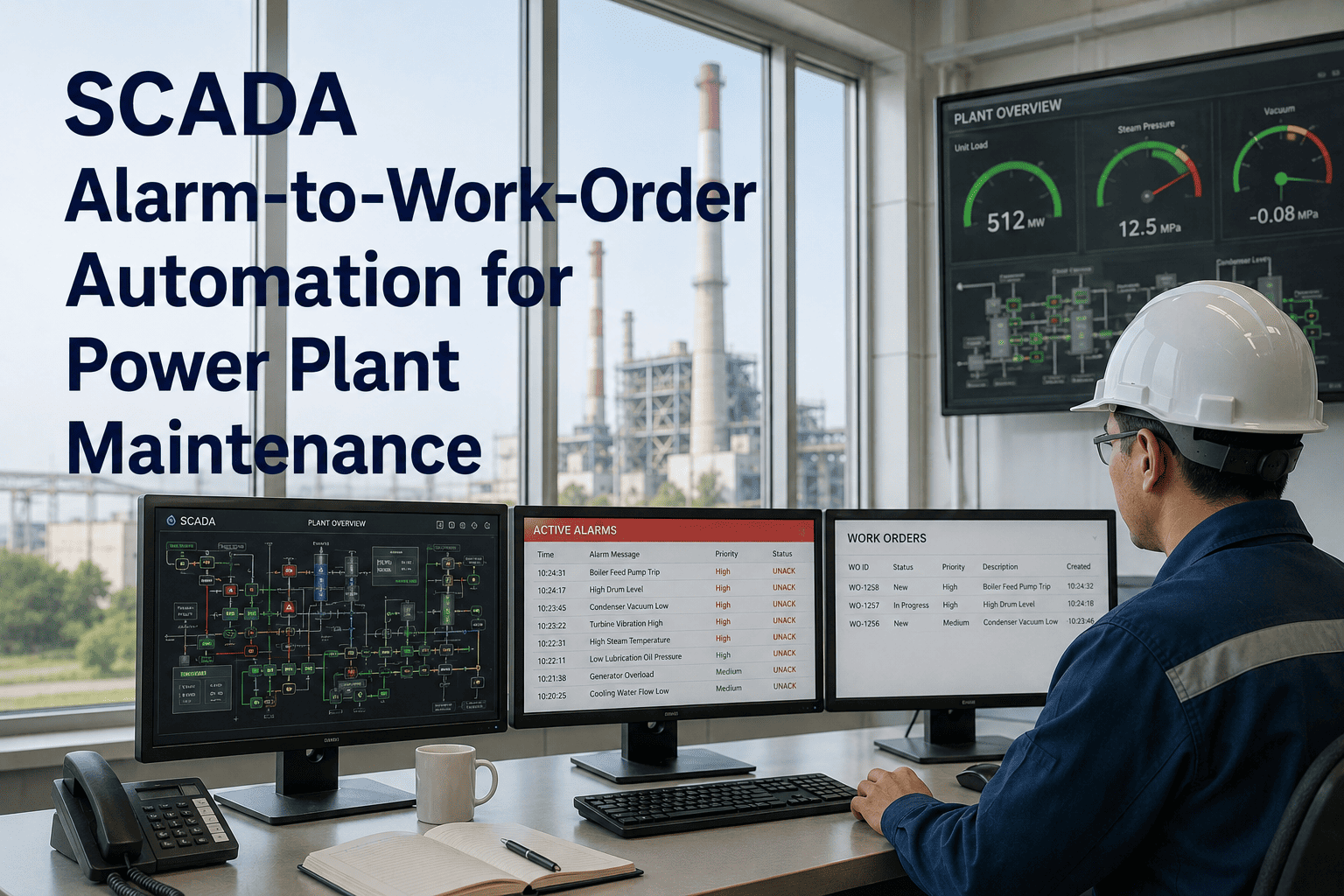
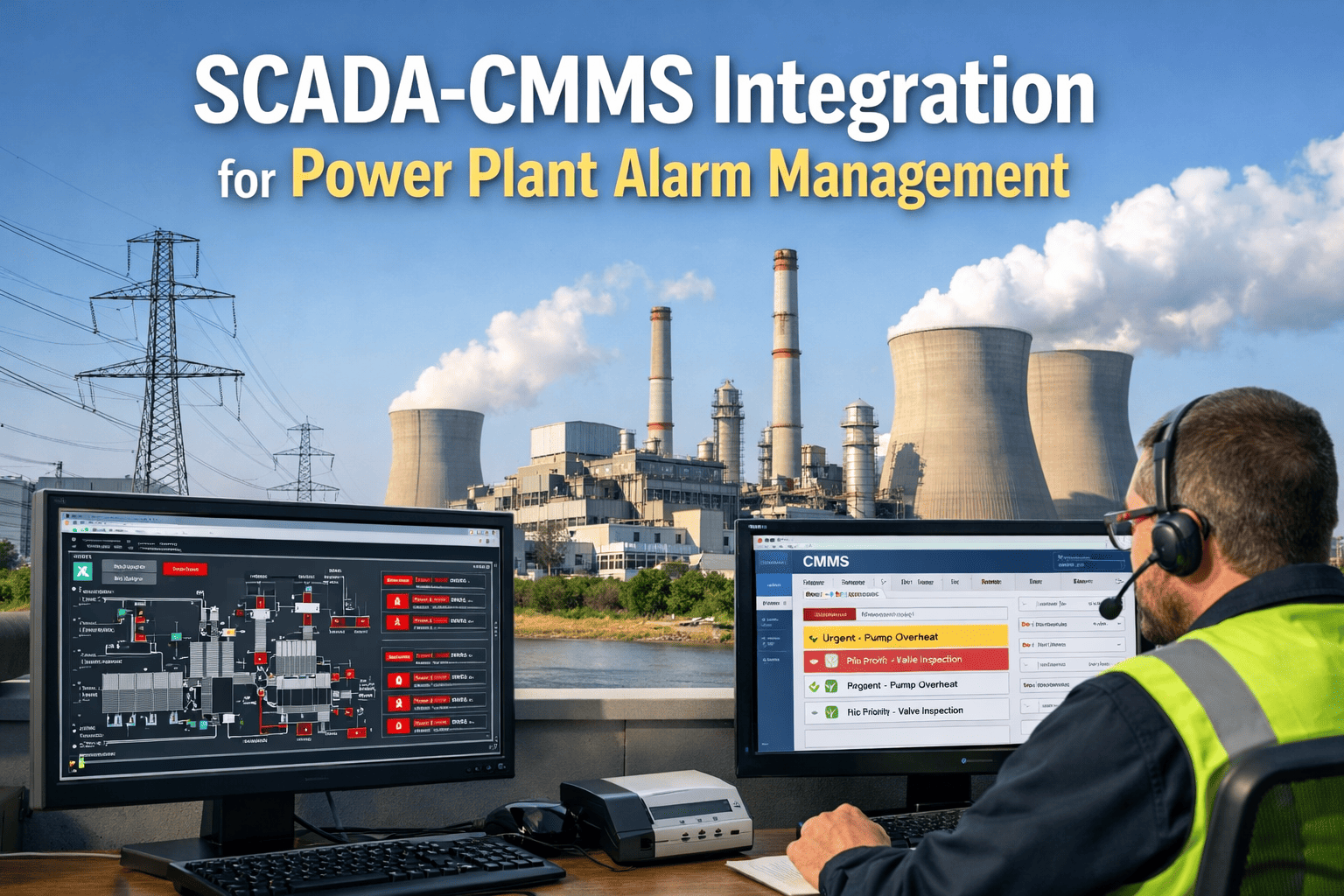
Most power plants run SCADA systems that fire hundreds of alarms every shift, yet operators can realistically act on only a handful of them. When a console exceeds the ISA-18.2 target of fewer than 10 alarms per hour, the signal that actually matters — a bearing overheating, a pump losing flow, a generator winding drifting out of range — gets buried in nuisance noise. By the time someone notices, it has already become an unplanned outage. OxMaint's SCADA Alarm-to-Work-Order Automation closes that gap by turning a qualifying alarm directly into a prioritized, assigned, and trackable maintenance work order. Book a free demo to see it mapped to your own SCADA tags.
Feature · SCADA Integration
SCADA Alarm-to-Work-Order Automation for Power Plant Maintenance
78%
of industrial plants still run alarm systems designed decades ago
<10/hr
ISA-18.2 target alarm rate per operator console in steady state
40-60%
typical drop in alarm count after rationalization and auto-routing
Automation Flow
From SCADA Alarm to Closed Work Order in 5 Steps
1
Alarm Detected
SCADA flags an abnormal reading the moment a sensor, PLC, or RTU tag crosses its configured threshold or deadband.
2
Priority Classified
OxMaint checks the alarm against your ISA-18.2 priority matrix and discards duplicates, chattering tags, and known nuisance alarms.
3
Work Order Auto-Generated
A work order is created instantly with the asset record, failure history, manuals, and recommended spare parts already attached.
4
Technician Notified
The nearest qualified technician gets a mobile push notification with the asset location, alarm cause, and required parts list.
5
Closure and Feedback
Resolution time, parts consumed, and root cause are logged back so recurring alarms surface in reliability reports automatically.
Stop Letting Alarms Sit in a Queue Nobody Watches
Connect your SCADA tags to OxMaint and every qualifying alarm becomes a tracked work order — assigned, timed, and closed with full history.
Alarm Priority Routing
How OxMaint Routes Alarms by ISA-18.2 Priority Class
Emergency
Target share: under 2% of alarms
Immediate auto work order with emergency flag and escalation to a supervisor if not acknowledged within 5 minutes.
High Priority
Target share: under 5% of alarms
Work order auto-assigned to the on-shift technician with a 30-60 minute response window and asset history attached.
Medium Priority
Target share: 15-20% of alarms
Added to the daily maintenance queue automatically, grouped by asset area so technicians can batch nearby tasks.
Low / Advisory
Target share: remaining alarms
Logged and trended without an immediate work order, then reviewed in the weekly preventive maintenance cycle.
Common Alarm Sources
SCADA Alarms That Most Often Need a Work Order
| Asset / System |
Typical Alarm |
Likely Root Cause |
Auto Work Order Priority |
| Boiler Feed Pump |
High bearing temperature |
Lubrication breakdown or shaft misalignment |
High |
| Generator |
Stator winding temperature high |
Cooling water flow restriction |
Emergency |
| Condenser |
Low vacuum / high backpressure |
Tube fouling or air in-leakage |
Medium |
| Cooling Tower Fan |
Vibration high |
Bearing wear or blade imbalance |
High |
| Coal Mill / Pulverizer |
Motor overload trip |
Feeder jam or mill choke condition |
Medium |
| Flue Gas Desulfurization |
Reagent pH deviation |
Dosing pump fault or sensor drift |
High |
Operational Impact
Manual Alarm Response vs. OxMaint Automation
Without Automation
Alarm sits on the SCADA screen until an operator notices and calls maintenance
Work order is created hours later in a separate system, often from memory
No asset history, manuals, or spare parts attached to the work order
Technician arrives without the right parts and makes a second trip
With OxMaint Automation
Alarm is classified by priority and routed the moment it fires
Work order is generated automatically within seconds, fully timestamped
Asset history, manuals, and recommended spares attach automatically
Technician is notified on mobile with location, cause, and parts list
Industry Insight
What Alarm Management Research Shows
Structured alarm rationalization following the ISA-18.2 lifecycle typically cuts active alarm counts by 40-60% in mature systems, while improving response time to genuinely critical events by roughly a third. The biggest gains come not from new hardware but from reclassifying nuisance alarms and routing the remaining meaningful ones directly to the people who can act on them.
Based on ISA-18.2 / IEC 62682 implementation case studies
When PLC communication drops, dependent alarms should auto-suppress rather than flood the operator console, and summary alarms can consolidate a dozen related tags — such as turbine vibration, temperature, and pressure — into a single actionable notification that still preserves the underlying diagnostic detail for maintenance teams.
Based on SCADA alarm handling strategy guidance for power operators
FAQs
Frequently Asked Questions
How does OxMaint turn a SCADA alarm into a work order automatically?
OxMaint connects to your SCADA via OPC-UA, Modbus, or DNP3 and matches incoming alarms against a configured priority matrix. Qualifying alarms generate a work order instantly with the linked asset, history, and spares.
Start free to map your first alarm rules.
What is the ISA-18.2 alarm rate target and how does OxMaint help meet it?
ISA-18.2 recommends fewer than 10 alarms per operator hour during normal operation. OxMaint helps by deduplicating chattering tags and converting only meaningful alarms into work orders, keeping consoles closer to that target.
Can OxMaint integrate with our existing SCADA and historian without replacing it?
Yes. OxMaint reads tags from your existing SCADA and historians, including OSIsoft PI, Honeywell PHD, and AspenTech IP.21, without requiring any hardware changes.
Book a demo to review your tag list with our team.
How does OxMaint avoid creating duplicate work orders during an alarm flood?
Related alarms from the same root cause are grouped under a single master work order, so an alarm storm on one asset produces one actionable ticket instead of dozens of duplicates for the same fault.
What happens if a high-priority work order isn't acknowledged in time?
If an Emergency or High priority work order remains unacknowledged past its response window, OxMaint automatically escalates the notification to a supervisor so the alarm is never left unattended.
SCADA Integration
Turn Every Critical SCADA Alarm Into a Tracked Work Order
From detection to closure, OxMaint keeps your maintenance team focused on the alarms that matter and gives you full traceability on every response.