The ISA-18.2 standard defines manageable alarm load as fewer than 12 alarms per operator hour in steady-state plant operation — yet most power plant SCADA systems leave commissioning with more than 60% of alarms classified as High or Urgent, and alarm floods above 30 alarms per hour are common during upsets. When operators are inundated at that rate, alarm fatigue sets in: critical alerts are missed, response is delayed, and maintenance teams receive no structured handoff from the control room. A single upstream breaker trip can generate 9 or more cascading alarms for a single actionable event. The solution is not more dashboards — it is automated conversion of qualified SCADA alarms into structured maintenance work orders, so the right technician receives the right task the moment the control room sees the condition. Start free on OxMaint to connect your SCADA alarm logic to digital work orders, or book a demo to see how the integration is configured for power generation facilities.
AI WORK ORDER AUTOMATION · CONTROL ROOM INTEGRATION
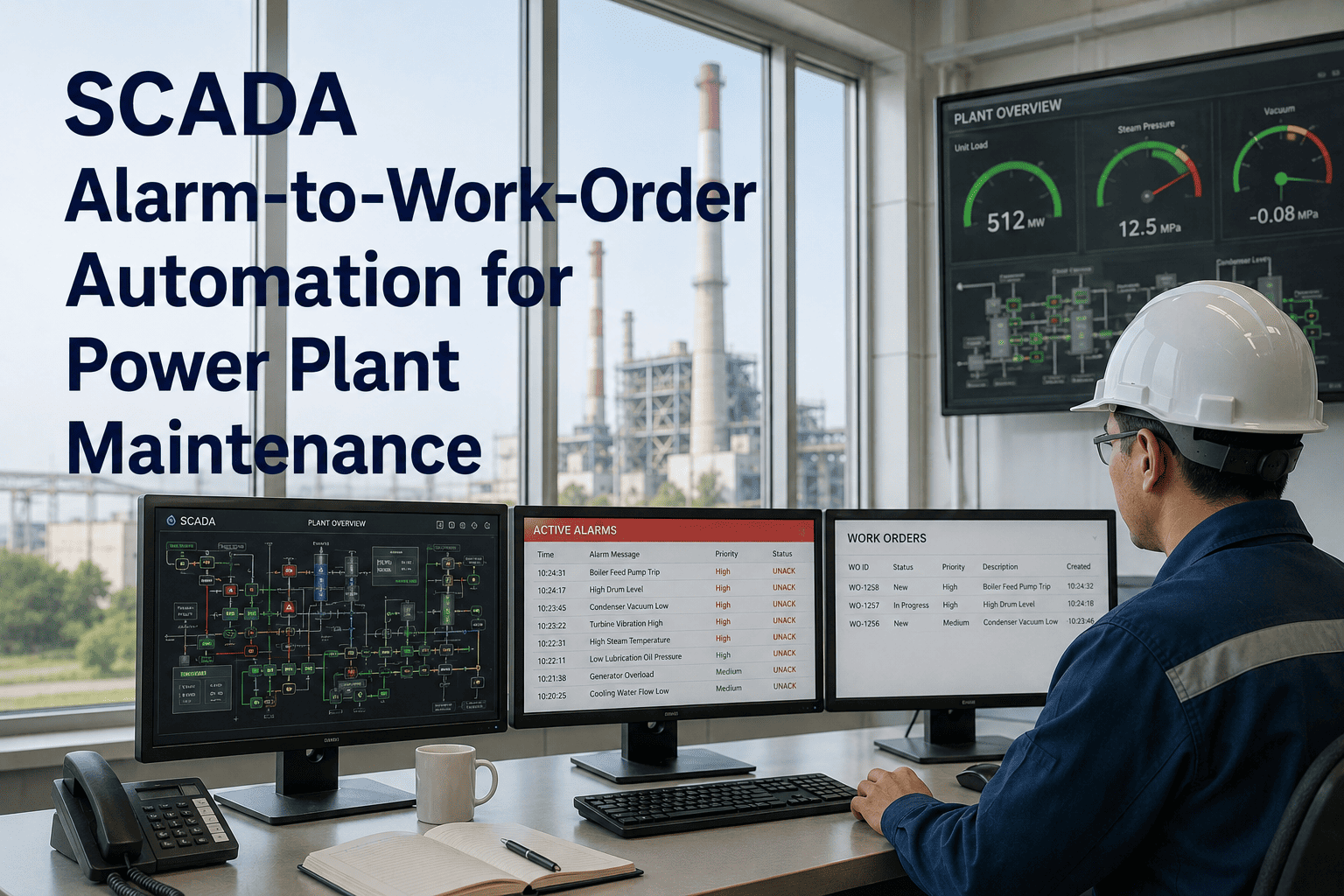
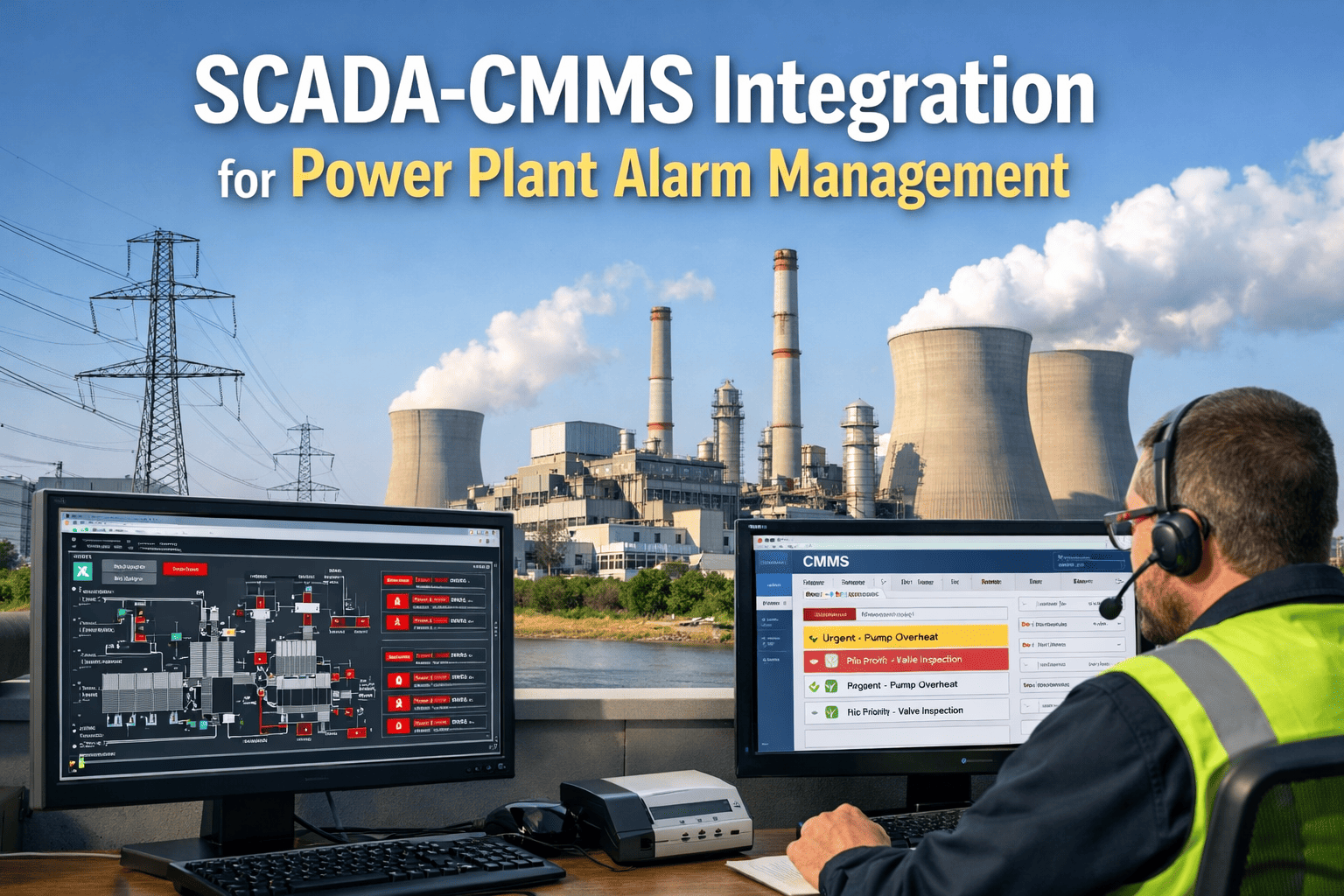
SCADA Alarm to Work Order Automation for Power Plants
When SCADA fires an alarm, OxMaint creates the work order. No manual triage. No lost handoffs. Just the right task to the right technician — automatically.
<6
ISA-18.2 target alarms per operator hour in steady-state operation
60%+
Alarms classified High or Urgent on typical new SCADA installations — vs. the 5% ISA-18.2 target
84%
Alarm load reduction achievable through rationalization with automated work order routing
THE PROBLEM
Why SCADA Alarms Alone Do Not Produce Maintenance Action
Alarm Flooding
A single upstream event can cascade into 9 or more SCADA alarms for one actionable condition. Operators receive no prioritized guidance on which signal requires a maintenance response versus which is a downstream consequence of the same root cause.
Alarm Fatigue
Studies show operators can manage no more than 6–12 alarms per hour effectively. Above 30, alarm flooding begins and critical signals are routinely dismissed. The Texas City refinery explosion and Buncefield fire both cited poor alarm management as a contributing factor.
The Control Room–Maintenance Gap
Even when an operator correctly identifies a maintenance-relevant alarm, the handoff to the maintenance team is manual — a phone call, a radio message, a paper log. The time between alarm and work order creation is unmeasured, untracked, and often measured in hours, not minutes.
Standing and Nuisance Alarms
Alarms that remain active for over 24 hours train operators to ignore them. Chattering alarms — toggling three or more times per minute — consume attention without delivering actionable information. Both degrade the signal quality of the alarms that actually matter.
Close the Gap Between SCADA and Your Maintenance Team
OxMaint converts qualified SCADA alarms into structured work orders in real time — with asset context, priority, and recommended response already populated.
HOW IT WORKS
The Alarm-to-Work-Order Pipeline in OxMaint
01
Alarm Qualification
Not every SCADA alarm becomes a work order. OxMaint applies configurable qualification logic — duration thresholds, priority filters, and state-based suppression — to separate maintenance-actionable alarms from cascading consequences and nuisance signals.
02
Asset Matching
The qualified alarm is matched to the asset record in OxMaint — turbine, transformer, pump, or valve. The work order is pre-populated with the asset's maintenance history, recent inspection records, and any open related tasks.
03
Work Order Creation
A structured work order is created automatically with the alarm detail, recommended response procedure, required materials, and priority level. No manual triage by the maintenance planner is needed for pre-qualified alarm types.
04
Technician Dispatch
The work order is assigned and dispatched to the appropriate technician or team. Response time is tracked from alarm to dispatch, and completion is recorded back against the asset — closing the loop between the control room and the field.
PERFORMANCE BENCHMARK
SCADA Alarm Performance: Before and After Automation
| Metric |
Manual Process |
OxMaint Automation |
ISA-18.2 Target |
| Alarms requiring manual triage |
All maintenance-relevant alarms |
Pre-qualified alarm types routed automatically |
N/A |
| Time from alarm to work order |
Minutes to hours (manual handoff) |
Seconds (automated on qualification) |
N/A |
| High / Urgent alarm share |
60%+ of all alarms |
Target 5% with qualification logic applied |
5% High / Urgent |
| Standing alarms (>24 hrs) |
Not systematically tracked |
Flagged and escalated automatically |
<5% of active alarms |
| Maintenance response traceability |
Radio/phone log, often unrecorded |
Full audit trail: alarm → WO → completion |
N/A |
EXPERT REVIEW
David Kroenig
Plant Operations Manager — Thermal & Combined Cycle Generation, 20 Years
Every plant I have worked in has had the same problem: the control room sees the condition first, the maintenance team finds out about it last, and the time in between is neither measured nor managed. SCADA automation gives the operator situational awareness, but it does not close the handoff. The moment you route a qualified alarm directly into a work order with the asset context already populated, you eliminate the phone tag, the manual log entry, and the ambiguity about who is responsible. The plants doing this consistently outperform on mean time to repair — not because their technicians are faster, but because the delay between fault detection and dispatch shrinks from hours to seconds.
FREQUENTLY ASKED
SCADA Work Order Automation — Common Questions
Does OxMaint integrate with existing SCADA systems, or does it require replacing them?
OxMaint integrates with existing SCADA platforms via API or data export — it does not replace them. The SCADA system continues to function as the plant's monitoring and control layer. OxMaint subscribes to alarm data from the SCADA historian or alarm server and applies qualification logic to determine which alarms generate work orders. Most integration setups are completed within days, not weeks.
Book a demo to review your SCADA system's integration requirements.
How is the qualification logic configured to avoid nuisance alarm work orders?
Qualification rules are set per alarm tag and can include duration filters, priority thresholds, state-based suppression, and parent-child logic. An alarm that clears within 30 seconds, for example, would not generate a work order. An alarm persisting above a defined duration at high priority would. The logic follows ISA-18.2 alarm rationalization principles and is documented in OxMaint so the qualification rationale is auditable.
Start free to configure your first alarm rules.
Can the system handle multiple SCADA sources across different plant units?
Yes. OxMaint supports multi-source and multi-site configurations, allowing alarms from separate SCADA systems — gas turbine DCS, steam turbine SCADA, BOP monitoring — to route into a single work order management layer with asset context maintained separately per unit. This is particularly useful for combined cycle plants where control systems may come from different vendors.
Book a demo to see how multi-source routing is configured.
How does the audit trail from SCADA alarm to work order completion support regulatory compliance?
OxMaint records the full chain from alarm event through work order creation, technician assignment, field response, and task completion — including timestamps at each stage. This creates an auditable maintenance response record that supports NERC reliability standards, MSHA requirements, and internal management of change documentation. The response data is also used to track mean time to repair against specific alarm types, identifying systemic response bottlenecks.
Start free to begin building your response audit trail.
How does automation affect the maintenance planner's role in work order management?
Automation handles the routine handoff for pre-qualified alarm types, freeing maintenance planners to focus on work scope definition, resource coordination, and exception management rather than manual alarm triage. Planners still review and approve work orders for novel alarm conditions, and the qualification rules can be updated through OxMaint as plant operating conditions evolve.
Book a demo to see the planner workflow in practice.
OXMAINT · AI WORK ORDER AUTOMATION
From SCADA Alarm to Work Order in Seconds — Not Hours
OxMaint closes the gap between your control room and your maintenance team with automated alarm qualification, asset matching, and work order dispatch — in real time.