You're in a software demo. The vendor is walking you through features, highlighting integrations, showing pretty dashboards. But you're not asking the questions that matter — the ones that determine whether this system will actually work for your operation or sit unused for two years. Here are the 10 questions that separate systems that deliver ROI from systems that look good in a sales meeting.
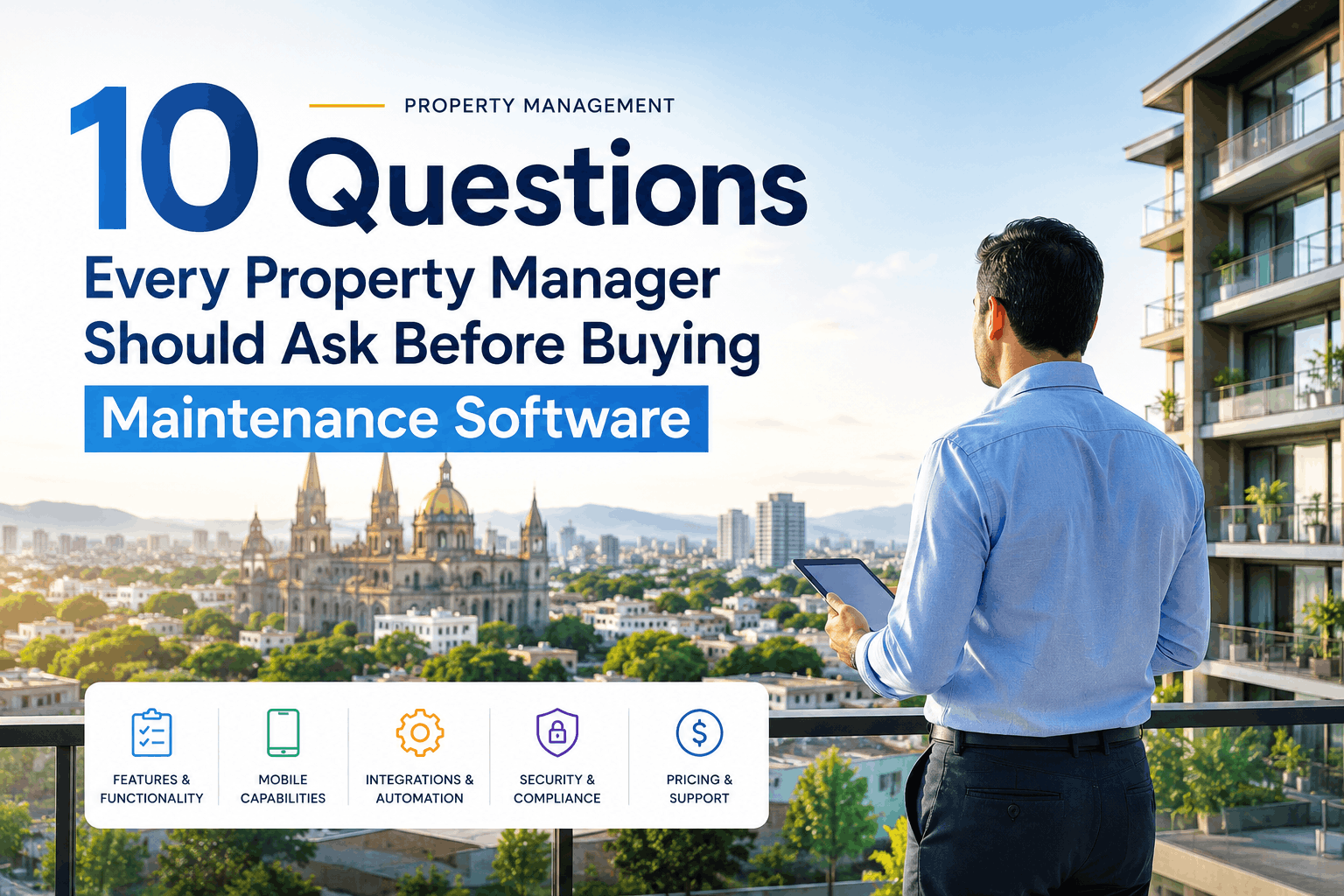
10 Questions Every Property Manager Should Ask Before Buying Maintenance Software
The exact questions to ask during a CMMS demo that reveal adoption risk, integration gaps, and ROI roadblocks before you sign the contract.
Why These Questions Matter
Most property managers ask about features (mobile app, reporting, integrations) and price. Those conversations are necessary, but they don't reveal whether the software will actually integrate with how your team works. The 10 questions below address the gaps that cause implementation failure — adoption friction, vendor responsiveness, flexibility, and post-launch support. Ask them during your demo, and you'll know within 30 minutes whether to move forward or keep looking.
The 10 Critical Questions
Ask these in order during your demo. If you get evasive answers or "let me get back to you" on 3+ questions, that's a red flag about implementation support quality.
How long does it typically take to get a technician from "software purchased" to "first work order assigned on their mobile app"?
If adoption delay is 6+ weeks, technicians fall back to old workflows (paper, email, radio). You need mobile adoption within 2-3 weeks for maintenance speed to improve. If they can't commit to that timeline, the software sits unused.
If I have 30 years of maintenance history in Excel/paper, can you migrate it automatically, or do I need to manually input 40,000 records?
Your historical data is how the system learns prevention patterns and cost trends. If they can't migrate, you're either starting from zero (losing analysis capability) or you'll spend 200+ hours on manual data entry. Both are adoption killers.
What happens if one of my technicians doesn't have cell service in the field? Can the mobile app work offline and sync later?
If the app doesn't work offline, technicians in basements, rural areas, or tunnels will struggle. This creates a back-up paper system or vendor frustration. Offline capability is table-stakes for field work.
When a preventive maintenance schedule is triggered (e.g., "HVAC PM every 90 days"), can the system automatically assign it to the right technician and notify them, or do I manually create work orders?
Manual PM triggering means you become the bottleneck. If you need to manually create work orders, PM schedules fail within month 2 because it becomes admin overhead. Full automation is the only path to sustainable PM.
What happens to my data if I leave? Can I export everything — work orders, costs, asset history — in a standard format that another system could import?
If your data is locked into their system, you're trapped even if the software underperforms or pricing spikes. Portability is insurance against vendor lock-in and gives you negotiating power.
Do you have a certified integration with my current accounting software (QuickBooks, SAP, NetSuite, etc.), or will I have to manually reconcile costs between systems?
If maintenance costs don't flow automatically into accounting, you're doing manual reconciliation every month. That's 8-12 hours of error-prone work, and you lose cost visibility. Accounting integration is non-negotiable.
If I have 200 work orders in your system and I find a critical bug that corrupts data, what's your data recovery policy? How many days of backups do you keep?
Data loss is rare but catastrophic. You need to know they keep rolling backups and can recover days/weeks of data without losing records. This also signals how seriously they take system reliability.
What's your average response time for critical issues (system down, data missing, mobile app not working)? Is there a guaranteed SLA, or is it best-effort?
If the system goes down during your peak maintenance window and support takes 12+ hours to respond, you're dead in the water. You need guaranteed SLA response times (typically 1-4 hours for critical issues).
Can I customize work order templates, asset categories, and PM schedules without requiring a developer or custom code, or does everything need to go through your professional services team?
If customization requires custom development or vendor involvement, you'll be paying $150-250/hour every time you need a small change. Easy self-service configuration keeps costs down and lets you iterate quickly.
If I have 12 properties across different time zones, can I see a real-time consolidated dashboard showing all maintenance activity, or do I need to log into each location separately?
Multi-location visibility is essential for portfolio management. If you need to log in separately for each building, you lose the big picture and can't spot patterns (e.g., one building has 3x cost of similar buildings).
How to Use These Questions in Your Demo
Timing and delivery matter. Don't ask all 10 at once (you'll look combative). Integrate them naturally into the demo flow. Here's the strategy:
Let them do their demo. Observe the mobile app, reporting, mobile assignment flow. Listen for technical depth. Are they explaining how things work, or just clicking through?
Ask questions 1-4 (adoption speed, data migration, offline capability, automation). These are about system readiness for your operation. These answers determine if implementation will be smooth.
Ask questions 5-8 (data portability, integrations, data recovery, support SLA). These reveal vendor reliability and lock-in risk. If they answer poorly, proceed cautiously.
Ask questions 9-10 (customization, multi-location visibility). These reveal flexibility and whether the system actually supports your specific operational model.
Red Flags to Watch For
Beyond the 10 questions, watch for these behaviors during your demo that signal implementation risk:
Vague Implementation Timelines
If they can't commit to specific dates ("it depends on your team"), they're not projecting implementation success. Real vendors have structured timelines.
"We Can't Do That" (Too Often)
If they can't do 3+ things you ask about (offline mode, data export, specific integration), they're inflexible. Move on.
Extensive Upsell Pitches During Demo
If they're pushing add-ons (integrations, training, professional services) every 10 minutes, the base product is limited and implementation will cost way more than quoted.
Support Deferred to "the Community" or "Docs"
If they mention user forums or documentation instead of dedicated support for implementation, you're on your own. That's a warning sign.
"Let Me Get Back to You" on 3+ Critical Topics
If they don't know the answer to questions about offline capability, integrations, or data recovery, they're not prepared. Walk away.
Frequently Asked Questions
Ask the Right Questions. Pick the Right Software.
These 10 questions identify implementation risk, vendor quality, and operational fit before you sign the contract. Use them in every CMMS demo you attend.