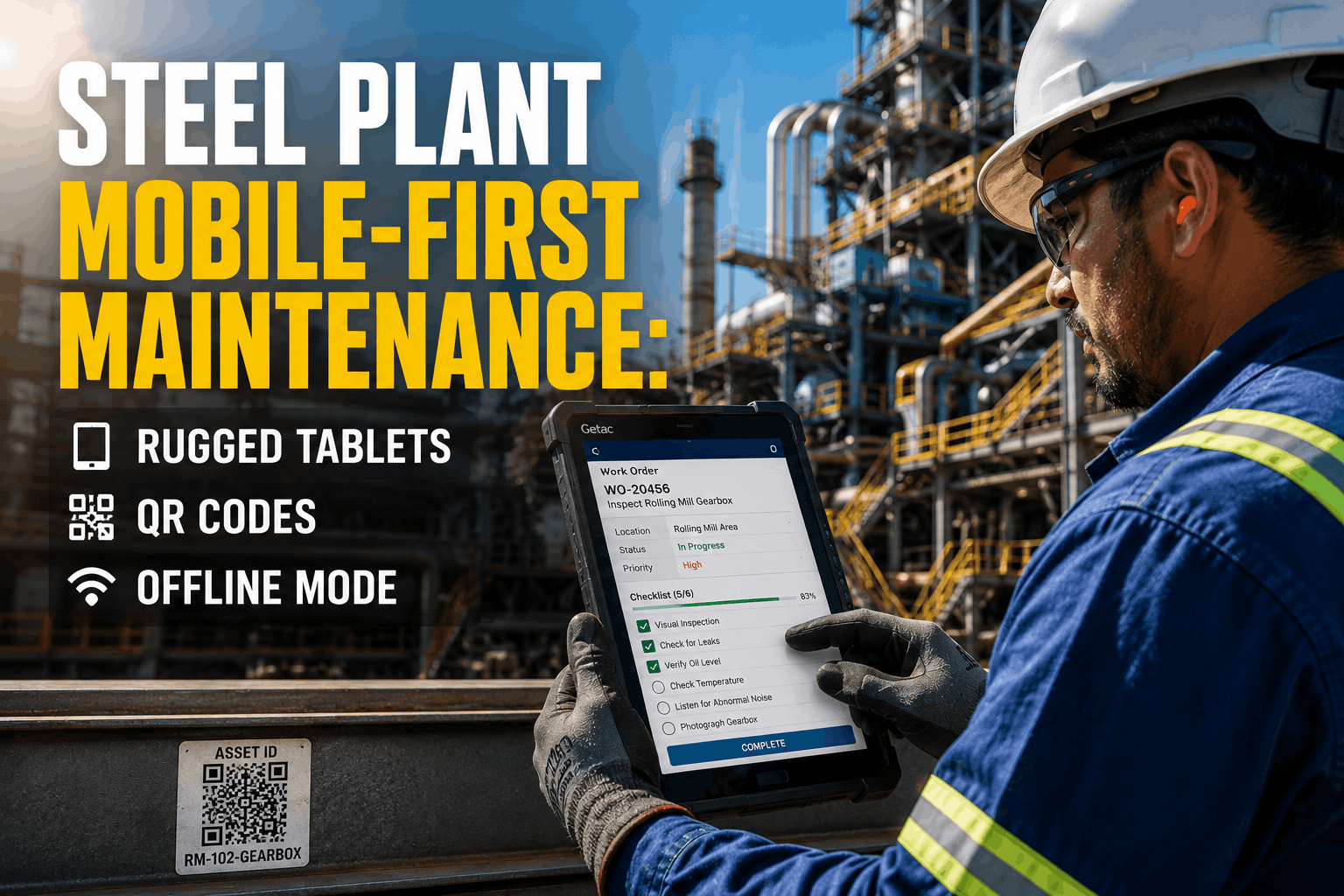
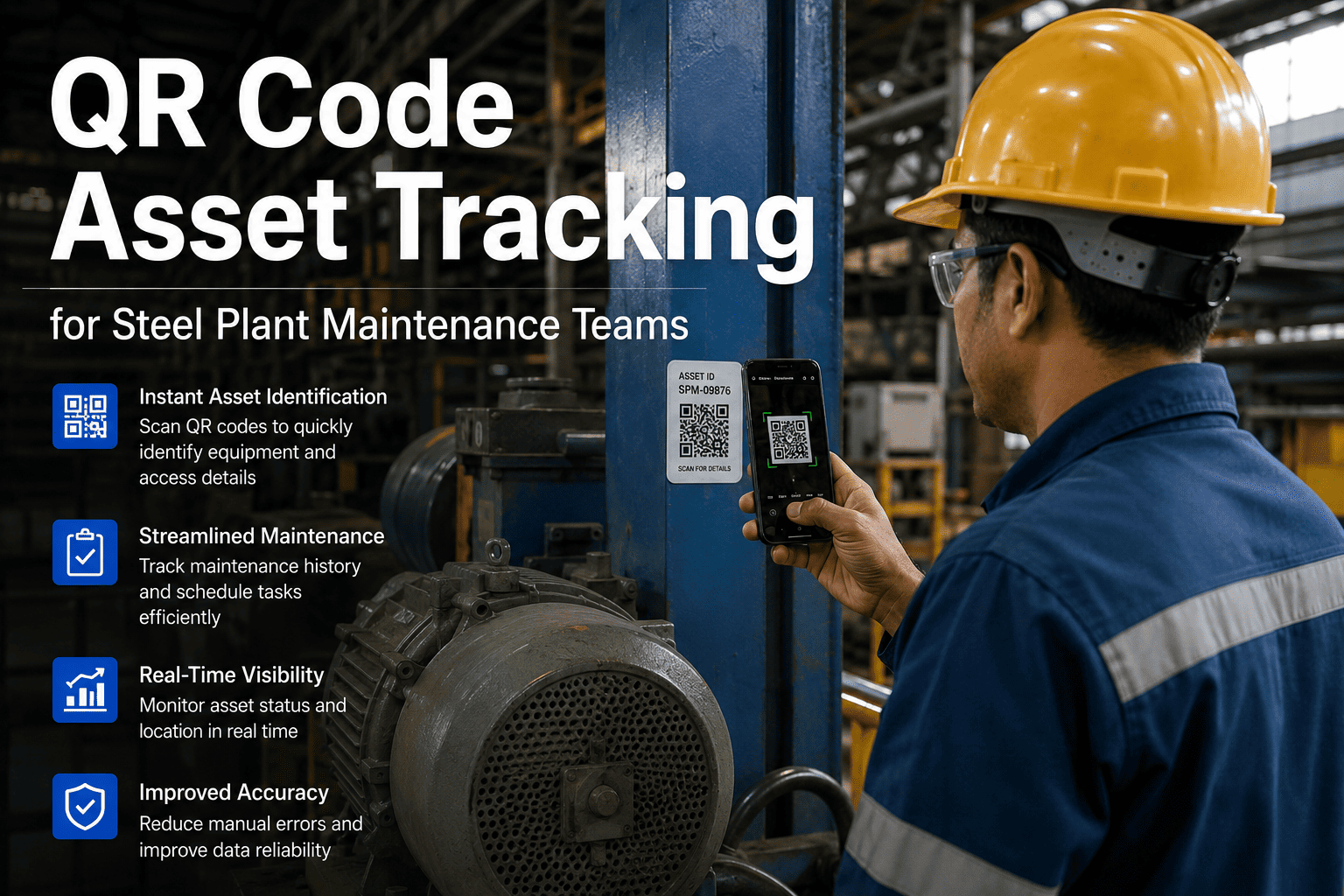
Steel plants run on milliseconds and margins — yet most maintenance teams are still capturing work orders on paper, walking back to an office to type them up, and losing hours every shift to admin that adds zero value. Oxmaint's mobile CMMS puts every work order, inspection form, and spare parts record on the technician's phone — with full offline capability for the plant floor. Book a demo to see paperless maintenance in action inside a live steel plant environment.
Steel Plant Mobile Maintenance: Paperless Work Orders, Inspections & Reporting
How steel facilities are cutting admin time by 60%, closing work orders at asset location, and running digital inspections offline — without replacing a single existing system.
Why Paper Still Dominates Steel Maintenance — And What It's Costing You
A technician at a rolling mill finds a bearing vibrating abnormally at 6 AM. He writes it on a clipboard, finishes the shift, hands the paper to a supervisor, who keys it into the system two days later. By then, the bearing has failed, the mill is down, and the work order that should have triggered a $400 repair has turned into a $180,000 unplanned outage. This is not an edge case — it is the daily operating reality in steel plants still running paper-based maintenance.
Paper logs get batched and entered at shift end or week end. Maintenance history is always stale. Asset condition decisions are made on incomplete records.
Technicians cannot attach photos of cracks, leaks, or abnormal wear on a paper form. Root cause analysis later is pure guesswork without visual evidence from the failure moment.
Most mobile apps require internet. Steel plant floors — furnace areas, rolling mill interiors, sub-basement utility zones — have zero coverage. Technicians fall back to paper the moment connectivity drops.
Every technician runs inspections differently. Without a digital checklist enforcing mandatory fields, inspection quality depends entirely on individual habits. Compliance is unverifiable.
Five Mobile Features That Replace Paper in Steel Plants
Technicians scan a QR code on the equipment, the asset record opens instantly, and a new work order is created, categorised, and assigned before they leave the asset. No walking back. No clipboard. No end-of-shift batch entry. Work orders are timestamped, geo-tagged, and linked to the asset's full maintenance history the moment they are created.
PM checklists run on the mobile app with enforced mandatory fields — technicians cannot mark a job complete without entering all required readings. Auto-fail logic triggers an immediate corrective work order when a measured value exceeds the defined threshold. Inspection quality is consistent, verifiable, and audit-ready.
Technicians photograph a cracked weld, a leaking seal, or abnormal corrosion directly in the Oxmaint app. The image is linked to the work order and the asset record permanently. Future technicians working on the same asset see the full visual history — not just text descriptions of what someone thought they saw six months ago.
Oxmaint syncs data to the device before the technician enters a no-signal zone. Work orders, checklists, asset records, and parts data are all available offline. When connectivity returns — even hours later — everything syncs automatically. No action required from the technician. No data lost.
Every closed work order feeds a live dashboard automatically. Maintenance managers see real-time PM completion rates, open corrective backlogs, repeat failure trends, and cost-per-asset breakdowns — updated as jobs close, not on the 1st of the next month. Shift handover reports generate in one click.
Paper-Based vs. Oxmaint Mobile: What Changes on Day One
| Task | Paper-Based Maintenance | Oxmaint Mobile |
|---|---|---|
| Create a work order | Write on clipboard, enter into system later (avg. 8–12 min) | Scan QR code, create in app at asset (under 90 sec) |
| Run a PM inspection | Paper checklist, manual re-entry, no enforcement | Digital form with mandatory fields, auto-fail logic, instant record |
| Document a defect | Written description, no photo, often missed | Photo/video attached in-app, linked to asset permanently |
| Work in a no-signal zone | Fall back to paper — data entered hours or days later | Full offline mode — auto-syncs when signal returns |
| Generate a shift report | Manual compilation from multiple paper sources (30–60 min) | One-click report from live data (under 2 min) |
| Audit compliance evidence | Paper file search, often incomplete or missing | Full digital history, timestamped, exportable instantly |
Your Plant Floor. Your Assets. Zero Paper.
Oxmaint goes live in 2–4 weeks alongside whatever system you currently run. No rip-and-replace. No hardware. Technicians are trained in hours, not weeks.
Going Paperless: 10-Step Rollout Checklist for Steel Plants
Most paperless transitions fail not because of the software — but because of rollout sequence. Follow this checklist to go live in under 30 days without disrupting active maintenance programmes.
Count corrective, preventive, and inspection work orders per week. This sets the baseline for measuring improvement after go-live.
Do not start with every asset. Start with the 50 that generate 80% of your work orders. QR code those, prove the system, then expand.
Prioritise checklists run daily or weekly. Set mandatory fields and define auto-fail thresholds before going live with technicians.
Walk every zone where technicians currently fall back to paper. Test Oxmaint offline mode in each zone and confirm auto-sync behaviour before deploying to the team.
Train one champion first. Let them train the rest of the crew — peer-to-peer adoption is faster than top-down rollout in plant environments.
Allow parallel running to build confidence, but set a hard cut-off date. Open-ended parallel running means paper never dies.
Make visual evidence a system requirement, not a habit. This single configuration step transforms your root cause analysis capability within weeks.
PM completion rate, open corrective backlog, and mean time to repair. Three numbers, visible in real time, replacing the monthly spreadsheet report.
Daily review during the first month catches data quality issues early and reinforces the behaviour change with the maintenance team.
Show the team what changed: work orders created faster, inspections completed on time, defects caught with photos. Shared results accelerate adoption for the remaining assets.
What Maintenance Professionals Say About Mobile-First CMMS in Heavy Industry
Mobile CMMS Impact: Industry Numbers That Explain the Shift
Sources: Plant Engineering Maintenance Study 2025, Deloitte Smart Factory Report 2025, Oxmaint customer data (anonymised).
Steel Plant Mobile Maintenance — Questions Operations Teams Ask
Yes — offline mode is a core feature, not an add-on. Before entering a no-signal zone, the app syncs all assigned work orders, PM checklists, asset records, and parts data to the device. Technicians can create work orders, complete inspections, attach photos, and close jobs entirely offline. When the device reconnects to any network — Wi-Fi or mobile — everything syncs automatically with no action required. This makes Oxmaint the only mobile CMMS that works reliably in furnace perimeters, rolling mill interiors, and sub-basement utility areas where most mobile tools fail. Sign up to test offline mode in your own plant environment.
Most technicians are creating and closing work orders independently within two to four hours of first use. The mobile interface is built around the task sequence a technician already follows — arrive at asset, assess condition, record findings, confirm parts, close job — so the learning curve mirrors how work actually happens rather than requiring technicians to learn a new mental model. Oxmaint's implementation team provides a structured half-day onboarding session and digital training materials in multiple languages. The technician-to-technician training model, where one trained champion coaches the rest of the crew, typically delivers full-team adoption within two weeks. Book a demo to see the technician interface in a live plant walkthrough.
Yes — inspection forms are fully configurable by maintenance managers without any coding or vendor involvement. Forms can include numeric measurement fields with pass/fail thresholds, dropdown selections for failure codes, mandatory photo attachment fields, technician signature capture, and conditional logic that shows additional steps only when a specific reading is outside tolerance. For steel-specific applications — blast furnace cooling stave checks, caster segment roller gap measurements, reheating furnace burner inspections — forms can be built to match your existing paper checklist structure exactly, so the transition requires no retraining on inspection procedure, only on the tool used to record it. Start a free trial and configure your first digital inspection form today.
Oxmaint QR codes are printed on industrial-grade polyester labels rated for high-temperature, high-dust, and corrosive environments — the same label type used on equipment in foundries and hot rolling facilities. The mobile app uses the device's native camera for scanning, which works reliably in moderate lighting conditions typical of plant floors. For assets in extreme environments where a label is impractical, technicians can also locate assets by searching asset name, tag number, or functional location — the QR scan is the fastest path but never the only path. Oxmaint's implementation team guides label selection and placement as part of standard onboarding for every steel plant customer.
Oxmaint integrates with SAP PM, SAP MM, and SAP S/4HANA via standard API connectivity. When a technician closes a work order in Oxmaint on their mobile device, labour hours, parts consumed, and any contractor costs post automatically to the linked SAP cost centre — no manual re-entry, no end-of-month reconciliation. Asset master records and functional location hierarchies sync from SAP to Oxmaint automatically, so work orders are always linked to the correct SAP asset regardless of which system the technician is working in. For plants on ERP systems other than SAP, Oxmaint's integration team assesses available connectivity during the scoping phase. Book a demo to discuss your specific ERP environment.
Put Every Work Order, Inspection, and Spare Part Record in Your Technician's Pocket
Oxmaint goes live in 2–4 weeks alongside your existing systems. Technicians trained in hours. Full offline capability included. No hardware required.