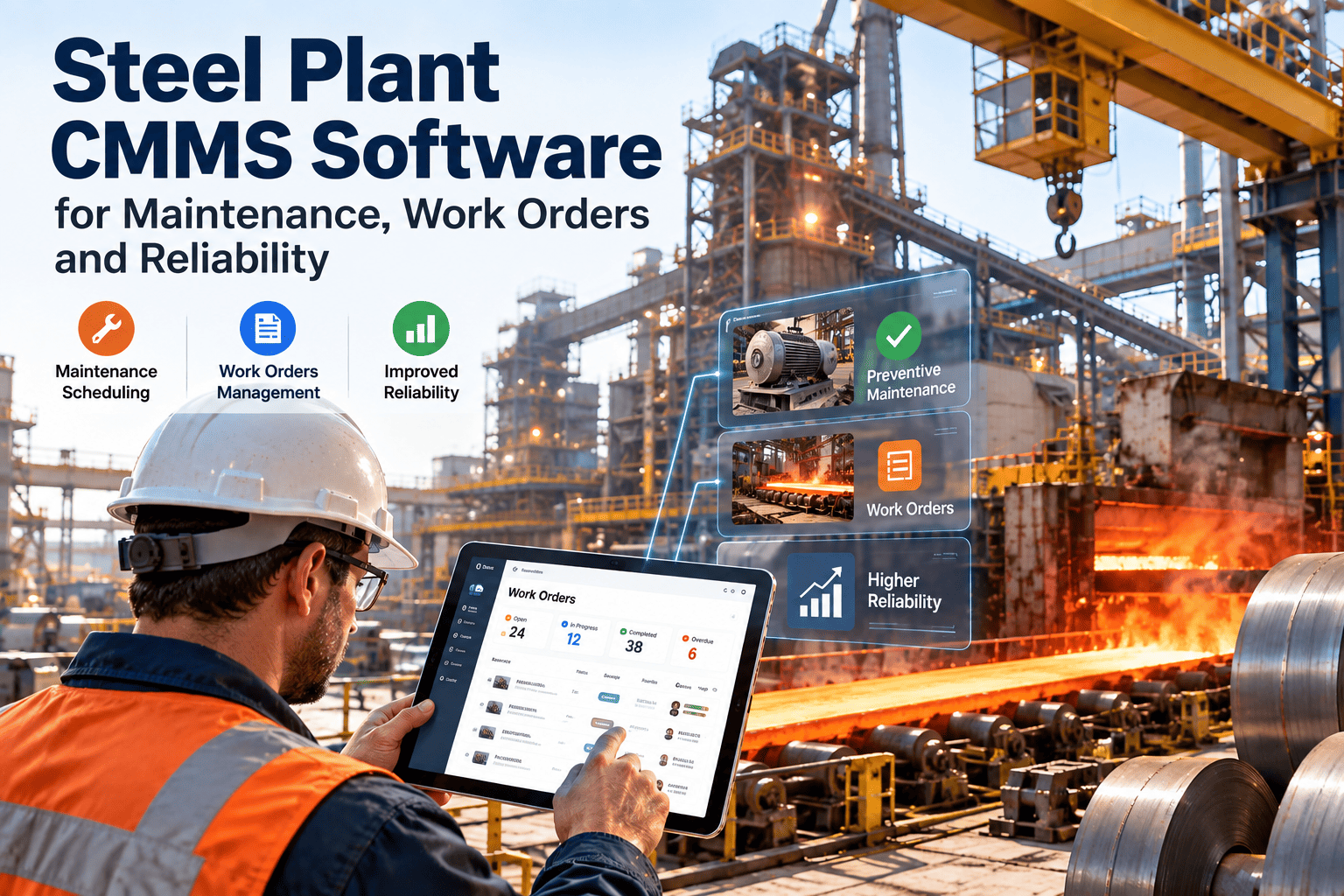
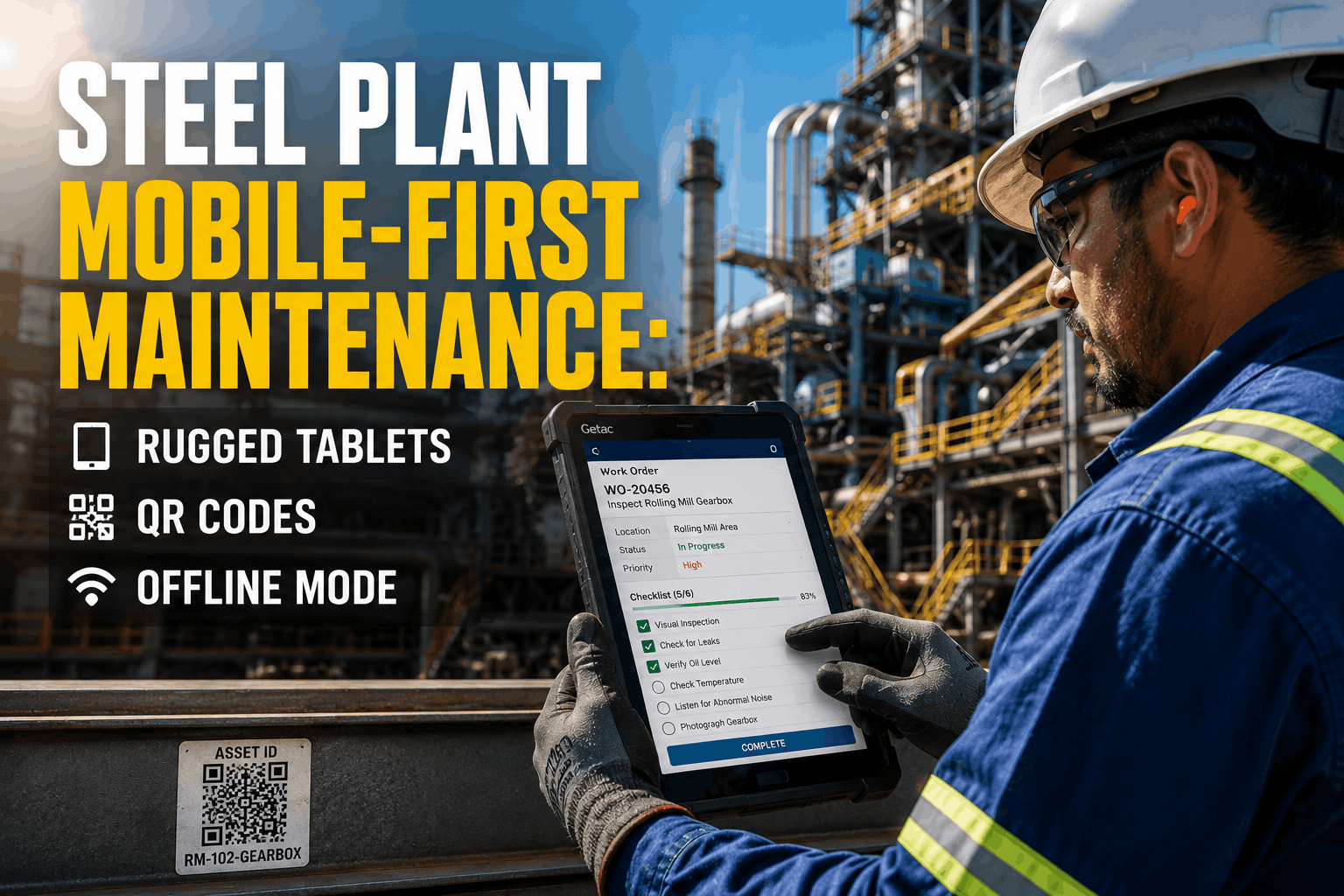
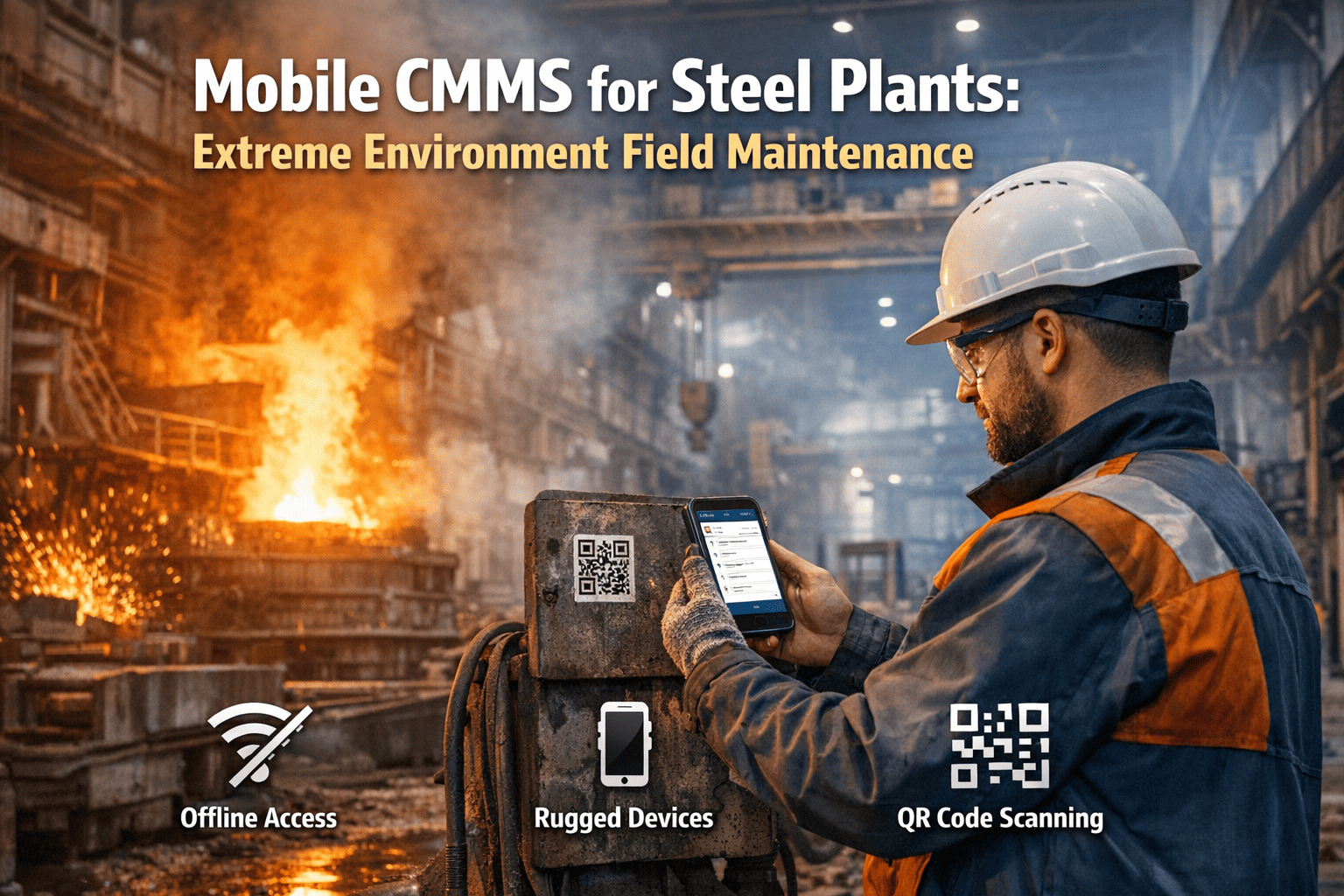
In a steel plant, maintenance happens on the shop floor — not at a desk. Technicians walk 8-15 kilometers per shift across blast furnace platforms, rolling mill basements, coke oven batteries, and utility tunnels. Every minute spent walking back to a control room to check a work order, find a procedure, or log a completion is a minute not spent fixing equipment. Paper-based systems and desktop-only CMMS platforms create an information gap between where decisions are made (the office) and where work is performed (the field). The mobile CMMS market reached $1.2 billion in 2024, growing at 15.3% CAGR, with heavy industry as the fastest-adopting segment (MarketsandMarkets). Steel plants deploying mobile CMMS report 28% faster work order completion, 45% improvement in data capture accuracy, and 22% reduction in repeat repairs through better first-time documentation (LNS Research, 2024). Yet only 34% of steel plants have fully deployed mobile maintenance tools to their frontline technicians — the rest still rely on printed work orders, radio calls, and memory (Plant Engineering Survey, 2024).
Equipping steel plant technicians with mobile CMMS means putting work orders, equipment history, procedures, parts inventory, and reporting tools directly in their hands — in environments with extreme heat, dust, poor lighting, gloved operation, and intermittent connectivity. Oxmaint's mobile CMMS app is built for exactly this — offline-capable, glove-friendly, photo-enabled, and designed to work where steel is made, not where reports are read. Schedule a demo.
Mobile CMMS at a Glance
Where Mobile CMMS Changes the Game in a Steel Plant
Every area of a steel plant presents unique challenges that mobile CMMS directly addresses. The further technicians work from the maintenance office, the greater the impact of having information at their fingertips:
Blast Furnace Complex
Multi-level structure, 60m+ height, extreme heat zones. Technicians lose 30+ min per trip to control room. Mobile: scan QR on cooling plate → see last 5 readings → log new measurement → flag deviation instantly.
Coke Oven Battery
Gas-hazardous zone, high ambient temperature, coal dust everywhere. Paper work orders disintegrate. Mobile: digital checklists survive conditions, photo document door seal condition, timestamp gas readings automatically.
Rolling Mill Basement
Underground, noisy (110+ dB), oil/water on every surface. Radio communication unreliable. Mobile: receive priority changes silently via push notification, access hydraulic schematics on-screen, log oil sample results at collection point.
Raw Material Yard & Conveyors
Spread across 2+ km, outdoor exposure, dust storms from stockpiles. Walking between conveyors consumes the shift. Mobile: GPS-tagged inspection route, scan belt section QR codes, photo-document wear spots with location pinned.
Utilities & Power Distribution
Substations, compressor houses, water treatment — scattered across plant. Each visit requires specific isolation procedures. Mobile: pull up LOTO procedure on-screen, verify technician certification before task start, log isolation steps with timestamps.
Put Your CMMS Where the Work Happens — In Your Technicians' Hands
Oxmaint mobile app works offline in blast furnace basements, handles gloved input on rolling mill floors, and syncs automatically when connectivity returns — because maintenance doesn't wait for Wi-Fi.
The Five Barriers Mobile CMMS Eliminates
Every steel plant maintenance team faces the same productivity killers. Mobile CMMS doesn't just digitize paperwork — it removes the structural barriers that slow technicians down and degrade data quality:
The Walk-Back Problem
A technician on the 5th level of a blast furnace discovers a cracked cooling plate bracket. Without mobile access, they must: climb down (15 min), walk to maintenance office (10 min), look up equipment history, check parts availability, write up a work order, then walk back (25 min) — if they remember the exact location and details by then. That's 50+ minutes lost for a 10-minute information need. Multiply by 8-12 such trips per shift across the maintenance crew, and the plant loses hundreds of wrench-hours daily to walking.
Paper Decay & Data Loss
Paper work orders in steel plants face an existential threat: heat warps them, oil soaks them, coal dust blackens them, rain dissolves them, and wind carries them across the yard. Even when paper survives, handwriting is illegible, measurements are approximated from memory hours after they were taken, and 30-40% of completed paper work orders are never fully entered into the CMMS (Industry Week, 2024). The result: equipment history has permanent gaps, trends can't be analyzed, and the same failures recur because nobody can find the records.
Delayed Communication & Response
A caster maintenance technician finds abnormal vibration on a segment drive during PM. On paper: they finish the PM, walk back to the office, write a note, and hope the planner sees it before the next casting sequence. With radio: they try to reach the supervisor, but the channel is busy with three other conversations and background noise drowns everything. Delay between finding a problem and communicating it averages 2-4 hours in paper-based plants — time during which conditions deteriorate and failures propagate.
Procedure Access Gap
Steel plant equipment requires specific procedures — torque sequences for BF bell valve bolting, LOTO steps for 11kV switchgear, lubrication quantities for rolling mill gearboxes, alignment tolerances for caster oscillation drives. These procedures live in binders in the maintenance office, on shared drives nobody can access from the field, or in the heads of veteran technicians. When the procedure isn't available at the point of work, technicians either guess (causing errors) or walk back to look it up (losing time). Both outcomes are unacceptable on critical equipment.
Invisible Work & Accountability Gaps
Without mobile tracking, supervisors have no real-time visibility into who is working on what, where they are in the plant, which tasks are completed vs. in-progress, or how long each job actually takes. Shift handovers rely on verbal communication and whiteboard notes. Tasks fall through the cracks between shifts. Overtime is claimed without verification. PM completion rates are reported based on faith, not data. The maintenance department operates blind between the morning planning meeting and the end-of-shift report.
Mobile CMMS Features Ranked by Steel Plant Impact
Not all mobile features matter equally in a steel plant environment. Here's what makes the difference between a mobile app that technicians actually use and one that collects dust:
Built for Steel Plants, Not Office Parks
Oxmaint mobile works offline in blast furnace basements, survives coal dust on coke oven batteries, and handles gloved fingers on rolling mill floors — with auto-sync, QR scanning, photo capture, and digital checklists that actually get used.
What the Mobile CMMS Must Deliver for Steel Technicians
A mobile CMMS for steel plant technicians must be judged on four performance dimensions — each one a deal-breaker if inadequate:
Frequently Asked Questions
Can mobile CMMS work in steel plant areas with no Wi-Fi or cellular signal?
Yes — and this is the single most important requirement for steel plant deployment. Blast furnace interiors, rolling mill basements, underground utility tunnels, and coke oven battery structures are all areas where connectivity is intermittent or nonexistent. A steel-grade mobile CMMS must provide full offline functionality — not a stripped-down "view only" mode, but the ability to receive assigned work orders before entering dead zones, execute complete inspection checklists with measurements and pass/fail entries, capture photos and videos, create new work requests, log time, and mark tasks complete — all without any network connection. When the technician moves to an area with connectivity (or connects to Wi-Fi during break), all data auto-syncs bidirectionally — their completed work uploads to the server, and any new assignments or priority changes download to their device. Critical design considerations include: conflict resolution (what happens if a supervisor reassigns a work order while the technician is offline?), storage management (photos and videos from a full shift can consume significant device storage), and sync prioritization (safety-critical data should sync first). Oxmaint handles all of these scenarios — technicians in BF basements and caster pits work with full CMMS capability, and data integrity is maintained regardless of connectivity gaps.
What type of mobile devices work best in steel plant environments?
Steel plant environments demand rugged-class devices — consumer smartphones will not survive. Recommended specifications: IP68 rating (dust-tight, waterproof submersion), MIL-STD-810G certification (drop, vibration, shock, temperature extremes), operating temperature range of -20°C to +60°C, and Corning Gorilla Glass or equivalent for screen durability. Key models proven in steel plant use include Samsung Galaxy XCover series, Zebra TC series, Honeywell CT series, and Panasonic Toughbook handhelds. Critical usability features: Capacitive touchscreen that works with gloved hands (leather and nitrile work gloves), screen brightness of 1,000+ nits for outdoor visibility in raw material yards, and physical side buttons programmable for quick-access functions (camera, push-to-talk, SOS). Battery life must support a full 8-12 hour shift — look for 4,000+ mAh batteries with hot-swap capability. Some plants issue shared devices that pass between shifts with quick user-login switching, while others assign individual devices. For areas near molten metal or extreme heat (casthouse, BOF platform), technicians should use devices only in observation/planning moments and rely on thermal-protected mounting stations for continuous monitoring. Annual device replacement budget should be planned at 15-20% of fleet — steel plants consume devices faster than most industries.
How does mobile CMMS improve PM completion rates in steel plants?
PM completion rates in steel plants using paper-based systems typically range from 55-70% — meaning 30-45% of scheduled preventive tasks are either skipped, partially completed, or completed but never recorded. Mobile CMMS attacks every root cause of this gap: Task visibility — technicians see their full PM schedule on their device at shift start, with priority ranking and estimated duration, eliminating the "I didn't know about it" excuse. Guided checklists — step-by-step inspection forms with mandatory fields prevent technicians from skipping steps or doing superficial drive-by inspections. If the checklist requires a vibration reading, the work order can't be closed without entering a number. Photo evidence — requiring before/after photos for specific PM tasks (belt condition, oil color, alignment readings) creates accountability that paper checkmarks never provided. Real-time tracking — supervisors see PM completion in real-time on their dashboards, not 24 hours later when paper is processed. Overdue tasks trigger automatic alerts and escalation. Reduced administrative burden — technicians complete documentation at the equipment instead of spending 30-45 minutes at end-of-shift filling out paperwork. This time savings alone often unlocks capacity for 1-2 additional PM tasks per technician per shift. Steel plants deploying mobile CMMS consistently report PM completion rates improving from 60-65% to 85-95% within 6 months, with corresponding reductions in emergency breakdowns of 15-25% (LNS Research, 2024).
How do you get steel plant technicians to actually adopt mobile CMMS?
Technician adoption is the #1 risk in mobile CMMS deployment — and the #1 reason projects fail. Steel plant maintenance technicians are often experienced tradespeople who have worked with paper systems for decades and view technology with skepticism. Successful adoption requires a deliberate strategy: Start with pain points, not features — demonstrate how the app solves problems technicians already hate: walking back to the office for work orders, handwriting reports at end of shift, not being able to find procedures. Involve technicians in selection — let them test the app on actual work before committing. If they can't complete a work order faster on the phone than on paper within 2 weeks, the app isn't right. Simplify ruthlessly — the app must be usable with 15 minutes of training. If it requires a half-day class, it's too complex. Three taps to start a work order, one tap to take a photo, swipe to complete.
Join steel plants already using Oxmaint mobile to complete tasks faster, capture better data, eliminate paperwork, and keep every piece of critical equipment running — from the blast furnace top to the shipping bay.