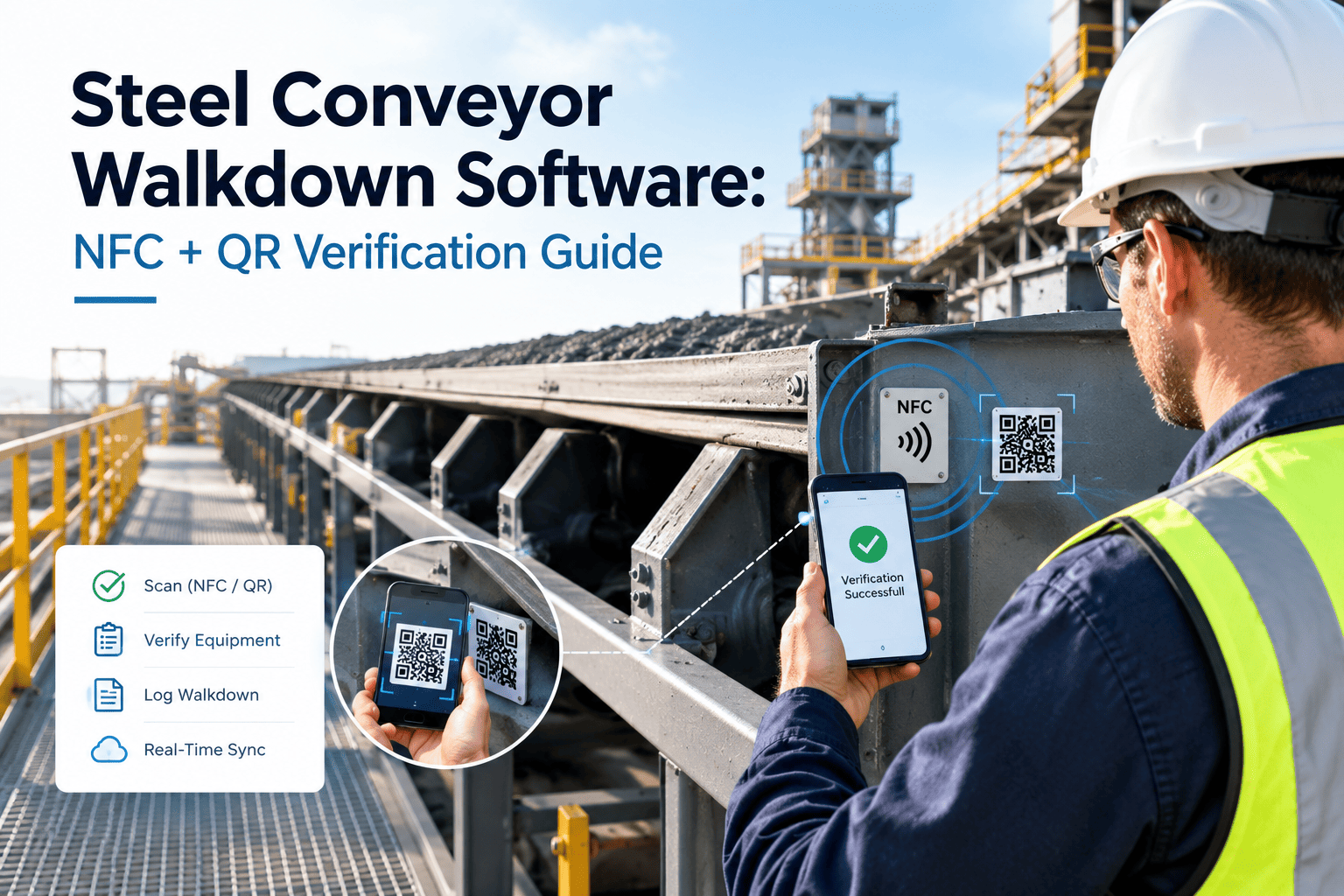
Ask any steel plant maintenance manager how they know a technician actually walked the full length of the No. 4 conveyor last shift, and most will admit the honest answer is a signed sheet of paper that could have been filled out from the break room. A belt run stretching 200 to 800 metres past idlers, pulleys, transfer chutes, and take-up stations has dozens of points where a hot bearing, a cracked idler, or a mistracking belt can hide until it tears a gash through the cover or spills a load onto the gallery below. Paper walkdown sheets record intent, not presence — a technician can tick every checkpoint box without ever standing near half of them, and nobody finds out until the failure that checkpoint was meant to catch. NFC and QR checkpoint verification closes that gap by forcing a physical tap or scan at each defined point along the belt before a walkdown can be marked complete, turning a signature into a timestamped, location-proven record. Oxmaint's conveyor walkdown module builds that checkpoint structure directly into your CMMS so every scan updates the same asset history your maintenance team already relies on.
Prove Every Metre Of The Belt Was Actually Walked
NFC tap points and QR scan zones turn a conveyor walkdown from a signed sheet of paper into a verified digital route — checkpoint by checkpoint, shift by shift, with none of the gaps a paper log can hide.
Typical belt run length with checkpoints no single vantage point can confirm
Time for a checkpoint tap or scan to log location, technician ID, and timestamp
Inspection labor reduction reported when belt walkdowns move from paper to scan routes
Wrench time recovered per technician per day once scan-based routes replace paperwork
Why A Paper Walkdown Sheet Can't Prove Coverage
A conveyor walkdown looks simple on paper: walk the belt, check the boxes, sign the sheet. In practice, a single gallery can hold a dozen structurally separate zones — the carry side, the return side, the tail pulley nip area, the transfer chute, the take-up carriage, and the drive end — each with its own failure history and its own reason a technician might skip it on a busy shift. Once the sheet is signed, there is no way to tell which zones were actually inspected and which were assumed fine because nothing had failed there recently. That gap is exactly where mistracking belts, seized idlers, and worn splices go undetected until they become an unplanned stop.
Tail Pulley Nip Zone
Often skipped because it sits behind guarding in a tight, awkward space — exactly where a missing or bypassed guard goes unnoticed longest.
Return Side Idlers
Underneath the belt, out of the direct walking path, and easy to assume are fine because the carry side looked clean.
Transfer Chute And Skirting
Spillage builds gradually along skirt rubber wear, so a single glance rarely catches the trend before a housekeeping or fire risk forms.
Take-Up Carriage
A slow tension drift here shows up as belt slip and mistracking weeks later, far from where the actual cause sits.
From Signed Sheet To Scan-Verified Route
A walkdown route built once in Oxmaint runs the same way on every shift, on every conveyor, with no step left to memory.
Route Mapped With NFC And QR Checkpoints
Each conveyor gets a defined sequence of checkpoints — tail pulley, return idlers, transfer point, take-up, drive end, head pulley — tagged with NFC chips or QR labels rated for dust and heat.
Technician Taps Or Scans At Each Point
A phone tap or scan captures technician ID, checkpoint location, and timestamp the instant the person is physically standing at that point — not from a desk, not from memory.
Findings Logged At The Point Of Work
Bearing temperature, belt tension, guard status, and photo evidence are captured on the same screen as the scan, so the reading is tied to the exact checkpoint and moment it was taken.
A Missed Checkpoint Raises An Alert
If the route window closes and a checkpoint has no scan against it, the supervisor dashboard flags the gap on the same shift — not during an audit three months later.
What Actually Changes When A Walkdown Is Scan-Verified
| What You Need To Know | Paper Walkdown Sheet | NFC / QR Verified Route |
|---|---|---|
| Proof of physical presence | Signature only, no location proof | Timestamped scan at the exact checkpoint |
| Time to detect a skipped checkpoint | Usually after the next failure | Same shift, on the supervisor dashboard |
| Record tamper resistance | Can be filled in after the fact | Scan and timestamp cannot be backdated |
| Shift-to-shift handoff | Verbal or handwritten notes | Full checkpoint history visible instantly |
| Escalation on a bad reading | Depends on someone reading the sheet | Auto work order at point of scan |
| Audit and compliance prep | Searching binders and shift logs | Filtered route history exported in minutes |
Turn Every Conveyor Into A Verified Walkdown Route
Map checkpoints once, tag the belt with NFC or QR points, and let Oxmaint flag the gaps that a paper sheet never could.
Checkpoint Types And Escalation Triggers
Use this as a starting structure when mapping your first conveyor route in Oxmaint.
| Checkpoint Type | Verification Method | Escalation Trigger | Recommended Frequency |
|---|---|---|---|
| Tail Pulley Nip Point | NFC tap plus guard status entry | Missing or open guard flagged instantly | Every shift |
| Return Side Idler Run | QR scan per defined zone | Unscanned zone after route window closes | Daily |
| Belt Splice / Fastener | QR scan with photo capture | Wear beyond tolerance photo-flagged | Weekly |
| Take-Up Carriage | NFC tap plus tension reading | Tension outside range auto work order | Weekly |
| Transfer Chute / Skirting | QR scan with spillage note | Spillage above threshold flagged | Daily |
| Head / Tail Bearing Housing | NFC tap plus temperature entry | Temperature above baseline auto work order | Every shift |
Swipe horizontally on mobile to see the full table.
What The Walkdown Module Actually Gives Your Team
Checkpoint Route Builder
Map every NFC and QR point along a conveyor in sequence, set an expected walk window per checkpoint, and replicate the route across identical conveyors in minutes rather than rebuilding it from scratch each time.
Missed-Scan Alerts
The supervisor dashboard shows which checkpoints were scanned, which were skipped, and how far into the shift the gap has gone unresolved — before it becomes tomorrow's breakdown investigation.
Photo And Reading Capture
Bearing temperature, belt tension, guard status, and spillage photos are captured on the same scan screen, tying every reading to a specific checkpoint, technician, and timestamp automatically.
Full Audit Trail
Every scan, reading, and generated work order is stored against the conveyor's asset history, so safety reviews and compliance audits pull a complete route record instead of a stack of paper sheets.
Reliability programmes that replace paper walkdowns with scan-verified routes tend to catch belt tears, hot bearings, and bypassed guards during the shift they start, rather than during the shift they turn into an unplanned stop.
Frequently Asked Questions
Stop Guessing Which Checkpoints Actually Got Walked
Build your first NFC and QR verified walkdown route in Oxmaint and give every shift a record that proves the belt was actually inspected end to end.