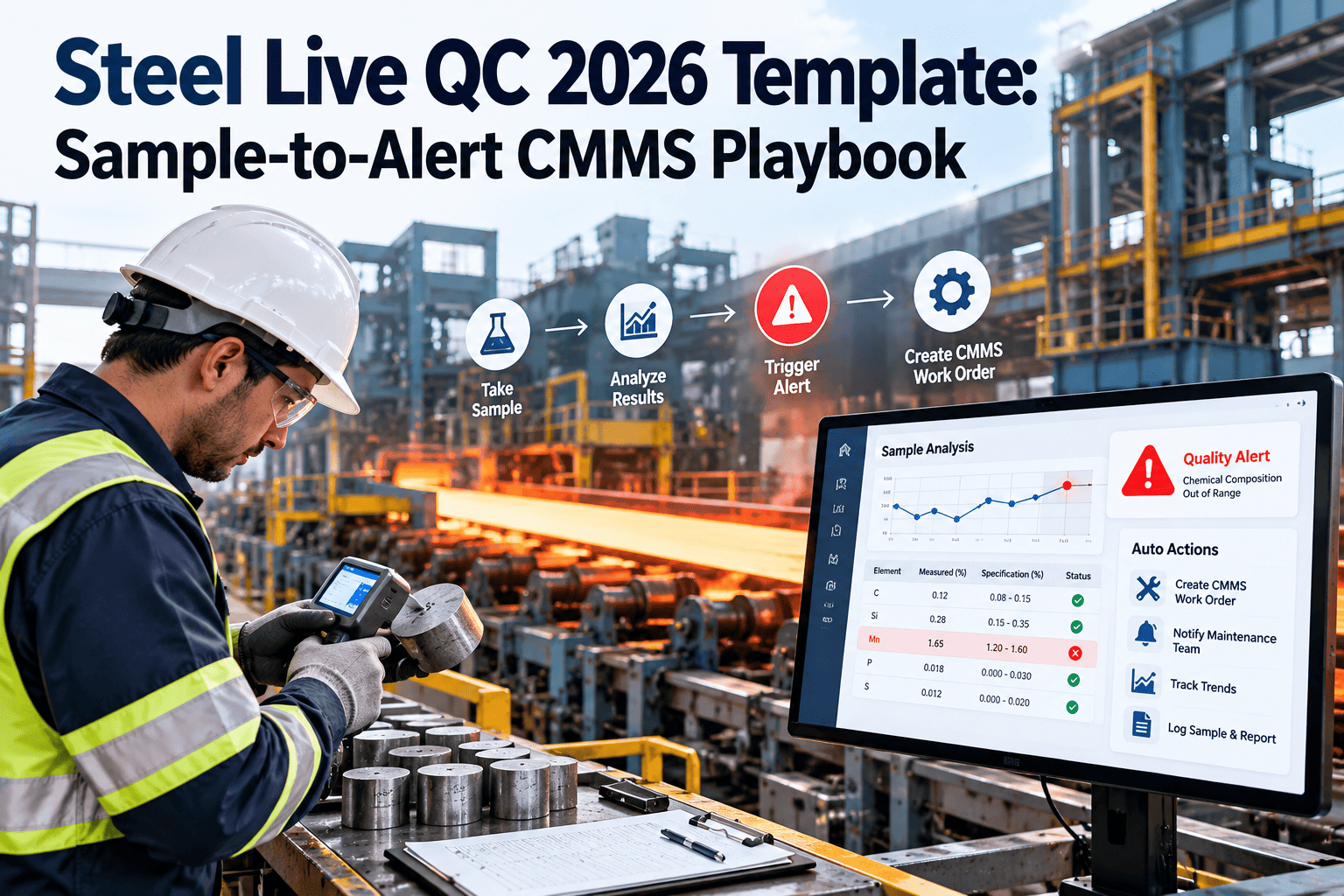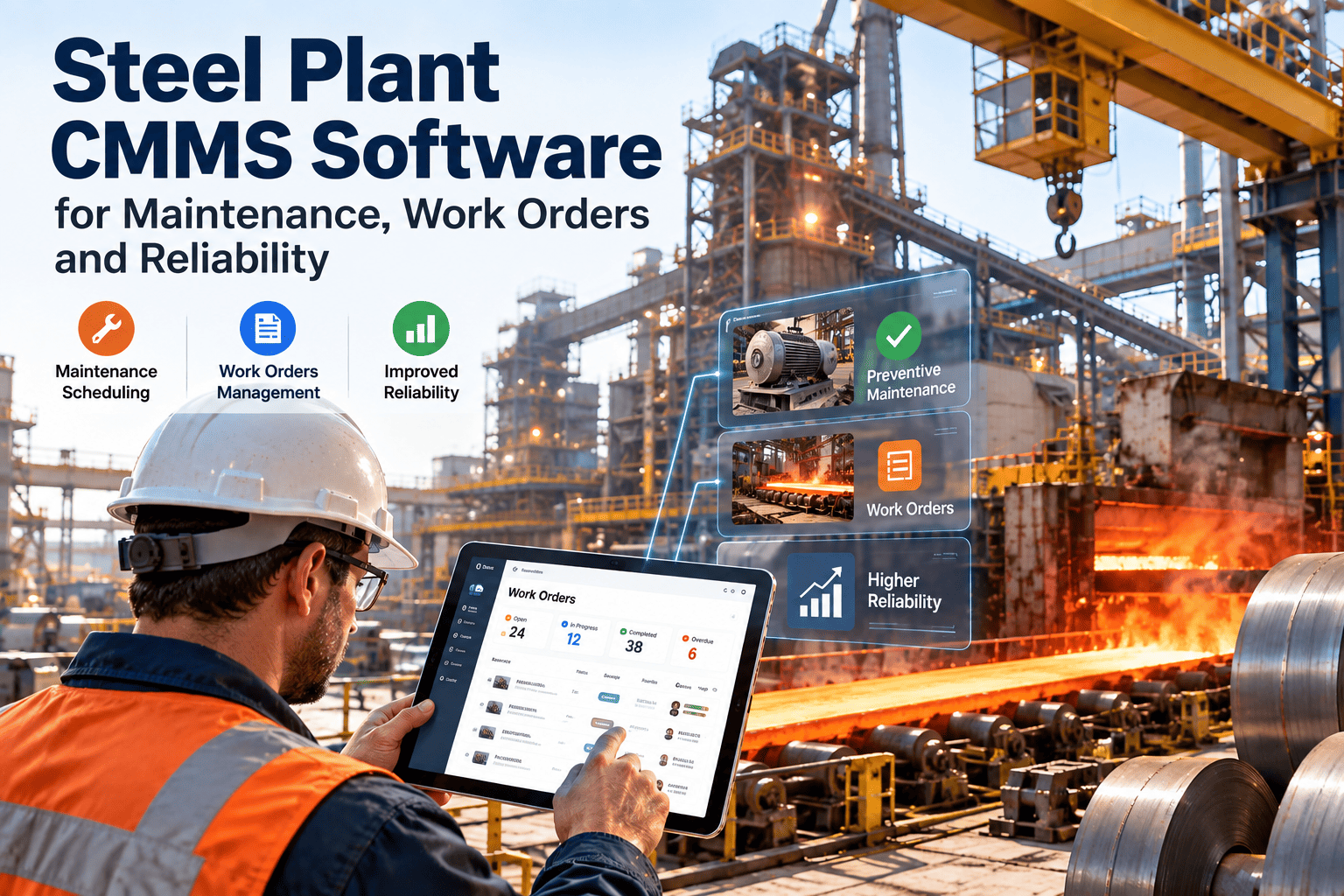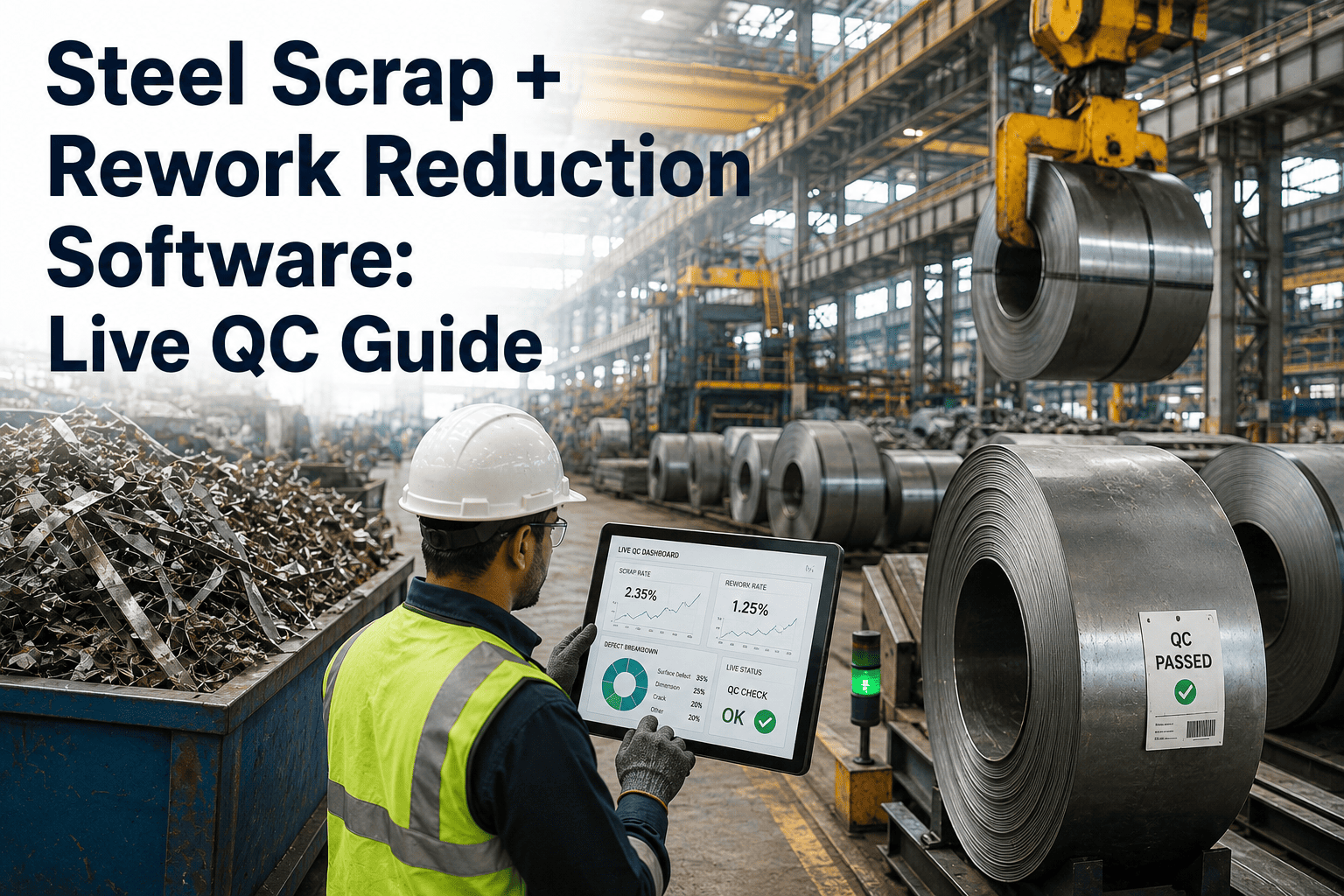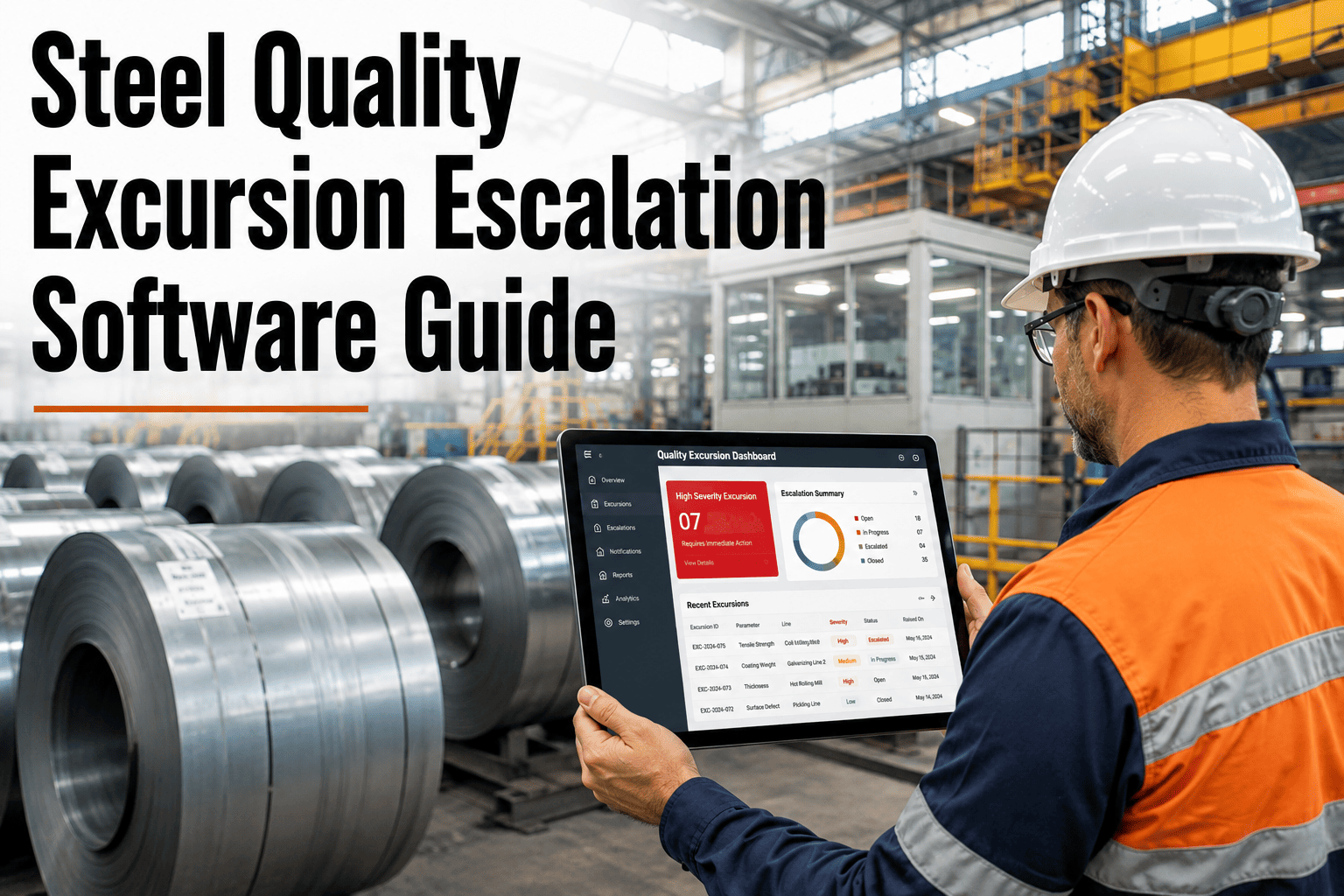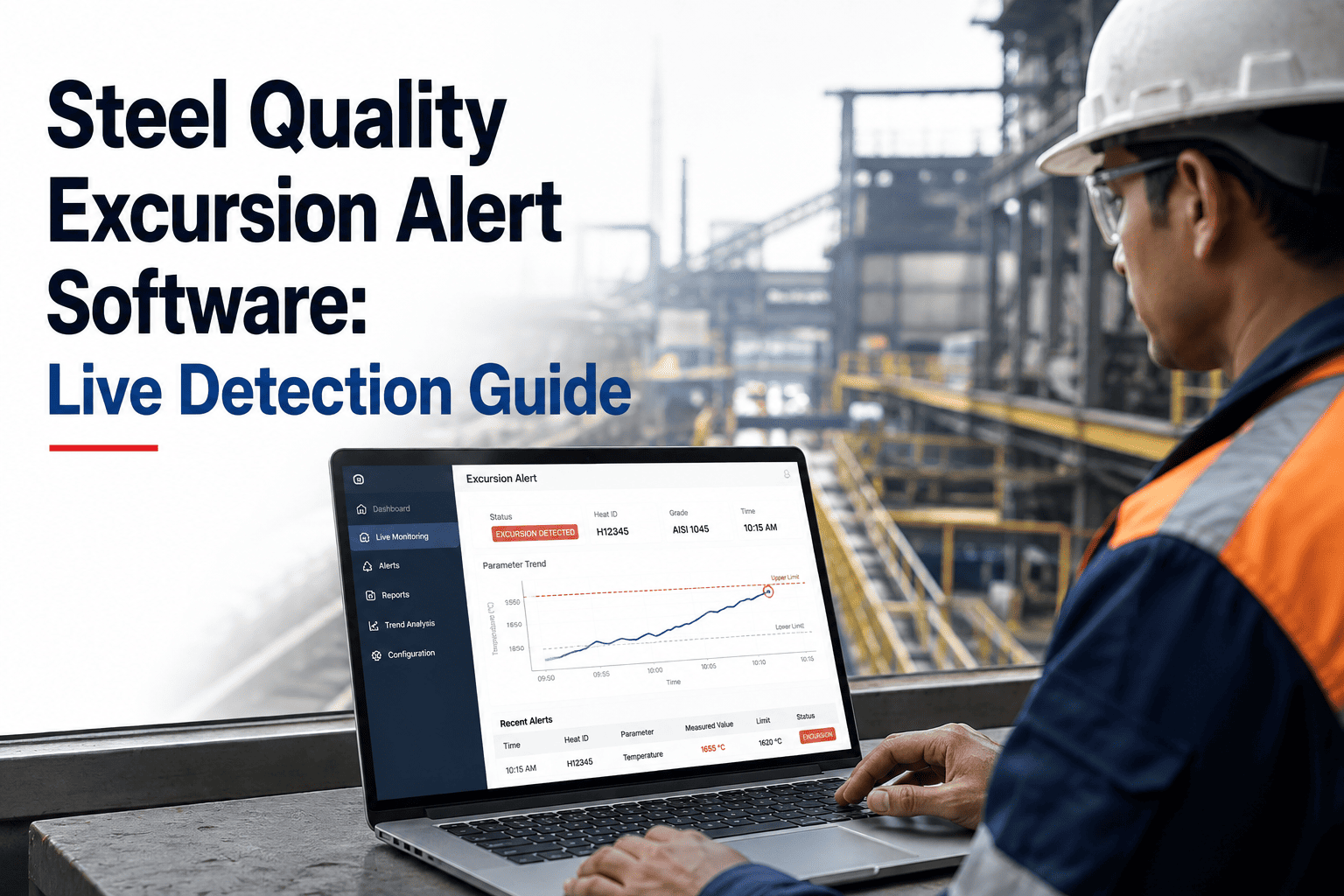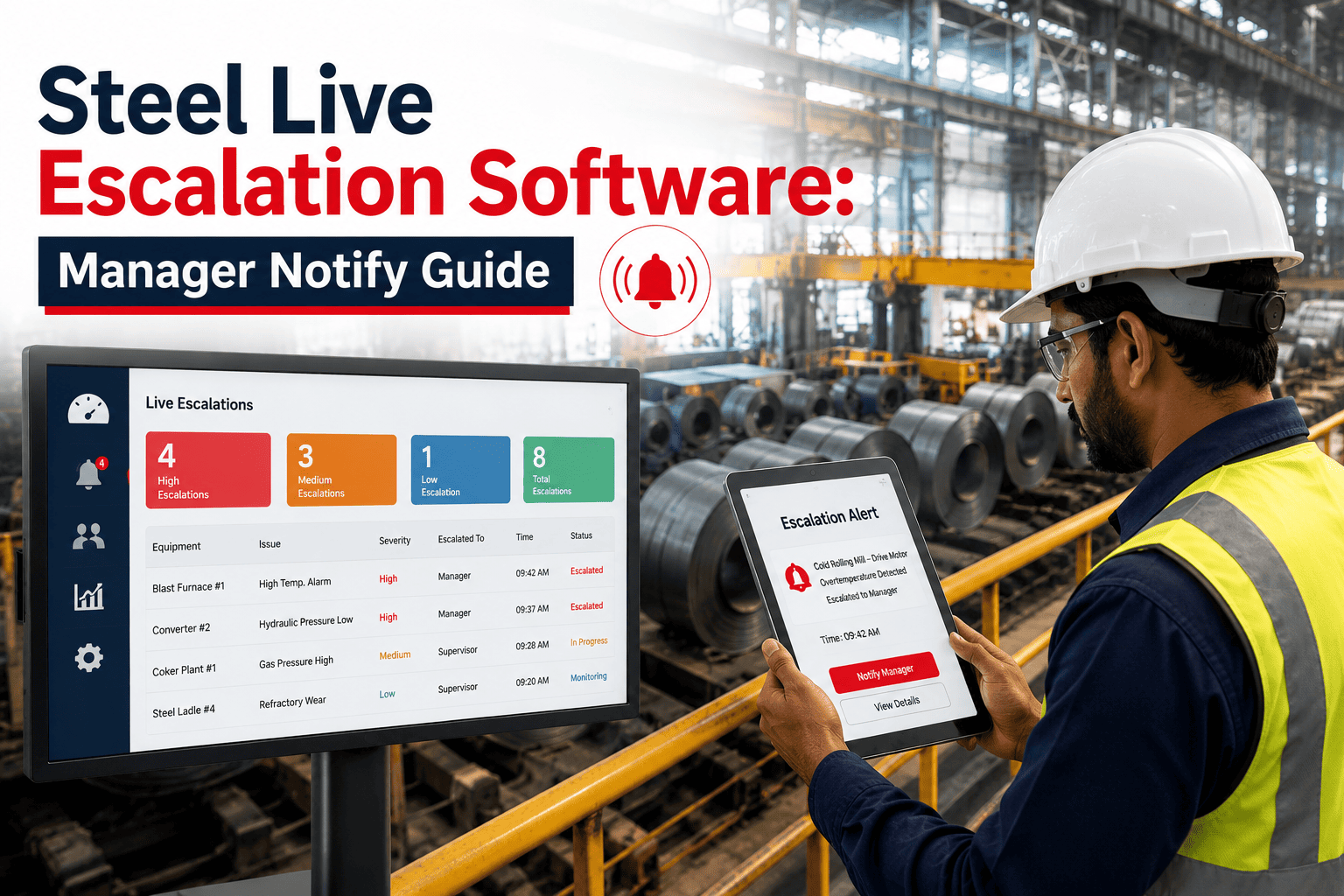
A furnace alarm sitting unacknowledged in a queue for twenty minutes on the plant floor is not a software failure — it is a missing escalation path. Most CMMS platforms generate the alert correctly and then stop, leaving detection to whoever happens to be looking at a screen. Live escalation software closes that gap by defining who gets notified, through which channel, and how long they have to acknowledge before the alert automatically climbs to the next person in the chain. For a steel mill running continuous shifts, that automatic climb — shift technician to shift manager to PM lead to plant GM — is what turns a missed notification into a five-minute delay instead of an eight-hour one. The discipline is not complicated, but it depends entirely on the escalation chain firing without a human remembering to forward anything. If your plant's alerts currently rely on someone noticing a dashboard, book a demo to see how tiered escalation removes that dependency.
Live Escalation Software for Steel Plants: Notify the Right Manager, Every Time
Live escalation software watches every open alert against a countdown. If the assigned technician doesn't acknowledge within the configured window, the system automatically notifies the next person up the chain — shift manager, PM lead, or plant GM — through SMS, phone call, email, or app push, until someone responds. No alert waits on a person remembering to check a screen.
The Standard Four-Tier Escalation Chain
Every escalation chain answers the same question at each tier: who is responsible if this alert goes unacknowledged for too long? A well-built chain has enough tiers to eventually reach someone with authority to act, but not so many that low-priority alerts climb further than they need to, and not so few that a genuinely critical alert runs out of recipients before someone with authority sees it.
| Tier | Recipient | Ack Window | Channel |
|---|---|---|---|
| 1 | Assigned shift technician | 5 minutes | App push + SMS |
| 2 | Shift maintenance manager | 10 minutes | SMS + phone call |
| 3 | PM lead / maintenance supervisor | 15 minutes | Phone call + email |
| 4 | Plant general manager | Immediate on tier-3 miss | Phone call + email |
Windows and tiers should be configured per criticality tier, not applied uniformly. A furnace bearing alarm might use the five-minute window above; a routine filter-change reminder might use a single tier with no escalation at all, since climbing the chain for low-severity maintenance items trains managers to ignore the notifications entirely.
Mapping Acknowledgment Windows to Equipment Criticality
The four-tier structure above stays constant, but the acknowledgment window at each tier should shrink or stretch based on how quickly a failure on that equipment becomes irreversible. A criticality-based matrix keeps managers responsive to what matters without burning attention on equipment that can safely wait.
| Criticality Class | Example Equipment | Tier-1 Window | Escalates Through |
|---|---|---|---|
| Critical | Furnace drive, main casting machine | 5 minutes | All four tiers |
| High | Rolling mill motors, primary pumps | 10 minutes | Tiers 1 through 3 |
| Standard | Secondary fans, compressors | 30 minutes | Tiers 1 through 2 |
| Low | Routine PM tasks, filter changes | No escalation | Tier 1 only |
Building this matrix is a one-time exercise per asset class, not a per-alert decision. Once criticality tiers are assigned to equipment records, every future alert on that equipment inherits the correct escalation behavior automatically, which is what keeps the system consistent as the plant adds sensors and alert types over time.
Matching the Channel to the Urgency
Not every channel carries the same weight of attention. Escalation software should widen the channel mix as an alert climbs tiers, so a manager three tiers deep gets a phone call, not another app notification easy to swipe away.
Widening the channel mix at higher tiers isn't about volume for its own sake — it reflects that a manager three tiers deep is being asked to make a judgment call on equipment they may not have eyes on directly, so they need the fullest possible context delivered through a channel that guarantees they actually receive it before deciding what to do next.
Escalation Mistakes That Undo the Benefit
Live escalation only works if the chain is trusted. A poorly configured chain trains people to ignore it, which is worse than having no escalation at all — the four mistakes below are the ones that most commonly cause that failure.
None of these mistakes are permanent once identified. Most plants catch them within the first month of running escalation live, because the escalation log itself shows exactly which chains fire too often, which windows are consistently missed, and which tiers never actually get used — turning the rollout into a short tuning cycle rather than a guessing exercise.
Watching an Alert Climb the Chain in Real Time
The sequence below shows a single furnace bearing alarm moving through the escalation chain when the first two tiers miss their acknowledgment windows — the exact behavior live escalation software is built to handle without anyone manually forwarding a message.
Where Live Escalation Changes the Outcome
Each of these scenarios shares a common thread: the alert existed and was correctly generated, but a person somewhere in the chain either couldn't respond or never saw it. Escalation software doesn't reduce the number of alerts a plant generates — it reduces the number that go unanswered, which is the metric that actually correlates with prevented downtime.
What Plants Report After Enabling Tiered Escalation
These figures come from plants that treated escalation as a configuration exercise rather than a one-time setup and forget. Reviewing which alerts climb the chain most often, adjusting tier-1 windows where they consistently miss, and retiring escalation rules for equipment that turns out to be lower-risk than initially classified are what keep the numbers improving quarter over quarter rather than flattening out after the first rollout.
Live Escalation Software — Frequently Asked Questions
Can escalation chains differ for different equipment or shifts?+
What stops an alert from escalating endlessly once it reaches the top tier?+
Does acknowledging an alert also close the underlying work order?+
Can we see a history of every escalation that happened last month?+
How quickly can we get tiered escalation running on our current alerts?+
What Maintenance Leaders Say
We used to find out about missed alarms the next morning, when someone finally scrolled back through the log. Now if a technician doesn't acknowledge within five minutes, my phone rings. It sounds small, but it's the difference between catching a bearing issue during the shift and finding a seized spindle at the start of the next one.
The escalation log itself became one of our most useful reports — we can see exactly which equipment classes generate repeat escalations and adjust staffing or thresholds instead of guessing at where the real risk sits.
— Maintenance Superintendent, Integrated Steel Facility (Great Lakes Region)