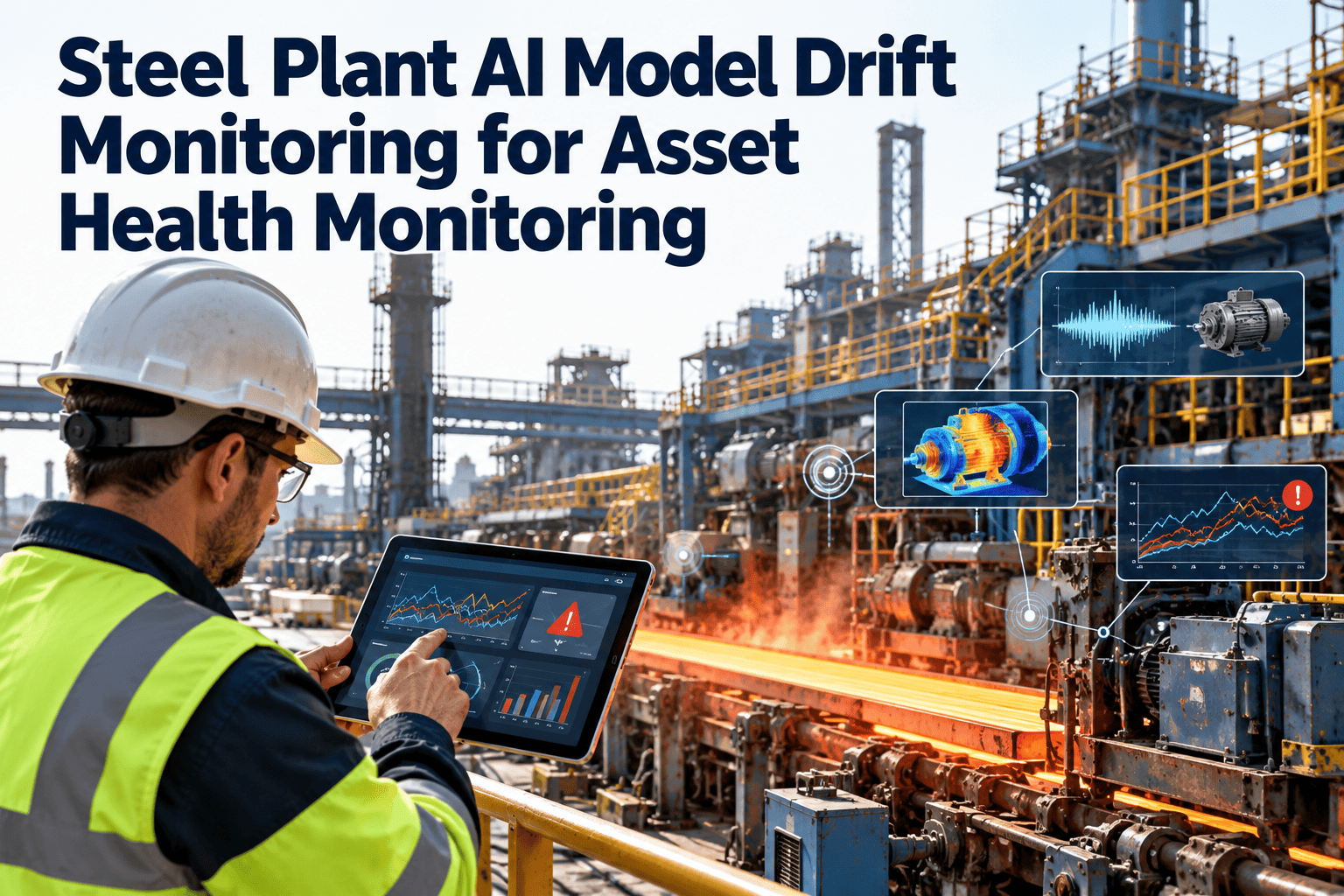
A predictive model that worked well at commissioning can quietly lose accuracy as the plant changes. A new product grade, a mill reline, a replaced sensor or a repaired gearbox shifts what normal looks like, and the model keeps scoring against the old picture. The result is more false alarms, then missed faults, then a team that stops listening. This article explains how to detect and respond to drift in asset health models, and how Oxmaint maintenance management software records the events and outcomes that make monitoring possible.
Know When Your Asset Health Models Stop Matching the Plant
Monitor inputs, outputs and confirmed outcomes, link model changes to maintenance events and retrain on a defined policy instead of waiting for complaints.
What drift means for an asset health model
Drift is any change that makes a model's training experience a poor guide to the present. In maintenance, it is usually caused by real changes to equipment, process or data collection.
Where drift comes from in a steel plant
| Event | Typical effect on signals | Drift type | Recommended response |
|---|---|---|---|
| Product grade or schedule change | Load, speed and temperature move to a new range | Data drift | Use grade as context and check model coverage of the new range |
| Mill reline or roll change | Baseline vibration and current reset | Data and concept drift | Start a new baseline period and tag the event |
| Gearbox or bearing replacement | Wear state returns to new, behavior changes | Concept drift | Reset remaining life estimates and watch the early life period |
| Sensor replacement or relocation | Scale or sensitivity shifts overnight | Data drift, sometimes pipeline drift | Re-map tags, verify calibration and start a new baseline |
| Control or drive tuning change | Current and speed behavior alters | Data drift | Log the change in the asset history and review thresholds |
| Seasonal ambient changes | Cooling and temperature patterns move | Data drift | Include seasonal context or compare with a matching period |
| Change in failure coding practice | Fewer or different labeled outcomes | Label drift | Align codes and review how historical labels map to new ones |
Four layers of monitoring, from cheap to conclusive
Confirmed outcomes are the best evidence of accuracy, but they arrive slowly. Combine them with faster signals that warn earlier.
Data health
Missing values, flat-lines, range changes, tag remaps and unit changes. These are fast to detect and catch pipeline problems first.Input distribution
Compare current feature statistics with the training period for each asset and operating state, and flag meaningful shifts.Output behavior
Watch alert rates, score distributions and the share of assets near thresholds. A sudden rise or fall often signals trouble.Confirmed outcomes
Technician findings, failure records and repair results, used to measure real precision, missed failures and lead time.Give Your Models the Maintenance Context They Need
Record repairs, replacements and inspection outcomes against each asset, so model reviews can see what changed and what was found.
A practical monitoring scorecard for each model
| Monitor | What it shows | Warning sign | First action |
|---|---|---|---|
| Data completeness | Share of expected readings received | Sudden drop or repeated gaps | Check sensors, gateways and tag mapping |
| Feature shift | How far current inputs sit from training data | Several key features move together | Look for operating or equipment changes in the asset history |
| Alert rate per asset | Number of alerts over time | Sharp increase or complete silence | Review thresholds and sensor health |
| Confirmed fault rate | Share of verified alerts that were real faults | Falling trend over several reviews | Examine false alerts for a common cause |
| Missed failures | Failures that occurred without a timely warning | Any on critical assets | Run a root cause review of the model and data |
| Warning lead time | Time between alert and functional failure | Shortening over time | Check data frequency and rule sensitivity |
What to do when a monitor fires
Check the data first
Rule out sensor faults, tag changes and communication gaps before blaming the model.Look for a real cause
Review the asset history for repairs, replacements, grade changes and tuning work around the date of the shift.Decide the action
Reset the baseline, adjust a threshold, add context features, retrain or retire the model for that asset.Validate before release
Test the change against past failures and recent normal data, and shadow it before it drives work orders.Record and communicate
Log the version, the reason and the expected effect, and tell planners and technicians what will change.Retrain on purpose, not by habit or panic
Good reasons to retrain
- Sustained drop in confirmed accuracy on a monitored asset class
- Major equipment change such as a rebuild, relocation or new drive
- New operating range not covered by training data
- Enough new labeled failures to improve the model meaningfully
- A scheduled review that finds meaningful improvement potential
Reasons to hold off
- The problem is a sensor or pipeline fault that should be fixed first
- Too little post-change data to represent the new normal
- Labels are unreliable or inconsistently coded
- No way to test the new version against past failures
- The drop is temporary, such as a short transient
Version control and accountability for every model
Why the maintenance system matters for drift monitoring
Most explanations for drift sit in maintenance records. If those are complete and tied to assets, drift reviews are faster and more accurate.
- Asset history: repairs, replacements and modifications with dates show when baselines should reset.
- Work orders and inspections: findings give the confirmed outcomes needed to score precision and missed failures.
- Instrument records: calibration and sensor changes separate data problems from equipment problems.
- Preventive maintenance: routine work that removes faults explains why alerts stop after a task.
- Reports and dashboards: repeat failures and overdue inspections highlight where models and routines need review.
- Mobile completion: technicians can record the outcome of an alert in seconds from the equipment.
Drift readiness checklist
Do not mistake a failing machine for a drifting model
A model is meant to react when equipment deteriorates. The challenge is telling real degradation, which should raise alerts, from a change in normal conditions, which should reset the baseline.
| Question | Points to equipment degradation | Points to drift |
|---|---|---|
| What changed? | Only the suspect asset moves, in a way that fits a known fault pattern | Many assets or signals shift together after an event |
| Is there a maintenance or process event? | No recent repair, replacement or tuning change | A reline, sensor swap, grade change or repair precedes the shift |
| What do neighbors show? | Similar machines remain stable | Similar machines show the same shift |
| How does it progress? | Gradual worsening that continues over time | A step change that then stays flat |
| What does inspection find? | Visible wear, noise, heat or contamination | No defect, and readings match the new normal |
When unsure, inspect first. An inspection result recorded on the work order is the fastest way to decide which explanation is right.
A simple agenda for a model health review
Events since last review
List relines, replacements, repairs, sensor changes and operating changes by asset class.Monitor results
Review data health, feature shifts, alert rates and confirmed outcomes for each model.Misses and false alerts
Examine each missed failure and the largest groups of false alerts for a shared cause.Decisions and owners
Agree baseline resets, retraining requests and rule changes, with a name and date for each.Special cases to plan for
- New equipment: little history exists, so start with rules and simple baselines before complex models.
- Rare failures: few labeled examples make accuracy hard to measure, so rely on inspection findings and engineering judgment.
- Rebuilt assets: treat the rebuild date as a new life with its own early-life monitoring period.
- Shared models: check each line separately, because one line may drift while another stays stable.
Measures worth reporting to reliability leadership
Common ways to detect drift, in plain terms
Plants do not need advanced statistics to start. Several simple checks already catch most practical problems, and more refined methods can be added later.
| Method | How it works | Best for | Limitation |
|---|---|---|---|
| Range and quality checks | Flags values outside physical limits, gaps and flat-lines | Pipeline and sensor problems | Does not see subtle shifts inside the valid range |
| Control charts on features | Plots feature averages and spread with control limits | Gradual or sudden changes in inputs | Needs a stable reference period |
| Distribution comparison | Compares recent input values with the training period | Detecting new operating ranges | Sensitive to normal seasonal swings unless context is included |
| Prediction monitoring | Tracks scores, alert rates and share of assets near thresholds | Early signs of changed behavior without waiting for outcomes | Cannot say whether the change is right or wrong |
| Performance on confirmed outcomes | Measures precision and missed failures using work order results | True accuracy over time | Slow, and depends on good failure records |
| Shadow comparison | Runs a candidate model beside the live one and compares results | Testing a retrained model safely | Needs extra effort and time before release |
Record every drift event the same way
- Date detected, asset or asset class affected and the model and version involved.
- Monitor that fired and the evidence, such as a chart or alert rate change.
- Cause found, such as a reline, sensor change or process shift, and who confirmed it.
- Decision taken, such as baseline reset, rule change or retraining, and who approved it.
- Result after the change, checked at the next review.
Shared responsibilities
- Maintenance: records repairs, replacements and sensor changes promptly and accurately.
- Operations: informs the reliability team about grade, speed and process changes.
- Reliability engineering: reviews monitors, decides on responses and keeps the model register.
- Data and IT teams: keep tag mapping, time stamps and data pipelines stable.
Tell the plant floor what changed when a model changes
A model update that nobody explains looks like random behavior. Short, regular communication keeps trust high.
| Audience | What they need to know | How to share it |
|---|---|---|
| Technicians | Which alerts may change, what to look for and why | Short note in the shift briefing and on affected work orders |
| Planners | Expected change in alert volume and repair lead time | Summary before the update goes live |
| Operations | Any change to how and when equipment may be restricted | Review in the weekly production and maintenance meeting |
| Management | Model performance, issues found and decisions taken | Monthly reliability report with a few simple measures |
- Explain the reason for each change in one or two sentences.
- Invite technicians to report alerts that no longer make sense.
- Keep a visible record of model versions and the date each was released.
Model drift monitoring questions
How fast does drift happen in a steel plant?
It varies. Sudden events such as relines or sensor swaps shift behavior at once, while wear and seasonal changes drift slowly.Is a rising false alert rate always drift?
Not always. Check sensor health, thresholds and recent maintenance events before deciding that the model itself has changed.Can we monitor drift without labeled failures?
Yes for data and output monitoring, but confirmed outcomes from work orders are needed to measure true accuracy.Who should approve model updates?
A reliability engineer should approve, with maintenance and operations informed. You can book a demo to see how history supports reviews.How do we begin?
Start recording asset events and alert outcomes now. Set up work orders and asset history in Oxmaint to capture them.Keep Predictions Reliable as the Plant Changes
Track every repair, replacement and alert outcome in one maintenance system, so asset health models stay tied to what is really happening on the equipment.