A steel plant rarely suffers from a shortage of data. The blast furnace, converter, caster and rolling mills already stream thousands of tags into SCADA and a process historian, while SAP holds the cost centres and MES holds the production schedule. The trouble starts when a bearing temperature trend sits in one system, the work order sits in another, and the downtime reason is typed into a third after the shift ends. Closing that gap is an integration design problem, not a tooling problem, and it can be approached in stages. Here is how teams connect these layers, and you can start with a free Oxmaint account to map your first asset.
Integration Architecture
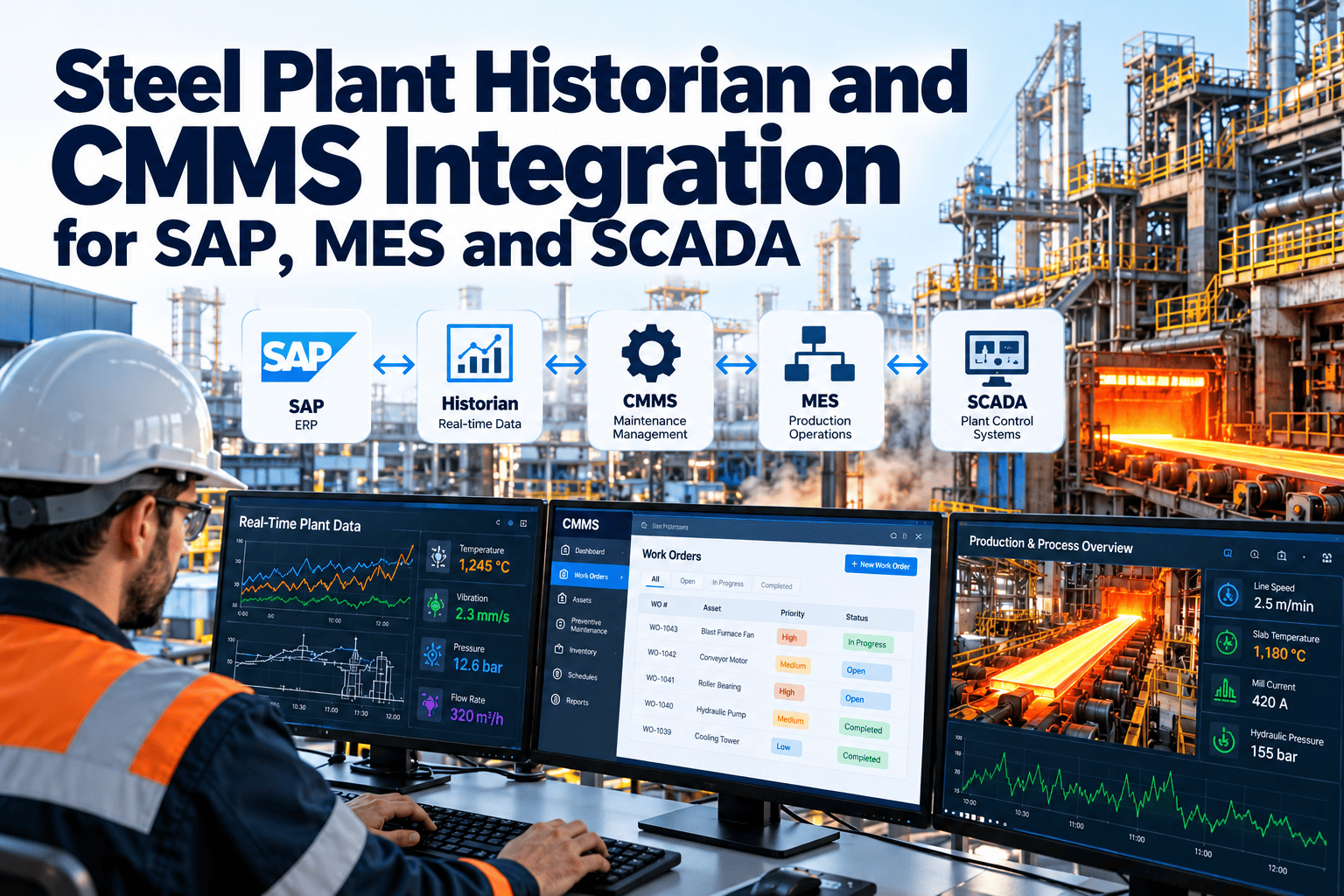
Steel Plant Historian and CMMS Integration for SAP, MES and SCADA
Connect process data, production context and enterprise records to one maintenance workflow, so a tag trend becomes an assigned, costed, closed work order.
Level 4SAP and enterprise planningCost centres, purchasing, budgets
Level 3MES and production schedulingHeats, coils, downtime reasons
Level 2SCADA and process historianTags, alarms, trends
Level 0-1Sensors, drives and PLCsVibration, temperature, current
Maintenance layer
CMMS ties assets, alerts, work orders, parts and history together across all four levels.
Why disconnected systems slow every maintenance decision
Without integration
- An alarm is acknowledged in SCADA, but nobody raises a notification.
- Planners rebuild the failure story from screenshots and shift logs.
- MES shows a stoppage, while the CMMS shows no matching work order.
- SAP costs arrive weeks later and cannot be traced to a root cause.
- Spare parts are checked by phone after the shutdown has started.
With integration
- A threshold breach creates a reviewed notification with the trend attached.
- The work order carries the tag, the asset and the production context.
- Downtime in MES links to the same work order and failure code.
- Labour, parts and cost post to SAP against the right cost object.
- Required parts are reserved before the work window opens.
The real cost is decision latency
- Each manual handoff adds hours between detection and action.
- Each retyped record adds a chance of a wrong asset or wrong code.
- Each missing link makes reliability analysis less trustworthy.
Who owns which data: a practical system-of-record map
Agree on one owner for each object before building any interface.
From a historian tag to a closed work order
- 1
Map the tag to the asset
Link each tag to one equipment record, such as a gearbox bearing on a mill stand, using a single naming convention.
- 2
Define the rule
Set limit, duration and deadband so a brief spike does not create work.
- 3
Raise a reviewed notification
A planner confirms the alert is real, adds a priority and chooses the right task list.
- 4
Check the window
Compare urgency with MES schedule data to pick the cheapest safe stop.
- 5
Execute on mobile
Technicians follow the checklist, record readings, log parts and attach photos.
- 6
Close and confirm
After the repair, the tag trend is checked against its baseline before closure.
Give every historian alert a place to land
Start by mapping one critical asset and its tags, then extend the pattern line by line.
Three trigger types, three different integration needs
Time and usage based
Calendar or counter driven preventive maintenance. Usage counters such as operating hours or tonnage can come from the historian, while the schedule stays in the CMMS.
Condition based
A bearing temperature, vibration level or motor current crosses a limit for a set time. The historian supplies the evidence and the CMMS controls the response.
Event based
A trip, a cooling water loss or an emergency stop in SCADA opens a corrective work order, with the failure code reviewed after the repair.
Why steel needs all three
- Slow-wearing assets, such as roll bearings, suit usage counters.
- Gradual degradation, such as fan imbalance, suits condition rules.
- Sudden protection trips need an event path and fast triage.
Choosing the integration pattern
Keep the control network separate from business systems. Pull data through a demilitarised zone rather than opening direct paths into Level 2 or below.
What to synchronise with SAP PM
Master data
- Functional locations and equipment numbers
- Cost centres and work centres
- Material numbers and storage locations
- Criticality and failure code catalogues
Transactions
- Notifications and work order status
- Labour hours and contractor cost
- Material reservations, issues and returns
- Purchase requisitions for out-of-stock parts
Decide early whether SAP or the CMMS creates the work order. Two systems creating orders for the same job is the most common cause of duplicates.
Using MES context to schedule maintenance better
MES knows what the plant is making. A maintenance system that sees it can plan smarter stops.
- Planned stops, grade changes and roll changes become candidate windows.
- Downtime events inherit the work order and failure code, which tightens reason coding.
- Production priority helps rank two urgent jobs competing for one crew.
- Quality holds linked to equipment condition expose recurring defect sources.
Steel plant scenarios where the integration pays off
The same pattern repeats everywhere: a signal, a business context and a maintenance action that is recorded against one asset.
Rule design: turning raw tags into useful alerts
Weak rule
- Single sample above a fixed limit
- No delay timer or deadband
- Same limit for every operating mode
- Creates a work order directly
- No owner for tuning
Strong rule
- Sustained breach over a defined duration
- Deadband to stop chatter near the limit
- Limits that follow load, speed or product grade
- Creates a notification for planner review
- Named owner reviewing false alerts monthly
Questions to answer for every rule
- What failure mode does this signal represent?
- How much warning does it usually give, in hours or days?
- Who receives it, and what do they do first?
- Which task list and spare parts should the work order suggest?
- What closes the loop, and how do we know the fix worked?
Rules that cannot answer these questions usually produce noise. It is better to run ten trusted rules than two hundred ignored ones.
Risk matrix: where integration projects go wrong
Security and governance for a steel plant network
- Follow the segmentation guidance in IEC 62443 and keep business applications outside the control zones.
- Prefer read-only access to historians and OPC UA servers, with a service account per integration.
- Log every automated record with its source rule, so auditors can trace a work order back to the data that triggered it.
- Review user roles after each organisational change, especially contractor accounts.
Treat the integration as a maintained asset with an owner, a change process and a test plan, not as a one-time project.
Who does what after go-live
- A
Reliability engineer
Owns rule logic, reviews false alerts and links failure codes to rules.
- B
Maintenance planner
Reviews notifications, schedules work against MES windows and reserves parts.
- C
Control and automation team
Maintains tags, servers and network connections feeding the CMMS.
- D
Finance and stores
Check that costs and material movements reconcile with SAP each month.
Data quality guardrails before you automate anything
One naming convention for tags, assets and locations, owned by a named person.
Deadbands and delay timers on every condition rule to prevent alarm floods.
Synchronised clocks across SCADA, historian, MES and CMMS.
Store-and-forward behaviour defined for network outages.
Duplicate event detection so one fault creates one notification.
Interface monitoring that alerts someone when a job stops running.
Role-based access and an audit trail for every automated record.
KPIs that show whether the integration is working
Alert-to-notification time
Minutes from a valid threshold breach to a reviewed notification.
Evidence coverage
Share of corrective work orders carrying tag or trend evidence.
Downtime reconciliation
Gap between downtime hours in MES and in maintenance records.
False alert rate
Alerts closed as no action, tracked by rule so limits can be tuned.
A phased rollout that respects shutdown calendars
Phase 1
Foundation
Clean the asset hierarchy, agree system-of-record rules and select five critical assets.
Phase 2
Read-only pilot
Bring tag trends and alarms into asset records without creating any work.
Phase 3
Controlled automation
Create reviewed notifications from tuned rules and link downtime to work orders.
Phase 4
Scale and report
Extend to other lines, post cost to SAP and review KPIs monthly.
Worked example: a rising gearbox bearing temperature
- 1
Signal
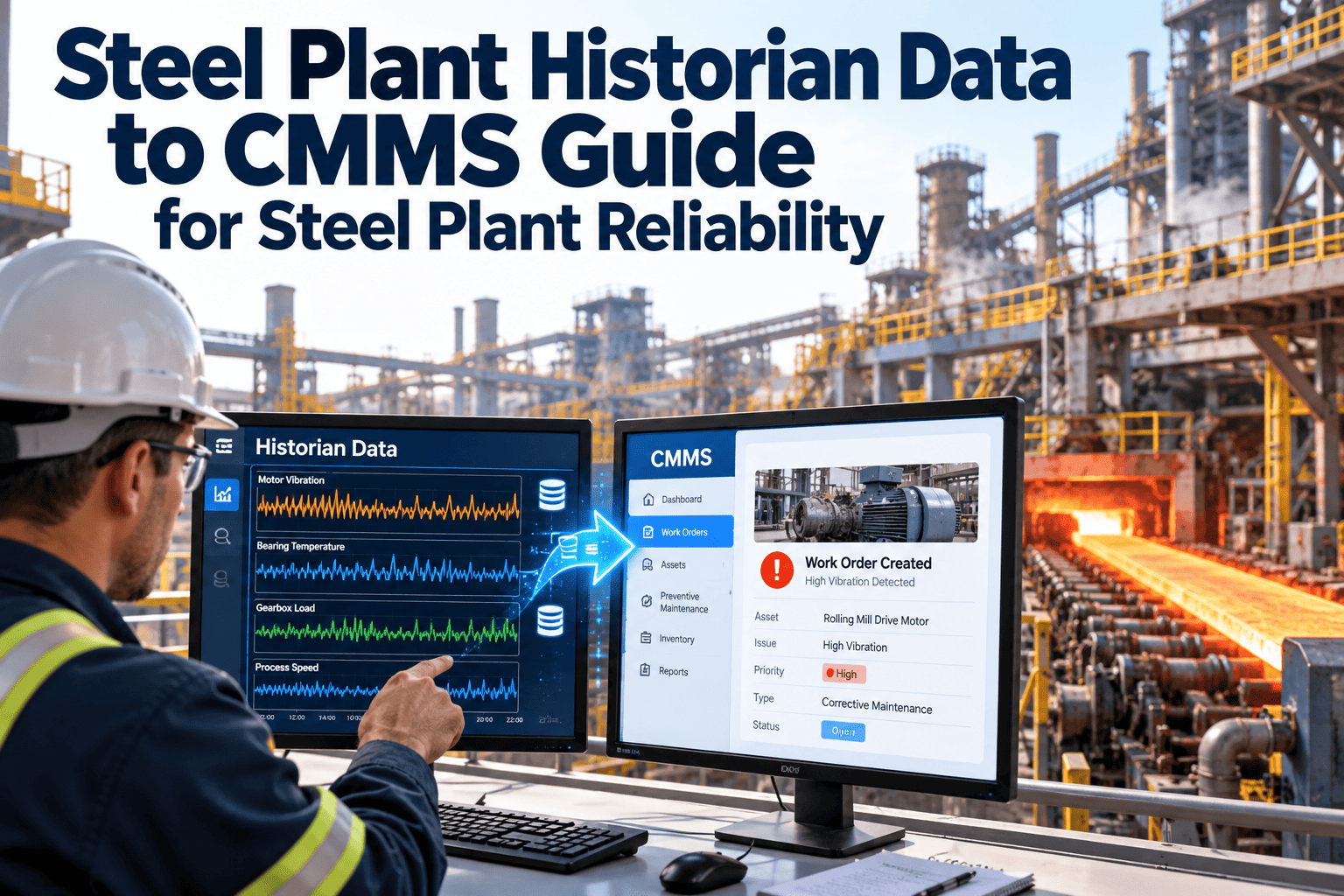
The historian shows a mill drive gearbox bearing climbing above its normal band at constant load for several hours.
- 2
Context
The planner sees the trend, the last lubrication task and two earlier notifications on the same gearbox.
- 3
Decision
MES shows a roll change in two days, so the inspection is booked into that stop and the oil filter and seal kit are reserved.
- 4
Record
Findings, parts and hours are logged on the work order, and the cost posts to the right cost centre in SAP.
The outcome is a planned repair with its evidence preserved, instead of an unexplained trip that someone has to reconstruct later.
How Oxmaint supports the maintenance side
- Asset management keeps one hierarchy that every tag and system can point to.
- Work orders and preventive maintenance carry checklists, parts and sign-off.
- Mobile workflows capture readings and photos at the equipment.
- Inventory tracks spares and reservations for planned jobs.
- Dashboards and reports show backlog, repeat failures and downtime trends.
Interface scope depends on your SAP, MES and SCADA versions, so confirm the connection method in a demo before committing to a design.
Frequently asked questions
Does the historian replace the CMMS?
No. The historian stores process data, while the CMMS manages the work, parts and history that follow from it.
Should alerts create work orders automatically?
Start with reviewed notifications and automate only the rules that prove reliable after tuning.
Can we keep SAP PM and add a CMMS?
Yes, if ownership of orders and master data is defined.
Book a demo to review a split that fits your plant.
Which assets should be connected first?
Pick high-criticality assets that already have reliable sensors, such as main fans, drives and cooling pumps.
How do we avoid alarm floods in the CMMS?
Turn plant data into maintenance action
Connect one critical asset to its tags, its work orders and its history, then see how much faster decisions become.



.png)
