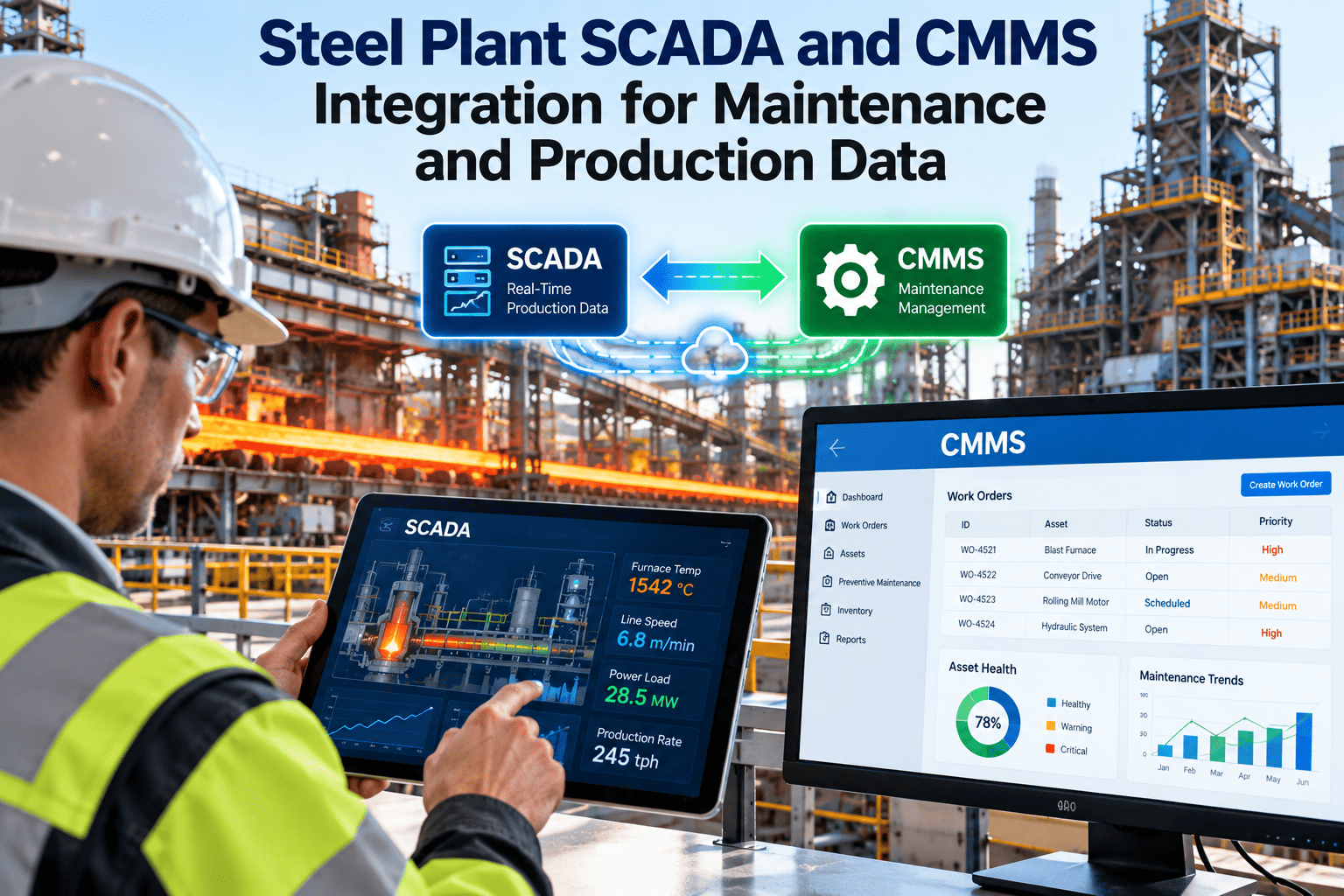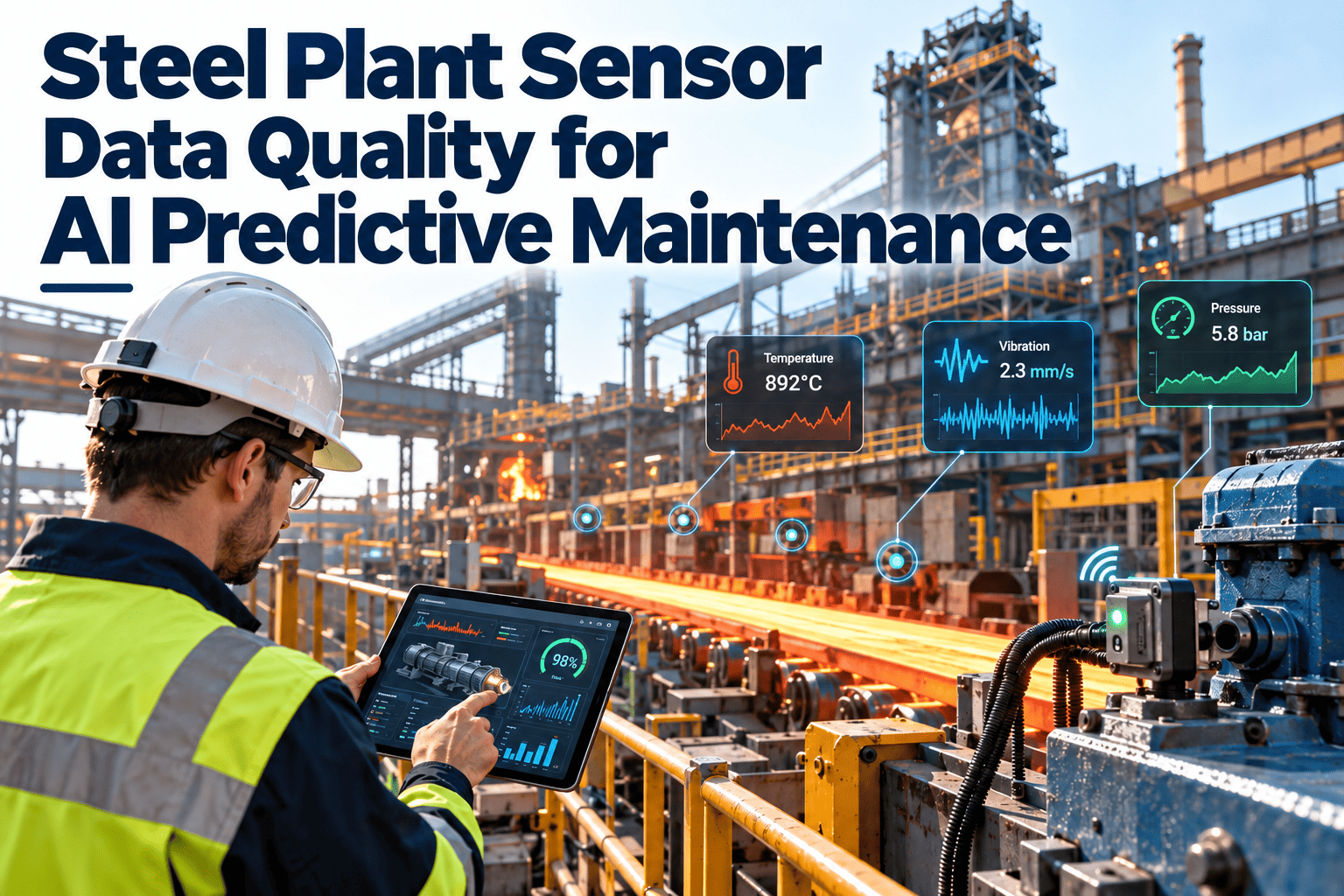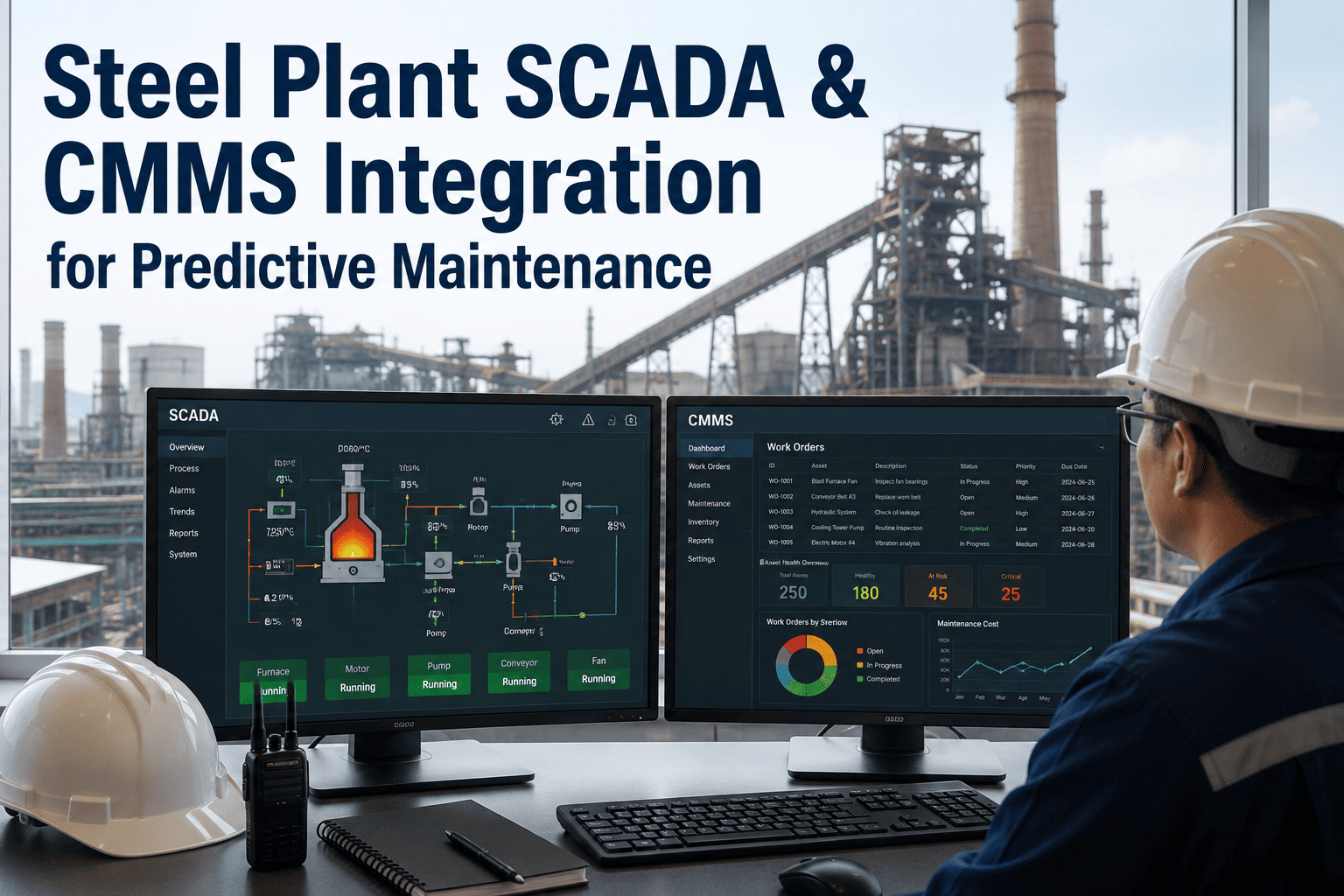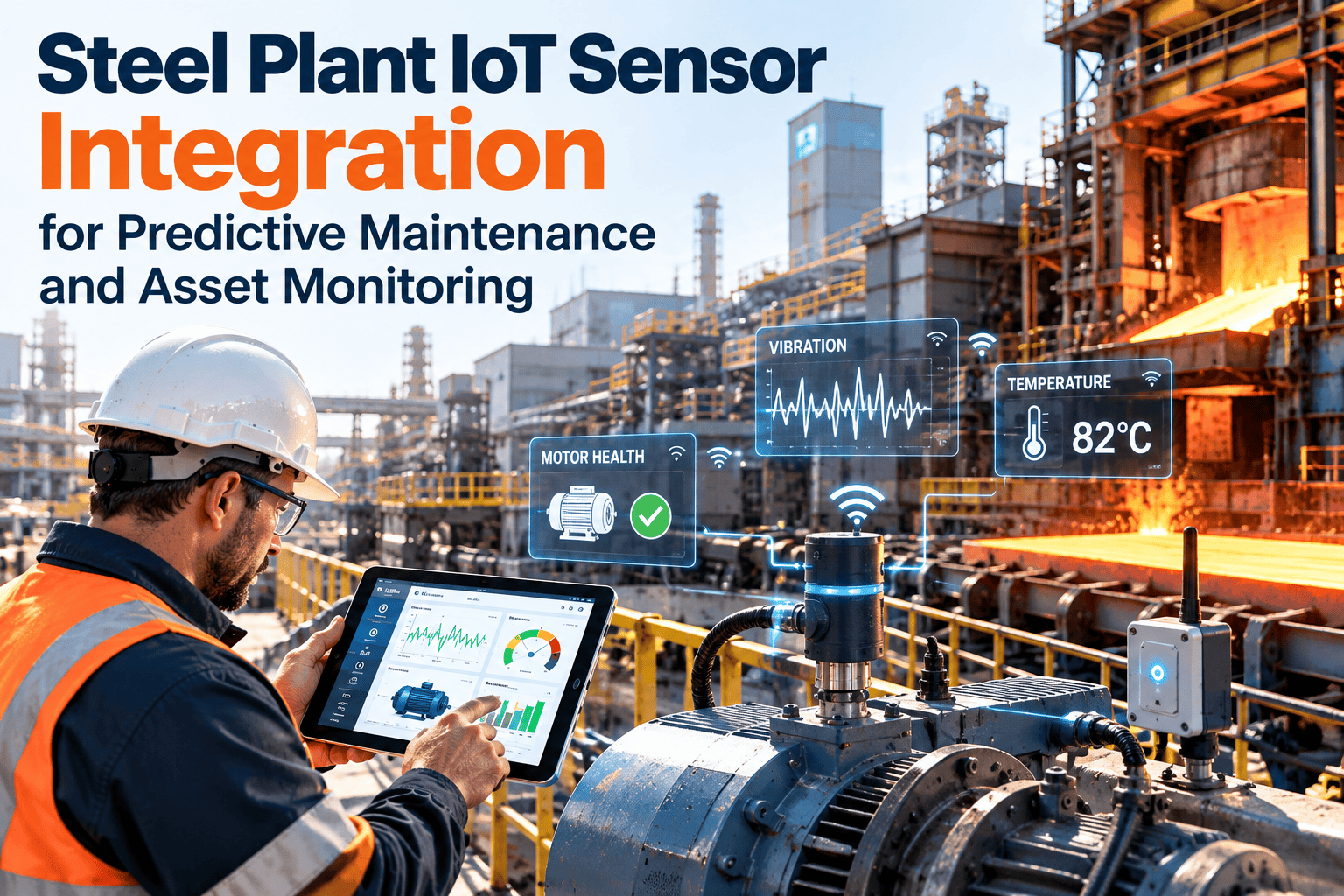
Most steel plants already collect more sensor data than the maintenance team can use. Vibration, temperature, pressure and motor current sit in PLCs, SCADA screens and historians, while work orders live in a separate system. The gap between the two is where early warnings get lost. This guide explains how to connect plant data from PLCs, OPC UA servers, historians and IIoT gateways to maintenance workflows, and how a steel plant CMMS turns a signal into an assigned task.
Steel Plant IoT Sensor Integration for Predictive Maintenance and Asset Monitoring
Sensors detect change, but only a connected workflow gets someone to act on it. Oxmaint receives condition events and turns them into prioritized work orders.
The Data-to-Action Gap in Steel Plants
Operations teams watch process data. Maintenance teams watch work queues. When these two views never meet, a rising bearing temperature is seen by one group and acted on by nobody.
Why Steel Plants Are Hard Cases
- Heat, dust, scale and water shorten sensor and cable life.
- Plants mix old and new control systems from several vendors.
- Continuous processes leave few windows for installing hardware.
- Large equipment lists make it hard to decide where sensors earn their cost.
- Tag naming differs by area, contractor and decade of installation.
What to Measure and Why
Choose signals by failure mode, not by what is easy to wire. Each measurement should answer a specific maintenance question.
| Signal | Typical assets | Condition it reveals | Maintenance trigger |
|---|---|---|---|
| Vibration | Fans, motors, gearboxes, pumps | Imbalance, misalignment, bearing wear, looseness | Inspect, balance, align, replace bearing |
| Temperature | Bearings, motors, gearboxes, hydraulic units | Friction, lubrication loss, overload, cooling faults | Check lubrication and load, clean coolers |
| Pressure and flow | Hydraulics, cooling water, descaling, lube circuits | Leaks, blockage, pump wear, filter loading | Change filter, inspect pump, find leak |
| Motor current | Conveyors, mill drives, crushers, pumps | Overload, jam, electrical imbalance, process change | Inspect mechanical load and electrical supply |
| Oil condition | Gearboxes, hydraulic systems | Contamination, degradation, wear particles | Filter, change oil, investigate source |
| Run hours and starts | Any rotating equipment | Usage-based wear | Trigger usage-based preventive tasks |
Integration Patterns Compared
There is no single correct method. The right pattern depends on your control system age, security rules and the systems you already run.
Keep control networks separated from business systems. Data should move outward through approved gateways, and any design should be reviewed against your plant cybersecurity policy and IEC 62443 practice.
Give Condition Data an Owner and a Due Date
Oxmaint creates and tracks the work that sensor signals should trigger, from inspection to replacement.
From Signal to Work Order
A direct alarm-to-work-order link usually floods the queue. A better design adds filtering, context and a decision step.
Alarm Rules That Work in Practice
- Alert on sustained deviation from a baseline, not a single spike.
- Use different limits for start-up, normal load and idle conditions.
- Combine signals, such as temperature rising with vibration, before raising high priority.
- Route low-severity events to a weekly review instead of immediate dispatch.
- Review rules after each failure to see what was missed or over-flagged.
Where Integration Pays Off First
Start with assets where failure is costly, early signs are measurable and warning time is long enough to act.
Strong early candidates
- Large fans and blowers in dedusting and ventilation
- Gearboxes and motors on main drives
- Cooling water and descaling pumps
- Hydraulic power units on casters and mills
- Conveyor drives in raw material handling
Better handled differently
- Low-cost items replaced on a fixed schedule
- Failures with no measurable early sign
- Assets without a backup or repair plan
- Equipment that rarely runs
- Locations where sensors cannot survive the environment
Working Alongside SAP PM and Existing Systems
Many steel producers already run SAP PM or another enterprise system. Integration does not always mean replacing it.
- Align equipment IDs and functional locations so events land on the right asset.
- Decide which system owns the equipment master and which owns daily work execution.
- Define how notifications, work orders and completion data pass between systems.
- Keep spare parts and cost data consistent to avoid double entry.
- Test a small asset group before extending to the whole plant.
Data Quality Checklist
- Tag name maps to one asset record and one measurement point
- Engineering units and scaling are confirmed
- Sampling interval suits the failure mode being watched
- Sensor mounting and calibration are documented
- Bad-quality and out-of-range values are handled
- Clock sources are synchronized across systems
- A named person owns each rule and each resulting task
A Phased Rollout
How Oxmaint Fits In
Oxmaint is the maintenance layer that receives events and manages the response. Confirm the connection method for your control and historian setup during a demo.
- Asset management: Hold equipment hierarchy, criticality, documents and history.
- Work orders: Assign, track and close inspection and corrective tasks.
- Preventive maintenance: Combine calendar and usage-based schedules with condition findings.
- Mobile workflows: Let technicians capture readings, photos and findings in the field.
- Dashboards: Show backlog, repeat failures and response times.
Frequently Asked Questions
Turn Plant Data into Planned Maintenance
Connect condition monitoring to work orders, asset history and reporting in a maintenance system built for steel operations.