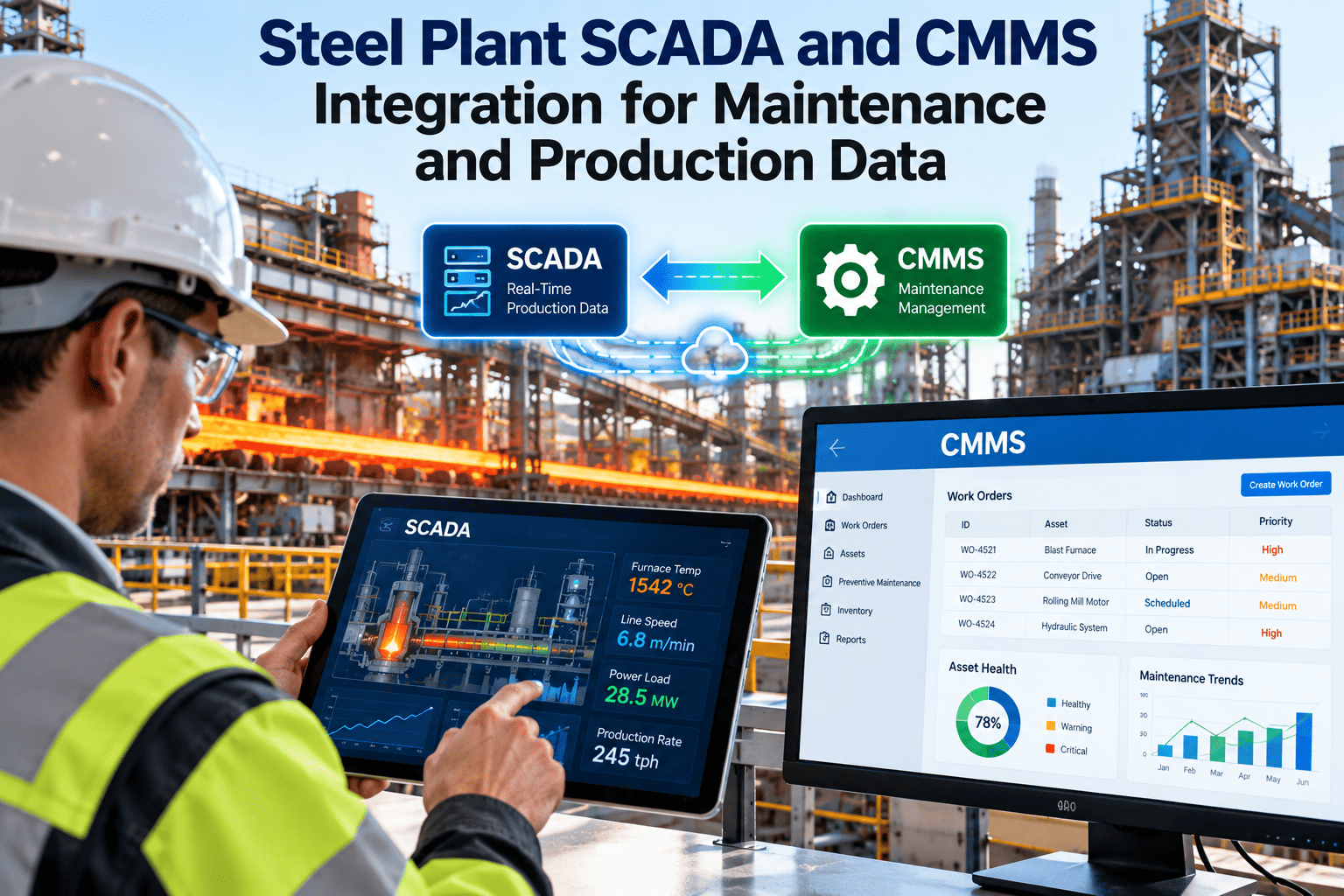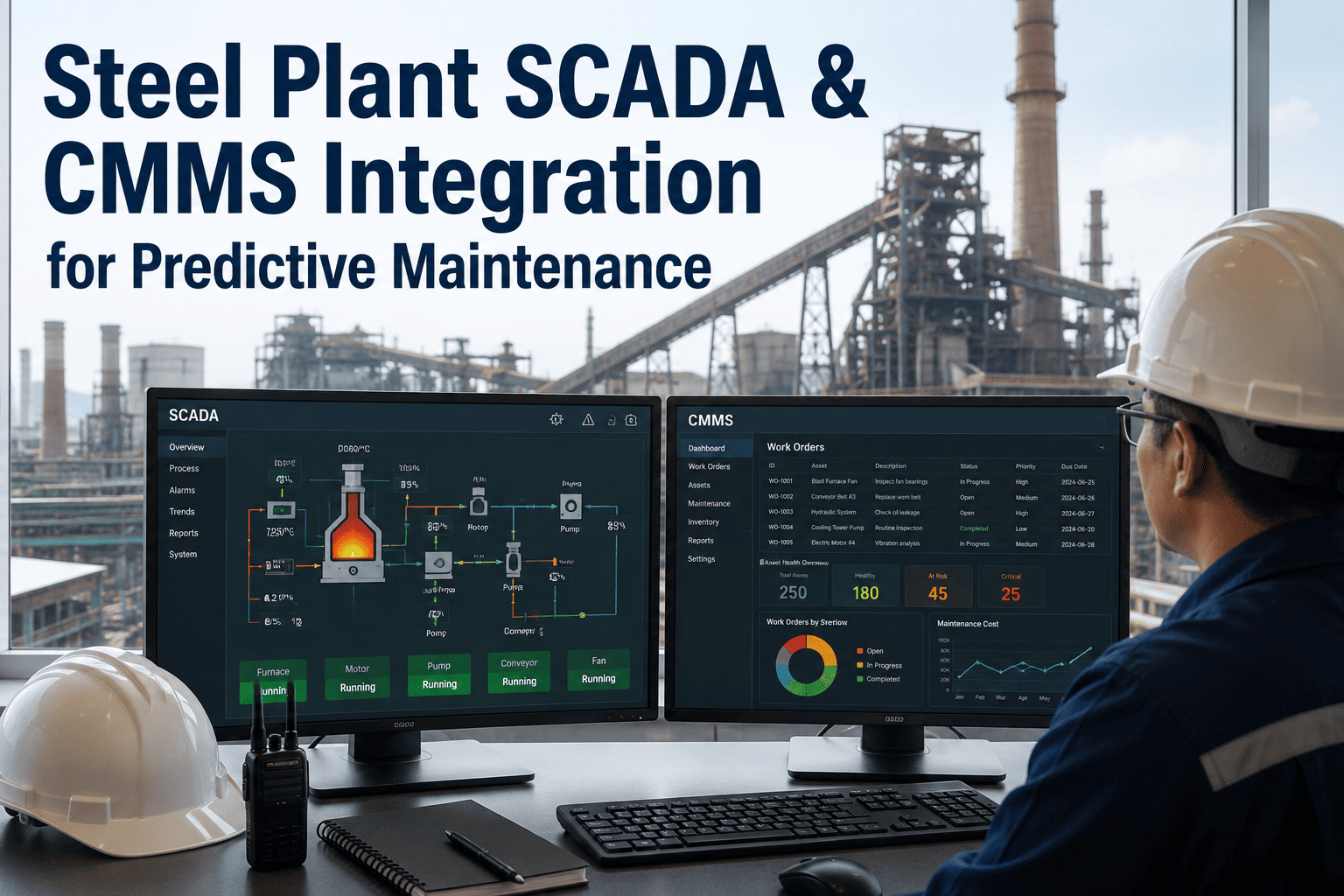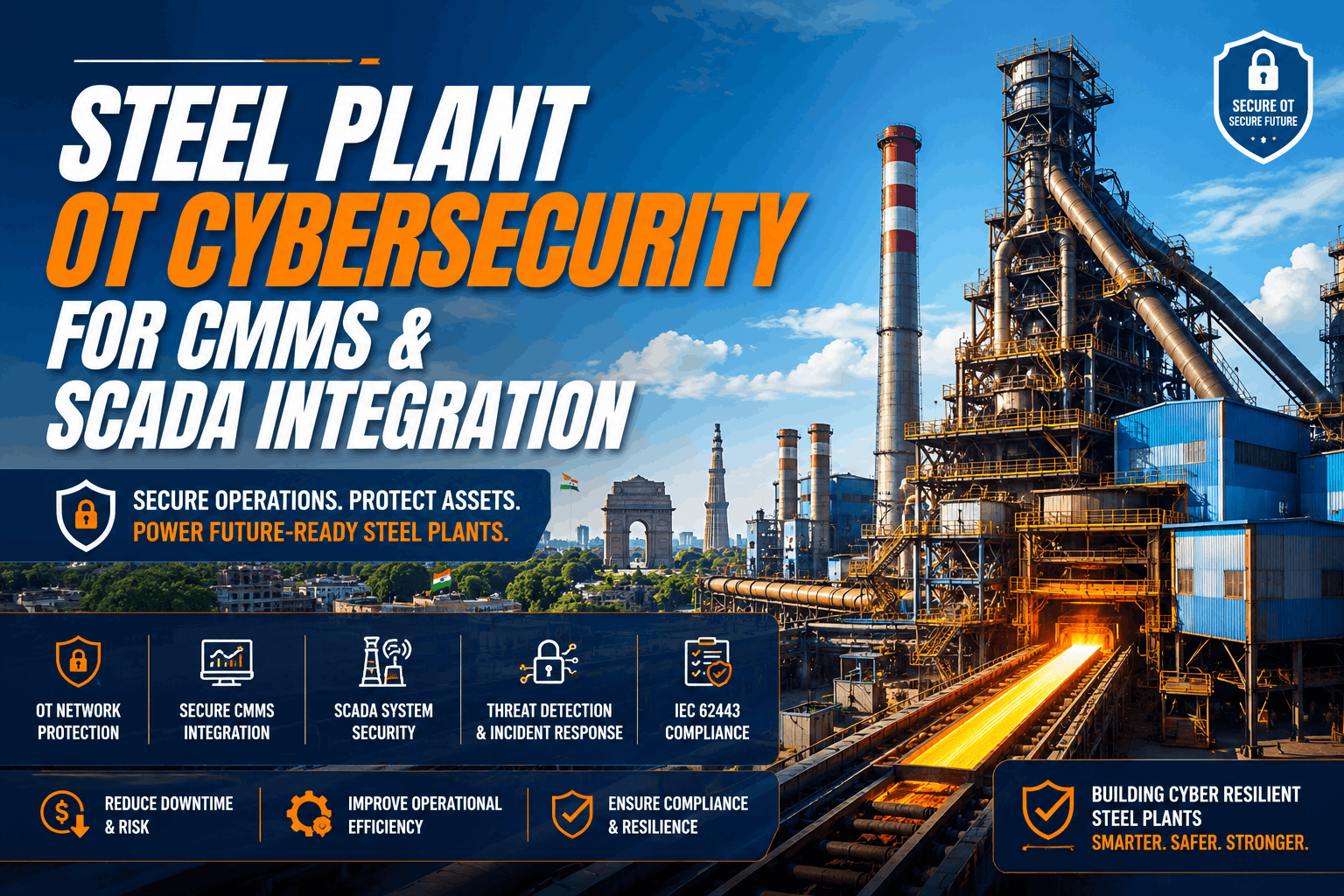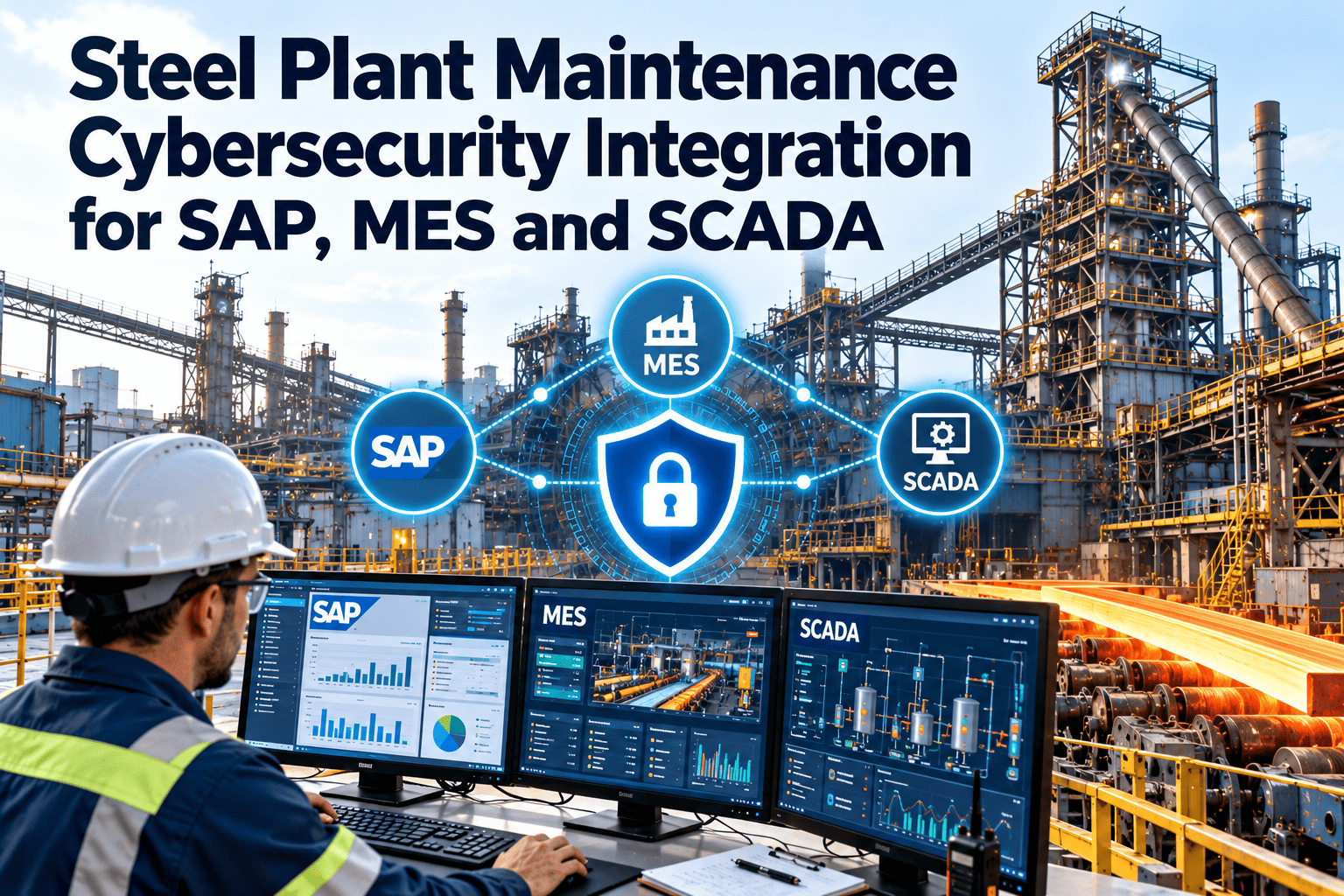
Connecting maintenance to SAP, MES and SCADA can remove double entry and give planners a live view of equipment condition and production demand. It can also create a new path between the corporate network and the systems that run furnaces, casters and mills. Steel plants need integrations that are useful and defensible at the same time. This article explains how to design that connection, which data should move, and where Oxmaint maintenance management software sits in a security-conscious architecture.
Steel Plant Maintenance Cybersecurity Integration for SAP, MES and SCADA
Share work orders, asset data and equipment condition across enterprise, production and control systems without opening a direct line from the internet to the plant floor.
Why maintenance integration is a security question in steel
Consequences are physical
An outage in a steel plant can damage refractories, equipment and product, and can endanger people.
Legacy systems
Older controllers and protocols were built for reliability, and many have limited authentication or encryption.
Connected by necessity
Analytics, remote support and CMMS links have ended the air gap that once protected many plants.
Shared credentials
Contractors, engineering workstations and shift accounts often share access, which weakens accountability.
Treat the integration as part of the plant security program, and involve both IT and OT teams from the first design meeting.
The layered reference model for steel plant systems
Most industrial security designs follow a layered model, often drawn from the Purdue reference architecture and formalised in IEC 62443 as zones and conduits. The idea is simple: group systems by function and control every path between groups.
| Level | Typical systems | Role in maintenance | Security posture |
|---|---|---|---|
| 0 and 1 | Sensors, drives, PLCs, protection relays | Source of equipment condition and run data | Highest protection, no direct internet access |
| 2 | SCADA, HMI, DCS operator stations | Alarms, setpoints and local status | Strict access control and monitored remote access |
| 3 | Historian, MES, batch and quality systems | Run hours, downtime events, production orders | Segmented, with defined data conduits |
| 3.5 | Demilitarised zone | Brokers data between plant and enterprise | Terminates connections, no direct pass-through |
| 4 and 5 | SAP, CMMS, finance, email | Work orders, assets, spares, cost | Standard enterprise controls, strong identity management |
Which system owns which data
Integration fails when two systems both believe they own the same record. Decide ownership first, then design the flow.
SAP PM or ERP
- Plant, cost center and financial structure
- Material master and purchasing
- Maintenance cost postings
- Often the master for equipment and functional locations
MES
- Production orders and schedules
- Downtime reasons and event times
- Quality holds and genealogy
- Equipment status from the production viewpoint
SCADA and historian
- Real-time process values and alarms
- Run hours and cycle counts
- Condition signals such as temperature and vibration
- Time-series archives
Maintenance system
- Work requests, orders and schedules
- Inspection results and failure codes
- Labour, parts and downtime linked to jobs
- Maintenance history by asset
Integration patterns compared
| Pattern | How it works | Strength | Security watch point |
|---|---|---|---|
| Scheduled file or batch exchange | Exports move on a timetable through a controlled transfer | Simple, easy to audit | Protect transfer credentials and validate file content |
| API with middleware | A broker exchanges messages between systems | Flexible, reusable, supports retries | Harden the broker and restrict its permissions |
| Historian to maintenance feed | Selected tags or alert events leave the plant through the DMZ | Keeps raw control networks isolated | Send only required tags, and prefer outbound flow |
| Direct database link | One system reads another system's tables | Quick to build | Avoid in OT, because it bypasses application controls |
| Manual re-keying | People copy data between screens | No technical path to attack | High error rate and weak audit trail |
Plan your integration with someone who has done it in a steel plant
Walk through your SAP, MES and SCADA landscape with the Oxmaint team and agree which data should move, in which direction, and through which controlled path.
Eight security controls for the maintenance connection
Segment by zone
Place systems in defined zones and allow only listed conduits between them.
Prefer outbound data flow
Let plant systems publish condition data out, rather than letting enterprise systems reach in.
Use a DMZ broker
Terminate and re-originate connections so no session passes straight through.
Apply least privilege
Service accounts get only the objects and actions the integration needs.
Strengthen identity
Use individual accounts, multi-factor sign-in for remote access and rapid removal of leavers.
Encrypt and authenticate
Protect data in transit between zones and verify both endpoints.
Log and monitor
Record integration activity, changes and failures, and send logs to a monitored location.
Back up and rehearse recovery
Keep offline backups and test restoring both maintenance data and integration settings.
Threat scenarios and how the design responds
| Scenario | Weak design | Stronger design |
|---|---|---|
| Phishing leads to stolen enterprise credentials | Same account can reach CMMS and SCADA tools | Separate identities per zone, with multi-factor sign-in |
| Ransomware on the corporate network | Flat network lets it spread to plant servers | Segmentation and a DMZ limit spread and protect backups |
| Compromised integration account | Account has broad read and write rights | Narrow permissions, rotated secrets and alerting on unusual use |
| Malicious or wrong work order data | Orders write directly back to control systems | Maintenance data stays advisory, and control changes use separate change procedures |
| Vendor remote access abused | Permanent remote tunnel with shared login | Time-limited, approved and logged sessions |
The principle behind each row is the same: a failure in one zone should not become a failure everywhere.
What changes when maintenance data is integrated securely
Before
- Planners re-key orders between SAP and plant tools
- Downtime reasons are typed from memory after the shift
- Condition alarms stay inside the control room
- Contractors use shared remote access
- Nobody can show which system changed an asset record
After
- Orders and cost postings flow through an agreed conduit
- MES downtime events link to the related work order
- Selected alerts reach technicians as assigned tasks
- Remote access is time-limited and logged
- Change history shows who and what updated each record
Mapping fields between SAP, MES and the maintenance system
Most integration effort is spent on mapping, not on connectivity. Agree the shared keys and status values before building anything, and document them where both teams can see them.
| Concept | SAP PM | MES or SCADA | Maintenance system |
|---|---|---|---|
| Location | Functional location | Line, unit or area tag | Asset hierarchy node |
| Equipment | Equipment number | Equipment or tag identifier | Asset record with cross-reference |
| Job | Maintenance order or notification | Downtime event with reason | Work request or work order |
| Status | System and user status | Running, stopped, faulted | Open, in progress, completed |
| Materials | Material number and reservation | Not usually held | Spare part and stock record |
| Failure | Damage and cause codes | Alarm or fault code | Failure and cause codes |
- Keep a cross-reference table so one asset can be found by any of its identifiers.
- Define which system may change a status and which only reads it.
- Agree how to handle renamed, merged or retired equipment before it happens.
Handling data quality and failure in the integration itself
A secure link that silently drops records is still a problem. Design for failure as carefully as for success, and make sure someone is notified when exchanges stop.
- Use unique message identifiers so a retry never creates a duplicate order.
- Queue messages during outages and replay them in order once the link returns.
- Validate incoming values against allowed lists, ranges and formats before accepting them.
- Raise an alert to the integration owner when an exchange fails or falls behind.
- Reconcile counts of orders, assets and costs between systems on a regular schedule.
People, contractors and incident response
Technology is only one part of the defence. Many incidents begin with a person, a shared password or an unmanaged laptop. Steel plants rely heavily on contractors during shutdowns, so the maintenance system is often used by people who are new to the site and only present for a few weeks.
Contractors
- Create named accounts with an end date
- Limit access to relevant work and areas
- Remove access when the contract closes
Technicians
- Train on phishing and removable media
- Use managed devices for mobile work
- Report lost devices immediately
Response team
- Name IT, OT and maintenance contacts
- Practise a manual maintenance fallback
- Know how to isolate the integration quickly
Frameworks to align with
- IEC 62443 provides the zone and conduit approach, security levels and requirements for asset owners and suppliers.
- NIST Cybersecurity Framework 2.0 organises activities into govern, identify, protect, detect, respond and recover.
- ISO 27001 supports the enterprise information security program that surrounds the integration.
- European and national rules for critical or important entities may apply to steel producers, so confirm obligations with your compliance team.
Frameworks do not replace a site risk assessment. Use them to structure the assessment and to document decisions for auditors, insurers and customers.
A staged plan for connecting SAP, MES and SCADA to maintenance
Map and classify
List systems, data flows and owners. Classify each flow by direction and by the consequence if it is altered.
Design the conduits
Choose patterns, define the DMZ role and agree field mappings for assets, locations and statuses.
Pilot one flow
Start with a low-risk flow such as work order status to SAP, and test failure handling and logging.
Add condition data
Bring selected historian events into maintenance as alerts, with reviewed thresholds.
Operate and review
Monitor, patch, rotate credentials and review the design after plant changes.
Integration security checklist
- Data flows are documented with source, target, direction and owner
- The maintenance system is in a defined zone with listed conduits
- No direct internet path to control systems exists for the integration
- Service accounts have least privilege and rotated secrets
- Remote vendor access is approved, time-limited and logged
- Integration logs are retained and reviewed
- Backups of maintenance data and settings are stored offline and tested
- Incident roles cover IT, OT, maintenance and operations
- Asset and location mappings are reviewed after plant changes
Testing before go-live and change control afterwards
Integration changes can break maintenance planning or, worse, create a security gap. Treat each change like a plant modification, with review, testing and a rollback plan.
Use a representative non-production copy
Run sample orders, assets and failures through every mapping, including error cases such as missing fields.
Include IT, OT and maintenance
Each group checks its own risk, such as network paths, control impact and planner workload.
Schedule changes in safe windows
Avoid shutdown peaks and keep a documented way to revert to the previous setting.
Reconcile after the change
Compare counts and spot-check records to confirm nothing was lost or duplicated.
What to log and how long to keep it
- Sign-ins, failed attempts and permission changes for users and service accounts.
- Creation, approval and closure of work orders, with the user and time.
- Changes to asset records, criticality and preventive schedules.
- Messages sent and received by each integration, including rejected items.
- Administrative actions such as configuration changes and exports.
Retention should follow your internal policy and any regulatory or insurer requirement. Keep maintenance logs long enough to support failure investigations and audits.
Questions to ask any vendor before connecting plant data
Access
How are users authenticated, and can roles limit who sees or changes each record?
Data handling
Where is data stored, how is it protected in transit and at rest, and how can it be exported?
Support access
How is vendor support access requested, approved, limited and logged?
Resilience
What backup, recovery and continuity arrangements exist if the service is unavailable?
Design mistakes that keep recurring
- Using one powerful service account for every integration, so a single leak exposes everything.
- Pulling every historian tag into the maintenance system instead of selecting the few that drive decisions.
- Allowing work order changes in the maintenance system to write back to control setpoints.
- Skipping documentation of mappings, which leaves one engineer as the only person who understands the link.
- Forgetting the manual fallback, so planners have no procedure when the integration is switched off during an incident.
- Reviewing security once at go-live and never again after equipment, vendors or network layouts change.
Where Oxmaint fits
Oxmaint supports the maintenance layer of the architecture. It keeps asset records, preventive schedules, work orders, inspections, spare parts and reports, and it gives planners one place to see backlog and compliance.
- Role-based users help limit who can create, approve and close work.
- Asset hierarchies can mirror your functional locations to make mappings clearer.
- Mobile inspections and work orders reduce paper and retyping.
- History and reports create an audit trail of maintenance activity.
Available connection methods and security features should be confirmed with the Oxmaint team against your own network design.
Frequently asked questions
Should a CMMS ever connect directly to SCADA?
Usually not. Use a DMZ or historian feed so the control network is never directly reachable.
What data is safest to share with SAP?
Work order status, costs, parts and asset master data. You can book a demo to review mappings.
Can MES downtime feed maintenance?
Yes. Linking MES events to work orders gives clearer causes and better reliability reporting.
Does IEC 62443 apply to existing plants?
It guides upgrades to existing systems as well as new builds, applied through risk assessment.
How do we start?
Map flows and pilot one low-risk exchange. You can sign up to prepare your asset data.
Connect maintenance to the plant without widening the attack surface
Design the data flows, agree ownership and start with one controlled exchange, supported by a maintenance record your IT and OT teams can both trust.