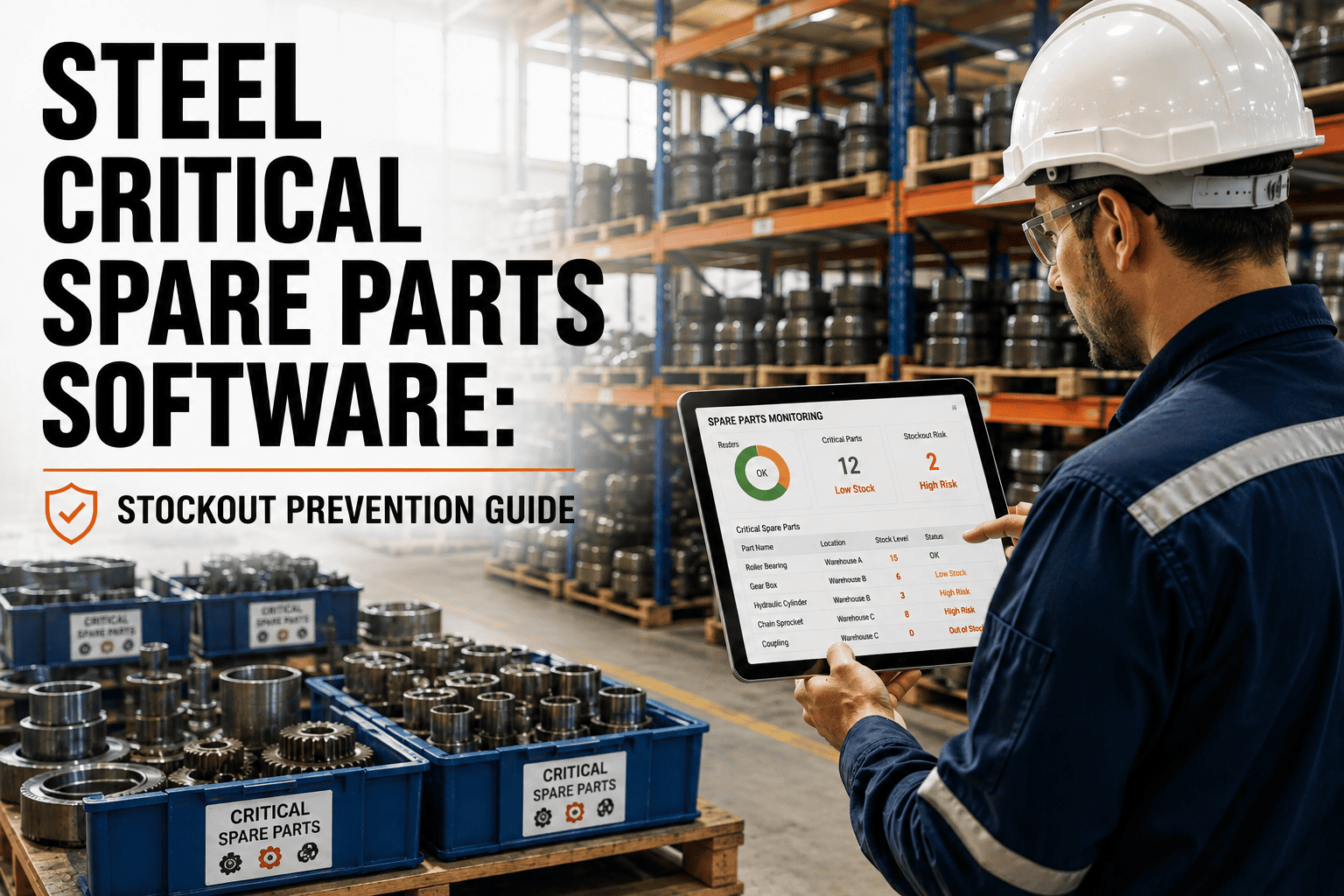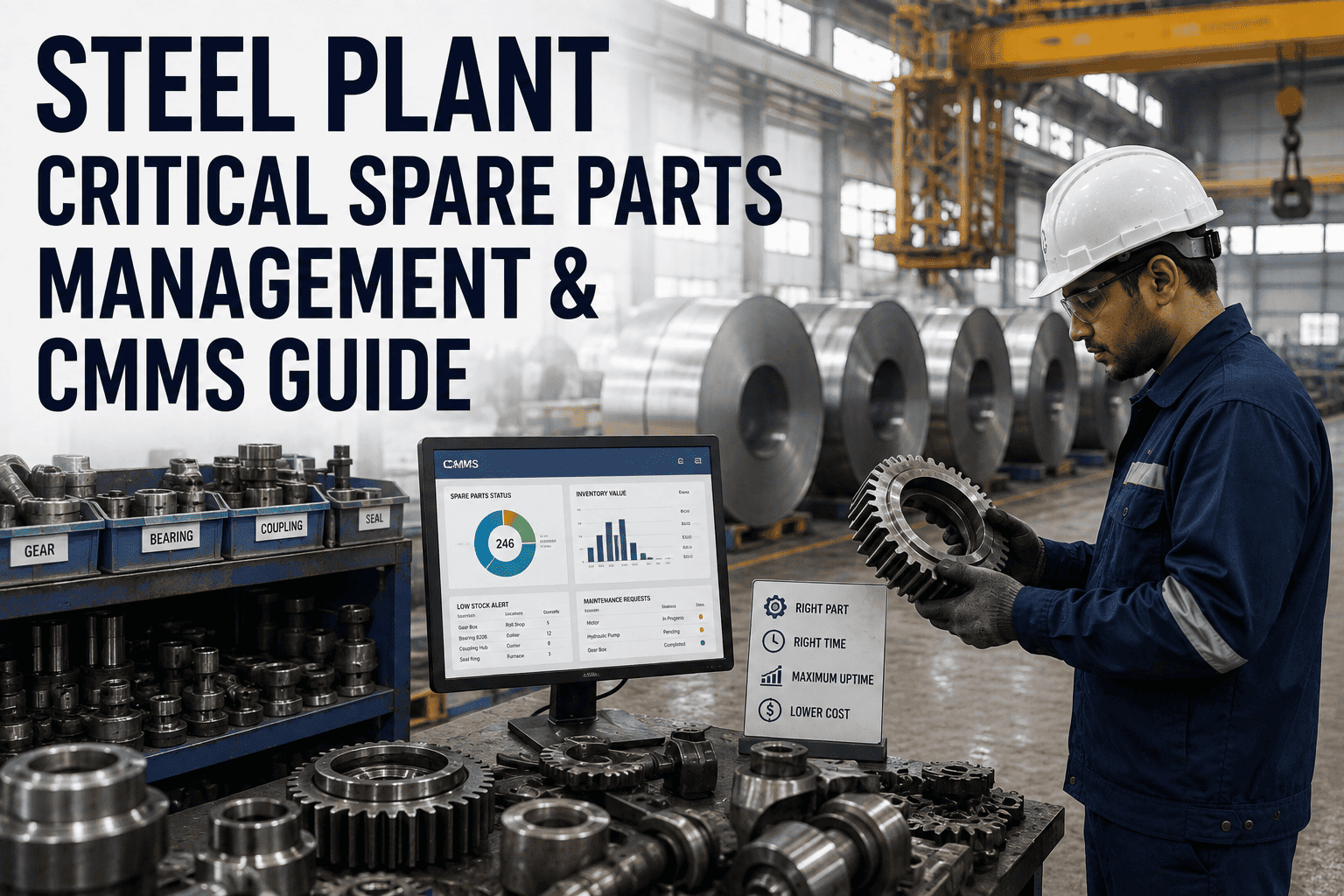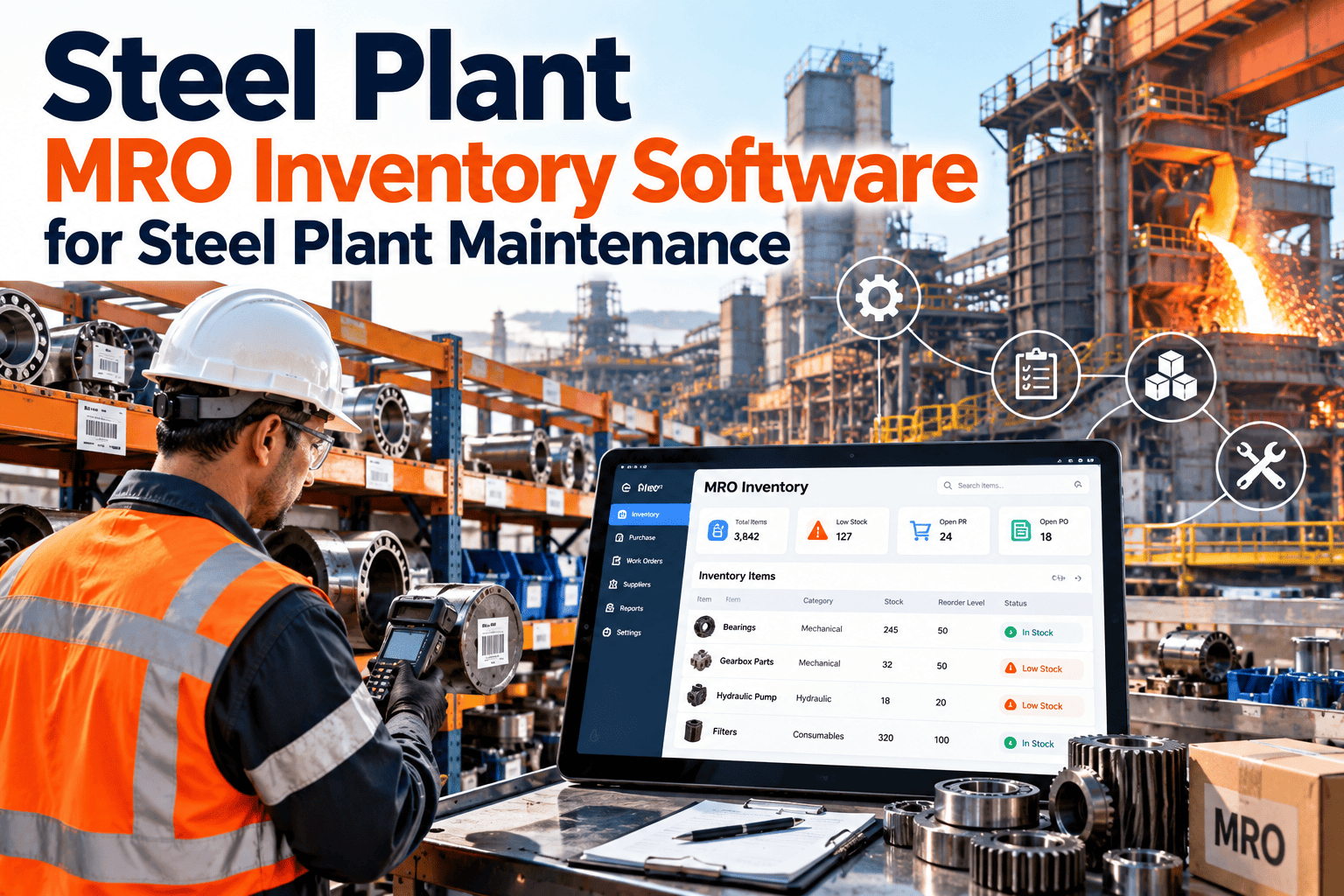
Steel plant storerooms hold thousands of items, from bearings and hydraulic valves to refractory consumables, electrical spares, and lubricants. Most of those items are cheap compared with the cost of a stopped process, which is exactly why they are easy to neglect until one is missing. MRO inventory software gives maintenance, stores, and purchasing a shared record of what exists, where it sits, what is promised to jobs, and what must be ordered next. The sections below explain what to look for and how the workflow runs in practice, including a look at steel plant MRO inventory software built into a CMMS.
Steel Plant MRO Inventory Software for Steel Plant Maintenance
Manage parts, min-max levels, reservations, reorder alerts, supplier records, and consumption across every steel plant asset in one connected system.
What Makes Steel Plant MRO Inventory Different
A steel plant combines heavy, high-temperature equipment with continuous operation. That shapes how spares should be managed.
Harsh duty drives consumption
- Heat, dust, scale, and water shorten the life of bearings, seals, and rolls.
- Wear parts follow campaign cycles rather than steady monthly usage.
- Consumption varies sharply by process zone and product mix.
Downtime consequences are high
- A single missing spare can hold several connected units.
- Many critical items have long or uncertain lead times.
- Planned outages demand complete kits well before the stop.
Common storeroom problems
- Duplicate records for the same part under different descriptions.
- Counts that drift from the shelf because issues are recorded late.
- Minimum levels copied from habit instead of consumption data.
- Obsolete stock hiding the real shortage of items that matter.
- Parts bought for one job but never linked to the asset that used them.
The MRO Inventory Lifecycle, Step by Step
Good inventory control is a loop, not a one-time cleanup. Each stage feeds the next.
- 1
Identify and classify
Create one clean record per part with description, manufacturer, part number, unit of measure, and the assets it serves.
- 2
Locate and count
Assign storeroom, aisle, and bin locations, and record opening quantities through a structured count.
- 3
Set levels
Define minimum, maximum, and reorder quantities based on usage, lead time, and failure consequence.
- 4
Reserve and issue
Hold parts for planned work orders, then issue them against the job so cost and consumption land on the right asset.
- 5
Replenish and receive
Raise purchase requests from alerts, record supplier delivery, and put stock away to its bin.
- 6
Review and refine
Compare consumption, turns, and shortages with the levels you set, then adjust.
What a Complete Part Record Should Contain
Search speed and reporting quality both depend on the part master. Capture these fields consistently from the start.
Naming discipline
Agree a description format, such as item noun first, then type, size, and rating, so the same bearing is never entered twice under different words.
Min-Max Levels: Setting Them With Evidence
Minimum and maximum levels are the simplest control in a storeroom, and the easiest to get wrong.
| Item type | Typical approach | Watch for |
|---|---|---|
| Fast-moving consumables | Min-max from average usage and lead time | Seasonal or campaign swings |
| Wear parts tied to PM | Level set from the preventive maintenance calendar | Schedule changes that move demand |
| Critical insurance spares | Hold a fixed minimum based on consequence of failure | Low turnover and aging stock |
| Repairable assemblies | Track the pool of serviceable and in-repair units | Repair turnaround time |
| Rarely used specialty items | Order on demand, or plan with the outage scope | Long lead time with no warning |
Reorder alerts that help
- Trigger when available quantity falls below the reorder level, not just on-hand quantity.
- Show the open demand from reserved work orders alongside the alert.
- Route the alert to the person who can act, with the supplier and last price shown.
- Escalate when an alert stays open past the part's lead time.
Replace Spreadsheet Stock Lists With One Live Record
See part records, min-max levels, reservations, and reorder alerts working with your work orders and assets.
Reservations: Connecting Parts to Work Orders
A reservation turns a planned job into a promise the storeroom can keep.
Parts requested at the counter
- Technician discovers the shortage on arrival
- Stock may be taken for a different job
- Cost is posted late or to the wrong asset
Parts reserved on the work order
- Planner sees availability while planning
- Stock is held and protected for the job
- Issue posts cost to the asset automatically
Good reservation practice
- Reserve at planning time, not on the day of the job.
- Release unused reservations when work is cancelled or rescheduled.
- Pull and stage kits for planned outages ahead of the shutdown.
- Return leftover parts to the bin and record the return.
Supplier Records and Purchasing Visibility
Inventory control depends on knowing who supplies each part and how reliably they deliver.
Approved sources
Store primary and alternate suppliers per part, with contact and agreed terms.
Lead time history
Compare promised and actual delivery so reorder levels reflect reality.
Price trail
Keep last purchase price and cost per issue for budgeting and reviews.
Receiving checks
Record quantity, condition, and documentation at receipt before putaway.
Consumption Tracking Across Steel Plant Assets
Issues recorded against work orders turn the storeroom into a source of reliability data.
- See which assets consume the most parts and which components fail repeatedly.
- Compare actual consumption with preventive maintenance forecasts to test PM intervals.
- Spot parts with no movement for review as possible obsolete stock.
- Roll up spare parts cost by process zone, asset, or work type for budget conversations.
Metrics worth reviewing monthly
Evaluating MRO Inventory Software for a Steel Plant
Use these questions to separate a real maintenance inventory tool from a basic stock list.
| Capability | Why it matters |
|---|---|
| Parts linked to assets and bills of materials | A failing asset should show its exact spares |
| Reservations on work orders | Prevents the same stock being promised twice |
| Min-max and reorder alerts | Replenishment starts before the shelf is empty |
| Multiple storerooms and bins | Large plants hold stock in several locations |
| Mobile access for technicians | Issues and returns recorded at the point of use |
| Supplier and purchase records | Lead time and price history inform levels |
| Reporting on consumption and cost | Supports reliability and budget decisions |
Where Oxmaint fits
Oxmaint combines inventory with work orders, asset records, preventive maintenance scheduling, and reporting, so parts data and maintenance activity stay in the same place.
A Practical Implementation Path
Prioritize and clean
Start with critical assets and their spares. Merge duplicates and standardize descriptions.
Count and locate
Count one storeroom at a time and assign bin locations as you go.
Link to work
Add parts to job plans and begin reserving and issuing against work orders.
Review and tune
Adjust levels each quarter and retire dormant items.
Mistakes to avoid
- Loading every item before cleaning the catalog.
- Skipping technician training on issue and return transactions.
- Applying the same levels to critical and non-critical parts.
- Ignoring dormant stock until a year-end audit.
ABC Classification for Steel Plant Spares
Classifying parts by value and by criticality tells the storeroom where to spend its attention.
High value or high criticality
Large motors, gearboxes, roll assemblies, and long-lead valves. Count often, review levels monthly, and track supplier status closely.
Moderate value, regular use
Bearings, seals, couplings, and drives. Use min-max levels tied to usage and review quarterly.
Low value, high volume
Fasteners, fittings, and general consumables. Keep simple bin systems with generous levels and light counting.
Why value alone is not enough
A low-cost sensor or relay on a critical line can matter more than an expensive part on a standby unit. Combine value class with a criticality tag so cheap but essential items are never treated as disposable.
Typical MRO Categories by Steel Plant Area
Part families differ across the process route. Organizing the catalog by area helps planners find the right spare quickly.
| Area | Example MRO families | Inventory consideration |
|---|---|---|
| Raw materials and sinter | Conveyor idlers, belts, crusher wear parts, screen decks | High-volume wear items with predictable replacement cycles |
| Ironmaking | Cooling components, valve seals, blower bearings, instrumentation | Critical spares with long lead times |
| Steelmaking and casting | Hydraulic parts, lance and mold components, segment bearings | Campaign-driven demand and exact specifications |
| Rolling and finishing | Roll chocks, bearings, couplings, gearbox parts, drive modules | Repairable assemblies and rebuild tracking |
| Utilities and services | Pump seals, compressors, motors, filters, lubricants | Standard items suited to min-max control |
| Electrical and automation | Contactors, drives, sensors, cables, PLC modules | Obsolescence risk and compatibility records |
Keeping Counts Accurate: Cycle Counting and Controls
Software only helps if the numbers match the shelf. A few simple controls protect accuracy.
- A
Count by class, not all at once
Count Class A items often and Class C items rarely. This keeps effort focused on the parts that cause the most harm when wrong.
- B
Investigate every variance
Record the cause of each adjustment, such as unrecorded issues or misplaced stock, and fix the process behind it.
- C
Control access to the storeroom
Restrict who can remove parts and require every issue to reference a work order or cost center.
- D
Make returns easy
Provide a clear return process so unused parts go back into the system instead of into toolboxes.
Connecting Inventory to Preventive and Corrective Maintenance
Inventory becomes far more valuable when it follows the maintenance plan.
Preventive maintenance
Attach standard kits to PM tasks so upcoming demand is visible weeks ahead of the schedule.
Corrective maintenance
Issue parts against breakdown work orders to capture which components fail and what they cost.
Condition-based work
When an inspection or sensor finding opens a work order, check and reserve the parts at once.
Shutdown planning
Build outage kits from job plans, confirm every part is on site, and stage them before the stop.
Reducing Dead Stock Without Creating Shortages
Overstocking ties up cash and space, but aggressive cutting causes the very stockouts the system should prevent.
- Flag parts with no issues over a defined period and review them with engineering.
- Check whether a dormant item is a deliberate insurance spare before disposing of it.
- Return surplus to the supplier or transfer it to another site where possible.
- Record the reason a part was written off, so purchasing does not buy it again.
Records that support audits and traceability
Receipt dates, supplier details, issue history, and adjustment reasons give auditors and quality teams a clear trail. This helps when a component batch is questioned or when inventory must be reconciled with finance.
Mobile Workflows for Storekeepers and Technicians
Most inventory errors begin at the point of use, so recording transactions there is the strongest accuracy control.
At the storeroom
- Receive deliveries against purchase requests and check quantity and condition.
- Put away stock to its bin and confirm the location in the record.
- Pick reserved kits for upcoming work orders and mark them staged.
- Run cycle counts from a handheld device and post variances with reasons.
At the equipment
- Open the work order and see which parts are reserved and where they sit.
- Record parts actually used, including quantities different from the plan.
- Request an extra part without leaving the job and see its availability.
- Note a worn component so the next reorder review has real evidence.
Why this matters in large plants
Steel sites are spread over a wide area, and a trip back to a desk to log a part is easy to skip. Recording issues from the field keeps reserved, on-hand, and consumed quantities current, which is what makes reorder alerts and reports trustworthy.
Steel Plant MRO Inventory FAQs
What is MRO inventory in a steel plant?
Spare parts and supplies used to maintain, repair, and operate equipment, not materials that become steel product.
How do min-max levels reduce downtime?
They trigger replenishment before stock runs out. Set up reorder alerts in Oxmaint.
Why link spare parts to assets?
Linked records show the right parts during planning and build a usage history for each asset.
Is a spreadsheet enough for steel plant spares?
Rarely. Spreadsheets lack reservations, alerts, and work order links as stock and sites grow.
Can I see this with my own parts data?
Yes, book a demo and bring a sample of your part list.
Know What You Have, Where It Is, and What Is Next to Order
Bring steel plant spares, work orders, and suppliers into one maintenance system your storeroom and technicians can trust.