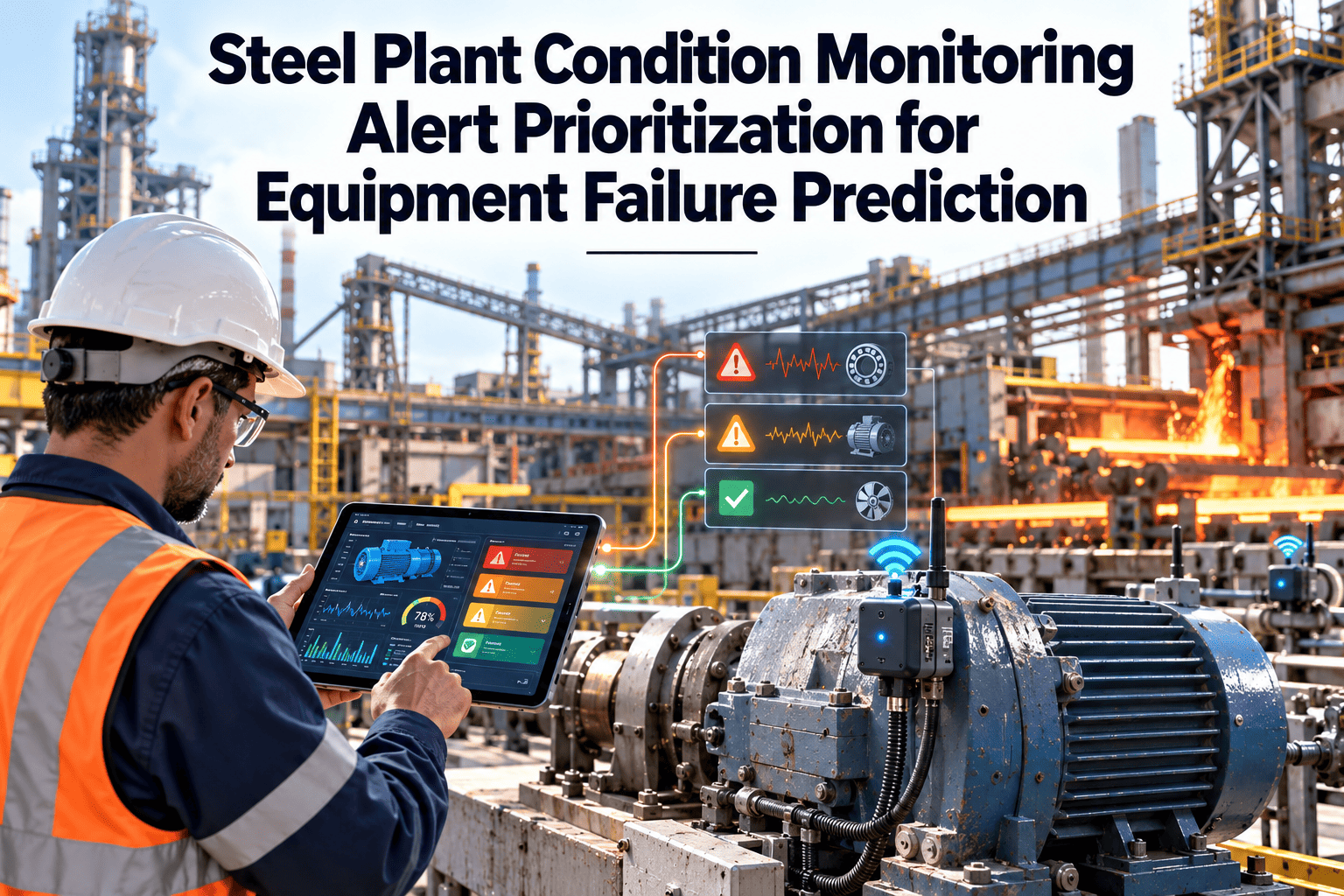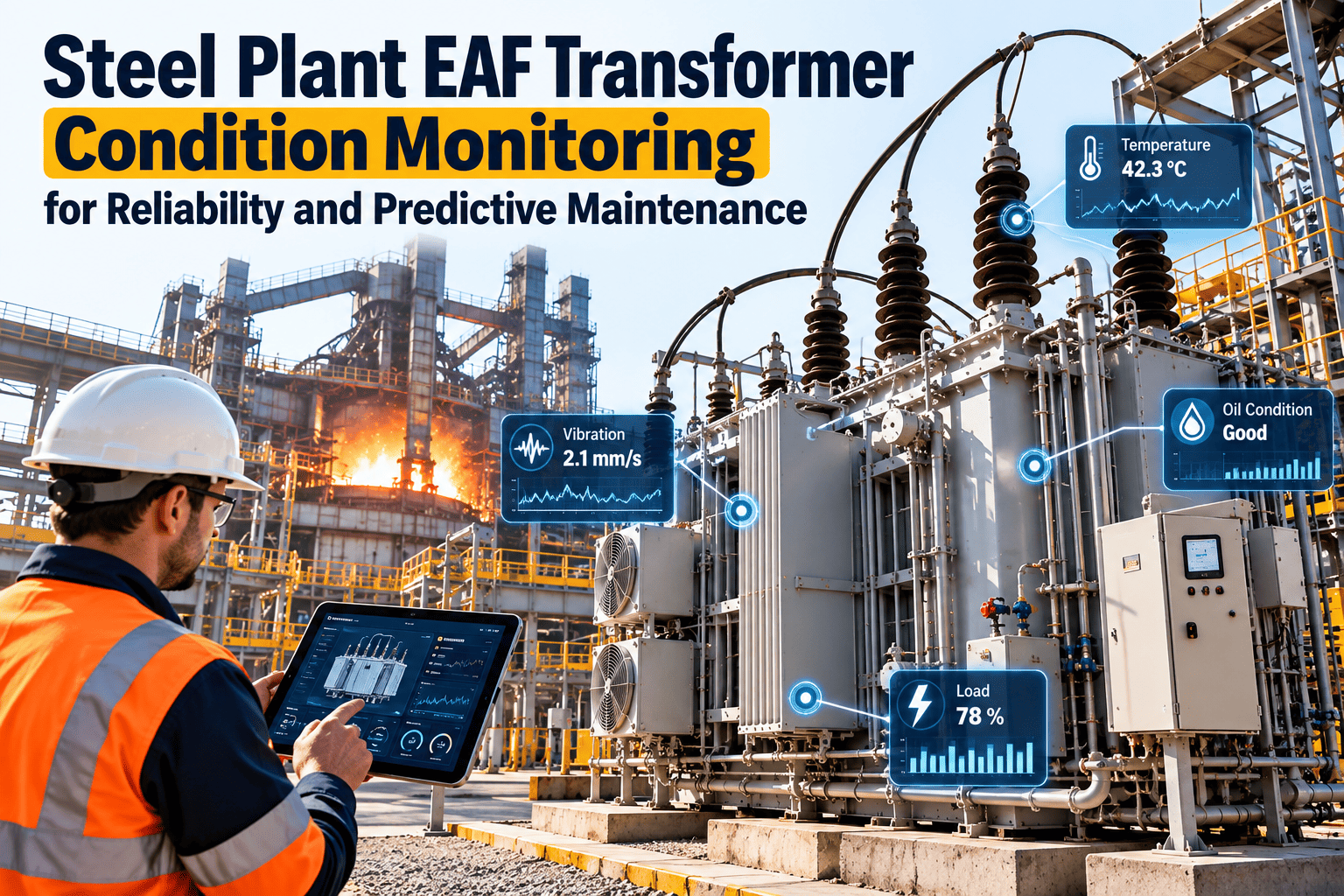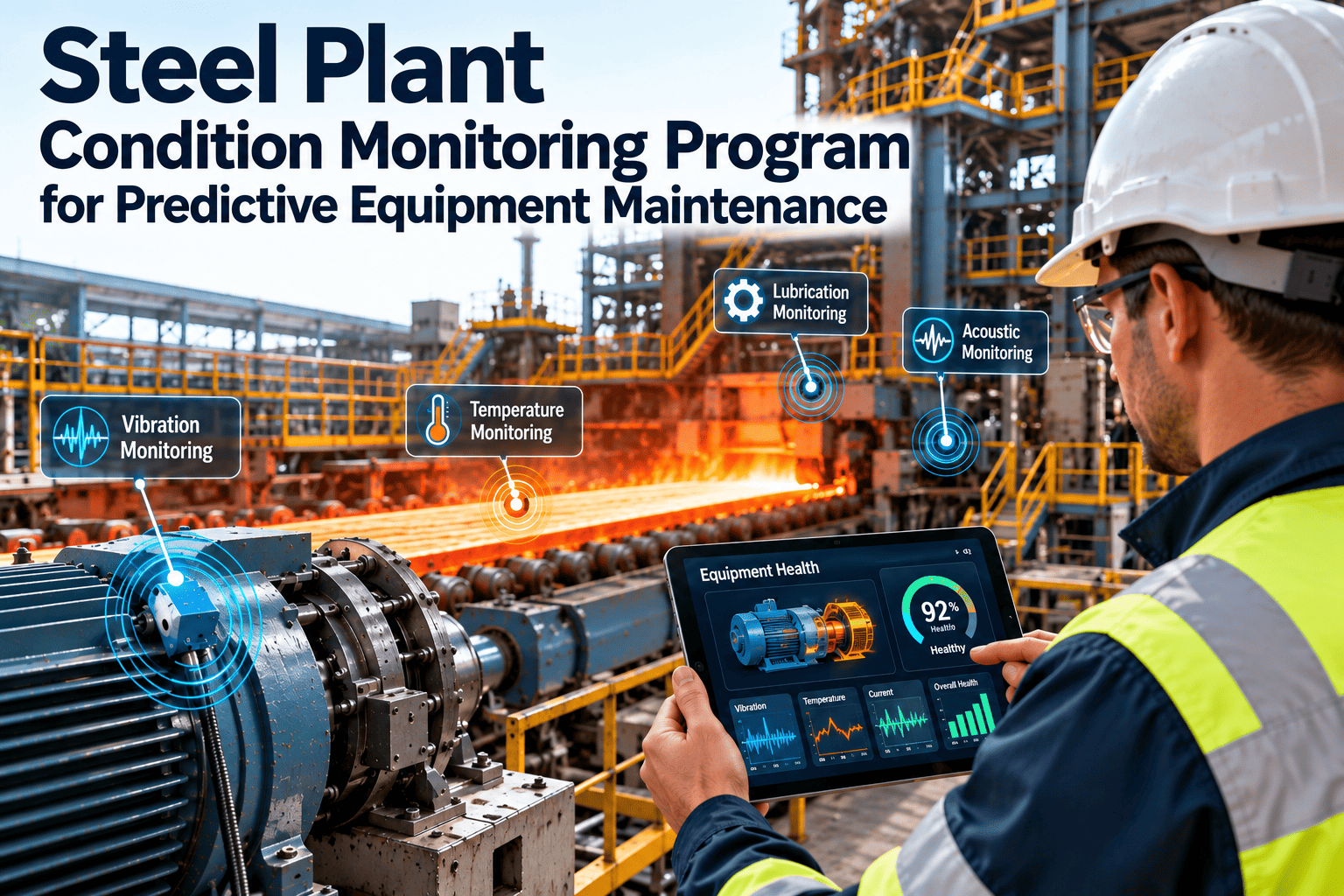
Most steel plants that try predictive maintenance get a working pilot. A few sensors on one fan or gearbox, a model that flags drift, and a few good catches. Then the pilot sits on one asset for a year while the rest of the plant carries on with rounds, spreadsheets and breakdown calls. The gap is rarely the analytics. It is the data foundation, the alert rules, the named responders and the link to the work order. This guide sets out a gated path from pilot to plant-wide scale, and shows where a steel plant CMMS carries each alert through to completed work.
Steel Plant Predictive Maintenance Pilot to Scale Guide
A pilot proves that a model can see a fault. Scaling proves that the plant can respond to what the model sees, every shift, on every asset class. This guide gives reliability leaders six gates, each with the evidence needed to pass, so predictive maintenance software moves from one proof-of-concept asset to units and plants without stalling.
Why Steel Pilots Work Once and Then Stall
A pilot is a controlled experiment. One engineer knows the tag names, one technician answers every alert, and the asset was chosen because it was already well instrumented. None of those conditions exist across a hot strip mill, a caster, a BOF and a utilities block.
- One champion who personally follows up every alert
- A hand-picked asset with clean sensor history
- Findings tracked in a slide deck or spreadsheet
- Success judged by a few memorable catches
- Four shifts, rotating crews and contractor handovers
- Mixed asset ages, tag naming and sensor quality
- Work history coded inconsistently across shops
- Success judged by avoided downtime that someone can prove
Pilot to Scale: Six Phases With Exit Gates
Each phase below ends in an exit gate. The gate is evidence, not a date. The planning ranges shown are typical planning ranges for resourcing conversations only; your own data quality and shutdown calendar decide the real pace.
Pick a small set of high-criticality assets whose failure modes produce a measurable signal. Use a criticality ranking tied to ISO 17359 thinking: consequence of failure, known failure modes and the parameters that reveal them.
Confirm the equipment hierarchy down to the component that fails, map each sensor tag to that component, and set controlled failure codes. Capture healthy-state signatures at known running conditions.
Write each alert rule down: the signal, the threshold, the confidence test, the response and the person who owns it. Connect alerts to work order creation so nothing depends on someone reading a dashboard.
Classify each alert after teardown or inspection as true positive, false positive or unconfirmed. For every catch, record what would have happened without intervention and who agreed that assessment.
Turn what worked on one fan or one gearbox into a template: sensor set, alert rules, work order task list, spares list and response roles for the whole class. Retire anything that produced noise.
Roll the template onto the same class in the next unit, then the next plant, before starting a different class. Gate every wave on alert volume per responder and on work order close-out quality.
The P-F Interval Sets How Often You Must Look
Every failure leaves a trail. At some point a fault becomes detectable (the potential failure, P), and if nothing is done it eventually stops the equipment from doing its job (the functional failure, F). The time between P and F is the P-F interval, and it decides how often you must inspect or sample.
- Monitor more often than the interval. If the P-F interval is short, a monthly route will miss it. A common reliability rule of thumb is to check at roughly half the P-F interval so at least one check lands inside the window.
- Match the technique to the failure mode. Vibration and ultrasound tend to reveal bearing faults earlier than temperature. Oil analysis and motor current reveal other mechanisms. Each failure mode has its own interval.
- Leave time to act. A detection with an interval shorter than your spare lead time or outage planning cycle is a warning you cannot use. Count the time to plan, isolate and repair as part of the interval.
- Continuous sensing earns its place on short intervals. Where failures progress quickly, such as a fan with a fast-developing imbalance, online monitoring beats periodic routes.
From Raw Signal to Work Order: The ISO 13374 Layers
ISO 13374 describes how condition monitoring data should be processed, communicated and presented. Each layer takes the output of the one below. The practical point for steel is the last step: an advisory that never reaches the work order system changes nothing on the floor.
A Pilot That Cannot Create a Work Order Cannot Scale.
Oxmaint maintenance management software gives alerts a place to land: asset records, work orders, scheduling, inspections and a history that records what was found. Set up the asset hierarchy and failure codes now, before the next wave.
Alert Triage Matrix: Severity Against Confidence
Alert fatigue kills more pilots than missed faults. A triage matrix gives every alert one of four actions based on two questions: how bad is it if this is real, and how sure are we that it is real. Set severity from the asset, not from the signal.
| Severity of failure | Low confidence | Medium confidence | High confidence |
|---|---|---|---|
| High: safety, line-stopping, no standby | Inspect before end of shift. Verify on site and escalate if confirmed. Responder: operator and area technician. | Plan within the shortest window. Agree a stop with operations. Responder: shift supervisor and planner. | Stop and isolate. Controlled stop under the site procedure, with energy isolation. Responder: shift supervisor, operations and maintenance lead. |
| Medium: production-limiting, spare or standby exists | Inspect next shift. Quick check with a portable tool. Responder: area technician. | Inspect next shift. Confirm with a second method, then reclassify. Responder: technician and condition monitoring analyst. | Plan within window. Work order with spares reserved. Responder: planner and maintenance supervisor. |
| Low: non-critical, redundant or easily replaced | Watch. Log it and review at the weekly meeting. Responder: reliability analyst. | Watch with trend review. Escalate if it persists. Responder: reliability analyst. | Plan within window. Fold into the next routine visit. Responder: planner. |
Treat the matrix as a starting rule set. After each quarter, review which cells produced false alerts, tighten the confidence test where operators lost trust, and re-rate severity when the process route or standby arrangements change.
Why Pilots Stall Versus What Scales
The same seven themes appear in almost every stalled programme. The right-hand column is what the plants that do scale tend to build before they add sensors.
| Theme | Why pilots stall | What scales |
|---|---|---|
| Asset hierarchy | Flat or inconsistent lists; sensors tied to a plant area, not a component | Hierarchy to the failing component, aligned with ISO 14224 style taxonomy |
| Failure codes | Free-text causes; the same bearing fault coded three ways | Controlled mode, mechanism and cause lists enforced by drop-downs |
| Alert ownership | Alerts go to a shared inbox or one champion | Each alert rule has a named role and a backup per shift |
| Alert fatigue | Static thresholds fire at every start-up and grade change | Running-state aware limits and a triage matrix with confidence tests |
| Work order link | Alert is a dashboard tile; follow-up depends on memory | Alert creates or updates a work order that closes with a code |
| Value measurement | Anecdotes about saves; no record of false alerts or misses | True and false alerts counted, avoided downtime documented and agreed |
| Expansion path | New assets added one by one, each a custom project | Expand by equipment class using a template, then by unit and plant |
Asset Selection Guide for Steel Plants
Choose pilot and early scale assets where two things are both true: failure hurts, and the failure gives off a signal you can measure inside its P-F interval. The ratings below are qualitative starting points to challenge against your own history.
| Asset class | Criticality | Detectability | Why it suits early scale, and what to watch |
|---|---|---|---|
| Fans and blowers | High | High | Imbalance, bearing wear and looseness show well in vibration; common to furnaces, dedusting and gas cleaning. |
| Hydraulic power packs | High | Medium | Pump wear, filter condition, oil cleanliness (ISO 4406) and temperature trends; stored energy needs careful isolation. |
| Mill drives and gearboxes | High | Medium | Vibration, oil and motor current help, but varying load and speed demand running-state context. |
| Caster segment roll bearings | High | Low | Slow rolls, heat and spray make signals hard; high consequence justifies careful trials and combined methods. |
| Pumps | Medium | High | Cavitation, seal and bearing faults are well understood; good for a first template across many identical units. |
| Cranes | High | Medium | Hoist gearboxes, motors and brakes; duty cycle matters and inspection rules under 1910.179 still apply. |
| Conveyors | Medium | High | Many repeatable idlers, drives and pulleys; ideal to prove the class-by-class method at volume. |
Data Foundations You Need Before You Scale
AI does not repair bad data, it amplifies it. If three technicians code one bearing failure three ways, the model sees three unrelated events instead of one pattern. These data owners and checks keep the foundation sound as the programme grows.
How Oxmaint Supports the Pilot-to-Scale Path
Oxmaint is a CMMS that can be configured as the system of action for predictive maintenance in a steel mill. It does not replace your sensors or historians. It holds the asset record and turns findings into planned, tracked work.
Scale Readiness Checklist Before Each Wave
Before you add the next unit or plant, check the points below. If any fail, fix them in the current wave. Adding assets to a weak foundation multiplies the problem.
Frequently Asked Questions
How many assets should a steel plant predictive maintenance pilot cover?
When is a pilot ready to scale?
How do we reduce alert fatigue?
Do we need clean maintenance data before starting?
What does the CMMS do in a predictive programme?
Take Your Steel Plant Predictive Maintenance Pilot to Scale.
Put the gates, alert rules and responders in place, and give every alert a work order to land in. Use Oxmaint to hold the asset hierarchy, failure codes and closed-loop history that let each class scale across units and plants.