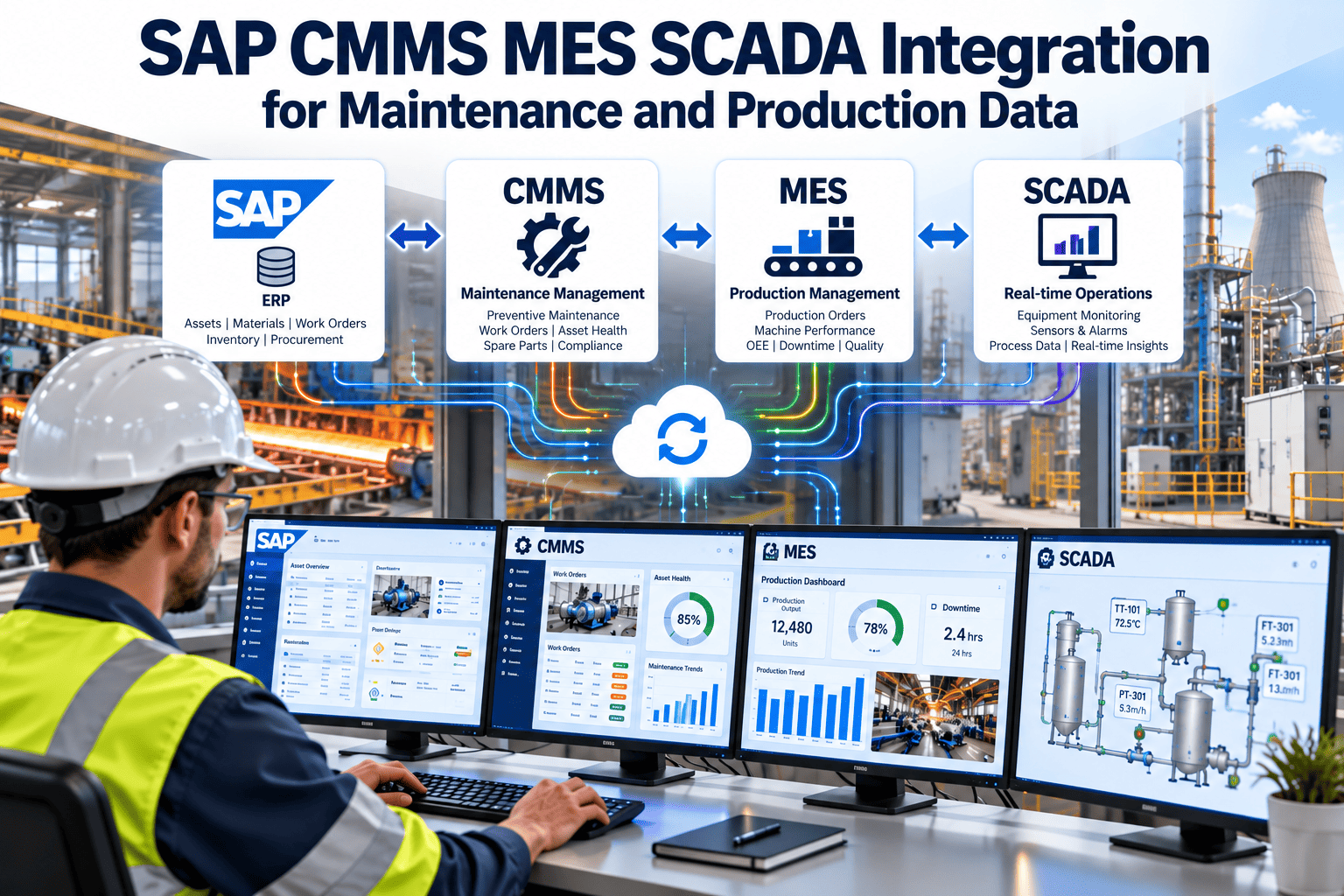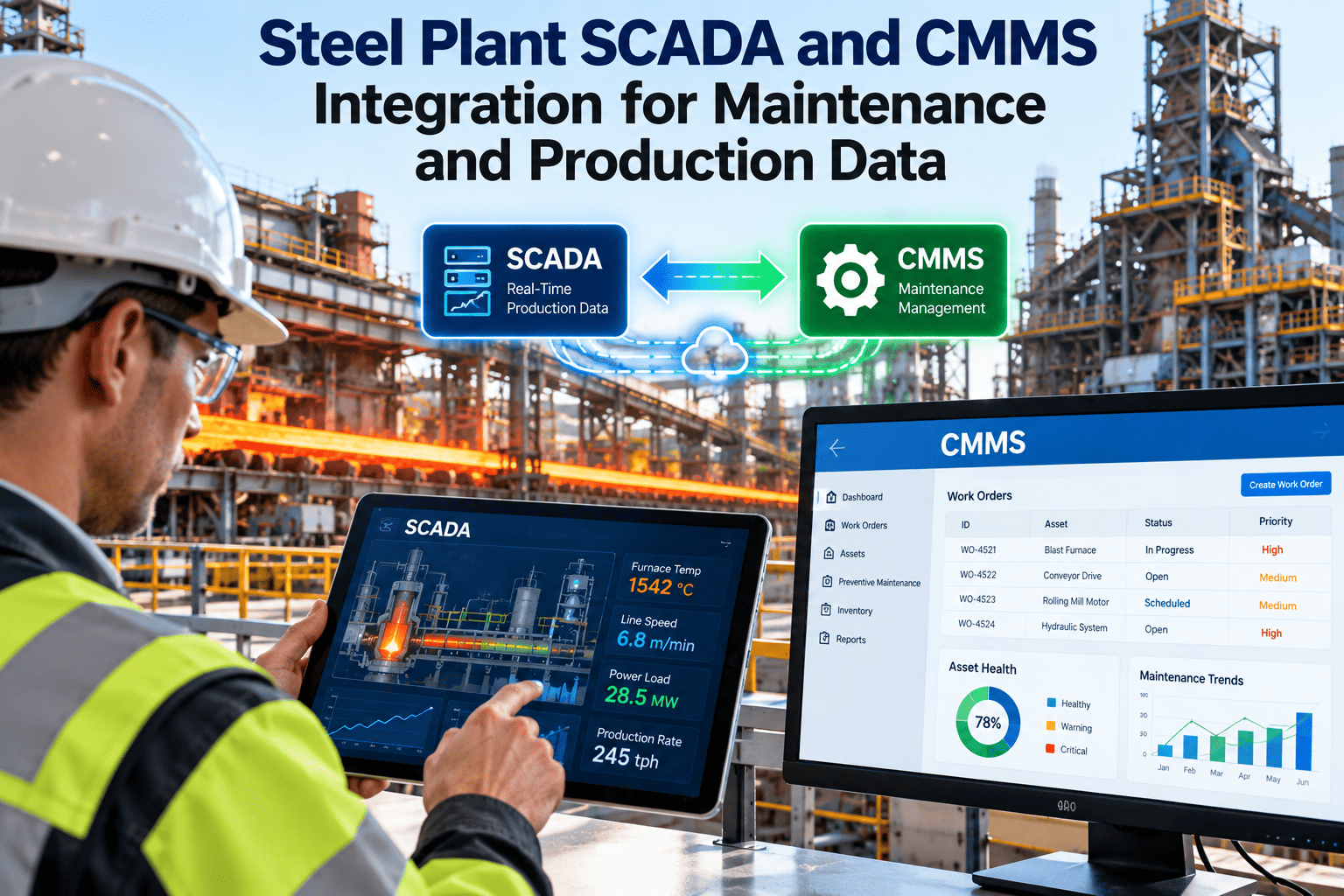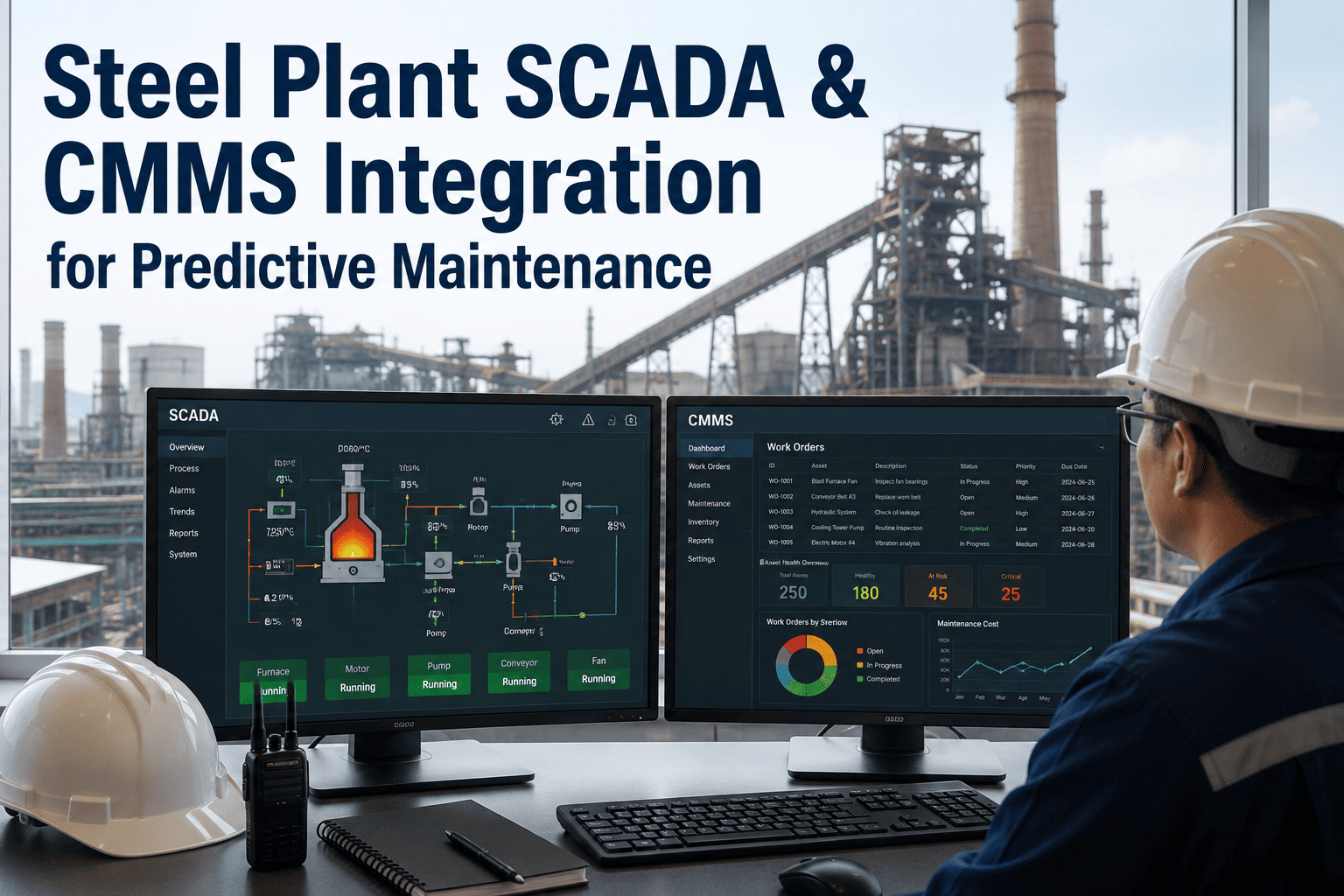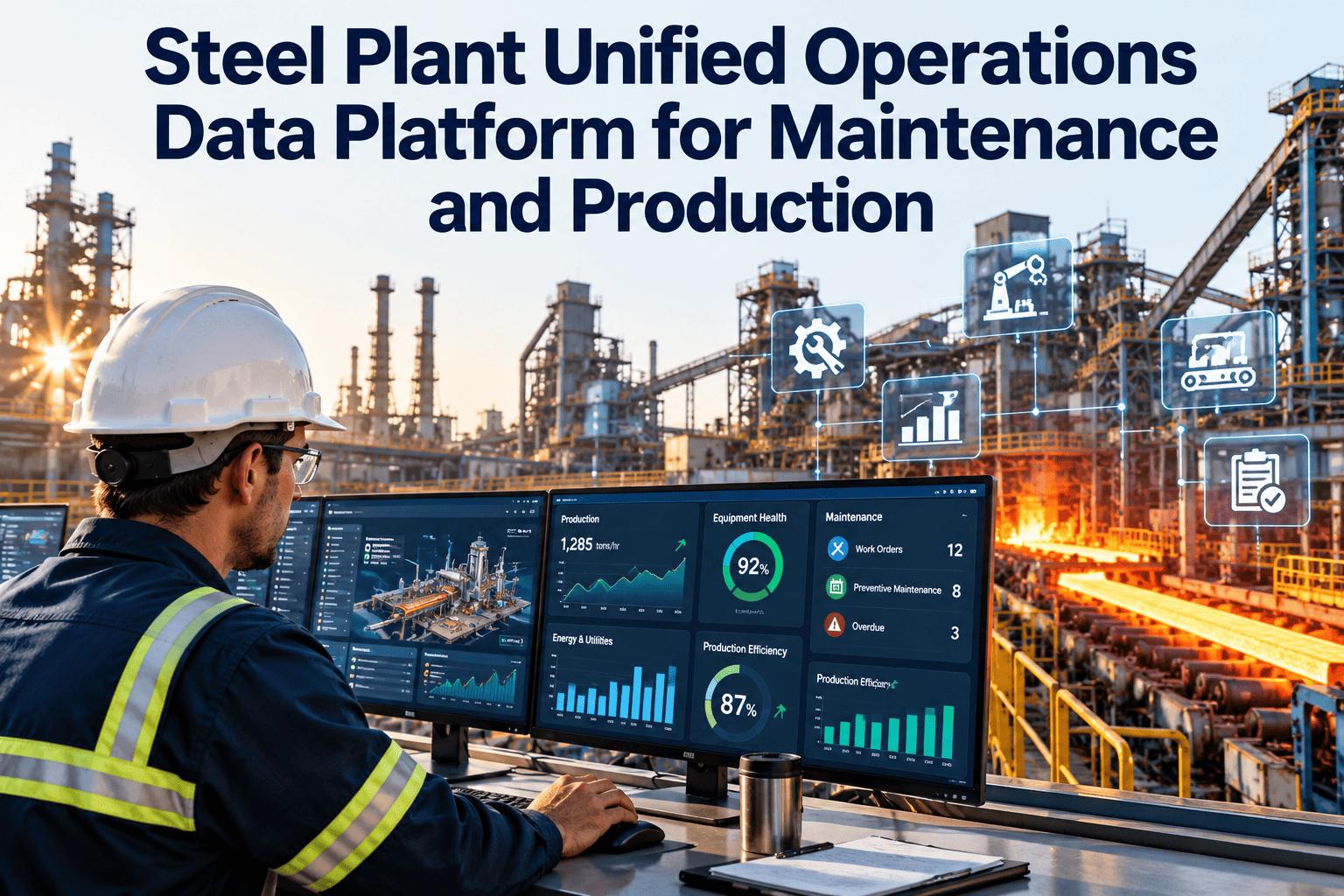
Ask a steel plant why the caster stopped, which assets are overdue for maintenance and what the last campaign cost to keep running, and production, maintenance and finance will each give a different answer. Each system is correct inside its own boundary, which is the problem. A unified operations data platform does not replace those systems. It gives them a shared asset model, shared time and shared event definitions. This guide explains how to design one and where a maintenance system like Oxmaint contributes.
Steel Plant Unified Operations Data Platform for Maintenance and Production
One asset model, one event timeline and one set of definitions, so maintenance, production and finance stop reconciling spreadsheets and start acting on the same record.
The Same Stop, Told Four Ways
A single caster stop is recorded in different places with different vocabulary. The platform's first job is to make these records point at one event.
Why Steel Plants End Up With Disconnected Data
What Belongs on the Platform and What Stays Put
| Data domain | System of record | Shared on the platform | Maintenance and production value |
|---|---|---|---|
| Asset hierarchy | Maintenance system and engineering | Asset ID, parent, location, criticality | Every other record can be joined to the same equipment |
| Process signals | PLC, SCADA, historian | Selected tags and summaries, not every sample | Context for faults and condition-based jobs |
| Production events | MES | Stops, grade or product changes, campaign dates | Planned work scheduled around real production |
| Maintenance work | CMMS | Work orders, PM status, failure codes, labor and downtime-related work | History that explains why equipment stopped |
| Spares and stock | CMMS inventory and ERP | Part, quantity, location, lead time | Job readiness and shutdown planning |
| Cost and purchasing | ERP | Cost center, purchase order, receipt status | Maintenance cost per asset and per area |
| Quality outcomes | Quality system | Defect category linked to line and time | Connect equipment condition to product quality |
Build Order: Six Decisions in Sequence
Start the Asset Model Where Maintenance Already Lives
A clean asset register is the foundation of every shared dataset. Build yours in Oxmaint, then connect production and process data to it.
Questions the Unified Platform Should Answer
If a platform cannot answer questions like these, it is a data store, not an operations tool.
Governance: Who Owns What
| Item | Owner | Consulted | Review cadence |
|---|---|---|---|
| Asset IDs and hierarchy | Reliability or asset management lead | Automation, production, finance | On every change, with a quarterly audit |
| Event and reason definitions | Operations excellence lead | Production, maintenance | Quarterly |
| Source connections | Plant IT and automation | Cybersecurity, vendors | With each system change |
| KPI definitions | Plant manager or delegate | All function heads | Twice a year |
| Data quality checks | Named data steward | System owners | Monthly |
Security and Safe Data Movement
- Move data out of the control network through read-only paths, with no write-back into automation systems.
- Hold the shared platform in a segmented zone, so neither OT nor business networks reach into each other directly.
- Give each connector the narrowest account it needs, and record who can see which dataset.
- Keep the maintenance system of record authoritative for work history, so corrections happen once at the source.
Maturity Ladder
What Oxmaint Contributes to the Platform
Integration Patterns Compared
Plants combine patterns over time. The right mix depends on how many systems you have and how often each one changes.
| Pattern | How it works | Best for | Limits |
|---|---|---|---|
| Point-to-point interfaces | Each pair of systems exchanges data directly | One or two critical connections | Becomes hard to maintain as the number of systems grows |
| Integration layer or middleware | Systems connect once to a central layer that routes and translates | Plants with many systems and changing versions | Needs an owner and a clear change process |
| Historian-centered | Process and event data is gathered in the historian and read from there | Time-series heavy questions | Business context such as work orders and costs sits elsewhere |
| Shared data store with interfaces | Selected data from each source is copied into a common store with shared definitions | Cross-functional reporting and analytics | Copies can drift, so refresh rules and quality checks matter |
| Event-based messaging | Systems publish events that others subscribe to | Faults, stops and status changes that need fast action | Event names and payloads must be governed |
Five Use Cases That Justify the Effort
Data Quality Rules Worth Automating
| Rule | What it checks | Example failure | Who fixes it |
|---|---|---|---|
| Asset exists | Every event or work order points to a valid asset ID | A stop recorded against a retired equipment code | Asset register owner |
| Time is consistent | Timestamps are in one time standard and within a sensible range | A work order closed before it was opened | System owner |
| Reason is coded | Stop and failure reasons come from the agreed list | A free-text reason where a code is required | Shift supervisor |
| No orphan records | Parts, costs and labor link to a job and an asset | Stock issued with no work order | Storekeeper and planner |
| Duplicates are merged | One physical event produces one record per system | The same breakdown logged twice by two shifts | Planner |
A 90-Day Starting Plan
Pitfalls to Avoid
- Starting with technology selection before the asset model and definitions are agreed.
- Copying every tag and table into a central store, then discovering that nobody uses most of it.
- Letting each department publish its own version of the same KPI.
- Assigning the project to IT alone, or to operations alone, rather than to a joint team.
- Treating the first release as finished, with no owner for the data after go-live.
- Writing data back into control systems when read-only access would meet the need.
One Dataset, Different Views by Role
Bringing Legacy and Acquired Plants Into the Model
Many steel groups run plants of different ages, vendors and naming habits. Standardize the model first, and connect the technology second.
- Map each plant's asset codes to the common hierarchy using a cross-reference table, rather than renaming everything at once.
- Agree a short list of mandatory fields that every site must provide, and allow optional fields for local needs.
- Start with sites that already use a maintenance system with consistent records, and bring the others in as their data improves.
- Keep the local language of technicians in notes, but require coded values for failure and action fields.
- Compare plants only on KPIs that are defined the same way, and say so on every comparison report.
Measuring Whether the Platform Is Earning Its Place
| Measure | How to read it | Warning sign |
|---|---|---|
| Questions answered without manual work | Share of the agreed first questions answered from the platform alone | People still rebuild the same reports in spreadsheets |
| Asset match rate | Records from each source that match a valid asset in the shared model | A growing pile of unmatched events and costs |
| Data freshness | Delay between an event in the source system and its appearance on the platform | Feeds failing silently, with nobody alerted |
| Active users by role | Which roles open and use the shared views | Only the project team uses it |
| Decisions linked to data | Reviews, schedules and purchases that cite a platform view | Meetings still run from private files |
Questions to Settle With Plant IT and Automation Early
- Which systems may be read, by whom, and through which approved network path?
- Who patches, monitors and documents each connector after the project team has moved on?
- How will a change to a source system, such as a version upgrade, be tested against the shared model?
- What is the retention period for each dataset, and who approves deletion?
Frequently Asked Questions
One Plant, One Record of What Happened
Connect maintenance, production and enterprise data around one asset model and give every team the same facts to work from.