Top 5 ERP-CMMS Integrations for Steel Plants (SAP Oracle IFS)
By Alex Jordan on June 2, 2026
Steel plants run on two critical systems: ERP for financials, procurement, and planning; CMMS for maintenance execution. When these systems operate in isolation, maintenance costs leak, spare parts inventory balloons, and financial controlling of asset spend becomes impossible. Seamless integration between SAP, Oracle EBS, IFS, Microsoft Dynamics, and CMMS automates procurement, syncs spare parts, and enables real-time cost posting. Plant operators with integrated ERP-CMMS documentation pay 12–18% lower insurance premiums than mills with disconnected systems. Insurance underwriters view documented integration — automated PO creation, goods receipt matching, and maintenance cost allocation — as evidence of a well-managed, lower-risk facility. Beyond premiums, the speed of audit and claims resolution is directly tied to integration quality: mills that can produce complete maintenance cost records with automated ERP links resolve financial audits faster with lower dispute rates. Start a free trial or book a demo to see Oxmaint's ERP integration layer.
ERP-CMMS INTEGRATION · STEEL PLANTS · 2026
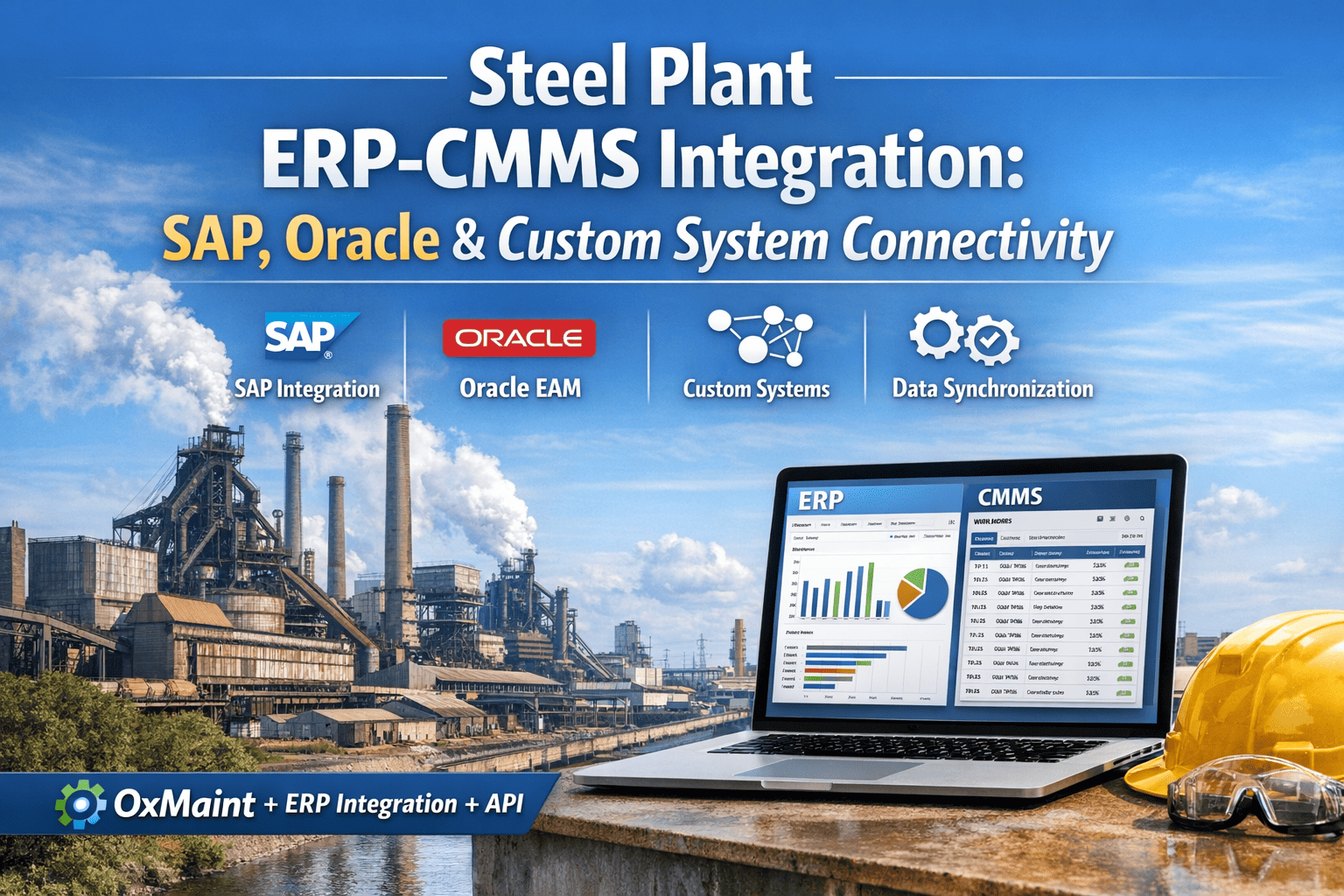
Top 5 ERP-CMMS Integrations for Steel Plants (SAP, Oracle, IFS)
Seamless integration between SAP, Oracle, IFS, Microsoft Dynamics, and CMMS for automated procurement, financial reporting, and maintenance cost control — the complete guide for steel mill IT/OT leaders.
"After integrating Oxmaint CMMS with our SAP ECC, we eliminated 14 hours of manual data entry weekly. Purchase requisitions auto-generate from min/max triggers, goods receipts sync automatically, and maintenance costs post to internal orders in real time. Our financial close for maintenance spend went from 12 days to 3 days."
— IT/OT Integration Director, Integrated Steel Mill, Indiana, USA
Section 01
The Business Case
Why ERP-CMMS Integration Is Critical for Steel Plant Profitability
Steel plants face unique maintenance cost pressures: rolling mill work orders consume high-value spare parts, furnace refractory replacements involve complex procurement, and labor costs must be allocated to specific cost centers for accurate financial reporting. When CMMS and ERP operate in separate silos, maintenance teams manually re-enter purchase requisitions, goods receipts, and cost postings — introducing errors, delays, and financial leakage. Integrated ERP-CMMS eliminates this friction.
The integration delivers measurable ROI across four dimensions: procurement automation (PO creation from CMMS min/max triggers), inventory synchronization (real-time spare parts quantity updates), financial controlling (maintenance costs posted to internal orders/ WBS elements), and master data consistency (single source of truth for assets, BOMs, and vendors). Explore Oxmaint's ERP integration on a free trial.
ROI ANALYSIS
Top 5 ERP Systems — Integration Benefits for Steel Mills
1
SAP S/4HANA & ECC PM Module + MM + FI/CO
• Automated purchase requisitions from CMMS min/max • Goods receipt sync with work order confirmation • Maintenance costs to internal orders in real time • Asset master bi-directional sync
2
Oracle EBS / Fusion EAM + Procurement + GL
• Web service integration for work order cost posting • Spare parts inventory sync with min/max planning • Supplier master data alignment • Asset capitalization trigger from CMMS
3
IFS Applications Maintenance + Supply Chain
• Native CMMS-ERP in unified platform • Real-time work order costing • Project-linked maintenance budgets • Maintenance plan to purchase requisition flow
4
Microsoft Dynamics 365 F&O Asset Management + Finance
• OData API for work order sync • Inventory journal updates from CMMS consumption • Vendor invoice matching automation • Maintenance budget variance reporting
5
Infor EAM / CloudSuite Asset-intensive industries
• API-first architecture for CMMS sync • Condition-based maintenance to procurement • Labor hour cost transfer automation • Spare parts consumption posting
• Pre-built connectors for ERP-CMMS • Real-time vs batch sync configuration • Data transformation and mapping • Error handling and retry logic
Section 02
Integration Architecture
API, Middleware, and Data Flow — How Oxmaint Connects to Your ERP
Oxmaint's integration layer supports multiple connectivity patterns to match your ERP architecture: REST APIs for modern cloud ERPs (SAP S/4HANA Cloud, Oracle Fusion, Dynamics 365), SOAP web services for on-premise SAP ECC and Oracle EBS, OData for Microsoft Dynamics, and file-based integration for legacy systems. For complex steel mill environments with multiple ERPs across divisions, middleware options like Dell Boomi, MuleSoft, or Workato provide centralized orchestration.
Data synchronization can be configured as real-time (for critical transactions like work order cost posting) or batched (for master data updates like asset lists). Oxmaint includes built-in error handling, retry logic, and audit logging for every integration transaction — ensuring zero data loss even during network interruptions. Book a demo to discuss your specific ERP architecture.
Data Synchronization — What Flows Between Oxmaint CMMS and Your ERP
Asset Master
Equipment hierarchy · Functional locations · BOMs · Serial numbers
Connect Oxmaint CMMS to Your ERP — Automated, Reliable, Audit-Ready
Pre-built connectors for SAP, Oracle, IFS, and Microsoft Dynamics. Real-time sync or batched updates — you choose. Error handling and audit logging included.
Automated Procurement — From CMMS Trigger to ERP Purchase Order
Steel mill maintenance consumes thousands of spare parts annually — bearings, rolls, hydraulic components, refractory materials. Without ERP-CMMS integration, maintenance teams manually type purchase requisitions, often from memory or paper lists, leading to incorrect quantities, delayed orders, and emergency procurement premiums. Integrated ERP-CMMS automates the entire procurement cycle.
The automated workflow: CMMS min/max triggers create a purchase requisition in ERP; ERP converts to purchase order and sends to vendor; goods receipt in ERP updates CMMS stock; CMMS work order consumes materials; cost posts to ERP financials. No manual data entry at any stage. See Oxmaint's automated procurement in action — start free.
Procurement Automation — Manual vs Integrated Steel Mill Data
Manual Process~45 min per line
Maintenance identifies need → writes paper req → delivers to purchasing → purchasing manually enters to ERP → PO printed → faxed/emailed
Error Rate5-8%
Wrong part numbers, incorrect quantities, missing vendor info, delayed approvals
Integrated Process (Oxmaint + ERP)~2 min per line
Min/max trigger in CMMS → API call to ERP → PR created → PO auto-generated → electronic transmission to vendor
Error Rate<0.5%
Data validation at API, part numbers verified against ERP master, quantity rules enforced
Section 04
Financial Control
Maintenance Cost Posting — Real-Time Visibility to Financial Close
Steel plant maintenance costs run into millions annually, yet many mills cannot answer a basic question: "What did maintenance cost per ton last month?" Without ERP-CMMS integration, labor hours, material consumption, and service costs sit in disconnected spreadsheets until month-end — when finance spends days reconciling. Integrated ERP-CMMS posts every maintenance transaction to financials in real time.
Cost posting categories include: labor hours (direct labor rates from ERP, hours from CMMS timesheet), material consumption (spare parts issued from CMMS work order, cost from ERP material master), external services (service entry sheets in ERP linked to CMMS work orders), and overhead allocation. All costs post to cost centers, internal orders, or WBS elements based on work order type and asset assignment.
Cost Posting Flow — From Work Order Completion to GL Update
1
WO Completion
Technician closes work order in Oxmaint CMMS
2
Data Transfer
CMMS pushes labor, materials, services to ERP via API
3
ERP Posting
Costs post to internal order / cost center in real time
4
Reporting
Finance sees maintenance costs minutes after WO completion
KPI DASHBOARD
Integration Impact — Key Performance Indicators
Manual Data Entry Hours
-92%
per week for maintenance planners
Emergency Parts Spend
-34%
through automated min/max replenishment
Month-End Close Time
-75%
for maintenance cost reconciliation
Section 05
Deployment Roadmap
90-Day ERP-CMMS Integration Deployment for Steel Plants
Deploying ERP-CMMS integration in a steel plant follows a structured phased approach. Most integrations go live in 8-12 weeks depending on ERP complexity and data quality. The roadmap below outlines each phase — from discovery to post-go-live support. Start your integration project with a free Oxmaint trial.
90-Day Integration Roadmap
Weeks 1-3
Discovery & Mapping
Identify integration scenarios, map data fields, define sync frequency, establish test environment access
Weeks 4-7
Development & Testing
API configuration, field mapping, error handling, unit testing, user acceptance testing with sample data
Weeks 8-12
Go-Live & Hypercare
Cutover plan, data validation, go-live execution, 2-week hypercare support, knowledge transfer
Frequently Asked Questions — ERP-CMMS Integration for Steel Mills
Integration architecture, data mapping, and deployment for steel plant ERP systems
Does Oxmaint integrate with SAP ECC on-premise as well as S/4HANA Cloud?
Yes — Oxmaint supports both SAP ECC (via RFC/BAPI/SOAP) and S/4HANA Cloud (via REST API/OPC), including full PM, MM, and FI/CO module integration.
What data synchronization frequency is supported?
Real-time (seconds) for work order cost posting and inventory consumption; batched (hourly/daily) for master data like asset lists, BOMs, and vendor masters.
How does Oxmaint handle network failures during API calls?
Oxmaint includes built-in retry logic with exponential backoff, dead-letter queue for failed transactions, and audit logging for every integration attempt.
Can we integrate with multiple ERPs across different divisions?
Yes — Oxmaint supports multiple ERP connections simultaneously, with configurable routing rules based on plant, asset type, or work order category.
What middleware options does Oxmaint support?
Dell Boomi, MuleSoft, Workato, and custom iPaaS — or direct API connectivity without middleware for supported ERPs.
How does asset master synchronization work?
Bi-directional sync: ERP pushes new assets to CMMS; CMMS pushes maintenance history and condition data back to ERP for asset valuation.
Can Oxmaint integrate with Oracle EBS without custom development?
Yes — pre-built Oracle EBS web service connectors for work order costing, inventory sync, and purchase requisition automation require no custom coding.
What is the typical implementation timeline for steel plant ERP-CMMS integration?
8-12 weeks from kickoff to go-live for standard SAP/Oracle integrations, assuming clean master data and available ERP technical resources.
Ready to Integrate?
Connect Oxmaint CMMS to Your ERP — SAP, Oracle, IFS, or Dynamics
Live 30-minute demo tailored to your ERP environment, integration requirements, and steel plant operations.
.png)
.png)