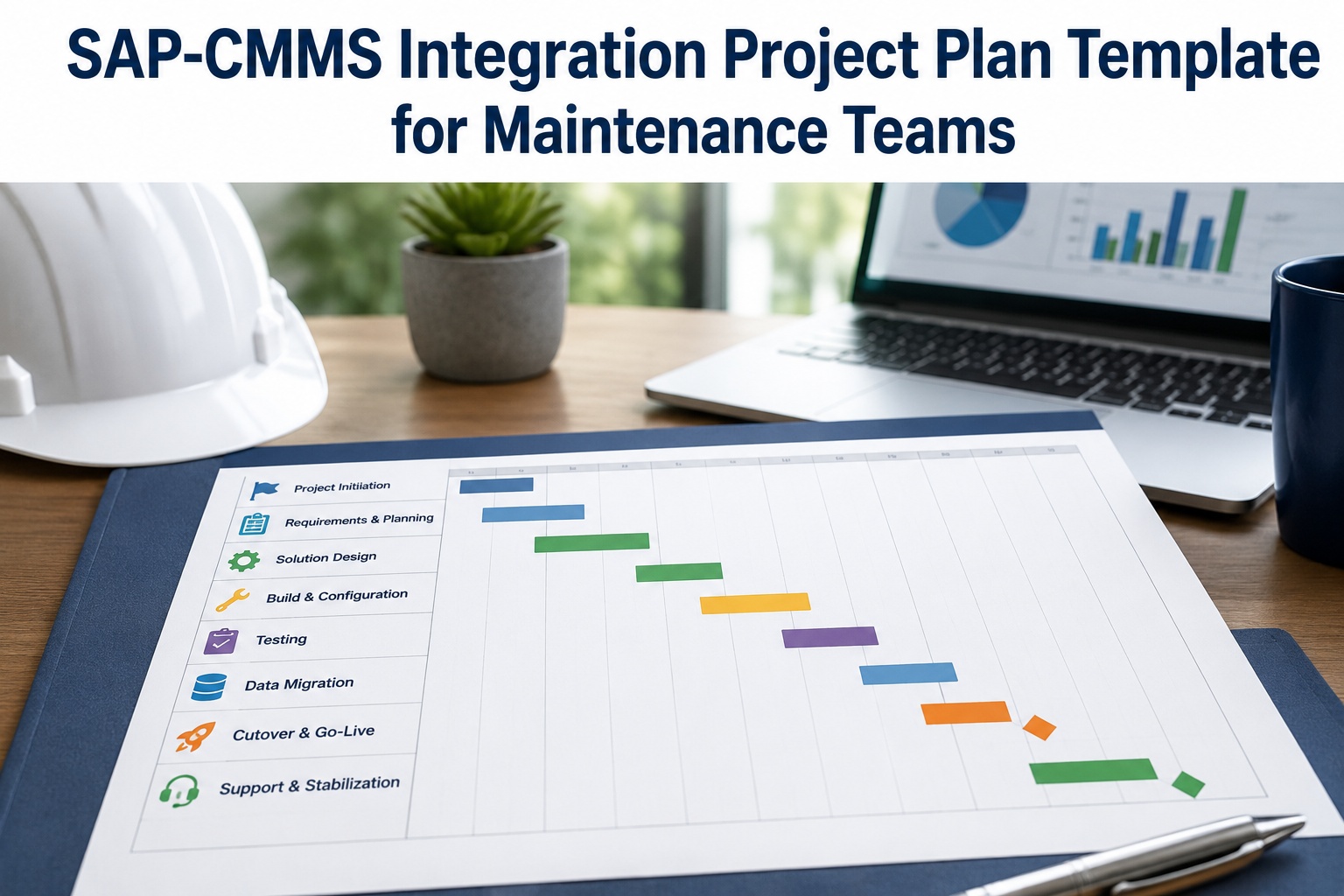
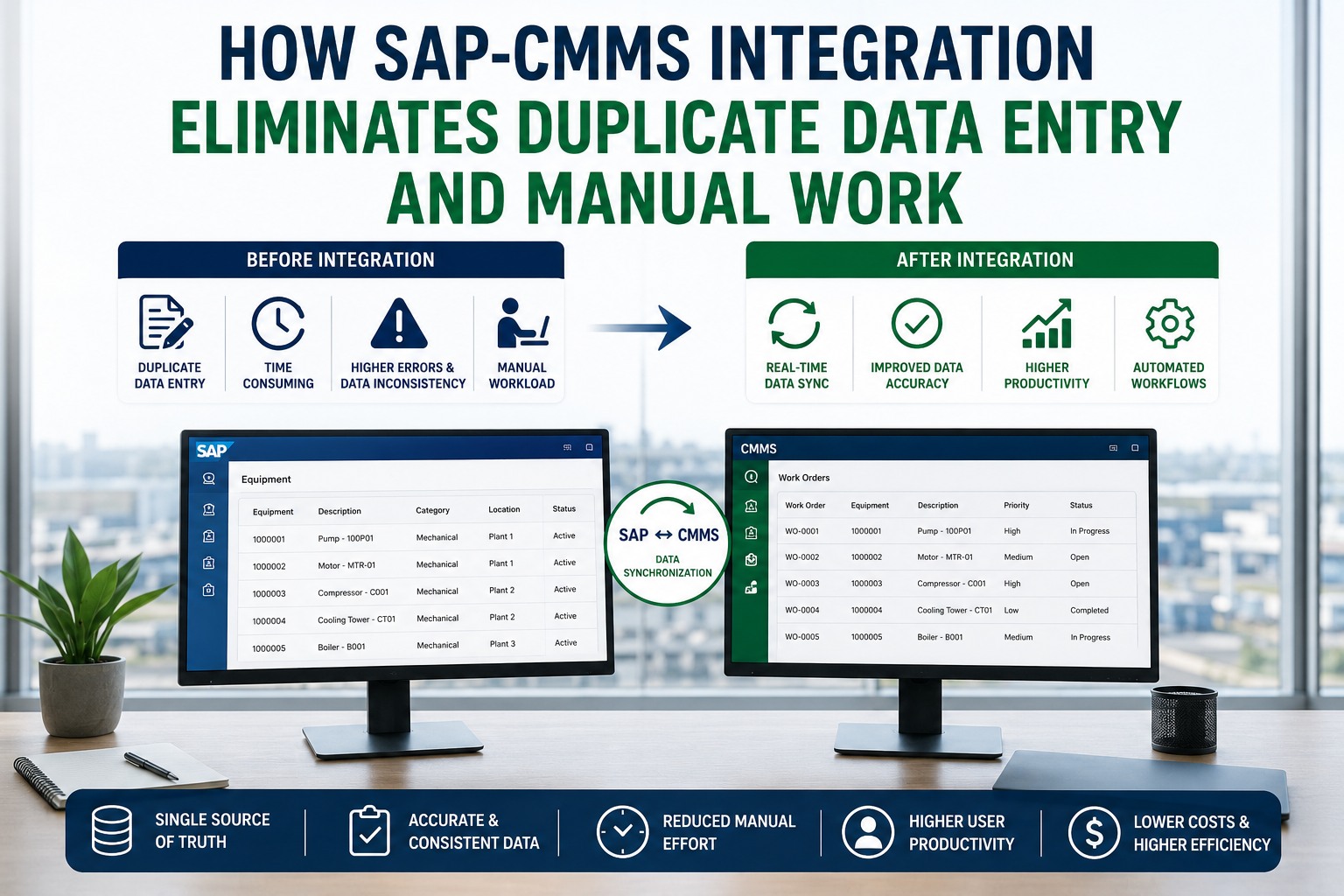
Data migration is where SAP-CMMS integration projects go wrong before they start. Wrong field mappings get caught in testing. Wrong data quality gets caught in production. Wrong scope decisions get caught when the project is 60% complete and stakeholders ask why critical data didn't come over. Disciplined migration planning prevents most of these failures with one artifact: a comprehensive data mapping document covering every migration object, source field, transformation rule, and target structure. This template provides the starting framework every SAP-CMMS data migration project needs. Book a free demo to see migration planning in action.
DATA MIGRATION REALITY
8 Migration Objects Determine Whether Go-Live Succeeds or Stalls
ETVL
Extract-Transform-Validate-Load
100K+
Records in Typical Mid-Size Migration
4-6 mo
Realistic Migration Project Duration
Why Data Migration Is the Hardest Part of SAP-CMMS Integration
Integration architects sometimes think the hard part is the technical integration—the connectors, the APIs, the transformations. They're wrong. The hardest part is data migration: convincing leadership that 30-40% of legacy data has quality problems, deciding what historical data is worth migrating versus archiving, designing transformation rules for fields that don't have clean equivalents, and recovering from cutover issues without losing data integrity. Technical integration follows known patterns; data migration follows the messy reality of every legacy system that's been maintained by 10 different people over 15 years.
The discipline that prevents migration disasters is documentation upfront. A migration mapping document covering every object, source field, transformation rule, and target structure is the single artifact that determines whether migration succeeds or stalls. Without it, every migration decision gets re-litigated in production crises. Migration architects ready to build their own mapping document can Sign up free to build your migration mapping document.
The 8-Object Migration Mapping Framework
The framework below covers the eight migration objects every SAP-CMMS data migration must address. Each row shows typical record volumes, migration complexity, priority designation, and the three-part mapping structure (source fields, transformation rules, target structure). Work order history anchors the framework as the gold accent—it's typically the largest volume and highest complexity object.
8 OBJECTS · VOLUMES · COMPLEXITY · PRIORITY
SAP-CMMS Data Migration Object Map
PHASE A · Asset Master Data
PHASE B · Structural Data
PHASE C · Historical Data
SOURCE FIELDS
Equipment ID, type, manufacturer, model, serial, install date, location, status
TRANSFORMATION RULES
Deduplicate by serial; standardize manufacturer names; map status codes to SAP equivalents
TARGET STRUCTURE
SAP EQUI table; CMMS equipment_master; with hierarchy linkage
Functional Locations (FLOC)
SOURCE FIELDS
Location code, description, parent location, equipment assignments, classification
TRANSFORMATION RULES
Build parent-child hierarchy; standardize naming convention; validate hierarchy depth
TARGET STRUCTURE
SAP IFLOT table; CMMS floc_master; with full hierarchy intact
SOURCE FIELDS
Parent equipment, component item, quantity, unit of measure, item position, alternates
TRANSFORMATION RULES
Validate component existence; convert UOMs; resolve alternates; map item categories
TARGET STRUCTURE
SAP STKO/STPO tables; CMMS bom_master; with parent-component linkage
Maintenance Plans (PM Plans)
SOURCE FIELDS
Plan ID, equipment, task list, frequency, next due, last completed, conditions
TRANSFORMATION RULES
Map frequency conventions; calculate next due from last completed; validate task lists exist
TARGET STRUCTURE
SAP MPLA tables; CMMS pm_plan_master; with task list linkage
Work Order History ANCHOR · LARGEST OBJECT
SOURCE FIELDS
WO number, equipment, dates, status, technician, costs, parts used, failure codes
TRANSFORMATION RULES
Decide history depth (5-10 yr); map status codes; convert cost centers; preserve traceability
TARGET STRUCTURE
SAP AUFK/AFKO/AFVU tables; CMMS work_order_history; with equipment linkage
SOURCE FIELDS
Notification number, type, equipment, reporter, problem, cause codes, status
TRANSFORMATION RULES
Map notification types; standardize cause codes; link to work orders if connected
TARGET STRUCTURE
SAP QMEL tables; CMMS notification_history; with equipment linkage
Material Master Cross-Reference
SOURCE FIELDS
Legacy part number, description, manufacturer, supplier, unit, category, criticality
TRANSFORMATION RULES
Cross-reference to SAP material master; deduplicate variants; standardize categories
TARGET STRUCTURE
SAP MARA cross-reference; CMMS material_master; with legacy ID preserved
SOURCE FIELDS
Measurement point, equipment, reading value, timestamp, technician, unit of measure
TRANSFORMATION RULES
Decide history depth; convert UOMs; validate against tolerance ranges; preserve timestamp
TARGET STRUCTURE
SAP IMRG tables; CMMS measurement_history; with measurement point linkage
Use this framework to scope your migration document. Add object-specific notes for your legacy system. Customize transformation rules per your business logic. The 8-object structure ensures you don't miss critical migration scope. Migration architects ready to customize the framework can Sign up free to customize the migration framework.
SEE IT IN PRACTICE
Walk Through Real Migration Project Planning
30-minute walkthrough of a live migration project—from legacy data inventory through transformation rules to validation reconciliation—all running in real planning workflow.
Common Migration Pitfalls That Derail Projects
Most failed migrations share predictable patterns. Underestimating legacy data quality: teams assume 90% clean and discover 60%. Skipping data profiling: launching transformation work without understanding source data shape. Insufficient reconciliation: declaring migration complete based on record counts without value-level validation. Treating historical data as optional: discovering at month four that auditors need five years of work order history that wasn't in scope. Custom field amnesia: forgetting about Z-fields until production users ask where their data went. Compressed test cycles: skipping rehearsals to meet date targets, then handling issues in production. Each pitfall sounds avoidable in retrospect; each one is what derails the majority of projects without disciplined upfront planning.
ETVL: The 4-Phase Migration Methodology
Every successful data migration follows the same four-phase methodology regardless of source or target systems. Each phase has distinct goals, deliverables, and quality gates. Skipping or compressing any phase typically produces production issues that the skipped work would have prevented.
Extract
Pull data from source systems. Profile for completeness, quality, anomalies. Document source field semantics.
Transform
Apply business rules. Convert formats. Deduplicate. Standardize values. Map source to target structures.
Validate
Reconcile counts, totals, integrity. Spot-check samples. Run business rule validation. Quality-gate before load.
Load
Push transformed data to target. Run post-load reconciliation. Cutover gates. Roll back if needed.
The discipline that separates successful from failed migrations: every object completes all four phases before being declared "migrated." Migration architects ready to apply ETVL discipline can Sign up free to apply ETVL discipline to your migration.
ROI of Disciplined Migration Planning
Migration planning ROI shows up in metrics that matter to project sponsors: scope completeness, rework cycles, data quality at go-live, project duration, and stakeholder confidence. The performance delta below reflects the gains from upfront discipline.
AD-HOC vs DISCIPLINED MIGRATION
Migration Project Performance Delta
Migration Scope Completeness
+40 pts
Post-Migration Rework Cycles
−90%
Data Quality at Go-Live
+38 pts
Migration Project Duration
−60%
Stakeholder Data Confidence
+60 pts
4-6 mo
Realistic migration duration with disciplined planning
98%+
Data quality achievable at go-live with ETVL discipline
The investment pays back in avoided rework and accelerated go-live. A well-planned migration is two-thirds the duration and 90% less rework than an ad-hoc one. Project sponsors ready to model migration ROI can Book a free demo to model migration ROI.
Expert Perspective on Migration Discipline
"
The data migration projects I've watched go sideways share a property the project teams almost never recognize until it's too late: they treated the mapping document as a deliverable to complete, not a discipline to maintain. Project starts. Mapping document gets drafted. Object after object gets defined. Document gets "completed" at 80% scope coverage. Then transformation work begins, and the team discovers all the edge cases the document didn't address. Instead of updating the document, they handle each edge case ad-hoc. Six months in, the document is irrelevant; the actual migration logic lives in 47 different scripts that nobody can trace. The teams that succeed treat the mapping document as living source code—updated with every transformation decision, version controlled, peer reviewed. The document is the project's single source of truth, not a one-time deliverable that gets filed.
01
Document Is Source Code
Version control it. Peer review changes. Update with every transformation decision. It's a living artifact.
02
Edge Cases Update the Doc
Every edge case discovered during transformation work updates the document. Edge cases solved silently become unmanaged complexity.
03
Reconciliation Is Non-Negotiable
Counts, totals, key-value validation after every phase. Missing reconciliation is missing trust.
90-Day Migration Planning Roadmap
The 90-day program below produces a production-ready migration plan and executes a test migration—the foundation for successful go-live execution.
90-DAY MIGRATION PLANNING
From Source Inventory to Test Migration Validated
DAYS 1–25
01
Source Inventory & Profiling
Inventory all source systems. Profile data quality. Identify duplicates, missing values, format issues. Build object scope.
DAYS 26–50
02
Mapping Document
Build comprehensive mapping document. Define transformation rules per object. Peer review with stakeholders. Sign off scope.
DAYS 51–75
03
Test Migration
Execute test migration. Reconcile counts and samples. Document gaps. Iterate transformation rules. Capture cutover learnings.
DAYS 76–90
04
Cutover Preparation
Final cutover playbook. Roll-back procedures. Communication plan. Stakeholder approval. Production migration window scheduled.
MIGRATE WITH CONFIDENCE
Make Your Migration Plan Production-Ready
Eight objects mapped. ETVL discipline applied. Transformation rules defined. The migration planning that turns risky cutovers into predictable go-lives.
Frequently Asked Questions
Should we migrate full history or just recent data?
For work order and notification history, the typical answer is 5-10 years of detailed history plus archived aggregates for older data. The 5-10 year window covers regulatory retention requirements for most industries, supports trend analysis for reliability programs, and includes enough cycles for RCM analysis. Beyond 10 years, the data volume cost rarely justifies the marginal analytical value—archive it for compliance retrieval rather than migrating into the live system. For measurement data, decision logic varies: regulatory contexts (pharma, chemical PSM) typically need full history; reliability-focused contexts can prioritize recent data with statistical samples of historical data.
How long does SAP-CMMS data migration typically take?
Realistic timelines for typical mid-size manufacturing migrations: 4-6 months end-to-end from project kickoff to production go-live. Days 1-30: source inventory and profiling. Days 31-60: mapping document and transformation rules. Days 61-90: test migration cycles. Days 91-120: full data load testing. Days 121-150: cutover preparation, training, dress rehearsals. Days 151-180: production cutover with hypercare period. Larger or more complex migrations extend to 8-12 months. Compressed timelines below 4 months typically produce post-go-live rework cycles that offset the apparent time savings.
What about data quality issues in legacy systems?
Plan for 20-40% of legacy records to have some quality issue: missing fields, format inconsistencies, duplicates, orphaned records, conflicting values. The mapping document should explicitly address data quality handling per object: which fields tolerate nulls, which require defaults, which trigger investigation, which exclude from migration. The biggest mistake is hoping legacy data is cleaner than it actually is. Profile early and aggressively. Build cleansing into the transformation phase rather than fixing issues after migration. The cost of cleansing before migration is far lower than the cost of explaining to auditors why dirty data appears in production reports.
Big bang or phased migration approach?
Both work; the choice depends on risk tolerance and operational constraints. Big bang: all data migrated in one cutover window. Pros: clean cutover, single source of truth immediately, no parallel operations. Cons: high-risk window, longer rollback recovery, more pressure on test cycles. Phased: migration by site, business unit, or object type over weeks/months. Pros: lower risk per phase, learnings improve later phases, easier rollback. Cons: parallel operations complexity, longer total project, dual-system reconciliation needs. Manufacturing operations with multiple sites typically benefit from phased; single-site operations often prefer big bang.
How do we handle custom Z-fields in SAP during migration?
Custom Z-fields need explicit handling in the mapping document just like standard fields—possibly more, because they're invisible to anyone reading standard SAP documentation. Inventory all Z-fields used in your SAP environment. Document each one's purpose, data type, source mapping, and transformation rules. For migrations FROM SAP, Z-field data must be extracted and mapped to target structures. For migrations TO SAP, decide whether to preserve legacy custom fields as SAP Z-fields or refactor into standard SAP structures. The mistake to avoid: treating Z-fields as second-class during migration. They're often the most business-critical fields because they represent organization-specific customization that drives daily decisions.