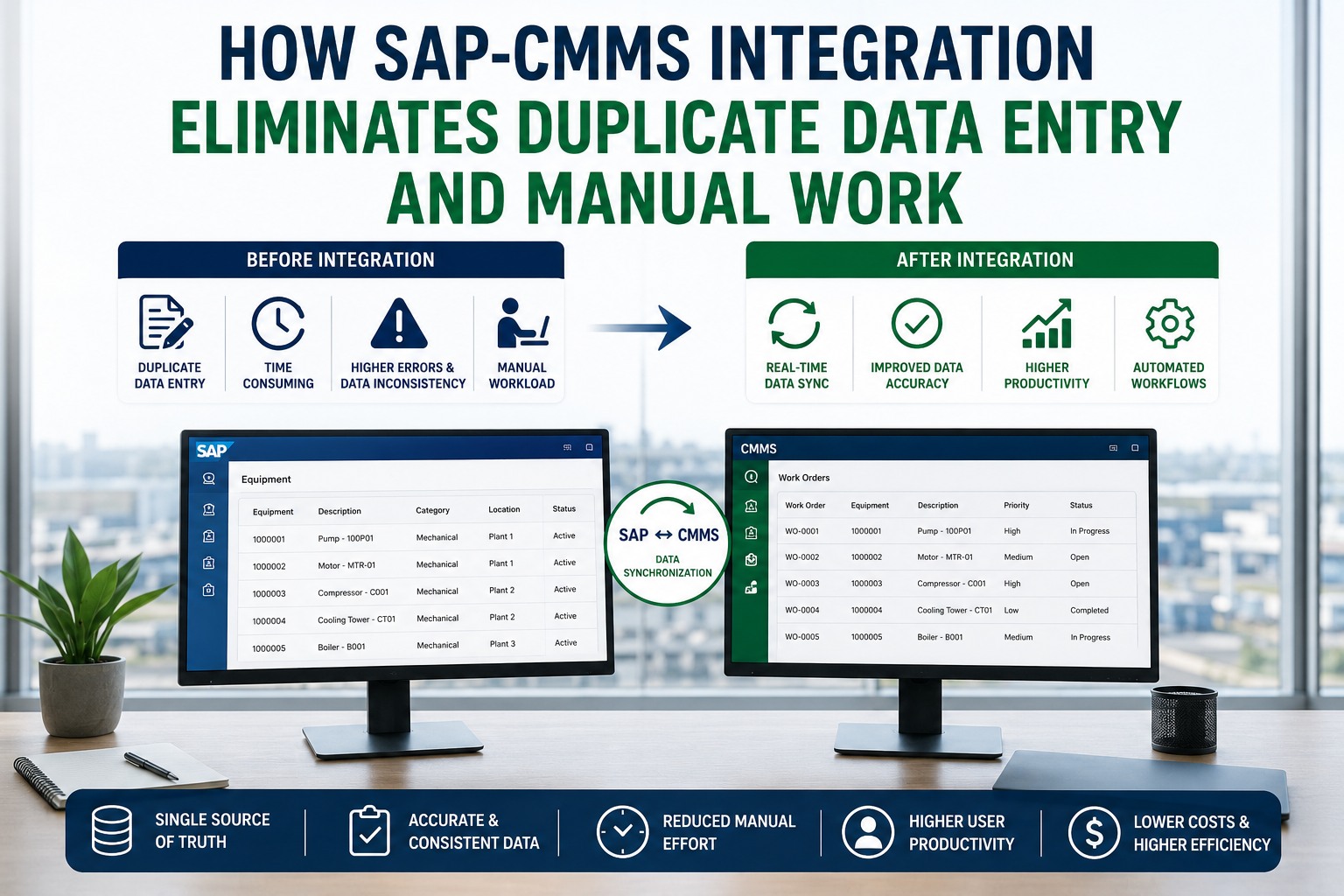
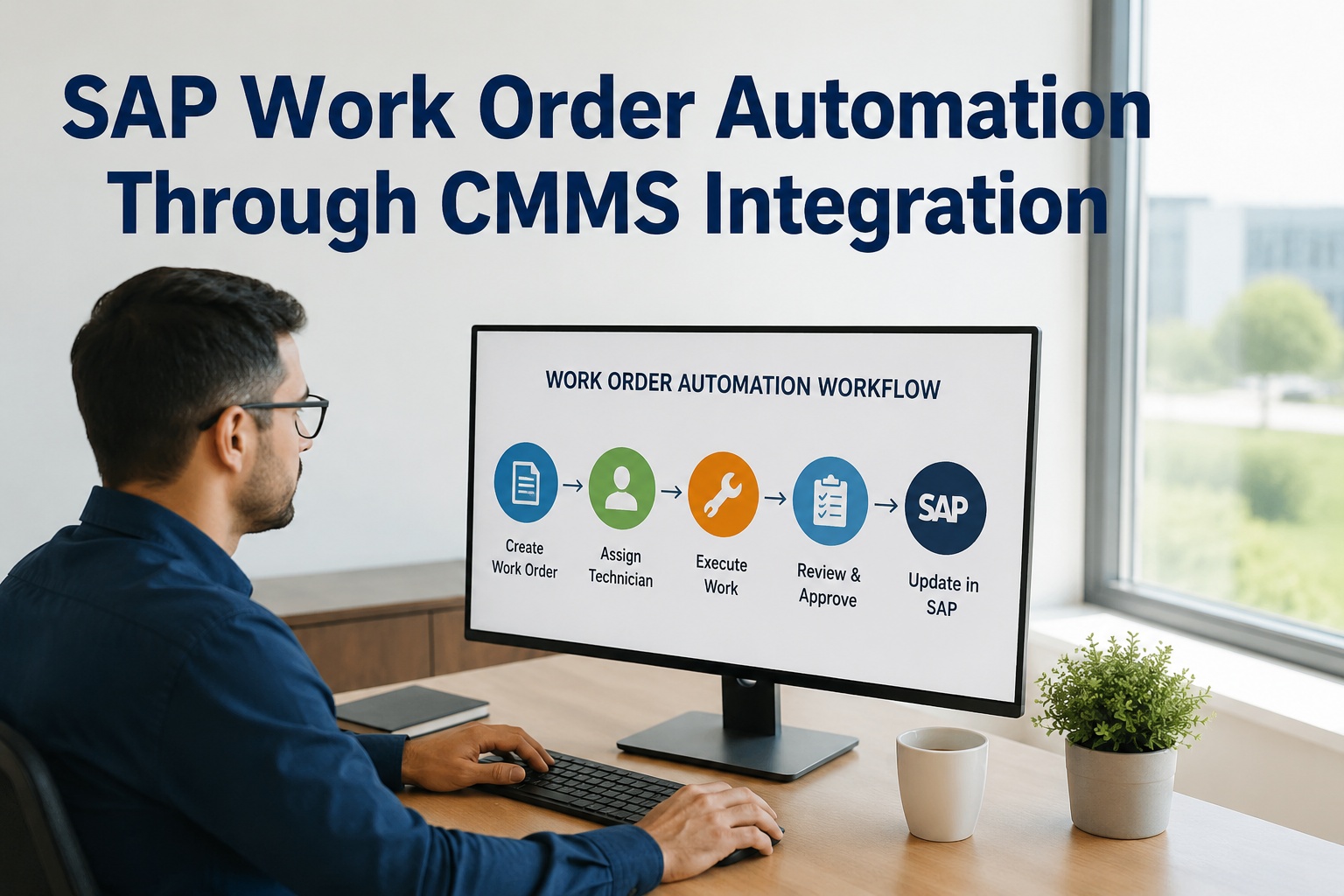
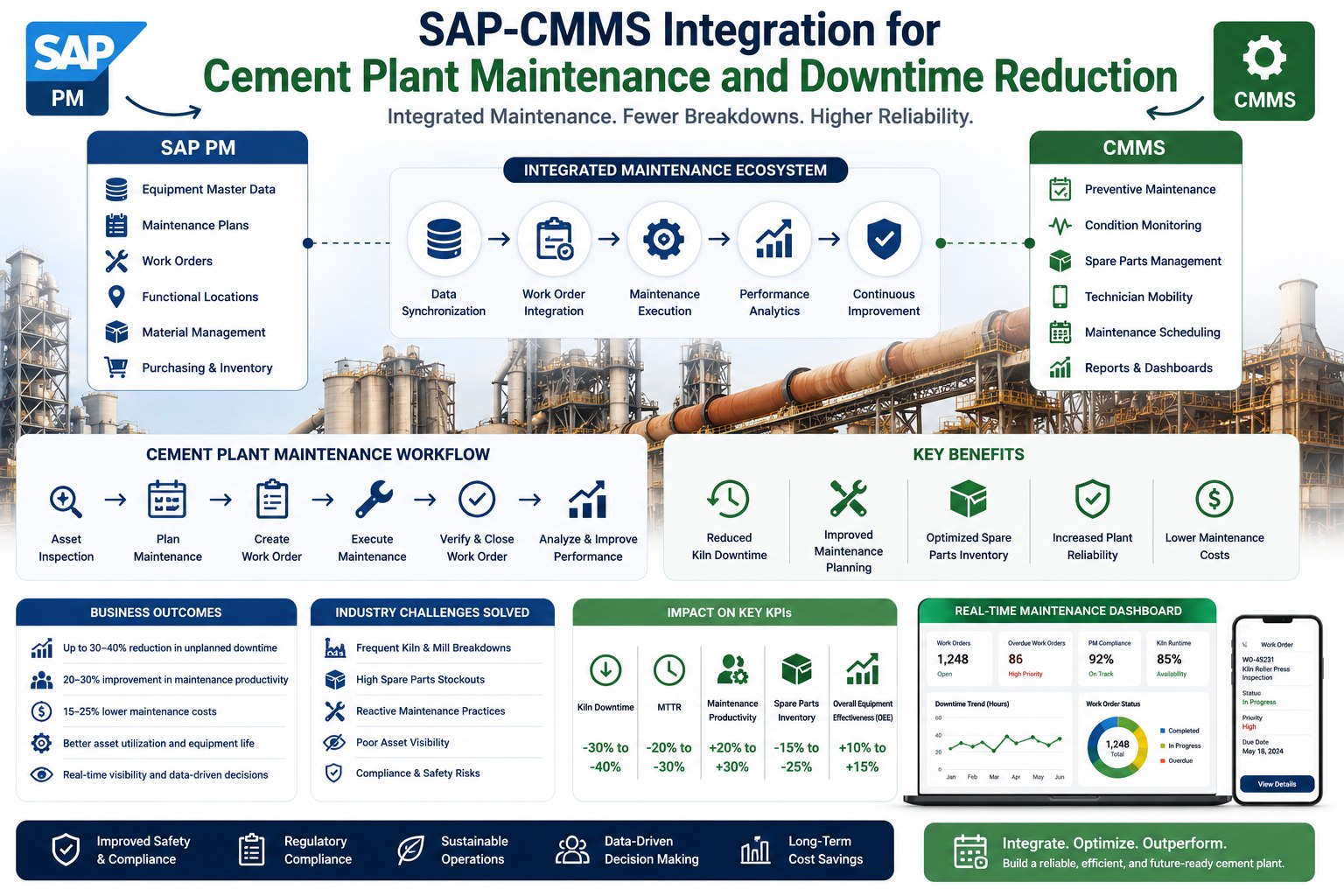
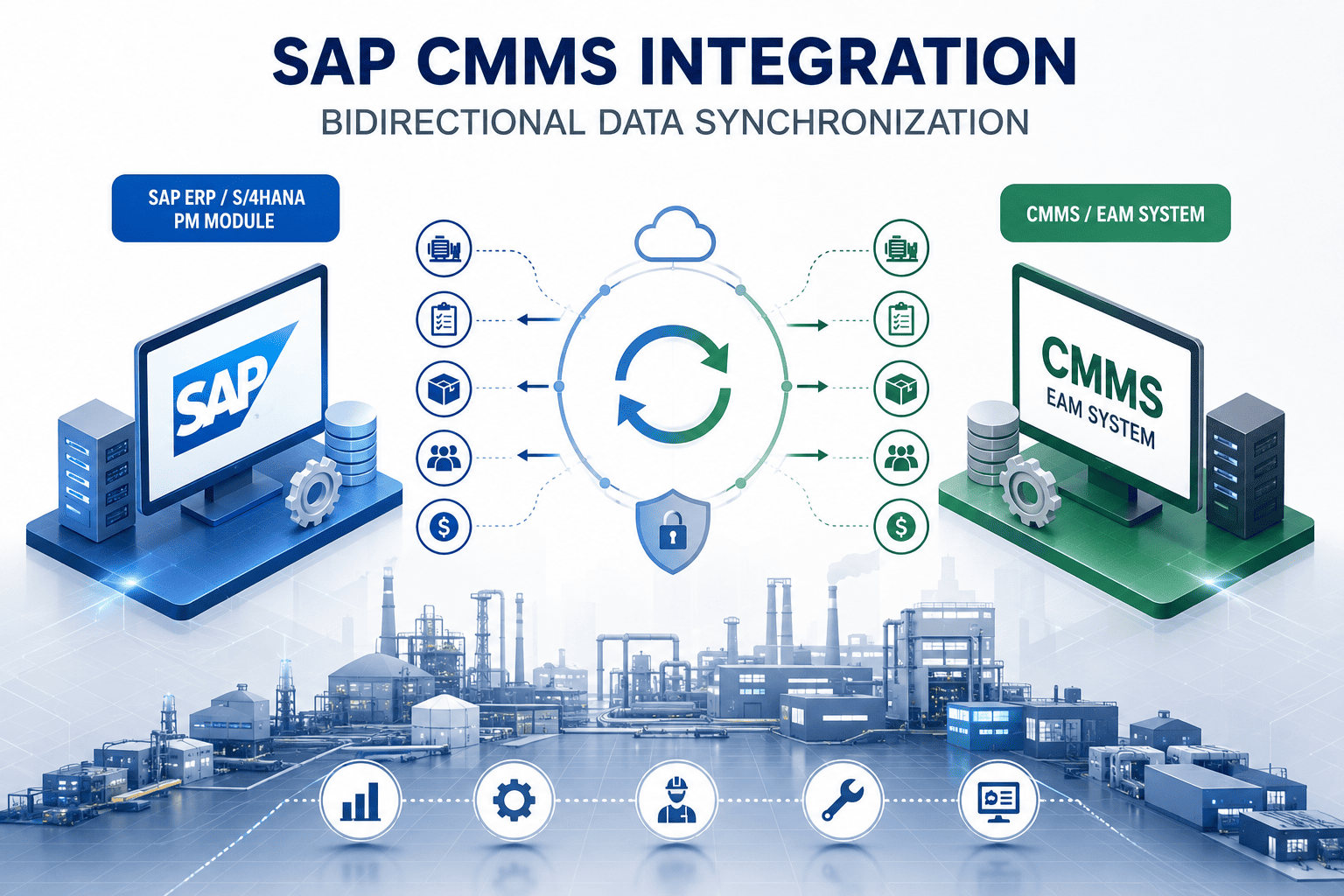
Every maintenance planner has lived this: open SAP to create a work order, open the CMMS to schedule the crew, open SAP again to post parts consumption, return to CMMS to close the work order, then export a spreadsheet to reconcile what doesn't match. The same data entered three times in three different systems, with three opportunities for error. Multiply that by 200 work orders a typical plant closes weekly, and the reconciliation tax becomes the largest hidden cost in maintenance. SAP-CMMS integration eliminates it. Book a free demo to walk through bidirectional sync.
35–45%
Of maintenance planner time spent on data entry and reconciliation in disconnected environments
Source: Maintenance productivity benchmarks
3×
Average number of times a single work order's data is entered across disconnected systems
Source: ERP-CMMS workflow analysis
12–18%
Of maintenance records contain data integrity issues from manual transcription errors
Source: Industry data quality research
70%+
Reduction in administrative workload after bidirectional SAP-CMMS integration
Source: Documented operating outcomes
Why "Two Systems Talking" Is the Biggest Maintenance Productivity Drain
The disconnect between SAP PM and standalone CMMS platforms isn't a technology problem—it's a workflow problem that masquerades as a technology problem. SAP holds the equipment master, the cost centers, the financial governance. The CMMS holds the field execution, the mobile work orders, the technician scheduling. Both are essential. Neither does the other's job well. The result is a workflow architecture where every work order touches both systems at least twice, where every parts consumption posts in two places, and where every status update has to be replicated by hand. Multiply by the thousands of work orders a typical plant processes monthly, and the productivity drain becomes structural.
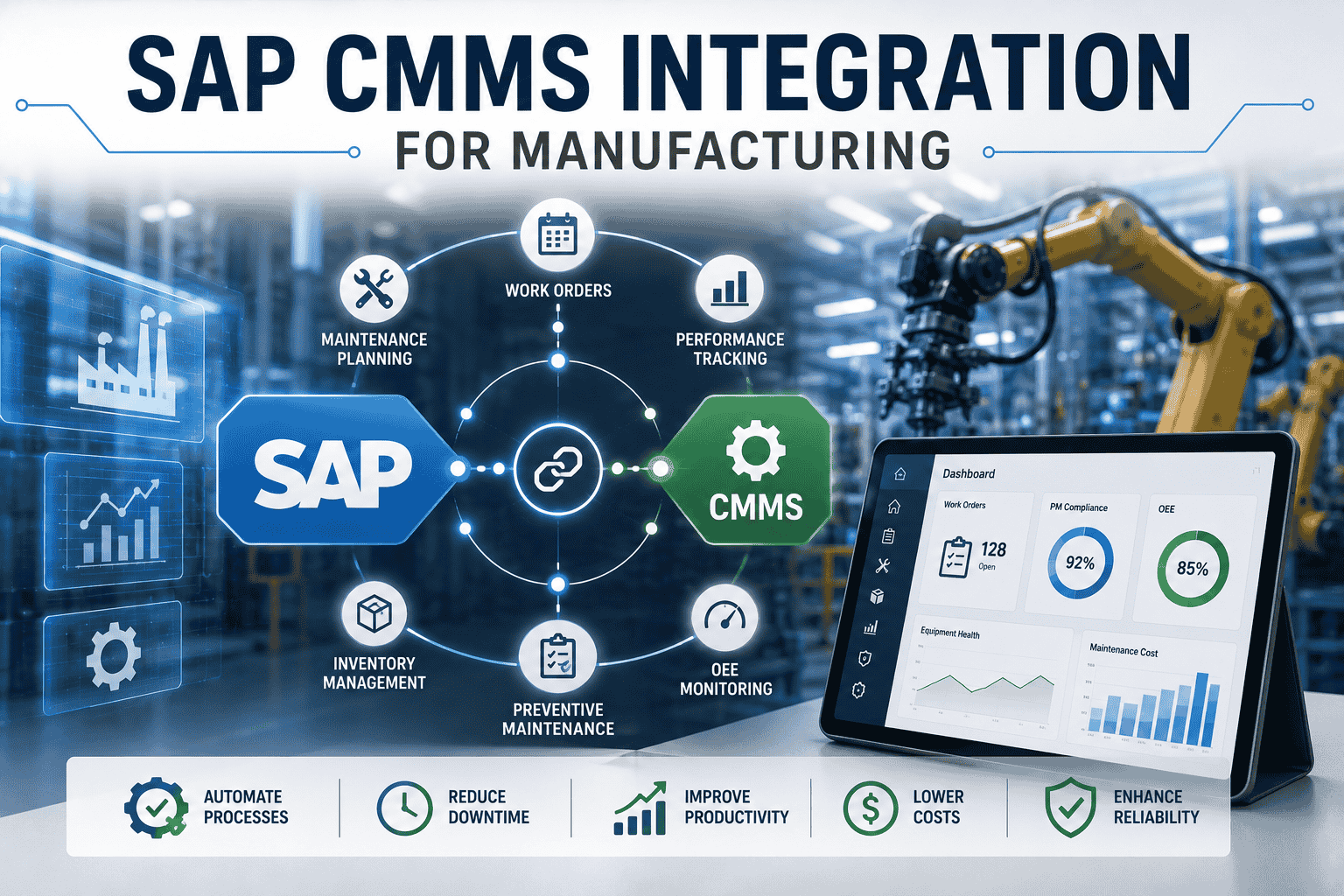
The plants that solve this problem aren't choosing one system over the other—they're connecting them with bidirectional sync that makes the architecture invisible to end users. A technician on the floor doesn't know whether their tap on a mobile work order updated SAP, the CMMS, or both. A planner reviewing tomorrow's schedule doesn't reconcile two separate views; they look at one screen that reflects both. Maintenance leaders ready to map their current reconciliation workload can Sign up free to audit reconciliation hours across roles.
The Same Process, Two Realities
The most direct way to see the productivity impact of bidirectional SAP-CMMS integration is to walk the exact same maintenance workflow—closing a work order with parts consumed and cost posted—through both architectures side by side. The comparison below shows the same task with and without integration. The differences are not incremental.
Manual Reality
Without Sync
01
Tech radios in completion
4 minverbal · no record
02
Planner opens SAP IW32
2 minmanual T-code
03
Manually enter labor hours
5 min14 fields
04
Open SAP MIGO for parts
3 minseparate session
05
Post goods movement 261
6 min8 fields per part
06
Switch to CMMS, re-enter status
4 minduplicate entry
07
Update CMMS asset history
3 mincopy-paste
08
Set TECO status in SAP
2 min3rd context switch
09
Email closure to requester
2 minmanual notify
10
End-of-day reconciliation
12 minacross orders
Total time43 min
Manual entries28
Systems touched3
Error opportunities6
Integrated Reality
With Bidirectional Sync
01
Tech taps "complete" on mobile
30 secdigital · timestamped
02
Mobile captures labor hours auto
Auto0 fields
03
Scan parts barcode at asset
90 secscan only
04
Goods movement 261 auto-posts
AutoSAP MM updated
05
CMMS & SAP sync via OData
Autobidirectional
06
Asset history auto-updated
Autono copy-paste
07
TECO status auto-set in SAP
Autoworkflow gated
08
Requester auto-notified
Autoclosure pushed
09
Planner reviews exceptions only
1 minflagged items
—
No reconciliation needed
data already matched
Total time3.5 min
Manual entries2
Systems touched1
Error opportunities1
92%Time reduction per work order closure
93%Manual entry reduction
83%Error opportunity reduction
Forty-three minutes versus three-and-a-half. Twenty-eight manual entries versus two. Three systems touched versus one. Now multiply the difference by the 200 work orders the plant closes every week, and the productivity recovery is approximately 130 hours per week per plant—roughly 3.5 full-time-equivalent positions worth of planner and technician capacity returned to actual maintenance work.
What Actually Syncs Between SAP PM and the CMMS Layer
Bidirectional integration isn't an abstraction. It's a concrete list of data entities flowing in defined directions on defined cadences. The three areas below are where most of the eliminated duplicate-entry effort lives.
M-Data
Master Data Sync (SAP → CMMS)
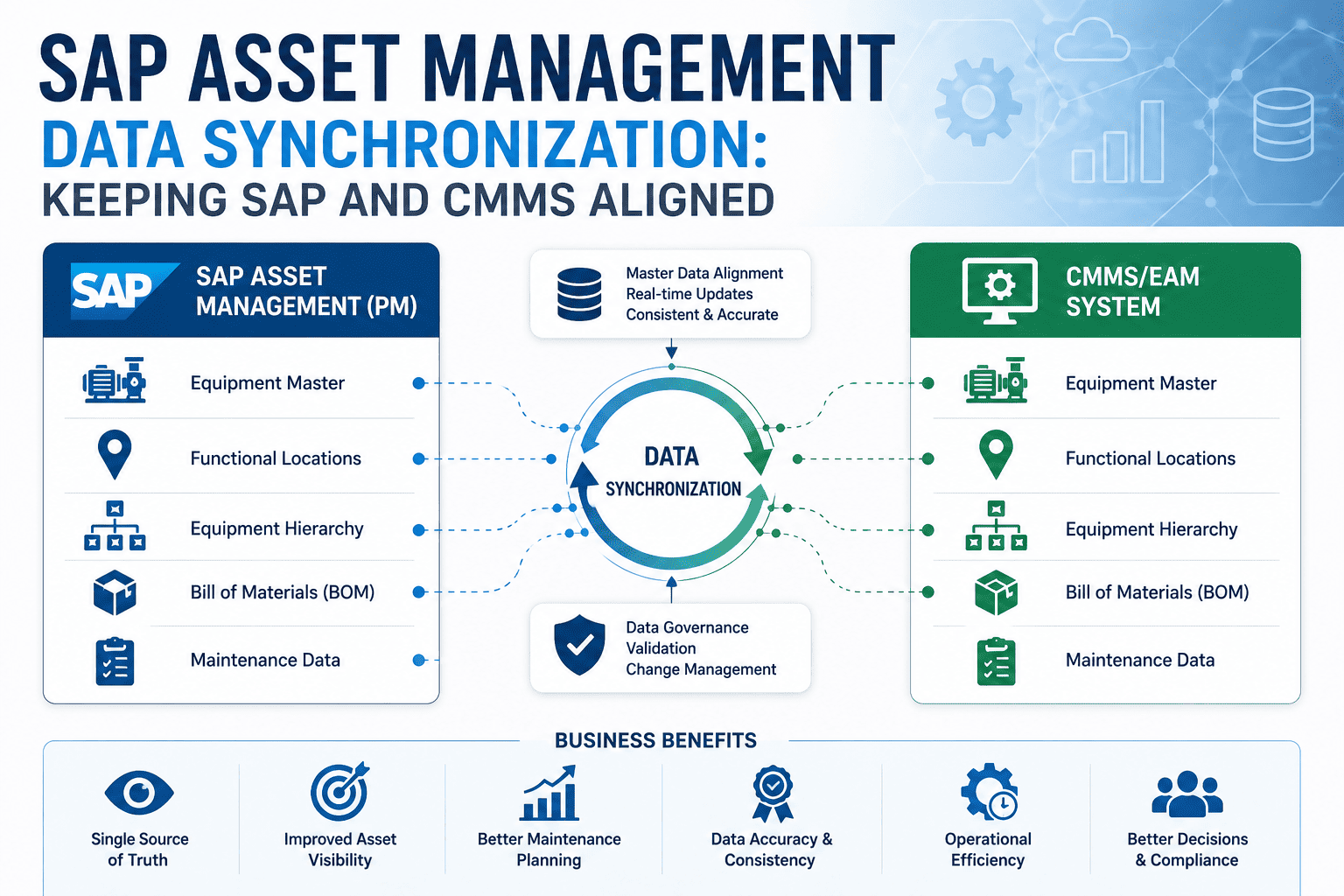
Equipment master, functional locations, cost centers, BOMs, task lists, and material masters flow from SAP into CMMS continuously. No re-entry of asset hierarchies. SAP remains the system of record.
Eliminated
Manual asset entry · Cost center maintenance · BOM duplication · Material code copying
T-Data
Transactional Sync (CMMS → SAP)
Work order status, labor hours, goods movements, time confirmations, and notification updates flow from CMMS execution into SAP financial governance. SAP receives clean transactional data without manual posting.
Eliminated
Manual IW32 entry · MIGO postings · Time confirmation · Status reconciliation
B-Loop
Bidirectional Status (Both Ways)
Notification creation, escalation, TECO status, and document attachment flow both directions in real time. Either system can be the source of truth for a given event, with the other reflecting immediately.
Eliminated
Status drift · Notification reconciliation · Document re-attachment · Email notifications
The architecture uses standard SAP OData APIs—no custom middleware, no batch overnight reconciliation, no point-to-point integration that becomes unmaintainable. Cloud-based CMMS platforms consume OData natively, which means the integration deploys in weeks rather than the multi-month projects that historically defined ERP-CMMS connections. Plants ready to see the field-level sync in action can Sign up free to explore master and transactional sync surfaces.
The Roles That Get Their Time Back
The productivity gains from eliminating duplicate entry don't accrue evenly. Four roles see most of the time recovery, and each one gets back capacity for the higher-value work the role was hired to do but rarely has time for.
Planner
12–18 hrs/wk
Recovered from end-of-day reconciliation and manual SAP posting. Spent instead on PM optimization, reliability analysis, and capital renewal planning.
Technician
6–10 hrs/wk
Recovered from paper logs, end-of-shift data entry, and clarification calls. Spent instead on actual wrench time and asset condition observations.
Buyer
8–12 hrs/wk
Recovered from manual purchase requisitions and emergency expedites. Spent instead on supplier development and strategic sourcing.
Finance
5–8 hrs/wk
Recovered from month-end maintenance cost reconciliation. Spent instead on variance analysis and forward-looking capital planning support.
Across a typical mid-size plant, the combined recovered capacity from these four roles represents roughly 30 to 50 hours per week of skilled labor—the equivalent of adding more than a full-time-equivalent position of strategic capacity without adding headcount. That's the productivity multiplier that justifies the integration investment at the operating budget level, before any of the larger downtime or working-capital ROI levers activate.
See Bidirectional Sync Eliminate Duplicate Entry on Your Workflows
Walk through the same work order closure flow on your SAP PM configuration and watch manual entry disappear. 30-minute live demo with your actual master data structure.
ROI: What Eliminating Duplicate Entry Returns
The productivity recovery from eliminated duplicate entry is the most measurable and fastest-to-realize ROI lever in SAP-CMMS integration. Unlike downtime reduction or inventory optimization—both of which take quarters to mature—data sync benefits land in the first weeks of integrated operation. The numbers below come from documented operating outcomes at plants completing bidirectional integration.
Swipe to compare
2–4 weeks
Until first measurable productivity gains appear post-integration
$280K–$450K
Annual labor value recovered per mid-size plant
The labor-cost recovery alone—roughly $280,000 to $450,000 in annualized productivity at a mid-size plant—typically funds the integration investment within the first six to twelve months. Everything else the integration enables (downtime reduction, inventory optimization, compliance evidence) compounds on top of that foundation. Plants ready to model their specific plant's recovery can Book a free demo to walk through productivity recovery on their workflow.
Expert Perspective: Why Integration Projects Often Miss the Productivity Win
Most failed SAP-CMMS integrations fail in the same way: they focus on data direction—master data going one way, transactions going the other—and they ignore the user experience that determines whether the integration actually gets used. Sync that requires planners to keep two systems open is sync that gets bypassed within six weeks. Sync that requires technicians to enter data twice "just to be safe" is sync that increased work instead of reducing it. The successful integrations make the dual architecture invisible to the user. The planner sees one interface. The technician taps one app. Everything else happens underneath, in real time, without human reconciliation. That's what produces the 90 percent productivity improvements—not the technology itself, but the workflow redesign that makes the technology disappear.
Design for the User, Not the System
The architecture has to be invisible to end users. If planners have to open both SAP and CMMS, the integration failed at the workflow level even if the data sync technically works.
Real-Time Beats Batch Every Time
Overnight batch sync produces day-old data and morning reconciliation meetings. Real-time OData sync produces same-minute accuracy and no reconciliation. Choose accordingly.
Measure the Right Productivity Metric
Track reconciliation hours, work order closure time, and data integrity errors—not "user satisfaction" surveys. The productivity gains show up in operational metrics within weeks.
90-Day Path to Eliminate Manual Sync
The roadmap below is what plants execute when they decide to remove duplicate entry from maintenance operations. The pace matters: visible wins by week six, with measurable productivity recovery by week ten that justifies the program continuing.
Days 1–20
Master Data Baseline
Establish OData connection. Sync SAP equipment master, functional locations, and cost centers to CMMS. Validate one-way master data flow. Identify duplicate-entry hotspots in current workflows.
Days 21–45
Transactional Sync Pilot
Activate CMMS → SAP goods movement, time confirmation, and status sync on a pilot area. Validate real-time posting accuracy. Measure planner time recovered against baseline.
Days 46–70
Bidirectional & Plant-Wide
Enable bidirectional notification, TECO status, and document sync. Expand from pilot to full plant. Deploy mobile work orders to all field crews. Eliminate parallel paper logs.
Days 71–90
Optimization & Reporting
Tune sync cadence. Activate exception-based reconciliation alerts. Generate first month-end close on integrated data. Measure cumulative productivity recovery and report to leadership.
By day 90, plants executing this roadmap typically see work order closure times drop 85-90 percent, planner reconciliation hours fall by 80 percent, and the first month-end close run in hours instead of days. Maintenance leaders ready to start the master data baseline can Sign up free to begin master data baseline this week.
Stop Entering the Same Data Three Times
Every work order closed once. Every goods movement posted once. Every reconciliation eliminated. See bidirectional SAP-CMMS sync running on your master data in a live walkthrough.
Frequently Asked Questions
What exactly syncs between SAP PM and the CMMS, and in which direction?
Master data—equipment master, functional locations, cost centers, BOMs, task lists, and material masters—flows from SAP into the CMMS continuously, with SAP remaining the system of record. Transactional data—work order status, labor hours, goods movements (movement type 261), time confirmations, and notification updates—flows from CMMS back to SAP. Bidirectional items including notification creation, escalation, TECO status, and document attachments flow both ways in real time. The architecture uses standard SAP OData APIs, so no custom middleware is required.
Does bidirectional sync work with SAP ECC, S/4HANA, or both?
Both. The OData APIs that drive bidirectional sync are available in both SAP ECC (typically via SAP Gateway) and S/4HANA (natively). Plants currently on ECC can integrate with a cloud CMMS today and the integration carries forward into the S/4HANA migration without rework. The CMMS doesn't care which SAP version is on the other side of the OData endpoint—it simply consumes the standard interface.
How fast does data actually sync—real-time, near-real-time, or batch?
Production-grade implementations run real-time for transactional updates, with end-to-end latency typically under 5 seconds from action to system-of-record posting. Master data updates from SAP to CMMS run on a configurable cadence, usually every 15 minutes for general updates and immediately for critical changes flagged through SAP change pointers. Batch overnight sync is an antipattern—it produces day-old data and morning reconciliation meetings that integrated operations are specifically designed to eliminate.
What happens to existing maintenance data during the integration cutover?
Historical data remains in its current locations. The integration is forward-looking from a defined go-live date. Open work orders at cutover are reconciled once during the cutover weekend and then operate under the new sync regime from go-live forward. Historical reporting continues to work because SAP retains its complete record. The CMMS builds its own complete historical record from the cutover date forward, with master data linkages to the SAP equipment and cost center history.
How does the productivity recovery compare to other ROI levers in SAP-CMMS integration?
Productivity recovery from eliminated duplicate entry is the fastest-realizing ROI lever, typically lighting up within the first 4-8 weeks of integrated operation. The dollar magnitude per plant—$280K to $450K annually in labor capacity recovery—is meaningful but smaller than the downtime reduction lever (typically $1M+ for mid-size plants). The productivity recovery often funds the integration investment within the first six months, allowing the larger downtime, inventory, and compliance ROI levers to compound on top of a self-funded foundation.