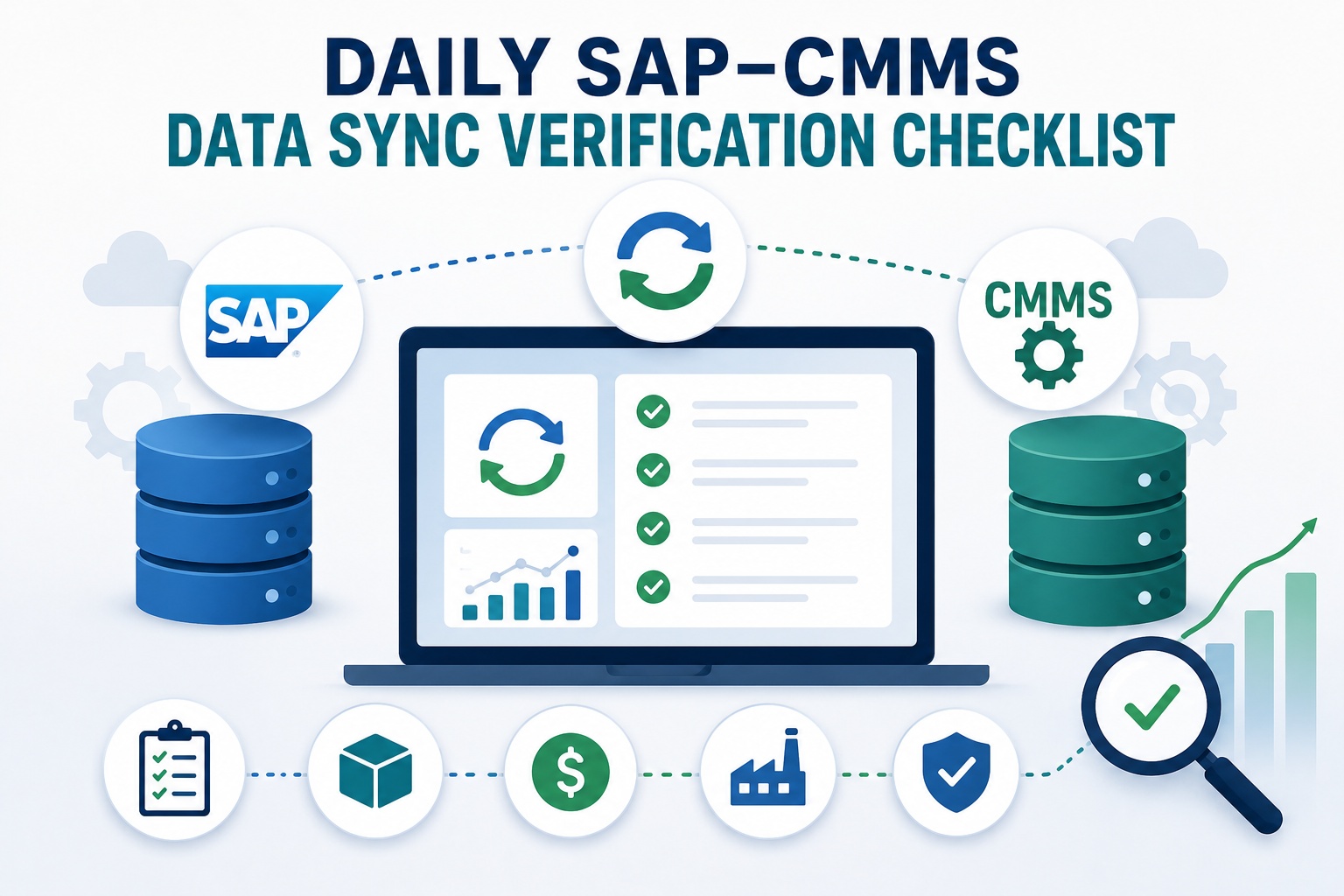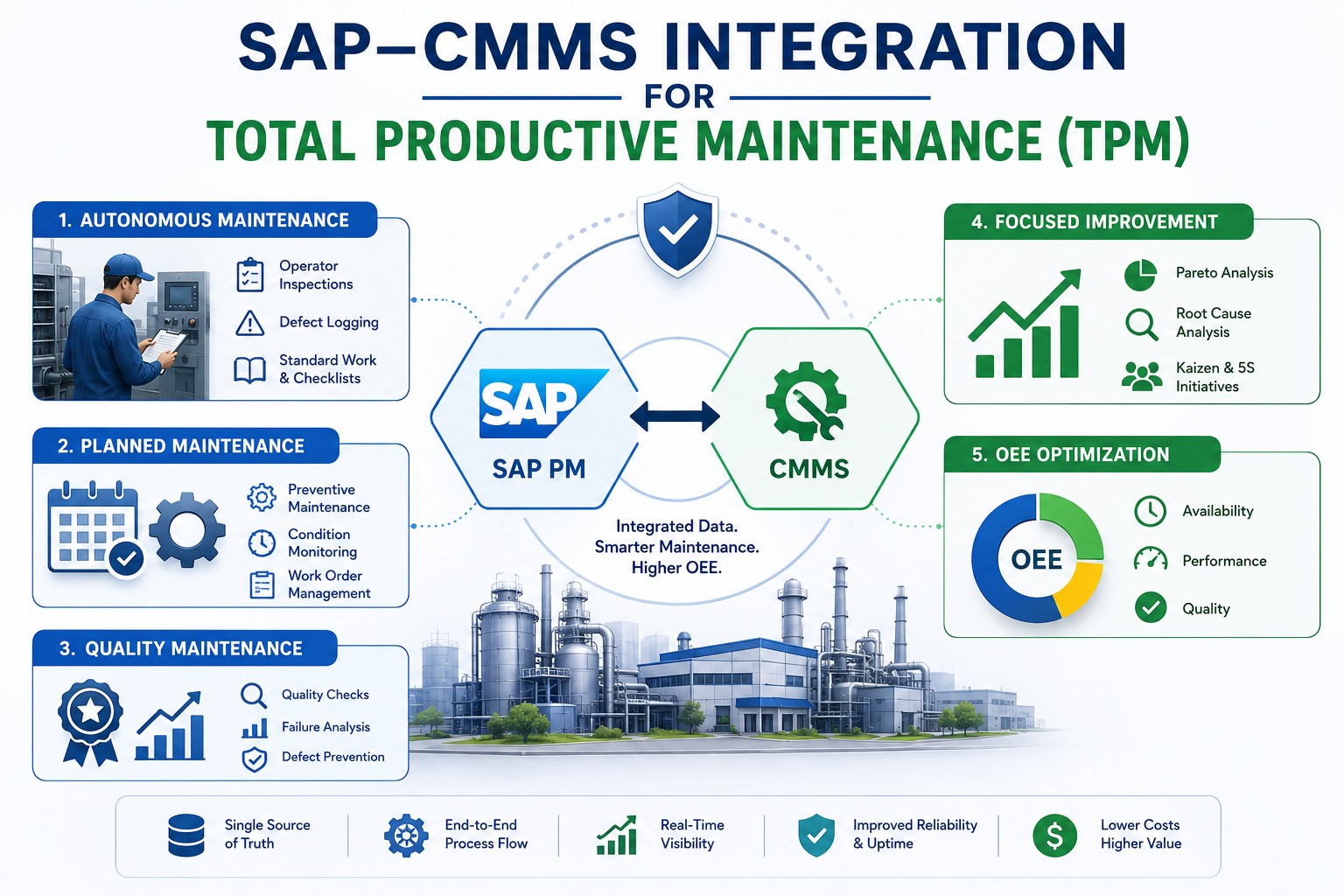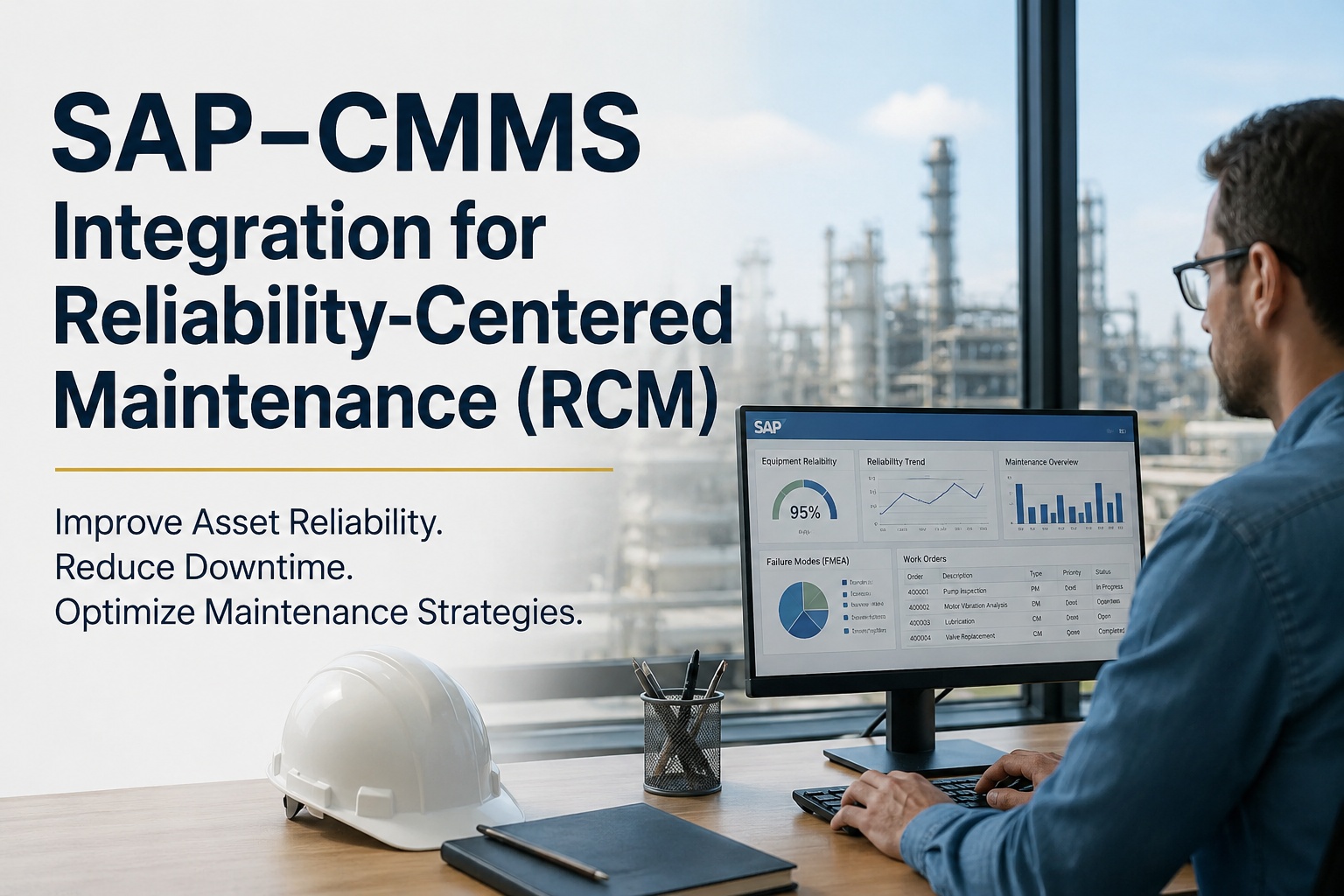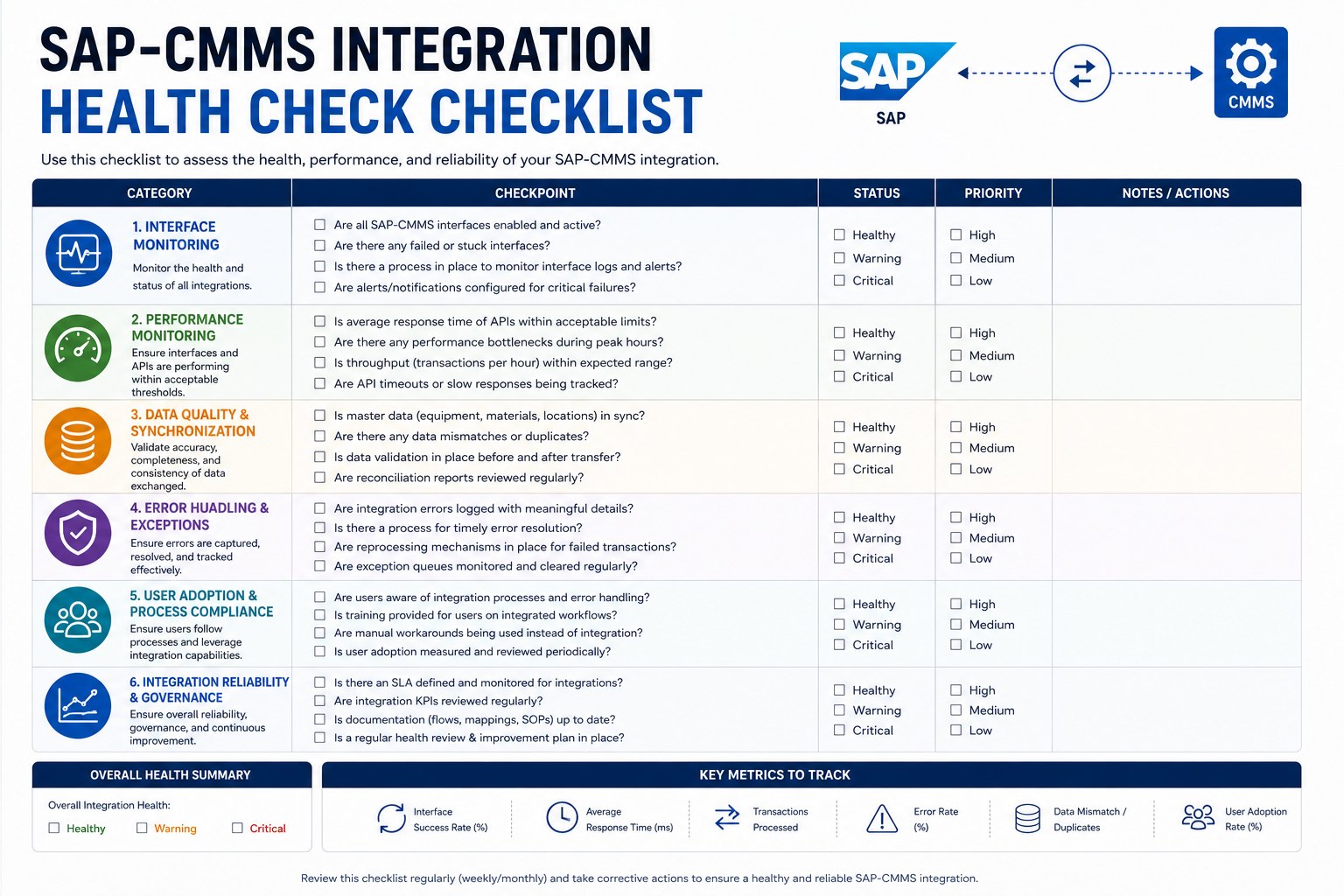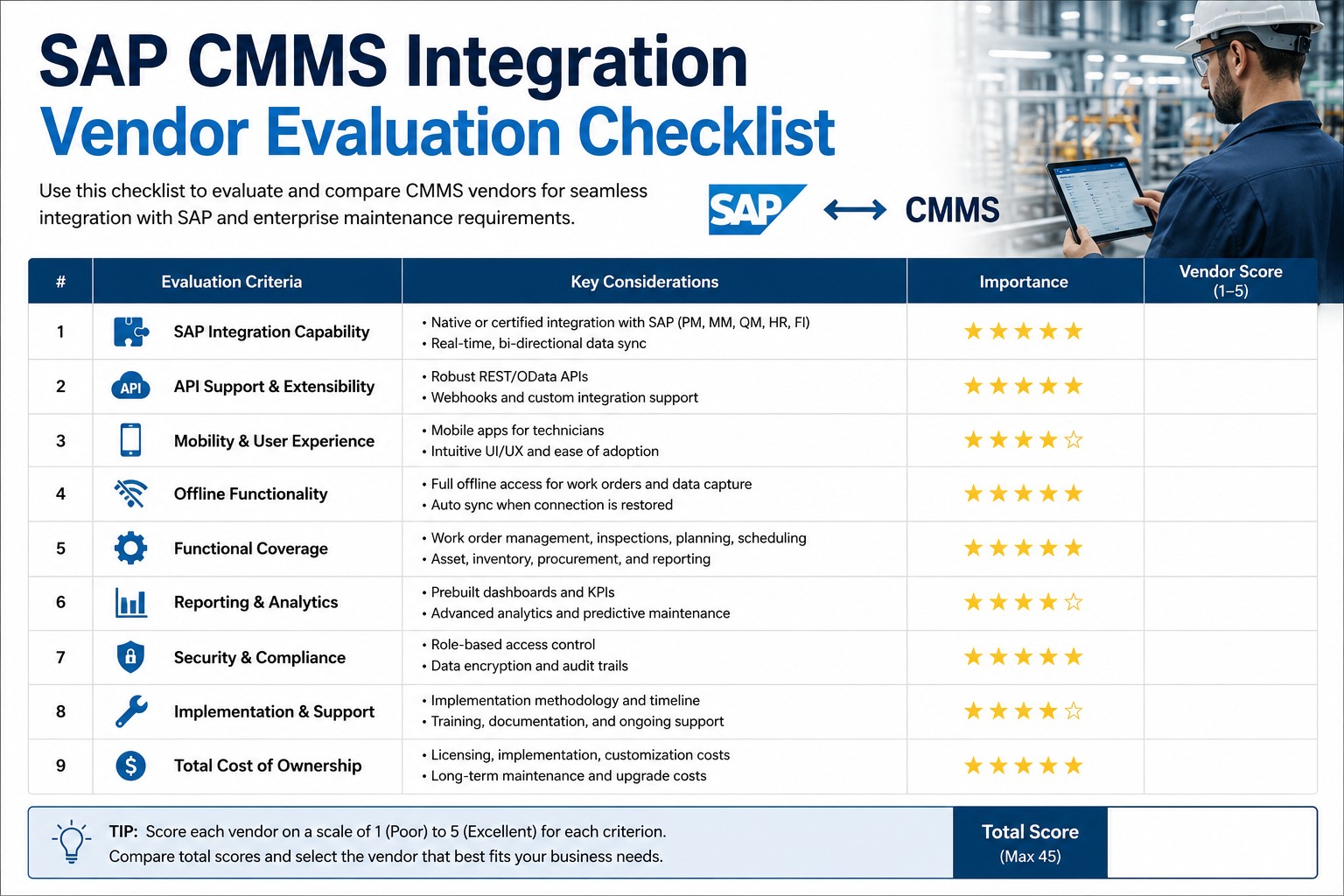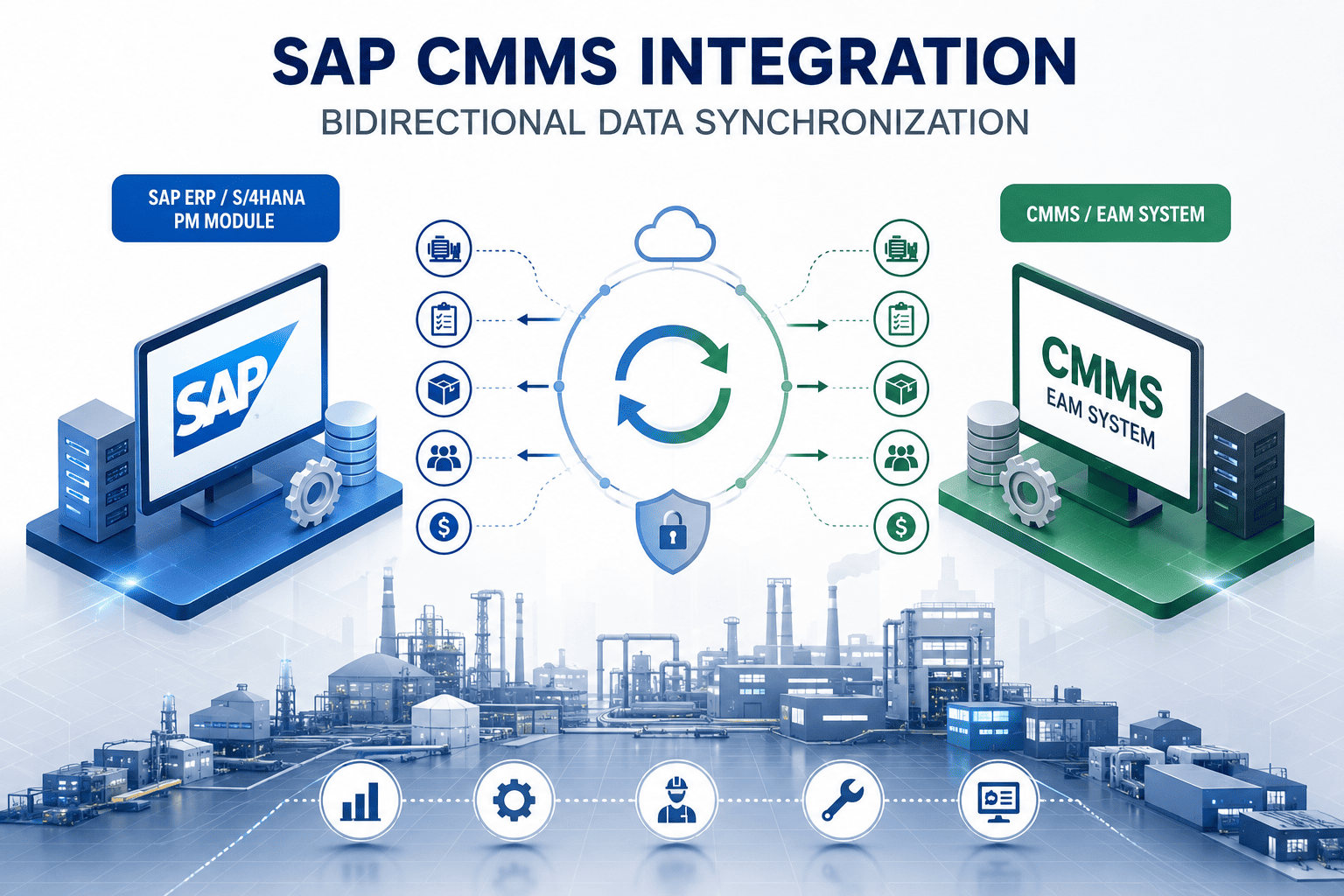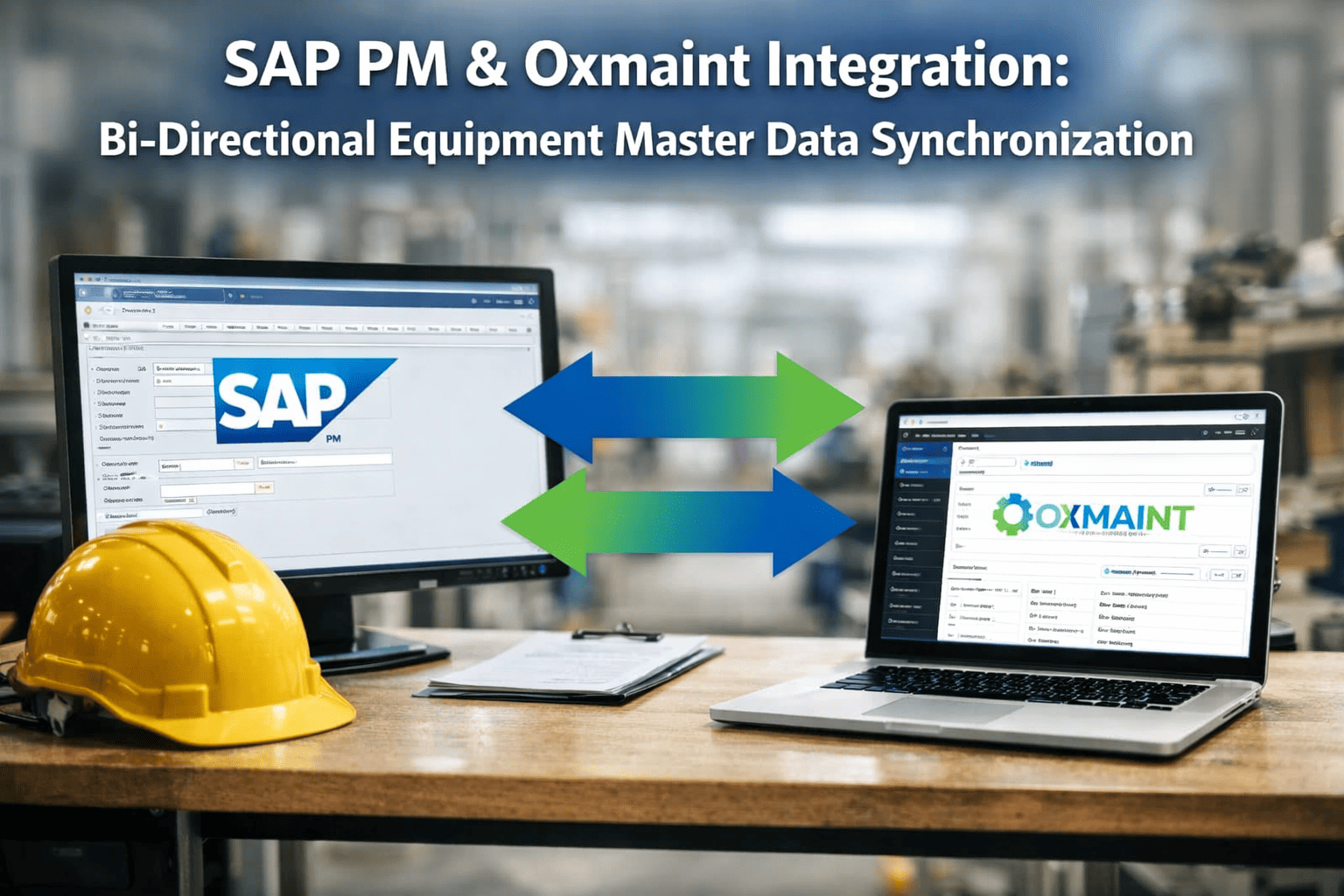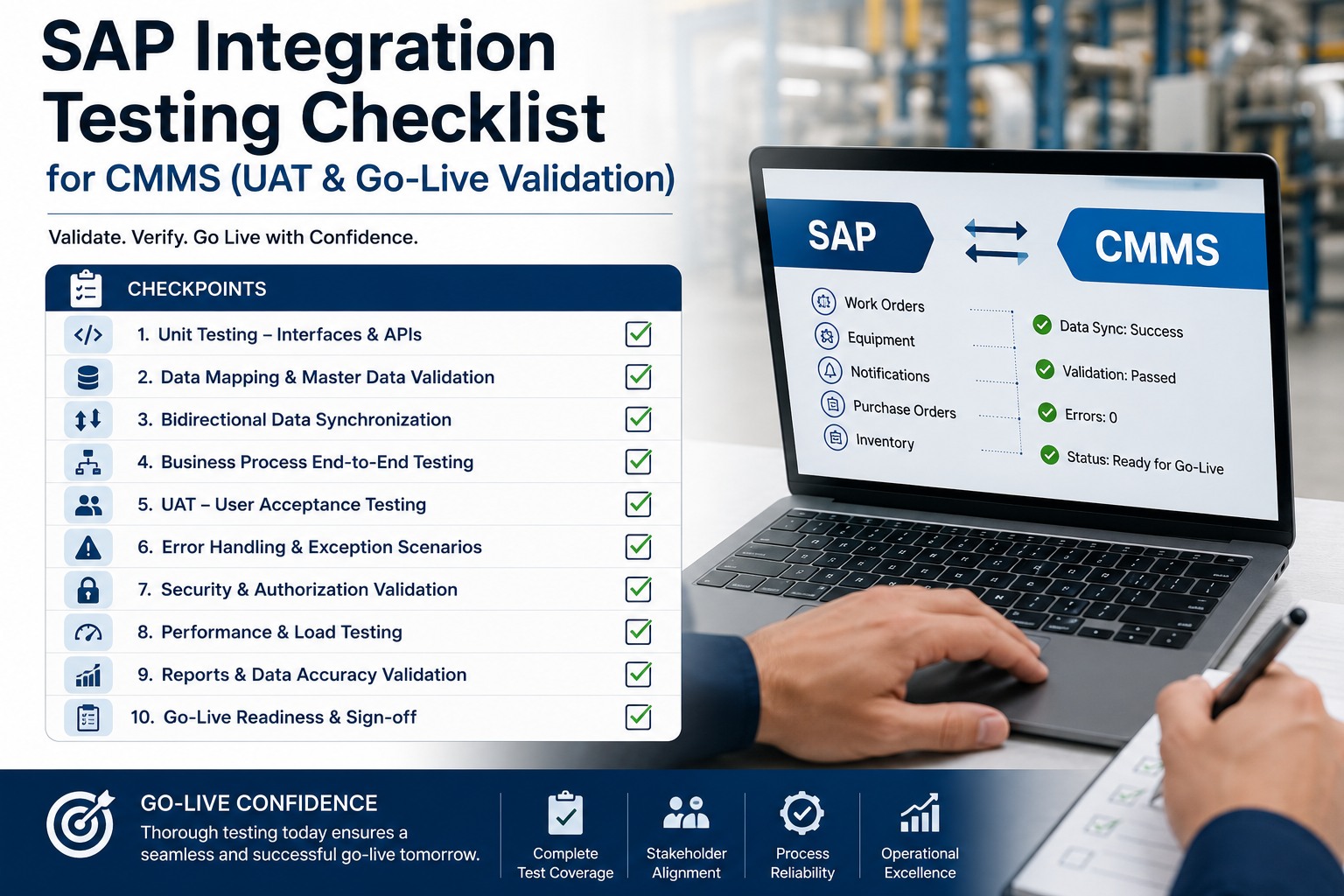
SAP–CMMS integration failures don't announce themselves during development — they surface at go-live, when a work order silently fails to post to SAP PM or a technician's labor confirmation disappears into a middleware queue and never syncs. Gartner reports that 55% of ERP integration projects encounter critical data quality issues discovered only during UAT, costing an average of $500,000 in remediation. This checklist gives your team a phase-by-phase framework to catch every integration gap before it becomes a production incident. Book a free demo to walk through our UAT support process with Oxmaint's integration team.
Complete all phases sequentially before go-live authorization
Phase 1: Unit Testing — API Endpoints and Field Mapping
Unit testing isolates each integration component before any end-to-end workflow is tested. For SAP–CMMS integrations, this means validating every API endpoint, every field mapping, and every data transformation rule in isolation. A field mapping error caught here costs 15 minutes to fix. The same error found during UAT costs 3 days. Teams building their first SAP integration checklist can sign up free for Oxmaint and access pre-built SAP PM field mapping templates that eliminate manual mapping errors from the start.
-
Verify SAP RFC/BAPI or OData endpoint authentication succeeds with correct credentials Blocking
-
Confirm API response time under load is under 3 seconds for work order retrieval calls Blocking
-
Test API behavior on timeout — confirm retry logic triggers after configurable threshold Recommended
-
Validate SSL certificate validity and TLS version compliance for all SAP endpoints Recommended
-
Confirm CMMS work order number maps correctly to SAP PM order number (AUFNR field) Blocking
-
Validate equipment ID in CMMS maps to SAP Equipment Master (EQUNR) without truncation Blocking
-
Verify functional location codes (TPLNR) transfer with correct hierarchy separator characters Blocking
-
Document all custom field mappings with source field, target field, and transformation logic Doc Required
-
Validate date/time fields convert correctly between CMMS timezone and SAP system timezone (UTC offset) Blocking
-
Confirm numeric fields (quantities, costs) maintain decimal precision through transformation layer Blocking
-
Test special character handling in text fields — SAP uses EBCDIC encoding for some character sets Recommended
-
Verify blank/null field handling — confirm NULL values in CMMS don't overwrite valid SAP field data Recommended
Phase 2: Integration Testing — End-to-End Workflow Validation
Integration testing validates complete cross-system workflows — a work order created in CMMS must appear correctly in SAP PM, trigger the right notifications, and write back confirmations on completion. This phase catches the class of errors that individual unit tests can't surface: message sequencing failures, middleware bottlenecks, and race conditions when both systems write to the same record simultaneously. The 15-item checklist below covers the core maintenance workflows your team must validate before proceeding to UAT.
-
Create work order in CMMS — verify SAP PM order (PM01/PM02/PM03) creates within defined SLA window Blocking
-
Update work order status in CMMS (In Progress to Complete) — confirm SAP order status changes to TECO Blocking
-
Test work order cancellation in CMMS — verify SAP order receives correct cancellation reason code Blocking
-
Validate priority changes propagate bidirectionally — SAP priority update reflects in CMMS queue within sync interval Recommended
-
Create SAP PM notification (IW21) — verify CMMS generates corresponding work request within 60 seconds Blocking
-
Convert SAP PM notification to order (IW34) — confirm CMMS work order status updates automatically Blocking
-
Test mass notification processing — submit 50 simultaneous notifications and verify all sync without queue overflow Recommended
-
Confirm labor hours logged in CMMS post to SAP IW41 time confirmation with correct activity type Blocking
-
Validate parts consumed in CMMS generate SAP goods issue (movement type 261) against correct cost center Blocking
-
Document actual vs expected cost variance for 10 sample work orders — variance must be <0.5% Doc Required
-
Simulate SAP system unavailability — verify CMMS queues messages and replays on reconnection without data loss Blocking
-
Test duplicate message handling — send same work order update twice and confirm idempotency (no duplicate records) Blocking
-
Verify failed transactions write to error log with sufficient detail for manual resolution — no silent failures Blocking
-
Confirm error notification alerts reach the integration admin team within 5 minutes of failure detection Recommended
Need a Pre-Built SAP CMMS Integration Test Suite?
Oxmaint ships with SAP PM integration test scripts covering all 56 checklist items — pre-configured for your order types, plant codes, and work centers.
Phase 3: User Acceptance Testing — Scenario-Based Validation
UAT is where the people who will actually use the system — maintenance planners, technicians, and inventory coordinators — validate that integrated workflows match real operational scenarios. Unlike technical testing, UAT focuses on business outcomes: does the work order that a technician closes on mobile appear correctly in SAP Plant Maintenance reporting? Does a parts reservation from CMMS correctly reduce SAP inventory? The 10 UAT scenarios below map to the most failure-prone workflows in SAP–CMMS integrations based on LNS Research deployment data. Teams ready to streamline this process can sign up free and access Oxmaint's pre-built UAT scenario templates for SAP PM.
-
Planner creates preventive maintenance order in SAP — verify CMMS auto-assigns to technician and appears in correct work queue Blocking
-
Planner reschedules work order in SAP — confirm updated schedule and technician assignment reflects in CMMS within sync window Blocking
-
Planner reviews maintenance backlog report in SAP — verify data matches CMMS open work order list (variance <2%) Recommended
-
Technician completes work order in CMMS mobile — verify SAP order reaches TECO status and actual labor posts to order Blocking
-
Technician submits breakdown notification from CMMS mobile while offline — verify message queues and syncs on reconnect Blocking
-
Technician attaches photo evidence in CMMS — verify document stores in SAP DMS (Document Management System) with correct link Recommended
-
Parts request from CMMS creates SAP purchase requisition (PR) against correct plant and storage location Blocking
-
Goods receipt in SAP (MIGO) updates CMMS inventory quantity for the relevant spare part within sync cycle Blocking
-
Document sign-off from maintenance planner, technician lead, and SAP functional consultant confirming UAT scenarios passed Doc Required
Phase 4: Regression Testing — Protecting Existing SAP Functionality
Every integration touches existing SAP configuration. A middleware change that improves work order sync speed can inadvertently alter how SAP calculates planned costs, or break a custom enhancement your team built years ago. Regression testing protects you from integration changes that fix one thing and break another. The 8-item regression suite below focuses on the SAP PM functions most commonly disrupted by CMMS integration implementations, drawn from SAP Basis consultant field reports and Deloitte ERP integration audit data. To see how Oxmaint handles regression validation automatically, book a free demo and see our regression monitoring dashboard.
-
Run SAP PM scheduled jobs (IP30 maintenance scheduling) — verify no new errors introduced post-integration deployment Blocking
-
Confirm existing SAP CO order settlement runs complete without errors after integration middleware is active Blocking
-
Verify existing SAP enhancement spots (BAdIs/user exits) in PM order processing still fire correctly post-deployment Blocking
-
Validate SAP PM reports (IW38, IW39, IW65) return accurate data counts matching pre-integration baseline Blocking
-
Run SAP transaction IW38 (order list) with 1,000+ orders — confirm response time within 10% of pre-integration baseline Blocking
-
Monitor SAP work process utilization during peak CMMS sync window — confirm no resource starvation occurs Recommended
-
Verify SAP batch jobs scheduled during CMMS sync windows don't experience lock contention or extended wait times Recommended
-
Capture pre- and post-integration SAP system performance metrics — attach to go-live authorization package Doc Required
Go/No-Go Decision Matrix: Go-Live Authorization Criteria
Before authorizing go-live, your steering committee needs a clear binary decision framework — not a list of open items to "monitor post-launch." The matrix below defines the threshold conditions for each testing phase. Every blocking item must be resolved. Every documentation requirement must be complete. If any GO condition is not met, the go-live date moves. No exceptions. This discipline is what separates integrations that stay stable from integrations that generate emergency support tickets every week for the next year.
All GO conditions must be met before go-live date is confirmed
- All 26 blocking test items show PASS status
- Zero open defects classified as Severity 1 or 2
- Data sync accuracy at or above 99.5% across all tested transaction types
- All 4 documentation packages completed and signed
- UAT sign-off obtained from all three business stakeholder groups
- Rollback procedure tested and confirmed functional
- Hypercare support team on standby for first 72 hours post go-live
- SAP Basis team confirmed monitoring dashboards active
- Any blocking test item remains FAIL or NOT TESTED
- Work order sync failure rate exceeds 0.5% in integration testing
- Labor confirmation posting errors not reproduced and root-caused
- SAP regression baseline metrics show >10% performance degradation
- Rollback procedure has not been tested in a staging environment
- UAT sign-off missing from any required stakeholder group
- Error queue monitoring not configured with alerting thresholds
- Open data migration reconciliation gaps above defined tolerance
Phase 5: Go-Live Validation — Smoke Tests and First 72 Hours
Go-live validation is not the end of testing — it's the beginning of production monitoring. The first 72 hours after an SAP–CMMS integration goes live are the highest-risk window. The 11-item smoke test suite below should run within the first 4 hours of production cutover, followed by structured monitoring checkpoints at the 24-hour and 72-hour marks. Teams using Oxmaint can sign up free and access real-time SAP sync dashboards that automate the monitoring layer of this phase.
-
Create one live work order in CMMS and confirm it appears in SAP PM within defined sync window in production Blocking
-
Complete the smoke test work order in CMMS — verify SAP IW41 time confirmation posts and order reaches TECO Blocking
-
Confirm integration error queue is empty or all items are expected/known — no surprise failures in first sync cycle Blocking
-
Verify SAP system logs show no new ABAP dump or short dump entries triggered by integration activity Blocking
-
Review sync success rate for all transaction types — overall rate must be at or above 99.5% threshold Blocking
-
Compare open work order counts between SAP PM and CMMS — variance must be within agreed tolerance (<1%) Blocking
-
Collect user feedback from technicians and planners on first-day experience — log any usability issues for sprint backlog Recommended
-
Verify SAP batch job runtime has not increased beyond 15% of pre-go-live baseline — flag for Basis if exceeded Recommended
-
Confirm hypercare period close-out: all Severity 1 issues resolved, no unacknowledged errors in monitoring queue Blocking
-
Complete go-live lessons learned document — record all defects found post-cutover, resolution time, and root cause Doc Required
-
Obtain formal project sign-off from SAP functional lead, CMMS administrator, and maintenance operations manager Doc Required
Expert Perspective: What Most SAP–CMMS Testing Programs Miss
The testing programs that fail aren't missing test cases — they're missing consequence modeling. Teams test that a work order syncs. They don't test what happens when 200 work orders sync simultaneously during a Monday morning shift start, when SAP's background job queue is already at 80% capacity. The edge cases that cause go-live failures are almost always load-related or sequencing-related, not functional. If your testing plan doesn't include a realistic volume scenario, you haven't tested your integration — you've tested a demo of your integration.
Test at Real Production Volume
SAP integrations that pass testing at 10 transactions per minute often fail at 200. Always run volume tests at 150% of your expected peak load, not average load.
Sequence Matters as Much as Content
Work order creation must precede time confirmation in SAP. If your middleware doesn't enforce message ordering, race conditions will create orphaned transactions that neither system can resolve automatically.
Test the Rollback, Not Just the Go-Live
Every go-live plan requires a tested rollback procedure. "We'll roll back if needed" is not a rollback plan. Test it in staging, time it, and document every step before you cut over to production.
Frequently Asked Questions
How long should a complete SAP–CMMS integration testing cycle take?
A thorough testing cycle covering all five phases typically requires 4–8 weeks, depending on integration complexity and team availability. Unit testing and integration testing can run in parallel with development and usually take 2–3 weeks. UAT requires business users and typically needs a dedicated 1–2 week window with structured scenarios. Regression and go-live smoke testing add another week. Compressed timelines that skip phases are the leading cause of post-go-live incidents in SAP integration projects, per Deloitte's 2024 ERP implementation survey.
What data sync accuracy rate is acceptable for SAP–CMMS production go-live?
The industry standard threshold for go-live authorization is 99.5% sync accuracy across all transaction types over a sustained test period. This means no more than 5 failed or mismatched records per 1,000 transactions. For high-value transaction types — labor confirmations, goods movements, and purchase requisitions — many organizations apply a stricter 99.9% threshold because errors in these areas create financial posting discrepancies that require manual correction in both SAP and CMMS. Any sync rate below 99% should be treated as a blocking defect regardless of root cause.
Who should be included in UAT sign-off for a SAP PM–CMMS integration?
UAT sign-off should include at minimum: the SAP PM functional consultant or key user, the CMMS system administrator, a maintenance planner representing the planning team, a field technician or crew lead representing field operations, and the maintenance operations manager or plant manager with budget authority. In unionized environments, a union steward representative is often included to validate that the new workflow doesn't conflict with existing labor agreements. All sign-offs should be documented in writing before go-live authorization is granted.
What is the most common cause of SAP–CMMS integration failure during go-live?
The most frequently cited go-live failure cause — reported in 43% of post-incident reviews by LNS Research — is middleware message queue overflow during peak transaction periods. This occurs when the volume of simultaneous sync requests exceeds the queue processing rate, causing messages to back up, time out, and fail silently. The second most common cause is timezone handling errors in date/time fields, which cause SAP to reject transactions with future-dated or backdated timestamps outside system tolerances. Both issues are preventable with proper volume testing and timezone validation during integration testing.
Should we use a separate SAP client for integration testing or test in the QA system?
Always use a dedicated QA or staging SAP client that mirrors production configuration — never test integrations directly in your development client or, critically, in production. The QA client should have a recent copy of production master data (equipment masters, functional locations, work centers, cost centers) to ensure realistic test results. Integration testing against a client with incomplete or outdated master data produces false-positive test results that fail to surface mapping errors that will occur in production. Most organizations refresh their QA client with a production data copy 2–4 weeks before the UAT phase begins.
Run Your SAP CMMS Integration Tests Without Building From Scratch
Oxmaint ships with pre-built SAP PM test scripts, sync monitoring dashboards, and UAT scenario templates — so your team spends time testing, not writing test cases.