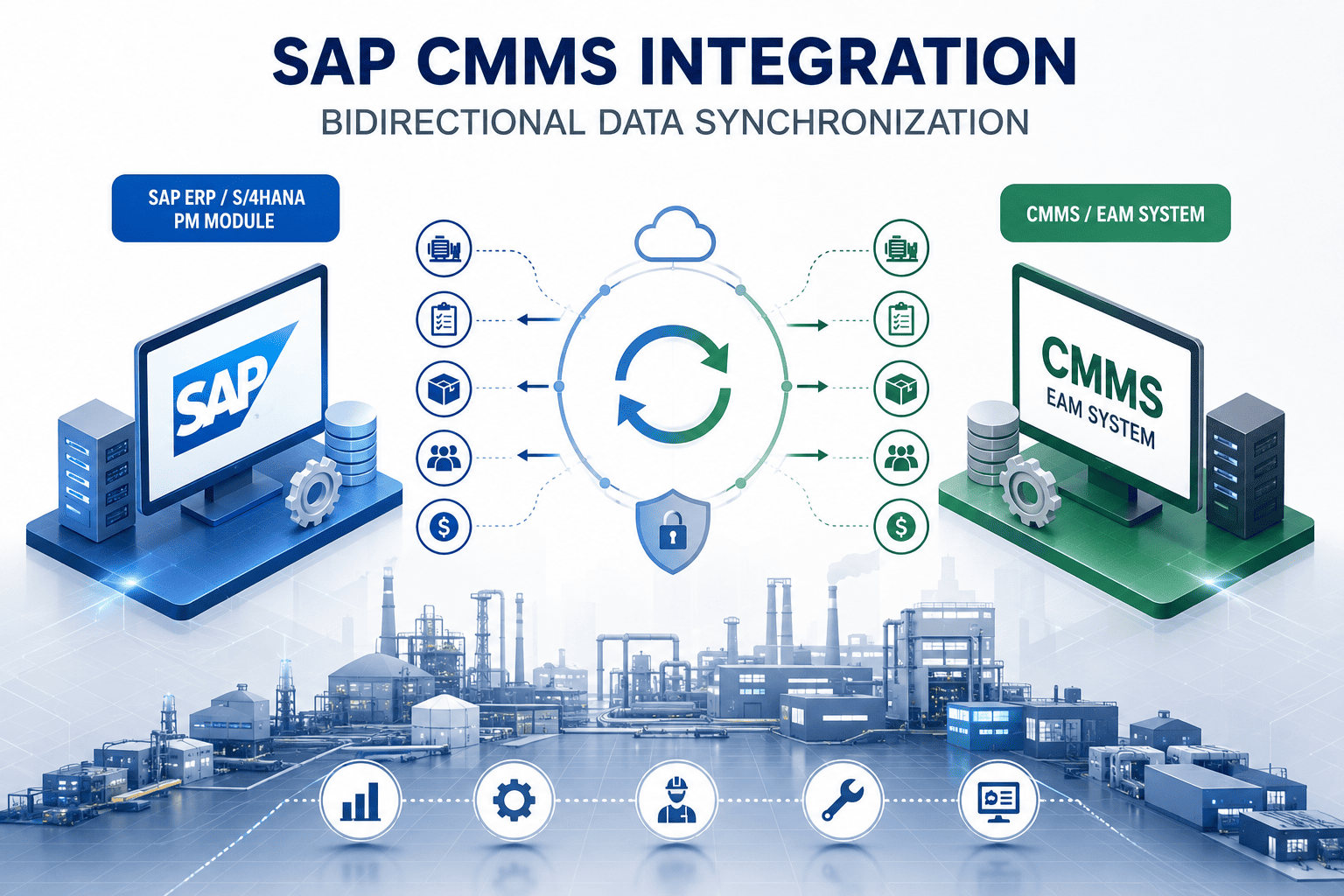
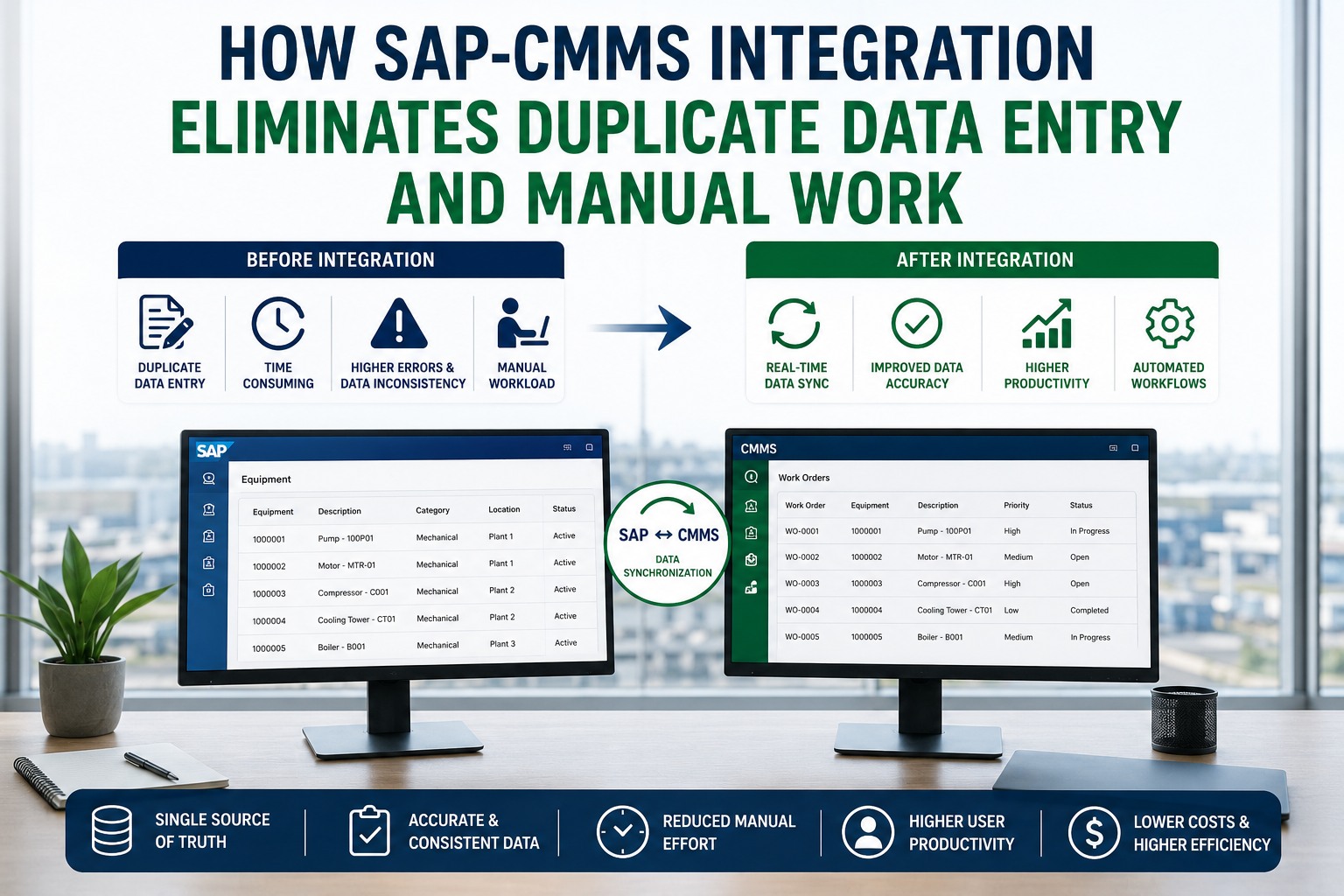
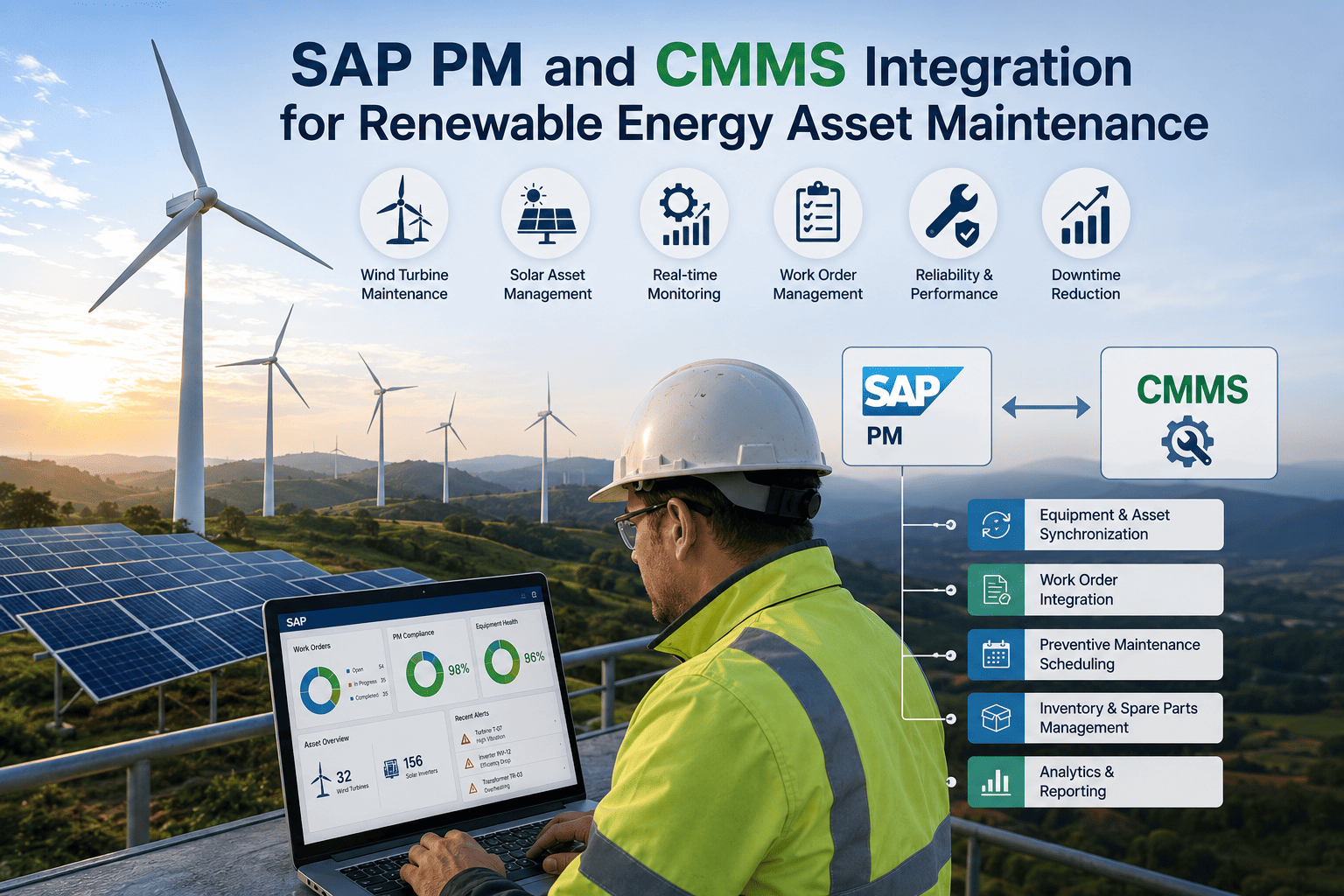
SAP is a powerhouse for enterprise planning, but it was never built for a technician crawling inside a gearbox. So a gap opens: nearly 40% of maintenance data goes unrecorded or entered wrong through SAP's field screens, and your system of record slowly drifts from reality. Bidirectional integration closes that gap—a purpose-built CMMS becomes the execution layer while SAP stays the source of truth, with data moving both ways in real time. Book a free demo to see the round-trip live.
Why One-Way Integration Isn't Enough
The execution gap a true two-way bridge eliminates
~40%
Of maintenance data goes unrecorded or wrong via SAP's field interface
<2 sec
Round-trip latency achievable with direct-API work order sync
1–2 wks
Go-live with pre-built connectors vs 4–9 months for custom middleware
0
Manual re-entries—costs land in the right cost center the moment a job closes
What "Bidirectional" Actually Means Here
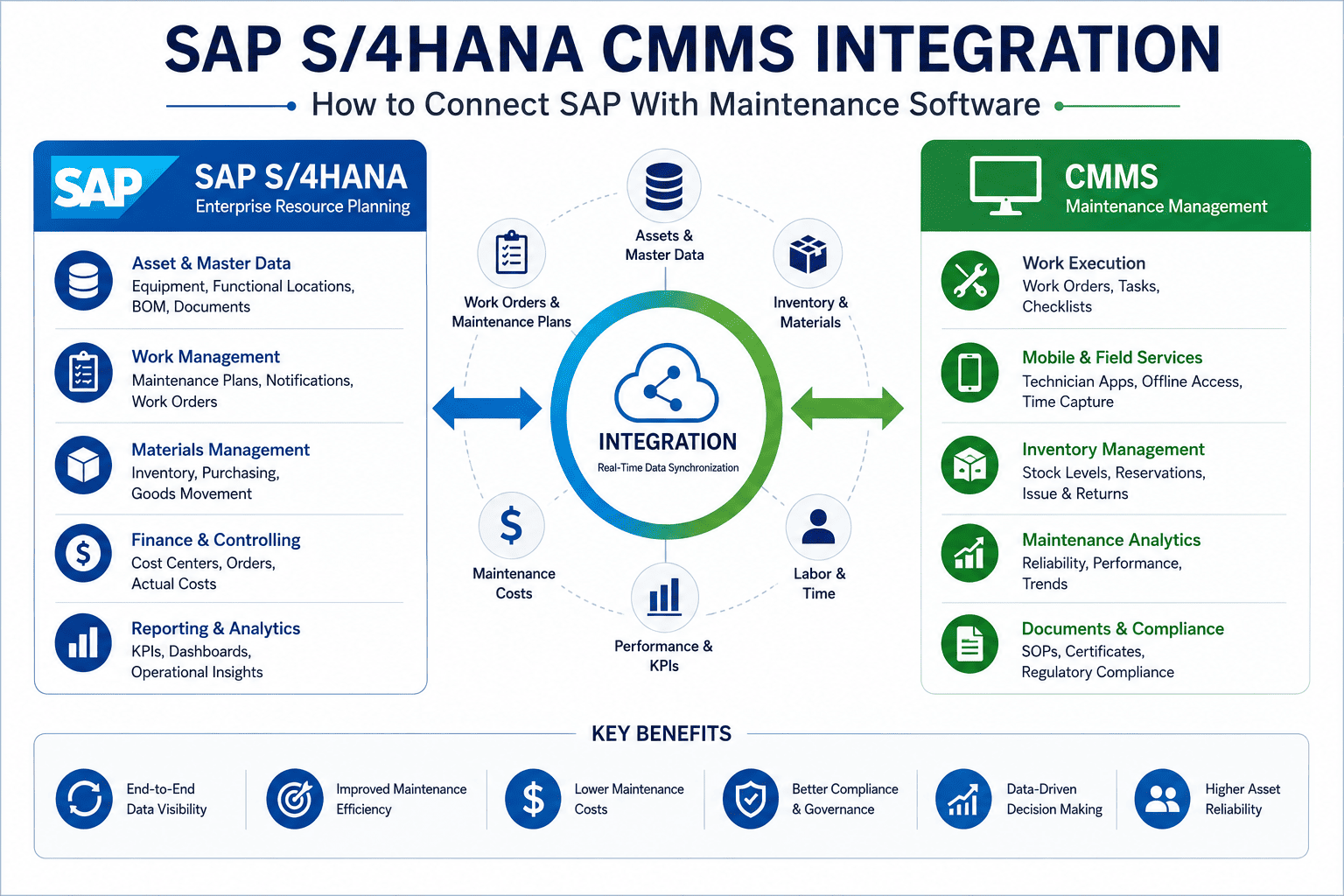
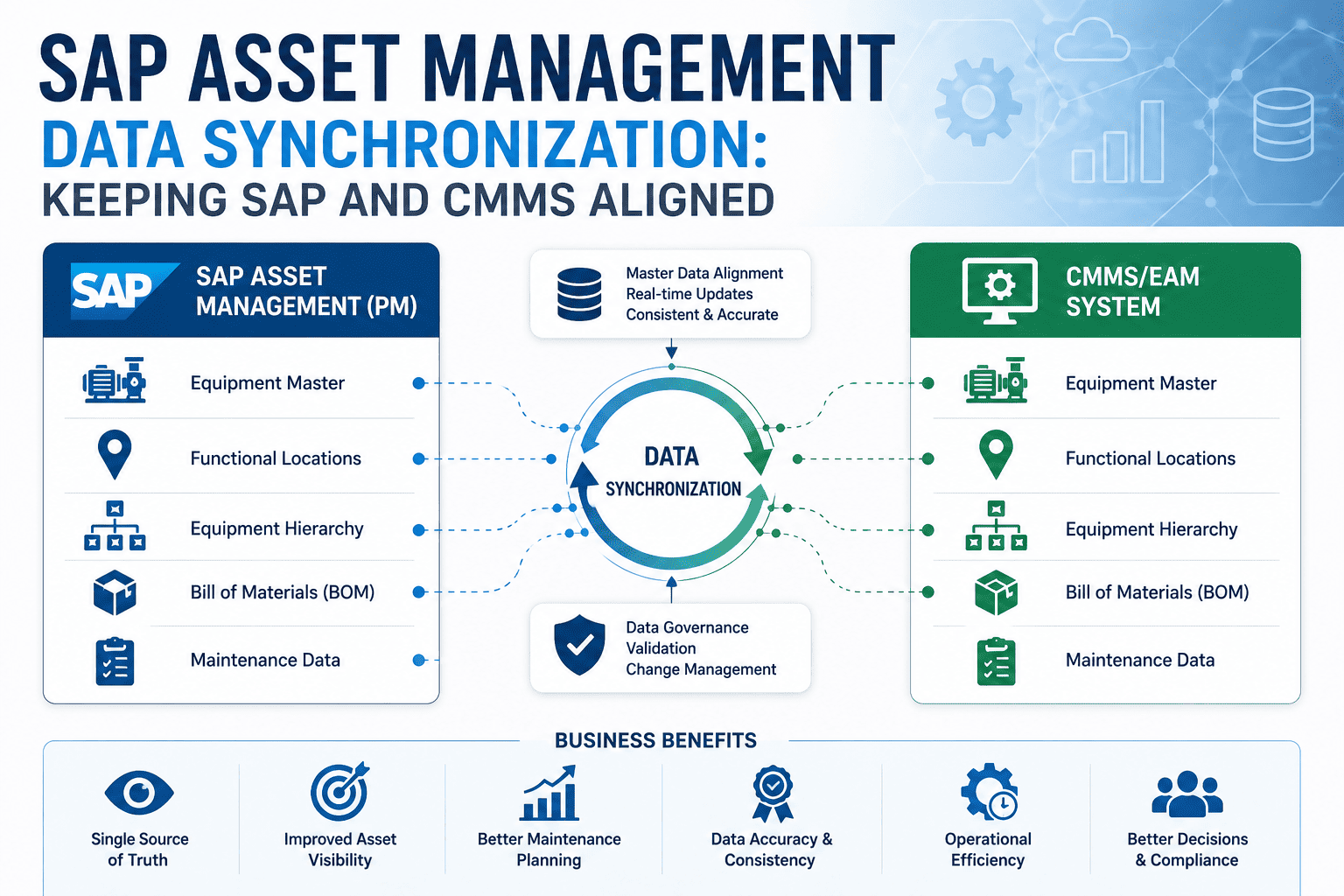
Bidirectional doesn't mean copying everything in both directions—that would create chaos. It means each type of data flows in the direction that matches where it's authored, and updates in one system propagate to the other automatically. SAP authors the enterprise truth: equipment masters, functional locations, maintenance plans, material masters. The CMMS authors the execution truth: completed work, labor hours, parts consumed, failure codes, inspection photos. A true two-way bridge keeps both continuously reconciled so neither ever drifts. The architecture below is what makes that possible.
The Bidirectional Integration Architecture
Three layers connecting system of record to system of execution
SAP — System of Record
Equipment Master
Functional Locations
Maintenance Plans
Material Master & Cost Centers
Connector Layer
OData · BAPI · RFC · IDoc
Field mapping & retry logic
CMMS — System of Execution
Mobile Work Orders
Labor & Time Logs
Parts Consumption
Failure Codes & Photos
Following One Work Order Through the Full Round-Trip
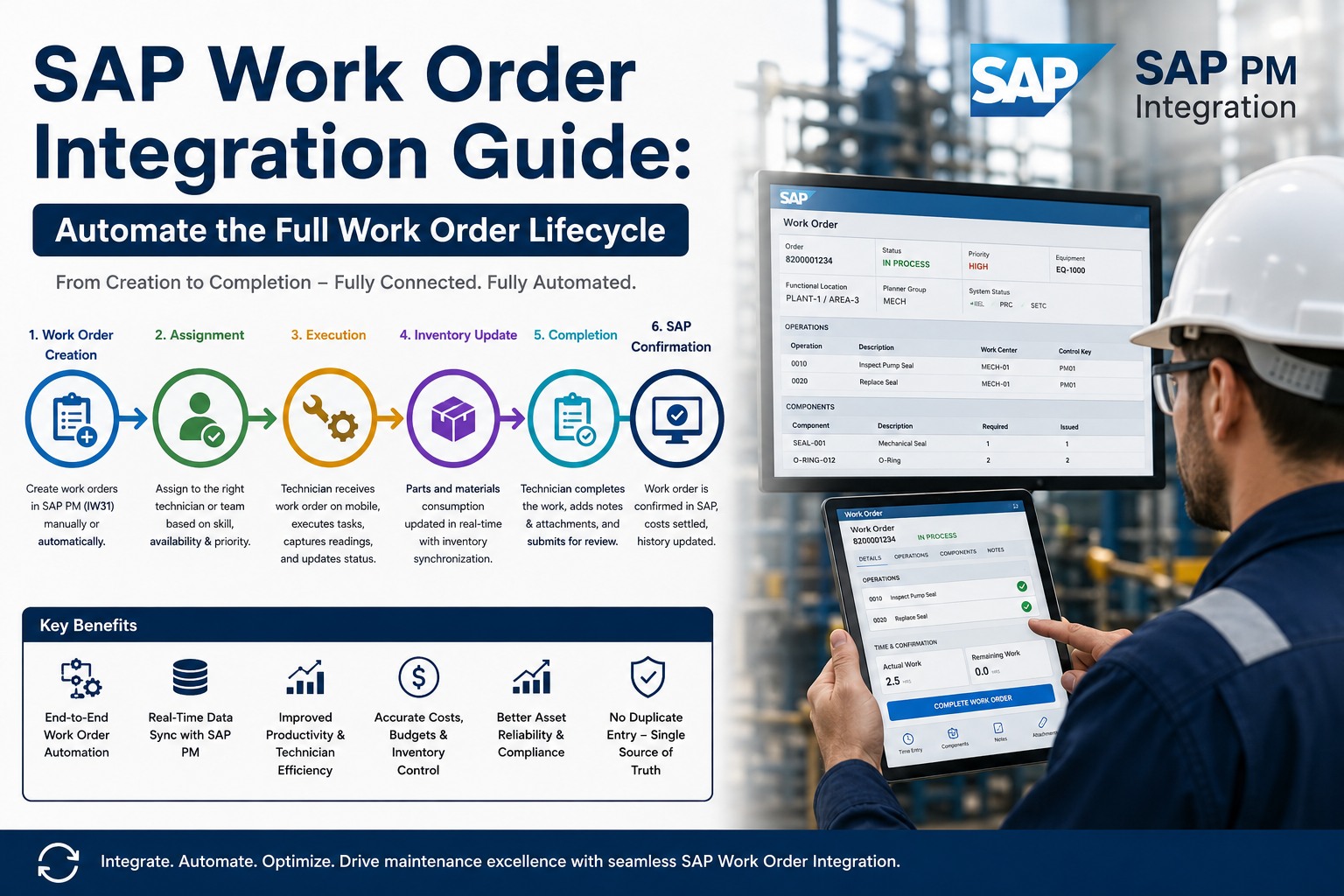
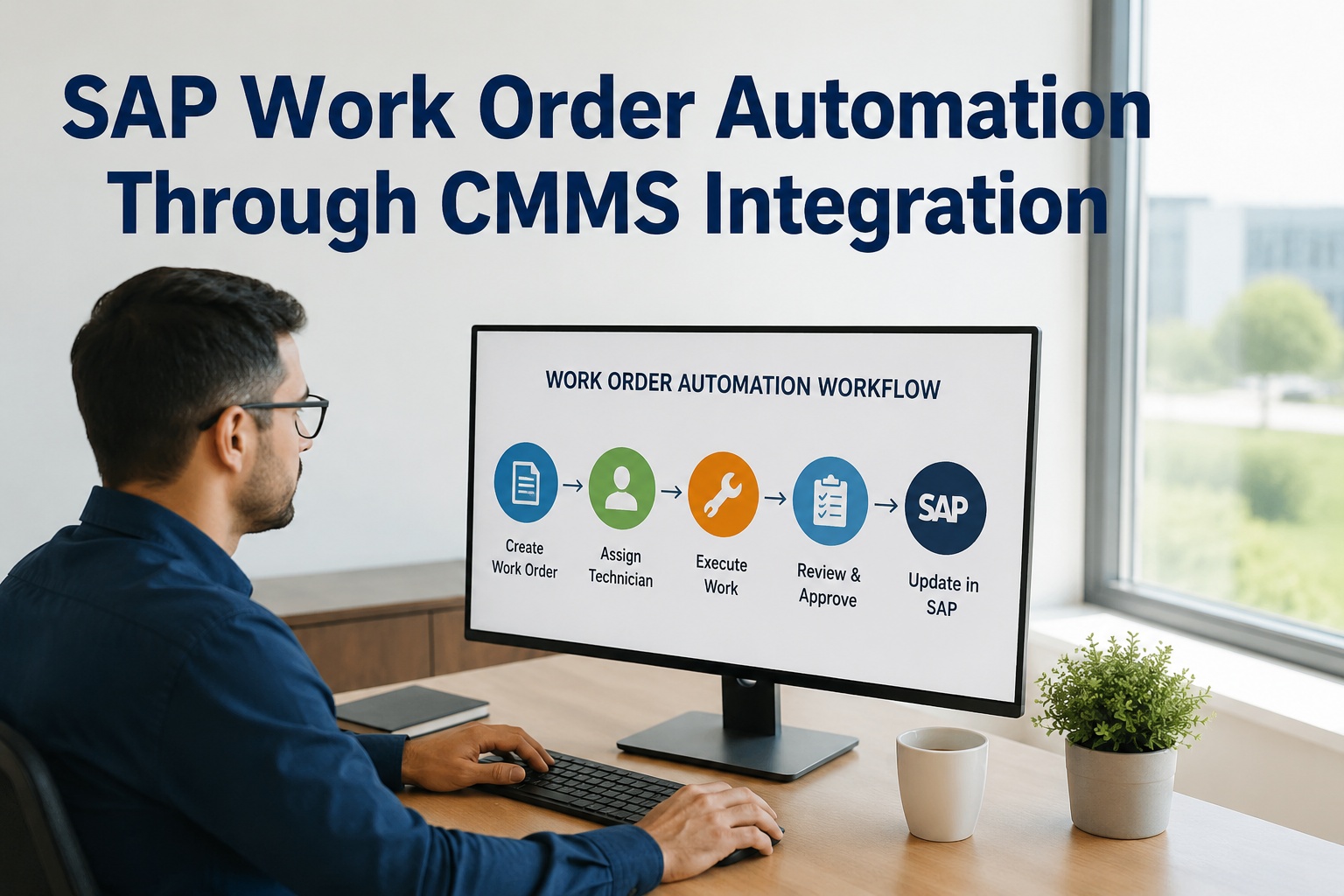
The clearest way to understand bidirectional sync is to follow a single maintenance event from trigger to settled cost. Nothing here requires a planner to type the same number into two systems, and nothing waits for a nightly batch. Each handoff happens through standard SAP interfaces in seconds.
The Work Order Lifecycle, End to End
1
SAP → CMMS
Trigger & Push
A maintenance plan or AI alert raises a notification. The order—with equipment, task list, and BOM—pushes to the technician's phone.
2
In CMMS
Execute on Mobile
The tech completes the job in the field—logging time, parts, failure codes, and photos—with no SAP GUI training required.
3
CMMS → SAP
Confirm & Decrement
Confirmation posts to the SAP order (AFRU); parts consumption decrements MM stock instantly, keeping inventory and the ledger accurate.
4
CMMS → SAP
Settle the Cost
Labor and material cost settles to the right cost center the moment the job closes—no month-end reconciliation, no double entry.
That entire loop runs in seconds through direct APIs. Teams ready to trace this against their own SAP order types can sign up free to map the work order flow before scoping a project.
The Connection Layer: How Systems Actually Talk
Underneath the data flow sits a set of standard SAP interfaces—not custom ABAP and not fragile screen-scraping. Which one a given object uses depends on the business object, the direction, your SAP version, and whether you need real-time or batch. Modern S/4HANA integrations favor OData; older ECC landscapes lean on BAPI and RFC; IDoc remains common for high-volume asynchronous flows. A good connector abstracts all of this, including the unglamorous but critical work of data-type conversion between SAP and JSON.
Standard SAP Interfaces in a CMMS Integration
Swipe to view all interfaces →
See the Architecture Built for Your Landscape
Walk through a live bidirectional SAP–CMMS sync—OData and BAPI connections, the work order round-trip, and real-time cost settlement—mapped to your ECC or S/4HANA environment in 30 minutes.
Choosing Your Integration Pattern
There's no single right architecture—the pattern must balance real-time needs, system complexity, IT governance, and total cost of ownership. Most maintenance integrations land in one of three patterns. Point-to-point direct APIs are fastest to deploy and ideal for cleaner S/4HANA environments. A managed connector adds field mapping and error handling without standing up a platform. Full iPaaS orchestration suits complex, high-volume, multi-system landscapes where central governance matters more than speed of rollout.
Pattern A
Point-to-Point APIs
Direct REST/OData calls between CMMS and SAP. Immediate sync, lowest overhead.
Best for: S/4HANA Cloud, lower transaction volume
Pattern B
Managed Connector
Pre-built connector with configurable field mapping, sync schedules, and retry logic built in—no middleware to maintain.
Best for: most mid-market maintenance teams
Pattern C
iPaaS Orchestration
A platform (SAP BTP, MuleSoft, Boomi) orchestrates flows across many systems with central governance.
Best for: complex, high-volume, multi-system estates
The right choice depends on your landscape, not a vendor's preference. Architects weighing these options can sign up free to evaluate the pattern that fits their SAP estate and transaction profile.
Expert Perspective: What Makes Integrations Last
The integrations that survive SAP upgrades are the ones built on standard interfaces with error handling baked in—not the clever custom ABAP that worked beautifully until the next support pack broke it. I always tell teams: design for the round-trip, not the one-way push. Anyone can dump equipment records into a CMMS. The hard, valuable part is getting confirmations, parts, and costs back into SAP reliably, in real time, with retry logic for when the network blips. Get that right and the system of record finally matches what's actually happening on the floor.
Build on Standard APIs
OData, BAPI, and RFC are upgrade-stable. Custom screen-level integrations break with every SAP change.
Design for the Return Trip
The value is in confirmations and costs flowing back—not just master data flowing out.
Engineer for Failure
Retry logic and reconciliation reports catch dropped messages before they become silent data drift.
Deploying Without Disrupting SAP
The proven rollout is staged. Start with discovery and field mapping, then configure the connector and run test syncs on a single order type or asset group. Validate every sync point—confirm that work order confirmations, parts consumption, and cost settlements all post correctly to SAP—before a parallel run and planned cutover. A standard mid-market implementation runs four to eight weeks this way, compared to the four-to-nine-month timelines of traditional consultant-led middleware projects. Teams can sign up free to start with one order type and validate every sync point before scaling. Each validated phase de-risks the next and builds the trust that carries the rollout enterprise-wide.
Bidirectional integration is the architecture that finally closes the execution gap between what SAP records and what your plant actually does. Master data flows out, completed work and real costs flow back, and both systems stay continuously honest—the foundation every other maintenance gain depends on. Teams ready to see a certified two-way sync on their own SAP landscape can book a free demo to review their integration architecture with engineers who have shipped it before.
Close the Gap Between SAP and the Plant Floor
A real-time, two-way bridge: SAP stays the system of record, your CMMS becomes the execution layer, and work orders, parts, and costs reconcile automatically. See the architecture on your landscape.
Frequently Asked Questions
What does bidirectional SAP–CMMS integration actually sync?
Master data flows from SAP into the CMMS—equipment records, functional locations, maintenance plans, and material masters—so technicians always work from accurate information. Execution data flows back from the CMMS into SAP: completed work orders, labor hours, parts consumption, failure codes, and even inspection photos or AI predictive scores. The two directions keep SAP authoritative as the system of record while the CMMS handles the field execution SAP was never designed for, and both stay continuously reconciled.
Do I need middleware like MuleSoft or SAP BTP?
Not necessarily. There are three common patterns: direct point-to-point APIs, a managed pre-built connector, and full iPaaS orchestration. Many maintenance integrations connect directly to SAP through standard interfaces—OData, RFC, BAPI, and IDoc—with no separate middleware platform to license or maintain. A managed connector adds field mapping and retry logic out of the box. Full iPaaS makes sense for complex, high-volume, multi-system estates where central governance outweighs speed of deployment. The right choice depends on your landscape and transaction volume.
Which SAP interfaces are used, and do they survive upgrades?
Integrations use SAP's standard interfaces: OData V4 for real-time REST calls (favored on S/4HANA), BAPI for transactional integrity on ECC, RFC for function-level calls like stock checks, and IDoc for high-volume asynchronous flows. Because these are standard, upgrade-stable interfaces rather than custom ABAP or screen-level automation, they survive support packs and S/4HANA migrations far better. It's still wise to keep a regression test suite and test every SAP change against the integration before production deployment.
How fast does data move between the systems?
With direct-API architectures, work orders, notifications, labor, parts, and costs can flow between the CMMS and SAP PM in under two seconds—effectively real time. This is what allows a part consumed in the field to decrement SAP stock instantly and a closed job to settle costs to the right cost center immediately, rather than waiting for an overnight batch or a month-end reconciliation. Master data that changes rarely, like equipment or BOMs, can sync on a daily or change-triggered schedule instead.
How long does implementation take?
A standard mid-market implementation runs about four to eight weeks: one to two weeks for discovery and field mapping, two to three weeks for connector configuration and testing, and one to two weeks for a parallel run before a planned cutover. With pre-built connectors and guided onboarding, many SAP PM integrations go live within one to two weeks for a focused scope. This compares to four to nine months for traditional consultant-led middleware projects, which is why phased, connector-based rollouts have become the norm.