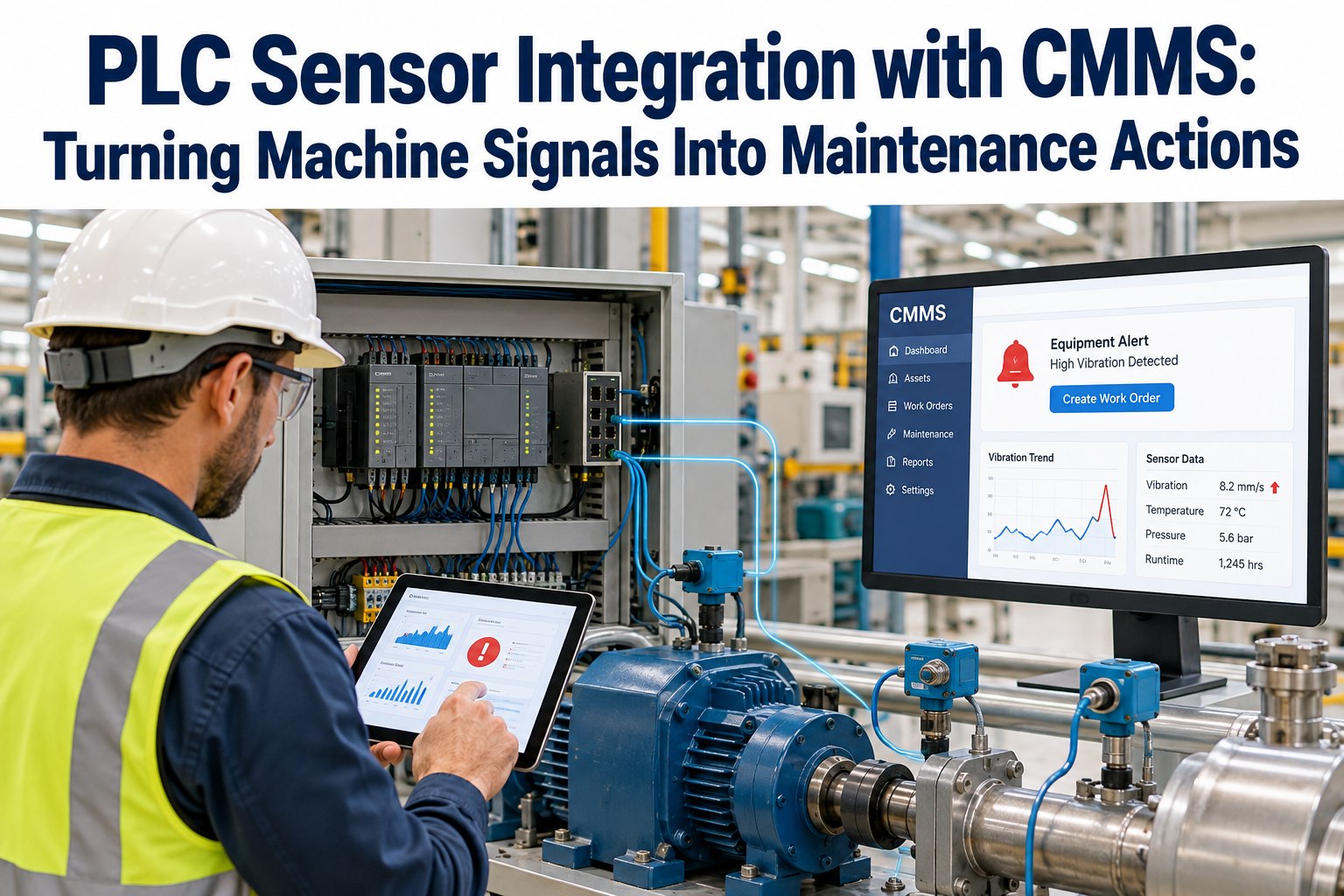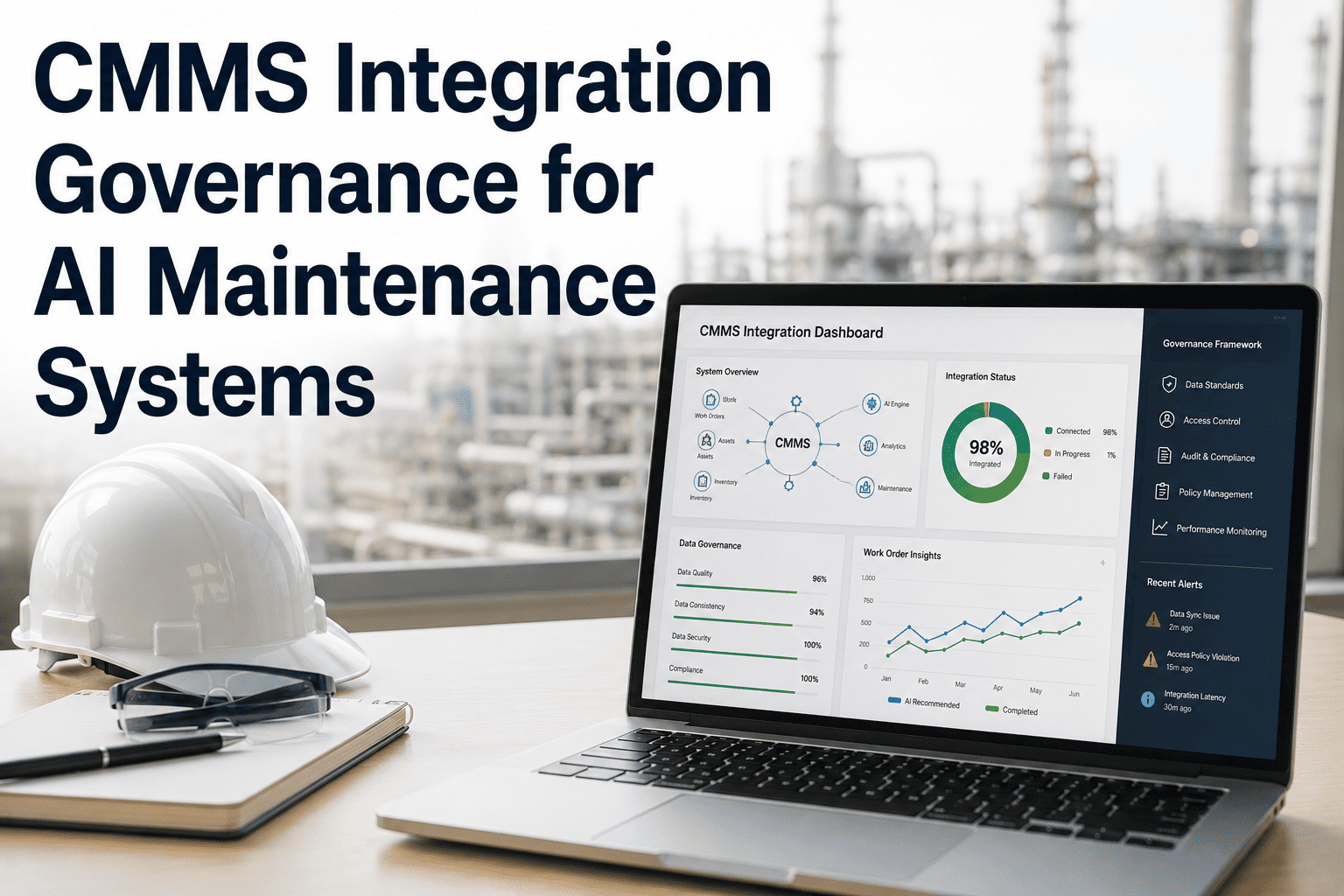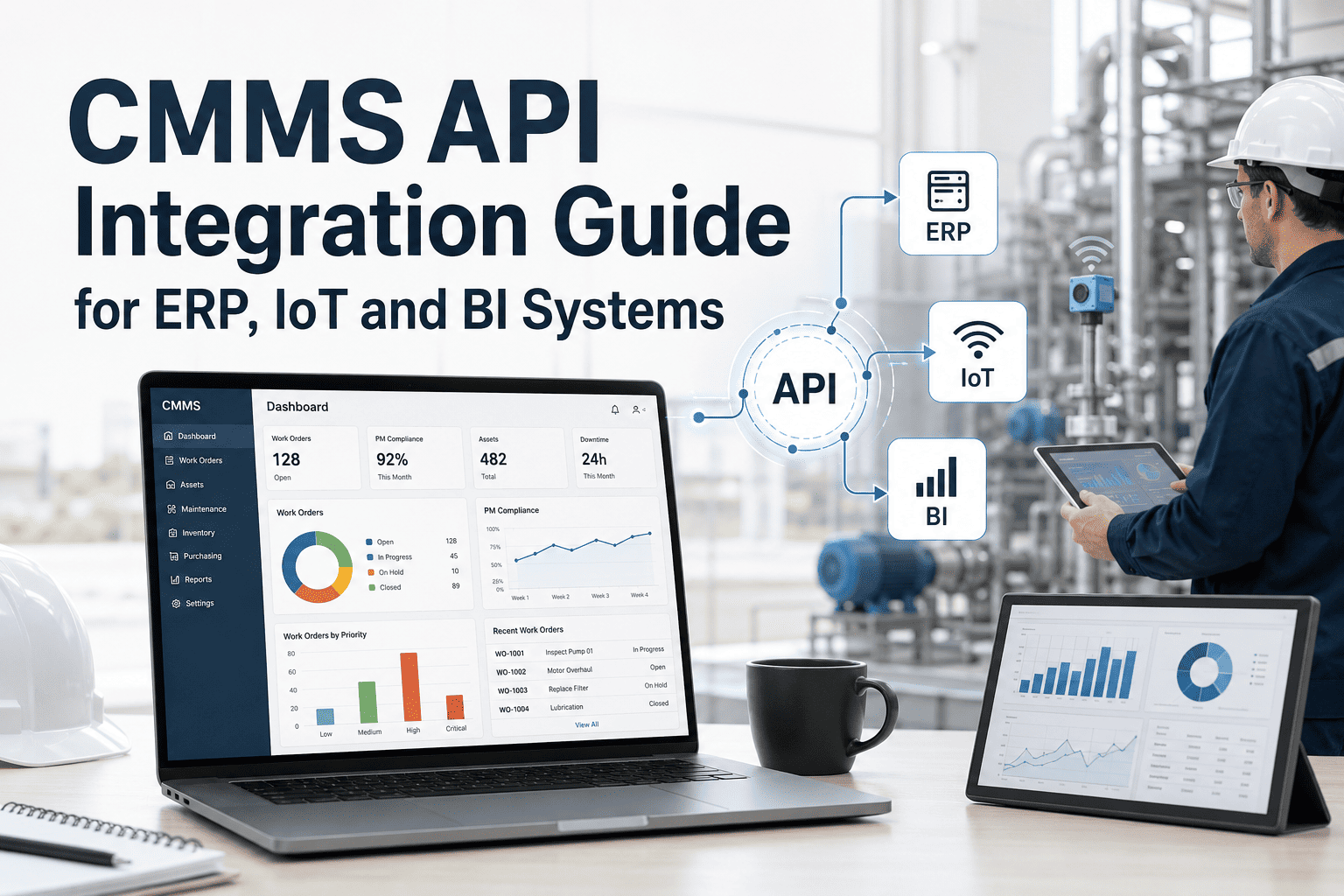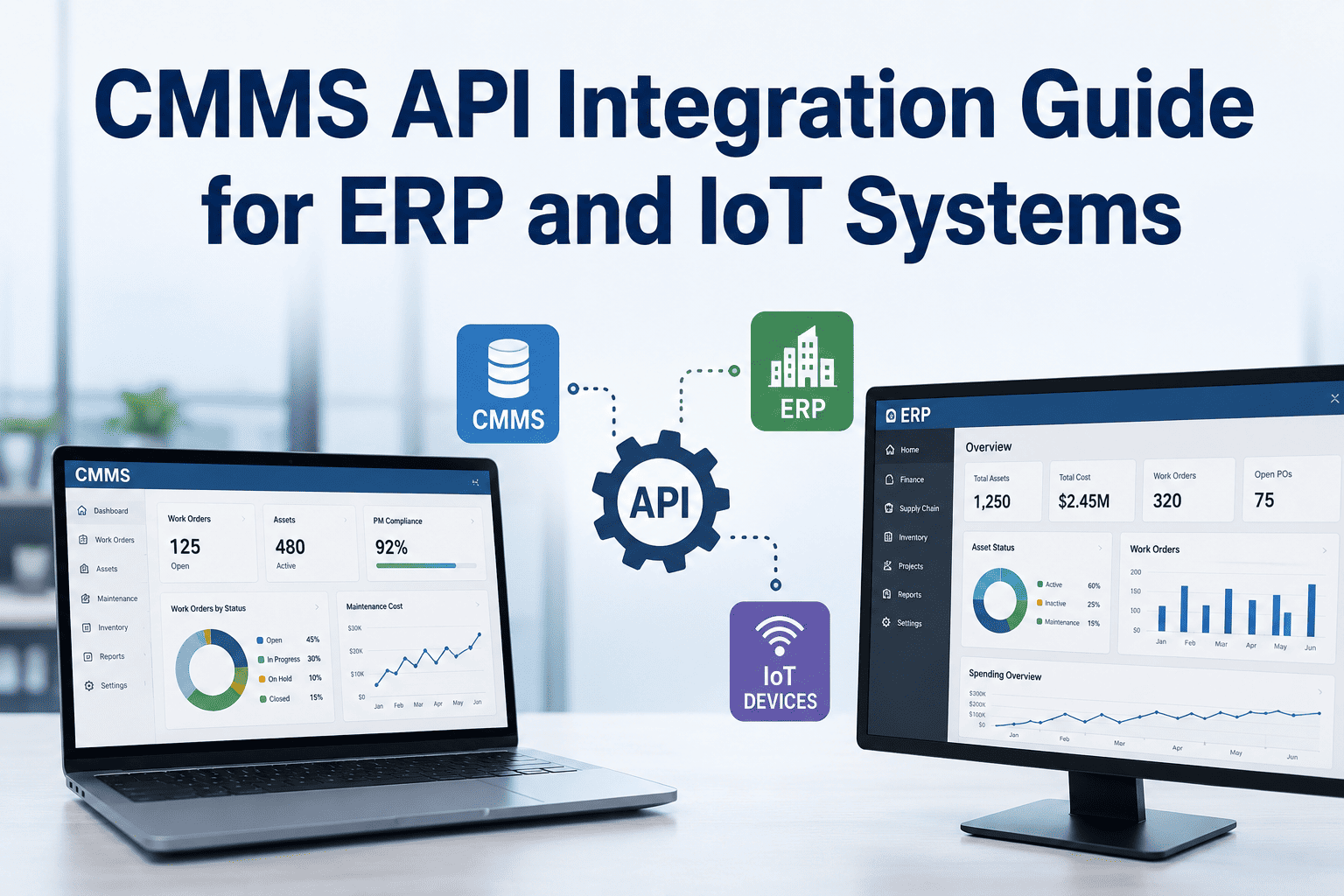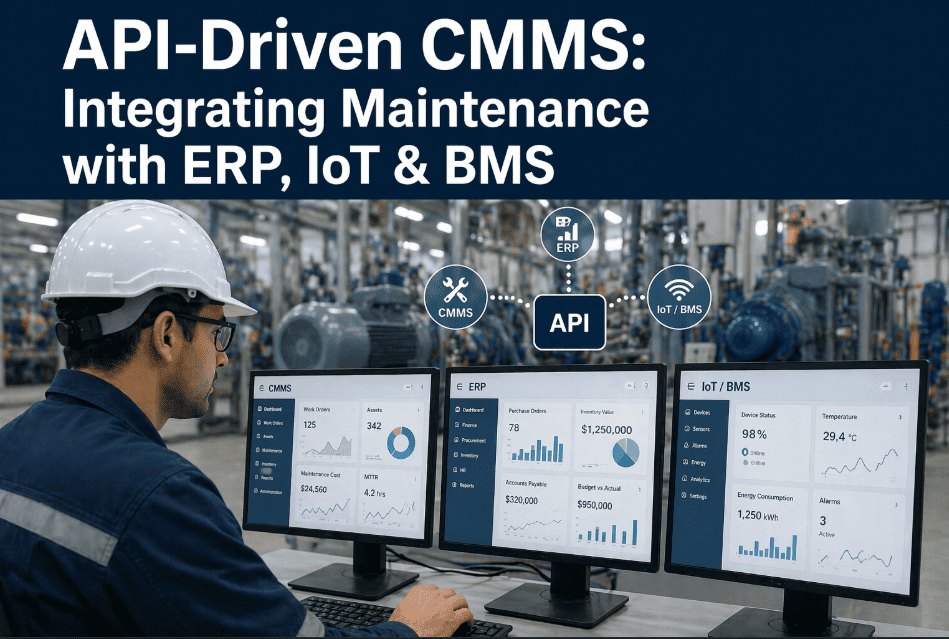
The maintenance department used to be the last place anyone thought about system integration. Work orders lived in spreadsheets, PMs were tracked in notebooks, and the ERP system knew nothing about what happened in the shop until someone manually keyed in the data — usually days late and partially wrong. That era is ending fast. Modern manufacturing, facilities, and fleet operations run on connected data: PLCs sending equipment health signals, BMS platforms tracking energy consumption, ERP systems holding purchase orders and asset depreciation schedules, and IoT sensors generating thousands of data points per hour. A CMMS that can't talk to these systems isn't a maintenance platform — it's an expensive island. API-driven CMMS architecture changes this completely. When your maintenance platform connects natively to SAP, Oracle, Maximo, your building management system, and your IoT sensor network, work orders generate automatically from equipment signals, parts procurement flows without manual entry, and every maintenance event becomes a timestamped data point in your enterprise data fabric. Oxmaint is built API-first — every function available in the interface is also available via API, making it the connective tissue between your maintenance operations and every other system your business depends on.
API-Driven CMMS: Integrating Maintenance with ERP, IoT & BMS
Connect your maintenance platform to every enterprise system — ERP, IoT sensors, BMS, PLCs, and telematics — so work orders generate automatically, data flows without manual entry, and maintenance becomes part of your connected operation.
The Four Integration Layers Every Connected CMMS Needs
A truly connected maintenance platform doesn't just have an API — it has a complete integration architecture spanning four distinct layers. Each layer handles different data types, latency requirements, and business processes. Missing any one layer means your maintenance system is still partially isolated from your operational data.
ERP Integration Layer
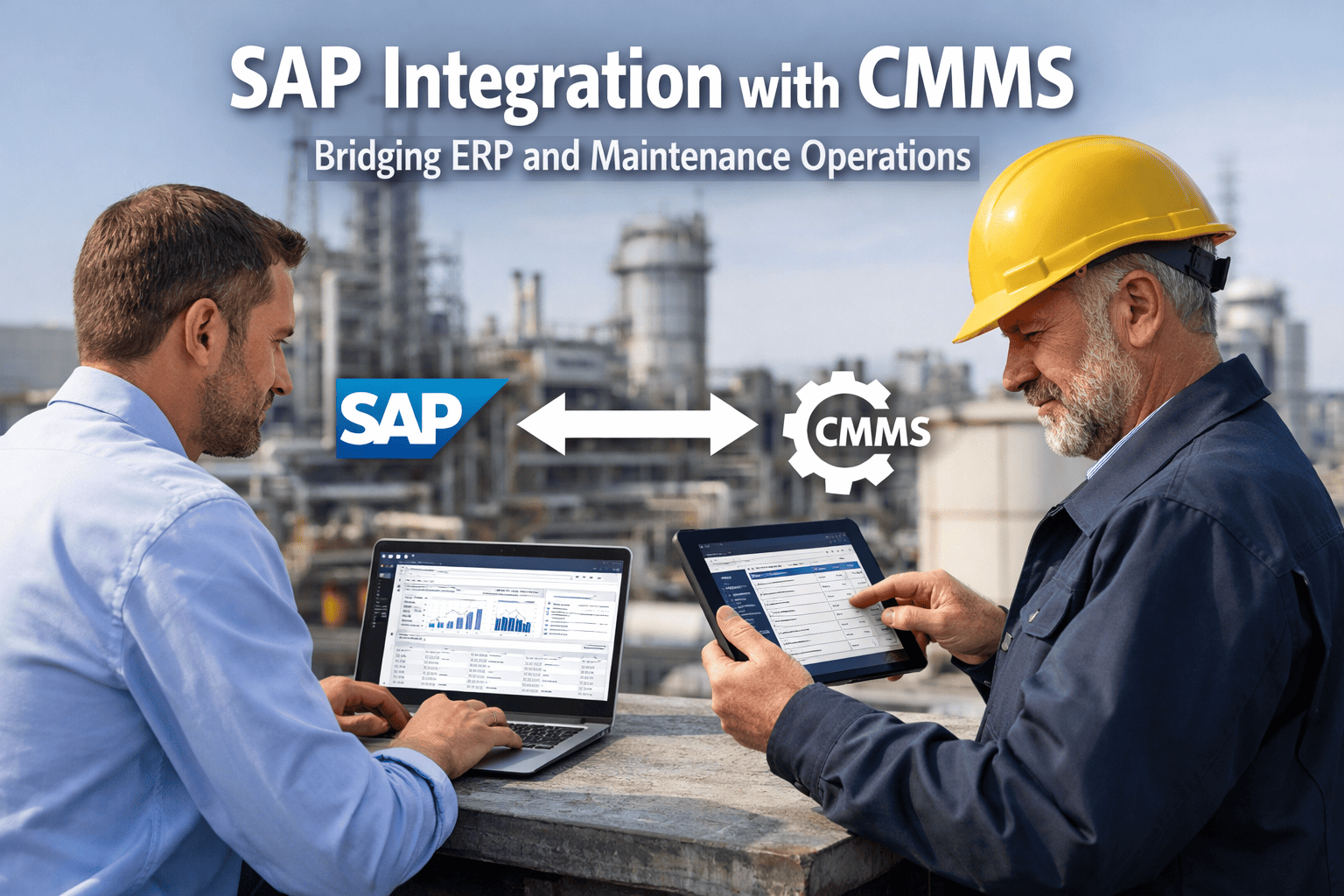
Bidirectional sync with SAP, Oracle, Microsoft Dynamics, and Infor. Purchase orders created in CMMS appear in ERP automatically. Asset depreciation schedules flow back to maintenance for lifecycle planning. Labor costs sync to cost centers without manual entry.
IoT Sensor Integration Layer
MQTT and REST connections to vibration sensors, temperature monitors, pressure transducers, flow meters, and energy meters. When sensor data crosses a threshold, a work order generates automatically — no human in the loop required. Condition-based maintenance at scale.
BMS Integration Layer
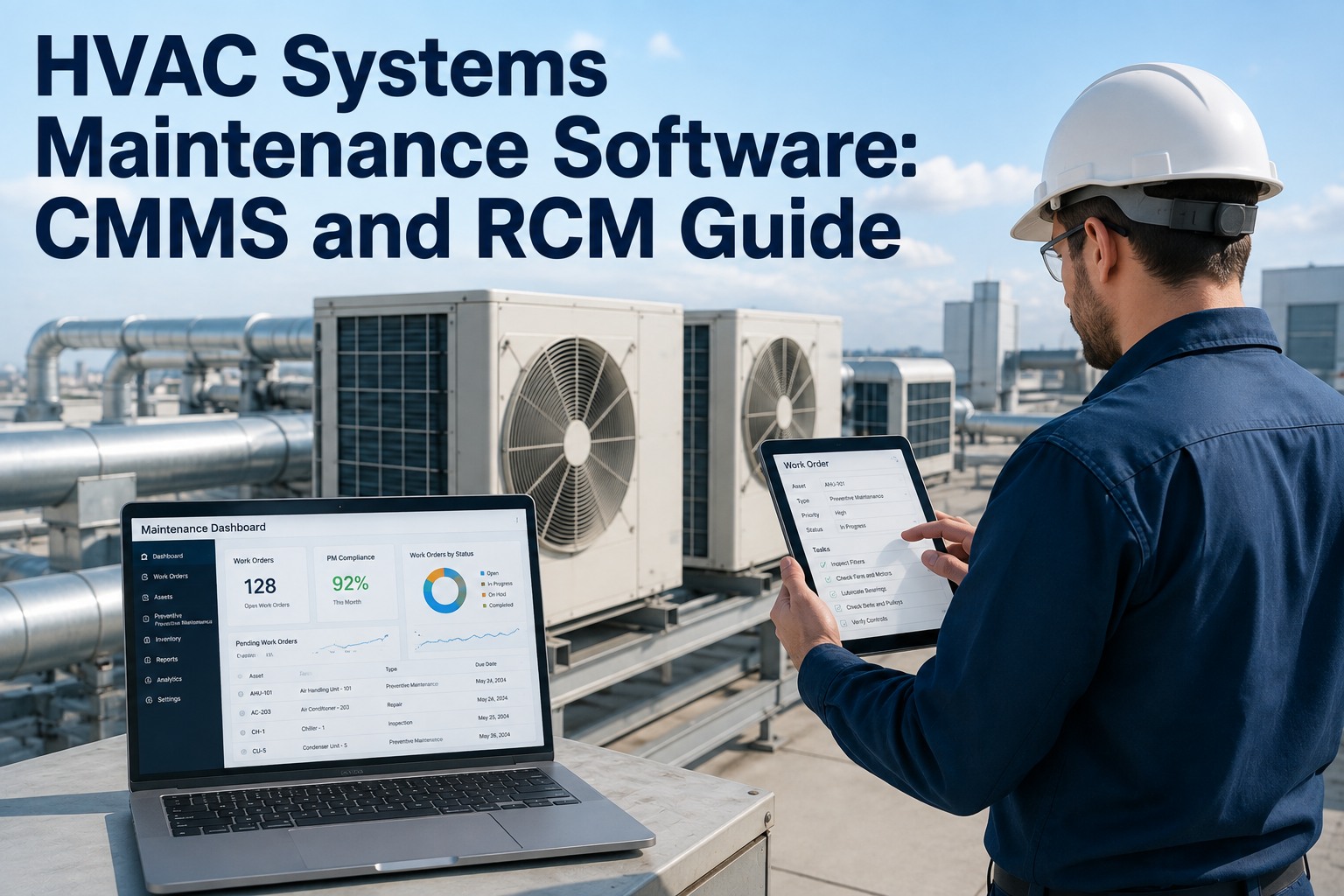
Building Management System data — HVAC status, chiller performance, electrical loads, fire suppression, access control — feeds directly into maintenance workflows. Equipment faults in BACnet or Modbus generate CMMS work orders with full context, not just an alarm number.
Operational Technology Layer
PLC data, SCADA systems, DCS platforms, and telematics feeds. Production counters trigger PM schedules based on actual output rather than calendar time. Machine cycle counts, operating hours, and fault codes flow directly into maintenance planning.
REST vs. MQTT vs. OPC-UA — Which Protocol for Which Use Case
Not all maintenance integrations are created equal. High-frequency sensor data has fundamentally different requirements than a once-daily ERP sync. Choosing the wrong protocol creates latency problems, data loss, or unnecessary infrastructure complexity. This is the decision framework maintenance system architects use.
REST / HTTP
ERP sync, work order creation, asset data exchange, reporting exports, user management. Request-response model — ideal for transactional data where confirmation matters.
MQTT
IoT sensor streams, real-time equipment telemetry, condition monitoring alerts. Publish-subscribe model — sensors publish data continuously, CMMS subscribes to relevant topics. Lightweight, low-bandwidth.
OPC-UA
PLC and SCADA integration, industrial machine data. Provides semantic data models — the CMMS knows not just the value, but what the value means in the context of the equipment hierarchy.
Webhooks
Event-driven notifications between systems. Work order status changes trigger ERP updates. PM completions push to quality systems. Parts usage triggers inventory reorder in procurement platform. Push model eliminates polling.
Connect Oxmaint to Every System You Already Run
REST API, MQTT, webhooks, and native ERP connectors — Oxmaint integrates with your existing technology stack in days, not months.
Six Integration Scenarios That Pay for Themselves in Year One
API integration isn't a technology project — it's a business case. Each of the following scenarios is live at Oxmaint customer sites today, delivering measurable ROI through eliminated manual work, faster response times, and data accuracy improvements that flow directly to maintenance decisions.
IoT Vibration Alert → Auto Work Order
A vibration sensor on a pump bearing crosses 12mm/s RMS. The IoT platform publishes the alert via MQTT. Oxmaint subscribes, creates a work order with the asset ID, sensor reading, historical baseline, and assigns to the on-call mechanic — all in under 30 seconds. No dispatcher in the loop.
CMMS Parts Request → SAP Purchase Order
Technician marks a part as needed on a work order in Oxmaint. The API call to SAP MM creates a purchase requisition with the correct cost center, plant code, and material number — pre-populated from the asset record. Procurement approves in SAP; Oxmaint updates the work order status automatically.
BMS Chiller Fault → Maintenance Dispatch
The BMS detects a chiller entering fault state — compressor discharge temperature 22°F above normal. The BACnet alert triggers an Oxmaint webhook. A work order with the fault code, equipment ID, and last PM date arrives on the facilities tech's phone before the building temperature alarm sounds in the control room.
PLC Production Counter → PM Trigger
A CNC machining center has a PM due every 50,000 cycles. The PLC publishes cycle counts via OPC-UA. Oxmaint reads the counter in real time and triggers the PM work order at exactly 50,000 cycles — not at 45 days on a calendar, which might be 35,000 cycles or 65,000 cycles depending on production volume.
Completed Work Order → ERP Asset History
When a technician closes a work order in Oxmaint — marking labor hours, parts used, and failure codes — the API pushes the complete event to SAP PM's equipment history record and Oracle Fixed Assets for depreciation recalculation. Asset history stays current without anyone touching the ERP.
AI Anomaly Detection → Predictive Work Order
Machine learning models running on IoT data detect a bearing degradation pattern 14 days before projected failure. The AI platform calls the Oxmaint API to create a predictive maintenance work order, attached to the next planned downtime window. Failure avoided without any emergency response.
How to Implement CMMS API Integration — The Right Sequence
Most CMMS integration projects fail not because the technology is hard, but because the sequence is wrong. Teams start with the most complex integration (ERP) instead of the highest-value quick win (IoT alerts). Here's the implementation sequence that delivers ROI in 30 days and scales to full enterprise integration in 6–12 months.
IoT Alert Integration
Connect 3–5 high-value assets to CMMS via MQTT or REST. Define threshold rules. Test auto work order generation. This phase delivers immediate downtime reduction with minimal IT involvement.
Inventory & Procurement Sync
Connect CMMS parts inventory to ERP procurement module. Map material numbers, cost centers, and approval workflows. Automate purchase requisitions from parts requests. This phase eliminates the most common manual data entry burden.
BMS & OT Integration
Connect building management systems and production PLCs. Map fault codes to maintenance procedures. Enable production-counter-based PM scheduling. This phase closes the loop between operations and maintenance.
Full Enterprise Data Mesh
Complete ERP asset history sync, HR/labor integration, financial reporting connections, and AI/ML platform feeds. Maintenance becomes a data source for enterprise analytics, not an isolated system.
What API Integration Delivers — Measured Outcomes
These benchmarks come from Oxmaint customers who completed at least Phase 2 of the integration roadmap. Results vary by industry, asset complexity, and baseline maturity, but the directional improvements are consistent across manufacturing, facilities, and fleet operations.
"We connected Oxmaint to our Siemens BMS and SAP PM module in six weeks. The first month, the automatic work order generation from BMS faults saved our team 22 hours of dispatcher time. By month three, our ERP asset records were finally accurate because every work order completion pushed data to SAP automatically. Integration paid for itself in 90 days."
— Director of Facilities Engineering, 2.4M sq ft commercial real estate portfolio, Chicago
Frequently Asked Questions
What does "API-first CMMS" actually mean in practice?
How long does a typical CMMS-to-ERP integration take?
Can Oxmaint receive data from any IoT platform or sensor type?
What's the difference between BMS integration and IoT integration?
Do we need IT involvement to set up integrations?
Connect Maintenance to Everything
ERP, IoT, BMS, PLC — Oxmaint integrates with your full technology stack.