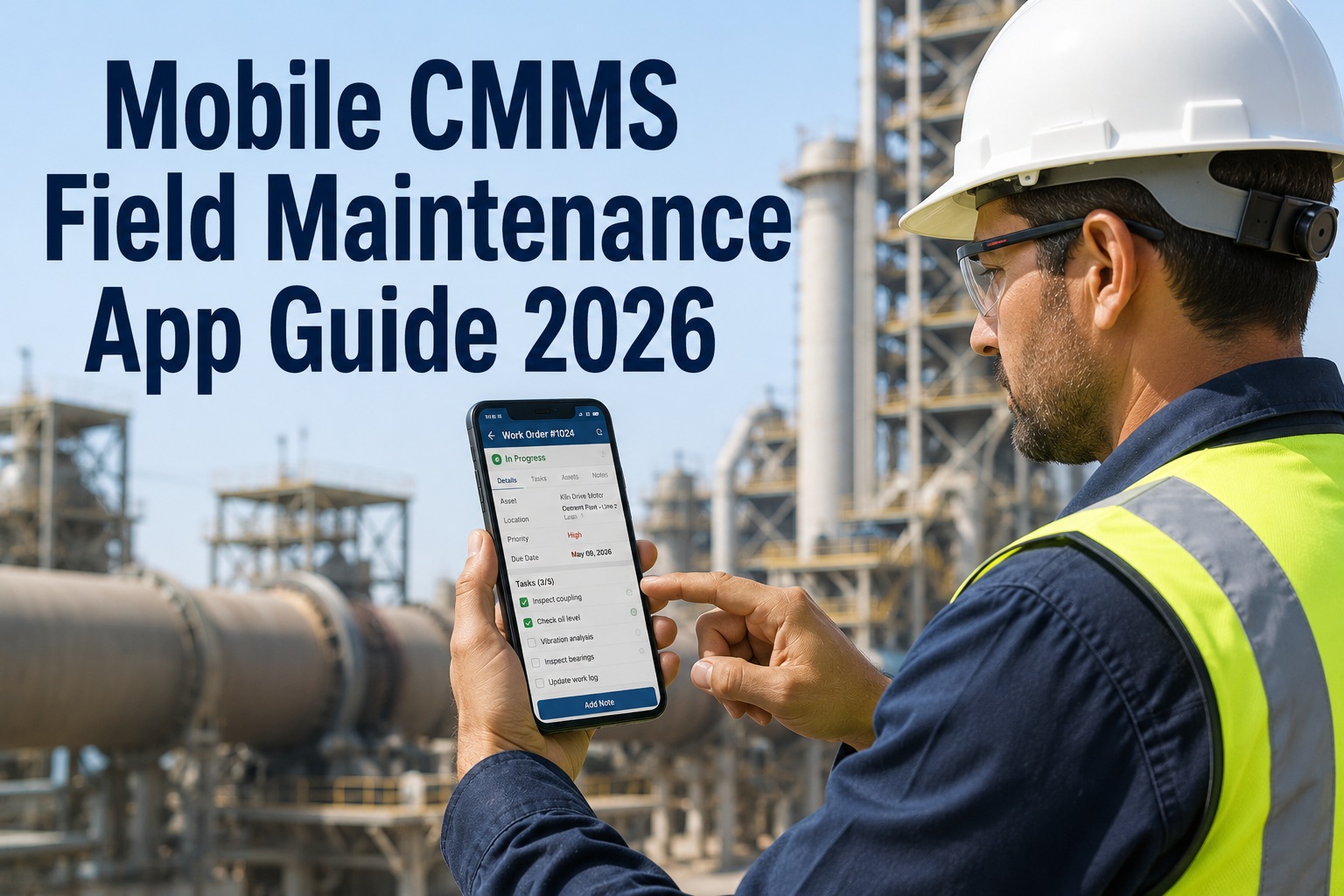
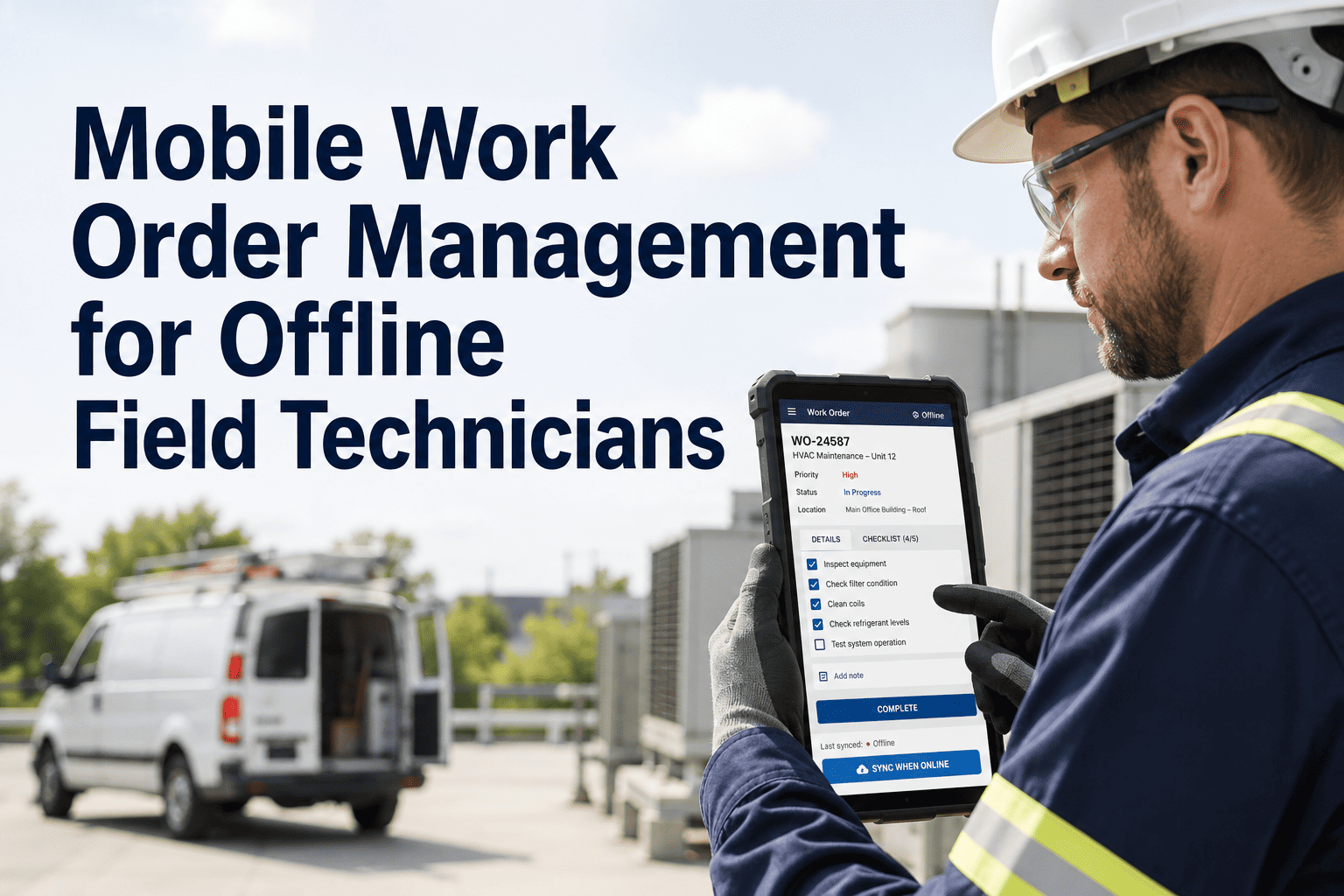
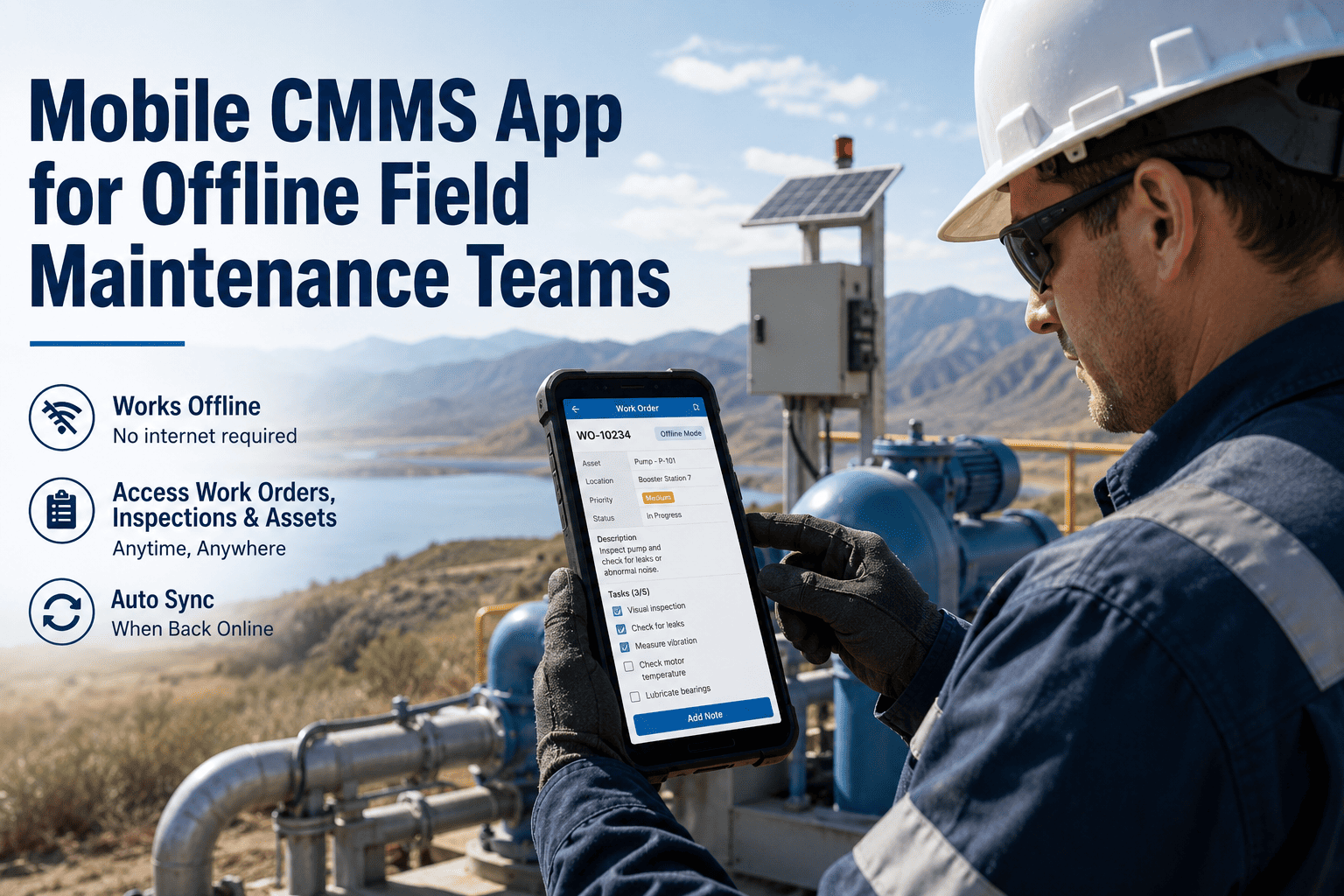
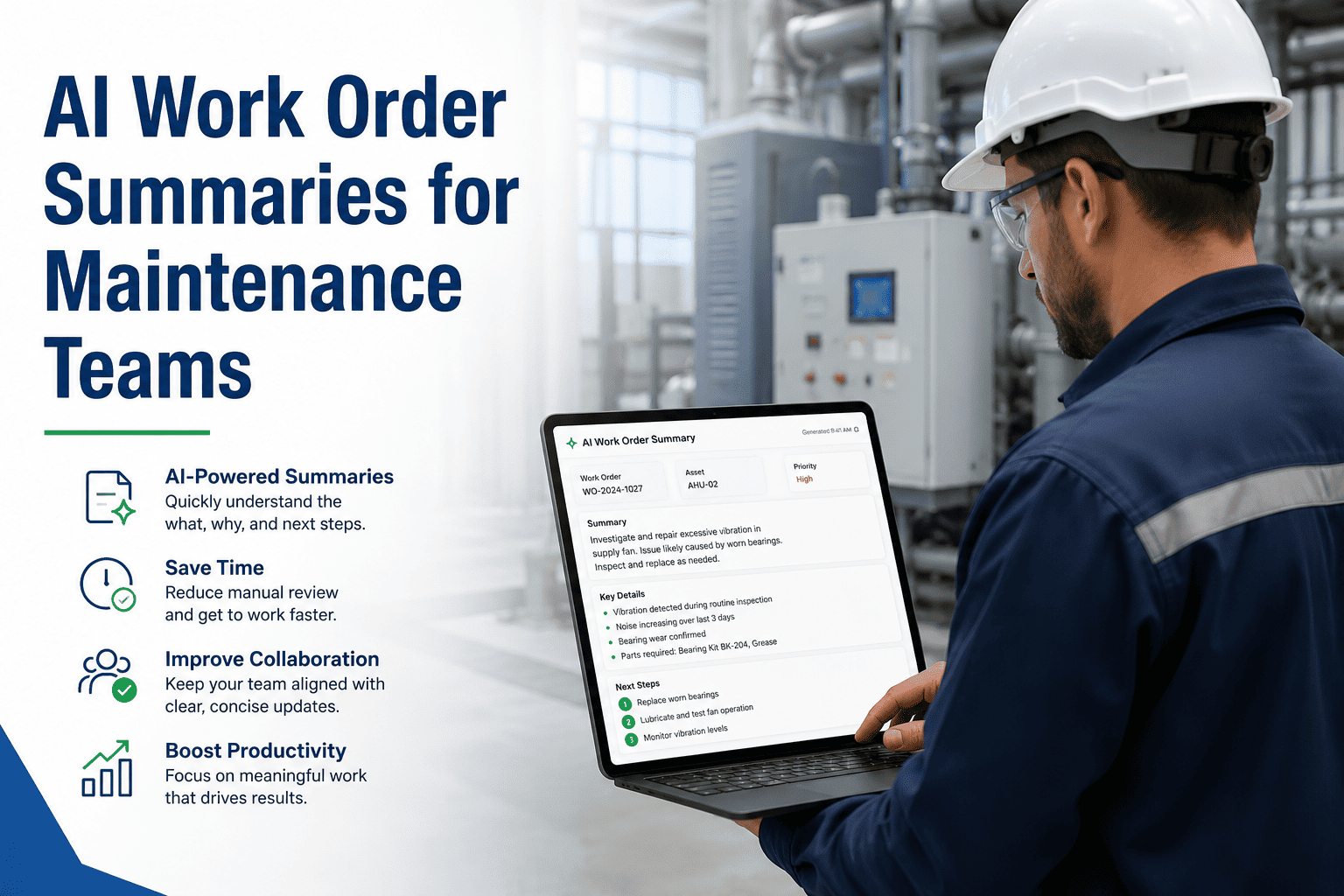
A technician forty feet up a compressor rack with both hands occupied cannot type a work order update. Voice notes solve this — but only when they are transcribed, summarized, and searchable inside the work order history. Raw audio files attached to tickets are just as useless as missing notes. This guide covers how to use voice notes properly in mobile maintenance workflows and how OxMaint's AI-powered mobile CMMS turns spoken observations into structured, searchable maintenance records.
How to Use Voice Notes in Mobile Maintenance Workflows
The Documentation Gap That Costs You Repeat Repairs
When technicians cannot document easily in the moment, they document later — or not at all. Observations made during a repair that are not captured immediately are lost within two hours. The result is a work order history full of "completed" records with no diagnostic detail, no root cause, and no parts used. The next failure on the same asset starts from zero.
Voice Note to Structured Record — The OxMaint Flow
Opens work order on mobile, taps the voice note button, and describes what they observe during the repair — in their own words, in any order.
OxMaint AI converts speech to text, then extracts root cause, parts mentioned, observations, and recommendations into separate structured fields automatically.
The structured summary is indexed against the asset's work order history. Future searches for the same symptom surface the voice note alongside any prior diagnosis and resolution.
The planner sees a clean summary — not a raw audio file. Follow-up tasks, parts orders, or PM adjustments can be triggered directly from the voice note summary without listening to the recording.
Book a Demo — Watch a 45-Second Voice Note Become a Structured Work Order Record
OxMaint's AI voice summary works in the field, on any Android or iOS device, with or without connectivity. All summaries are stored, indexed, and searchable against the asset's full maintenance history.
When Voice Notes Add the Most Value in Maintenance
| Maintenance Scenario | What to Capture by Voice | Value It Creates |
|---|---|---|
| First visit to an unfamiliar asset | Initial condition, visible wear, unusual sounds or smells | Baseline record for future comparisons |
| Complex repair with multiple findings | Secondary faults found during primary repair, parts condition | Prevents deferred secondary failures |
| Shift handover in progress | Work completed, work remaining, hazards or abnormal conditions | Eliminates verbal handover risk |
| After-hours emergency repair | Fault found, root cause assessment, temporary fix applied | Supports RCA without waiting for next shift |
| Inspection round | Asset-by-asset condition notes as technician walks the route | Converts inspection route to structured PM record |
The resistance I always hear is that technicians will not use it. In practice, the opposite is true — technicians love voice notes because it removes the thing they hate most, which is sitting at a workstation after a shift to write up what they did. The adoption challenge is not getting technicians to speak; it is making sure the system does something useful with what they say. Raw audio files attached to tickets are useless. AI-structured summaries that appear in the work order history are genuinely valuable — and that difference determines whether the tool gets used or ignored.
Frequently Asked Questions
Do voice notes work in noisy plant environments?
Modern AI speech recognition is significantly more noise-tolerant than earlier generations, and OxMaint's voice note feature is optimized for industrial environments with background machinery noise. For extremely high-noise areas — compressor rooms, stamping lines — technicians typically step into a quieter adjacent area, which adds under 30 seconds to the documentation process. Bluetooth headset integration also improves capture quality substantially in high-noise environments. The accuracy of AI transcription in industrial settings is currently above 92 percent for standard English, with further improvement for technical terminology that appears in the asset's existing work order history. Try it yourself in a free trial.
Can voice notes be used offline in areas without connectivity?
Yes. OxMaint records voice notes locally when connectivity is not available and queues them for upload and AI processing when the mobile device reconnects to the network. The technician does not need to be aware of the connectivity status — the app handles queuing automatically. Once uploaded, the AI summary is processed within seconds and attached to the work order. This is particularly important in large industrial facilities, basements, and substations where mobile connectivity is inconsistent. Offline capability is a baseline requirement for any CMMS deployed in an industrial environment, and it applies equally to voice notes, photo attachments, and work order updates.
How are voice notes used to identify recurring failure patterns?
Because AI voice summaries are structured and indexed — not raw audio — they become searchable data points in the asset's maintenance history. OxMaint's analytics layer can identify when the same symptom keyword or root cause phrase appears across multiple voice notes on the same asset or asset type within a defined time window. When "lubrication" appears as a root cause in three separate voice notes on bearings in the same production zone over 60 days, the system flags a potential systematic lubrication interval problem — not just three individual repairs. This pattern detection is only possible when voice note content is structured, not stored as audio. Book a demo to see how OxMaint surfaces these patterns automatically.
Give Your Technicians the Fastest Documentation Tool in Maintenance
OxMaint AI voice notes work offline, convert speech to structured summaries, and become searchable records against your asset history — all from the technician's phone, without any desktop follow-up.