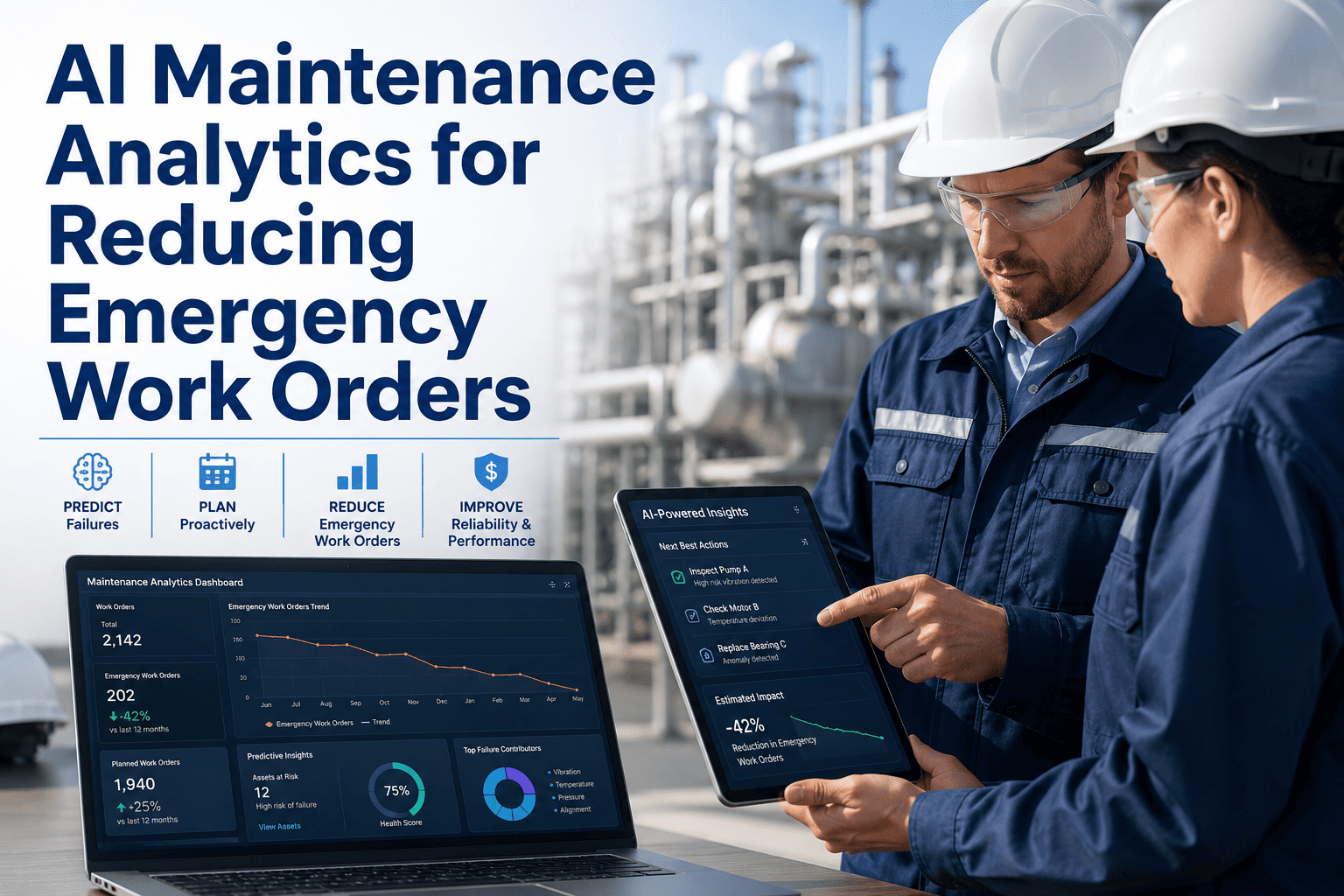
After-hours maintenance calls are rarely random — they concentrate on a small number of high-risk assets, follow predictable patterns, and are almost always preceded by warning signs that were present during regular working hours but not acted on. The most effective way to reduce emergency callouts is not to add more standby technicians; it is to identify the assets generating after-hours emergencies and address their underlying reliability issues during the day. This guide explains how to use PM data, emergency work order analysis, and preventive schedule adjustments to systematically reduce after-hours calls using OxMaint's preventive maintenance tools.
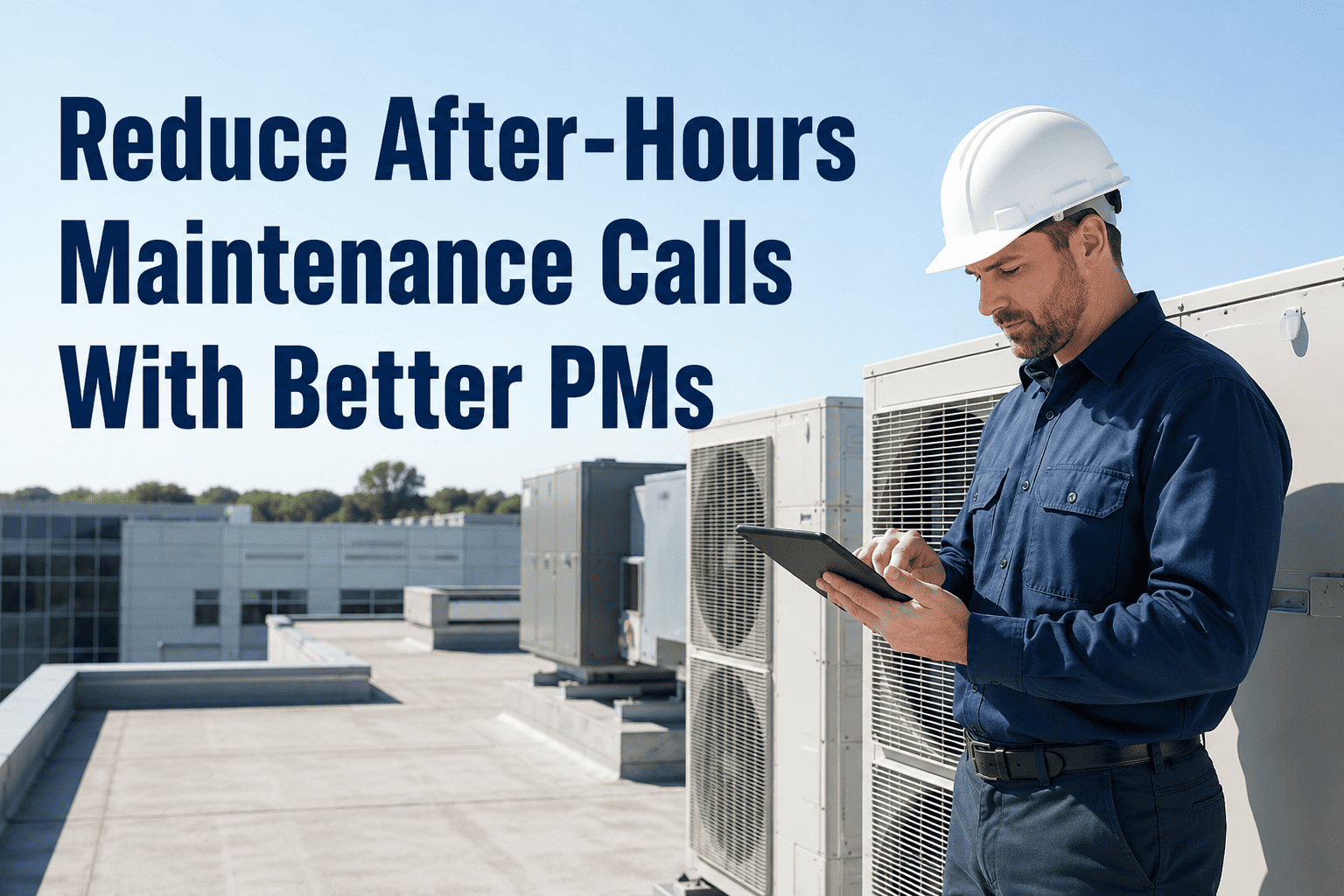
How to Reduce After-Hours Maintenance Calls With Better PMs
Step 1 — Find Which Assets Are Driving Your After-Hours Calls
Before adjusting any PM schedule, pull 90 days of emergency and after-hours work orders and classify them by asset. The concentration will be stark — in most facilities, 20 percent of assets generate 80 percent of after-hours calls. These are your target assets for PM improvement.
OxMaint Shows You Which Assets Generate the Most Emergency Calls — and Why
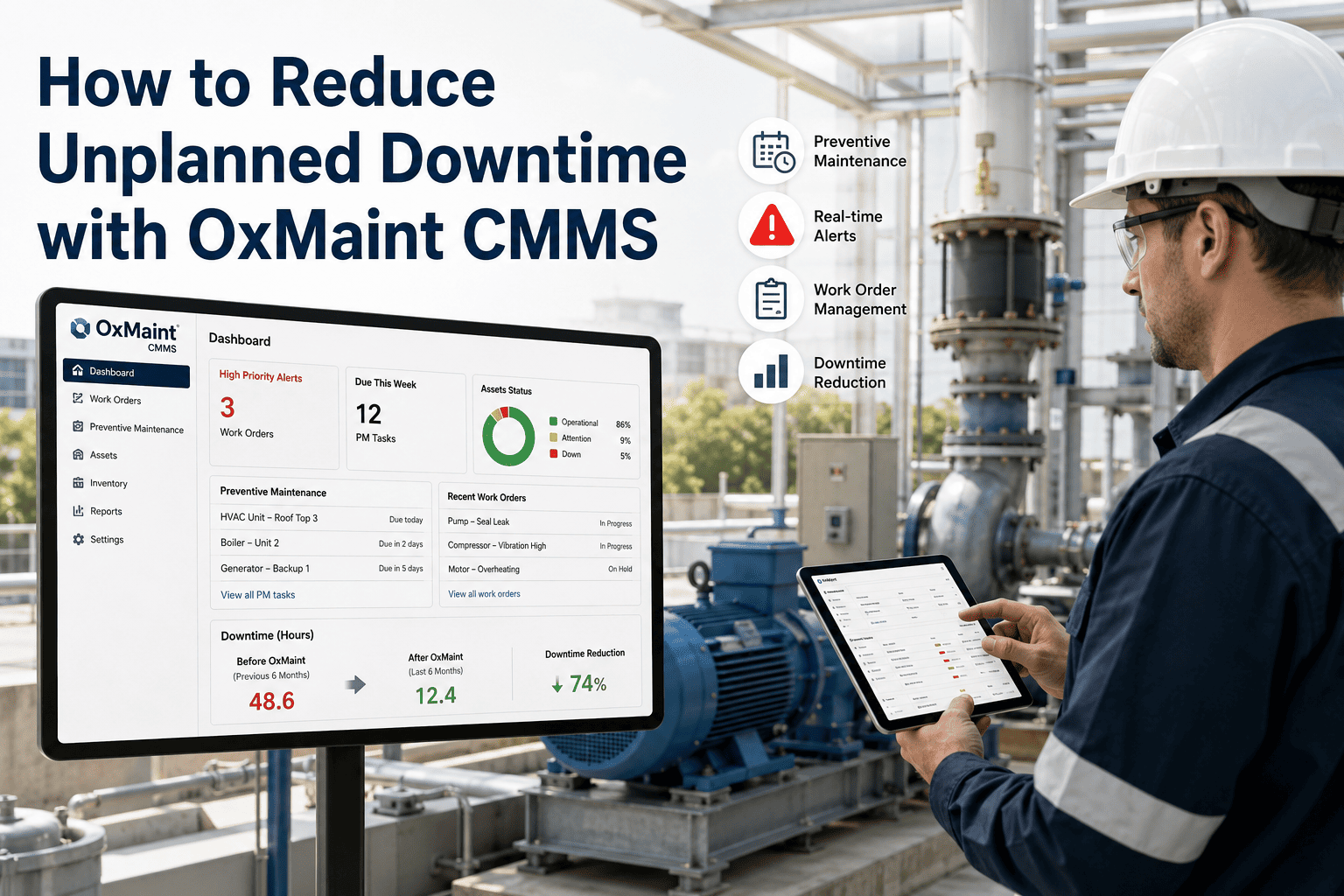
OxMaint's emergency work order analytics correlates callout patterns with PM compliance history, giving you a clear picture of which PM changes will have the most impact on reducing after-hours incidents.
Six PM Adjustments That Directly Reduce After-Hours Calls
| Pattern Identified | PM Adjustment Required | Expected Impact |
|---|---|---|
| Asset fails at consistent interval before PM is due | Shorten PM frequency by 20 to 30 percent | Eliminates the failure window; most common and fastest fix |
| Failure occurs 5 to 14 days after PM completion | Review PM job plan for incorrect reassembly steps | Eliminates PM-induced failure — significant but requires job plan audit |
| Same fault type despite regular PMs | PM task is not addressing the actual failure mode — rewrite the task | High impact once root failure mode is correctly identified |
| Failures clustering on night shift only | Investigate operational cause — operator practice or loading pattern | Not a PM problem; requires operational process change |
| High-criticality asset with no scheduled PM | Implement a basic PM immediately — even a simple inspection round | Immediate reduction in failure probability for unmanaged assets |
| PM consistently completed late due to access conflicts | Reschedule PM to align with planned production changeovers | Removes access barrier and improves PM compliance rate |
Every after-hours call I have ever received was predictable in hindsight. The PM was overdue, or the asset had been getting progressively noisier for three shifts, or the same bearing had failed twice before in the last six months. The problem is that maintenance managers running busy operations do not have time to look for these patterns manually. When I implemented a CMMS that showed me which assets were most likely to generate an emergency call in the next 14 days based on PM compliance and failure history, I was able to act during business hours instead of reacting at 2am. My after-hours calls dropped by 40 percent within the first quarter.
Frequently Asked Questions
How many PMs should I target for the assets generating the most after-hours calls?
Start with the top three to five assets generating after-hours calls — improving PM coverage for this small group typically delivers 60 to 70 percent of the total reduction in callouts, because after-hours failures are heavily concentrated on a handful of problem assets. For each of these assets, review the current PM task list and frequency against the actual failure mode observed in emergency work orders. Add or adjust tasks that directly address the observed failure causes, and tighten the frequency until the interval is shorter than the observed failure interval. OxMaint's asset failure analytics identifies these priority assets automatically from your work order history.
What is the difference between a PM that prevents a failure and one that just checks for it?
A preventive PM task actively addresses the failure cause — lubricating, replacing a wear component before it fails, cleaning a filter, adjusting a clearance. A predictive inspection task checks the condition and alerts the maintenance team to act before failure. Both have value, but for assets generating after-hours emergencies, the PM task needs to be preventive — removing the failure cause, not detecting it. If an asset is generating emergency calls despite regular inspections, the inspection is happening but the corrective action is either too late or the wrong task. The PM task review should ask: is this task preventing the failure mode, or just checking whether it has already started?
Can after-hours call reduction be tracked as a KPI in OxMaint?
Yes. OxMaint tracks emergency and after-hours work orders separately from planned work orders, and can report on them by time of day, day of week, asset, location, and fault type. This makes it possible to set a clear KPI — for example, reduce after-hours emergency work orders per month by 30 percent within two quarters — and track progress against it in the same dashboard used for other maintenance metrics. Monthly trend reporting on emergency callout frequency is one of the most direct ways to demonstrate the business value of improved PM compliance to senior management. Book a demo to see how this reporting is configured.
Fix the Right PMs During the Day — Eliminate the 2am Calls at Night
OxMaint identifies which assets are most likely to generate after-hours emergencies, surfaces the PM adjustments most likely to prevent them, and tracks your reduction progress month over month.