Operators see equipment problems hours before maintenance hears about them — but by the time a complaint travels from the shop floor to a work order, critical detail is lost. "Machine is making a noise" is not a maintenance task. A structured intake process that captures asset, symptom, photo evidence, and priority level at the point of complaint converts floor-level observations into structured maintenance work that technicians can actually act on. This guide shows how to build that process using OxMaint's work order management system.
How to Turn Operator Complaints Into Actionable Maintenance Tasks
Every vague complaint is a missed work order. Here is how to build an intake process that converts operator observations into structured, prioritized, and trackable maintenance tasks — without losing information in translation.
What Gets Lost Between the Floor and the Work Order
Six Fields That Transform a Complaint Into a Work Order
A maintenance intake form does not need to be long — it needs to capture the right six data points. Any fewer and the technician will waste time investigating; any more and operators will stop submitting reports.
QR code scan or dropdown selector tied to the asset register. The asset tag links the complaint to all prior work orders, PMs, and failure history automatically — no manual lookup required.
Predefined options: vibration, noise, overheating, leaking, slow, stopped, sparking. Categorized symptoms route work orders to the right technician skill set and enable failure trend analysis over time.
A single photo taken at the time of the complaint is worth more than three sentences of description. OxMaint's mobile intake accepts photos and short videos directly from the operator's phone — no app download required.
Forced selection: none, reduced output, full stop. This single field determines whether the complaint generates a routine work order or a P1 escalation — removing the need for a manager to manually triage every submission.
Auto-populated timestamp and shift reference. Patterns across shifts — particularly problems that always appear on night shifts — are invisible without this field and become immediately obvious with it.
A checkbox that allows the operator to request notification when the work order is completed. This closes the feedback loop, builds trust between operations and maintenance, and reduces duplicate submissions of the same complaint.
Let Operators Submit Structured Requests — Without Training or App Downloads
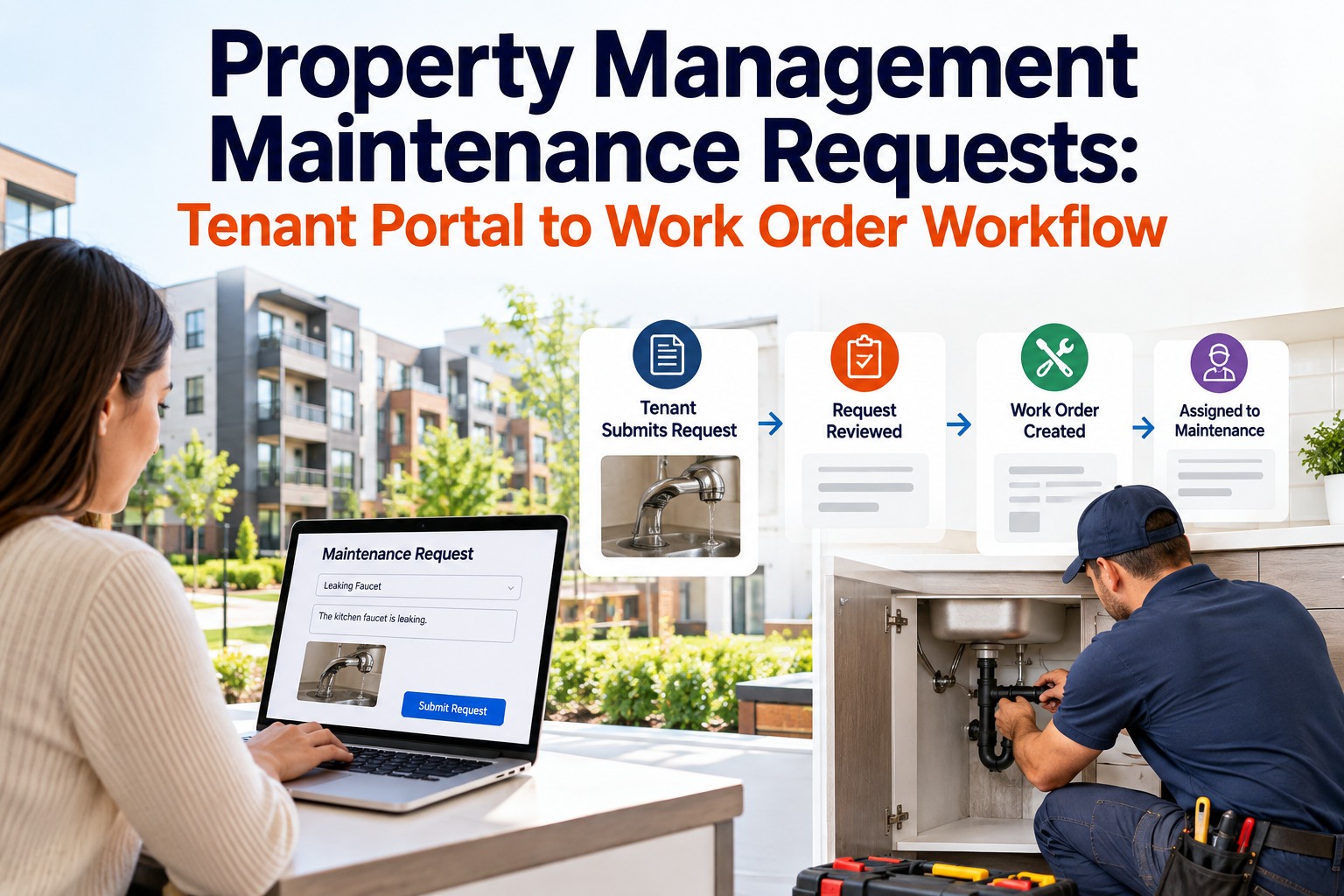
OxMaint's QR-code based operator intake works from any phone browser. Operators scan, submit, and see confirmation. Planners get a structured work order — not a verbal complaint passed through a supervisor.
From Complaint Submitted to Work Order Closed — The Full Flow
Asset scan, symptom, photo, and impact level captured in under 60 seconds. No login, no training required for floor operators.
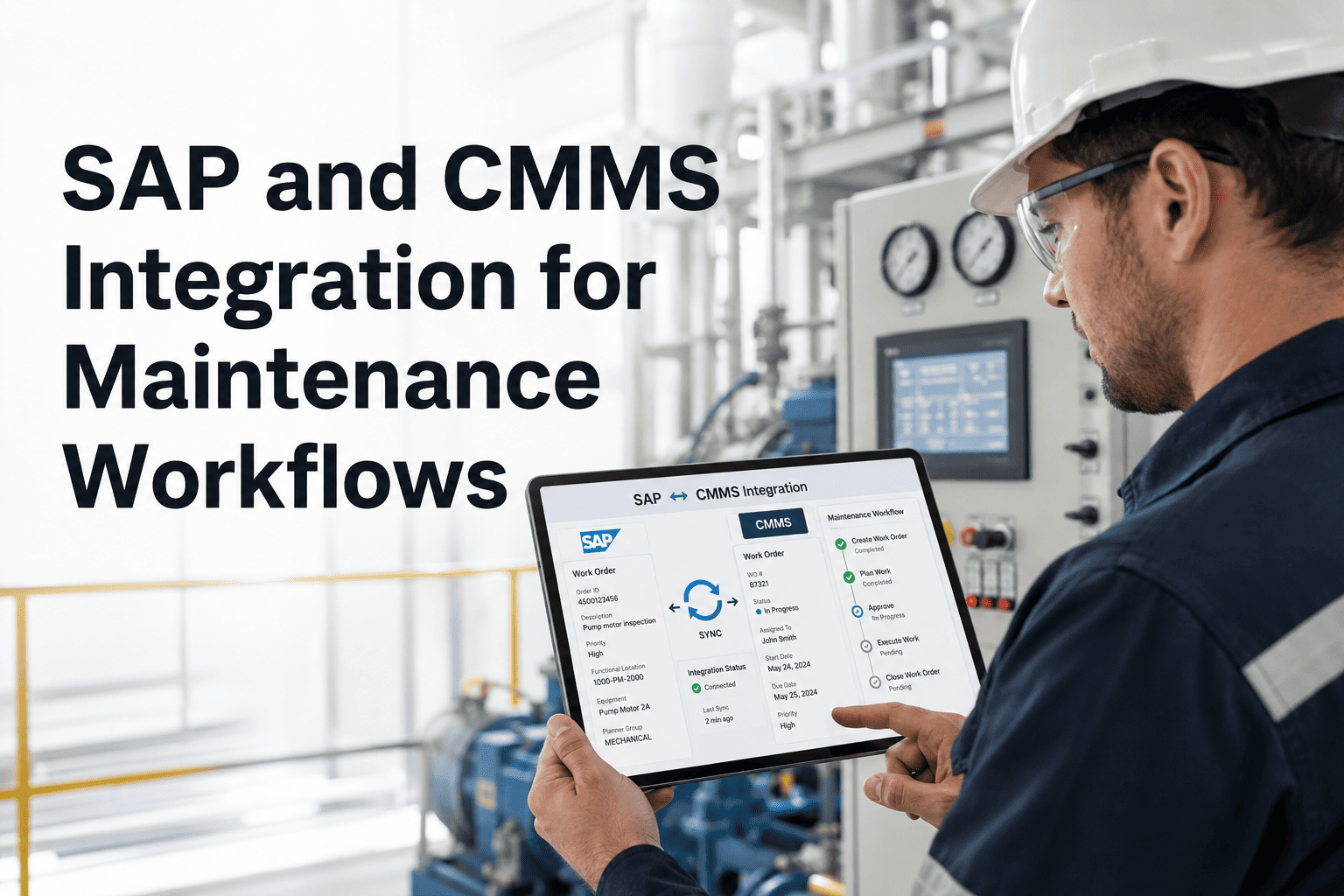
Asset history, BOM, and prior work orders attach automatically. Priority is set by production impact field. The planner receives a notification — not a phone call.
With all context already in the work order, dispatch takes two minutes instead of twenty. Skill matching and parts availability are checked at this stage before any technician moves.
Job plan steps are checked off, root cause and parts used are recorded, and the work order closes. The operator who submitted receives an automatic notification that the issue has been addressed.
How to Auto-Prioritize Operator Complaints
| Production Impact | Symptom Severity | Auto Priority | Response Target |
|---|---|---|---|
| Full stop | Any | P1 — Critical | Immediate / same shift |
| Reduced output (>20%) | Overheating / sparking | P1 — Critical | Within 2 hours |
| Reduced output (<20%) | Vibration / noise | P2 — High | Within 8 hours |
| None currently | Slow / intermittent | P3 — Medium | Next planned window |
| None — cosmetic / minor | Any | P4 — Low | Next available slot |
The single biggest productivity improvement I made in ten years of maintenance management was not a new tool — it was a structured complaint intake form. Before it, my team was responding to verbal reports that had passed through two supervisors and lost half the information. After it, every complaint arrived as a work order with an asset tag, a photo, and a priority. Response time dropped by 35 percent in the first month, not because we worked faster, but because we stopped wasting time figuring out what we were supposed to be fixing.
Frequently Asked Questions
How do you stop operators from submitting duplicate complaints for the same issue?
The most effective mechanism is visibility — when an operator can see that a work order already exists for an asset, they stop submitting a second one. OxMaint's operator intake shows open work orders for any asset that has been scanned before the submission form is completed. This alone reduces duplicate submissions by 60 to 70 percent. For assets without visible open work orders, duplicate detection logic flags submissions for the same asset within a short time window and prompts the operator to confirm whether the new submission is a different issue. Start a free trial to see how the operator intake works.
Should operators be able to set their own priority levels when submitting a complaint?
Operators should indicate production impact — full stop, reduced output, or no immediate impact — but the CMMS should translate that into a priority level using predefined rules, not allow operators to select P1 through P4 directly. When operators can set their own priority, every submission trends toward P1 because everyone believes their problem is urgent. Separating the objective observation (production impact) from the operational judgment (priority level) keeps the triage system honest and prevents priority inflation that makes dashboards meaningless. OxMaint applies these auto-priority rules at the point of submission, before any planner reviews the work order.
How long does it take to train operators to use a structured intake form?
With a well-designed QR-code based intake — where operators scan an asset, answer five structured questions, and submit — the average training time is under ten minutes per operator. The key is minimizing free-text fields and using predefined options with clear labels. The form should work from any phone browser without requiring an app download or a login account. OxMaint's operator intake is designed for this: onboarding a new production line of 30 operators typically takes one 15-minute group session. Book a demo to see the operator intake flow in action.
Give Operators a Direct Line to Your Maintenance Queue
OxMaint's structured operator intake captures asset, symptom, photo, and impact level in under 60 seconds — and creates a fully formed work order that technicians can act on immediately, without back-and-forth.