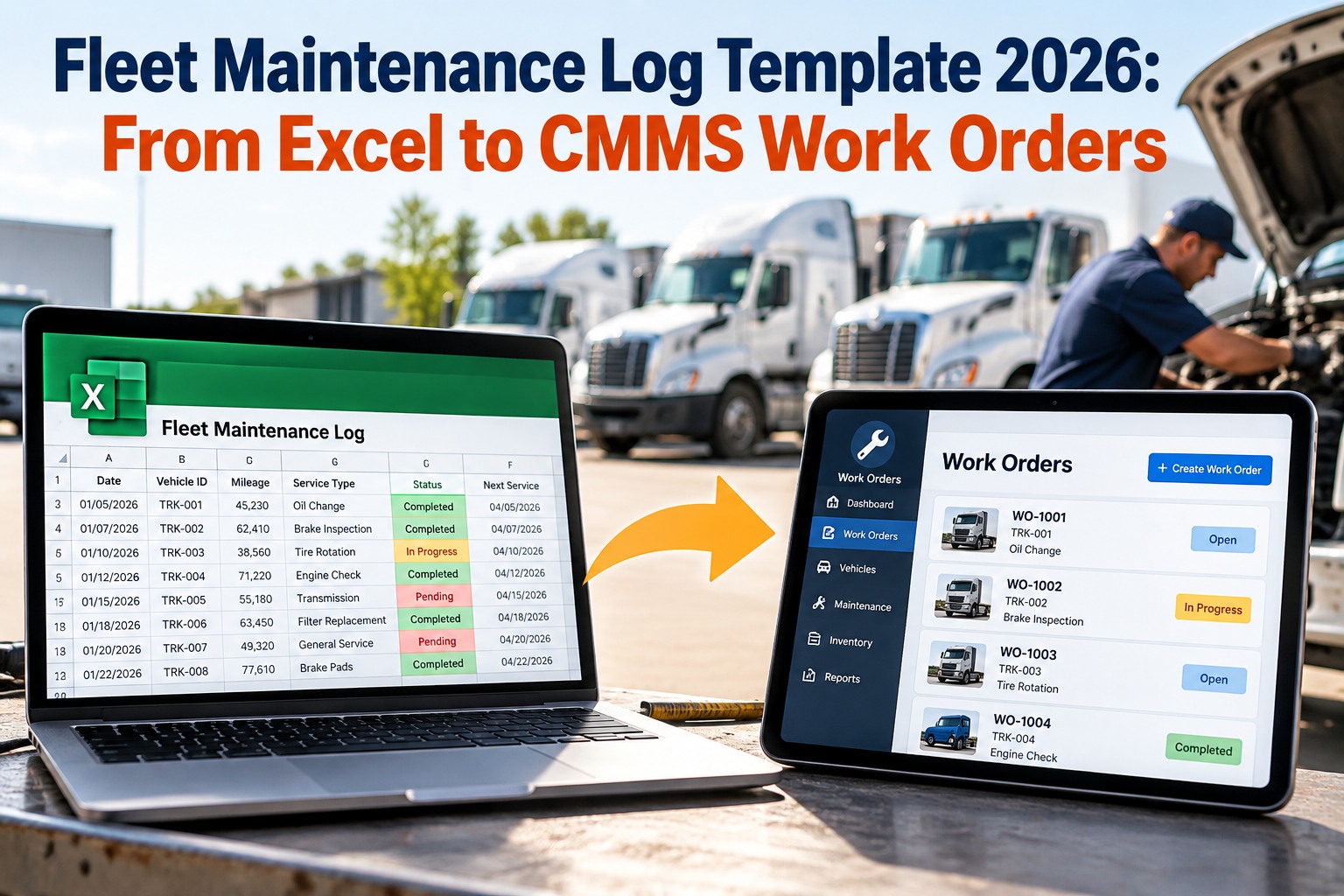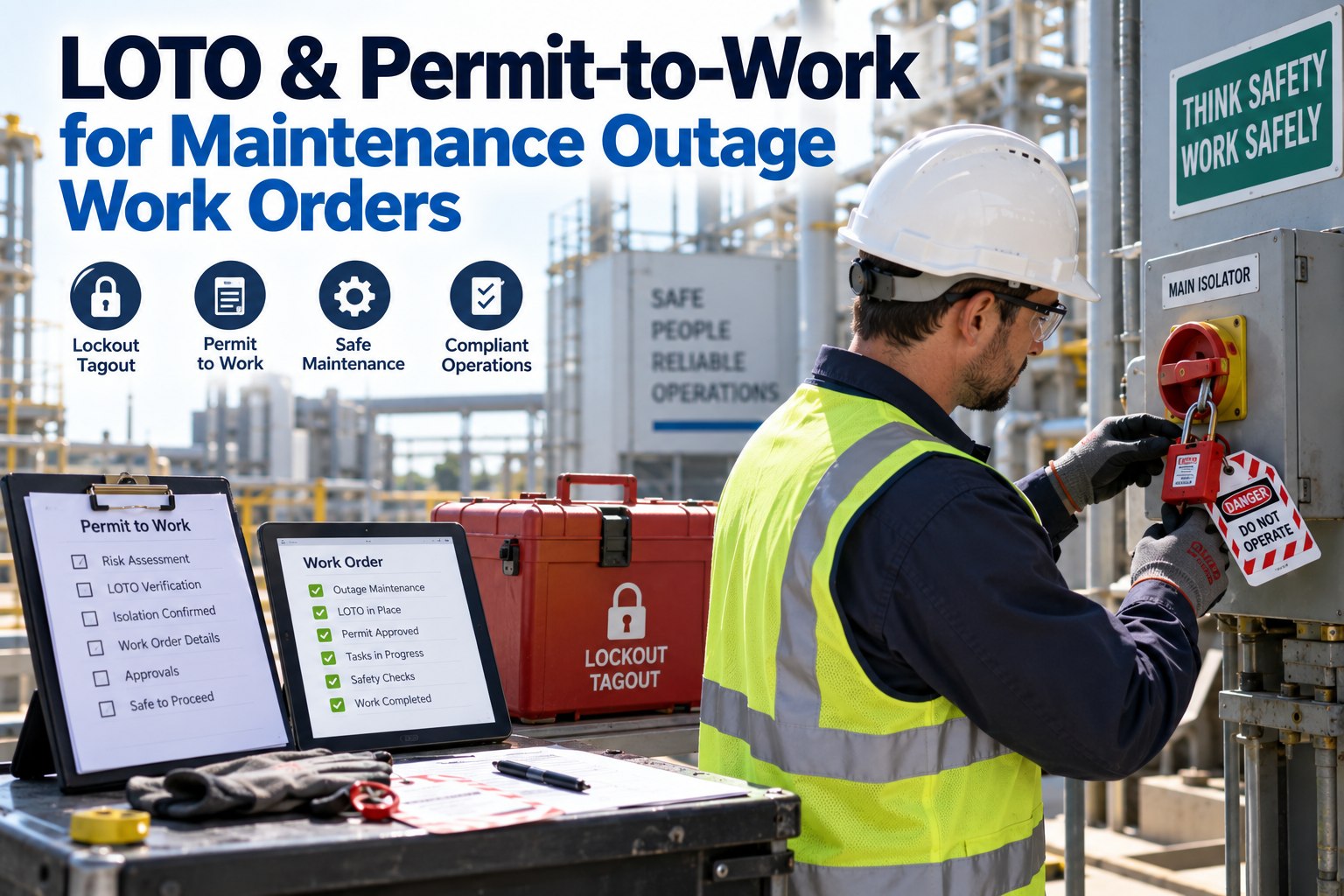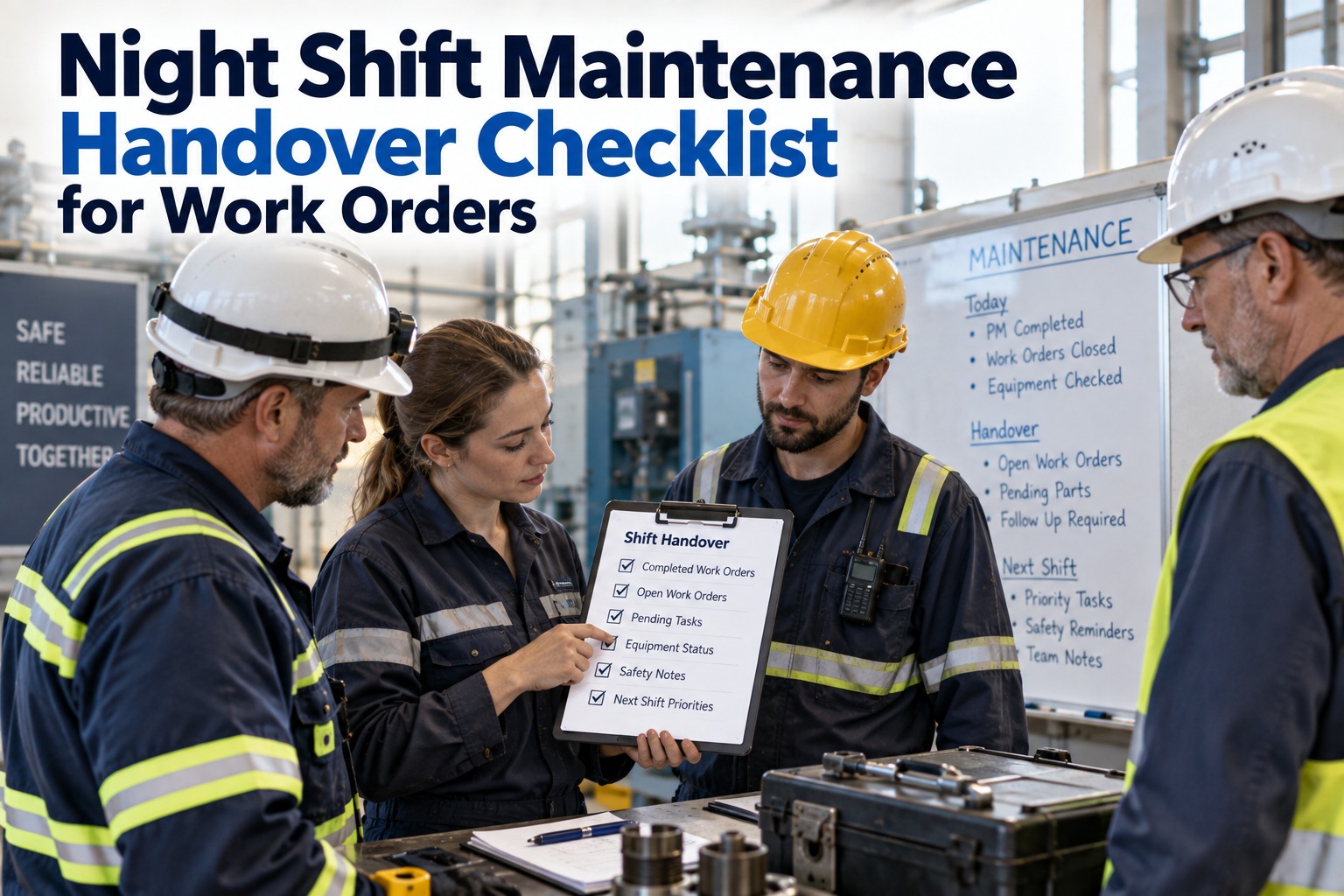
Recurring work orders are the backbone of every preventive maintenance program — but building them correctly is where most teams fail. The default approach is either too rigid (every asset on a fixed calendar regardless of condition) or too loose (technicians decide when something needs attention). Neither works at scale. The right model is structured automation with manager-defined rules: schedules that trigger without manual input, checklists that enforce quality, and escalation paths that surface exceptions before they become failures. Oxmaint's work order automation layer gives maintenance managers exactly this — automated triggers, mandatory checkpoints, and real-time visibility into every scheduled task without relinquishing control of maintenance quality. If your team is still manually creating the same work orders every week, start a free trial or book a demo to see how automated PM scheduling works in practice.
How to Automate Recurring Work Orders Without Losing Control
Automated recurring work orders eliminate manual scheduling overhead while built-in checklists, approvals, and escalation rules keep managers in control of maintenance quality at every step.
Automation Without Visibility Is Just Chaos on a Schedule
The goal of work order automation is not to remove managers from the loop — it is to remove the manual overhead so managers can focus on exceptions, quality, and continuous improvement. Oxmaint automates work order generation, assigns technicians, enforces checklists, triggers escalations, and surfaces completion data — all without a manager having to manually create, assign, or follow up on individual PMs. Teams that want to see automated PM scheduling in action can start a free trial or book a demo today.
Why Manual Work Order Creation Fails at Scale
Manual recurring work order creation is not a process — it is a dependency on human memory. When the maintenance manager who knows the schedule is on leave, the PMs do not get created. When the team grows from 12 assets to 120, the manual model collapses. These are the four failure modes that automation directly eliminates.
PM intervals slip by days, then weeks, then months when work order creation depends on someone remembering to create it. A quarterly PM that consistently runs 3 weeks late is functionally a semi-annual PM — cutting the preventive maintenance value in half without anyone noticing.
When technicians create or receive work orders without standardized checklists, inspection quality varies by individual. One technician checks 8 items, another checks 3. The maintenance record looks complete either way — but the asset condition assessment is fundamentally different.
A work order that is overdue by 5 days with no automated escalation stays overdue indefinitely. Without a rule that notifies the supervisor at 24 hours overdue and the manager at 48 hours, delinquent PMs accumulate silently until an audit or a failure makes them visible.
Manual systems cannot tell you in real time what percentage of this week's PMs have been completed, which are overdue, and which were completed but failed a checklist item. That visibility requires a CMMS with automated work order generation and completion tracking.
The Five Components of Controlled Work Order Automation
Effective recurring work order automation is built on five interdependent components. Get all five right and your PM program runs with minimal manual overhead and maximum quality control. Miss one and you either lose control or lose the efficiency benefit of automation.
Define what creates the work order — calendar interval (every 30 days), meter threshold (every 500 hours), or production count (every 10,000 units). Multi-trigger rules use whichever condition is reached first. The trigger is the foundation — everything else depends on it being accurate and automatic.
Define who receives the work order at creation — by skill level, shift, asset location, or certification. An HVAC filter change goes to the HVAC-certified technician on the day shift. A generator load test goes to the licensed electrician. Assignment rules eliminate the manager bottleneck from every routine PM dispatch.
Each recurring work order type carries a locked checklist that cannot be bypassed. Checklist items can be free-text, numeric entry, pass/fail, or photo-required. A failed checklist item automatically triggers a corrective work order — no manager action required to initiate the follow-up.
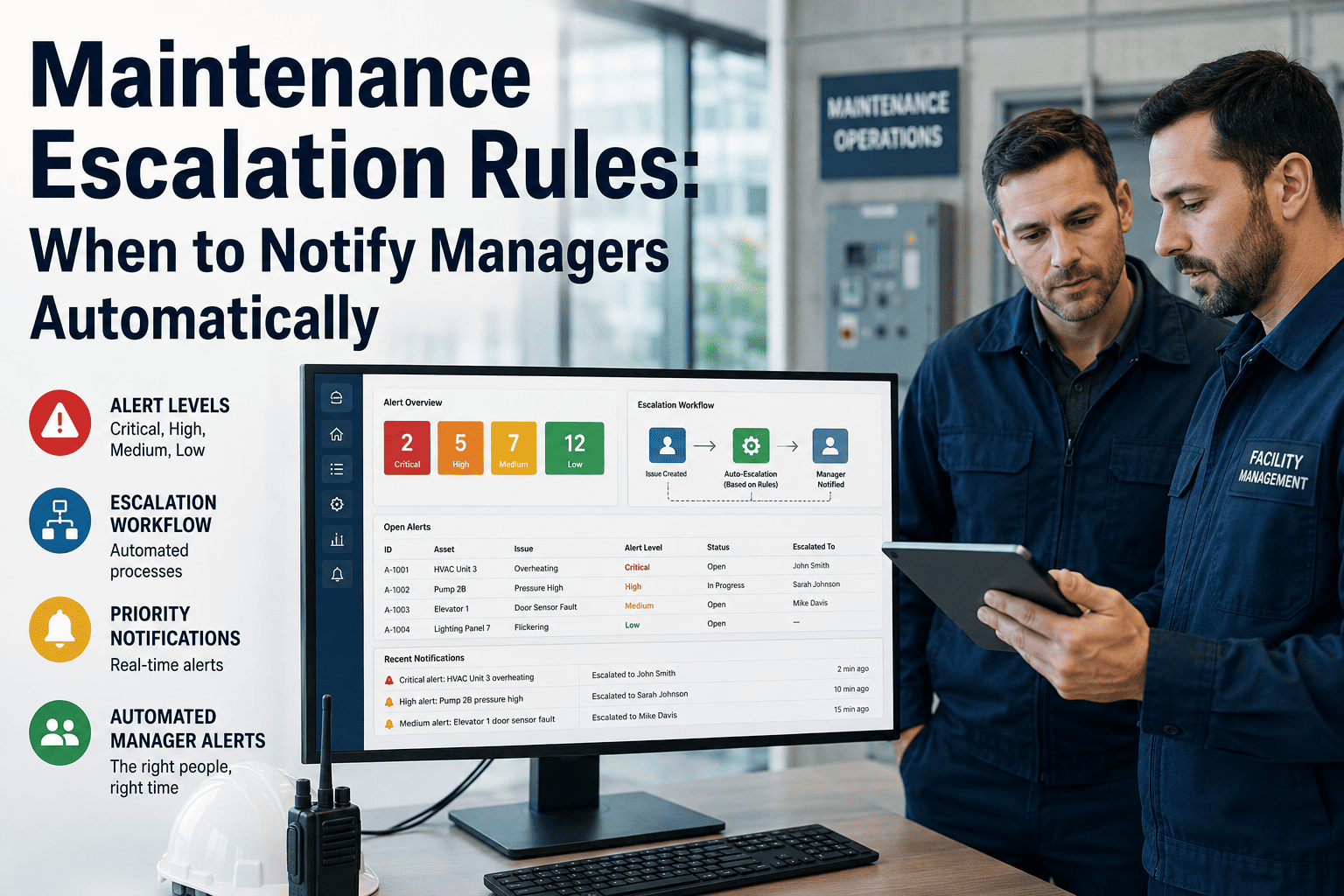
Set due dates relative to trigger (trigger date + 2 days for standard PMs, trigger date + same day for critical assets). Define escalation paths: 24-hour overdue notifies supervisor, 48-hour overdue notifies manager, 72-hour overdue pauses the asset from production use until PM is completed.
High-criticality PMs require supervisor sign-off before closure — even if all checklist items are marked complete. Approval gates prevent technicians from closing work orders with outstanding issues and ensure a second set of eyes reviews the asset condition on critical equipment before it is returned to service.
Automated completion reports show PM compliance rate by asset class, technician, site, and time period — without any manual data compilation. A manager who wants to know the PM completion rate for the past 30 days should be able to see it in under 30 seconds, not after a 2-hour spreadsheet exercise.
Choosing the Right Trigger for Every Asset Class
Not every asset should be on a calendar trigger. The trigger type should match the asset's actual wear mechanism — assets that degrade by use need meter triggers, assets that degrade by time need calendar triggers, and high-criticality assets need both.
| Asset Class | Primary Trigger | Secondary Trigger | Trigger Basis | Example Interval |
|---|---|---|---|---|
| HVAC Systems | Calendar | Runtime hours | Time-based degradation | Quarterly or 2,000 hours |
| Production Equipment | Unit count / cycles | Calendar (max interval) | Use-based wear | Every 10,000 cycles or 90 days |
| Vehicles / Fleet | Mileage / hours | Calendar | Use-based degradation | Every 5,000 miles or 6 months |
| Electrical Systems | Calendar | Inspection result | Regulatory and time-based | Annually or per code requirement |
| Pumps and Compressors | Runtime hours | Calendar | Continuous use wear | Every 1,000 hours or 6 months |
| Safety Equipment | Calendar (mandatory) | Regulatory schedule | Compliance-driven | Monthly / quarterly per standard |
| Conveyor Systems | Runtime hours | Unit throughput | Load-based wear | Every 500 hours or 50,000 units |
| Facility Infrastructure | Calendar | Condition score | Time and condition-based | Semi-annual or when score drops below threshold |
How Oxmaint Automates Work Orders While Keeping You in Control
Oxmaint's work order automation is built for maintenance managers who need scheduling efficiency without visibility gaps. Every automated work order is traceable, every checklist is enforced, and every exception is surfaced. Teams ready to eliminate manual PM scheduling can start a free trial or book a demo.
Set calendar, runtime-hour, mileage, unit-count, and condition-score triggers on a single asset — with "whichever comes first" logic that prevents the gap between mileage and calendar cycles from becoming a missed PM window.
Assign by skill level, shift, location, or certification. A rotating PM schedule automatically distributes work orders across the team without a manager making individual dispatch decisions for every routine task.
Each work order type carries an asset-specific checklist with required fields — numeric readings, pass/fail items, photo capture, and signature. Failed checklist items auto-generate corrective work orders without manager intervention.
Configure escalation paths per work order type — supervisor notified at 24 hours overdue, manager at 48 hours, asset flagged for review at 72 hours. No PM stays delinquent without a responsible person being alerted.
Critical PM work orders require supervisor or manager digital sign-off before closure — with the approval creating a timestamped audit record. Approval gates cannot be bypassed on asset classes where you configure them as mandatory.
PM completion rate, overdue count, average completion time, and checklist failure rate — updated in real time across every asset, site, and technician. Exportable for board reporting, audit documentation, and contractor performance reviews.
Manual PM Scheduling vs. Automated Work Order System
What Work Order Automation Delivers in Practice
Time previously spent creating, assigning, and following up on recurring work orders redirected to exception management and quality improvement
Automated scheduling eliminates the interval drift that allows preventable failures to occur between manually-created work orders
Every PM that automation ensures happens on schedule prevents a reactive repair that costs 4.8x more in labor, parts, and downtime
Real-time dashboard shows exactly which PMs are complete, overdue, or pending approval — no manual compilation needed for audit or reporting
Frequently Asked Questions
How do I set up recurring work orders for assets with both time and usage-based intervals?+
How do escalation rules work without creating alert fatigue for managers?+
Can automated work orders handle seasonal or irregular maintenance schedules?+
What happens to recurring work orders when an asset is taken offline or decommissioned?+
Stop Manually Creating Work Orders Your CMMS Should Be Creating for You
Recurring PMs should run automatically, checklists should enforce quality without your intervention, and overdue work orders should escalate before they become failures. Oxmaint gives you all three — with real-time completion dashboards that show you exactly where your PM program stands at any moment.