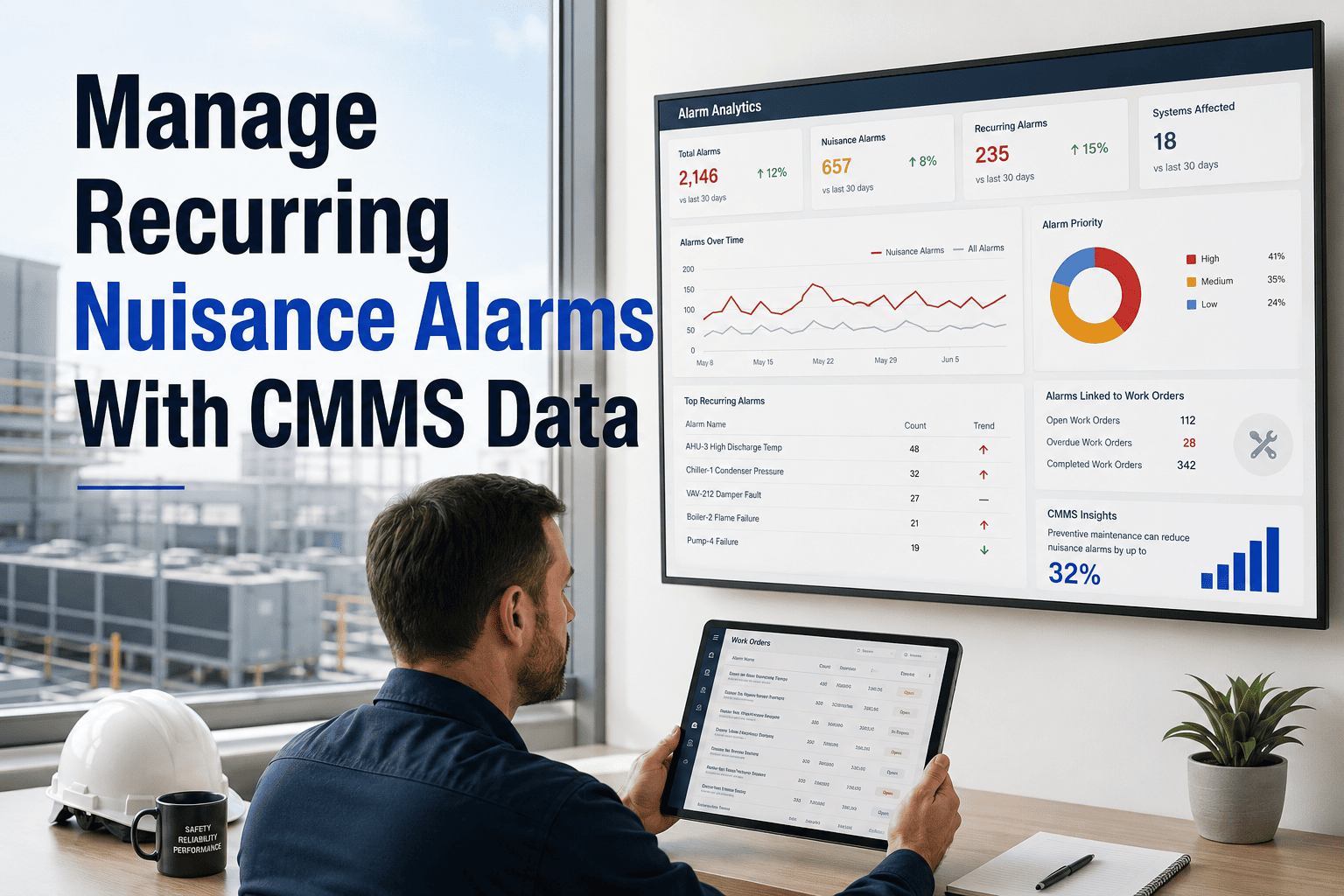
When the same alarm fires 40 times a week without triggering a real response, your team has stopped listening — and that's when a genuinely critical fault gets missed. OxMaint's CMMS alert history lets you identify nuisance alarm patterns, link them back to specific assets, and convert repeat offenders into corrective work orders before alert fatigue causes a serious incident.
How to Manage Recurring Nuisance Alarms With CMMS Data
Identify repeated alarms, trace them to root causes, create corrective work orders, and cut alert fatigue — using the maintenance data your team already generates every shift.
Book a Demo Start FreeWhat Makes an Alarm a "Nuisance" Alarm?
A nuisance alarm is any alarm that activates repeatedly without a real actionable fault — or fires so frequently that operators acknowledge it without investigating. Three patterns define 95% of nuisance alarm root causes.
The alarm threshold is configured within the normal operating variance of the asset. Temperature swings, pressure cycles, and vibration during startup routinely cross the line. Fix: widen the deadband or shift the threshold to 15% above average operating value.
A sensor that's out of calibration reads intermittently high or low — triggering alarms that reflect sensor condition, not asset condition. CMMS data reveals this: an alarm that fires 3–5 times per shift on a stable asset is almost always a sensor issue, not a process issue.
Some alarms are genuine — they signal a real degradation that's been acknowledged but not repaired. Repeat alarms on the same asset week after week mean a corrective work order was never created, or was created and not completed. CMMS linking is the fix.
The 4-Step Nuisance Alarm Elimination Process
Nuisance Alarm Classification Matrix
Use this matrix to classify and prioritize which alarms need corrective action first. Frequency alone doesn't drive priority — impact severity does.
| Alarm Type | Frequency Signal | Likely Root Cause | Corrective Action | Priority |
|---|---|---|---|---|
| High-frequency / No work order | 10+ per week | Set point error or sensor drift | Recalibrate sensor + adjust threshold | High |
| Recurring / Work order open | 3–10 per week | Repair incomplete or wrong diagnosis | Escalate WO + verify fix quality | High |
| Transient / Startup only | 1–3 per event | Threshold too tight for transients | Add startup suppression window | Medium |
| Acknowledged-only / No action | Any | Alert fatigue or undefined owner | Assign owner + SLA + escalation rule | Medium |
| Low frequency / No linked history | < 1 per week | Early-stage degradation | Schedule inspection + create PM check | Monitor |
Stop Reading Alarms. Start Resolving Their Root Causes.
OxMaint tracks alarm history per asset, flags recurring patterns automatically, and generates corrective work orders without manual data extraction. One platform connects your alarm data to your maintenance workflow.
"Alert fatigue is one of the most underestimated risks in industrial maintenance. I've walked control rooms where operators acknowledge 200 alarms per shift on autopilot — and then miss the one alarm that matters. The solution isn't better operators, it's a better alarm system. If your CMMS shows the same alarm firing repeatedly without a closed work order linked to it, that's not an alarm problem — that's a maintenance management problem. Treat it as one."
— Reliability Engineer, 22 years in process industry alarm management and CMMS implementation




.png)