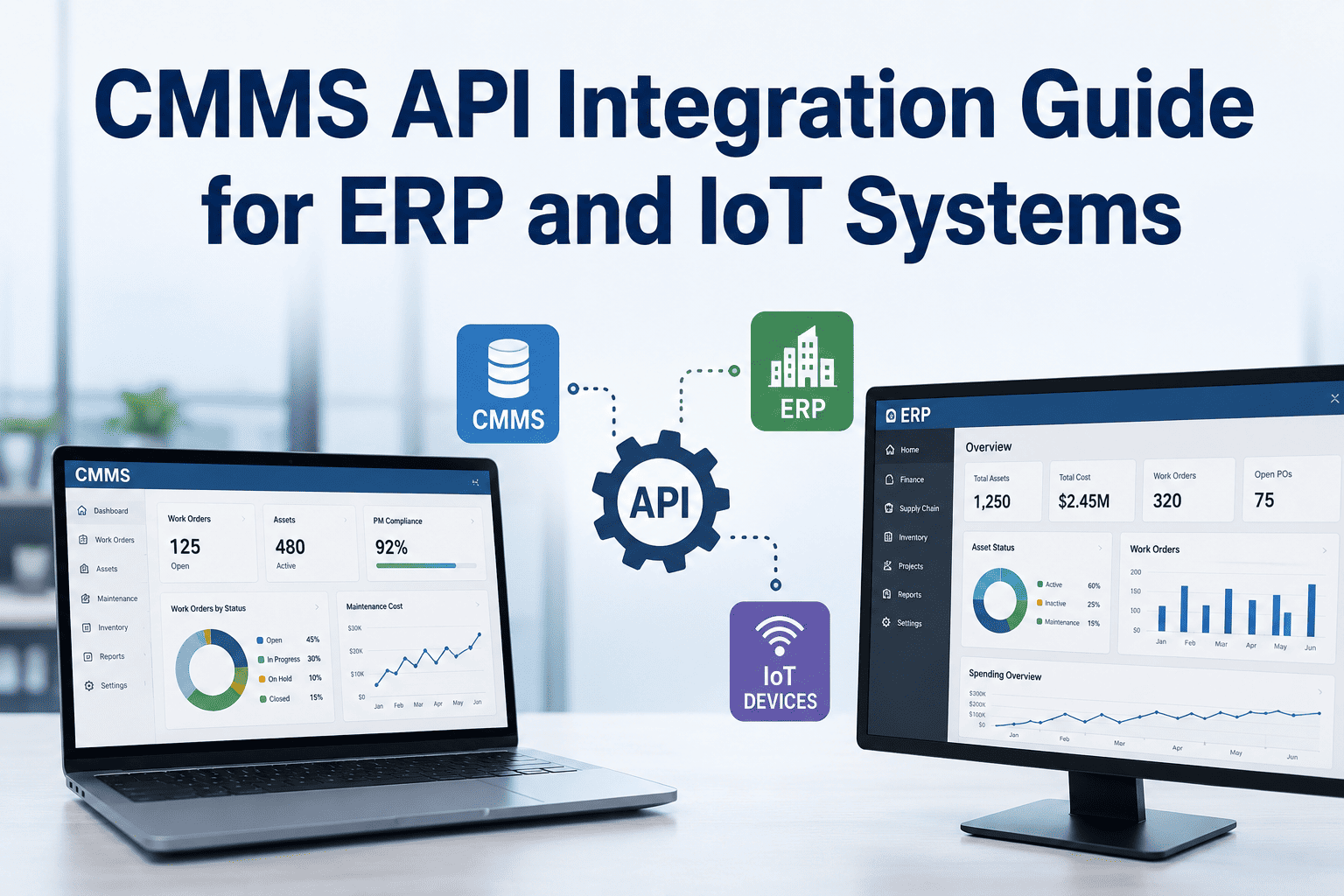
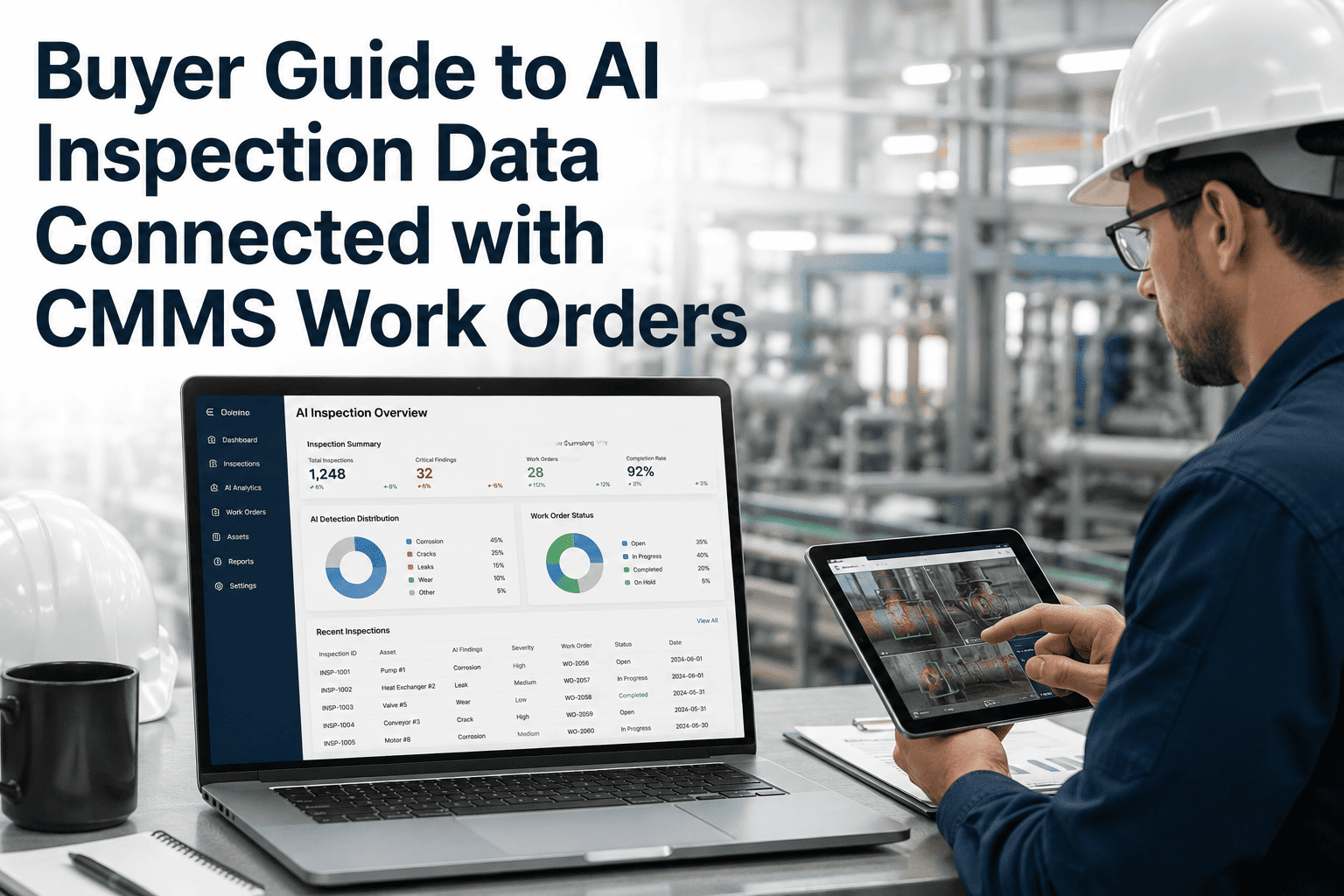
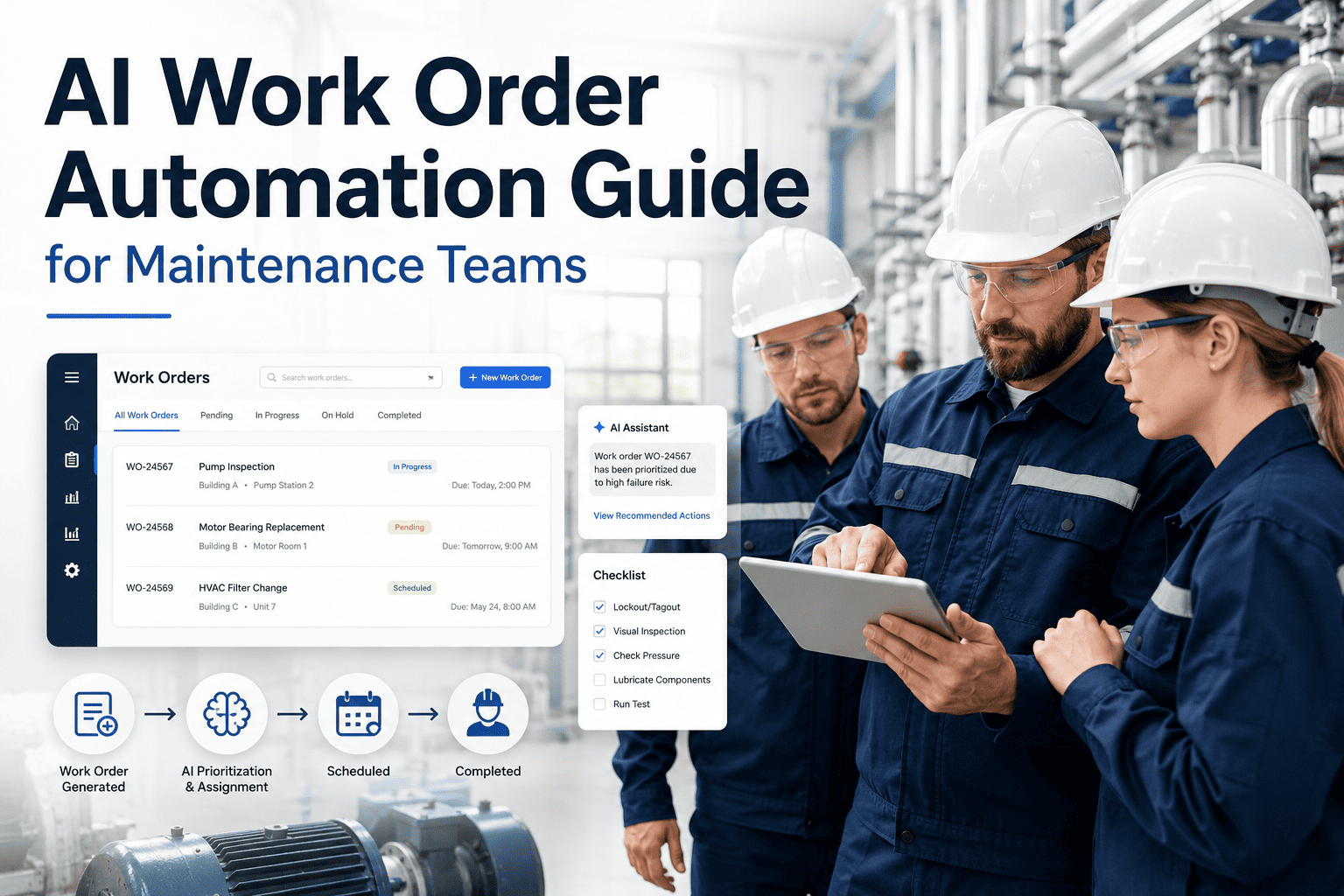
Maintenance teams using disconnected systems lose an average of 4.5 hours per technician per week to manual data entry, duplicate record-keeping, and chasing down information that should already be in one place. OxMaint's CMMS integration layer connects your maintenance operations to ERP, IoT sensors, inventory platforms, finance systems, and BI tools — eliminating data silos and giving every stakeholder a single source of truth. This guide explains how modern CMMS API integration works, which systems to prioritize, and what your team gains at each connection point.
INTEGRATION GUIDE
Connect Your CMMS to ERP, IoT, and BI — A Complete Integration Blueprint
Manual data bridges cost hours. API-connected maintenance systems close work orders faster, reduce inventory stockouts, and surface the insights leadership actually needs.
4.5 hrs
weekly per tech wasted on manual data entry in disconnected systems
62%
of plants cite poor system integration as a top maintenance visibility gap
30%
faster work order resolution when CMMS and ERP inventory are synced
The 5 Integration Types That Drive the Most Value
Not all integrations are equal. These five connections deliver the highest ROI for maintenance and operations teams — ranked by immediate operational impact.
01
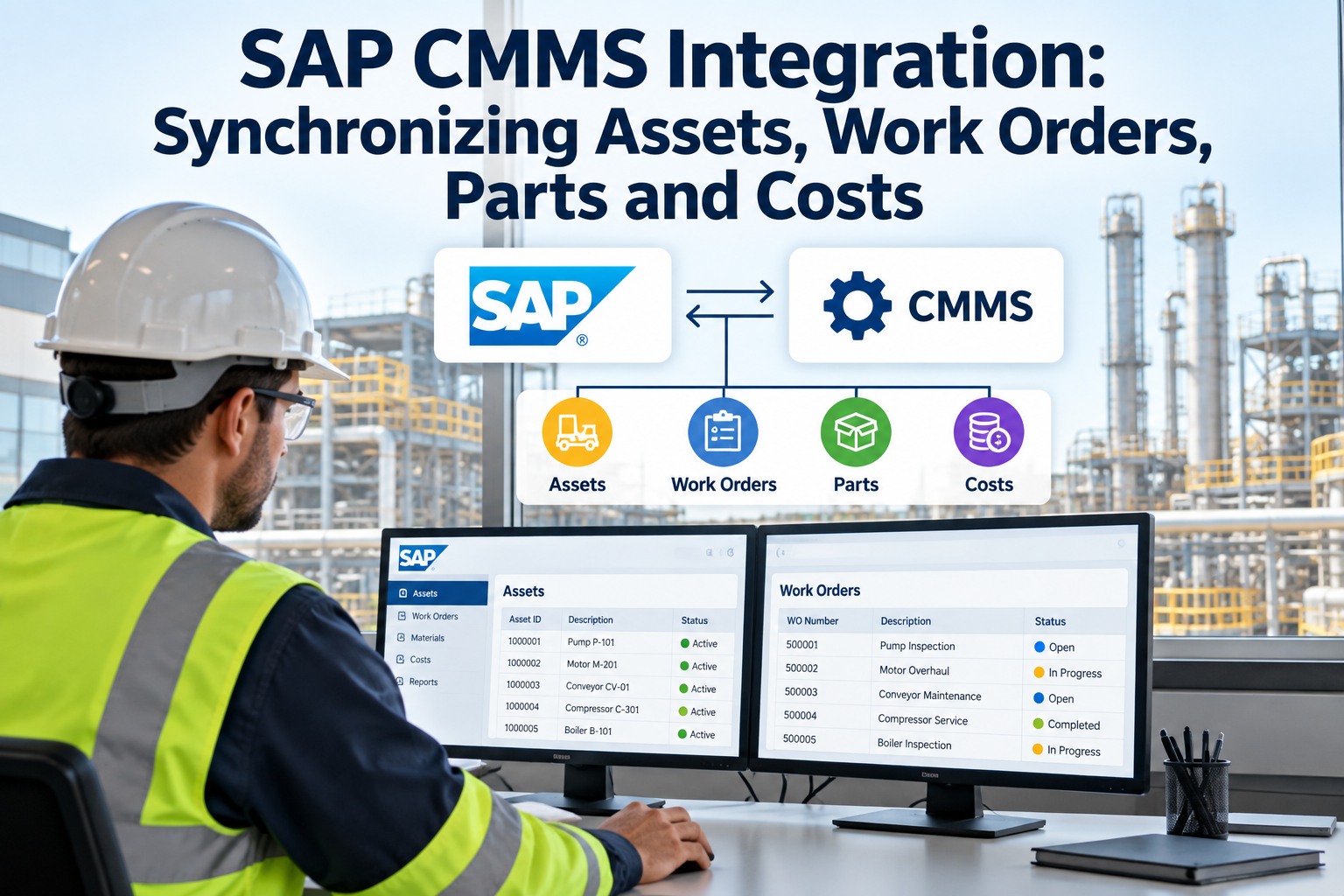
ERP Integration — SAP, Oracle, Microsoft Dynamics
Sync work order costs directly into your ERP's financial modules. Maintenance spend becomes visible to finance without manual export. Asset depreciation, warranty tracking, and capital project forecasting all benefit from live CMMS-ERP data exchange.
Gain: Accurate maintenance cost accounting in real time
02
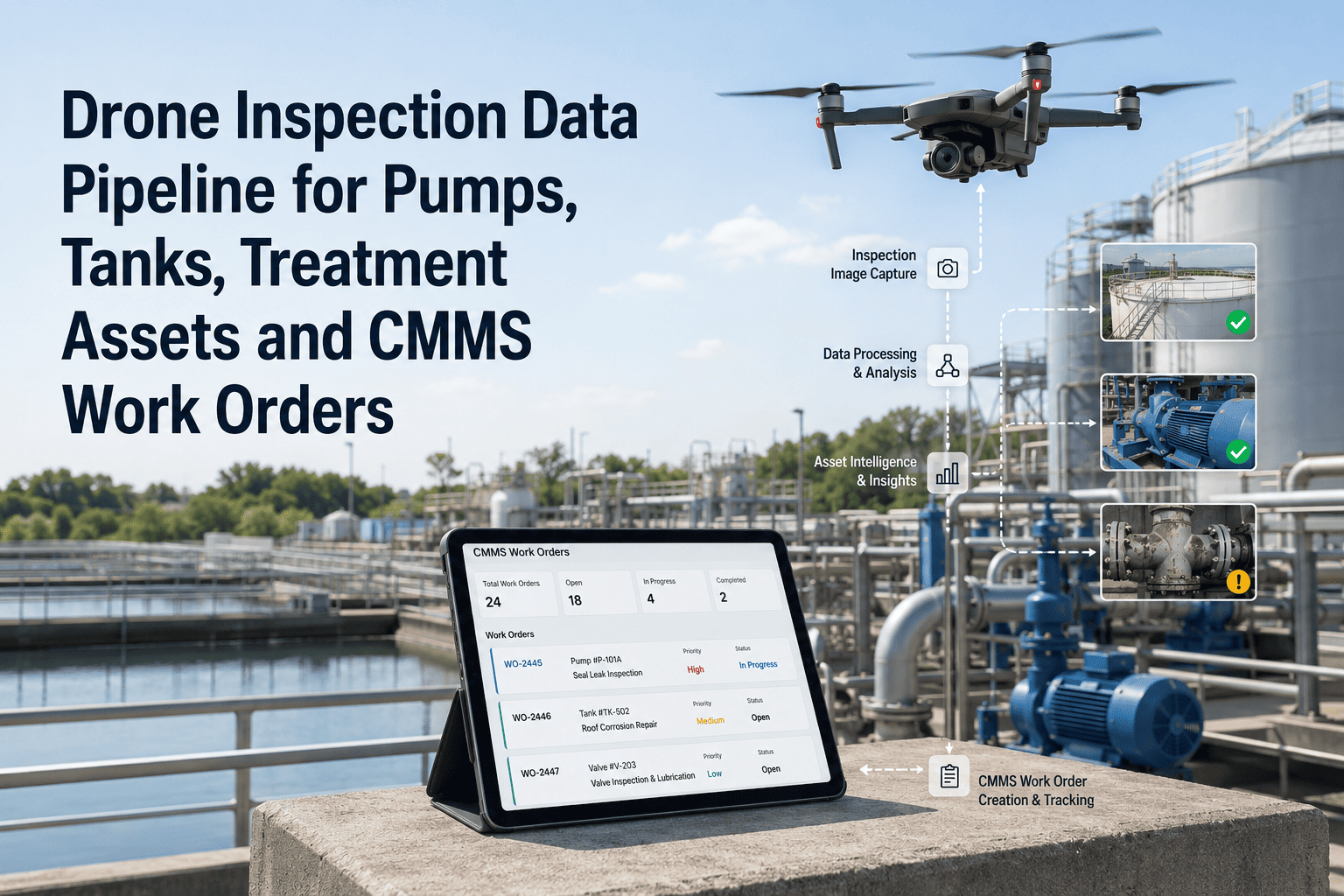
IoT Sensor Integration — Condition Monitoring Feeds
Connect vibration sensors, temperature monitors, oil analysis systems, and runtime counters directly to OxMaint. When sensor readings cross defined thresholds, the CMMS automatically generates a predictive work order — before equipment fails.
Gain: Predictive maintenance triggered by real asset conditions
03
Inventory and Procurement Systems
When a work order requires a spare part, OxMaint checks current stock levels in your inventory system. If the part is below reorder point, a purchase request is created automatically. No more technicians discovering missing parts when they arrive on-site.
Gain: Eliminate "parts not available" work order delays
04
BI and Analytics Platforms — Power BI, Tableau
Push OxMaint's work order, downtime, and PM compliance data into your organization's existing BI dashboards. Maintenance KPIs become part of the same operational reporting stack used by production, finance, and leadership — no separate maintenance silo.
Gain: Maintenance analytics in executive dashboards
05
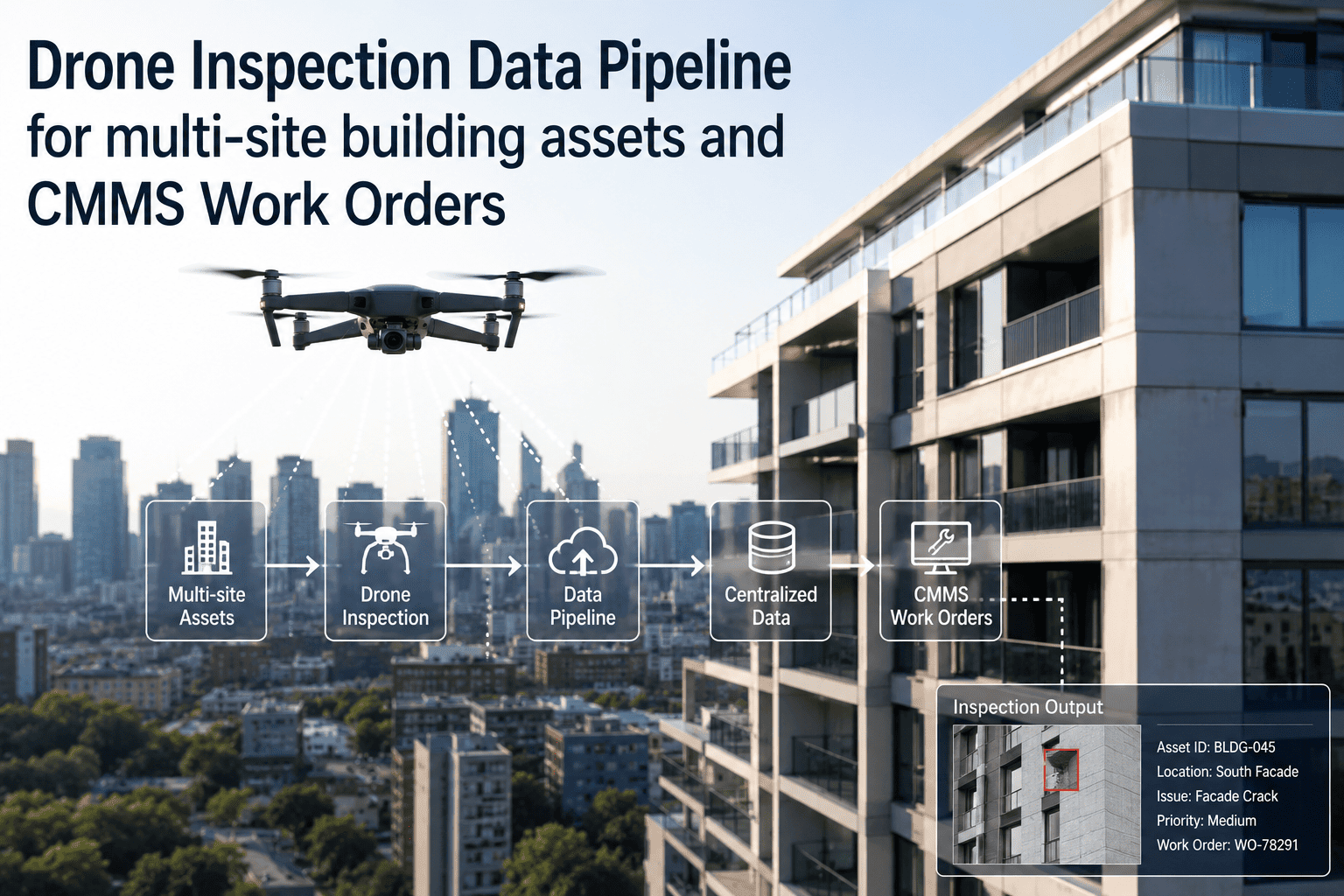
SCADA and Production Systems
Link production downtime events from SCADA directly to maintenance work orders in OxMaint. When a line stops, a work order is created with the exact downtime timestamp, machine ID, and production impact — reducing time-to-diagnosis significantly.
Gain: Automatic work order creation at the moment of failure
Integration Complexity vs. Business Impact
| Integration |
Setup Complexity |
Time to Value |
Primary Beneficiary |
OxMaint Support |
| ERP (SAP / Oracle) |
Medium–High |
4–8 weeks |
Finance & Operations |
REST API + pre-built connectors |
| IoT Sensor Feeds |
Low–Medium |
1–3 weeks |
Maintenance Teams |
MQTT / webhook ingestion |
| Inventory / Procurement |
Low |
1–2 weeks |
Maintenance & Procurement |
Inventory API sync |
| BI Tools (Power BI) |
Low |
Under 1 week |
Leadership & Analytics |
Scheduled data export / API |
| SCADA / MES |
Medium |
2–4 weeks |
Operations & Reliability |
Event-driven webhook triggers |
Ready to Connect OxMaint to Your Existing Systems?
OxMaint's integration team handles ERP, IoT, and BI connections — most customers go live within 2–4 weeks.
What Changes When Systems Are Connected
WITHOUT INTEGRATION
Technicians manually copy work order data into ERP at end of shift
Parts availability discovered on-site — after driving to the job
Downtime events logged in SCADA never reach the maintenance team
Maintenance KPIs only visible in separate CMMS reports, not leadership dashboards
Sensor alerts go to email inboxes — not into actionable work orders
WITH OXMAINT INTEGRATION
Work order close in mobile app pushes cost data to ERP automatically
Parts check happens at work order creation — reorder triggered if needed
SCADA downtime event generates a work order in OxMaint instantly
Maintenance KPIs feed directly into Power BI leadership dashboards
Sensor threshold breach creates a predictive work order with asset context
EXPERT REVIEW
Anil Sharma, PMP
Enterprise Systems Architect — 14 Years in Industrial Automation and CMMS Deployments
The biggest integration mistake I see is teams connecting everything at once and overwhelming their IT resources. Start with the one integration that removes the most daily friction — for most plants, that's inventory sync. When technicians stop discovering missing parts on-site, you recover more wrench time than almost any other single change. Once that's working cleanly, layer in ERP cost sync and IoT feeds. Integration value compounds over time; you don't have to get everything on day one.
Frequently Asked Questions
Does OxMaint support integration with SAP PM (Plant Maintenance)?
Yes. OxMaint offers REST API endpoints that map to SAP PM's notification and order management structures. Work orders created in OxMaint can be synchronized to SAP PM as maintenance notifications, and cost settlements can be pushed back into SAP controlling modules. The integration is configured during onboarding and typically takes 3–5 weeks depending on your SAP environment's complexity.
Book a demo to review your SAP setup with our integration team.
Can OxMaint receive alerts from third-party condition monitoring systems?
Yes. OxMaint supports inbound webhook events and MQTT message ingestion from condition monitoring platforms including SKF, Emerson, and generic IoT gateway systems. When a sensor alert is received, OxMaint matches it to the corresponding asset record and creates a predictive work order with the alert data attached. You can configure threshold rules, alert-to-work-order mapping, and priority levels from the OxMaint admin panel without IT involvement for most configurations.
What security standards does the OxMaint API follow?
OxMaint's API uses OAuth 2.0 for authentication, TLS 1.2+ for data in transit, and role-based access control to ensure integration credentials only access the data scopes they need. All API activity is logged to an audit trail. The platform is SOC 2 Type II compliant and supports IP allowlisting for enterprise environments with strict network security requirements.
Sign up free to access API documentation and sandbox credentials.
How long does a typical OxMaint integration project take from start to live?
Integration timelines vary by type. Inventory sync and BI data export connections typically go live within 1–2 weeks using OxMaint's pre-built connectors. IoT sensor integrations average 2–3 weeks depending on sensor protocol and asset mapping complexity. ERP integrations with SAP or Oracle are the most involved, typically requiring 4–8 weeks for testing, field mapping, and user acceptance. OxMaint's integration team is included in all mid-market and enterprise plans at no additional charge.