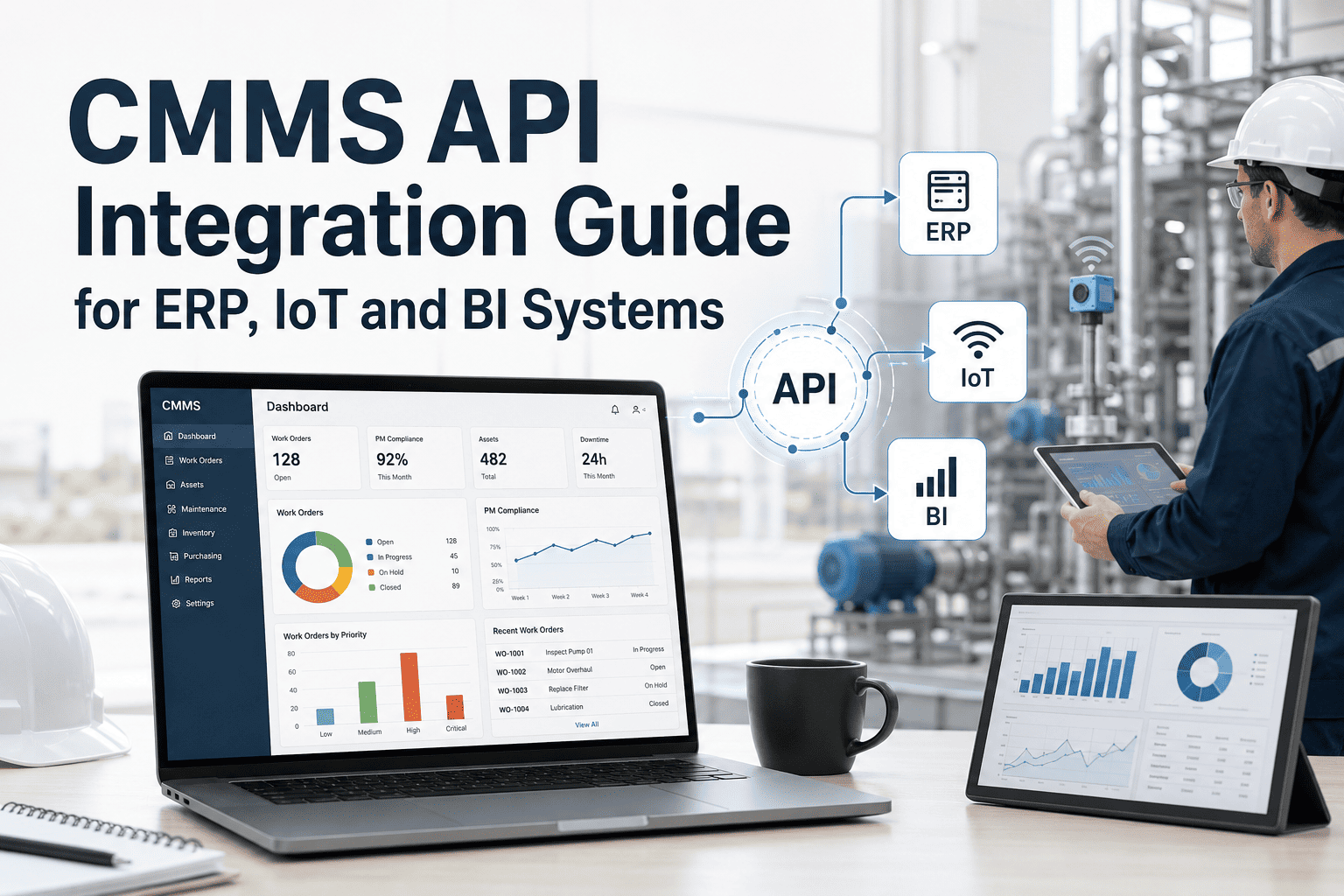
Most maintenance operations run on 4 to 6 disconnected software tools — a CMMS that does not talk to the ERP, IoT sensors that fire alerts no one acts on, and BI dashboards that exclude maintenance data entirely. The result is 4.5 hours per technician per week lost to manual data entry, duplicate records, and information chasing. OxMaint's CMMS solves this with a documented REST API, webhook engine, and pre-built connectors for SAP, Oracle, major BI platforms, and IoT sensor networks — so your maintenance data flows automatically to every system that needs it. This guide covers the five highest-ROI integration types, how the API works, and what your team gains at each connection point. Book a 30-minute demo to see OxMaint's integration layer running live against your existing stack.
4.7
Average software tools a maintenance team runs in parallel — without an API connecting them
47%
of maintenance teams spend more time moving data between systems than managing maintenance
4.5h
Lost per technician per week to manual data entry across disconnected platforms
2–4w
Typical time to go live with OxMaint ERP, IoT, and BI integrations
Why Integration Fails Without an API
A sensor detects a vibration anomaly. Someone reads the alert, opens the CMMS, manually creates a work order, then opens the ERP to log the labour cost. Three systems. Three logins. Zero automation. OxMaint's API closes every one of these gaps — the sensor fires a webhook, the work order creates itself, and the cost posts to the ERP without human intervention.
05
The Five Integrations That Deliver the Highest ROI
01
IoT Sensor → Auto Work Order
Vibration, temperature, oil-analysis, and runtime sensors connect directly to OxMaint. When a reading crosses a defined threshold, a predictive work order is created automatically — assigned, prioritised, and linked to the asset — before failure occurs.
Gain: Predictive maintenance triggered by real asset conditions, not schedules
02
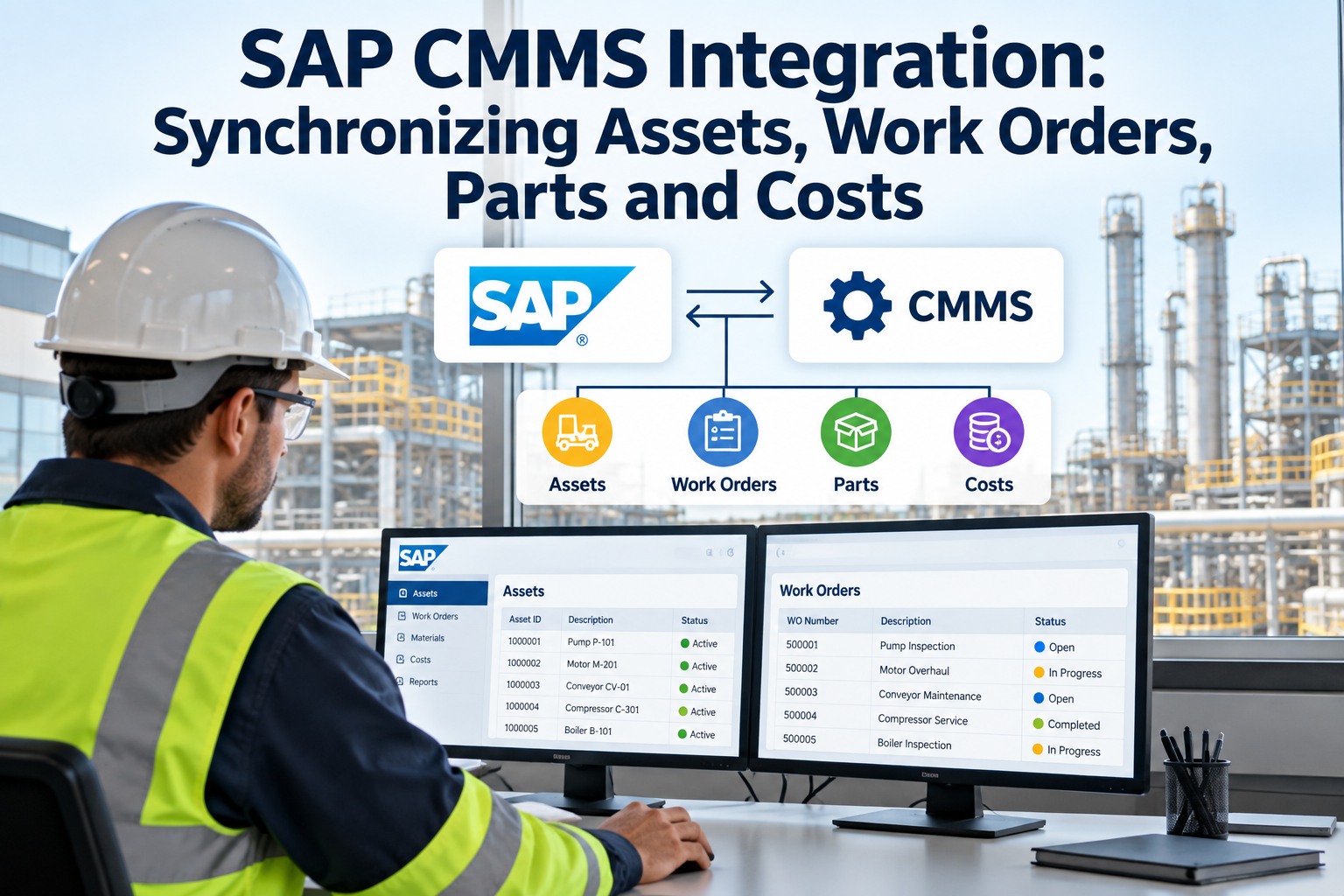
ERP / SAP Bidirectional Sync
Work orders, labour costs, and purchase requests flow from OxMaint to SAP or Oracle automatically. PO approvals in the ERP sync back to OxMaint. Accounting always reflects current maintenance spend without manual re-entry.
Gain: Closed-loop cost tracking — no data gaps between maintenance and finance
03
Inventory & Parts Auto-Replenishment
When a work order requires a spare part, OxMaint checks live stock levels. If the part is below reorder point, a purchase request is generated automatically — no more technicians arriving on-site to discover parts are missing.
Gain: Eliminate "parts unavailable" delays without manual stock monitoring
04
BI Dashboard Data Push
OxMaint pushes work order, downtime, and PM compliance data into Power BI, Tableau, or any BI platform via REST API or webhook. Maintenance KPIs appear in the same operational reports used by production, finance, and leadership.
Gain: Maintenance data inside leadership dashboards — no separate reporting silo
05
BMS & SCADA Event Triggers
Building Management Systems and SCADA platforms can push fault events directly into OxMaint via webhook. A BMS fault becomes a maintenance work order in under 60 seconds — with the fault code, asset reference, and priority pre-populated.
Gain: Zero-delay work order creation from building and process alarms
OxMaint Integration Layer
Connect your ERP, IoT sensors, BI tools, and SCADA systems to a single maintenance source of truth
How OxMaint's API Works: Three Integration Patterns
REST API
Full CRUD for All CMMS Resources
Standard HTTP endpoints (GET, POST, PUT, DELETE) covering 100% of OxMaint functionality — work orders, assets, PMs, parts, users. Best for ERP integration, batch sync, and mobile app backends. Developer documentation provided with every account.
Best for: ERP sync · Batch data · Mobile backends
Webhooks
Event-Driven Real-Time Callbacks
HTTP callbacks that fire the instant something changes in OxMaint — work order created, PM completed, asset threshold breached. Your external system receives the event and responds immediately. No polling. No delays.
Best for: IoT triggers · Notifications · Event-driven flows
GraphQL
Efficient Data Queries for BI
Request exactly the data fields you need — no more, no less. Query 500 assets returning only name, condition score, and last PM date rather than receiving every field on every asset. Ideal for BI dashboards where bandwidth and query speed matter.
Best for: BI dashboards · Custom reports · Front-end apps
Integration Comparison: Disconnected vs. API-Connected CMMS
| Workflow |
Disconnected Systems |
OxMaint API-Connected |
| IoT alert → work order |
Manual — technician reads alert, opens CMMS, creates WO by hand |
Automatic — sensor webhook fires, WO created in under 60 seconds |
| Work order cost → ERP |
Manual entry at end of shift — delays, errors, gaps in cost data |
Bidirectional sync — cost posts to ERP when WO closes |
| Spare parts replenishment |
Technician discovers missing part on-site — job delayed |
Purchase request auto-generated when stock hits reorder point |
| Maintenance KPIs in BI |
Manual export → spreadsheet → BI upload — weekly at best |
Live push to Power BI / Tableau via API — always current |
| BMS fault → maintenance |
BMS alarm seen by building team, manually relayed to maintenance |
BMS webhook creates WO with fault code, asset, and priority pre-filled |
Expert Review
Rajan Mehta — Industrial Systems Integration Architect, 14 years
The single most common mistake I see is organisations treating CMMS integration as an IT project rather than an operations project. The question is never which API pattern to use — it is which workflow wastes the most technician time today. Start with IoT-to-work-order if you have sensors. Start with ERP sync if finance is always chasing maintenance costs. Fix the most painful manual handoff first and the ROI lands in weeks, not quarters. OxMaint's pre-built connectors mean most teams skip the middleware entirely — the integration is a configuration task, not a development project.
Frequently Asked Questions
How long does it take to connect OxMaint to our ERP or SAP system?
Most ERP integrations go live within 2 to 4 weeks using OxMaint's pre-built SAP and Oracle connectors. The timeline depends on your ERP version and which data objects you need to sync — work orders, purchase orders, and cost centres are the most common starting points.
Book a demo and an OxMaint integration specialist will scope your ERP connection in the first session.
Which IoT sensor brands and protocols does OxMaint support?
OxMaint supports MQTT, REST, and webhook-based sensor data from all major industrial IoT platforms, including Siemens, Bosch, Honeywell, and generic modbus-over-cloud gateways. Sensors transmit readings to OxMaint via a defined endpoint, and threshold rules are configured inside the platform without code.
Sign in to OxMaint to configure your first IoT threshold rule and test a live webhook trigger.
Can OxMaint push maintenance data into Power BI or Tableau without a custom build?
Yes. OxMaint's REST API and GraphQL endpoint connect directly to Power BI via the web connector and to Tableau via the web data connector framework — no custom development required. Maintenance KPIs including MTTR, PM compliance rate, and work order backlog update in your BI dashboard automatically as data changes in OxMaint.
Book a demo to see a live OxMaint-to-Power BI data flow.
Is the OxMaint API secure for enterprise use — does it support SSO and role-based access?
OxMaint's API uses OAuth 2.0 token authentication, supports SAML-based SSO, and enforces role-based access controls at the API level so external systems can only read or write the data objects they are authorised for. All API traffic is encrypted in transit. Audit logs record every API call for compliance and security review.
Sign in to OxMaint to review API security settings and generate your first integration token.
OxMaint · CMMS API · ERP Integration · IoT · BI
Your ERP has the budget. Your IoT sensors have the data. Your BI platform has the dashboards. OxMaint's API connects all three to your maintenance operations — automatically, in real time, without middleware.
REST API · Webhooks · GraphQL · SAP / Oracle connectors · IoT threshold triggers · BI data push





.png)