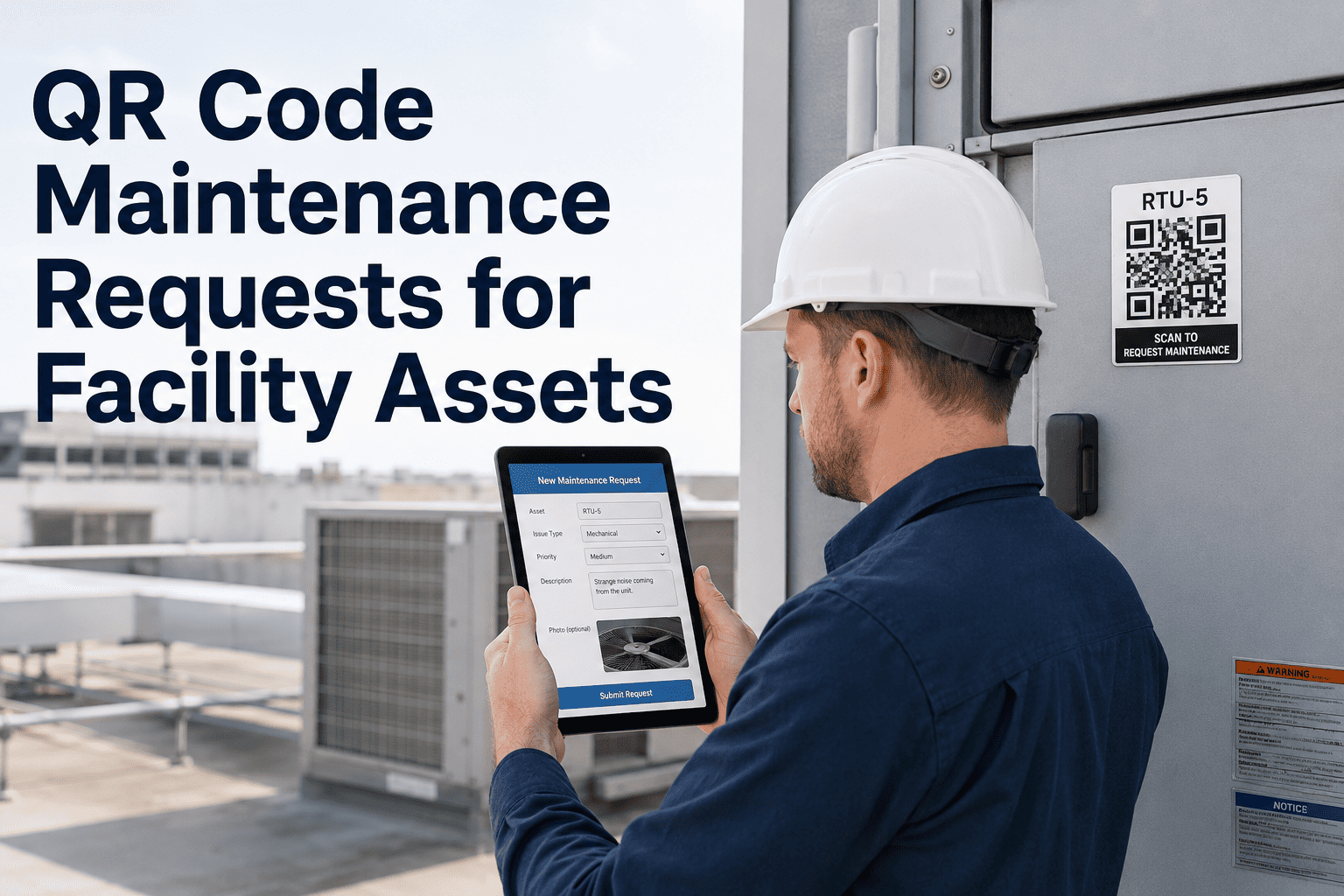
Most facility maintenance requests are reported the wrong way — a tenant calls the front desk, a building occupant sends an email, or a vendor leaves a voicemail. Each channel creates a different record format, different response expectation, and different data quality. By the time the maintenance team has a work order, the issue description is already filtered through two or three people. The person who actually found the problem — standing right next to the broken asset — is the best source of information, and most systems never capture that person's report directly. OxMaint's QR code maintenance request system puts reporting capability on every asset — anyone who scans a QR code on a piece of equipment can submit a fault report directly into OxMaint without downloading an app, creating an account, or navigating a portal. The report goes straight to the right maintenance team as a prioritized work order, with the asset location and description already filled in. This page covers how QR code asset management works, where it has the most impact, and what facility teams report after deploying it across their buildings.
QR CODE ASSET MANAGEMENT · FACILITY MAINTENANCE
The fastest maintenance request is a QR scan from the broken asset itself
OxMaint puts a scannable QR code on every asset — anyone in the building can report a fault in under 30 seconds, no app required, and the work order goes straight to your team.
HOW IT WORKS
Three steps from broken asset to active work order
1
Scan the QR code on the asset
Anyone in the building — tenant, visitor, cleaning staff, or technician — scans the OxMaint QR code label attached to the asset. No app download. No account. Works on any smartphone camera.
→
2
Submit fault description
A simple browser form opens — pre-filled with the asset name and location from the QR code. The reporter adds a description, optionally attaches a photo, and submits. Done in under 30 seconds.
→
3
Work order created in OxMaint
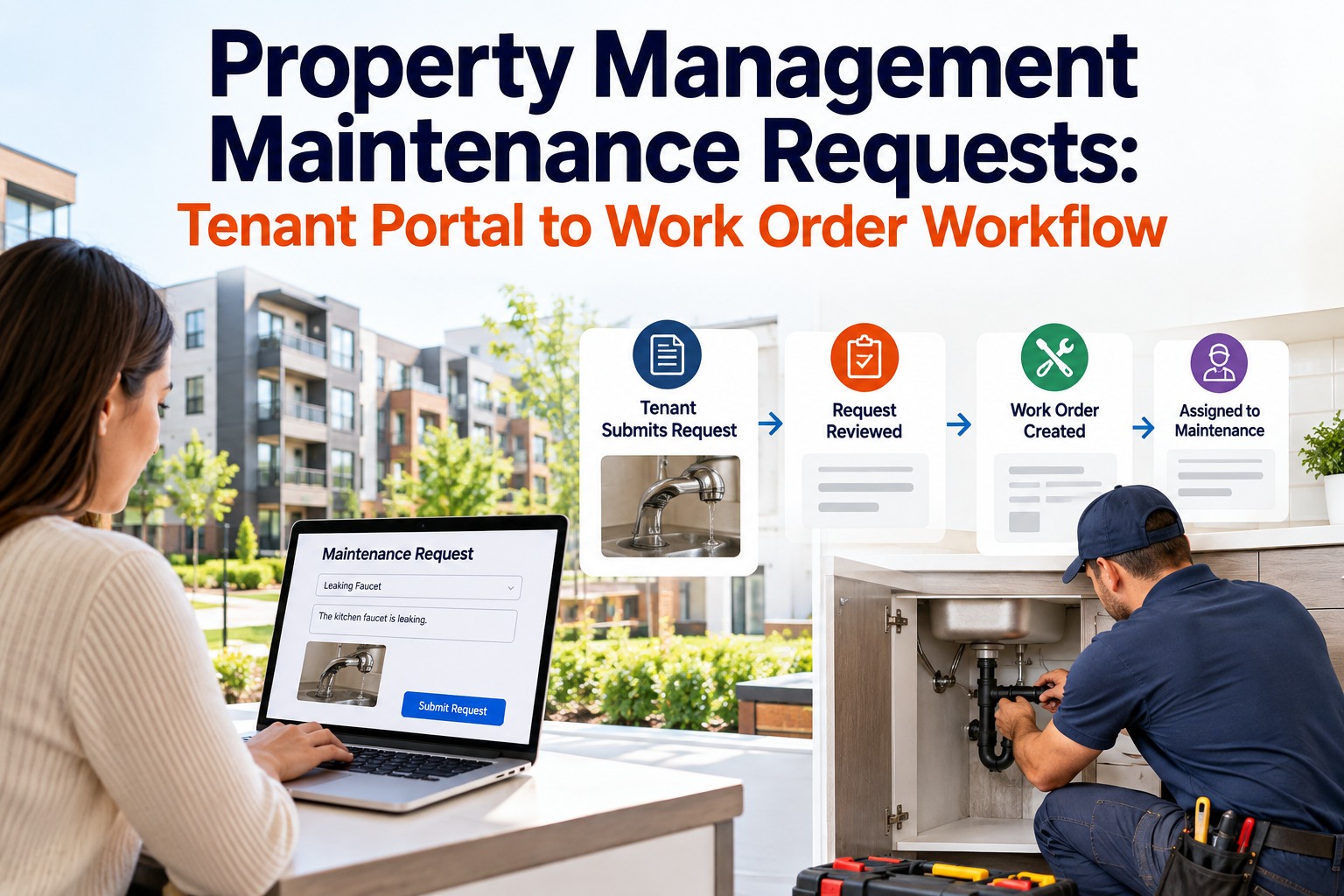
OxMaint creates a work order instantly — correct asset, correct location, correct team, and the reporter's description attached. Technician gets notified. Reporter gets an automatic confirmation with a tracking reference.
ASSET TYPES
Which facility assets benefit most from QR code maintenance reporting
HVAC Equipment
AHUs, FCUs, split units — occupants report temperature, noise, and airflow problems directly from the zone where they notice the issue
Restroom Fixtures
Leaking faucets, flush failures, and fixture damage reported at the source — cleaning staff scan and report without radio or phone
Elevators and Lifts
Passengers report door issues, button failures, and noise directly from inside the car — immediate work order with cabin number pre-filled
Electrical Panels
Technicians scan panels to log readings, access maintenance history, or report faults — reducing clipboard-based data capture
Common Area Equipment
Gym equipment, AV systems, coffee machines, and shared appliances — anyone can report a fault without knowing who to call
Generator and UPS Systems
Critical power equipment with QR codes enables any authorized person to log alarms or unusual indicators for immediate escalation
IMPACT ON FAULT REPORTING
What QR code asset reporting changes in a facility operation
| Reporting Situation |
Traditional Channels |
OxMaint QR Code |
| Fault discovery to work order creation |
1 to 4 hours via phone, email, or helpdesk |
Under 2 minutes — automatic on scan submission |
| Asset identification accuracy |
Verbal description — wrong equipment actioned 30% of the time |
Asset ID embedded in QR — always correct |
| Reporter identification |
Anonymous or filtered through front desk |
Optional name and contact — automatic confirmation sent |
| Issue description quality |
Second-hand description after multiple handoffs |
First-person report from person who found the fault |
| Reporting without maintenance knowledge |
Tenant must know department number or email |
Scan any QR code — routing handled automatically by asset |
Expert Review
Ananya Bose — Head of Facilities, Grade A Commercial Office Portfolio
The single biggest source of maintenance backlog in commercial facilities is not technician capacity — it is late fault reporting. Problems that are reported the day they occur take 20% of the time to fix compared to problems that go unnoticed for a week. QR code scanning at the asset gives every occupant and every cleaning staff member the ability to report what they see immediately. In our portfolio, fault-to-work-order time dropped from an average of 6 hours to under 90 minutes after deploying OxMaint QR labels across our buildings.
SEE A LIVE DEMO
Scan a real OxMaint QR code and submit a test fault in your demo
In your demo session, we will generate a live QR code for a test asset, show you how the scan-to-report experience works on any phone, and walk through how the resulting work order routes through your team's workflow from assignment to close.
FAQS
Common questions about QR code maintenance requests
Can we restrict who is allowed to submit reports via QR code?
Yes. OxMaint's QR code reporting can be configured with optional access controls. You can allow open anonymous reporting for public-facing assets, require a building access code for tenant-only assets, or restrict scanning to authenticated OxMaint users for restricted-area equipment. Most facilities use open reporting for common areas and code-gated reporting for back-of-house equipment.
Book a demo to review access control options for your building configuration.
What format are QR code labels printed in — and who prints them?
OxMaint generates print-ready QR code label files for every asset in your CMMS. Labels can be printed on standard label stock using any laser or thermal printer — including Brady, Zebra, and Dymo label printers. Label formats include standard rectangle (50mm x 25mm), floor-standing, and weatherproof options for outdoor assets. Your team prints and applies the labels — no vendor visit required.
Start a free trial to generate your first batch of asset QR codes.
Does the person who scans get notified when their reported fault is resolved?
Yes, if they provide contact information during submission. OxMaint sends an automatic confirmation email when the report is received, and a resolution notification when the work order is closed — including any notes the technician added. Reporters can also be given a tracking reference to check work order status directly. This closes the feedback loop and encourages occupants to keep reporting future faults rather than assuming nothing will happen.
Can QR codes link to asset maintenance history, not just fault reporting?
Yes. For authenticated technician access, OxMaint QR codes give direct access to the full asset record — maintenance history, PM schedule, parts linked to the asset, and active work orders. Technicians scanning an asset QR code see its complete history instantly rather than navigating to it through the CMMS interface. This is particularly useful for field technicians working across a large portfolio of assets they do not manage daily.
Ask about technician QR code access in your demo.
GET STARTED
Put maintenance reporting capability on every asset in your building
OxMaint QR codes turn every piece of equipment into its own reporting portal. Anyone who finds a fault can report it in 30 seconds from their phone — and your maintenance team gets a correctly routed, asset-identified work order before the problem gets worse.



.png)