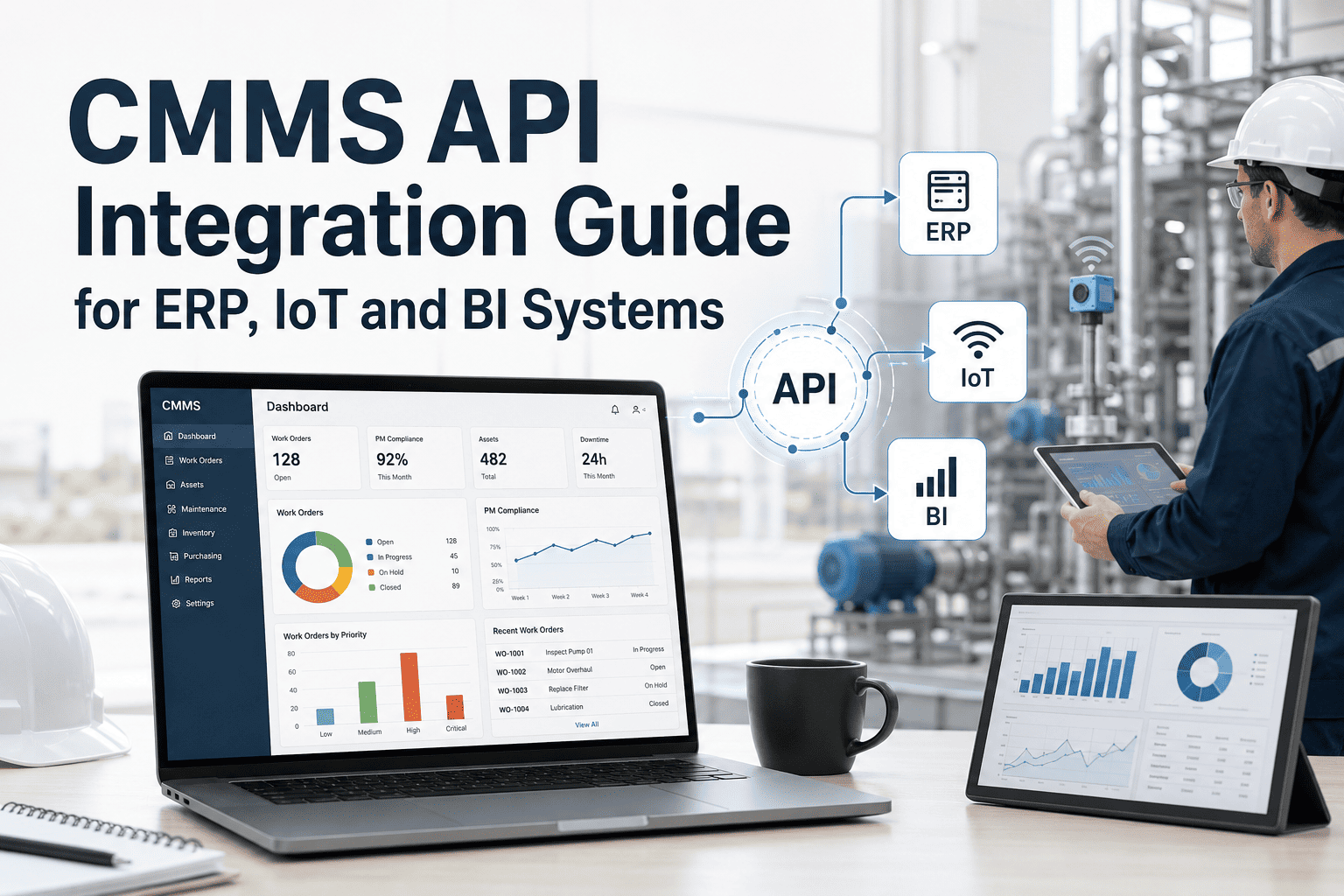
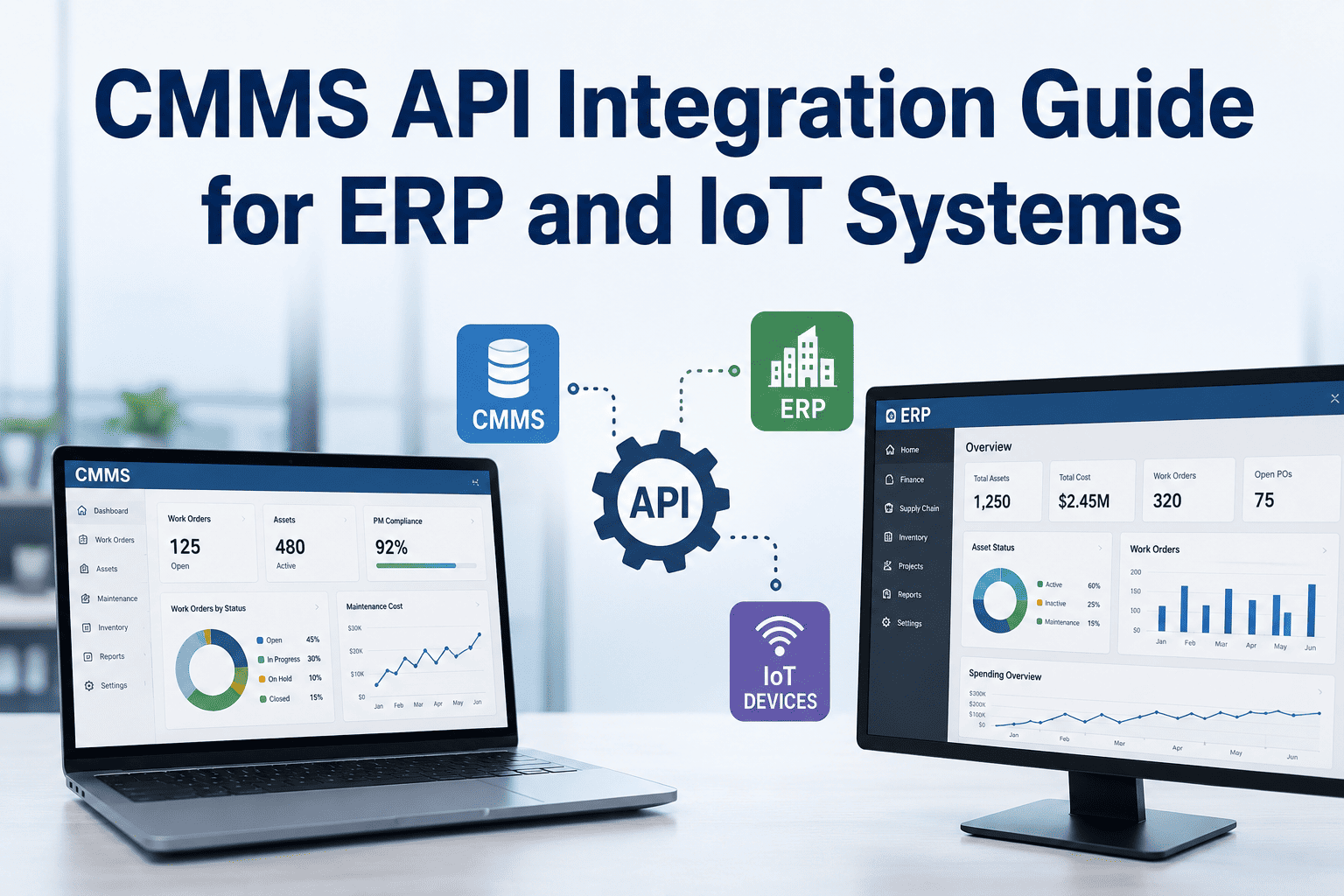
Enterprise maintenance teams do not operate in isolation — they depend on procurement for parts, finance for budgets, and operations for production schedules. Yet 54% of organizations running a CMMS alongside an ERP system report that the two platforms do not share data automatically. The result is double data entry, purchase orders that exist in ERP but not CMMS, asset records that drift apart across systems, and maintenance costs that never reconcile with financial reports until month-end close — when it is too late to act. The organizations solving this problem are not hiring six-figure consultants to build custom integrations. They are selecting CMMS platforms with pre-built connectors for SAP, Oracle, Dynamics, and NetSuite that synchronize work orders, purchase orders, asset records, and cost data bidirectionally without custom development. If your CMMS and ERP are running as separate islands of data, the cost is not just inefficiency — it is invisible maintenance spend, delayed procurement, and compliance gaps that auditors will eventually find. See how OxMaint connects to your ERP without six-figure consulting bills — start a free trial or book a demo to see the SAP and ERP integration live.
ERP Integration · SAP · Oracle · CMMS Connectivity
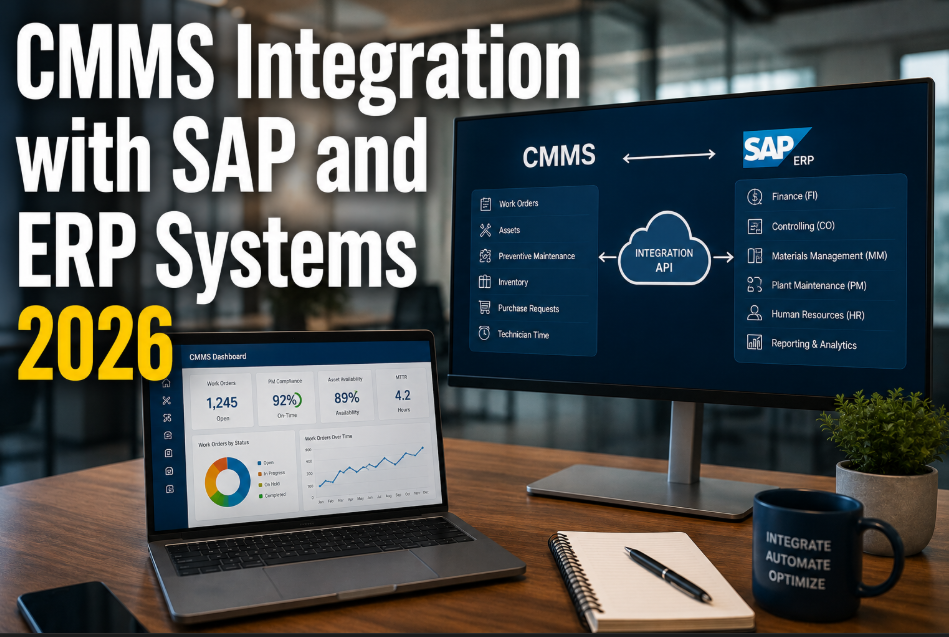
CMMS Integration with SAP and ERP Systems 2026
54% of maintenance teams run CMMS and ERP as disconnected systems. Pre-built connectors for SAP, Oracle, Dynamics, and NetSuite eliminate double data entry, sync purchase orders bidirectionally, and reconcile maintenance costs with financial records automatically.
54%
of orgs have no automatic CMMS-ERP data sync
$180K
average cost of custom CMMS-ERP integration projects
23%
of purchase orders fail to sync between systems
12 hrs
weekly wasted on manual double data entry
Definition
What Is CMMS-ERP Integration?
CMMS-ERP integration is the bidirectional data connection between a computerized maintenance management system and an enterprise resource planning platform that ensures work orders, purchase orders, asset records, inventory levels, and cost data stay synchronized across both systems without manual data entry. When a technician creates a parts request in CMMS, it automatically generates a purchase requisition in ERP. When finance approves a PO in ERP, the CMMS reflects it immediately. When a work order closes, the maintenance cost posts to the correct general ledger account in ERP.
The alternative — which is still the reality for 54% of organizations — is teams entering the same data twice, procurement delays because parts requests sit in email instead of flowing through ERP approval workflows, and month-end surprises when maintenance costs finally reconcile. OxMaint eliminates this with pre-built connectors for SAP, Oracle, NetSuite, and Microsoft Dynamics — designed to deploy in days, not months, and without the $180,000 average consulting bill that custom integration projects command. If your teams are copying data between screens, book a demo to see how OxMaint connects to your specific ERP and eliminates the gap.
Data Flow
What Data Flows Between CMMS and ERP — And Why Each Matters
Integration is not just about connecting systems — it is about connecting the right data in the right direction at the right time. Here are the six critical data flows that define a functional CMMS-ERP integration.
01
Work Order to Cost Center
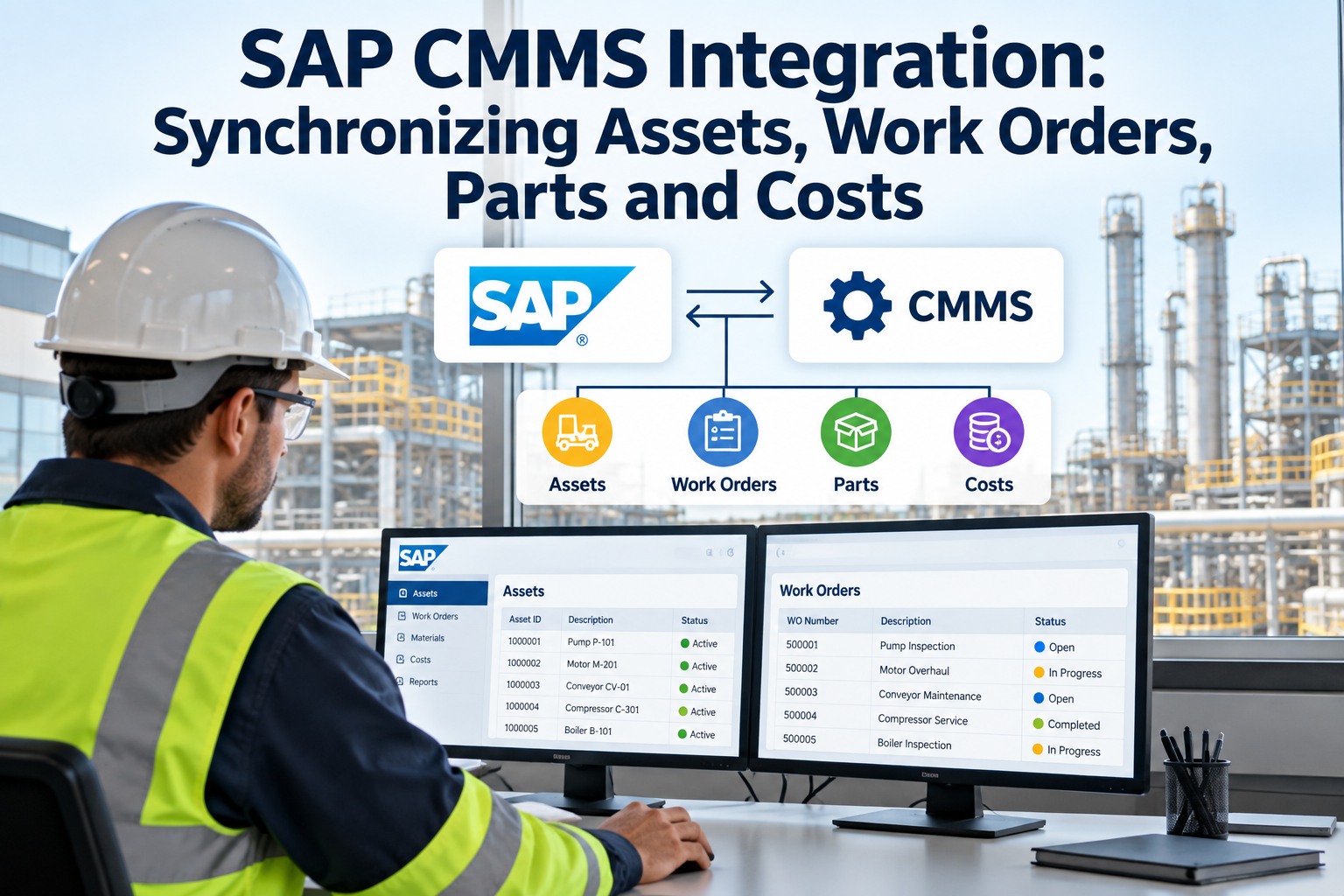
Every completed work order in CMMS posts labor hours, parts costs, and contractor charges to the correct cost center in ERP. Finance sees maintenance spend in real time — not at month-end. Eliminates 100% of manual cost allocation for maintenance activities.
02
Parts Request to Purchase Order
When a technician requests a part in CMMS, the system generates a purchase requisition in ERP automatically. ERP handles approval workflow, vendor selection, and PO generation. Status updates flow back to CMMS so the technician knows when parts will arrive.
03
Asset Master Synchronization
Asset records — serial numbers, locations, installation dates, depreciation schedules — stay synchronized between CMMS and ERP. When an asset is installed, transferred, or retired in either system, the other reflects the change automatically. No more asset register drift.
04
Inventory Level Sync
Spare parts inventory levels in CMMS stay current with ERP warehouse management. When parts are received, consumed, or transferred, both systems reflect the change. Prevents the scenario where CMMS shows parts available but ERP shows them allocated to another department.
05
Vendor and Contractor Data
Approved vendor lists, contract terms, and pricing from ERP are accessible in CMMS when creating work orders or requesting parts. Maintenance teams use the same vendor data that procurement manages — no rogue purchasing, no unapproved suppliers.
06
Budget and Forecast Alignment
Maintenance budget data from ERP flows into CMMS for real-time spend tracking against budget. CapEx forecasts from CMMS feed back into ERP financial planning modules. The CFO and the maintenance director finally work from the same numbers.
Your CMMS and ERP Should Talk to Each Other Without a $180K Integration Project
OxMaint offers pre-built connectors for SAP, Oracle, NetSuite, and Microsoft Dynamics — deploying in days instead of months. See the integration working with your ERP in a live demo.
Pain Points
The Real Cost of Disconnected CMMS and ERP Systems
Double Entry
12 Hours Per Week of Duplicate Data Entry
Technicians enter work order details in CMMS. Procurement re-enters parts requests in ERP. Finance manually codes maintenance costs to GL accounts. The same information is typed three times across three systems by three different people — each introducing error risk.
Integrated teams eliminate 92% of duplicate data entry between CMMS and ERP
Procurement Delay
Parts Requests Lost Between Systems
A technician requests a critical pump seal in CMMS. Without integration, that request goes to a maintenance supervisor who emails procurement who creates a requisition in ERP. Average delay: 3-5 business days. With integration: the requisition appears in ERP within seconds.
23% of purchase orders fail to transfer correctly between disconnected systems
Cost Blindness
Maintenance Costs Invisible Until Month-End
Without real-time cost posting from CMMS to ERP, finance discovers maintenance overspend only during monthly close — when it is too late to course-correct. A $50,000 budget overrun that was visible in CMMS for three weeks becomes a surprise in the financial review.
Real-time cost sync reduces budget variance by 34% versus monthly reconciliation
Asset Drift
Asset Records Diverge Across Systems
CMMS shows an asset installed in Building A. ERP shows it in Building C. CMMS says it was replaced in 2023. ERP still carries it on the depreciation schedule from 2018. Without synchronization, neither system is reliable — and audit findings multiply.
Organizations with synced asset registers report 67% fewer audit findings
Platform Comparison
ERP Integration by CMMS Platform: What You Actually Get
| Integration Dimension |
Legacy CMMS |
Mid-Market CMMS |
OxMaint |
| SAP connector |
Custom build — $100K+ |
Available via partner — $25-50K |
Pre-built — included |
| Oracle integration |
Custom middleware required |
Limited API connector |
Pre-built connector |
| NetSuite sync |
Not supported |
Manual CSV import |
Bidirectional API sync |
| Dynamics 365 |
Custom development |
Basic connector |
Full bidirectional sync |
| Deployment time |
6-18 months |
2-4 months |
Days to weeks |
| Implementation cost |
$100K-$500K+ |
$25K-$75K |
No heavy implementation fees |
| Ongoing maintenance |
Dedicated integration team |
Vendor-dependent updates |
Managed by OxMaint — auto-updated |
| API documentation |
Limited or paywalled |
Partial documentation |
Full REST + GraphQL — free and public |
Measurable Results
What Organizations Achieve After Connecting CMMS and ERP
92%
reduction in duplicate data entry
Bidirectional sync eliminates manual re-keying across systems
34%
lower budget variance
Real-time cost posting vs monthly reconciliation
67%
fewer audit findings
Synchronized asset records across CMMS and ERP
3-5 days
faster parts procurement
Automated purchase requisition flow vs email-based requests
These results are not theoretical — they are what happens when maintenance data and financial data live in one connected ecosystem. If your organization is still manually bridging the gap between CMMS and ERP, the cost of that gap compounds every week. Want to see the integration working with your specific ERP, start a free trial with OxMaint and connect your first data flow or book a demo to walk through the connector configuration.
FAQs
CMMS-ERP Integration — Common Questions
Which SAP modules does OxMaint integrate with?
OxMaint integrates with SAP PM (Plant Maintenance), SAP MM (Materials Management), and SAP FI (Financial Accounting). Work orders sync with PM, parts requests and purchase orders sync with MM, and cost postings flow to FI. The integration supports both SAP ECC and S/4HANA environments.
Book a demo to confirm compatibility with your SAP configuration.
How long does a typical CMMS-ERP integration take with OxMaint?
Pre-built connector deployment typically takes days to a few weeks — depending on the number of data flows being activated and any custom field mappings required. This compares to 6-18 months for custom integration projects with legacy CMMS platforms. OxMaint handles connector maintenance and updates, so there is no ongoing integration management burden on your IT team.
Does integration work for multi-site portfolios with different ERP instances?
Yes. OxMaint supports connecting to multiple ERP instances simultaneously — a common requirement for organizations that have grown through acquisition or operate different ERP systems across regions. Each site or region connects to its respective ERP while OxMaint maintains the unified maintenance view across all sites.
Start a free trial to explore multi-ERP configuration.
What happens if the ERP connection goes down temporarily?
OxMaint queues all data transactions during connectivity interruptions and synchronizes automatically when the connection is restored. No data is lost, and no manual intervention is required. Technicians continue working in CMMS without disruption — the integration layer handles the recovery process transparently.
Connect Your CMMS to SAP, Oracle, or Dynamics in Days — Not Months
OxMaint delivers pre-built ERP connectors with bidirectional sync for work orders, purchase orders, asset records, and cost data — no six-figure consulting bills, no 18-month timelines. See it working in a 30-minute demo.